
01
FORMAT TO FORMAT
Convert STEP to STL and 60+ similar routes.
Move between CAD solids, surfaces, meshes and drawing formats without installing another application.
STEPSTLSTLSTEPIGESSTEP
Change the format or turn a 3D model into a 2D drawing set. Marathon OS gives you 60+ specialist tools, precise outputs and the fastest path from the file you have to the file you need.
Drag and drop your file here
or choose a file from your computer
Browse filesMaximum file size: 300 MB
First 2 conversions free — any size up to 300 MB. Then $2.99 or 1 credit per file, charged at download.
TWO CONVERSION JOBS. ONE SPECIALIST PLATFORM.
Choose a new file format for the same geometry, or create a clear 2D drawing set from a 3D model.
FORMAT TO FORMAT
Move between CAD solids, surfaces, meshes and drawing formats without installing another application.
3D CAD TO 2D
Create multi-view technical sheets for quoting, review, documentation and workshop handoffs.
CONVERSION FIRST, BY DESIGN
Marathon OS is built around the handoff between file formats. We help engineers, makers and production teams get from the file they received to the file the next tool can use.
Go straight to the exact source and target pair. No software install, no plugins and no long setup before the real work can continue.
See the input, output and intended use before you start. We also explain when moving between CAD and mesh formats can change editability.
Open supported files in the Marathon OS viewer before or after conversion, so the output is not a blind download.
SPECIALIST CONVERTERS
Start with the exact route your next application, printer, supplier or production workflow requires.
Prepare CAD geometry for slicing and 3D printing.
Open converterMove mesh geometry into a CAD-compatible workflow.
Open converterBring legacy surfaces into a modern CAD handoff.
Open converterExchange engineering geometry across older CAD systems.
Open converterCreate a practical mesh file for printing workflows.
Open converterTake mesh geometry into a mechanical CAD workflow.
Open converterMake 2D drawings easier to exchange across tools.
Open converterMove exchange drawings back into a DWG workflow.
Open converterFORMAT EXPERTISE
The best conversion starts with understanding what the file contains and what the next workflow expects. Marathon OS makes that distinction clear before you upload.
For mechanical CAD, supplier handoffs and manufacturing workflows.
For slicing, printing, scanning, rendering and mesh editing.
For drafting exchange, production drawings and downstream tools.
BUILT TO KEEP WORK MOVING
Start from the converter that matches your exact task. Upload only when you reach that dedicated route.
Select the format you have and the format the next workflow needs.
Upload on the dedicated converter page and process the file in your browser workflow.
Download the result, preview supported geometry and move the job forward.
Inspect supported CAD and mesh files in your browser without installing another application.
3D CAD PRODUCTS
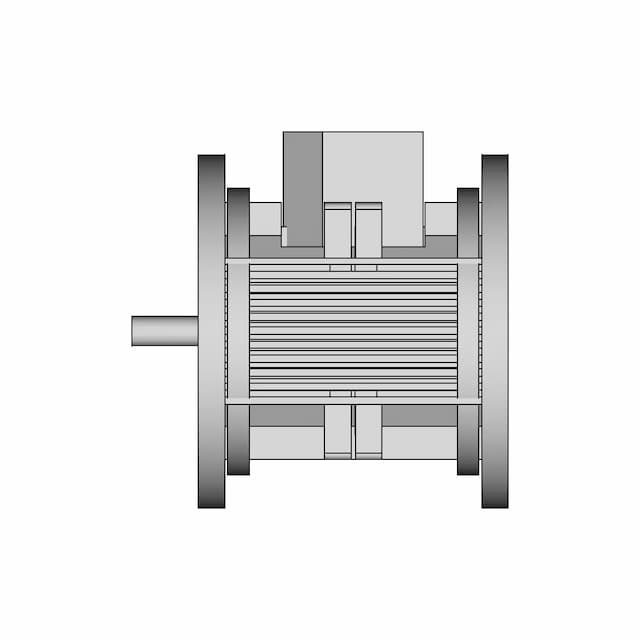
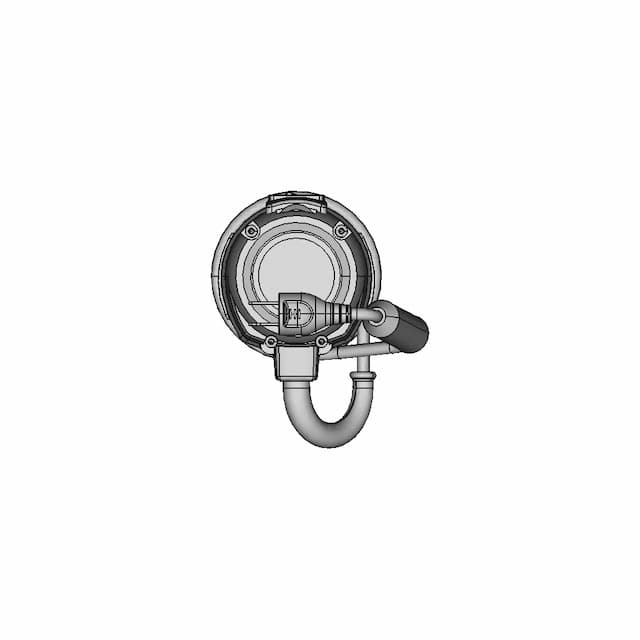
Browse 10,000+ quality-checked 3D CAD products for design, prototyping and manufacturing.
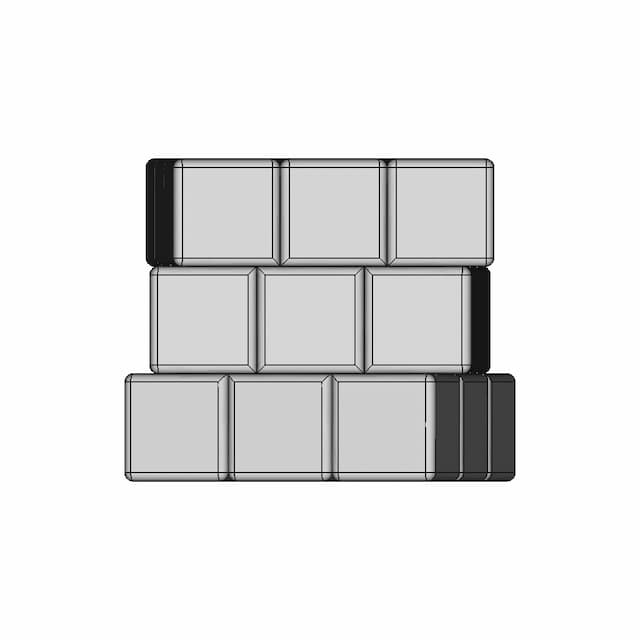
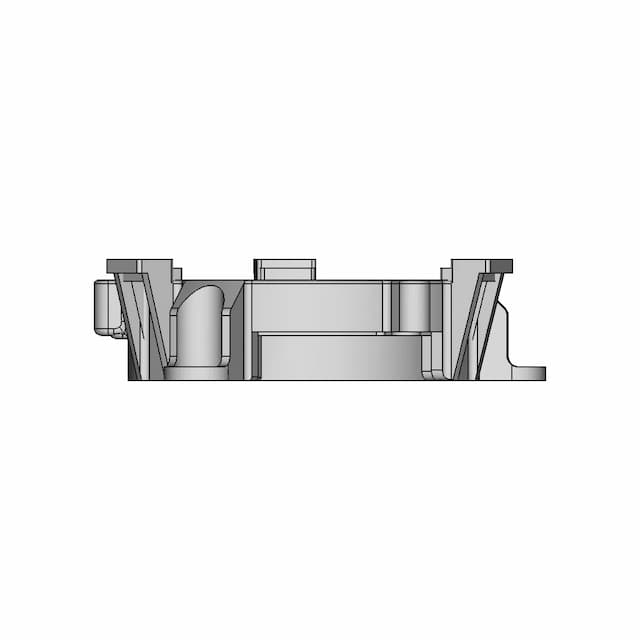

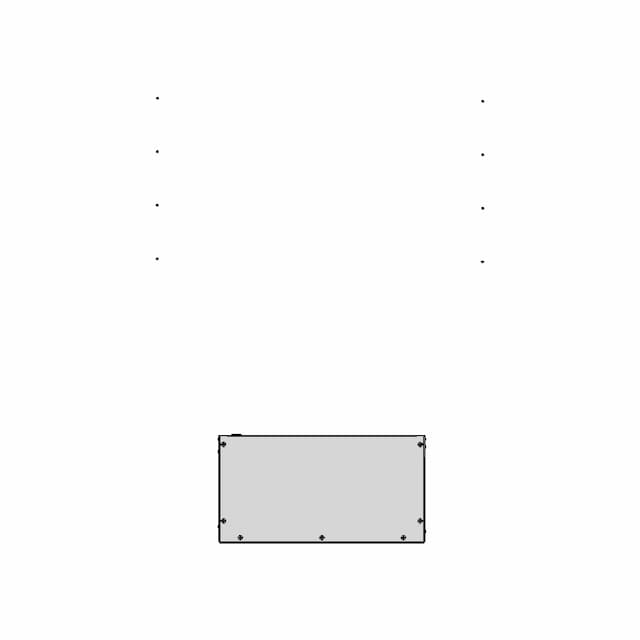
2D CAD PRODUCTS
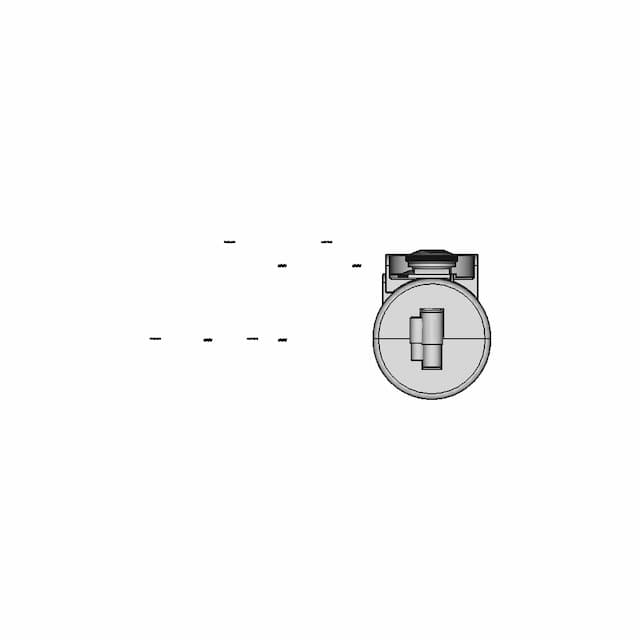
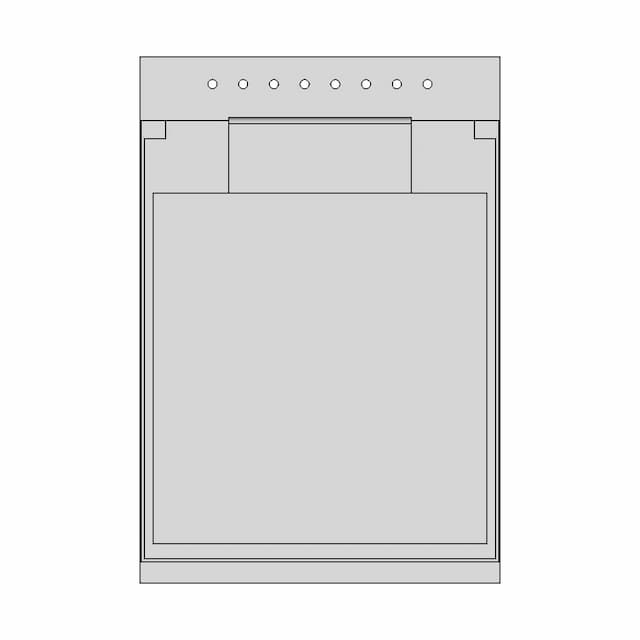
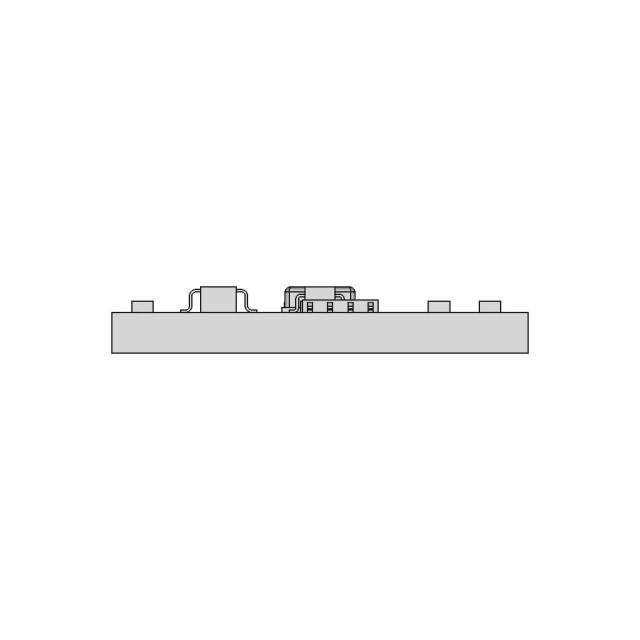
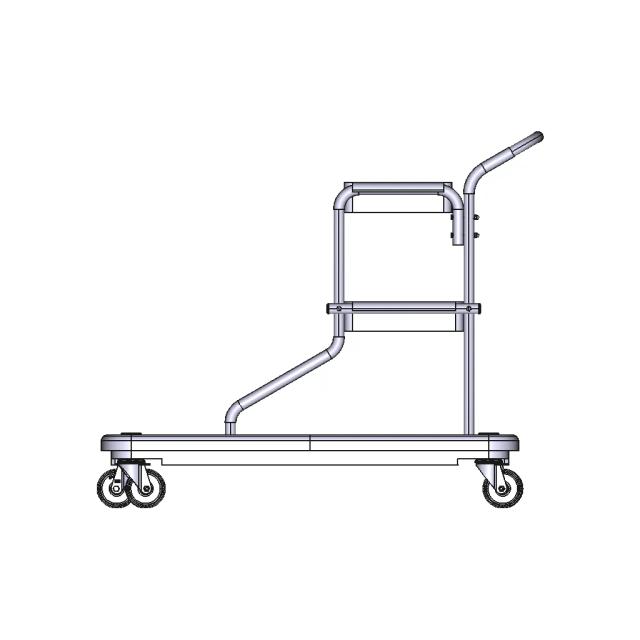
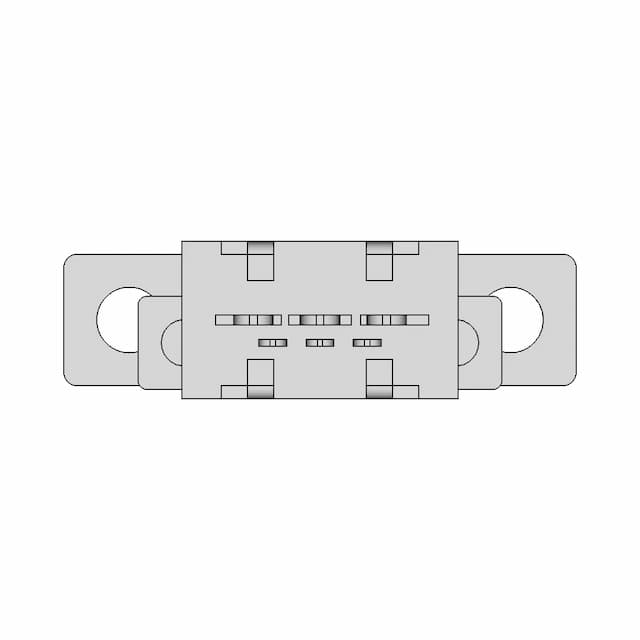
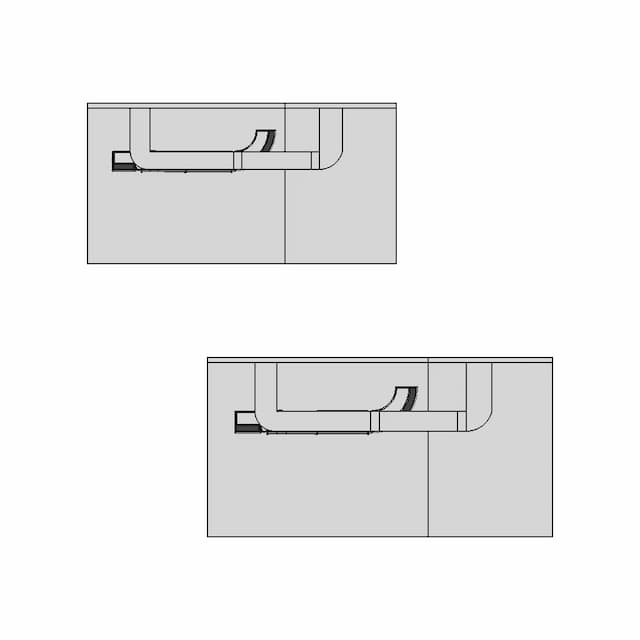
Explore 3,737 technical drawing sets with practical outputs for quoting, review and production.
Change the format or create the drawing set. Choose the exact result and keep the project moving.
15,000+ files converted across 60+ specialist toolsEverything you need to design faster, smarter, and with more impact.
CAD CONVERSION FAQS
Clear answers on conversion types, pricing, formats, output quality and private file handling.
Open the CAD converterMarathon OS handles format-to-format conversion, such as STEP to STL, and 3D CAD to 2D drawing conversion, such as STEP or STP to a multi-view PDF, SVG or DXF drawing set.
Marathon OS supports STEP, STP, IGES, STL, 3MF, OBJ, PLY, OFF, BREP, 3DM, DWG and DXF across more than 60 specialist conversion tools.
Your first 2 CAD file conversions are free, any size up to 300 MB. After that, downloading a standard conversion costs $2.99. Credit packs reduce the per-download price further. One credit downloads one converted file of any supported size, and credits never expire.
A STEP or STP to 2D drawing conversion costs $5.99. The result can include multi-view technical drawing sheets in PDF, SVG and DXF formats, depending on the selected output.
Not always. CAD-to-mesh conversion can remove parametric features, while mesh-to-CAD conversion may create reconstructed surfaces or approximations. Marathon OS shows these quality notes so you can choose the route with the right expectations.
Files are encrypted during upload, processed privately and automatically deleted after 7 days. Uploaded conversion files are not added to the public CAD library.
Use a converter when the geometry is correct and only the format or drawing output needs to change. Hire a CAD designer when geometry is missing, damaged, needs new tolerances, requires a native parametric rebuild or must be redesigned for manufacturing.