Free online tool

Free Online CAD Viewer for

Telecom & Network Infrastructure Hardware

Secure, Fast & Cloud-Based

CAD files in telecom hardware are used to design server racks, antenna mounts, enclosures, and cable management systems. These models help ensure efficient space utilization, cooling, and structural support. CAD also supports integration of networking components with physical infrastructure.

Private uploads
Auto-delete in 7 days
Up to 300 MB

Drag and drop your 3D CAD file here

or click to browse files

Accepted: .step, .stp, .iges, .igs, .stl, .obj, .ply, .off, .brep, .brp, .3dm

No file available? Open a verified sample in one of the supported formats.

TELECOM & NETWORK INFRASTRUCTURE HARDWARE CAD VIEWER

Open telecom CAD files instantly in your browser

Review engine parts, body assemblies, and supplier-submitted CAD files without installing heavy desktop software.

Why browser based?

No CAD installFaster reviewsEasier stakeholder accessPrivate uploads

How It Works

View any telecom & network infrastructure hardware CAD file in three simple steps — no signup, no software.

STEP 1

Upload

Drag & drop or browse to upload your CAD file. We support 50+ formats.

STEP 2

Preview

Instantly view your 3D model with measurement tools, cross-sections, and annotations.

STEP 3

Share & Convert

Generate a shareable link or convert to another format with one click.

Need a proper native CAD file built from scratch?

Vetted designers deliver production-ready files in 24 hours — SolidWorks, Revit, Fusion 360 & more.

Design review

How telecom & network infrastructure hardware teams use CAD viewers for design review

In telecom & network infrastructure hardware, teams use CAD viewers to inspect models, validate interfaces, and align stakeholders during reviews and handoffs. A browser-based viewer makes it easier to open files quickly, inspect geometry, and keep discussions anchored to the same 3D model without specialized desktop setups.
What file formats are supported?

Marathon OS supports common 3D exchange formats used across industry workflows, including STEP, IGES, STL, PLY, OFF, and BREP. These formats help teams share engineering geometry and meshes across different tools while keeping reviews fast and accessible.

STEP files

Used for exchanging precise 3D engineering geometry and assemblies across tools and suppliers.

IGES files

Common for surface and geometry exchange when teams collaborate across different CAD systems.

STL files

Useful for mesh-based previews and review workflows (especially prototyping and fabrication contexts).

BREP files

Helpful for inspecting boundary-representation solids and engineering geometry online.

PLY and OFF files

Useful for polygon-based model inspection and technical visualization workflows.

Can non-CAD stakeholders access 3D models without a CAD license?

Yes. Not every stakeholder needs a full CAD seat, but many still need visibility for reviews, procurement, QA, operations, or field work. Marathon OS gives non-CAD roles a simpler way to open and inspect models in a browser, reducing reliance on screenshots, PDFs, and intermediaries.

Who uses CAD daily
  • Network Engineers
  • Infrastructure Engineers
  • System Designers
Often needs CAD access
  • Field Technicians
  • Installation Teams
  • Support Staff
Workflow

How teams review CAD files without heavy desktop software

Instead of routing every model through a CAD specialist or dedicated workstation, teams can upload files to Marathon OS and preview them online. This keeps cross-functional reviews moving and reduces delays caused by software installs, license access, or high-performance hardware requirements.

Security and access control

Many industry CAD files contain sensitive IP. Marathon OS keeps uploads private and automatically deletes uploaded files after 7 days. That makes it practical for quick review when teams want lower friction and tighter handling of shared models.

Private by defaultAuto-delete in 7 daysEncrypted uploads

Why teams choose Marathon OS

No installation required

No software installation required (review in browser)

Supports multiple formats

Supports common exchange formats (STEP/IGES) plus mesh formats (STL/PLY/OFF) and solids (BREP)

Fast online preview

Fast online preview for technical review discussions

Cloud-based & secure

Private uploads with automatic 7-day deletion

Built for your workflow

Better access for non-CAD stakeholders across the workflow

Industry spotlight

Role of CAD file in Telecom & Network Infrastructure Hardware

CAD files in telecom hardware are used to design server racks, antenna mounts, enclosures, and cable management systems. These models help ensure efficient space utilization, cooling, and structural support. CAD also supports integration of networking components with physical infrastructure.

Common CAD File Formats

STEPIGESPLYOFF

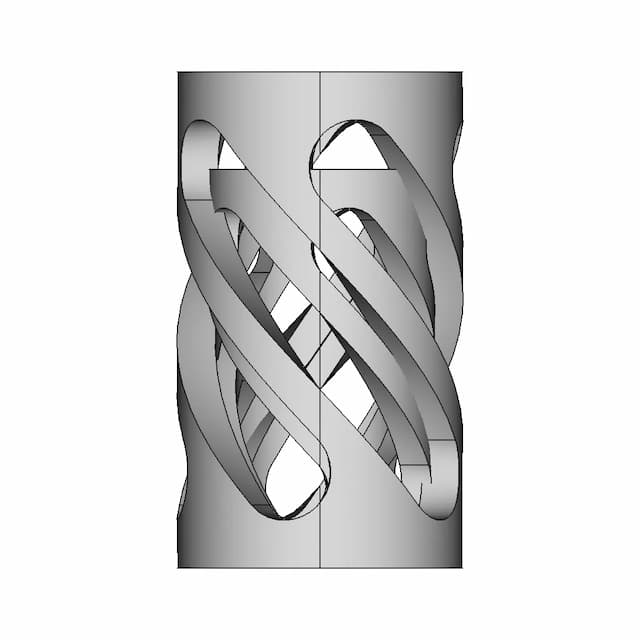
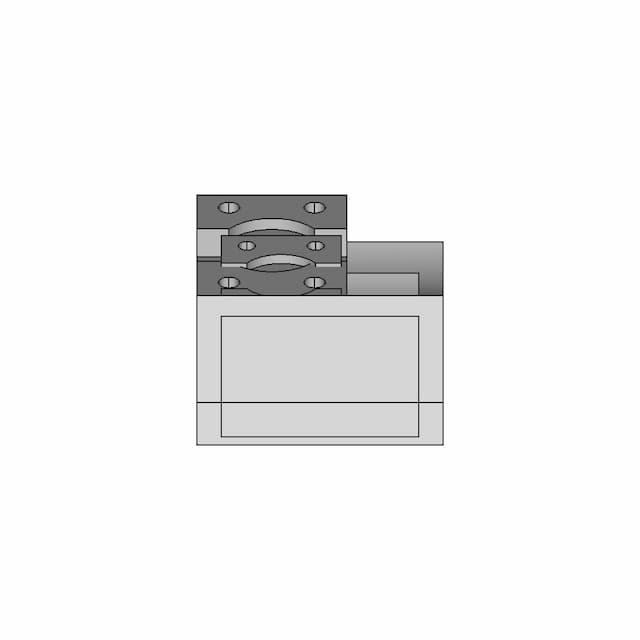
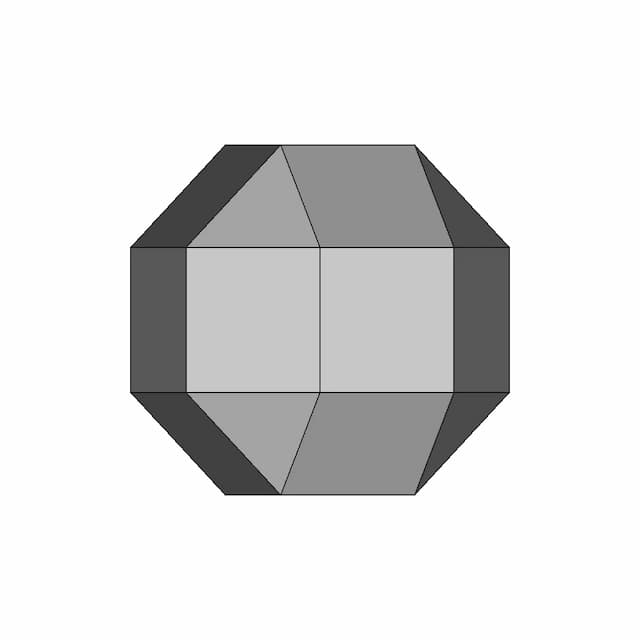
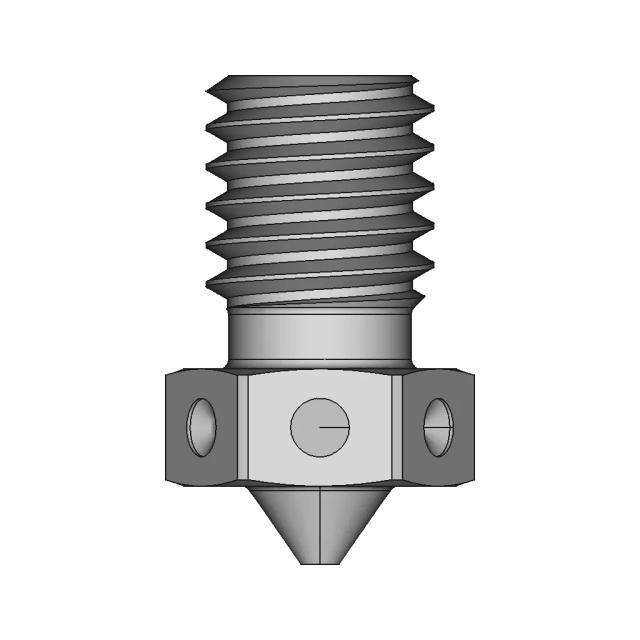
Telecom & Network Infrastructure Hardware CAD Model Preview

STEP · IGES · PLY

FAQ

Answers for teams evaluating browser-based CAD review with Marathon OS.

  • What CAD file formats are commonly used in telecom & network infrastructure hardware?

    Teams often exchange engineering geometry using STEP and IGES, and use mesh/visualization formats like STL, PLY, or OFF for review. Marathon OS supports STEP, IGES, STL, PLY, OFF, and BREP for in-browser viewing.

  • Can I open STEP and IGES files online without CAD software?

    Yes. Marathon OS lets you upload and preview STEP and IGES files in a browser—useful when reviewers do not need full authoring tools.

  • Who typically needs access to CAD files but doesn’t have CAD licenses?

    Commonly: Field Technicians, Installation Teams, Support Staff. These roles often need visibility for decisions, reviews, or execution, even if they don’t edit CAD.

  • What’s the maximum upload size?

    The viewer messaging on Marathon OS states uploads up to 300 MB. For larger datasets, teams typically split assemblies or use simplified review files.

  • Will my uploaded files stay private?

    Marathon OS states uploads are private and automatically deleted after 7 days, which helps reduce long-term exposure of shared files.

  • Does this work without downloads or plugins?

    Yes. The viewer is positioned as browser-based, so teams can preview models without installing desktop software or browser plugins.

  • Can I use this for faster cross-team reviews?

    Yes. A single 3D preview helps keep discussions aligned and reduces time spent sharing screenshots or exporting multiple view files.

  • Is Marathon OS free to try?

    The site positions the viewer as free to use for online preview, with demo and product options available depending on team needs.

Marathon-OS Design Hub

Everything you need to design faster, smarter, and with more impact.

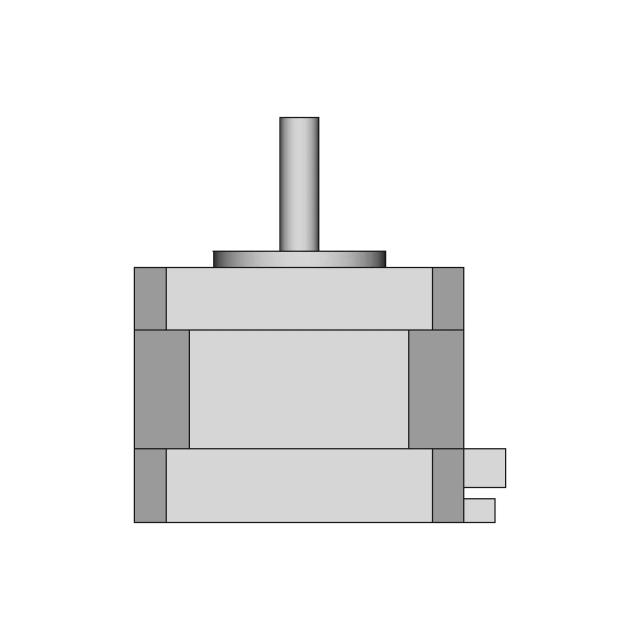
Step Motor C17HD0004-02 for 3D Printers
Thin | 3D Engineering Design File
Candle Twist Exercise 1154 | 3D Engineering Design File
Practice | 3D Engineering Design File
3D Printable Chain 1 | Professional CAD Design
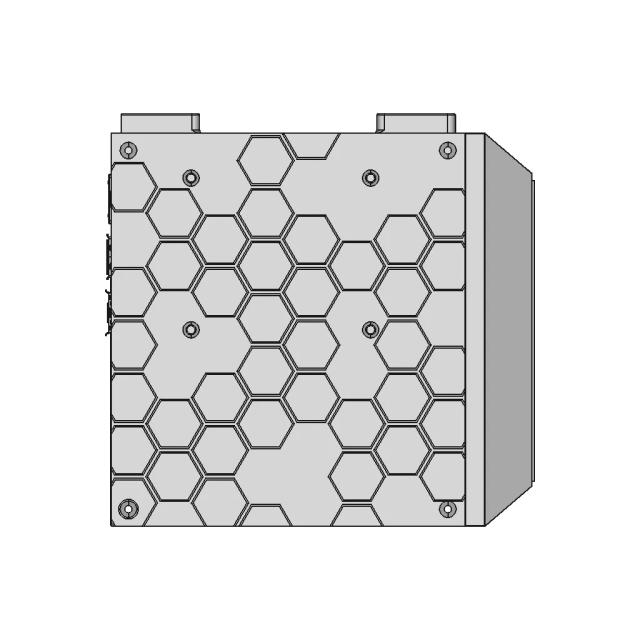
Adapter Plate for Upgrading QIDI 4PLUS 3D Printer Cooling Fan
Decagonal Antiprism 1 | 3D CAD Engineering Model
Satranc Mat 1 | 3D CAD Engineering Model
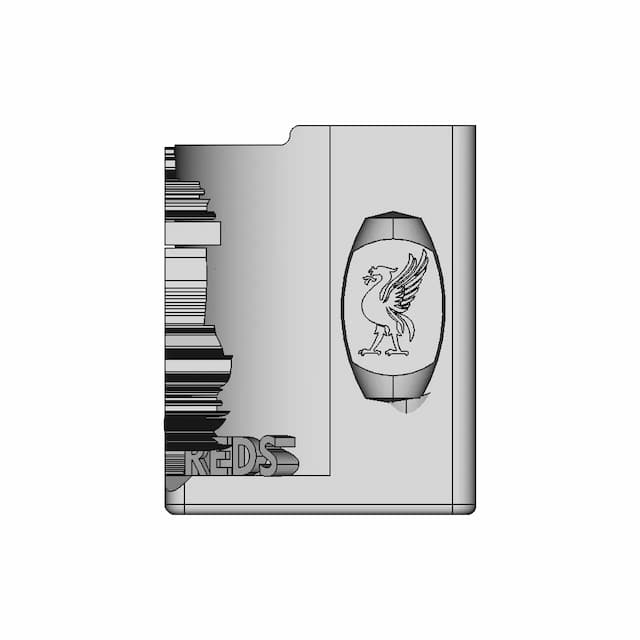
Pencil Holder (Liverpool Logo) | 3D Engineering Design File
2 In 1 Print In Place Glasses Case 1 | 3D CAD Engineering Model
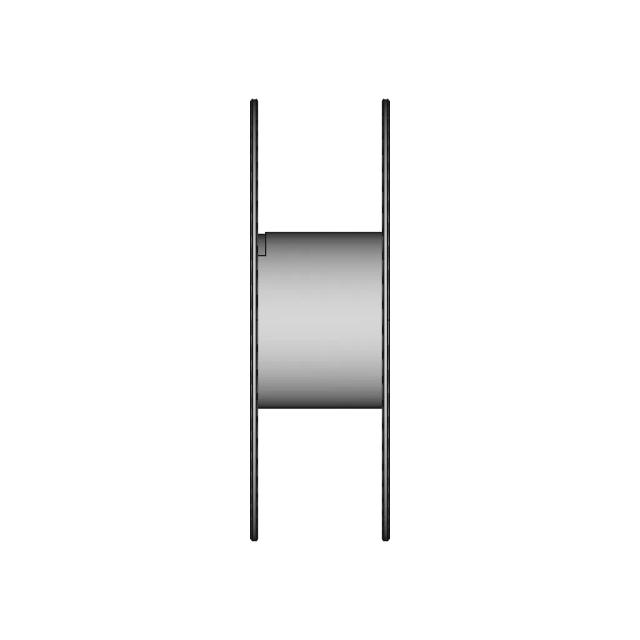
SUNLU Filament Spool for 3D Printing
Remixed HyperCube Style Case for Orange Pi 5 Max with Cooling Enhancements
3D Printed Drill Bit Holder for Sizes 1 to 13 mm
Hello Kitty 3D Model for Design Projects
Compact Magnetic Lock Fishing Rig Box with Multiple Size Options
Dragon Egg 3 | 3D CAD Engineering Model
View all designs

Review telecom & network infrastructure hardware CAD files online without installing CAD software

Open CAD files in your browser, inspect 3D geometry quickly, and give every stakeholder easier access to the models they need.

Upload CAD File
For automotive teams

Need a CATIA or NX specialist
for your supply chain?

Marathon matches you with certified automotive CAD designers who understand GD&T, DFMEA, and production‑tolerancing — without the overhead of hiring a full‑time engineer.

CATIA V5 / V6NX / SiemensGD&T CertifiedSTEP / IGESDrawing Packs
Get MatchedSee how it works

NDA available • IP is always yours