BRAKE PADS

VR DESIGNER57 projects
0.0(0 reviews)
Automotive
Logo
sprite x=0 y=0
Angle x=0 y=0
Angle x=0 y=90
Angle x=0 y=270
Angle x=90 y=0
Angle x=270 y=0
Angle x=60 y=30
Screenshot 2025-01-05 133406.png
Screenshot 2025-01-05 133400.png

About this design

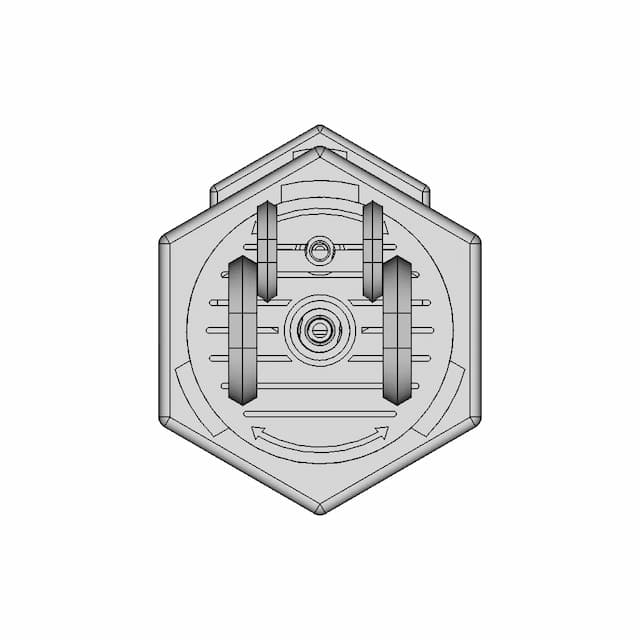
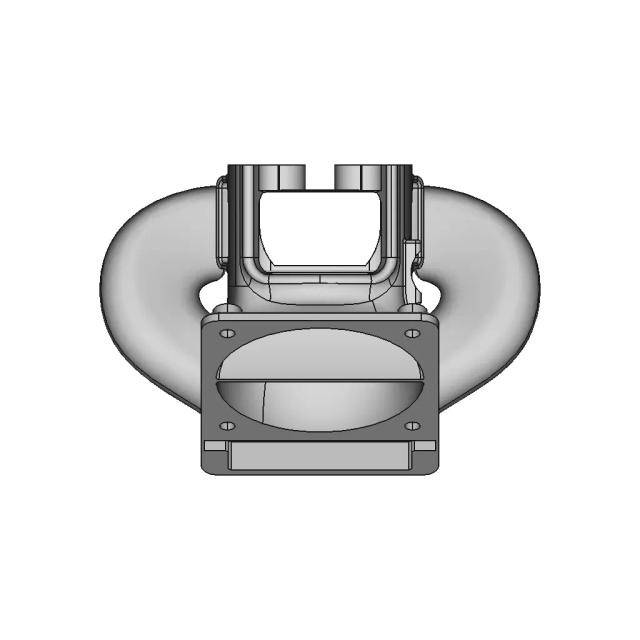
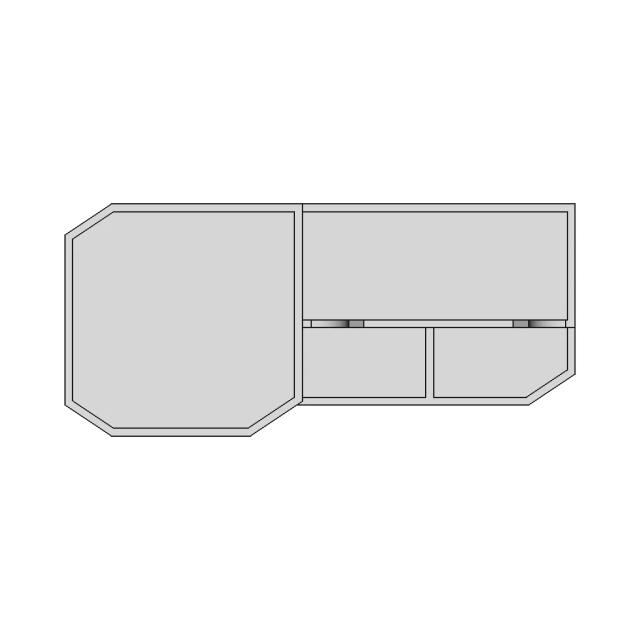
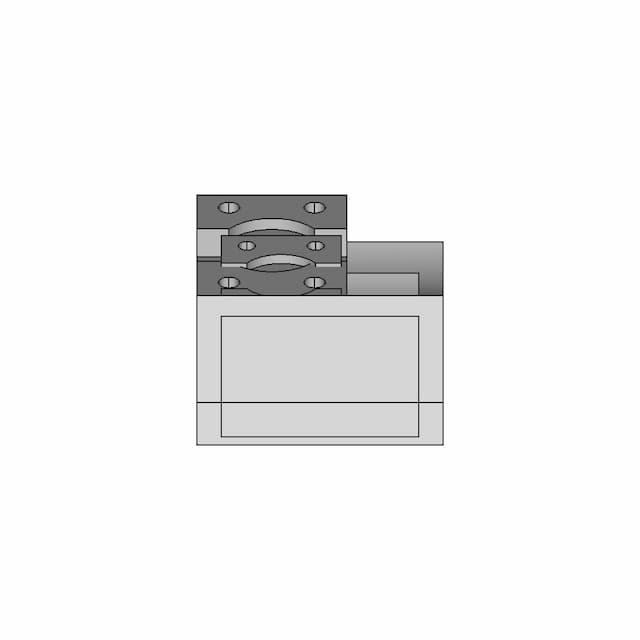
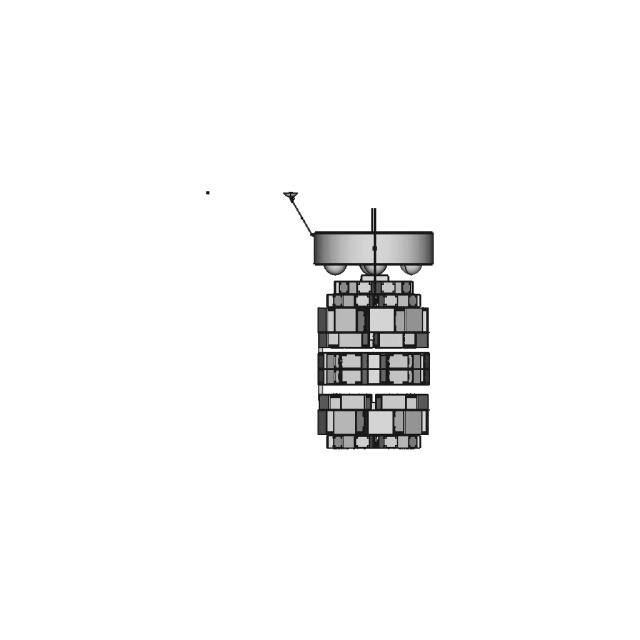
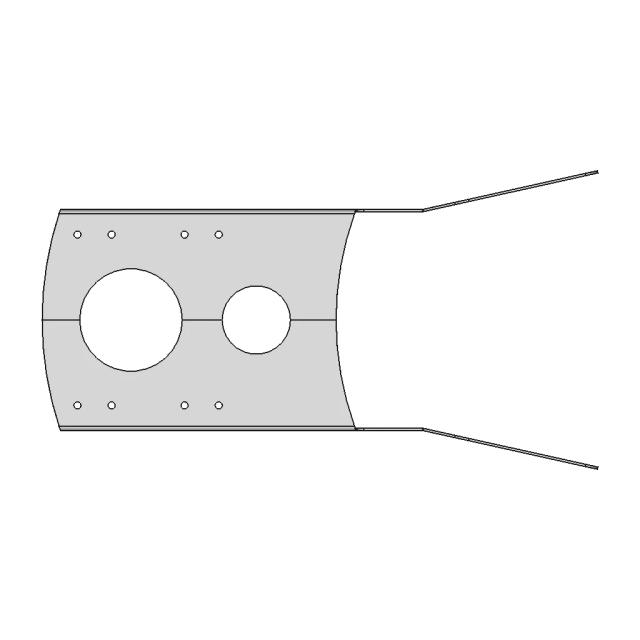
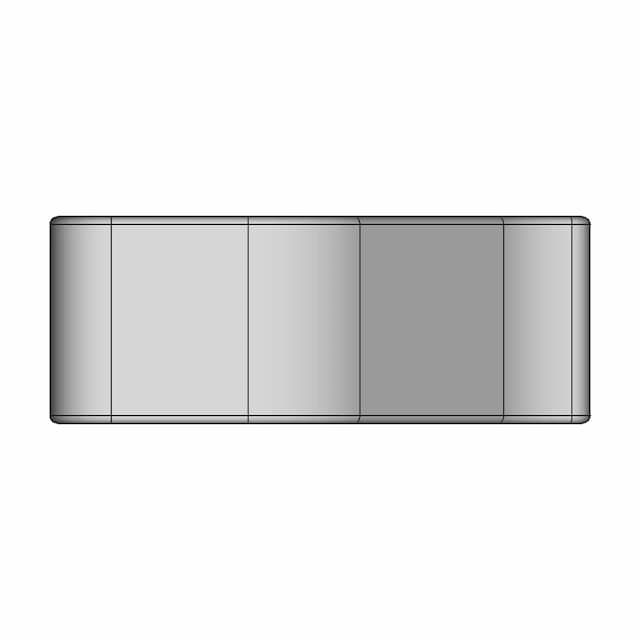
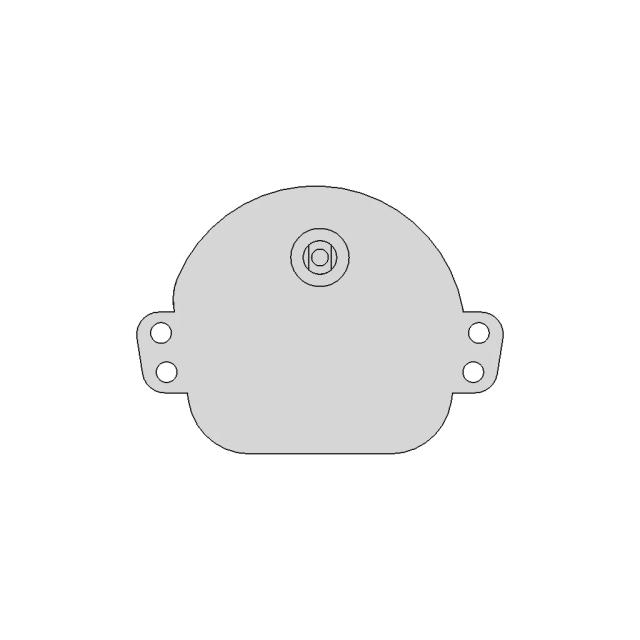
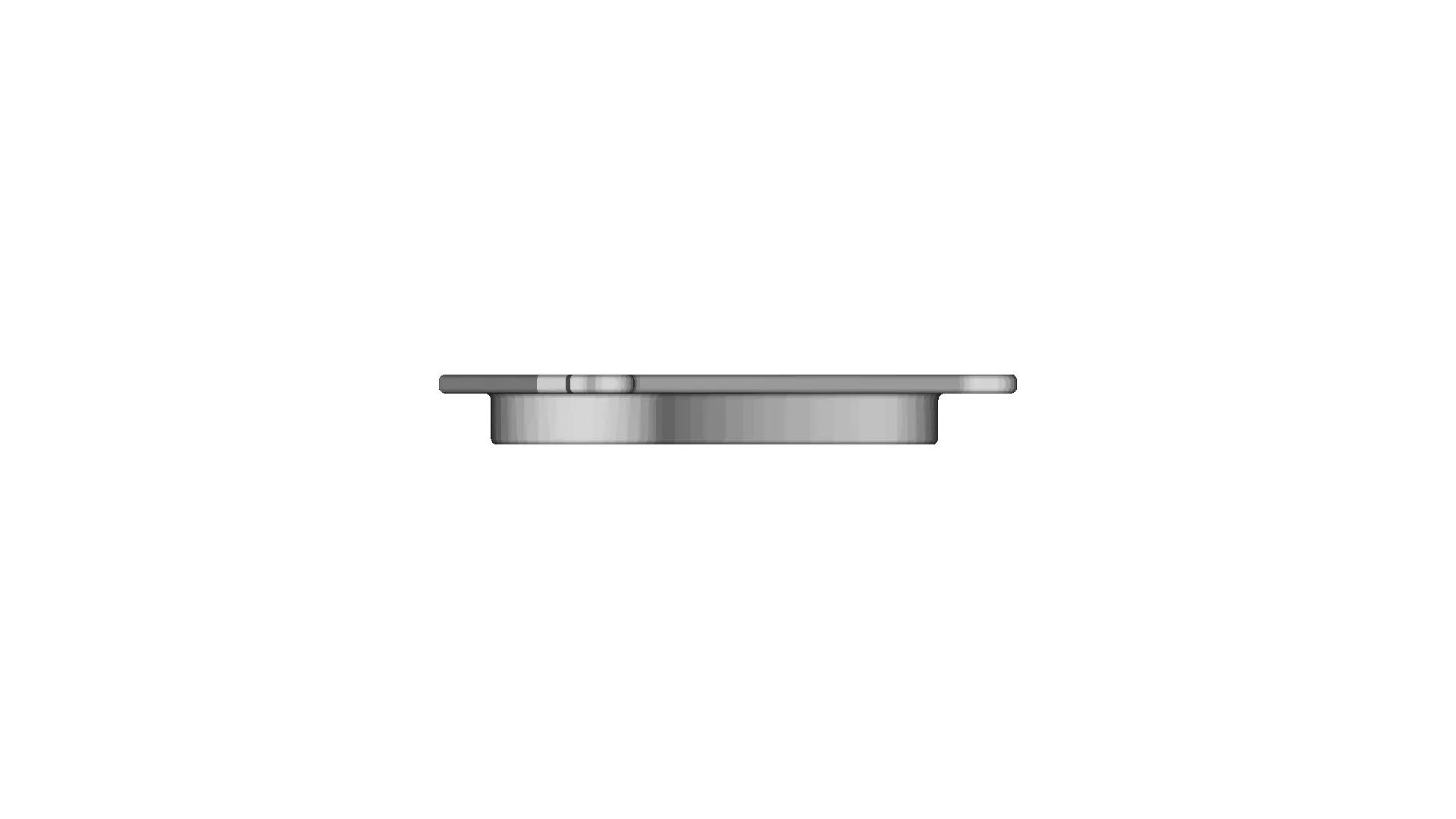
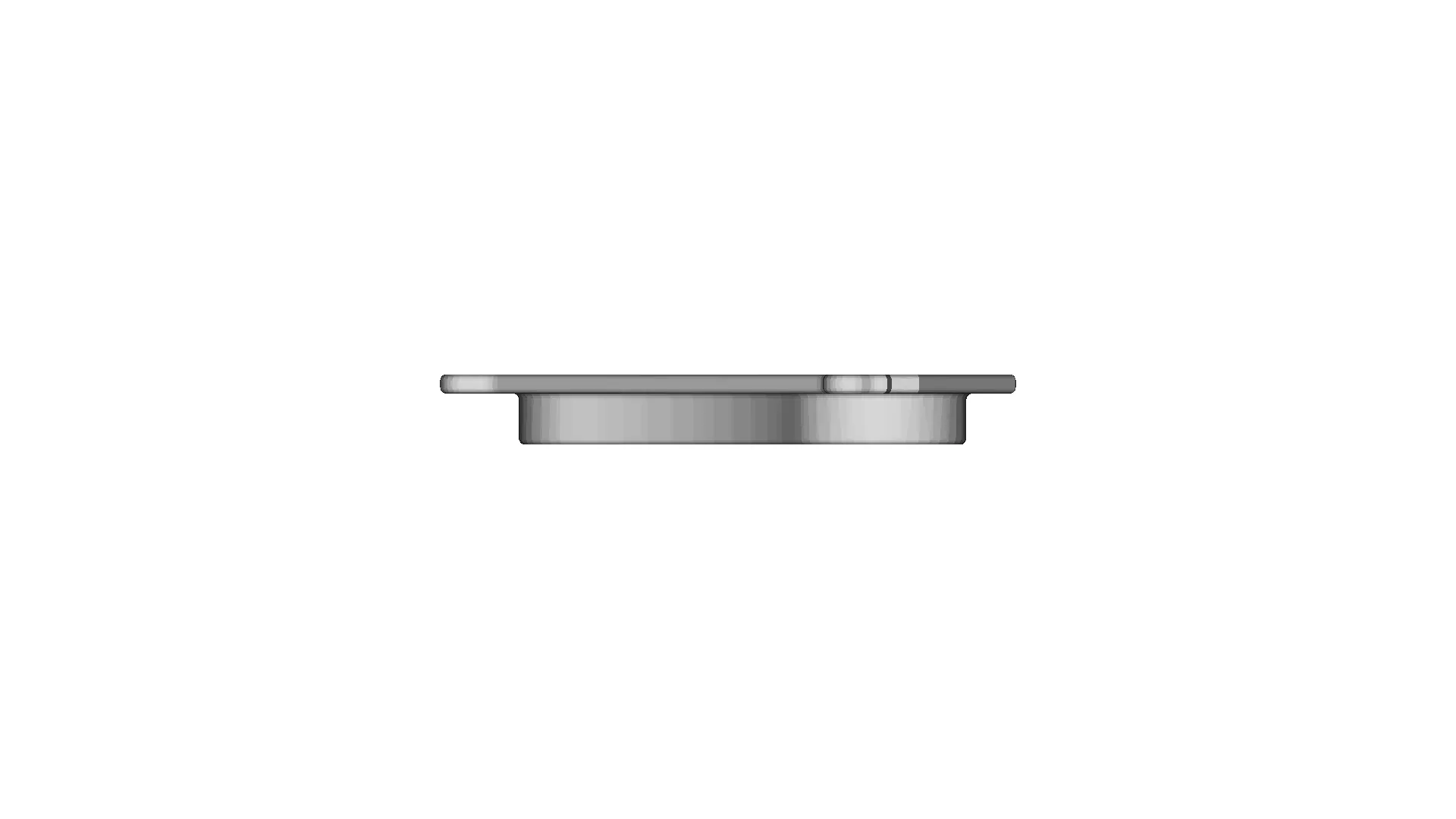
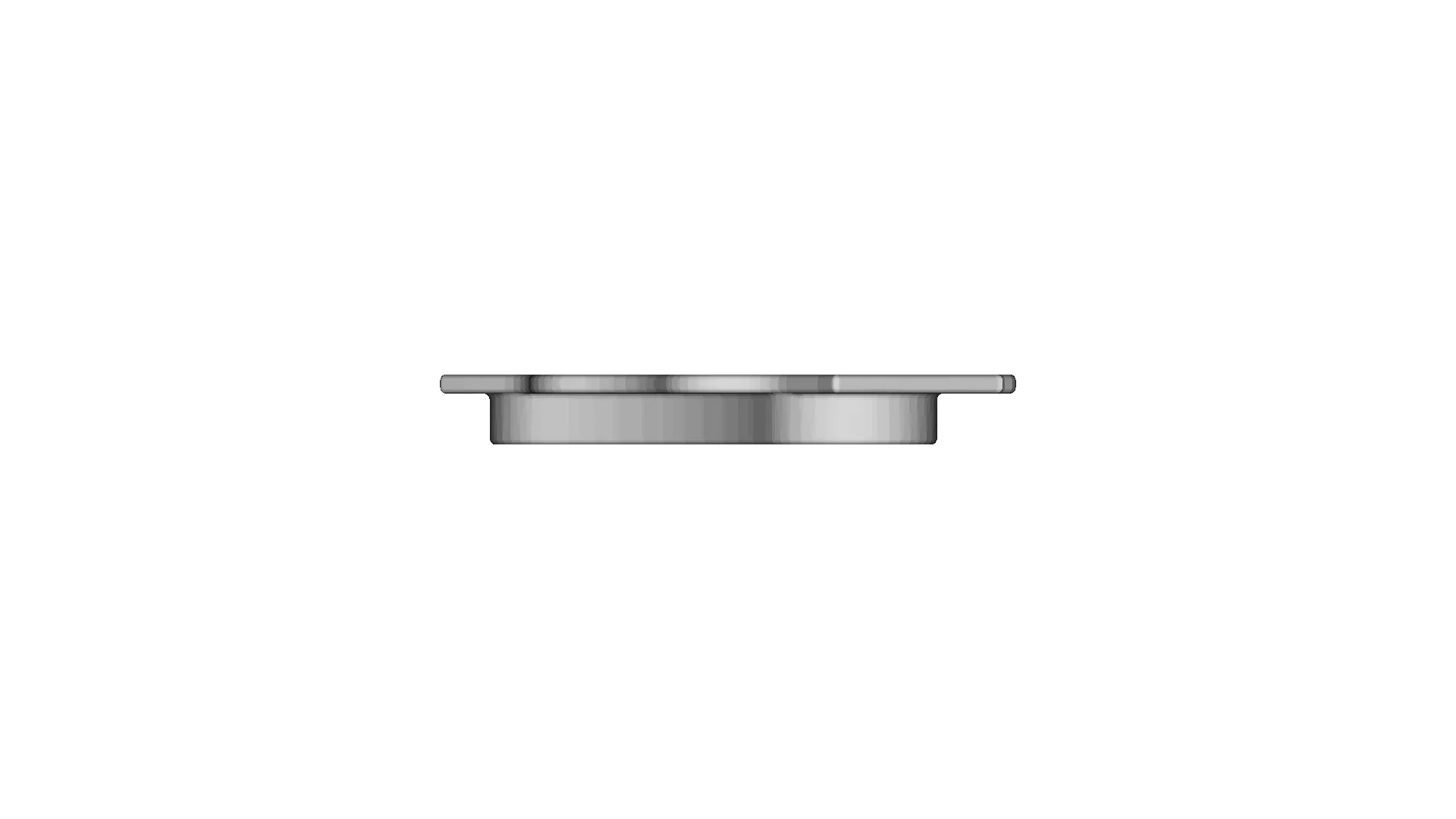
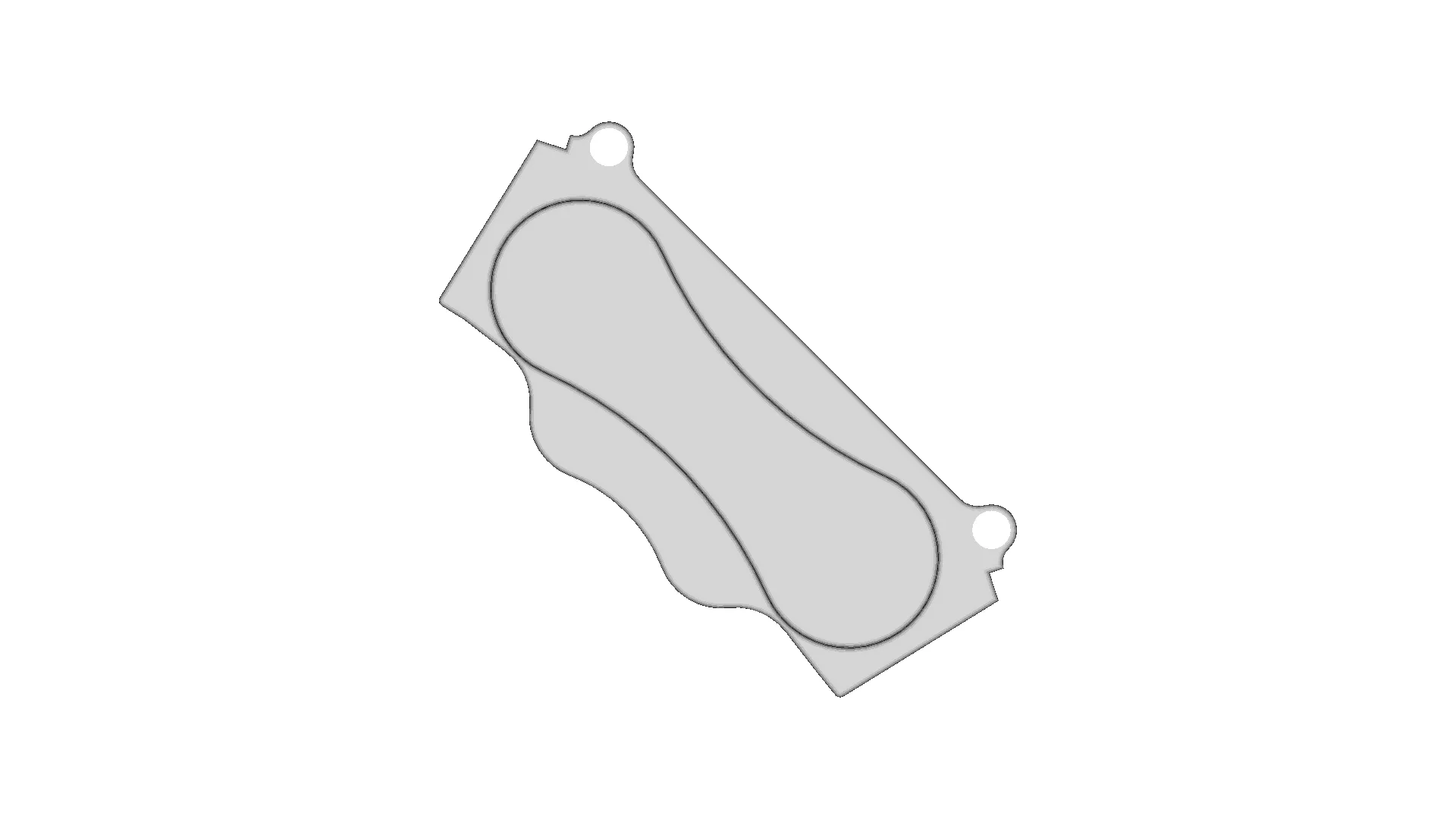
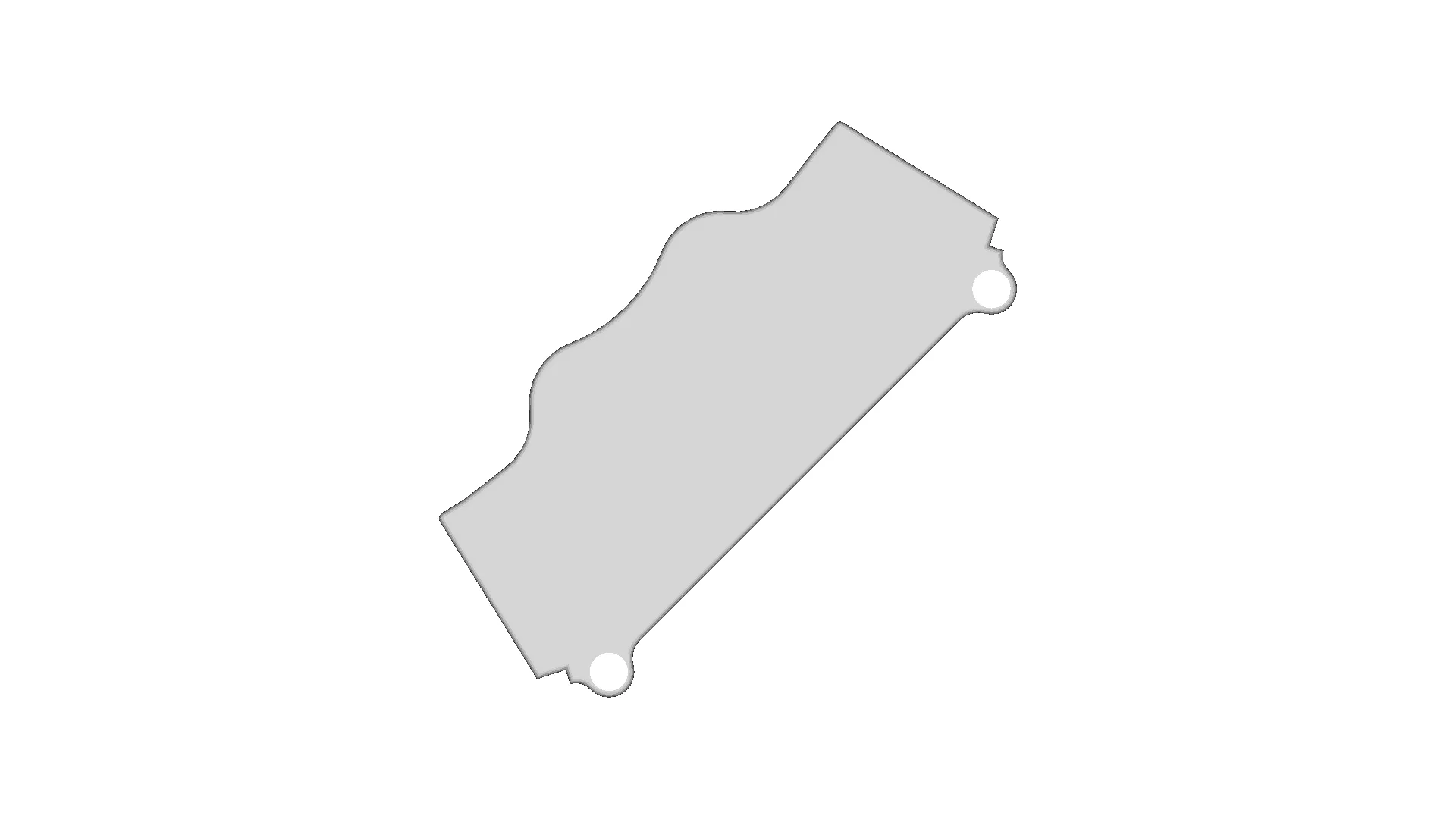
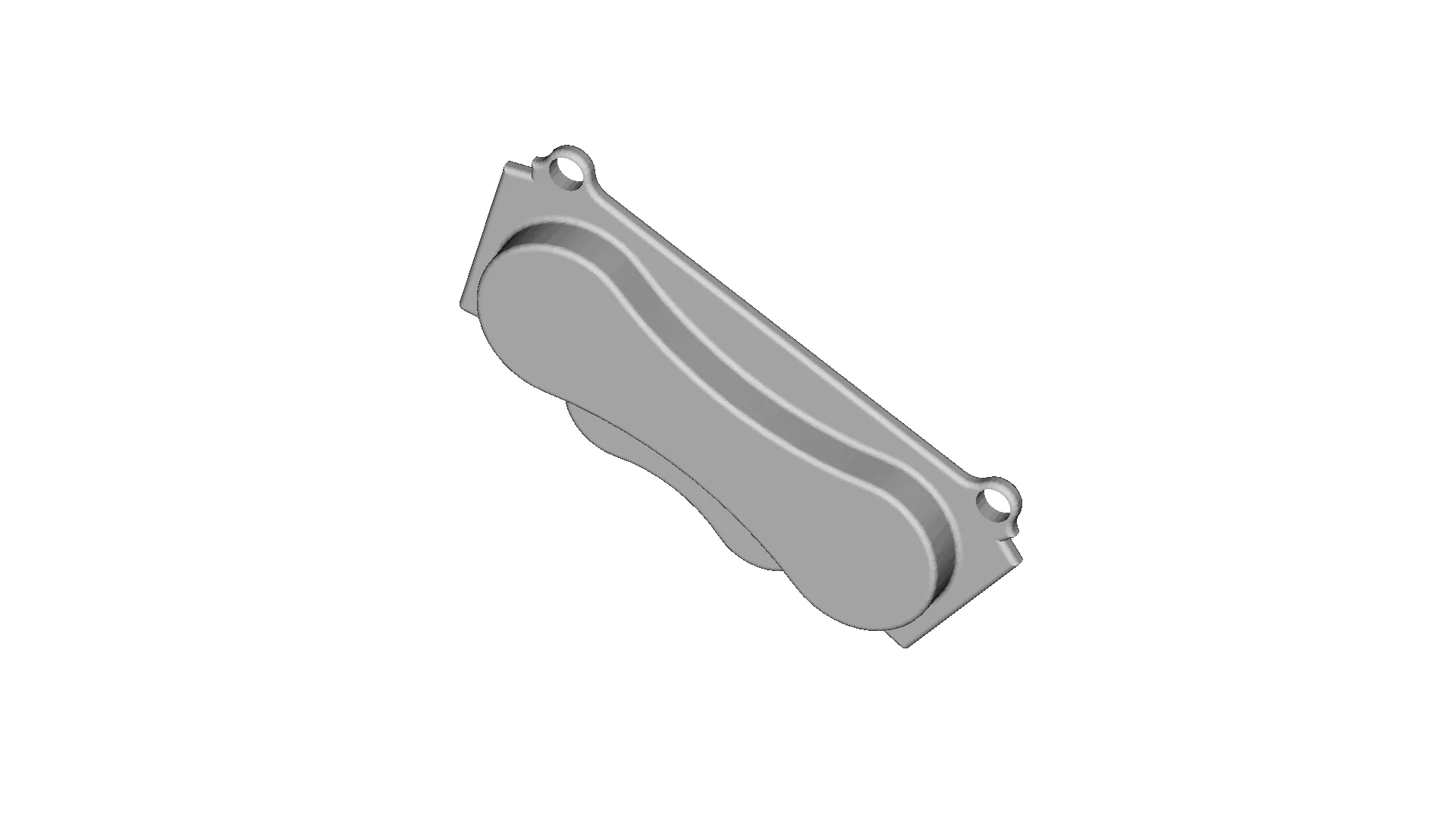
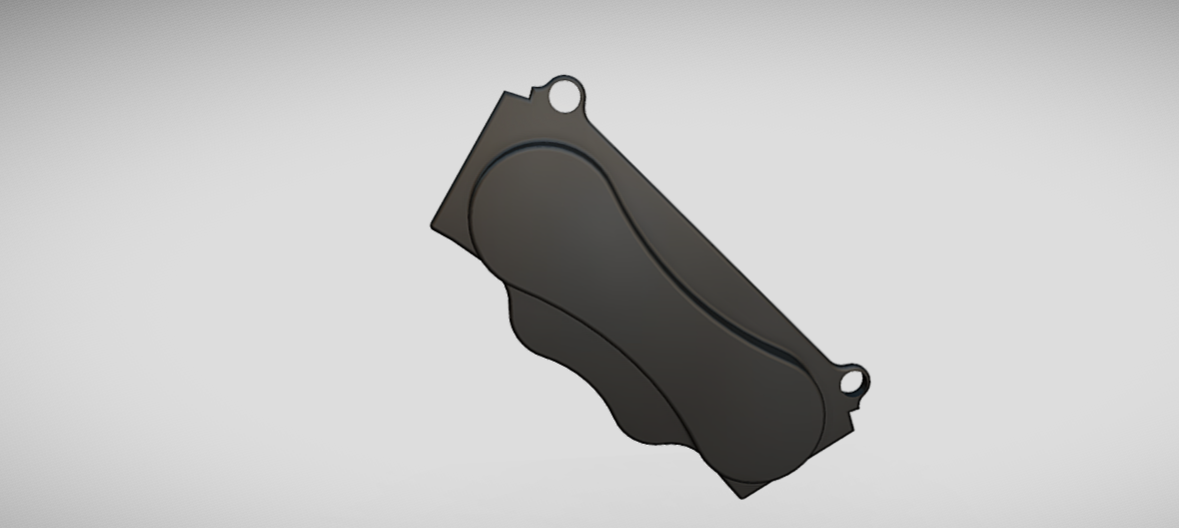
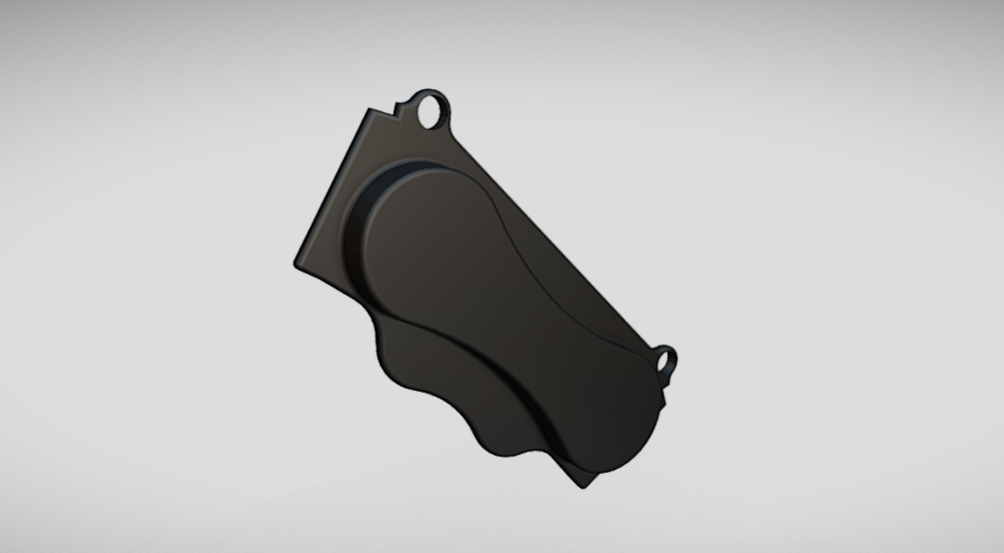
Brake pads are crucial components of a disc braking system, designed to create friction against the rotor (disc) when the brakes are applied. This friction slows down or stops the vehicle by converting kinetic energy into heat. Brake pads are housed within the brake caliper and work in pairs, pressing on both sides of the rotor to provide balanced and effective braking performance.Key Features of Brake PadsFriction Material:The outer layer that makes contact with the rotor, designed to withstand high temperatures and provide consistent braking performance.Made from materials like semi-metallic, ceramic, or organic composites.Backing Plate:A sturdy metal plate that supports the friction material and maintains its shape under pressure.Shim (Optional):A thin layer attached to the backing plate to reduce noise and vibration during braking.Wear Indicator:Some brake pads have built-in sensors or grooves to alert the driver when the pads need replacement.Types of Brake PadsOrganic Brake Pads:

Download this model

Download the native STL file — $16.

Opens in slicers, mesh tools and most CAD viewers.

<100
<100

The files are shared to help you get inspired and speed up your workflow. They may not be fully accurate or production-ready, so review carefully before use.

View NameExtensionAction
Design fileFormat: STL
Front Viewwebp
Top Viewwebp
Bottom Viewwebp
Left Side Viewwebp
Right Side Viewwebp
Isometric Viewwebp
Supporting Files (2)
PreviewFile NameAction
Screenshot 2025-01-05 133406.png
Screenshot 2025-01-05 133400.png

CAD File Details

File Information
File Nameinput_file.stl
File TypeSTL
Unitsmm
Usage Notes
NotesSuitable for design reference, visualization, prototyping workflows and engineering review. Validate dimensions and geometry before manufacturing use.

What you can use this CAD model for

  • Engineering review
  • Manufacturing discussion
  • Supplier communication
  • Prototype development
  • Design validation

Before using this CAD file

Review the model dimensions, units and geometry before using it for manufacturing or production. Some files may be created for reference, visualization or workflow acceleration and may require validation before final use.

Comments

0
Y
Loading comments...

Marathon-OS Design Hub

Everything you need to design faster, smarter, and with more impact.
Calibration Cube for 3D Printer Accuracy Testing
Multi-Drum Machine Mounting Plate Design
3D Printable Bioreactor For Deep Space Food Production - Sacha Taylor - Downloadable CAD Representation
Lattice Bowl 1 | 3D CAD Engineering Model
Gyroelongated Pentagonal Birotunda 1 | 3D CAD Engineering Model
Practice | 3D Engineering Design File
Área De Impressão B9 / Print Area B9 | High-Quality CAD Model
Filament Production Process for 3D Printing and Manufacturing
Lemon DSMP Transmitter Module DIY Version CAD Model
3D Printer - Downloadable CAD Representation
AC Remote Holder - Secure and Convenient Storage Solution
Sosten 1 | 3D CAD Engineering Model
Practice 01 Basic Cad Experience | 3D Engineering Design File
Magnetic Storm 1 | 3D CAD Engineering Model
Mechanical Direction Reverser with Threaded Design for 3D Printing Applications
Hello Kitty 3D Model for Design Projects
View all designs

Recently added / Trending

Everything you need to design faster, smarter, and with more impact.
Adjustable Carbon Fiber Plate Assembly with Motorized Rail System
Stairs 2 1 | Professional CAD Design
Skip | 3D Engineering Design File
Landing Gear Truck Trailer 1 | 3D CAD Engineering Model
Support Inclinable 1 | 3D CAD Engineering Model
Wall Mount for Momcozy BM04 Video Baby Monitor
Swivel Wheel For Mobile Medical Equipmen | High-Quality CAD Model
Axial Joint - Standard Mechanical Component
Mechanical Ring 8 | Professional CAD Design
12-Volt DC Motor with 1:41 Gear Ratio and 255 RPM Speed
View all designs

Free Online CAD Viewer –Secure, Fast & Cloud-Based

A lightweight, online tool to convert 3D file formats—anytime, anywhere, without installing any software.

Drag & drop your 3D files

Supported formats: STEP (.step, .stp), IGES (.igs, .iges), STL (.stl), PLY (.ply), OFF (.off), BREP (.brp, .brep)

upload
Don't have a file? Try one of these samples:


CAD Viewer featureOpen CAD files instantly in your browser.
CAD Viewer featureNo software needed.
CAD Viewer featurePrivate uploads.
CAD Viewer featureAutomatically deleted after 7 days.
CAD Viewer featureUpload files up to 300 MB