
CUP HOLDER


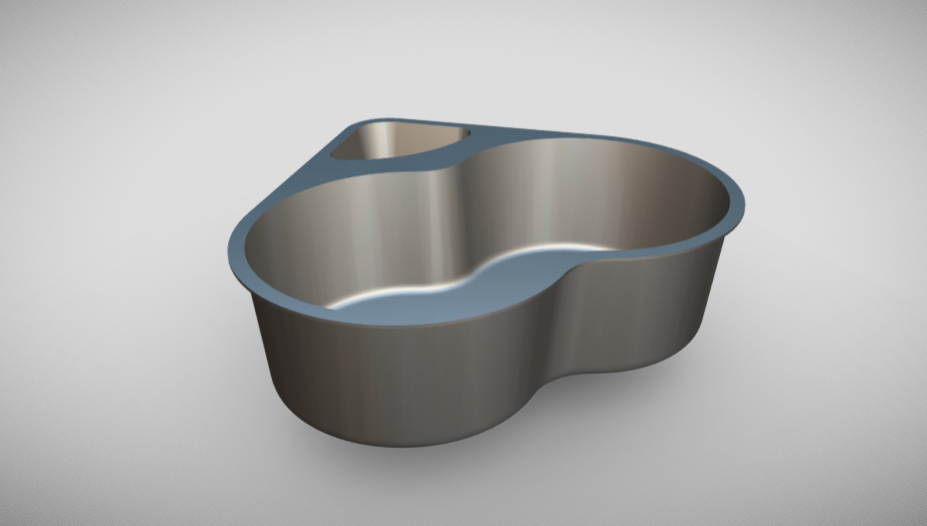
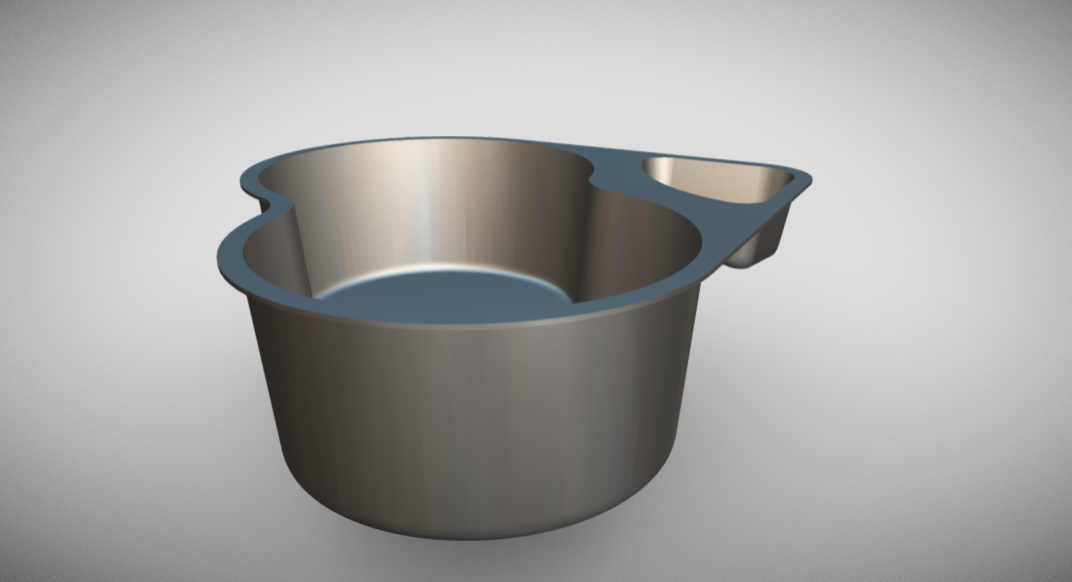
About this design
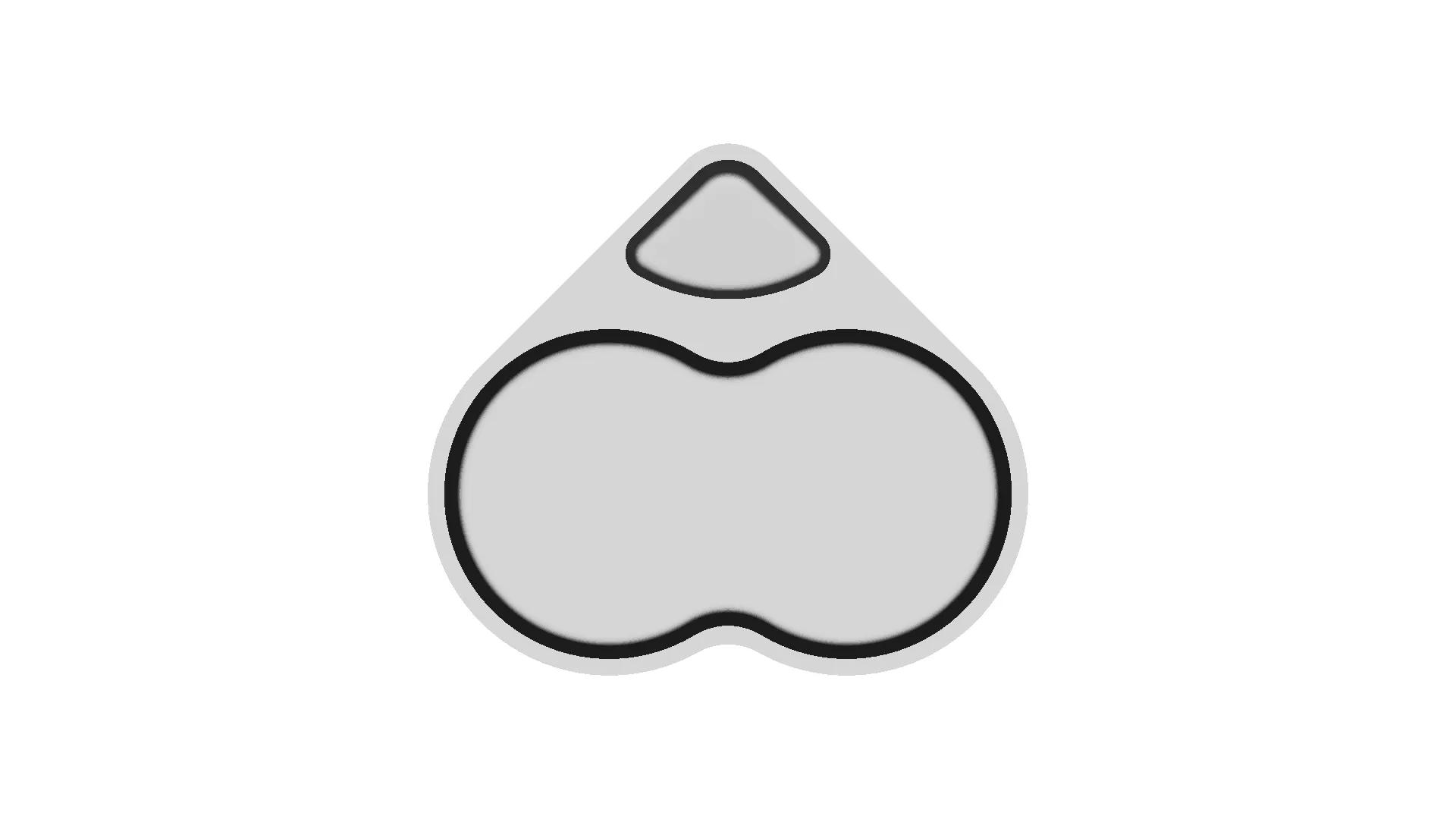
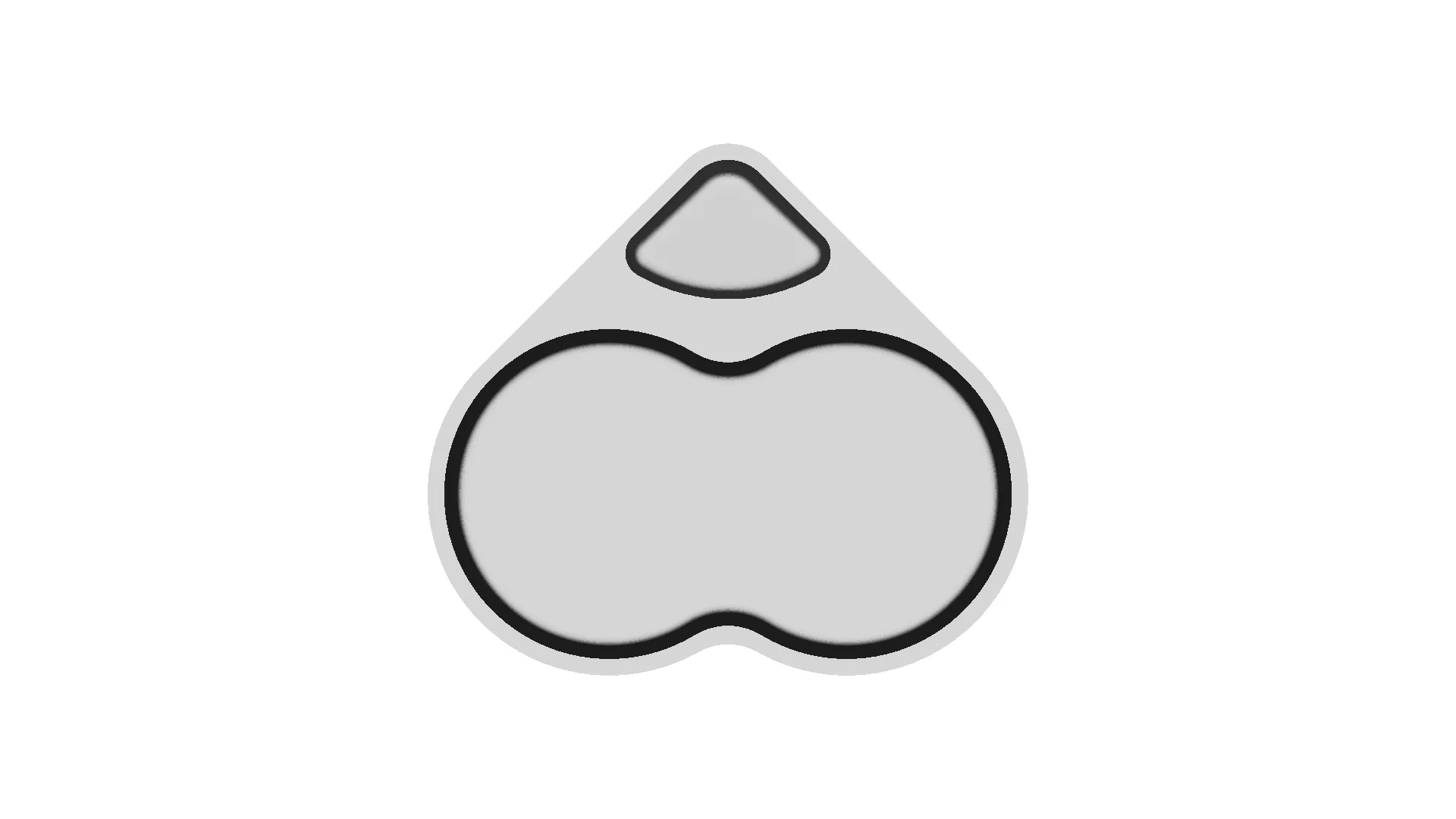
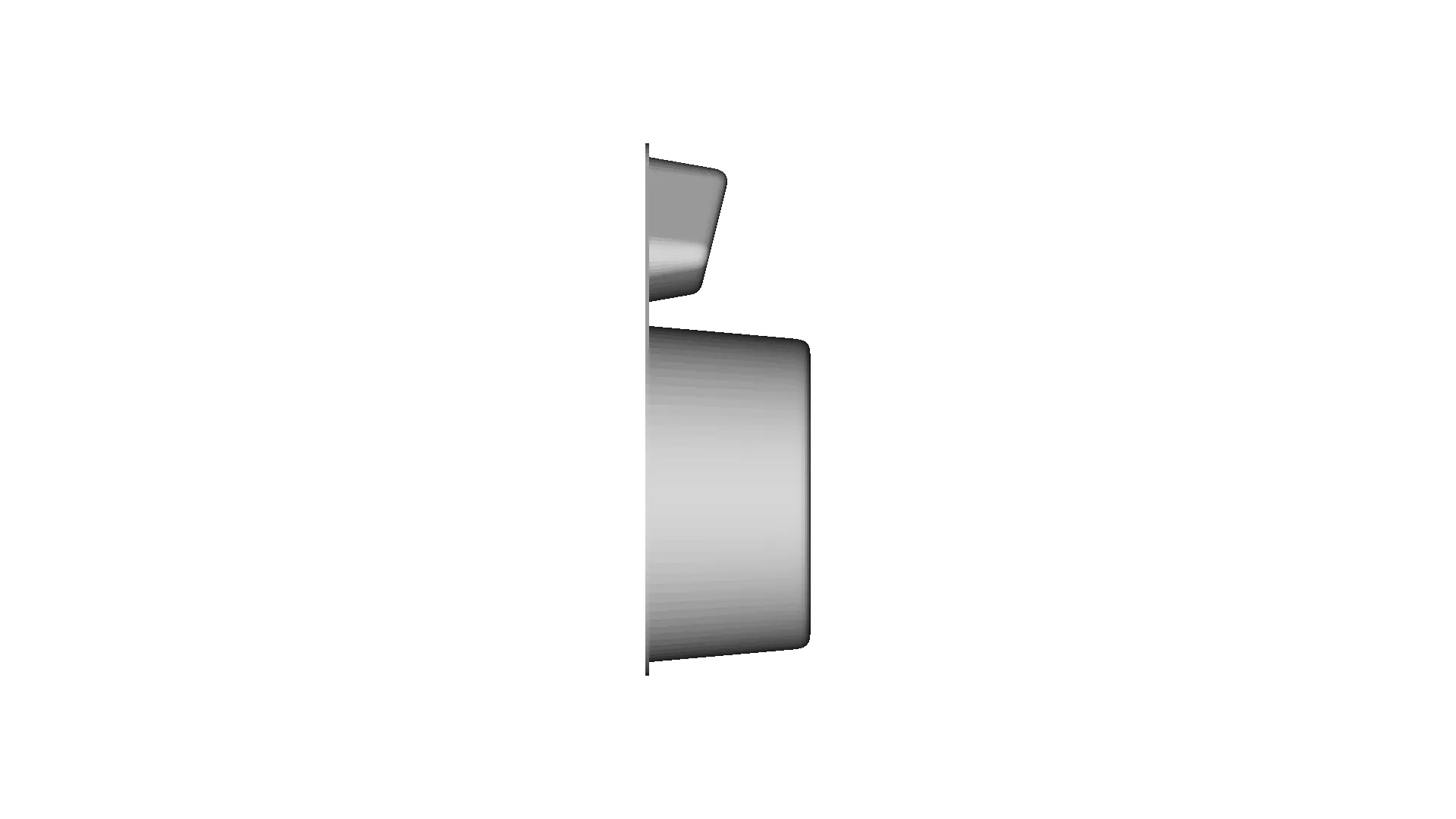
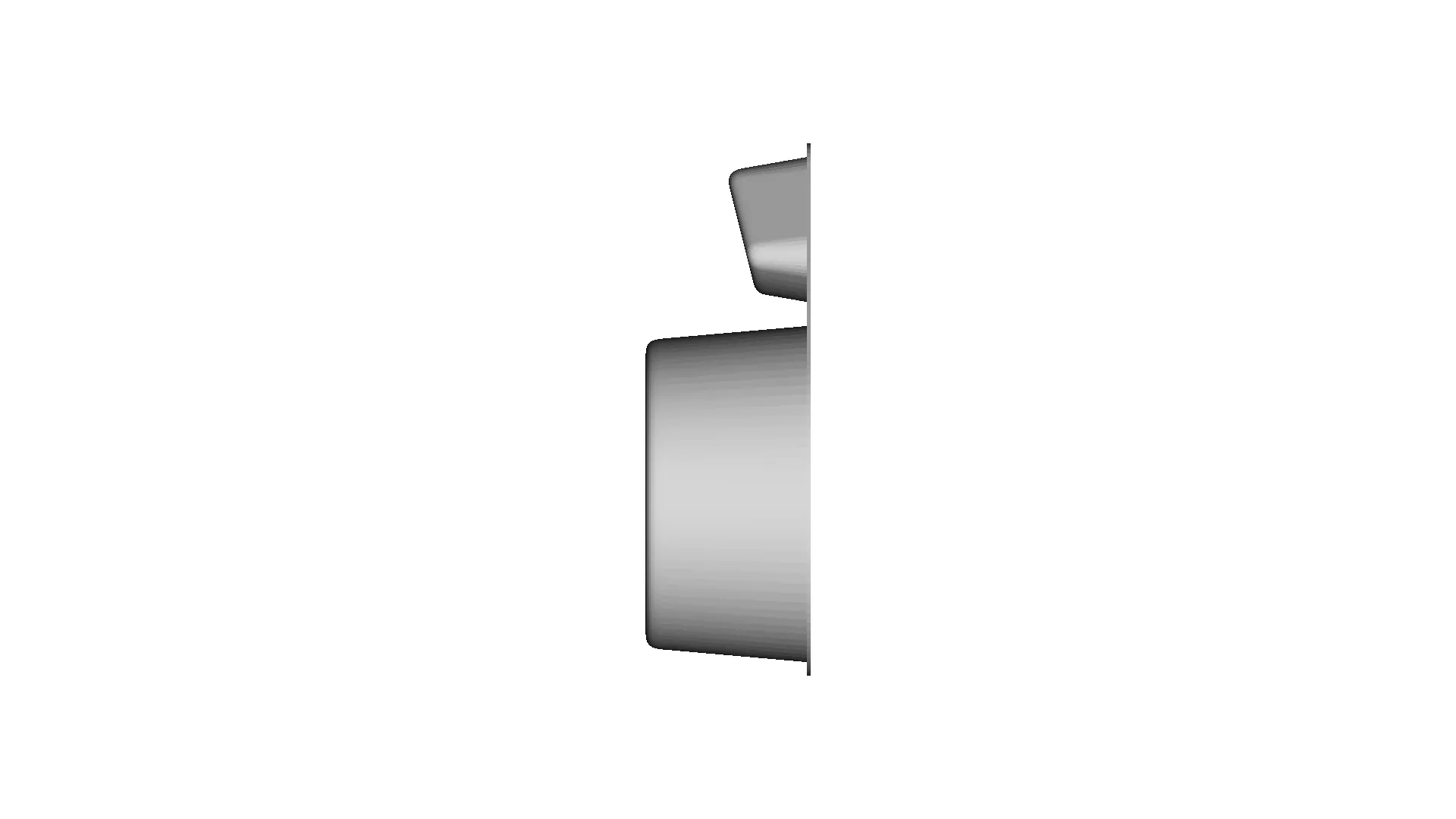
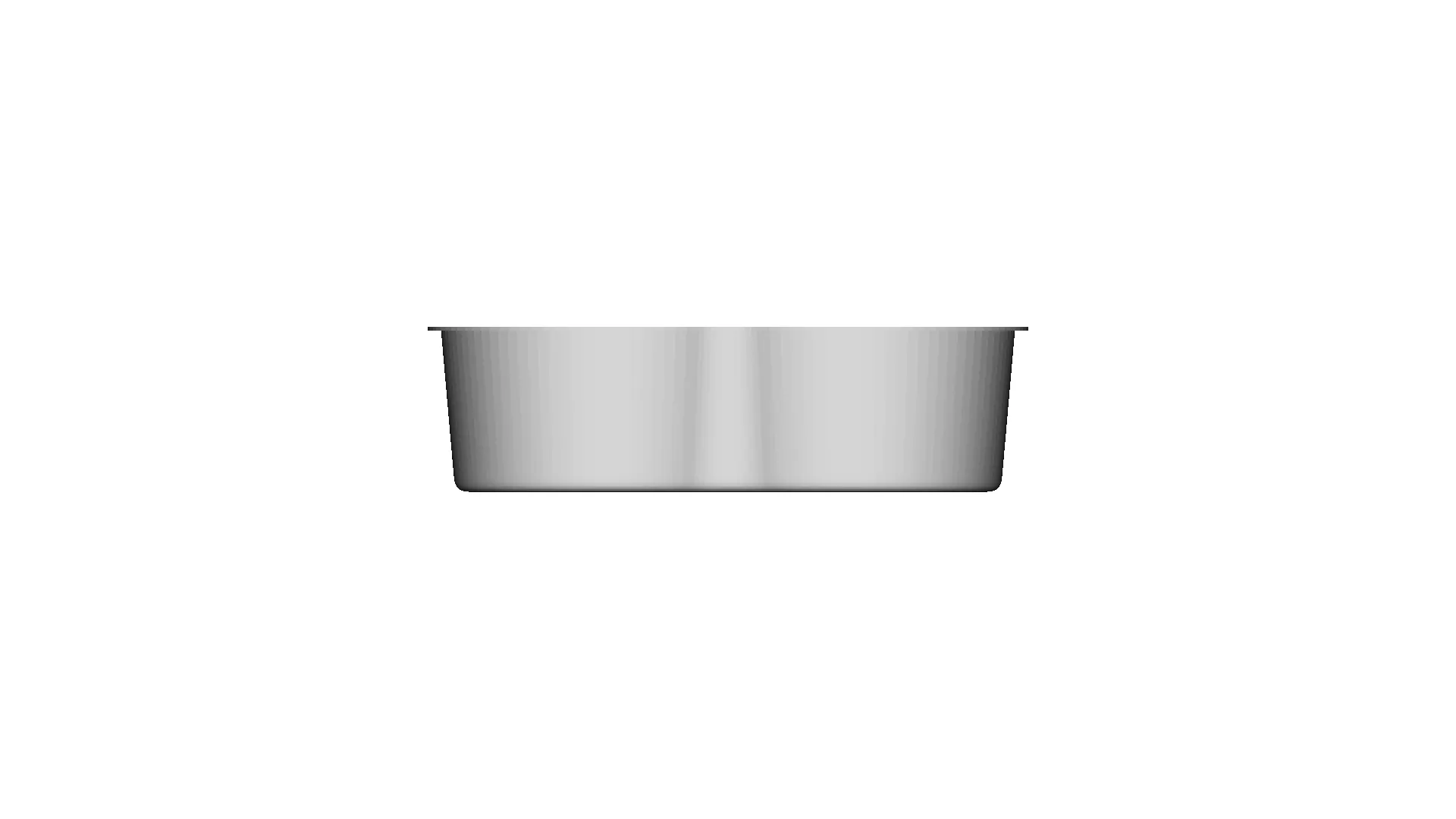
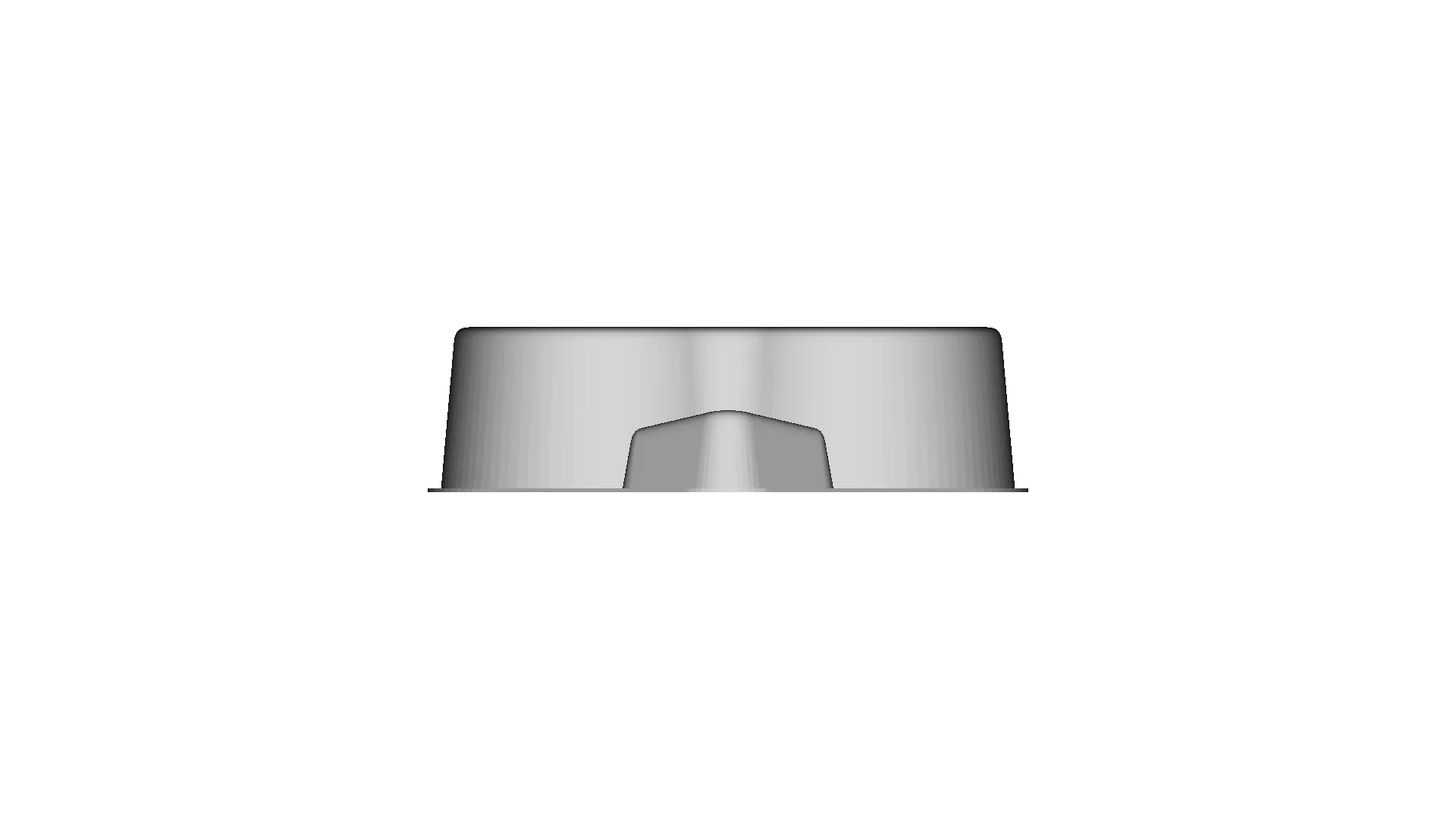
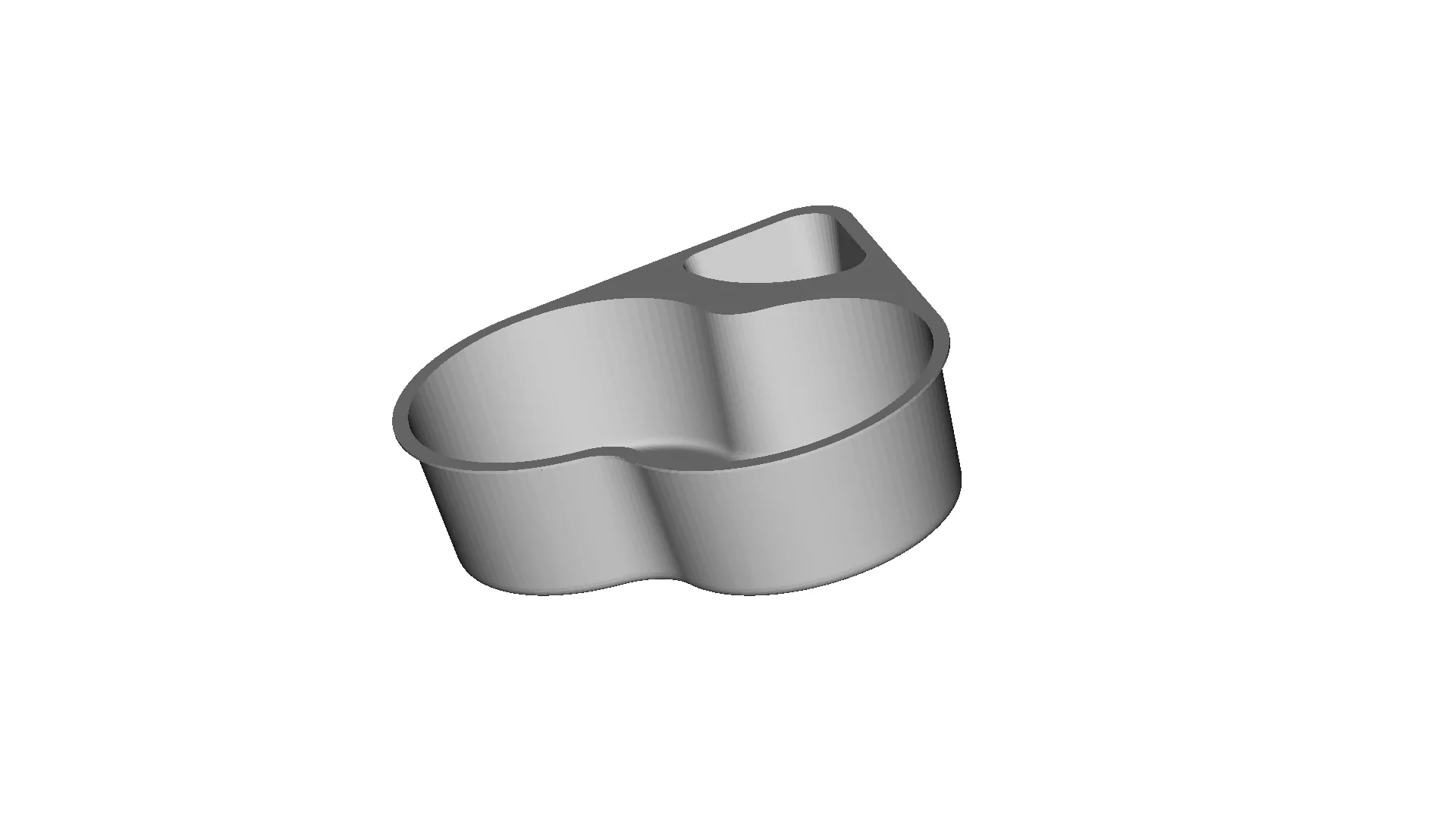
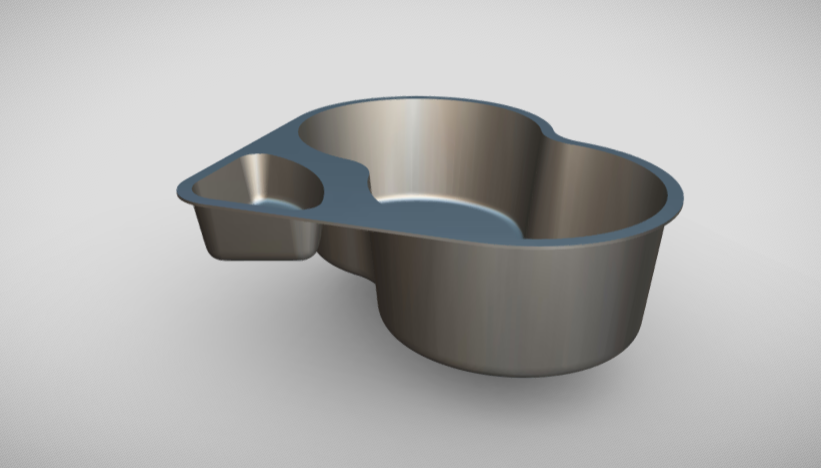
Designing a cup holder involves a combination of surface modeling for smooth, ergonomic aesthetics and plastic modeling for practical, manufacturable designs. Using NX Siemens software, you can leverage its robust tools to create a professional and efficient product. Here's an overview of the approach:1. Surface ModelingSurface modeling focuses on creating the outer shape and contours of the cup holder. The process includes:Sketching: Start with 2D sketches to define the basic profile of the cup holder.Sweeping and Lofting: Use sweep and loft commands to create smooth, complex surfaces for the main body.Trimming and Joining: Refine the design by trimming excess surfaces and joining them to ensure continuity.Filleting: Add fillets to smooth out sharp edges and transitions, enhancing aesthetics and usability.Analysis Tools: Utilize surface curvature analysis to check for smoothness and eliminate imperfections.2. Plastic ModelingPlastic modeling is focused on making the design manufactura
Download this model
Download the native STL file — $18.
The files are shared to help you get inspired and speed up your workflow. They may not be fully accurate or production-ready, so review carefully before use.
| View Name | Extension | Action |
|---|---|---|
| Design file | Format: STL | |
| Front View | webp | |
| Top View | webp | |
| Bottom View | webp | |
| Left Side View | webp | |
| Right Side View | webp | |
| Isometric View | webp |
| Preview | File Name | Action |
|---|---|---|
CAD File Details
What you can use this CAD model for
- Engineering review
- Manufacturing discussion
- Supplier communication
- Prototype development
- Design validation
Before using this CAD file
Review the model dimensions, units and geometry before using it for manufacturing or production. Some files may be created for reference, visualization or workflow acceleration and may require validation before final use.
Marathon-OS Design Hub
Everything you need to design faster, smarter, and with more impact.


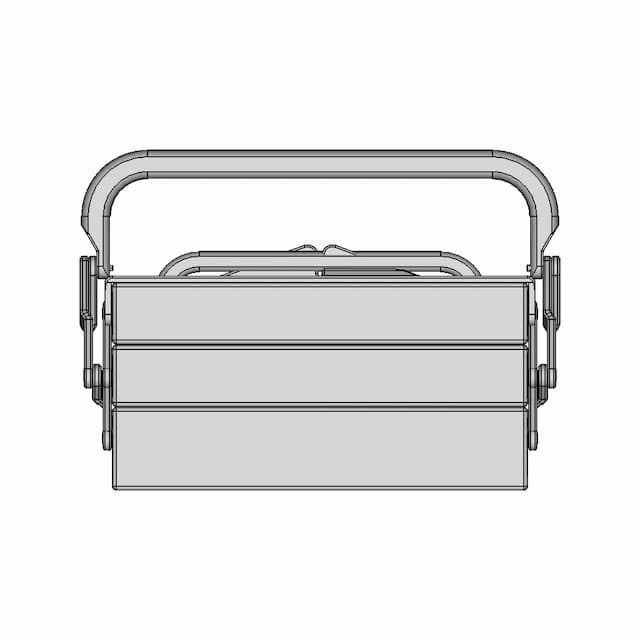

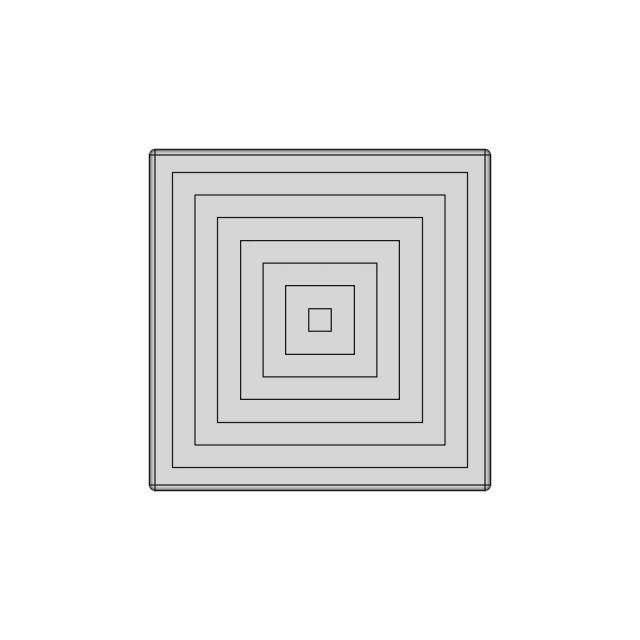
Recently added / Trending
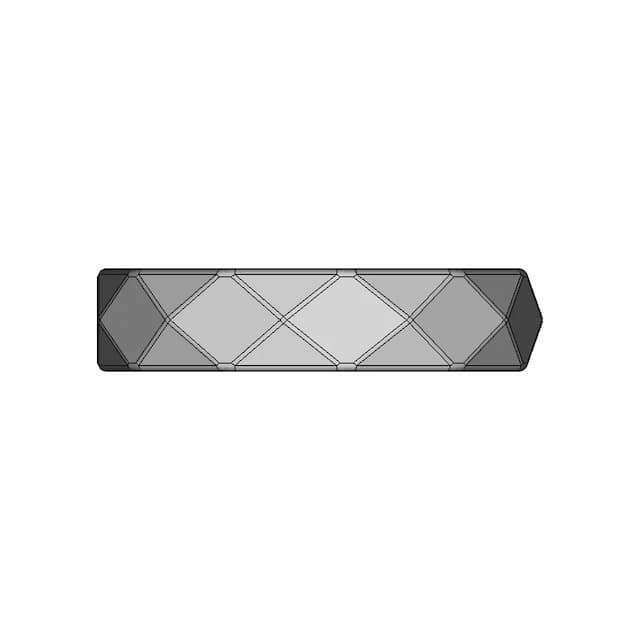
Everything you need to design faster, smarter, and with more impact.
Free Online CAD Viewer –Secure, Fast & Cloud-Based
A lightweight, online tool to convert 3D file formats—anytime, anywhere, without installing any software.
Drag & drop your 3D files
Supported formats: STEP (.step, .stp), IGES (.igs, .iges), STL (.stl), PLY (.ply), OFF (.off), BREP (.brp, .brep)

 Open CAD files instantly in your browser.No software needed.Private uploads.Automatically deleted after 7 days.Upload files up to 300 MB
Comments
0