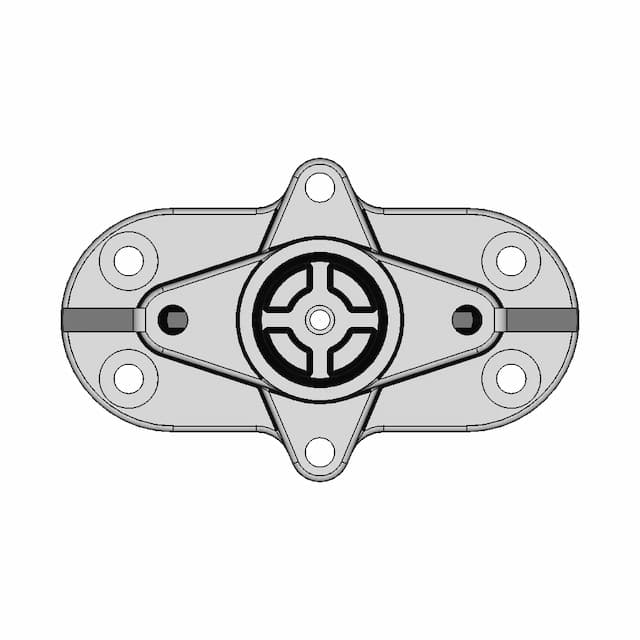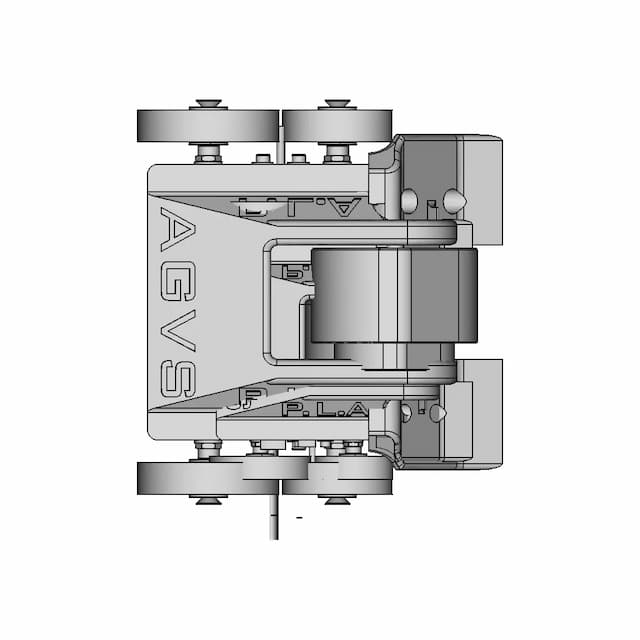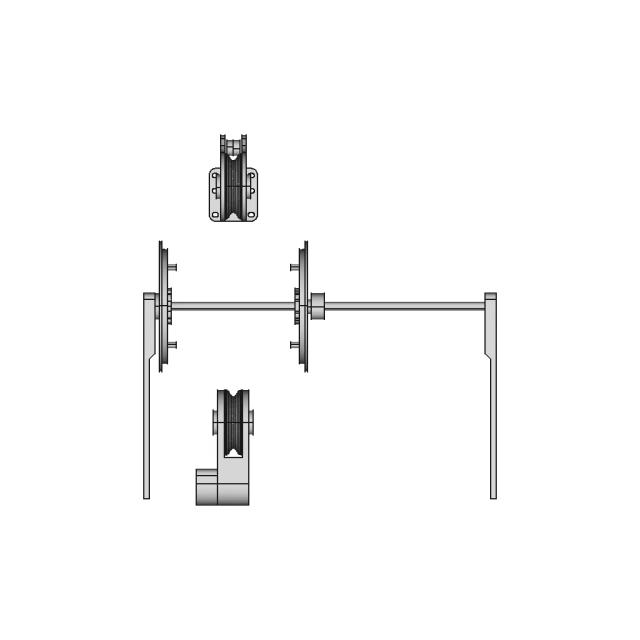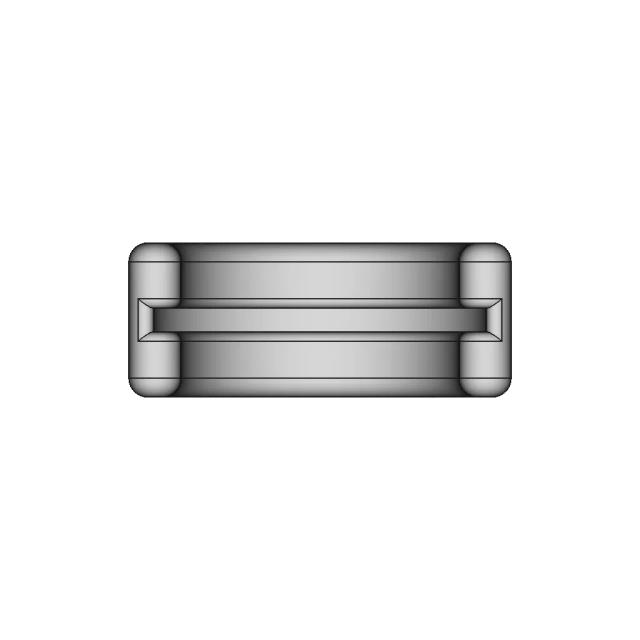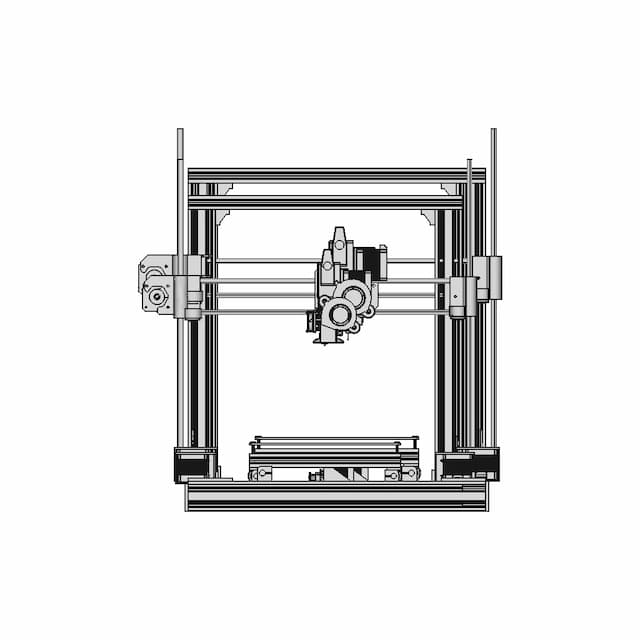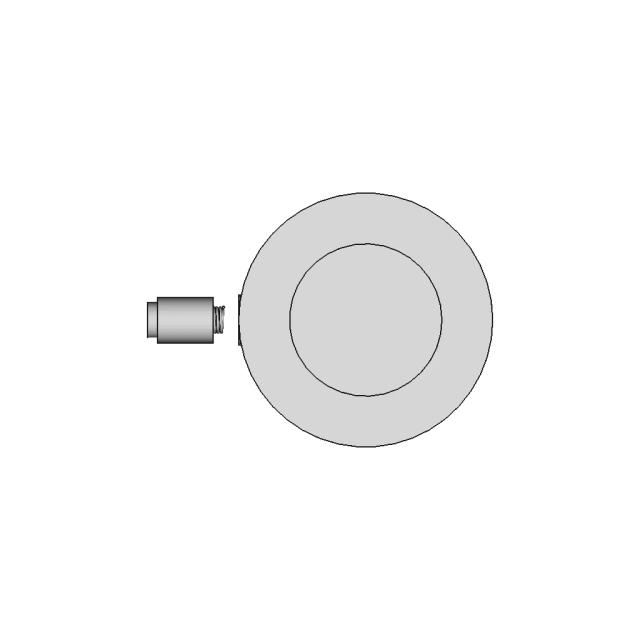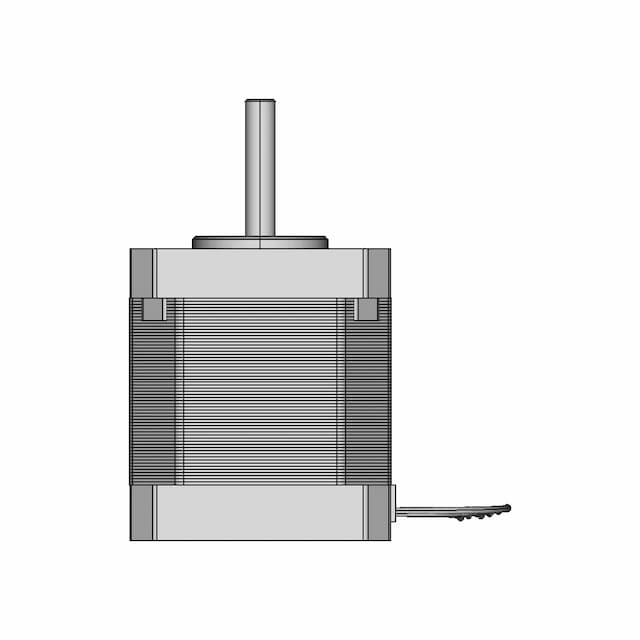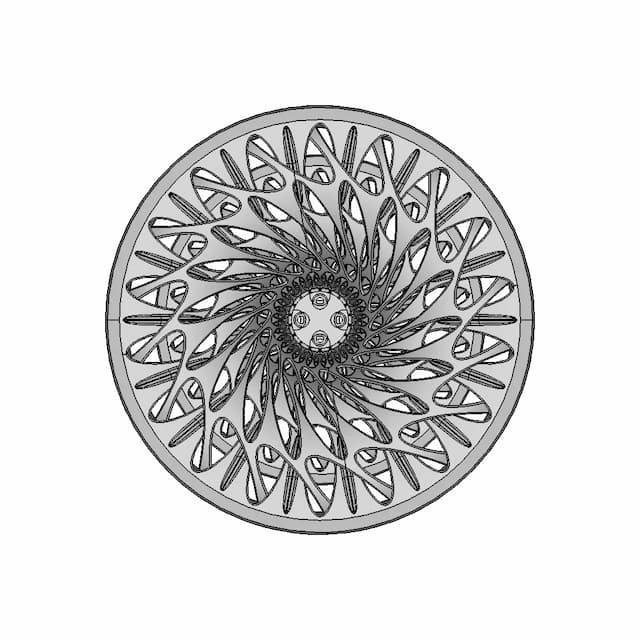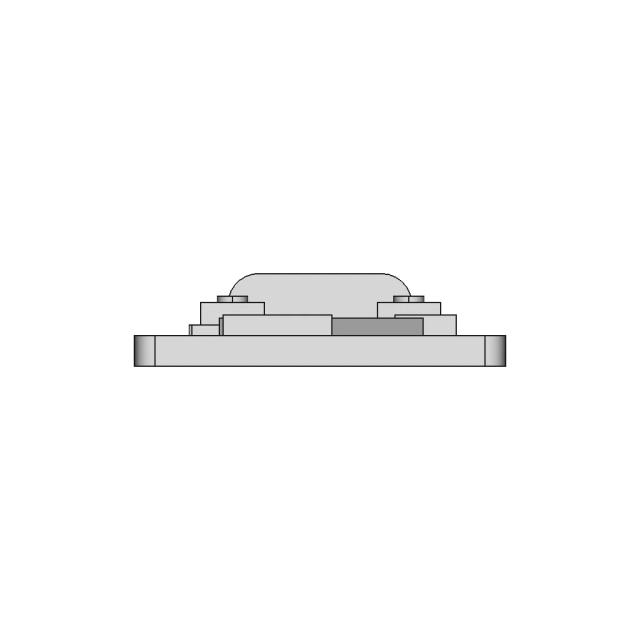
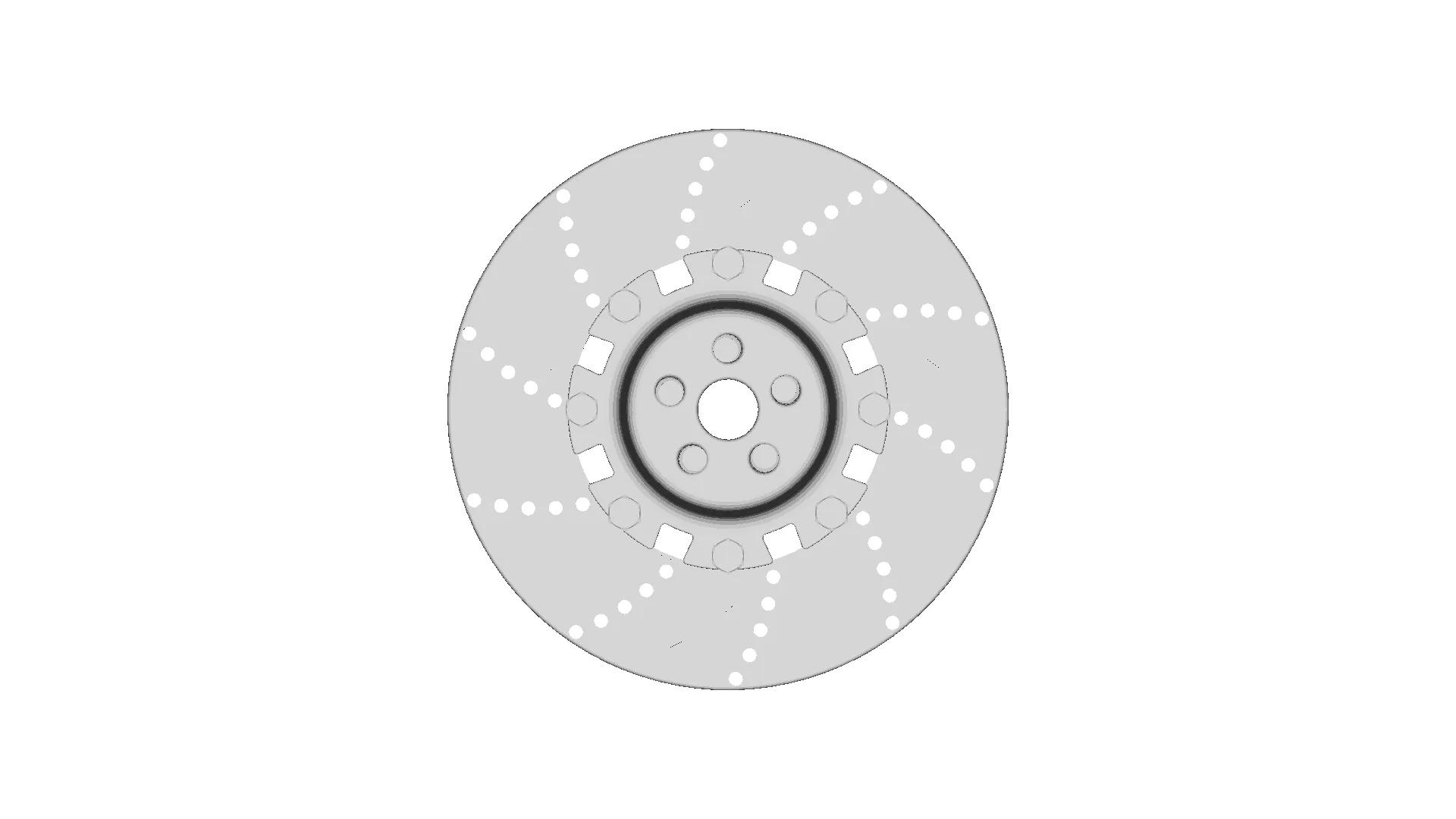
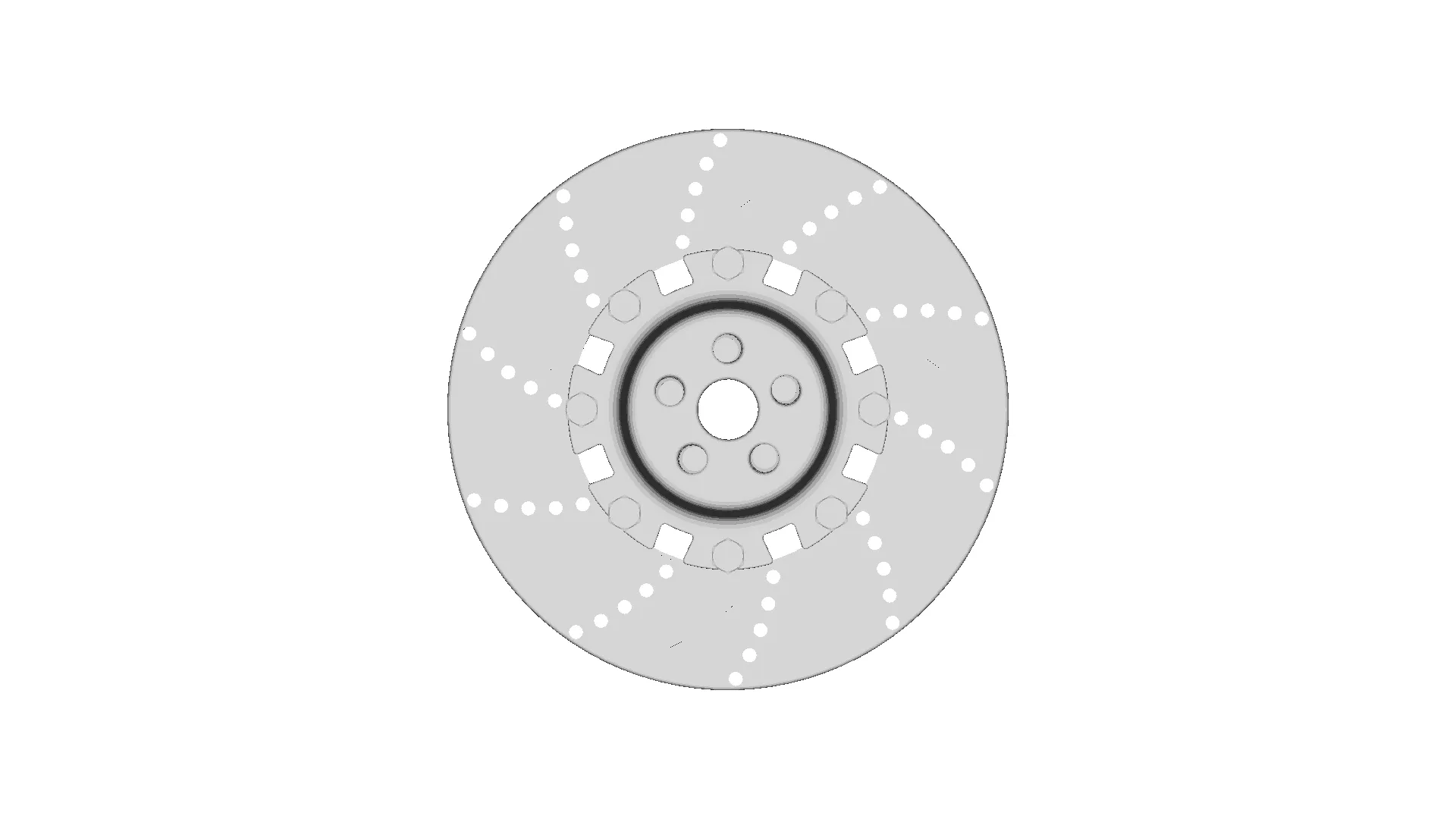
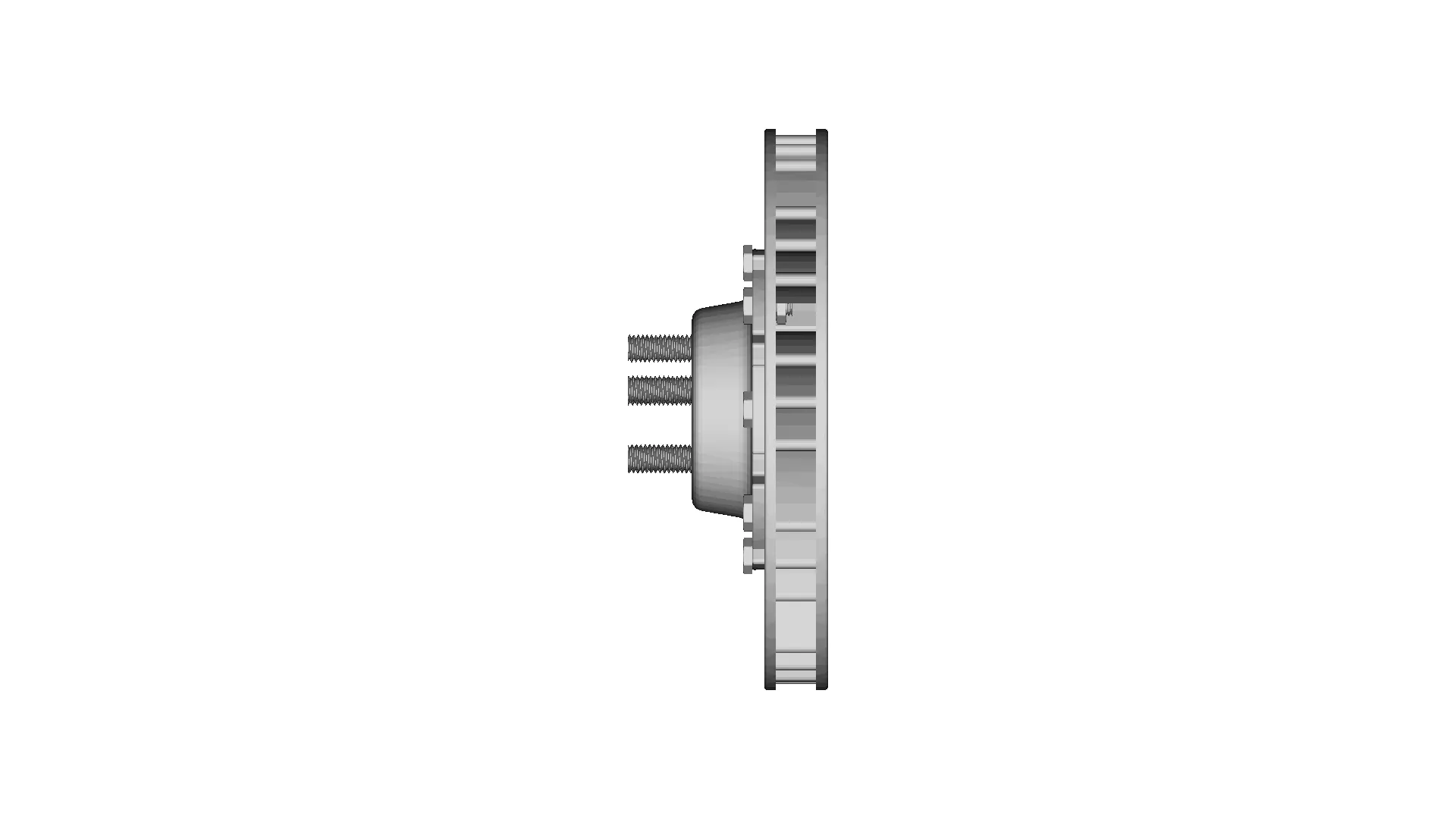
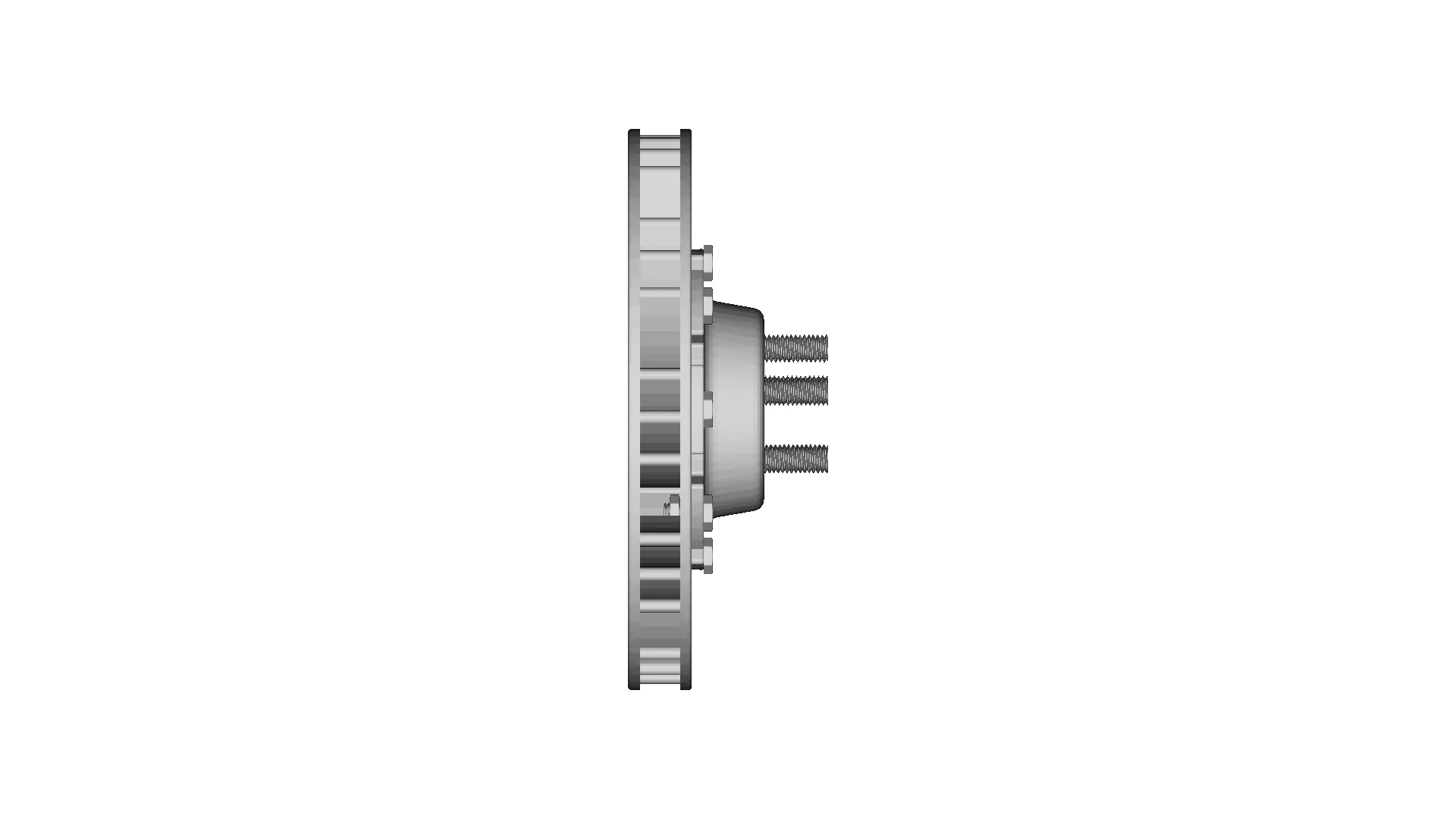
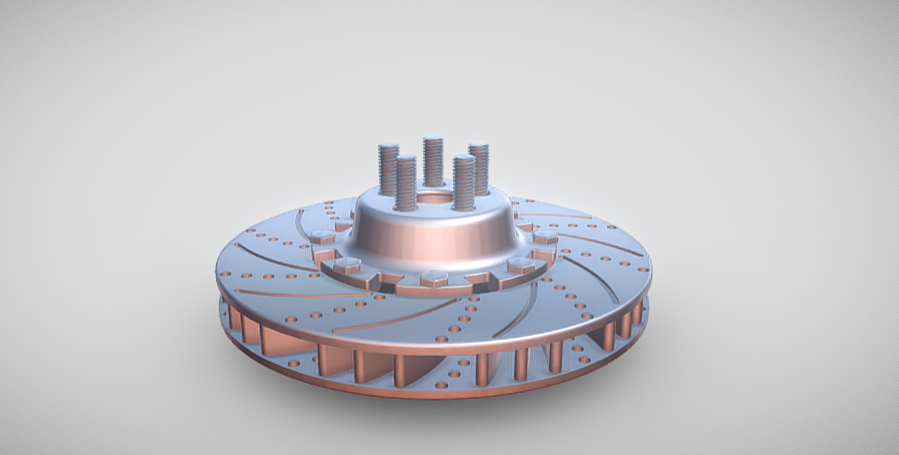
ROTOR DISC BRAKE

VR DESIGNER57 projects
0.0(0 reviews)
Automotive
Logo
sprite x=0 y=0
Angle x=0 y=0
Angle x=0 y=90
Angle x=0 y=270
Angle x=90 y=0
Angle x=270 y=0
Angle x=60 y=30
Screenshot 2025-01-05 130012.png
Screenshot 2025-01-05 130004.png

About this design

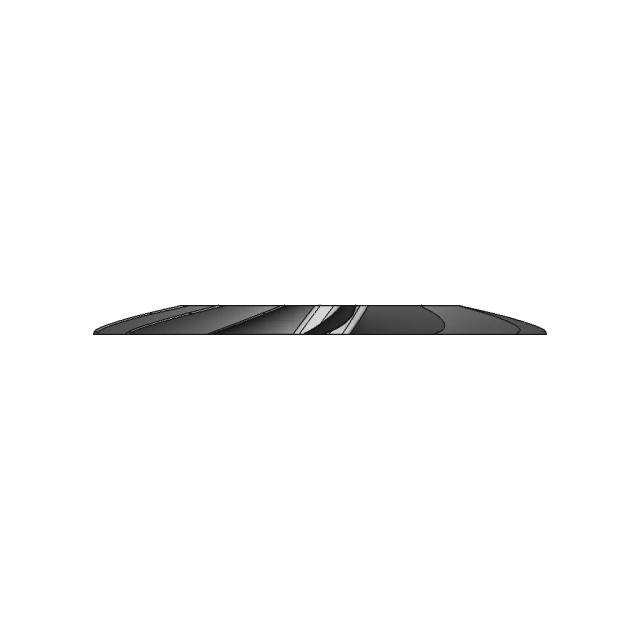
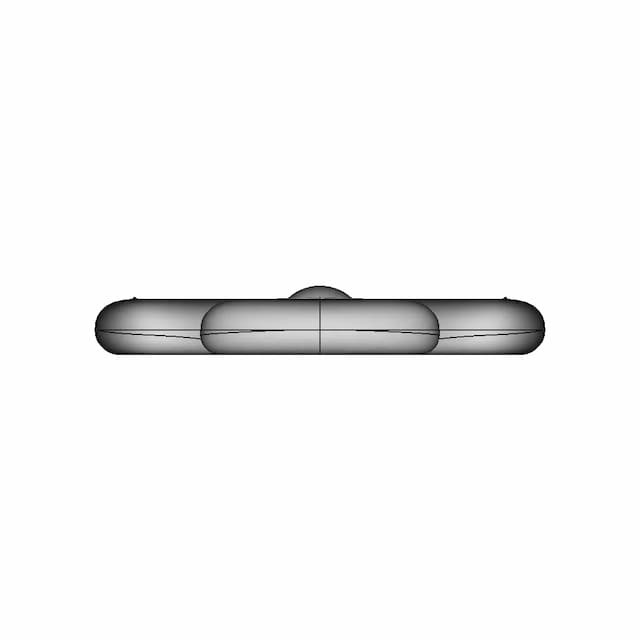
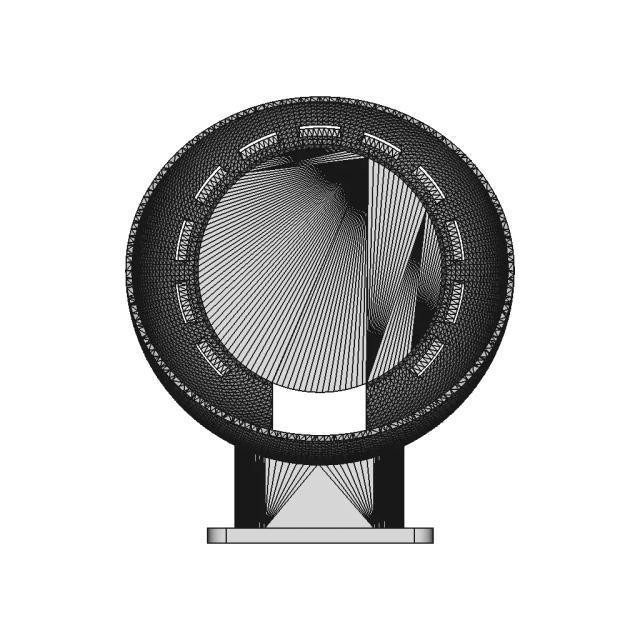
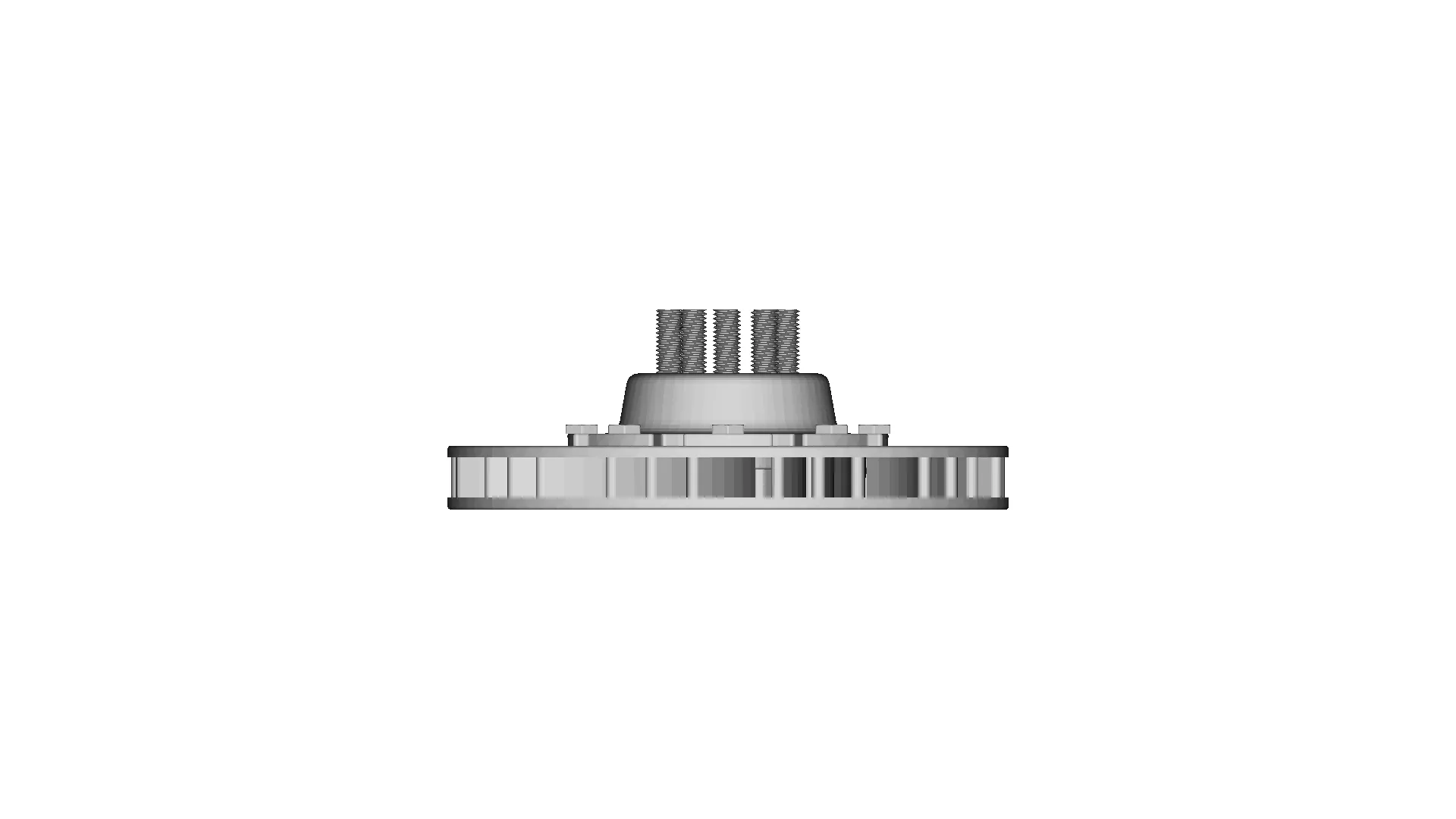
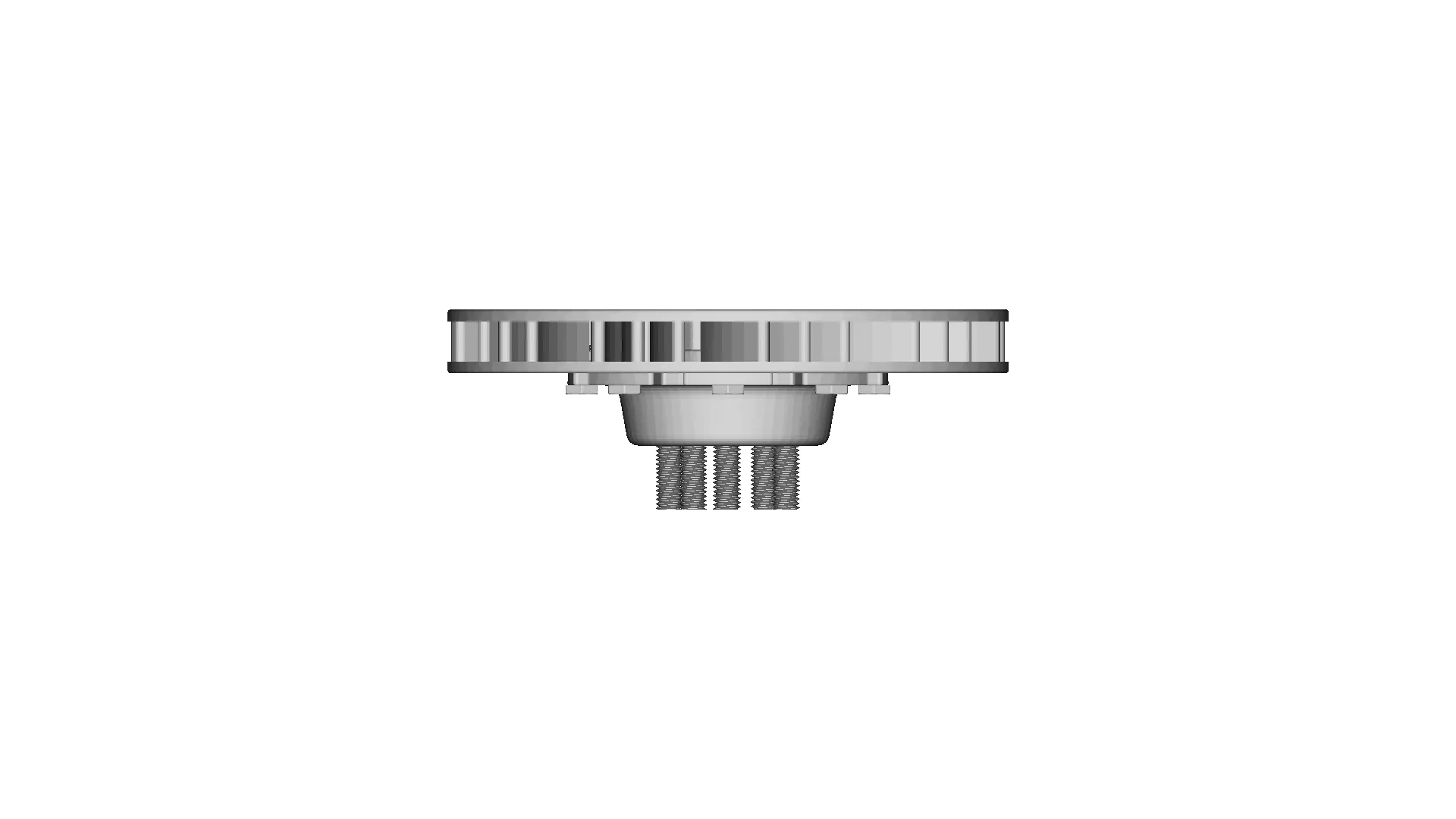
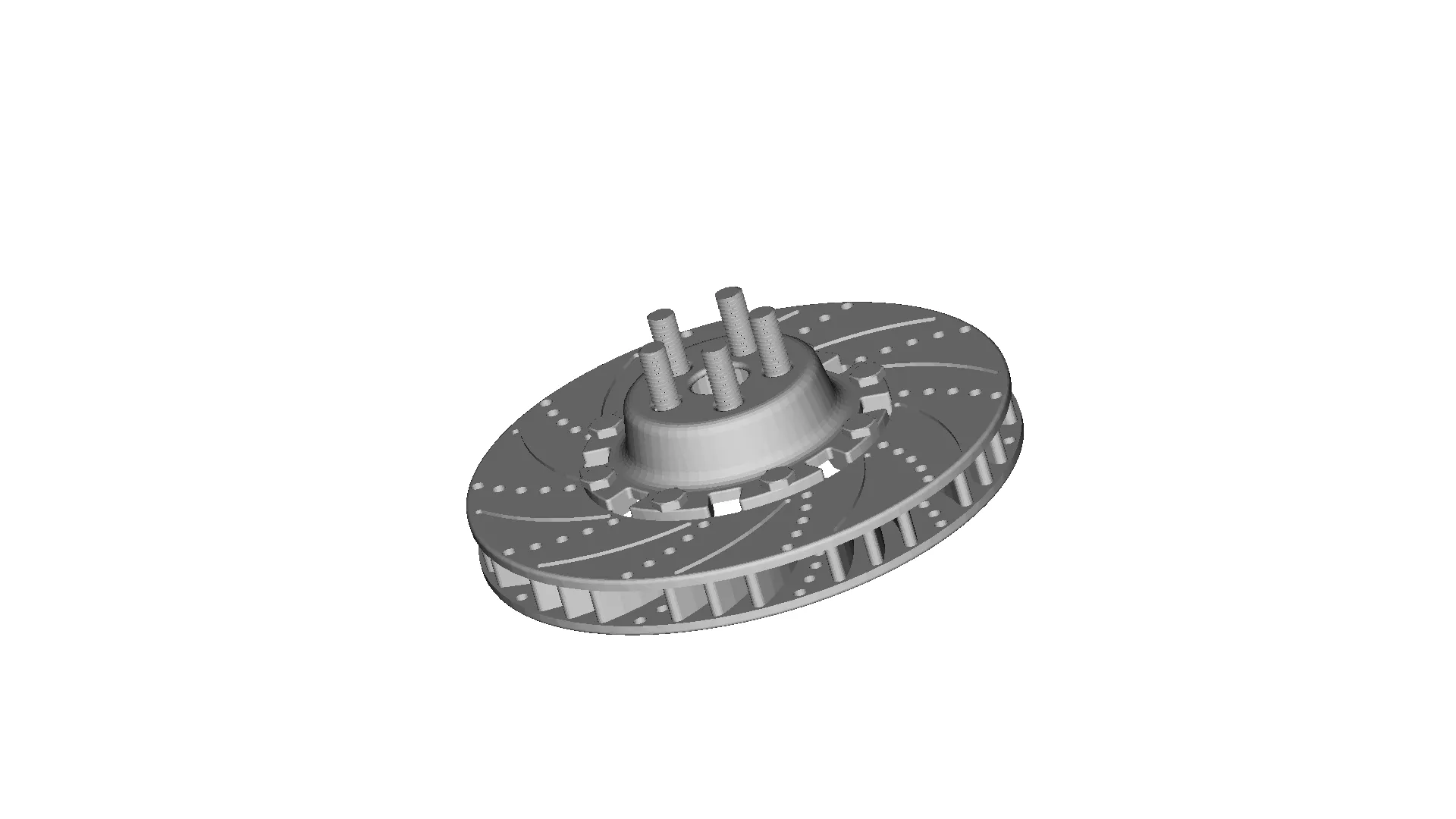
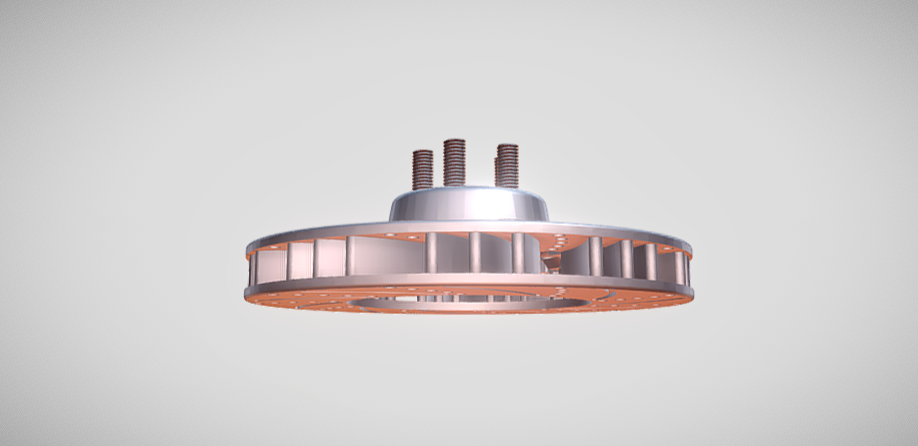
A rotor disc brake is a key component of modern braking systems, used widely in vehicles such as cars, motorcycles, and bicycles. It works by converting kinetic energy into thermal energy through friction, effectively slowing or stopping the vehicle. Known for their reliability, durability, and superior heat dissipation, rotor disc brakes are a preferred choice for both performance and safety.Components of a Rotor Disc Brake SystemRotor (Disc):A flat, round, and often vented metal disc attached to the wheel hub.Made from materials such as cast iron, carbon-ceramic, or steel.Rotates with the wheel, providing a surface for brake pads to clamp against.Can be solid or ventilated (with internal channels) for improved cooling.Brake Caliper:Houses the brake pads and pistons.Comes in two types: floating (sliding) or fixed.Applies pressure to the brake pads, forcing them against the rotor.Brake Pads:Friction material that presses against the rotor to create braking force.Composed of materials l

Download this model

Download the native STL file — $32.

Opens in slicers, mesh tools and most CAD viewers.

<100
<100

The files are shared to help you get inspired and speed up your workflow. They may not be fully accurate or production-ready, so review carefully before use.

View NameExtensionAction
Design fileFormat: STL
Front Viewwebp
Top Viewwebp
Bottom Viewwebp
Left Side Viewwebp
Right Side Viewwebp
Isometric Viewwebp
Supporting Files (2)
PreviewFile NameAction
Screenshot 2025-01-05 130012.png
Screenshot 2025-01-05 130004.png

CAD File Details

File Information
File Nameinput_file.stl
File TypeSTL
Unitsmm
Usage Notes
NotesSuitable for design reference, visualization, prototyping workflows and engineering review. Validate dimensions and geometry before manufacturing use.

What you can use this CAD model for

  • Engineering review
  • Manufacturing discussion
  • Supplier communication
  • Prototype development
  • Design validation

Before using this CAD file

Review the model dimensions, units and geometry before using it for manufacturing or production. Some files may be created for reference, visualization or workflow acceleration and may require validation before final use.

Comments

0
Y
Loading comments...

Marathon-OS Design Hub

Everything you need to design faster, smarter, and with more impact.
3D Printed Protective Case for Orange Pi Zero 3
Maximum Bite Plant V2 1 | 3D CAD Engineering Model
Metal X-Carriage and Toolhead Holder Assembly for 3D Printers
Replacement Fan Blade Design for 3D Printing
Multi-Drum Machine Mounting Plate Design
3D Print Controller Box with Atena SIM800 Module
Freecad 099 | 3D Engineering Design File
P.L.A. - Fully 3D Printed Plastic Ant Weight - Downloadable CAD Representation
Prusa Nextruder Nozzle Adapter CAD Model
Two And Three Key Holders 1 | 3D CAD Engineering Model
Diy 3D Printer - Standard Mechanical Component
Boy Scout Emblem | 3D Engineering Design File
Aftermarket Carriage for Hot Ends and Extruders
3D Portable Print - Standard Mechanical Component
Card Casing for MKSTinyBee MKS24
Flower Design Four Leaf Clover | 3D Engineering Design File
View all designs

Recently added / Trending

Everything you need to design faster, smarter, and with more impact.
Wall-Mount Bracket for Amazon Alexa Device - 3D Printed Solution
1200Lt Tank 1 | CAD Model for Chemical Industry
Lidl Monitor Ligth Bar Support | High-Quality CAD Model
Combustion Chamber Second Iteration 1 | CAD Model for Energy Systems
Robotic Assembly And Outfitting For Nasa Space Missions - Standard Mechanical Component
Airbus A220 Aircraft Model Designed with Fusion 360
Wheel Rim 203 | Industrial CAD Design
Breadboard 400Pin 2 | 3D CAD Engineering Model
Class a Submini Tube Amp
Electromechanical Valve Neptun Profi 12 V 3 4
View all designs

Free Online CAD Viewer –Secure, Fast & Cloud-Based

A lightweight, online tool to convert 3D file formats—anytime, anywhere, without installing any software.

Drag & drop your 3D files

Supported formats: STEP (.step, .stp), IGES (.igs, .iges), STL (.stl), PLY (.ply), OFF (.off), BREP (.brp, .brep)

upload
Don't have a file? Try one of these samples:


CAD Viewer featureOpen CAD files instantly in your browser.
CAD Viewer featureNo software needed.
CAD Viewer featurePrivate uploads.
CAD Viewer featureAutomatically deleted after 7 days.
CAD Viewer featureUpload files up to 300 MB