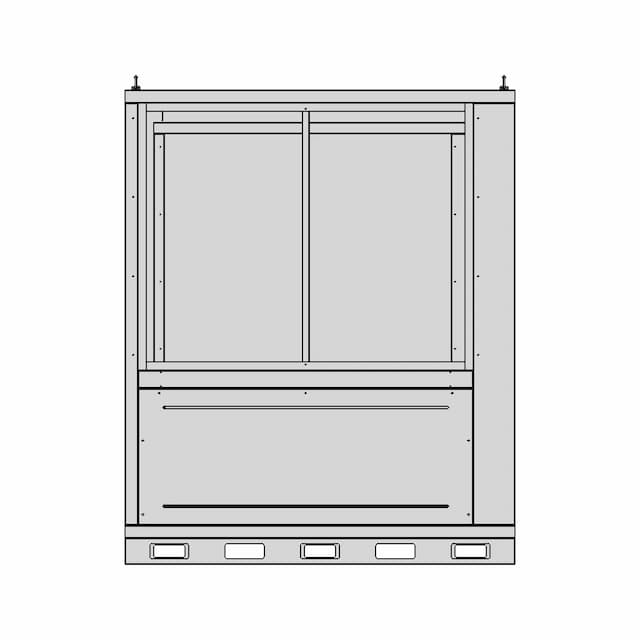
Solidworks Exercise 4 | High-Quality
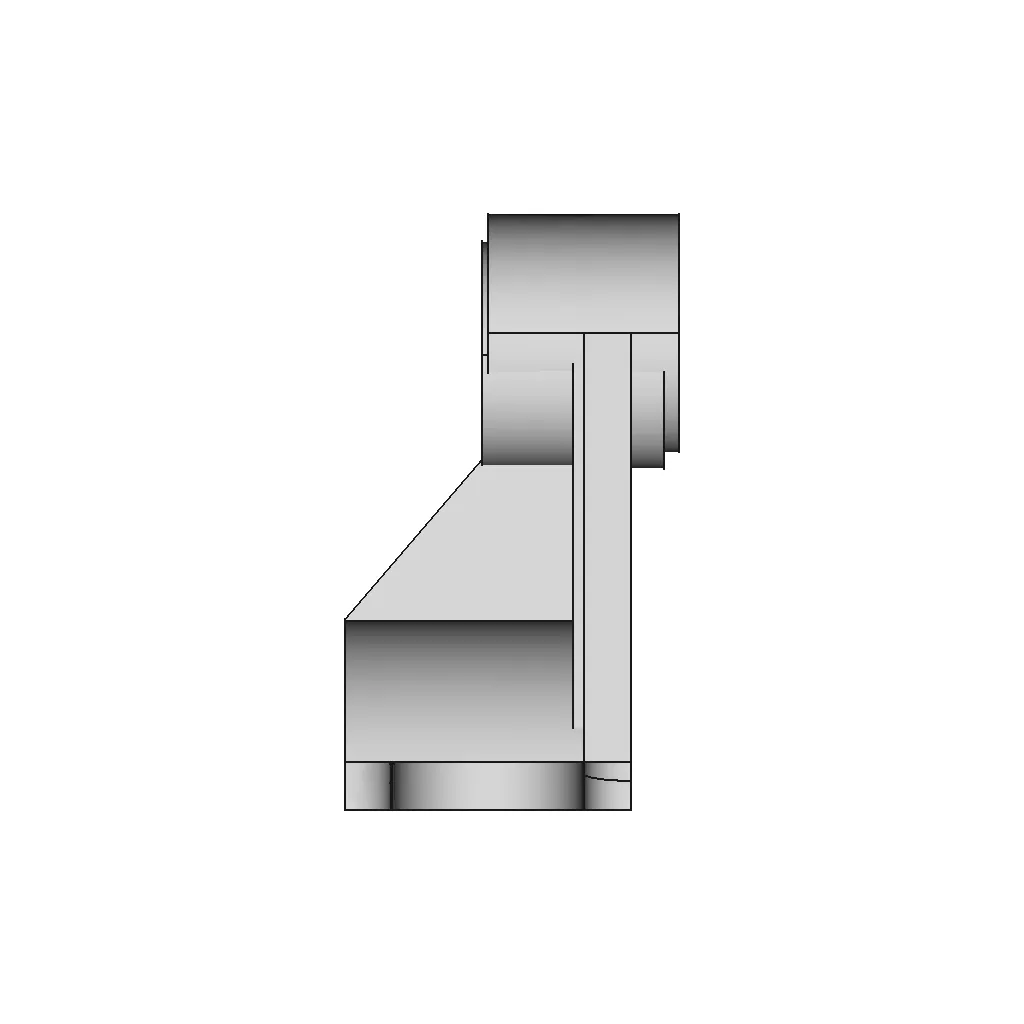
0.0(0 reviews)
Machine design
Cad Model
Manufacturing Simulation
Solidworks Exercise 4
Logo
sprite x=0 y=0
Angle x=0 y=0
Angle x=0 y=90
Angle x=0 y=270
Angle x=90 y=0
Angle x=270 y=0
Angle x=60 y=30

About this design

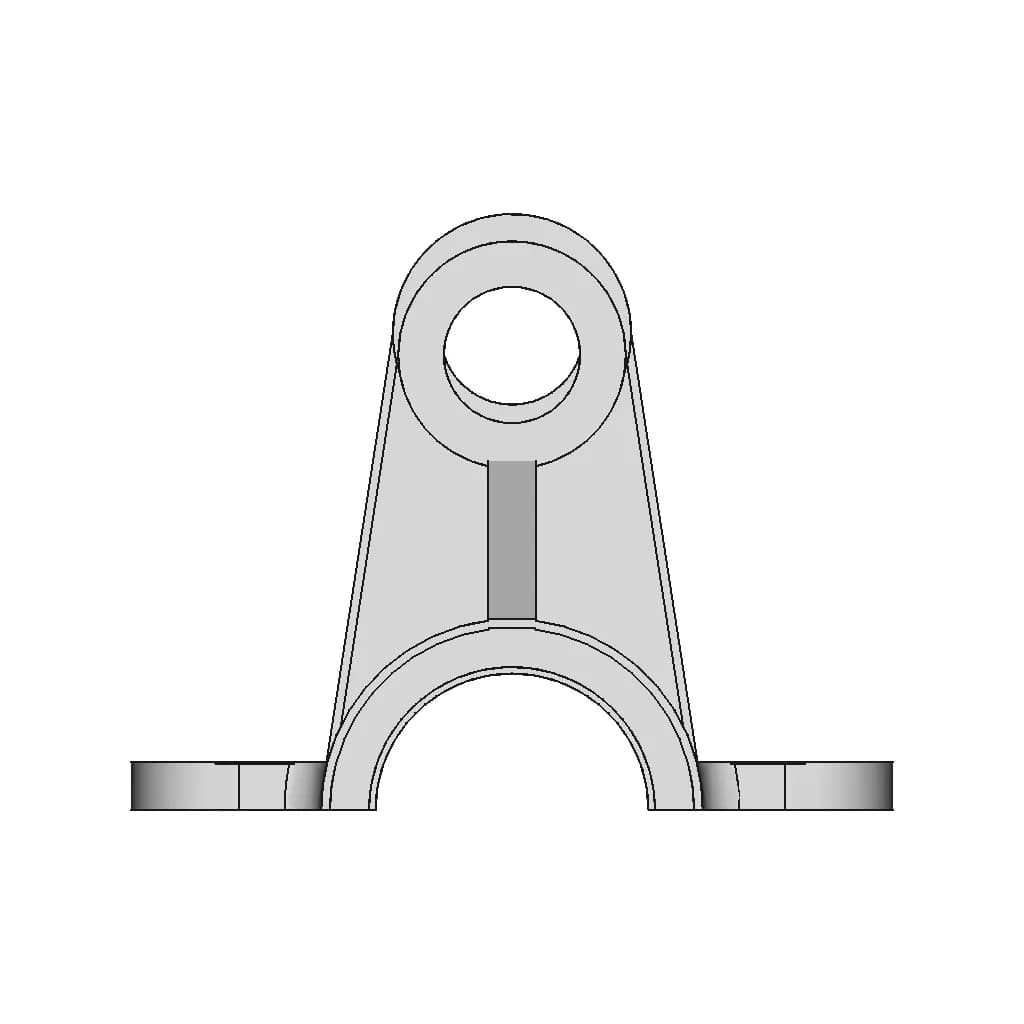
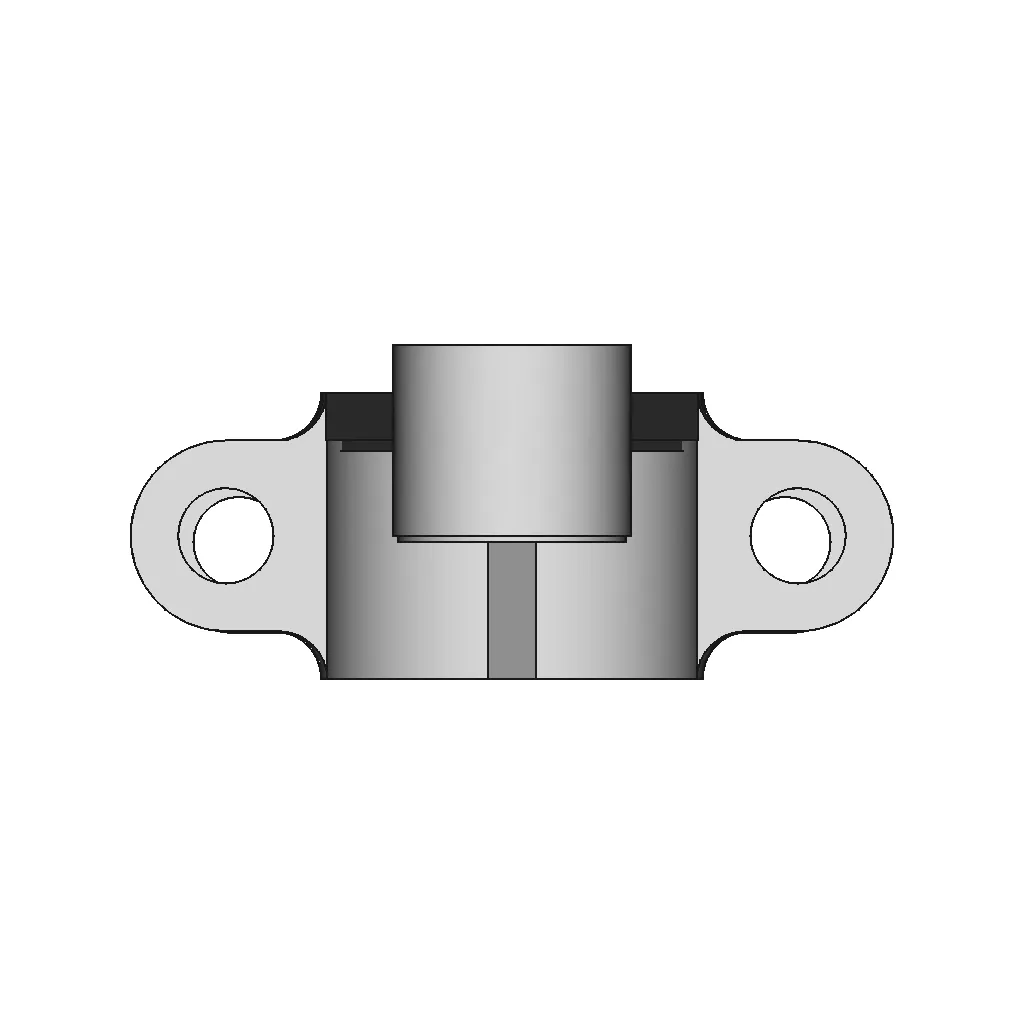
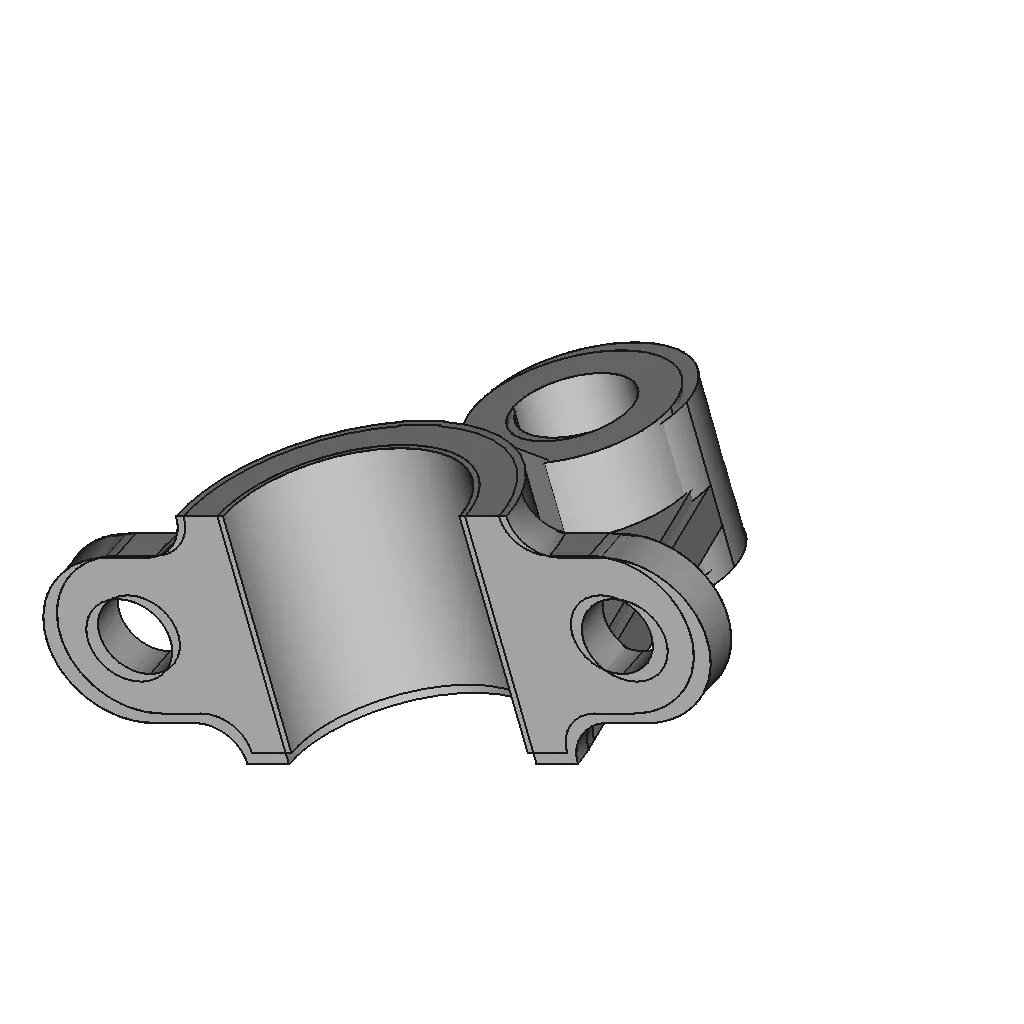
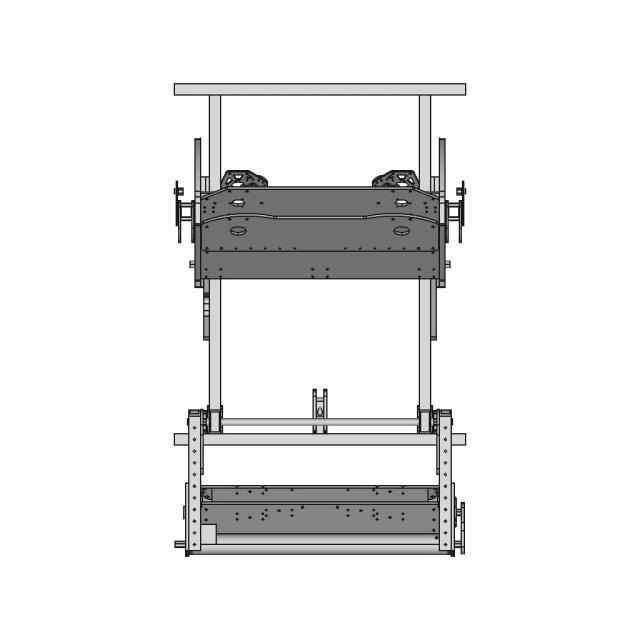
Generic CAD file for Solidworks Exercise 4, suitable for professional prototyping, manufacturing simulations, and academic use.

What people convert this model to

Loading conversion stats…

Download this model

Pick the format your software opens. The native file is free.

Opens in SolidWorks, Fusion, Onshape, Inventor. Need a mesh or a drawing? Pick a format above.

<100
<100

The files are shared to help you get inspired and speed up your workflow. They may not be fully accurate or production-ready, so review carefully before use.

View NameExtensionAction
Design fileFormat: STEP
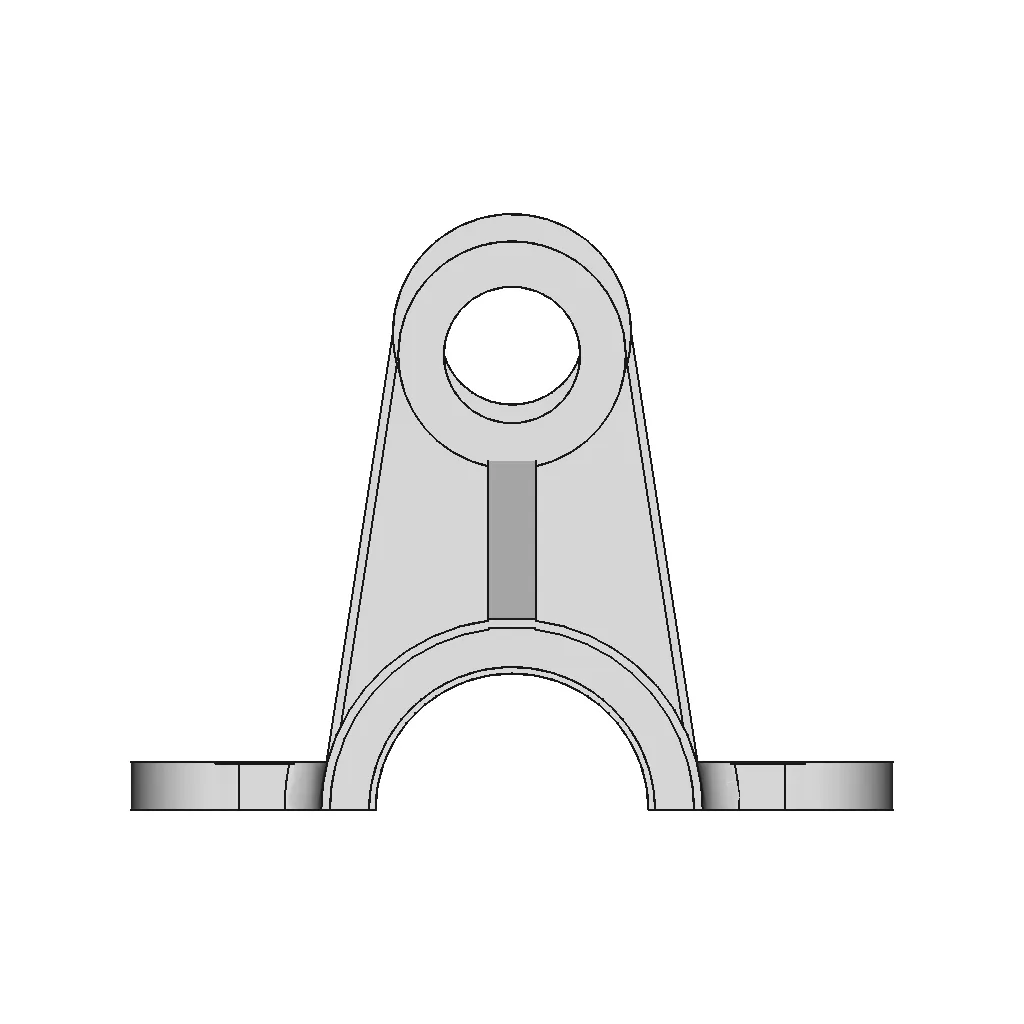
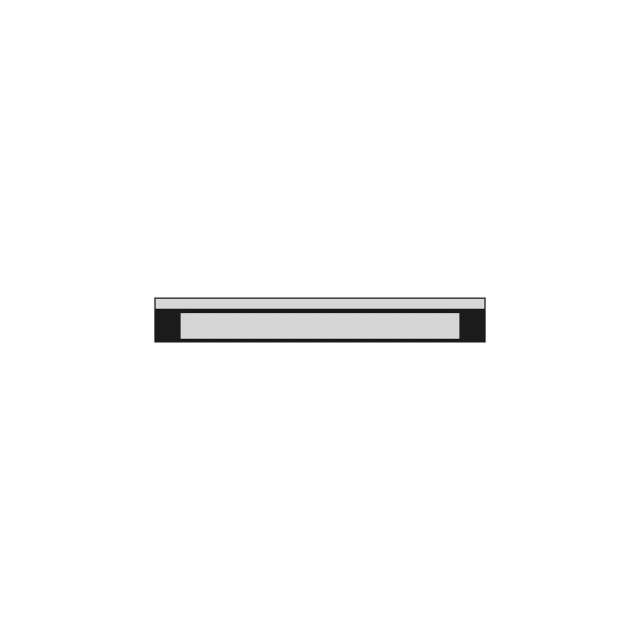
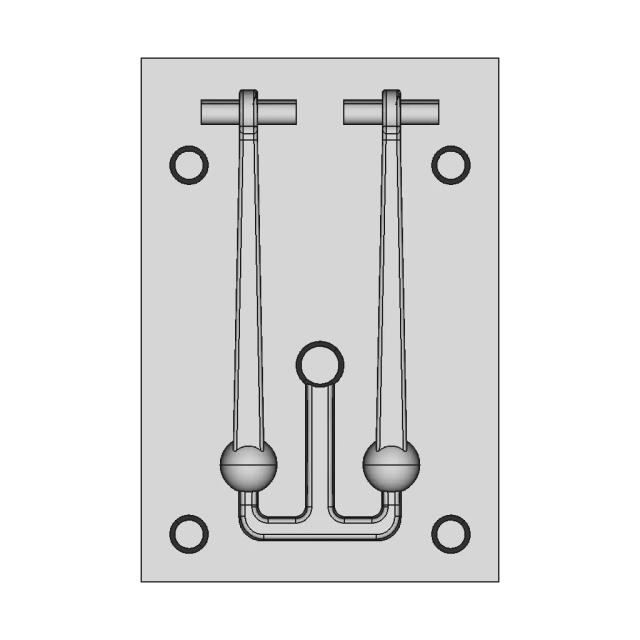
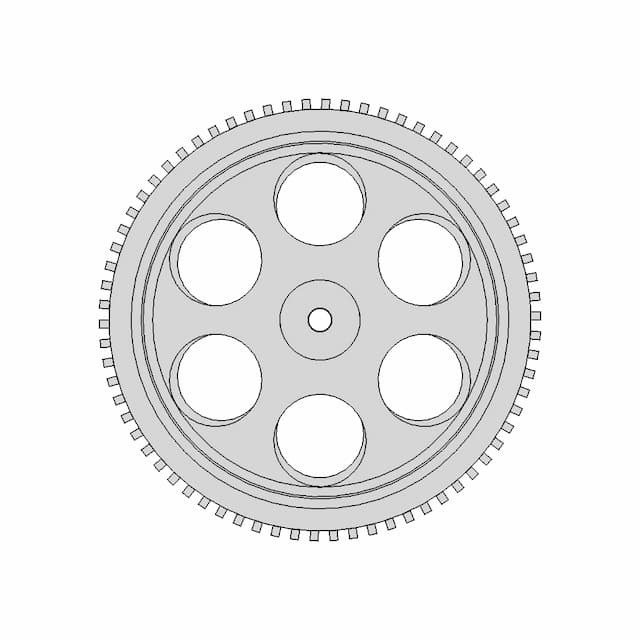
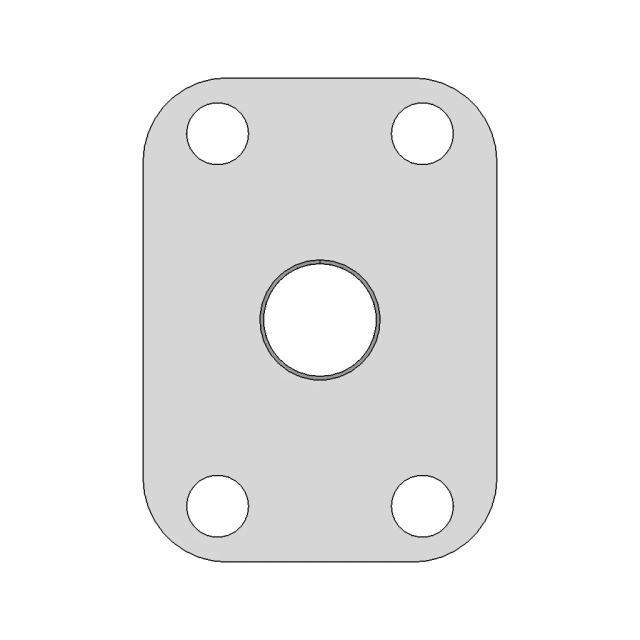
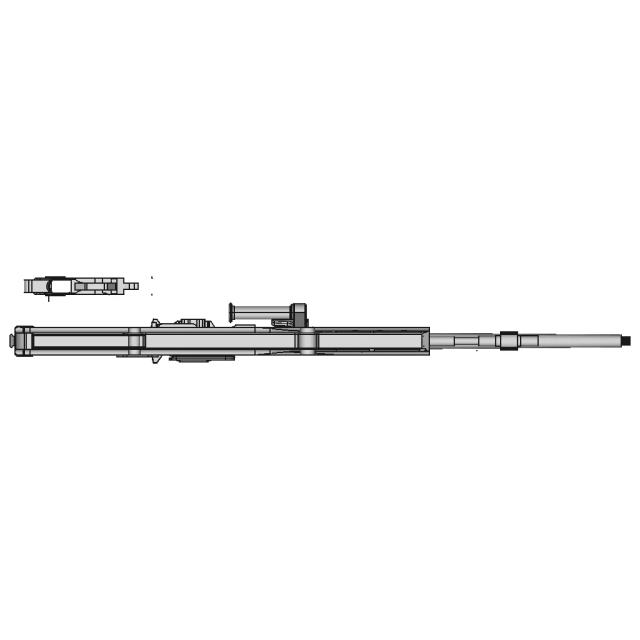
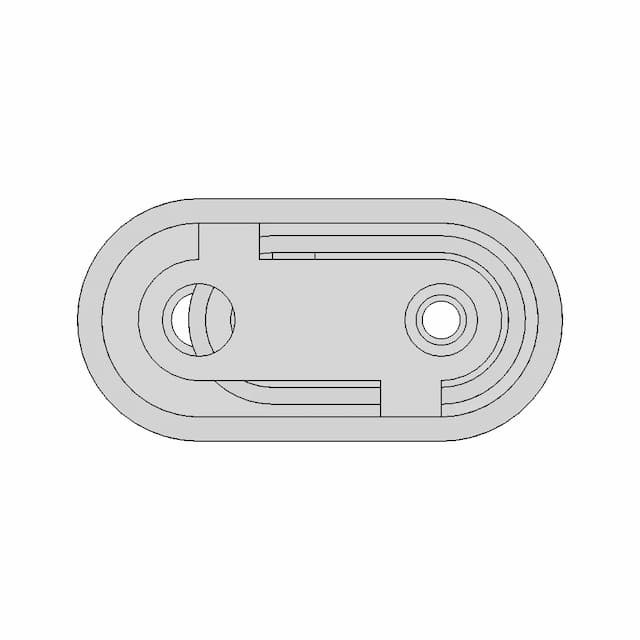
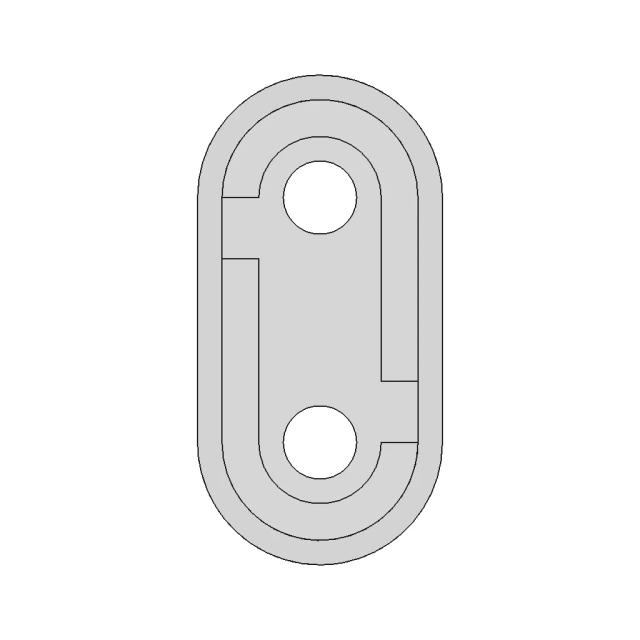
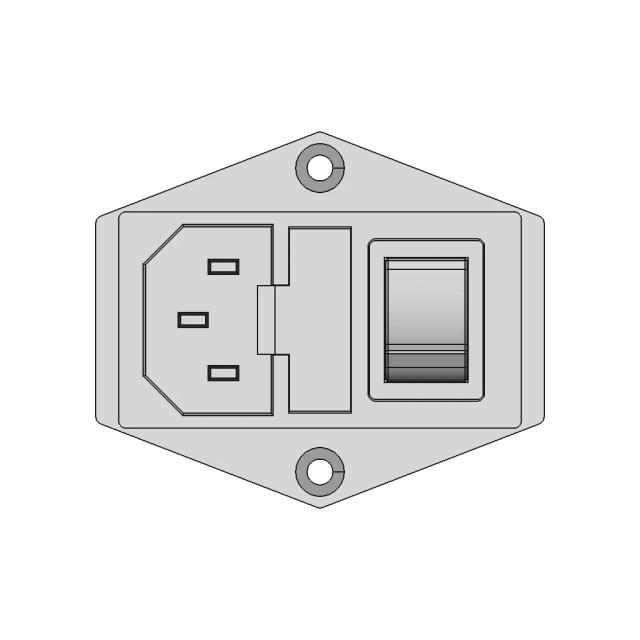
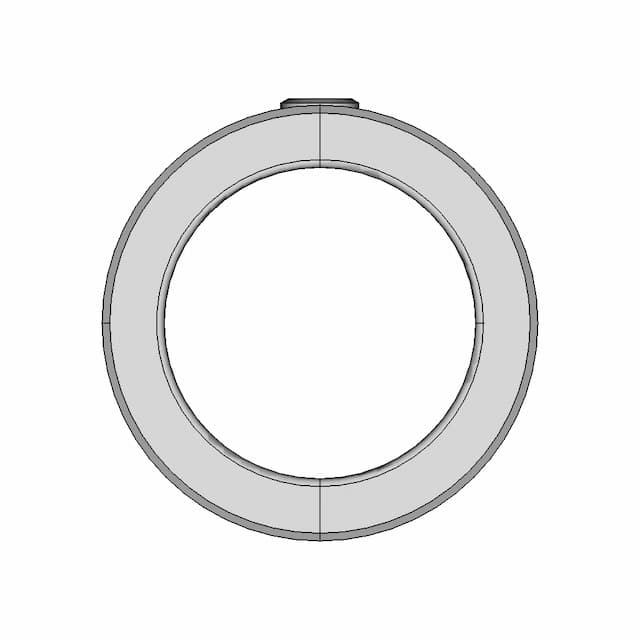
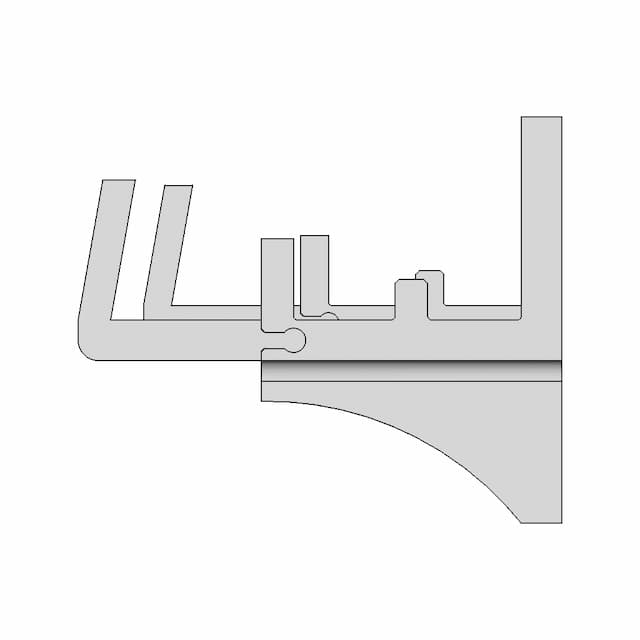
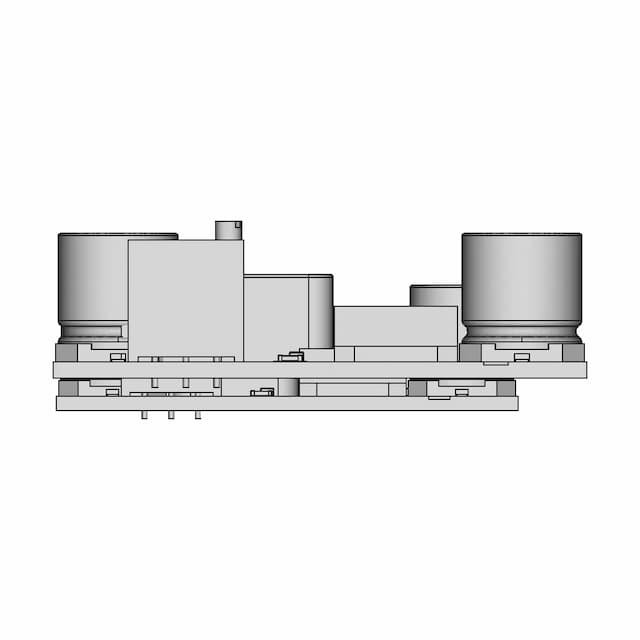
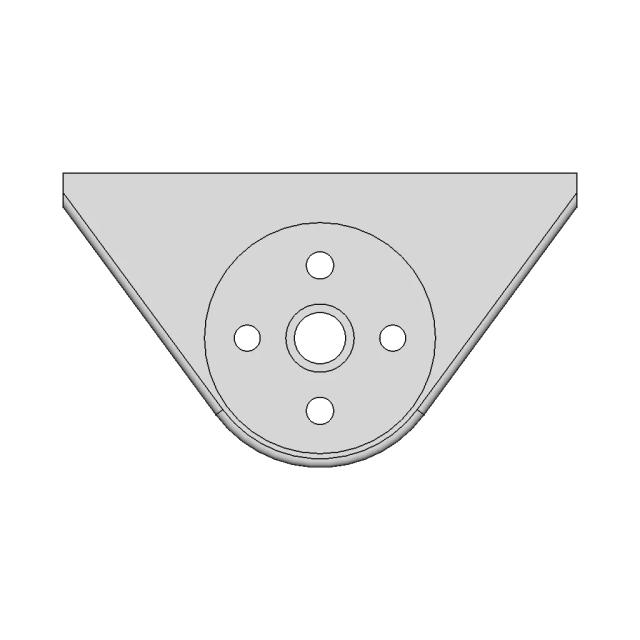
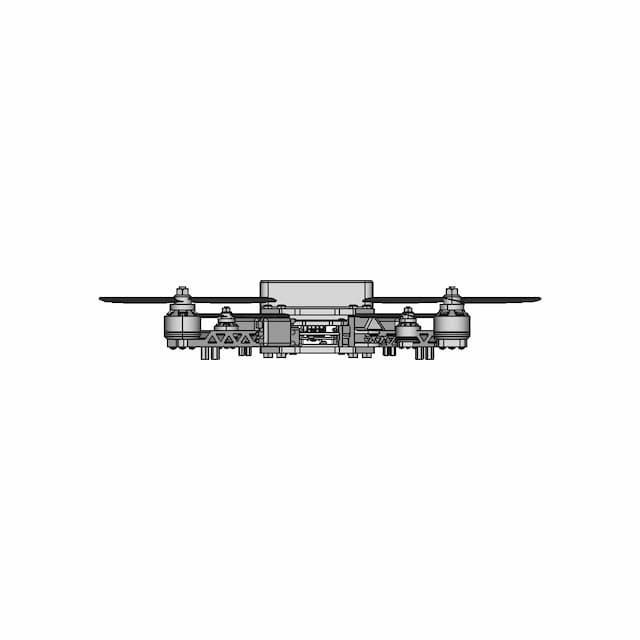
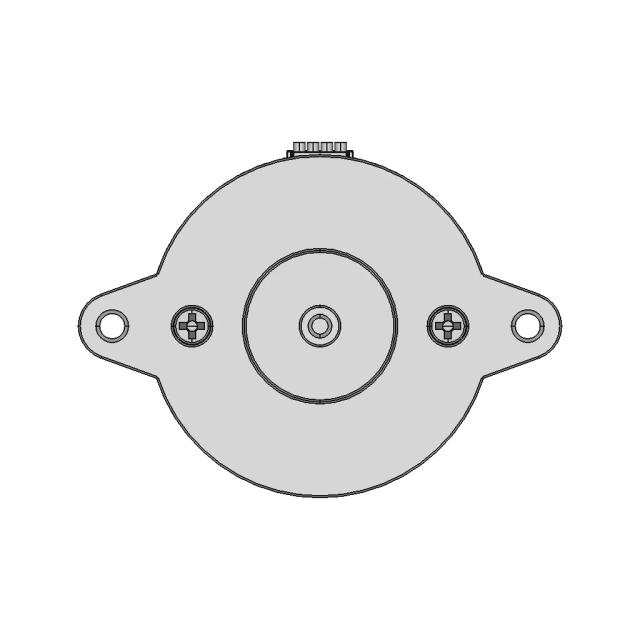
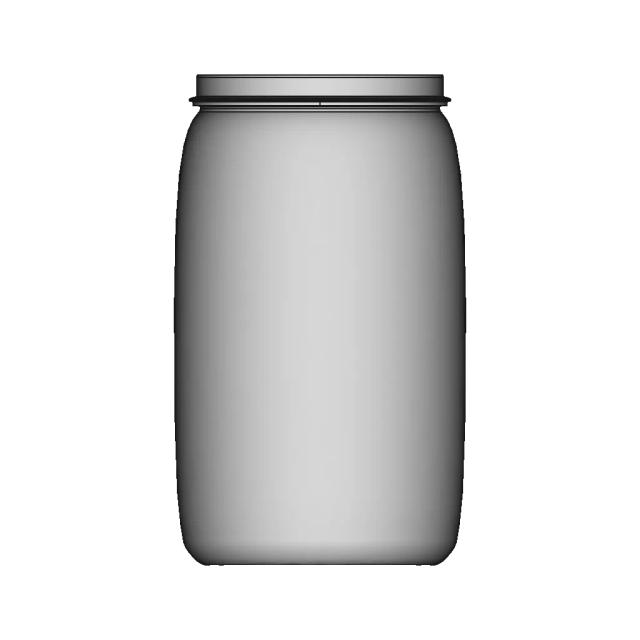
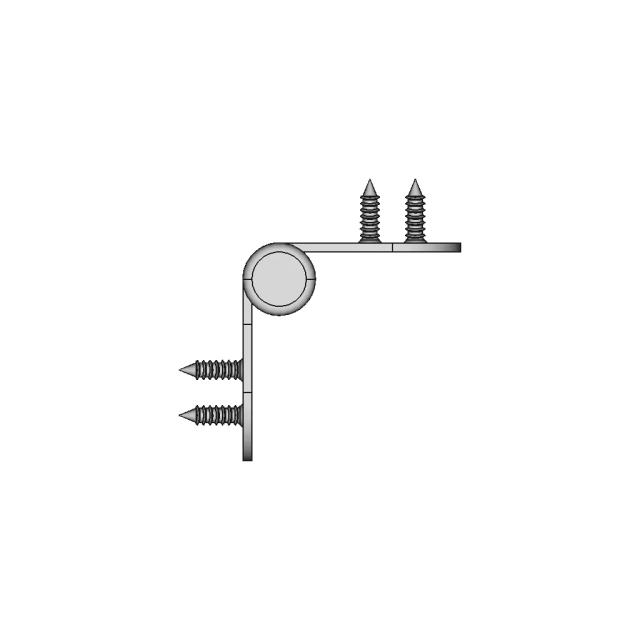
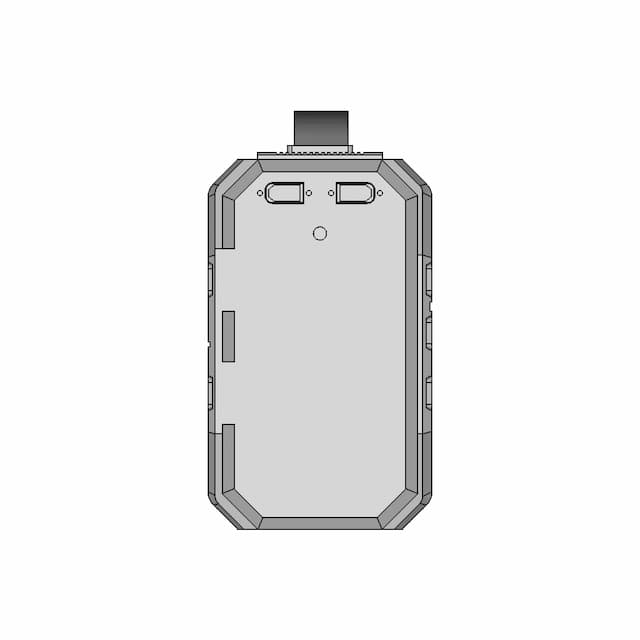
Front Viewwebp
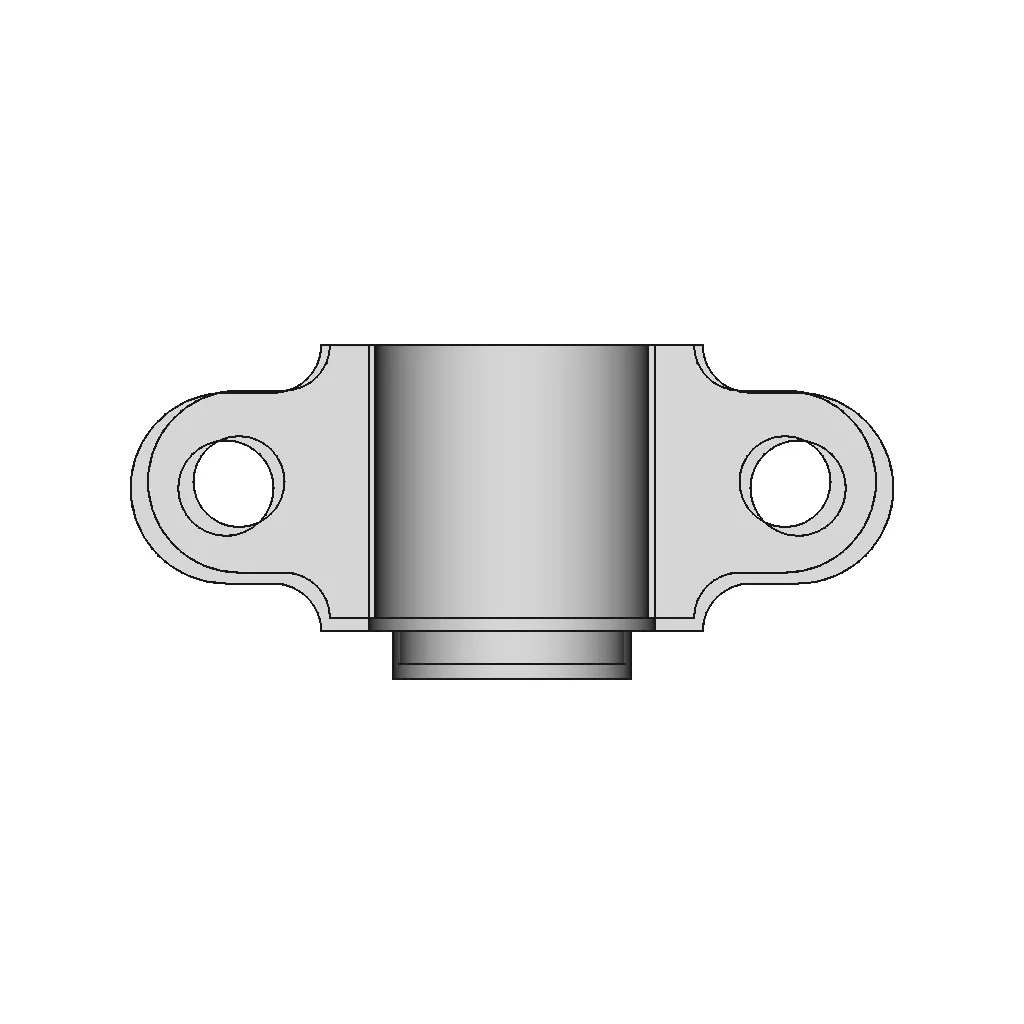
Top Viewwebp
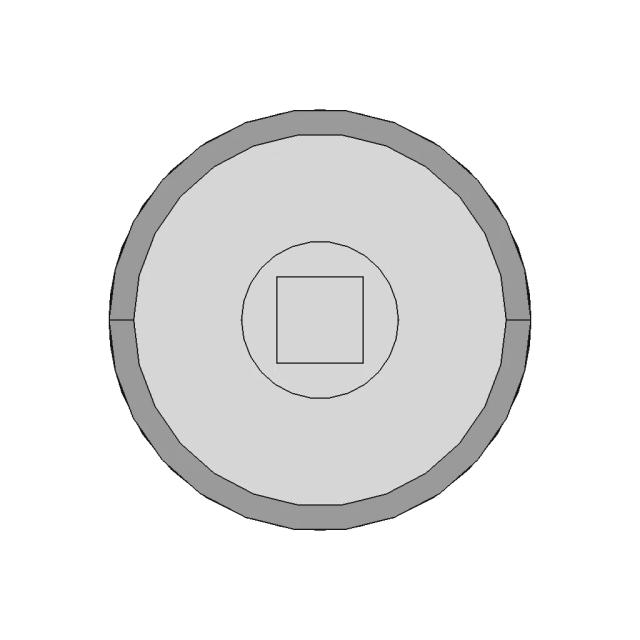
Bottom Viewwebp
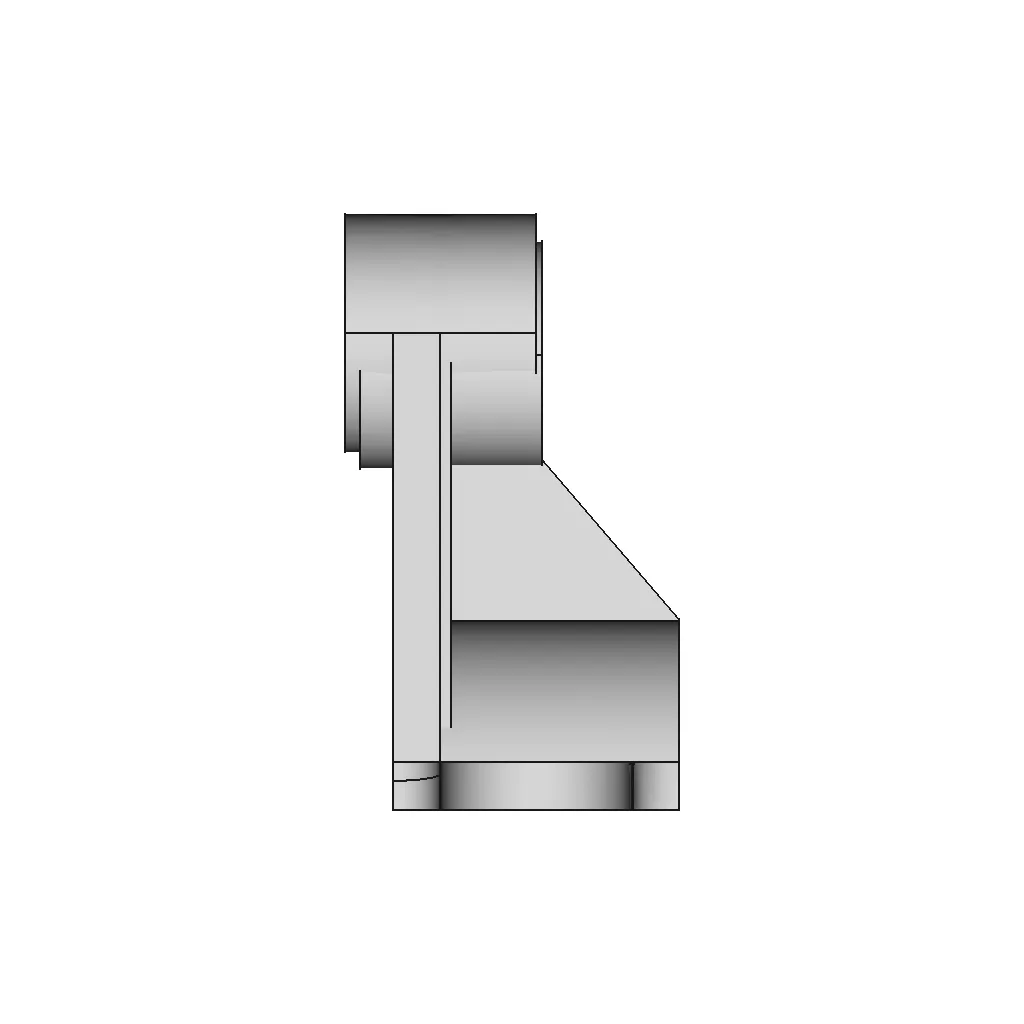
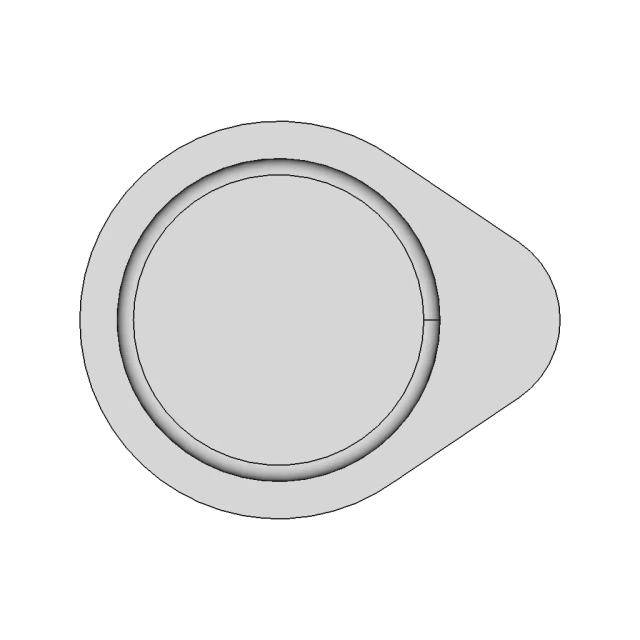
Left Side Viewwebp
Right Side Viewwebp
Isometric Viewwebp
Supporting Files (0)
PreviewFile NameAction
No supporting files

CAD File Details

File Information
File NameEXERCISE-004.IGS
File TypeSTEP
Unitsmm
Geometry Summary
Faces40
Edges942
Vertices942
Solids0
Surface Types
Planar0
Cylindrical0
Conical0
Spherical0
Toroidal0
Other40
Bounding Box
Width160.00 mm
Height125.00 mm
Depth70.00 mm
Usage Notes
NotesSuitable for design reference, visualization, prototyping workflows and engineering review. Validate dimensions and geometry before manufacturing use.

What you can use this CAD model for

  • Engineering review
  • Manufacturing discussion
  • Supplier communication
  • Prototype development
  • Design validation

Before using this CAD file

Review the model dimensions, units and geometry before using it for manufacturing or production. Some files may be created for reference, visualization or workflow acceleration and may require validation before final use.

Paid Pipeline · $5.99 per drawing set

Need 2D engineering drawings for this CAD model?

Generate multi-view 2D technical drawings from this 3D CAD file, including orthographic views, section cuts and downloadable PDF, SVG and DXF files.

  • ✓ Ready in under 4 minutes
  • ✓ 9 sheets · editable FCStd + PDF, SVG, DXF
  • ✓ No subscription · pay per file
$5.99
per drawing set incl. GST
4 min
avg. turnaround

Comments

0
Y
Loading comments...

Marathon-OS Design Hub

Everything you need to design faster, smarter, and with more impact.
Qidi Q1 Pro Btt Microprobe Mount V1 1 | 3D CAD Engineering Model
2024 Design Mania | 3D Engineering Design File
Buoyant Ball 1 | 3D CAD Engineering Model
The Barbabpapa 3-In1 Shopping Cart Token Keychain | 3D Engineering Design File
Lean Cuboctahedron Module 1 | 3D CAD Engineering Model
Planetary Gear Model for 3D Printing
Rubber Duckie | 3D CAD Engineering Model
100Mm X 20Mm Toy Wheel Robocraze | 3D Engineering Design File
Ink Slinger 1 | 3D CAD Engineering Model
Prusa Superpinda | High-Quality CAD Model
Earth Puzzle 2 | 3D CAD Engineering Model
Bambu Lab Cht Nozzle 1 | 3D CAD Engineering Model
Remixed HyperCube Style Case for Orange Pi 5 Max with Cooling Enhancements
Design 8 | 3D Engineering Design File
Fan Duct Qidi Q1 Pro For Microprobe Btt 1 | 3D CAD Engineering Model
Sphere 27 | 3D CAD Engineering Model
View all designs

Recently added / Trending

Everything you need to design faster, smarter, and with more impact.
6 Million Subscribers Trophy 1 | Professional CAD Design
Soporte Ps4 | 3D Engineering Design File
Lm2596 Dc-Dc Buck Converter Module | 3D Engineering Design File
Wall Display 2 | 3D CAD Engineering Model
Drone | 3D Engineering Design File
Stepper Motors Ldo Orbiter Mod Ldo 36STH17 1004AHG Mod Ldo 36STH20 1004AHG
Blue Barrel 220 Liters 1 | CAD Model for Chemical Industry
Configurable Open and Closed Type Mechanical Component
Houssing For Battery 8S - Downloadable CAD Representation
Condenser | High-Quality CAD Model
View all designs

Free Online CAD Viewer –Secure, Fast & Cloud-Based

A lightweight, online tool to convert 3D file formats—anytime, anywhere, without installing any software.

Drag & drop your 3D files

Supported formats: STEP (.step, .stp), IGES (.igs, .iges), STL (.stl), PLY (.ply), OFF (.off), BREP (.brp, .brep)

upload
Don't have a file? Try one of these samples:


CAD Viewer featureOpen CAD files instantly in your browser.
CAD Viewer featureNo software needed.
CAD Viewer featurePrivate uploads.
CAD Viewer featureAutomatically deleted after 7 days.
CAD Viewer featureUpload files up to 300 MB