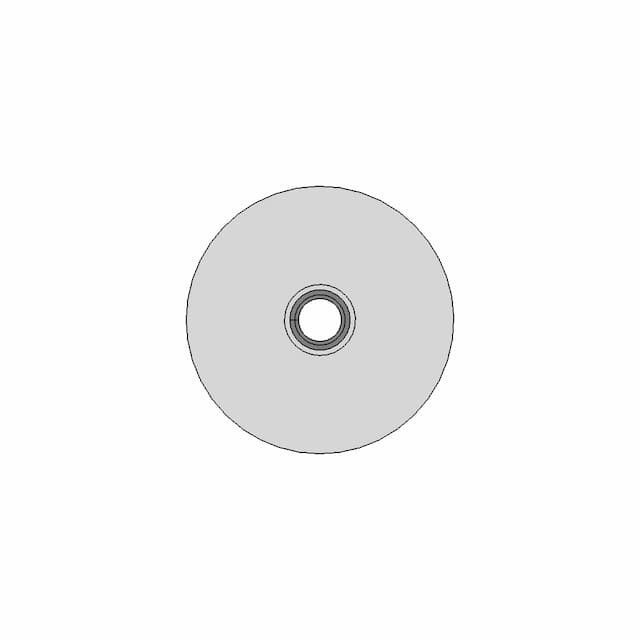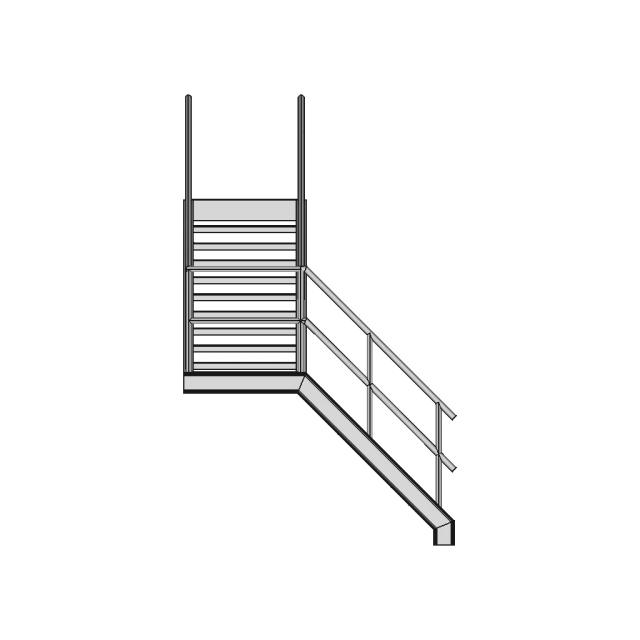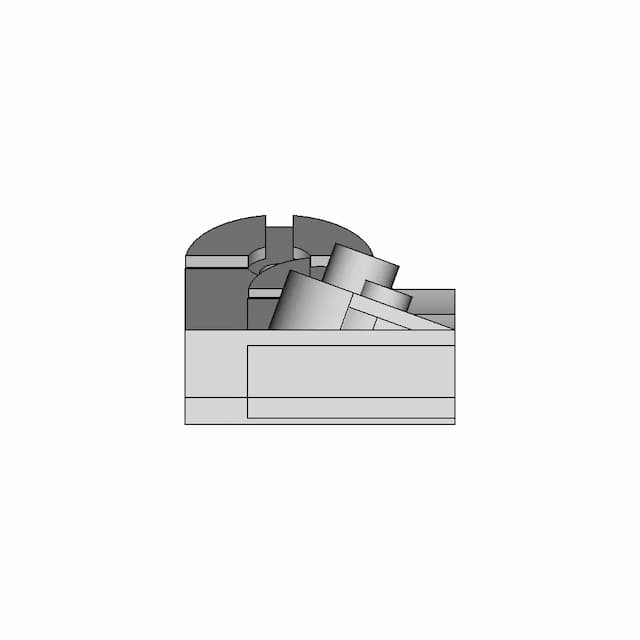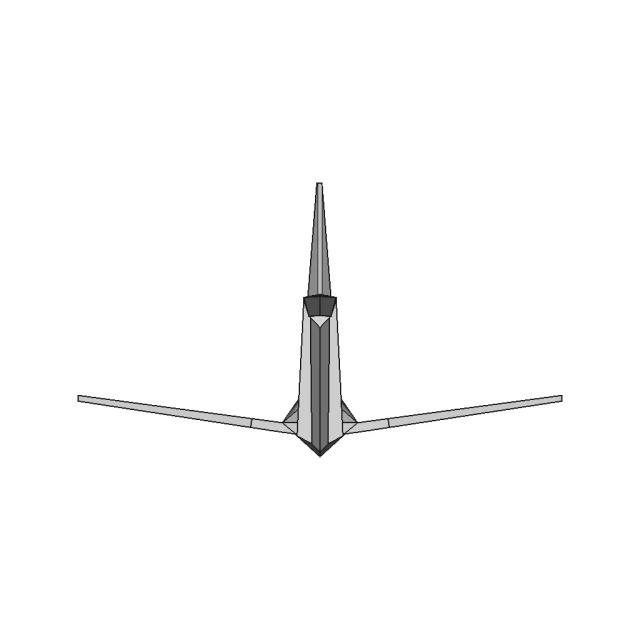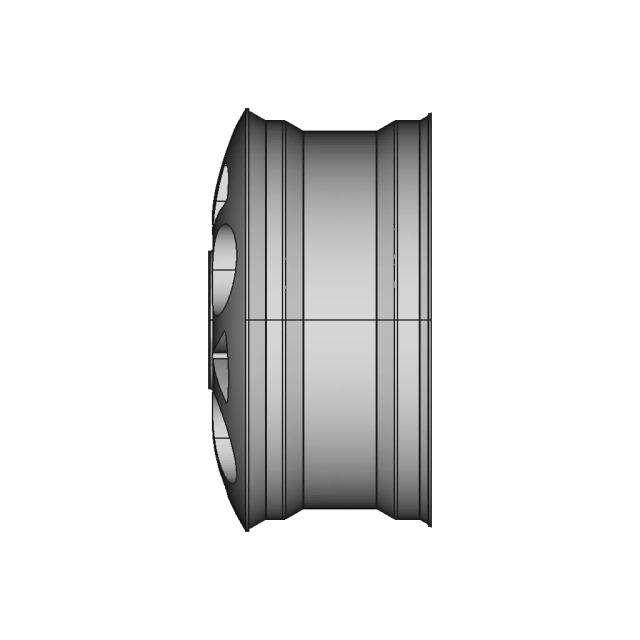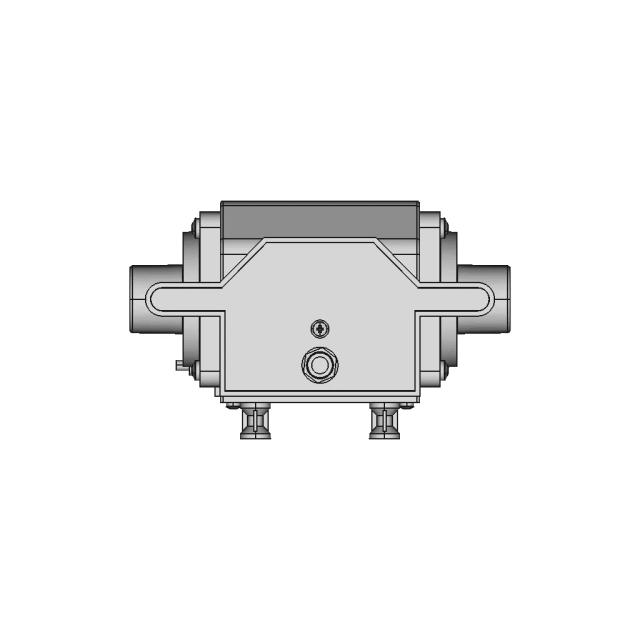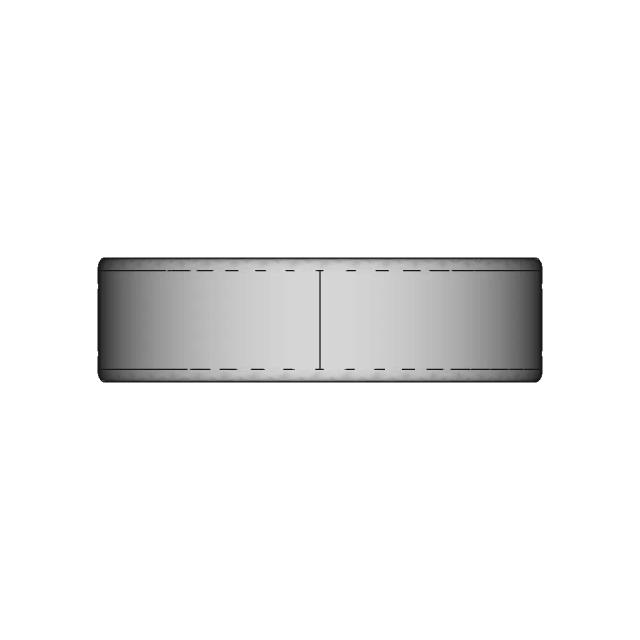
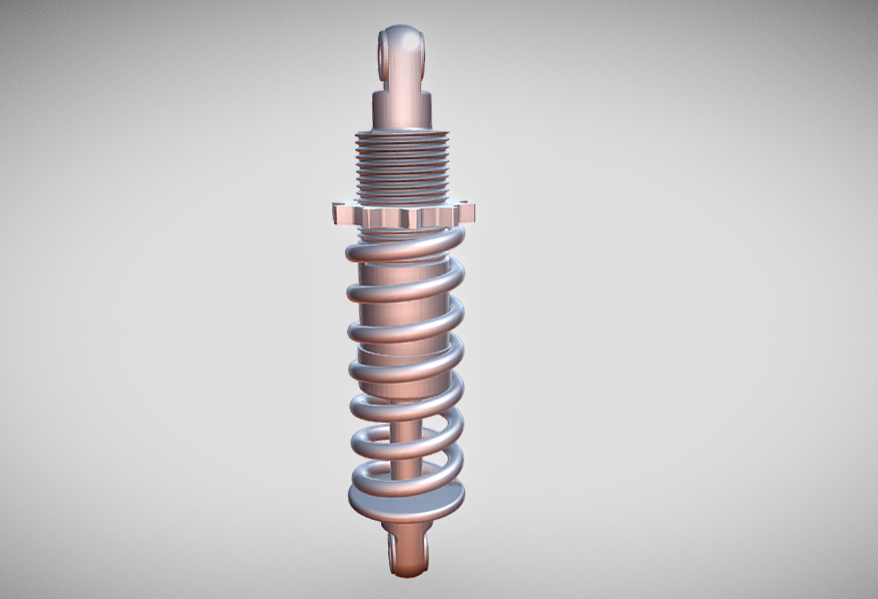
SUSPENSION

VR DESIGNER57 projects
0.0(0 reviews)
Automotive
Logo
sprite x=0 y=0
Angle x=0 y=0
Angle x=0 y=90
Angle x=0 y=270
Angle x=90 y=0
Angle x=270 y=0
Angle x=60 y=30
Screenshot 2025-01-05 130835.png
Screenshot 2025-01-05 130817.png
Screenshot 2025-01-05 130755.png

About this design

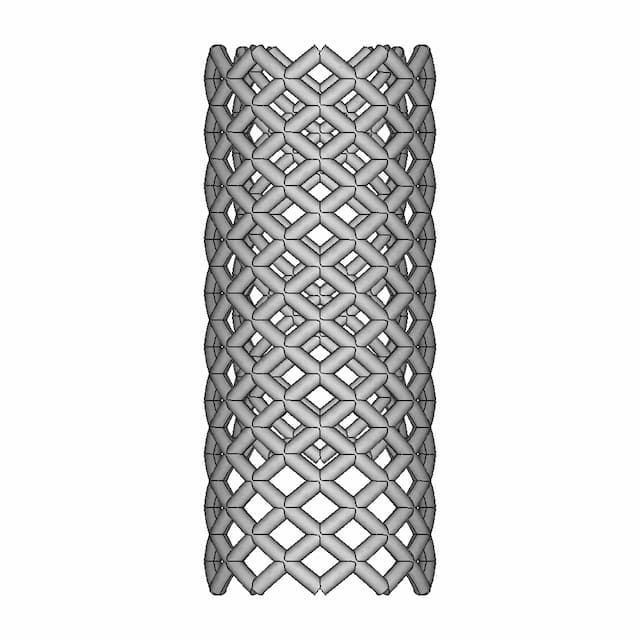
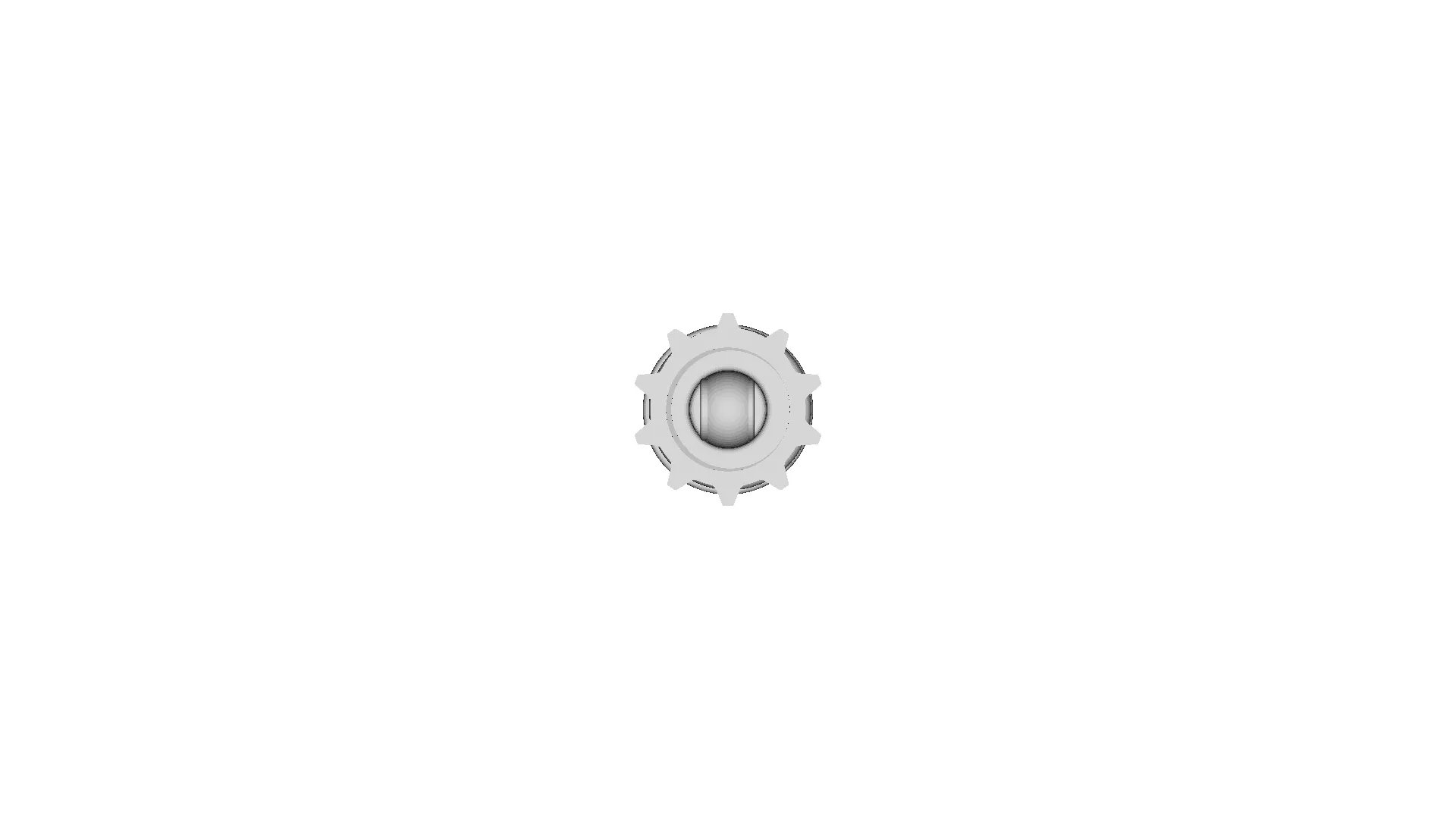
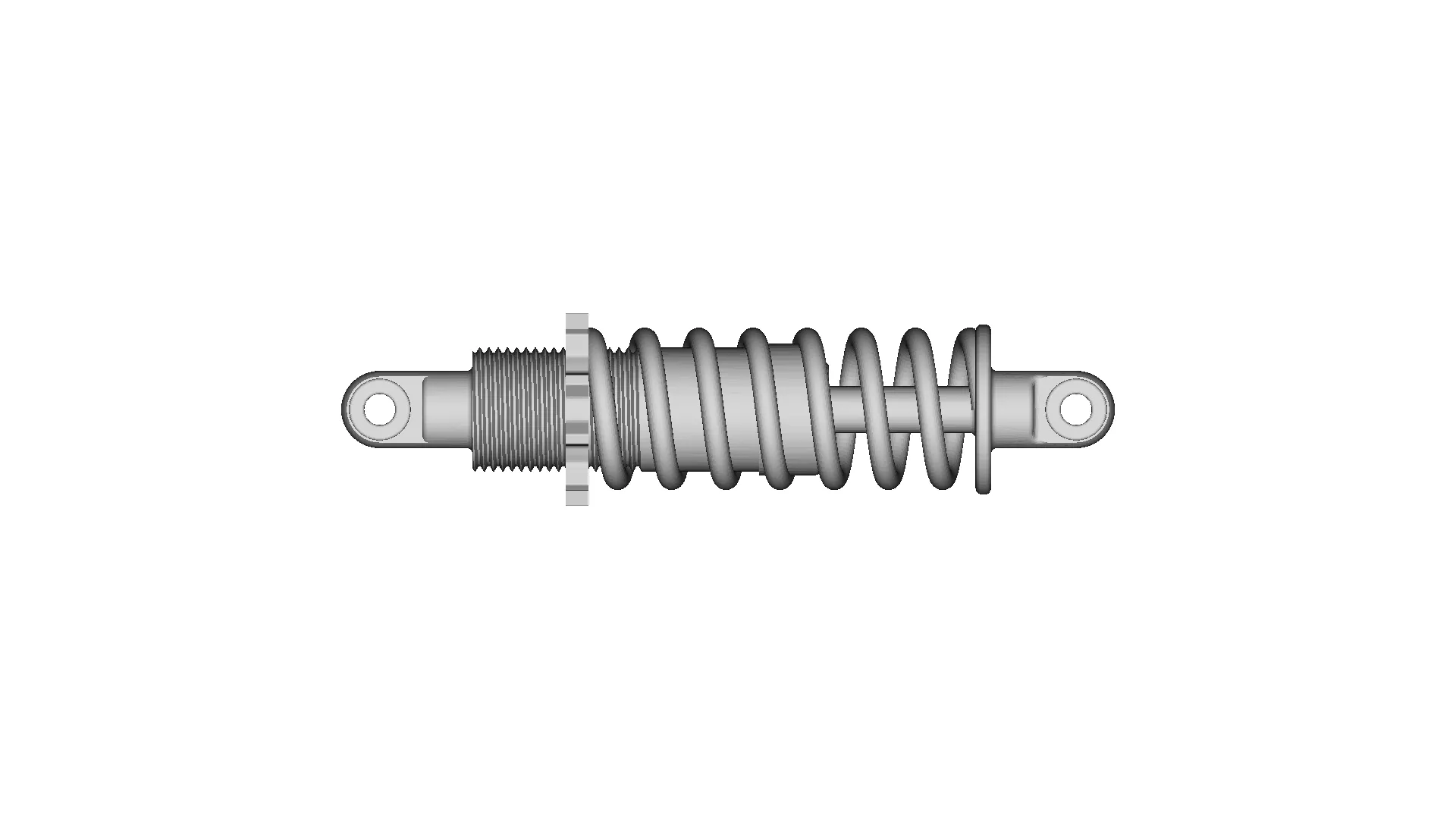
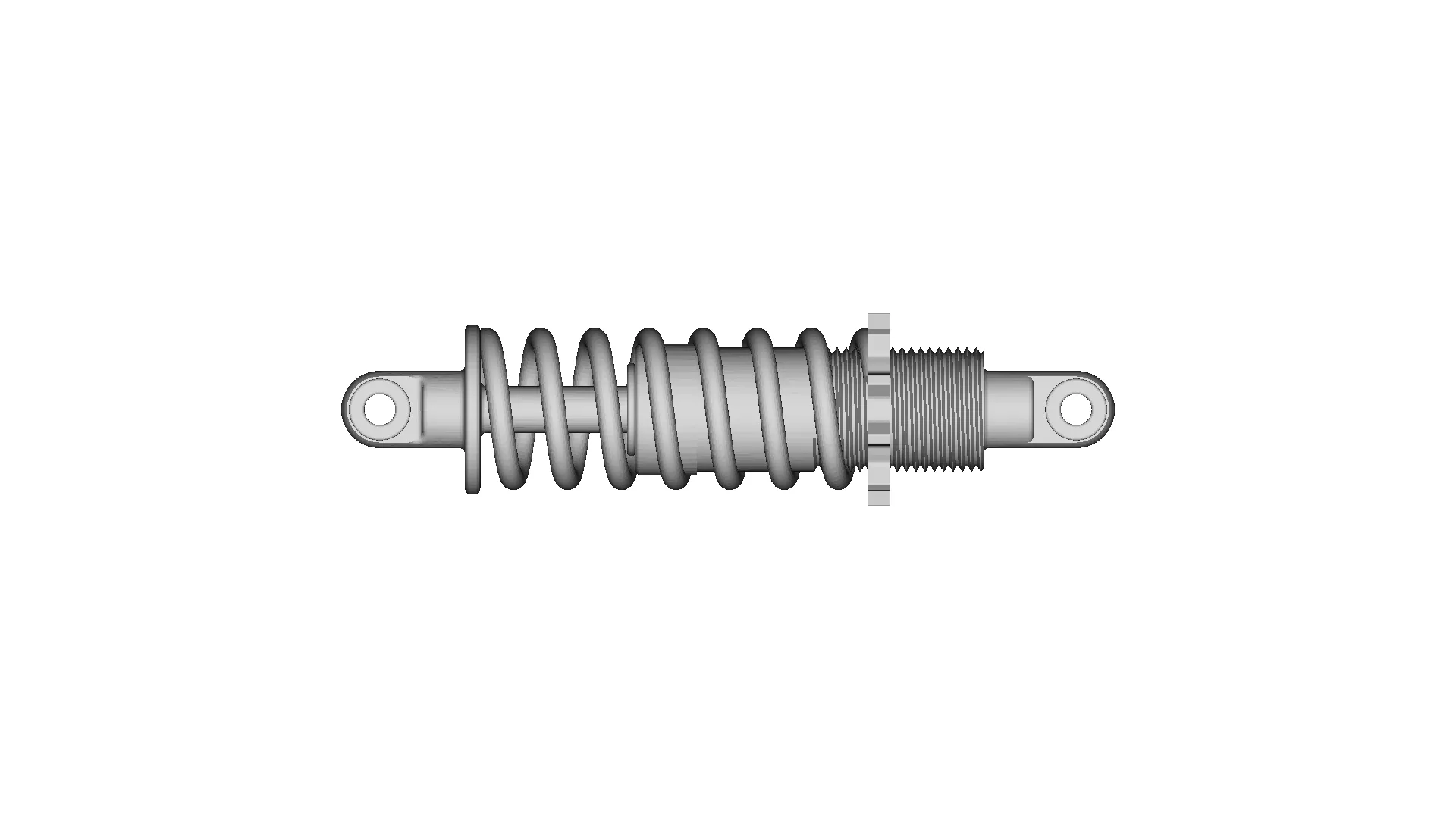
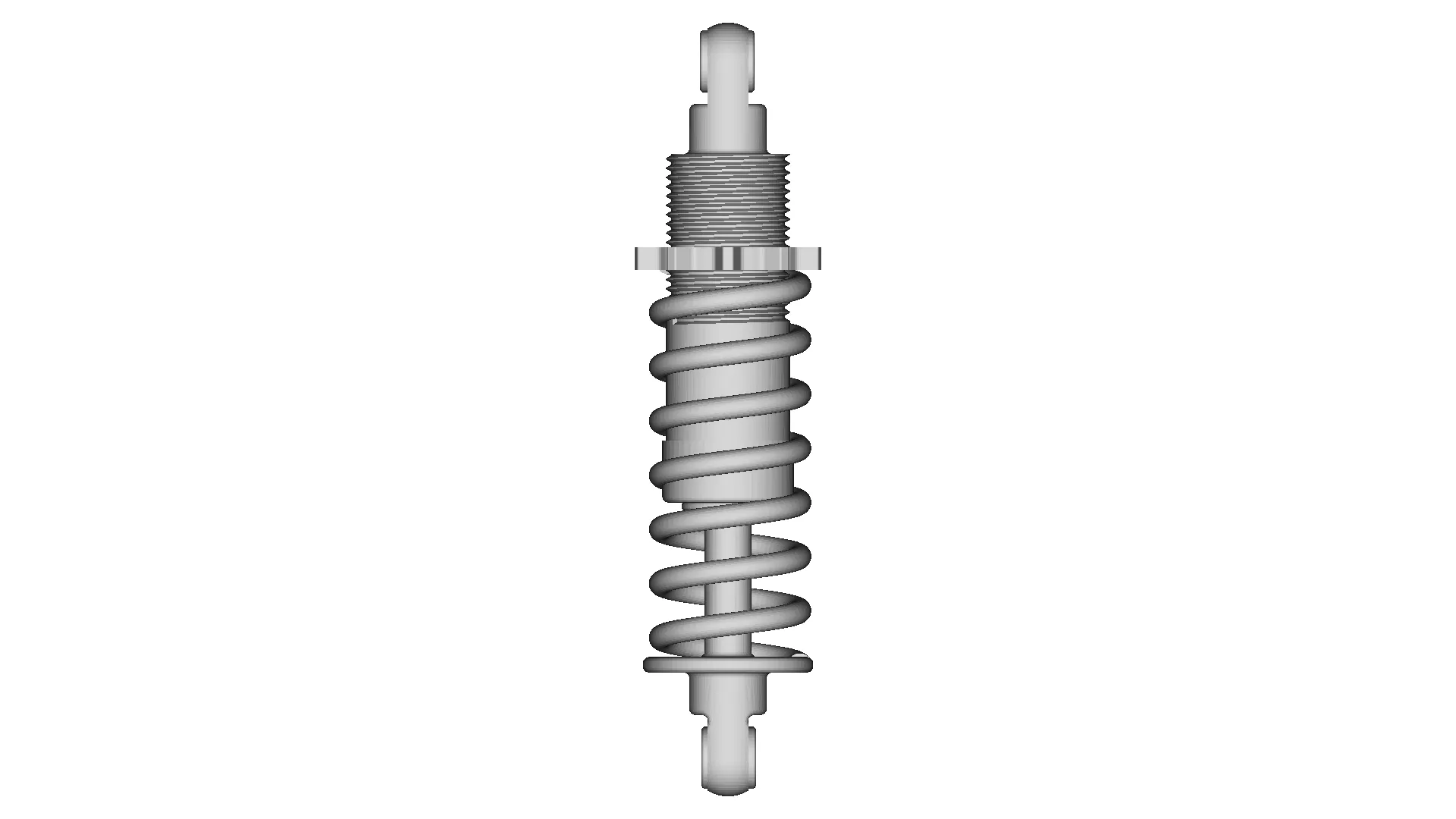
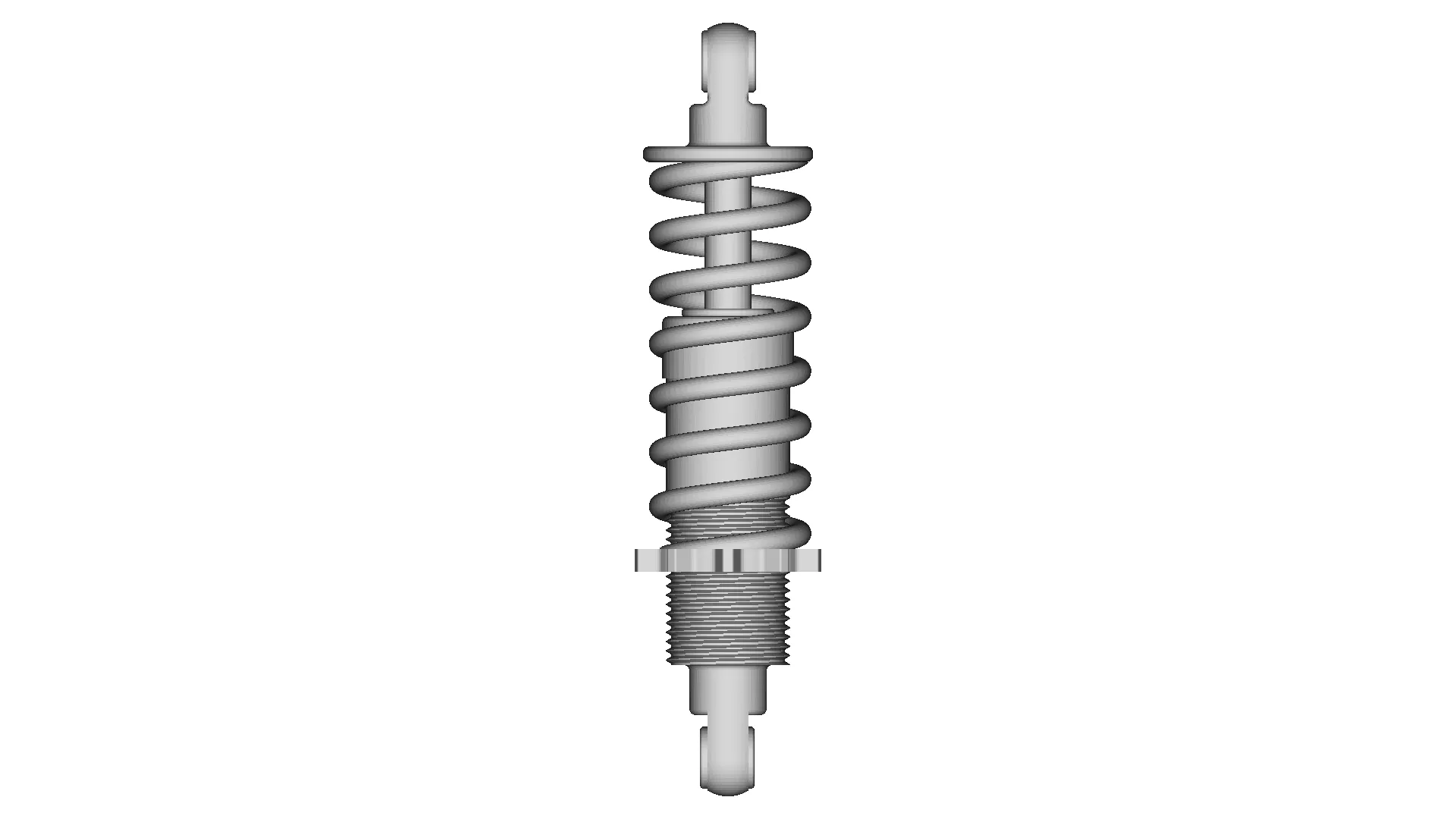
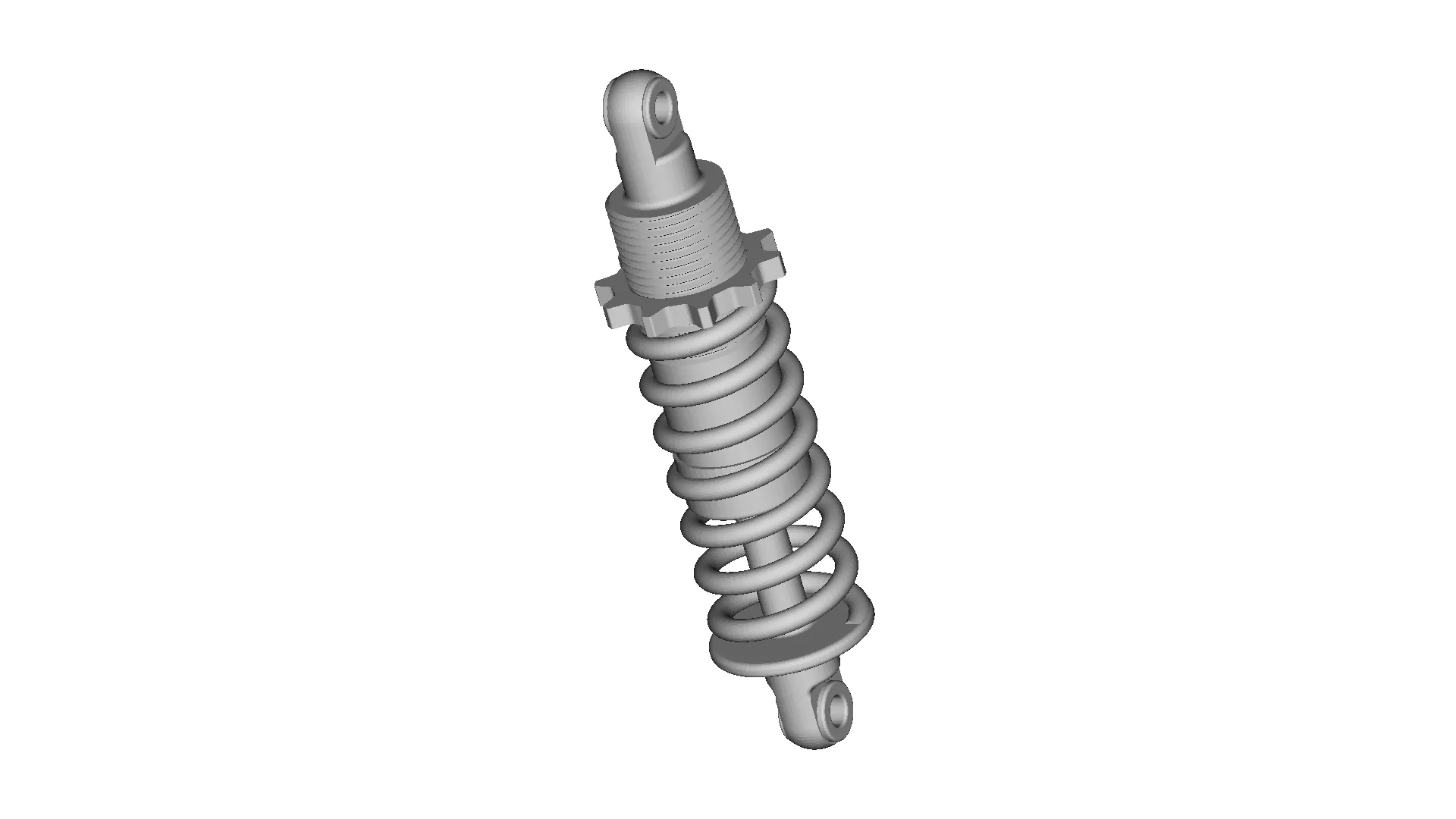
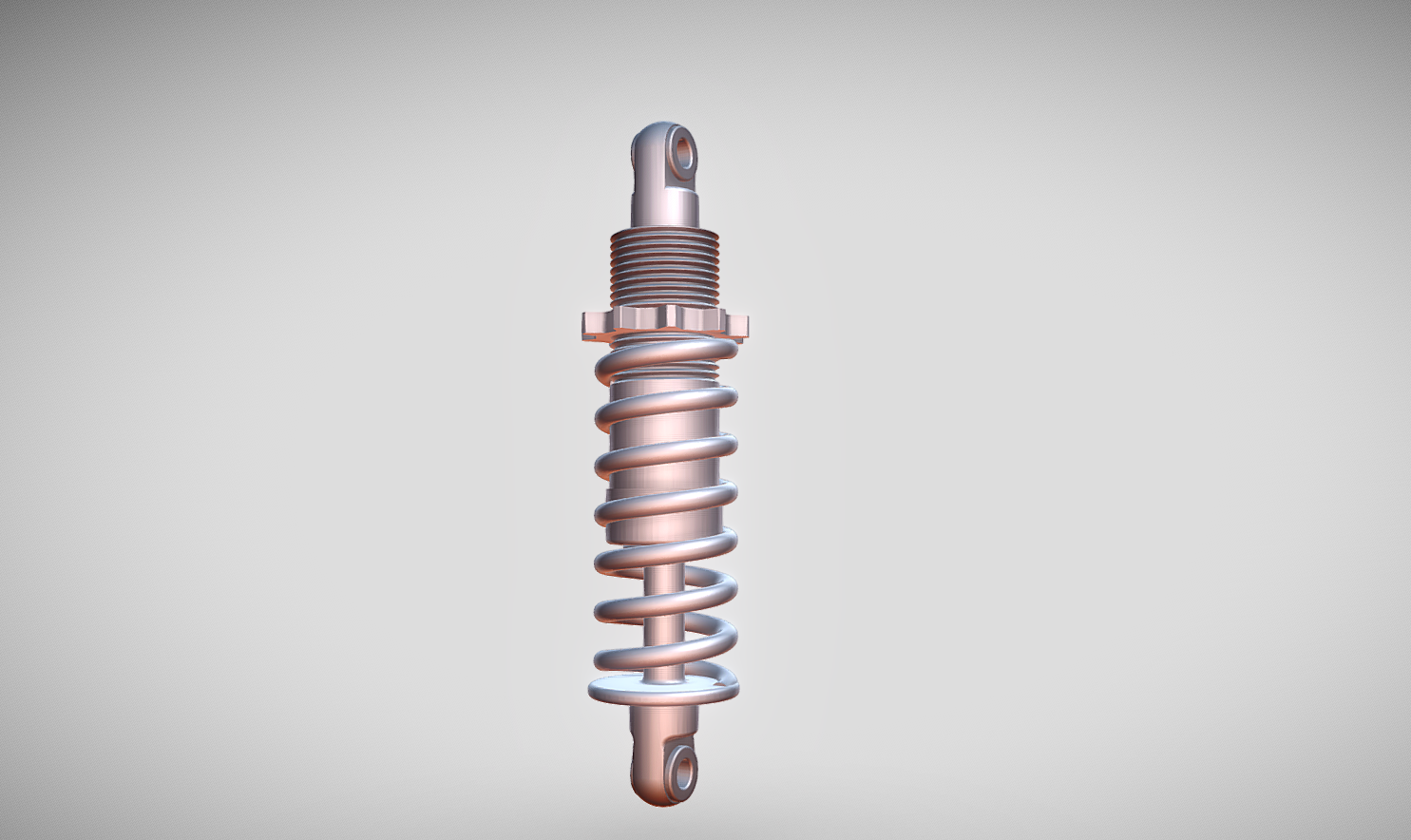
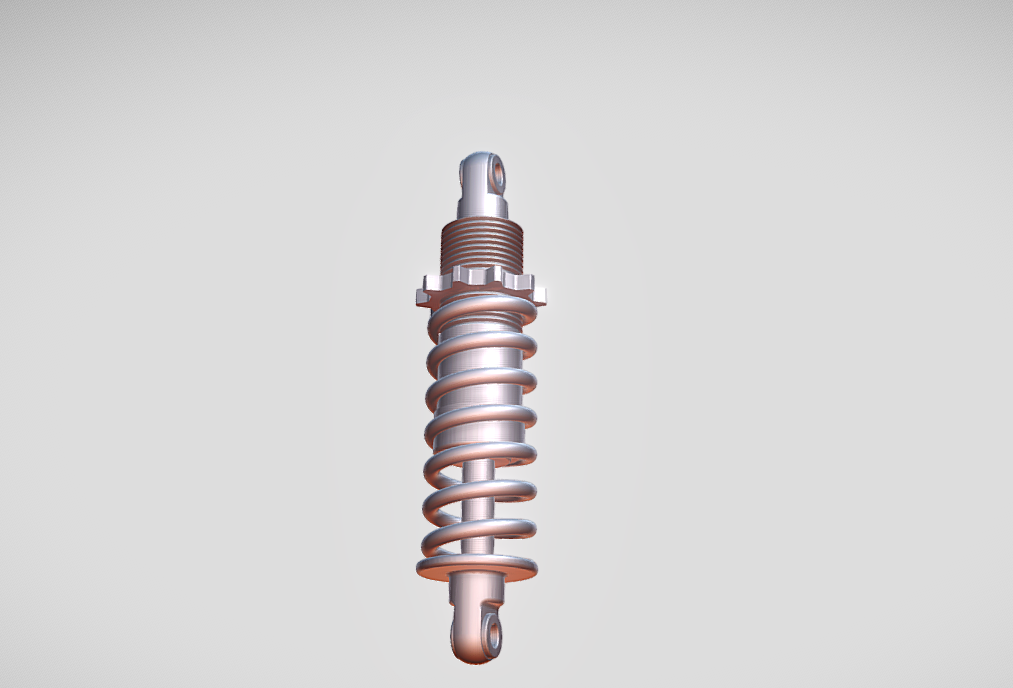
A suspension system in an automobile is a critical component designed to provide stability, comfort, and safety by managing the vehicle's handling and ride quality. It connects the wheels to the vehicle's body, absorbing road shocks, vibrations, and uneven surfaces to ensure smooth and controlled driving.Functions of Suspension System:Shock Absorption: It absorbs energy from road irregularities, reducing the impact on passengers and vehicle components.Handling and Stability: It ensures tire contact with the road, providing better traction, steering, and braking control.Comfort: It minimizes vibrations and jolts, improving ride comfort for passengers.Load Support: It helps distribute the vehicle's weight evenly across all wheels.Types of Suspension Systems:Independent Suspension: Allows each wheel to move independently for better ride comfort and handling. Examples include:MacPherson StrutDouble WishboneMulti-link SuspensionDependent Suspension: Wheels on the same axle are connected, mo

Download this model

Download the native STL file — $22.

Opens in slicers, mesh tools and most CAD viewers.

<100
<100

The files are shared to help you get inspired and speed up your workflow. They may not be fully accurate or production-ready, so review carefully before use.

View NameExtensionAction
Design fileFormat: STL
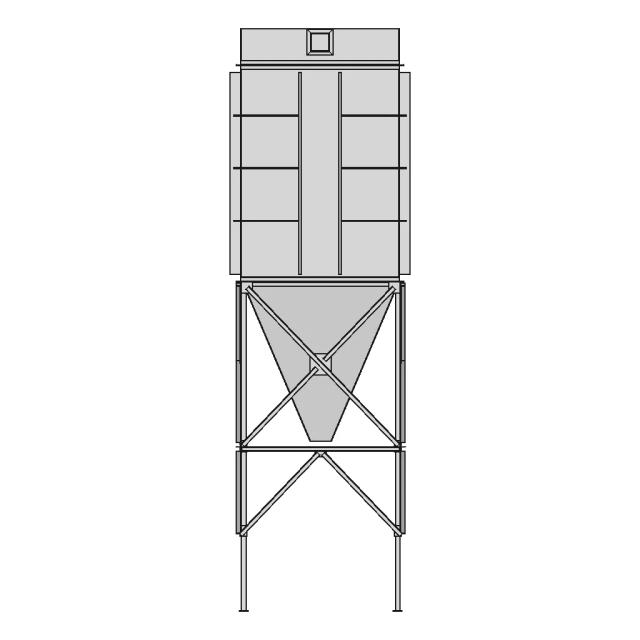
Front Viewwebp
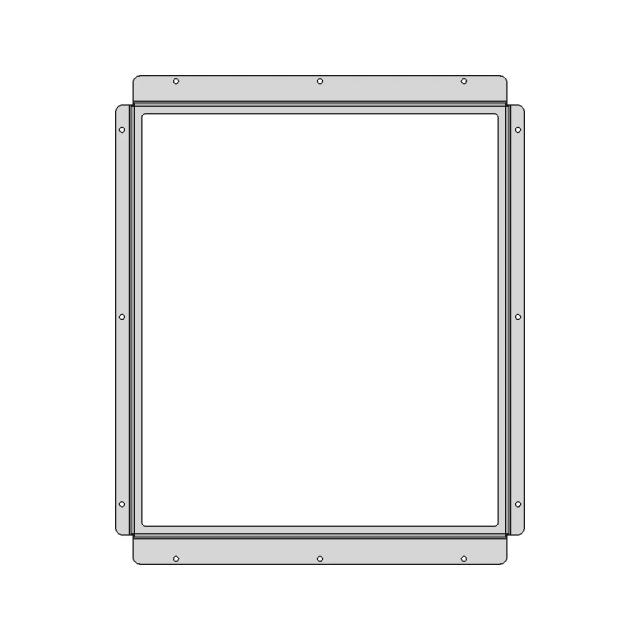
Top Viewwebp
Bottom Viewwebp
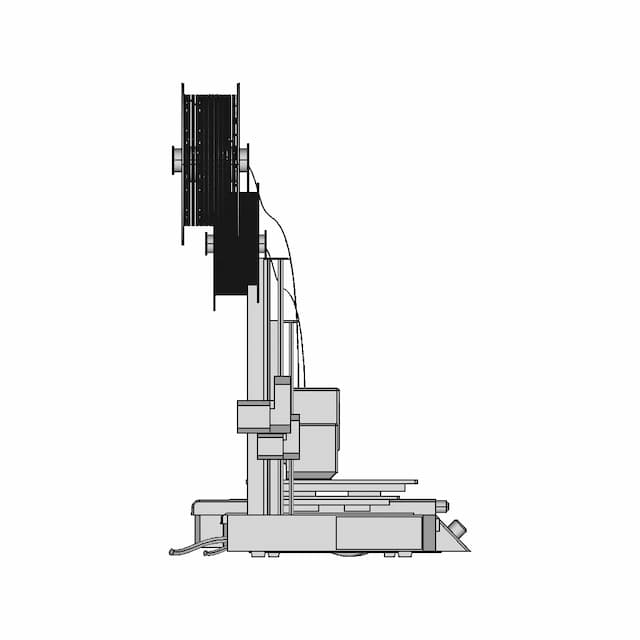
Left Side Viewwebp
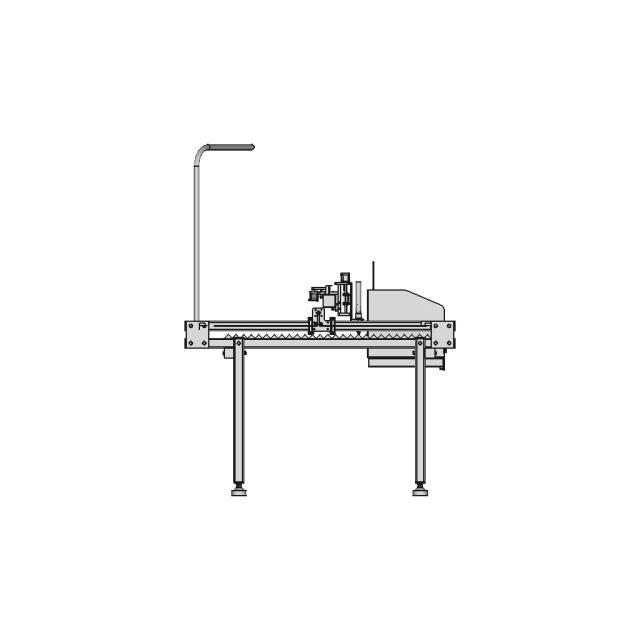
Right Side Viewwebp
Isometric Viewwebp
Supporting Files (3)
PreviewFile NameAction
Screenshot 2025-01-05 130835.png
Screenshot 2025-01-05 130817.png
Screenshot 2025-01-05 130755.png

CAD File Details

File Information
File Nameinput_file.stl
File TypeSTL
Unitsmm
Usage Notes
NotesSuitable for design reference, visualization, prototyping workflows and engineering review. Validate dimensions and geometry before manufacturing use.

What you can use this CAD model for

  • Engineering review
  • Manufacturing discussion
  • Supplier communication
  • Prototype development
  • Design validation

Before using this CAD file

Review the model dimensions, units and geometry before using it for manufacturing or production. Some files may be created for reference, visualization or workflow acceleration and may require validation before final use.

Comments

0
Y
Loading comments...

Marathon-OS Design Hub

Everything you need to design faster, smarter, and with more impact.
Flower Vase 111 | 3D CAD Engineering Model
Bambu 4 In 1 Ptfe Adapter 2 | Professional CAD Design
Micro Safe For Keychain 1 | 3D CAD Engineering Model
Minimal Bamboo Rod Holder 1 | 3D CAD Engineering Model
Plug Holder Charging Plug 1 | 3D CAD Engineering Model
Brass PTFE Coupler for Prusa Mini 3D Printer
SOLGER Human Reference Model for Ergonomic and Aesthetic Design
Kp3S Pro V2 3D Printer - Downloadable CAD Representation
Ergonomic Phone Holder Design for Enhanced Viewing and Camera Protection
Mouse Replica 1 | 3D CAD Engineering Model
3D Printer Vulcano Hotend - Standard Mechanical Component
Esp32 Cam Enclosure For Door Visor 1 | 3D CAD Engineering Model
Textured Matte Backdrop for Casio F-91W Backlight Enhancement
Practice | 3D Engineering Design File
Six Pointed Star 1 | 3D CAD Engineering Model
Arpl Star 3W Rgb 1 | 3D CAD Engineering Model
View all designs

Recently added / Trending

Everything you need to design faster, smarter, and with more impact.
Precision Mechanical Component for Engineering Applications
Engagement Ring | High-Quality CAD Model
Gyrocopter Mit Doppelrotor - Standard Mechanical Component
Anemometer - Standard Mechanical Component
Sk1 093 1S 1 | 3D CAD Engineering Model
Fq1212Vl Flat Wire Common Mode Choke.Sldprt | High-Quality CAD Model
Geekworm X1200 Ups Hat For Raspberry Pi 5 - Downloadable CAD Representation
A Simple Stent Design - Downloadable CAD Representation
Dumping Station | 3D Engineering Design File
Green Gold Ring With Spiral Decoration - Standard Mechanical Component
View all designs

Free Online CAD Viewer –Secure, Fast & Cloud-Based

A lightweight, online tool to convert 3D file formats—anytime, anywhere, without installing any software.

Drag & drop your 3D files

Supported formats: STEP (.step, .stp), IGES (.igs, .iges), STL (.stl), PLY (.ply), OFF (.off), BREP (.brp, .brep)

upload
Don't have a file? Try one of these samples:


CAD Viewer featureOpen CAD files instantly in your browser.
CAD Viewer featureNo software needed.
CAD Viewer featurePrivate uploads.
CAD Viewer featureAutomatically deleted after 7 days.
CAD Viewer featureUpload files up to 300 MB