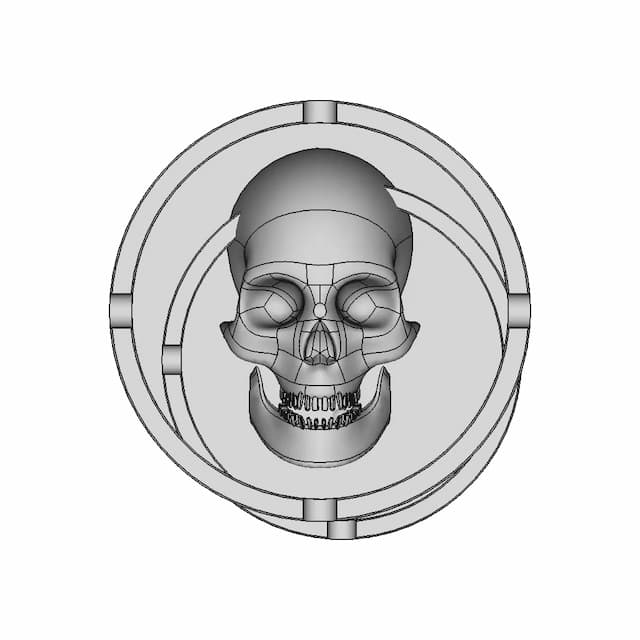
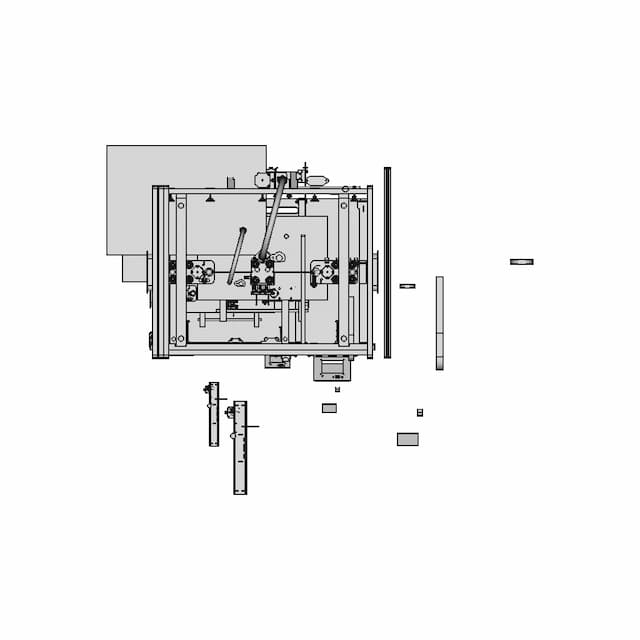
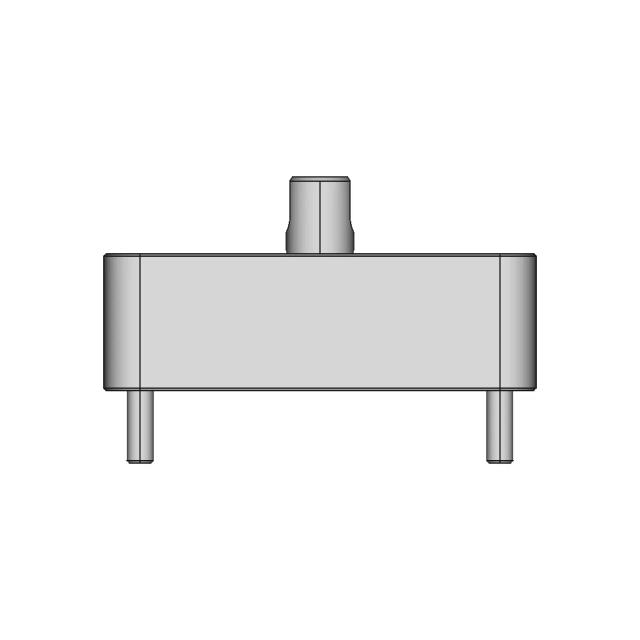
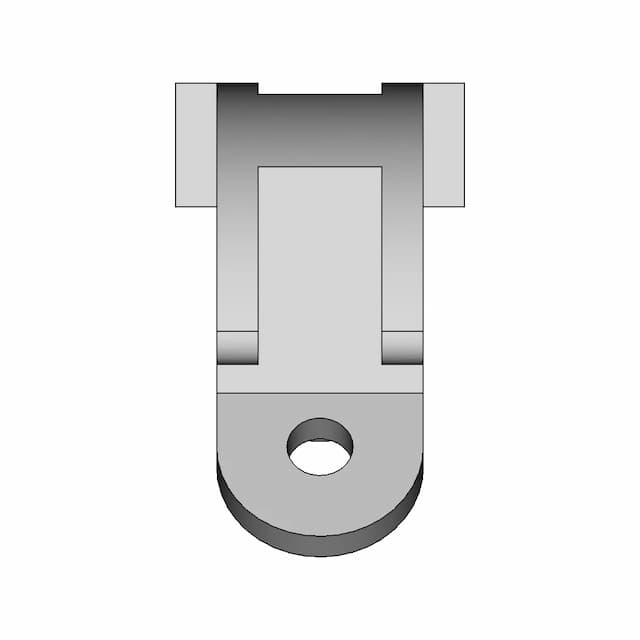
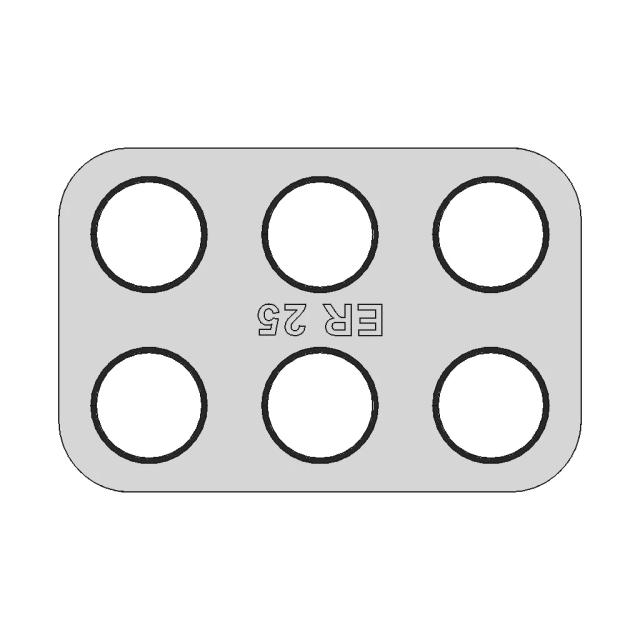
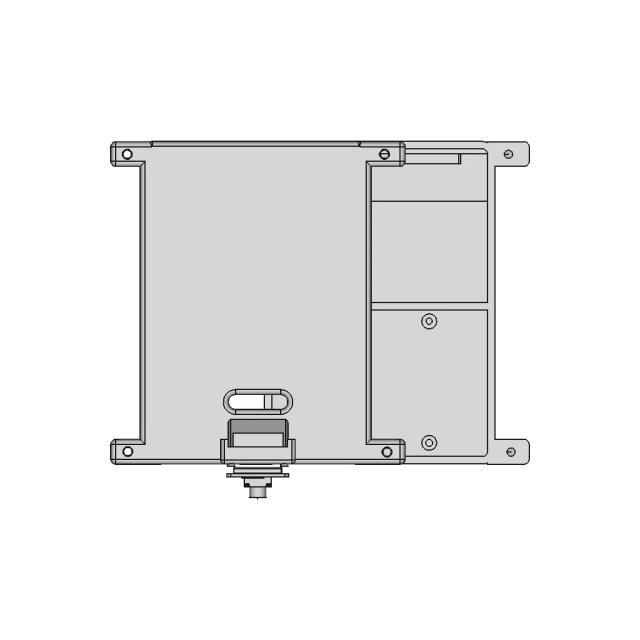
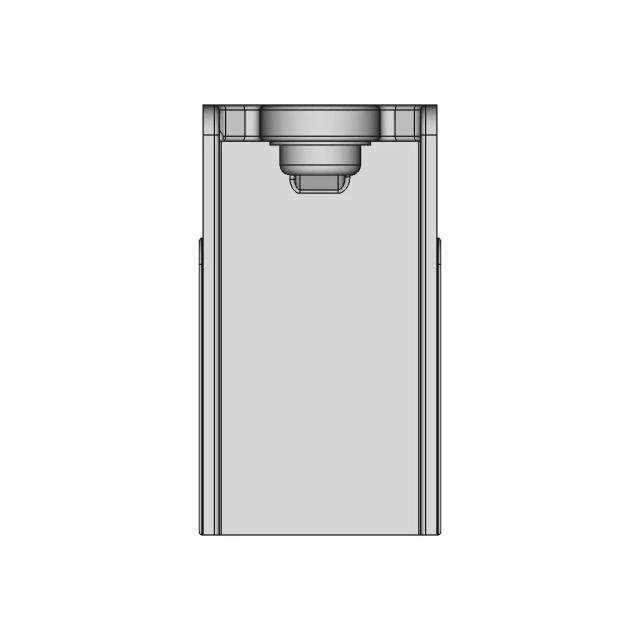
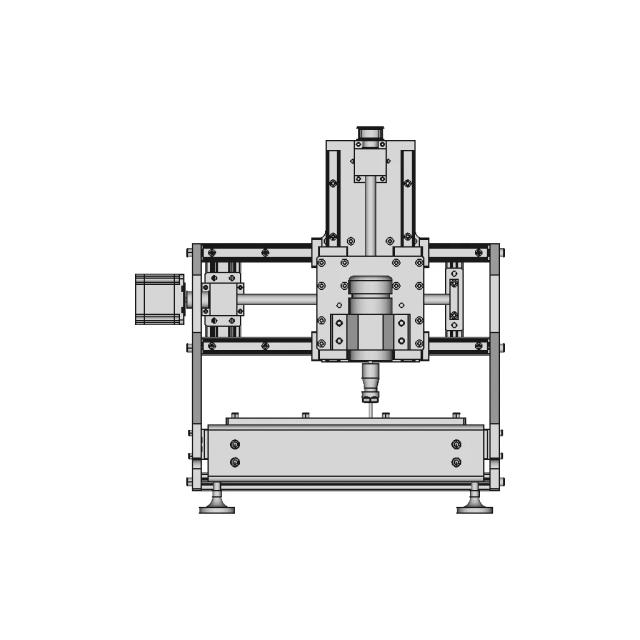
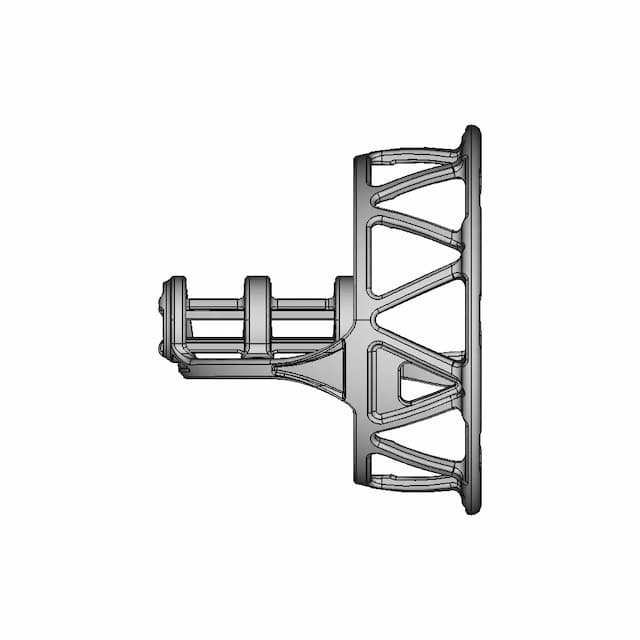
A PDF-to-CAD conversion service recreates editable geometry and sheets from PDFs or scans—typically DWG/DXF (and STEP when true 3D is needed). Quality depends on source clarity, scope of layers/standards, and whether the goal is fabrication-ready linework or a quick editable underlay.
What is PDF to CAD conversion?
PDF to CAD conversion is a deliverable-focused service: you’re hiring for editable outputs, not a static print. The goal is accurate linework, usable layers where required, and export formats your shop or team can revise—without redrawing everything yourself.
When should you use PDF to CAD conversion?
You have a PDF drawing
Convert it into editable CAD for updates.
You need fabrication files
Shops often require DWG/DXF for quoting.
You’re renovating or updating plans
Bring legacy drawings into editable format.
You need redline updates
Make changes cleanly in CAD rather than PDF markup.
You need 3D reconstruction
Rebuild in 3D when only 2D references exist.
You need speed
Get clean CAD quickly without doing redraw work.
What to look for in a PDF to CAD conversion provider
Output formats
Confirm DWG/DXF, PDF sets, and whether STEP or native 3D is in scope.
Production readiness
Ask whether deliverables are suitable for quoting and fabrication—not just traced lines.
Revision policy
Confirm included rounds and scope change rules.
IP ownership + NDA
Make sure you own the work and confidentiality is covered.
Quality checks
For drawings: dimensions, scale, and layer standards. For 3D: solid integrity and key interfaces.
Auto-trace vs freelancer vs managed service
| Option | Pros | Cons | Best for |
|---|---|---|---|
| Auto-tracing tools | Quick | Low accuracy | Simple sketches |
| Freelancer | Flexible | Quality variance | Simple one-offs |
| Managed service | QA + predictable | Needs clear inputs | Accurate editable CAD |
How to write a brief for this deliverable
Attach the PDF (vector preferred; high-resolution scans if not), note sheet scale, required layers or company standards, which views must be recreated, and whether you need 2D only or 3D/STEP reconstruction. List target exports and deadline.
How Marathon OS CAD Services works
Describe your project
Submit your brief, upload references, and specify required formats and deadline.
Get matched with a vetted designer
We assign a pre-qualified designer experienced in your tool and project type.
Receive production-ready files
You receive native CAD + export formats. Revisions are included.
What projects can Marathon OS handle?
Frequently Asked Questions
Will the output be editable?
Yes—DWG/DXF outputs are editable.
Can you handle scanned PDFs?
Yes—quality affects time; provide the best scan available.
Do you recreate layers?
If you have standards, we can match; otherwise we apply clean defaults.
Can you rebuild in 3D?
Yes—if you need STEP/3D, specify it and provide dimensions.
Are revisions included?
Yes—revision rounds are included.
Who owns the converted files?
You do—deliverables belong to you; NDA included.