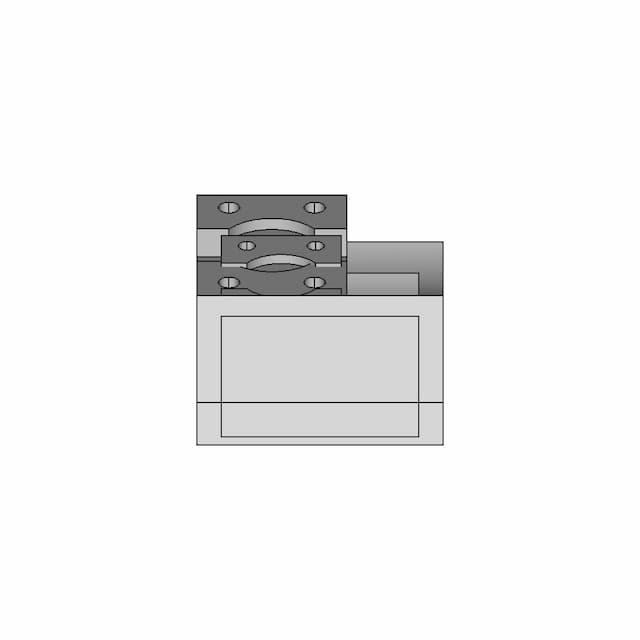
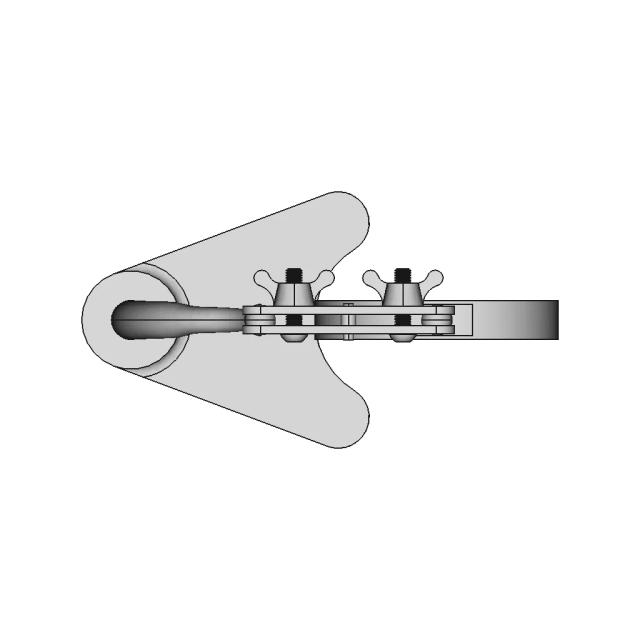
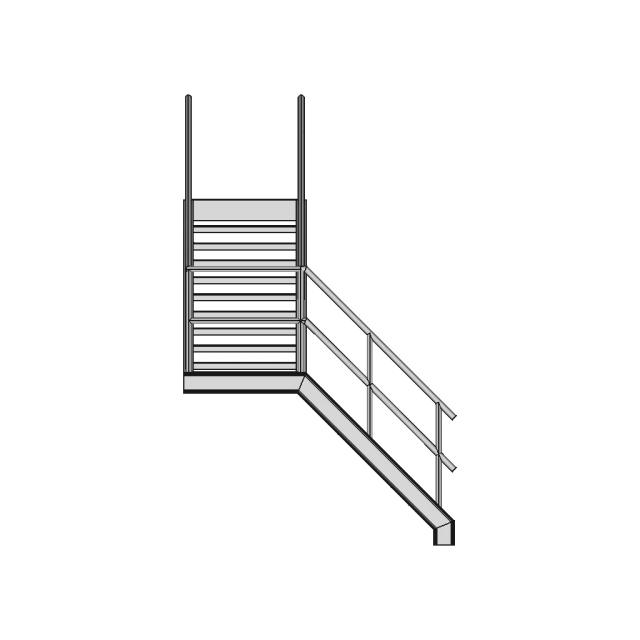
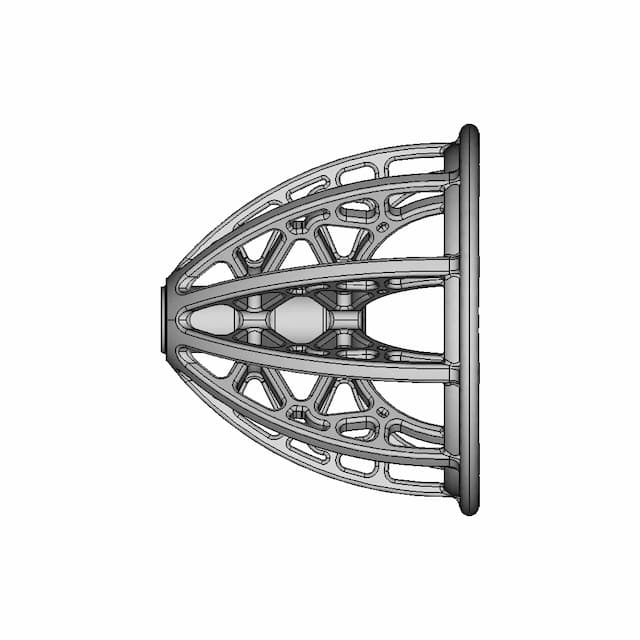
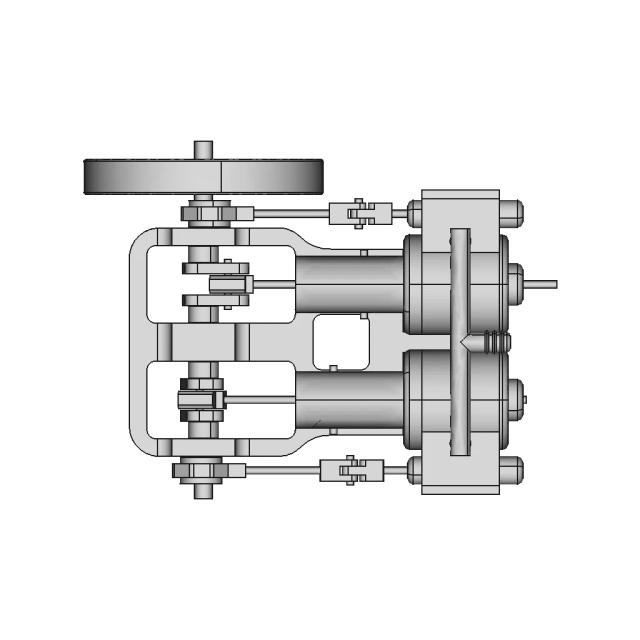
A product rendering service produces visualization deliverables—high-res PNG/JPG renders, scene files (optional), turntable (optional)—from your CAD or 3D data. The best providers clarify look-dev upfront, deliver files ready for web and print, include revisions, and protect your IP with clear ownership.
What is product rendering?
Product rendering is a deliverable-focused service: you’re hiring for pixels and motion that sell the design—not for a CAD tool license. The goal is consistent, photorealistic imagery (and optional turntables) that match materials, lighting, and brand—aligned with your CAD so updates stay in sync.
When should you use product rendering?
Marketing visuals
Create photorealistic renders for launches and listings.
Concept exploration
Try finishes, colors, and materials before production.
Packaging & lifestyle shots
Generate visuals without costly photoshoots.
Iteration
Update renders as the CAD changes.
Engineering-to-marketing handoff
Keep visuals consistent with design intent.
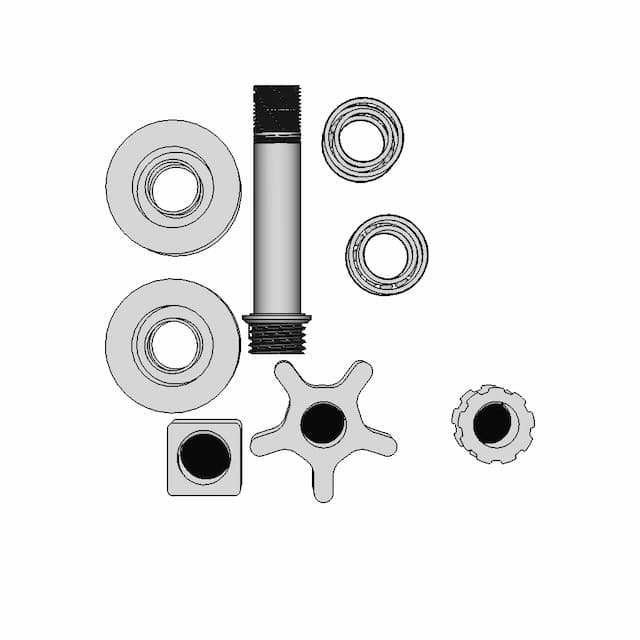
Exploded/assembly views
Show components and product detail clearly.
What to look for in a product rendering provider
Output formats
Confirm exactly what files you’ll receive (high-res PNG/JPG renders, scene files (optional), turntable (optional)).
Production readiness
Ask whether outputs meet your resolution, color profile, and channel specs (web, print, Amazon, etc.).
Revision policy
Confirm included rounds and scope change rules.
IP ownership + NDA
Make sure you own the work and confidentiality is covered.
Quality checks
For renders: lighting consistency, material accuracy, edge/detail fidelity, and alignment with supplied CAD.
DIY vs freelancer vs managed service
| Option | Pros | Cons | Best for |
|---|---|---|---|
| DIY rendering | Full control | Time/skill | Experienced artists |
| Freelancer | Flexible | Quality variance | Known trusted renderers |
| Managed service | Reliable output | Needs clear brief | Consistent render sets |
How to write a brief for this deliverable
Include product context, target audience, resolution and aspect ratio, background style, key shots (hero, three-quarter, exploded), material/finish references, brand colors, and deliverables (PNG/JPG, turntable length, optional scene files). Attach CAD, STEP, or reference images.
How Marathon OS CAD Services works
Describe your project
Submit your brief, upload references, and specify required formats and deadline.
Get matched with a vetted designer
We assign a pre-qualified designer experienced in your tool and project type.
Receive production-ready files
You receive final renders plus optional scene or turntable deliverables. Revisions are included.
What projects can Marathon OS handle?
Frequently Asked Questions
Do you need my CAD files?
Yes—CAD files or 3D exports work best.
What do I receive?
High-res PNG/JPG; turntables or scene files if requested.
Can you match materials?
Yes—provide references for finishes and colors.
Can you do exploded views?
Yes—specify what you want shown.
Are revisions included?
Yes—revision rounds are included.
Who owns the renders?
You do—deliverables belong to you.