
Starter
3credits
$7.99
$2.66 each
3 downloads of any size. Good for a one-off project.
Convert a STEP or STP (.step, .stp) model to IGES (.iges or .igs) for legacy CAD/CAM systems and suppliers that still require surface-based exchange. Compatible curves and surfaces can transfer, but assemblies, solid-body status, names, colors and product metadata may change.
Choose one STEP file. This page is already configured to create IGES output.
Drag and drop your STEP CAD file here
or choose a file from your computer
Browse filesMaximum file size: 300 MB
Files under 5 MB convert and download free. Larger files use one credit for one completed download, regardless of file size.
Pricing
Files under 5 MB convert and download free. Larger files use one credit for one completed download, regardless of file size. 1 credit downloads any file, any size, and credits never expire.
Starter
3credits
$7.99
$2.66 each
3 downloads of any size. Good for a one-off project.
Pro
5credits
$12.99
$2.60 each
5 downloads of any size. The everyday choice.
Team
10credits
$19.99
$2.00 each
10 downloads of any size. Best balance of price and volume.
Studio
15credits
$26.99
$1.80 each
15 downloads of any size. Lowest price per file.
Start the STEP-to-IGES workflow in your browser without installing a CAD application or conversion plugin.
Move compatible STEP geometry into an IGES workflow while keeping the original STEP file as the source of truth.
Open the IGES in the receiving legacy CAD or CAM tool and confirm surfaces, trims, body status, units and assembly structure before production use.
Open IGES viewerConversion files stay private, are not added to the public CAD library and are automatically deleted within 7 days.
Continue your workflow
Inspect the STEP source, verify the translated IGES surfaces and escalate when gaps or lost product structure require specialist repair.
Simple conversion workflow
Move from a STEP solid or surface model to an IGES surface-exchange file in three steps.
Choose a .step or .stp file up to 300 MB. Confirm that it opens correctly before converting.
The route is preconfigured for IGES output. Start the conversion without searching through a destination-format menu.
Open the .iges or .igs result in the target system and compare it with the STEP source for dimensions, surfaces, topology and structure.
Format behaviour
STEP can carry B-rep solids, surfaces, assemblies and product information. IGES is commonly used for curves and trimmed-surface exchange. Conversion maps compatible geometry into IGES entities, but receiving applications may import a STEP solid as separate surfaces or an open shell. Assembly hierarchy and richer product metadata may be reduced or omitted.
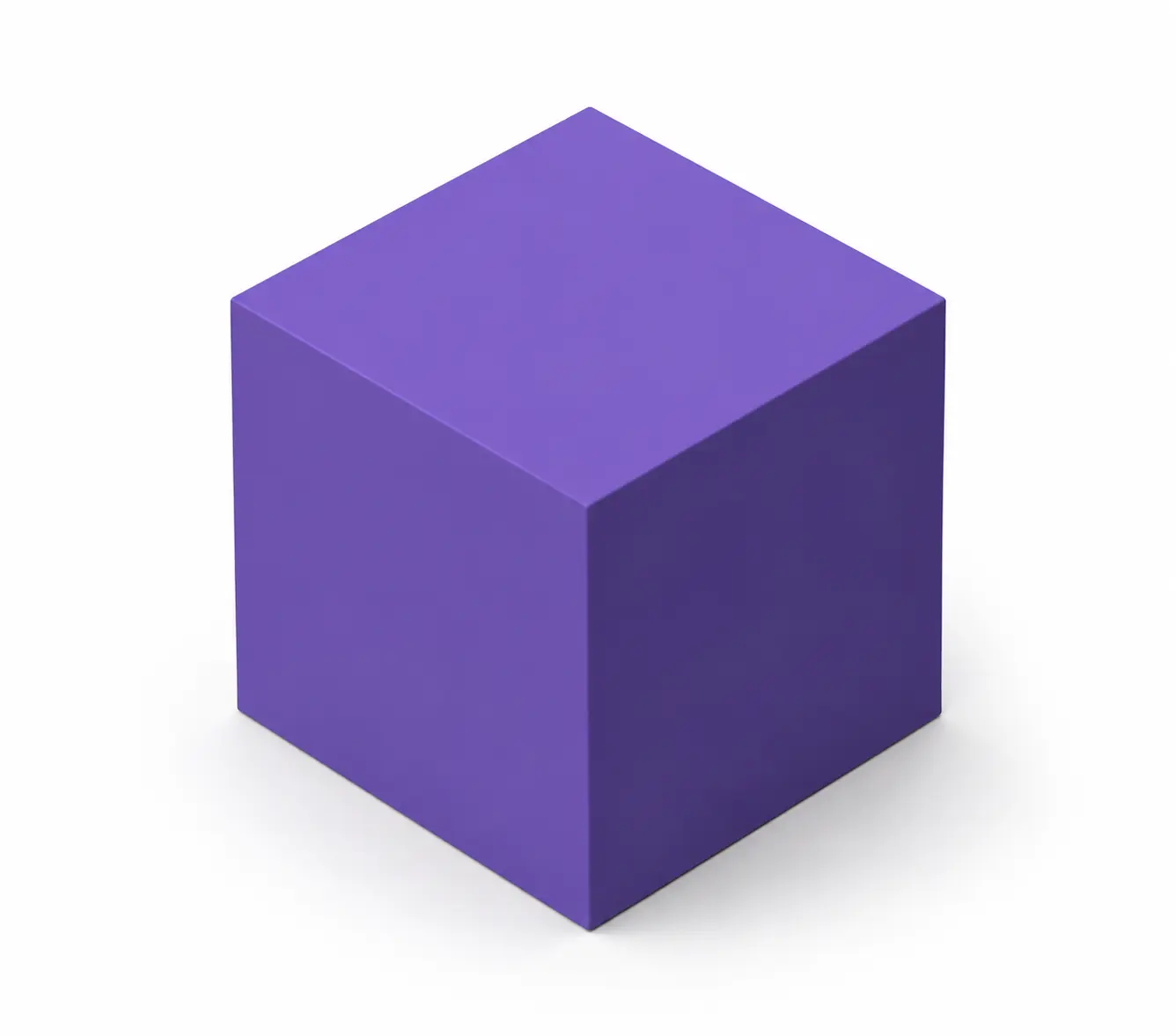 STEP modelSTEPIGES modelIGES
Format comparison
Choose the format according to what the next application needs—not because one is universally better.
| Feature | STEP STEP | IGES IGES |
|---|---|---|
| Primary use | Modern neutral CAD exchange for manufacturing and product structure | Legacy curve and surface exchange |
| Geometry | B-rep solids, surfaces and wireframes | Curves, wireframes and trimmed surfaces; solid handling varies by importer |
| Structure | Can retain assemblies and product hierarchy | Often flatter entity or layer organisation |
| Units | Supports explicit unit information | Supports a unit flag, but translation must be checked |
| Metadata | Can carry names, colors and product data | More limited and inconsistently interpreted across applications |
A supplier or legacy application specifically requires IGES
Surface and curve exchange is more important than assembly intelligence
The receiving workflow has been tested with .igs or .iges
You will compare the result against the original STEP
The receiving application already accepts STEP
You need solid-body reliability or assembly structure
Names, colors or product metadata matter
The model will continue through a modern CAD/CAM workflow
Before continuing
STEP-to-IGES is often a compatibility handoff, not an upgrade. Confirm that the receiving application interprets surfaces and structure correctly.
Measure known features in both files and confirm the same unit system after import.
Check whether each STEP solid remains closed or arrives as separate surfaces or an open shell.
Look for gaps, missing patches, duplicated surfaces and broken trim boundaries.
Confirm whether hierarchy was retained, flattened or separated into files, layers or entities.
Verify any organisation or visual attributes needed by the receiving team.
Import the IGES into the target CAD/CAM version and run the downstream operation before handoff.
Common problems
Common issues come from different surface tolerances, limited IGES structure and application-specific import behaviour.
Cause: The IGES importer did not sew translated surfaces into a closed body.
Fix: Adjust import healing tolerance or stitch the surfaces in CAD.Cause: STEP and IGES represent trims and tolerances differently.
Fix: Run geometry healing and compare the problem area with the source STEP.Cause: IGES product structure is more limited or inconsistently supported.
Fix: Exchange parts separately or retain STEP when assembly relationships matter.Cause: Attributes did not have a reliable equivalent in the IGES workflow.
Fix: Reapply critical organisation in the receiving tool and keep the STEP source.Cause: The model was expanded into many individual surface entities.
Fix: Remove unnecessary geometry or exchange only the required components.Cause: It does not support one or more exported IGES entity types.
Fix: Review its supported IGES entities or ask for a supplier-tested export.Secure processing
Engineering files can contain confidential product geometry and documentation. Marathon OS keeps conversion uploads separate from its public CAD library and explains how each file is handled.
Files are transferred over an encrypted connection.
Uploaded source files and converted outputs are automatically deleted within 7 days.
Uploading or converting a file does not transfer ownership of the design to Marathon OS.
Conversion files are not listed in the public Marathon OS CAD library.
Explore a small set of adjacent engineering, mesh and drawing handoffs.
CAD to 3D-printing mesh
Legacy surfaces to modern CAD exchange
Mesh to CAD exchange
Mesh handoff for slicing
Rhino to CAD/CAM exchange
Drawing exchange
Marathon OS Design Hub
Search the Marathon OS library for a usable starting model. Review dimensions, licensing and manufacturing suitability before using a downloaded file.

Frequently asked questions
Clear answers about output behaviour, compatibility, pricing, file limits and privacy.
Upload the STEP file (.step, .stp), confirm IGES as the preselected output, start the conversion and download the IGES result (.iges, .igs). Verify it in the application used for the next workflow.
Convert STEP to IGES when an older application, machine workflow or supplier specifically requires .igs or .iges and cannot reliably use STEP.
Not always. The geometry may import as separate trimmed surfaces or an open shell depending on translation tolerances and the receiving application's IGES importer. Verify body status after conversion.
This route accepts .step, .stp input and creates .iges, .igs output.
Files under 5 MB can be converted and downloaded free. Larger files use one credit for one completed download.
You can upload a STEP file up to 300 MB. Assemblies and complex surfaces can expand into many IGES entities and take longer to import.
Files are transferred securely, are not published to the public CAD library and are automatically deleted within 7 days. You retain ownership of the uploaded design.