Free online tool

Free Online CAD Viewer for

Medical & Healthcare

Secure, Fast & Cloud-Based

The medical industry uses CAD for developing custom prosthetics, implants, surgical tools, and anatomical models derived from scan data. These models help simulate surgical procedures and manufacture patient-specific devices. CAD ensures precision in biomedical engineering and is essential in 3D printing of healthcare innovations.

Private uploads
Auto-delete in 24hrs
Up to 300 MB

Drag & drop your 3D files here

or click to browse files

Supported formats: STEP (.step, .stp), IGES (.igs, .iges), STL (.stl), PLY (.ply), OFF (.off), BREP (.brp, .brep), OBJ (.obj)

Don't have a file? Try a sample:

Need a proper native CAD file built from scratch?

Vetted designers deliver production-ready files in 24 hours — SolidWorks, Revit, Fusion 360 & more.

MEDICAL & HEALTHCARE CAD VIEWER

Open medical CAD files instantly in your browser

Review engine parts, body assemblies, and supplier-submitted CAD files without installing heavy desktop software.

Why browser based?

No CAD installFaster reviewsEasier stakeholder accessPrivate uploads

How It Works

View any medical & healthcare CAD file in three simple steps — no signup, no software.

STEP 1

Upload

Drag & drop or browse to upload your CAD file. We support 50+ formats.

STEP 2

Preview

Instantly view your 3D model with measurement tools, cross-sections, and annotations.

STEP 3

Share & Convert

Generate a shareable link or convert to another format with one click.

Need a proper native CAD file built from scratch?

Vetted designers deliver production-ready files in 24 hours — SolidWorks, Revit, Fusion 360 & more.

Design review

How medical & healthcare teams use CAD viewers for design review

In medical & healthcare, teams use CAD viewers to inspect models, validate interfaces, and align stakeholders during reviews and handoffs. A browser-based viewer makes it easier to open files quickly, inspect geometry, and keep discussions anchored to the same 3D model without specialized desktop setups.
What file formats are supported?

Marathon OS supports common 3D exchange formats used across industry workflows, including STEP, IGES, STL, PLY, OFF, and BREP. These formats help teams share engineering geometry and meshes across different tools while keeping reviews fast and accessible.

STEP files

Used for exchanging precise 3D engineering geometry and assemblies across tools and suppliers.

IGES files

Common for surface and geometry exchange when teams collaborate across different CAD systems.

STL files

Useful for mesh-based previews and review workflows (especially prototyping and fabrication contexts).

BREP files

Helpful for inspecting boundary-representation solids and engineering geometry online.

PLY and OFF files

Useful for polygon-based model inspection and technical visualization workflows.

Can non-CAD stakeholders access 3D models without a CAD license?

Yes. Not every stakeholder needs a full CAD seat, but many still need visibility for reviews, procurement, QA, operations, or field work. Marathon OS gives non-CAD roles a simpler way to open and inspect models in a browser, reducing reliance on screenshots, PDFs, and intermediaries.

Who uses CAD daily
  • Biomedical Engineers
  • Prosthetics Designers
  • Surgeons (in planning)
Often needs CAD access
  • Doctors
  • Clinical Technicians
  • Medical Sales Reps
Workflow

How teams review CAD files without heavy desktop software

Instead of routing every model through a CAD specialist or dedicated workstation, teams can upload files to Marathon OS and preview them online. This keeps cross-functional reviews moving and reduces delays caused by software installs, license access, or high-performance hardware requirements.

Security and access control

Many industry CAD files contain sensitive IP. Marathon OS keeps uploads private and automatically deletes uploaded files after 24 hours. That makes it practical for quick review when teams want lower friction and tighter handling of shared models.

Private by defaultAuto-delete in 24hrsEncrypted uploads

Why teams choose Marathon OS

No installation required

No software installation required (review in browser)

Supports multiple formats

Supports common exchange formats (STEP/IGES) plus mesh formats (STL/PLY/OFF) and solids (BREP)

Fast online preview

Fast online preview for technical review discussions

Cloud-based & secure

Private uploads with automatic 24-hour deletion

Built for your workflow

Better access for non-CAD stakeholders across the workflow

Industry spotlight

Role of CAD file in Medical & Healthcare

The medical industry uses CAD for developing custom prosthetics, implants, surgical tools, and anatomical models derived from scan data. These models help simulate surgical procedures and manufacture patient-specific devices. CAD ensures precision in biomedical engineering and is essential in 3D printing of healthcare innovations.

Common CAD File Formats

STLOBJSTEPIGES
medical-and-healthcare

Medical & Healthcare CAD Model Preview

STL · OBJ · STEP

Medical & Healthcare Design Library

Explore high-quality design inspirations curated for the Medical & Healthcare.

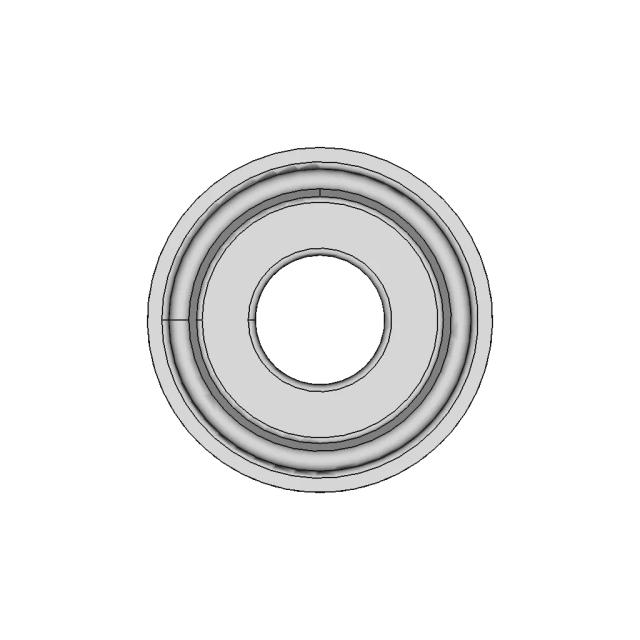
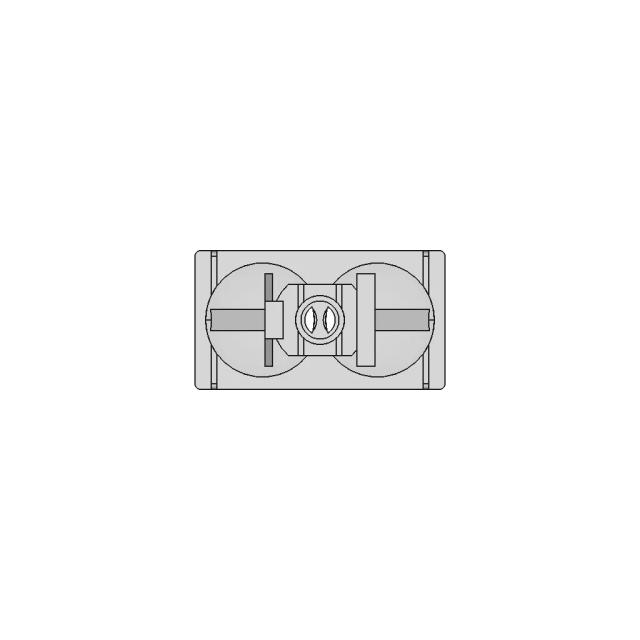
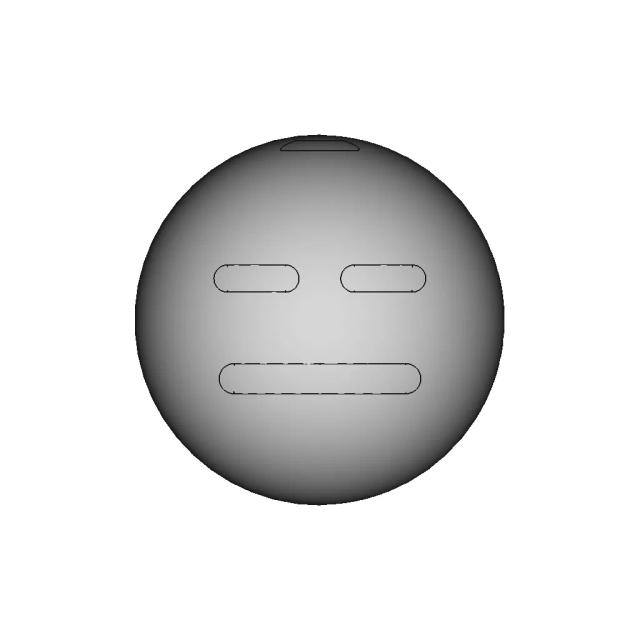
Compact Four-Compartment Pill Container with Twist-Dispense Lid
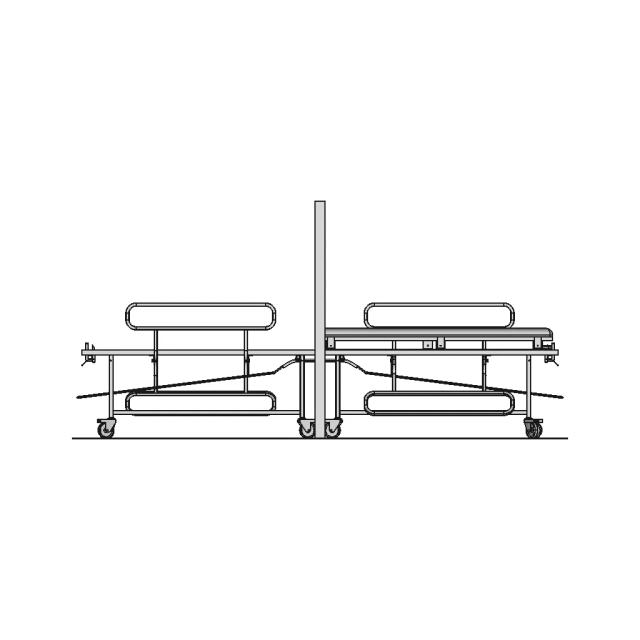
Manual Patient Transfer Stretcher for Operating Rooms
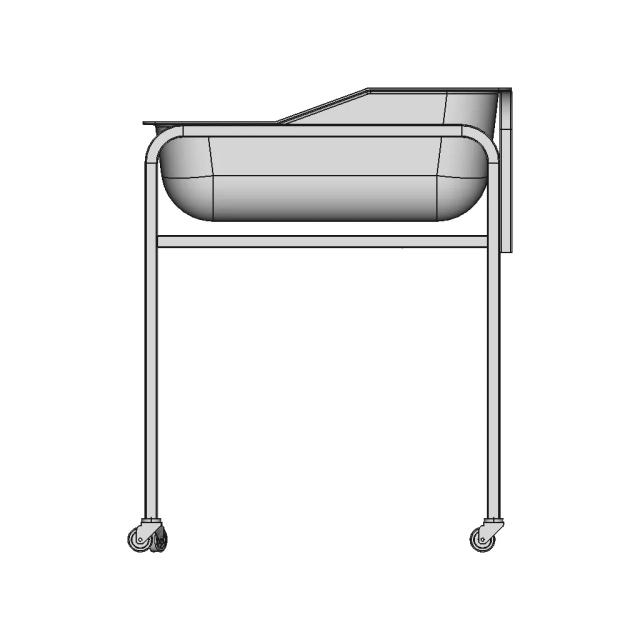
Hospital Style Baby Crib Design for Medical Facilities
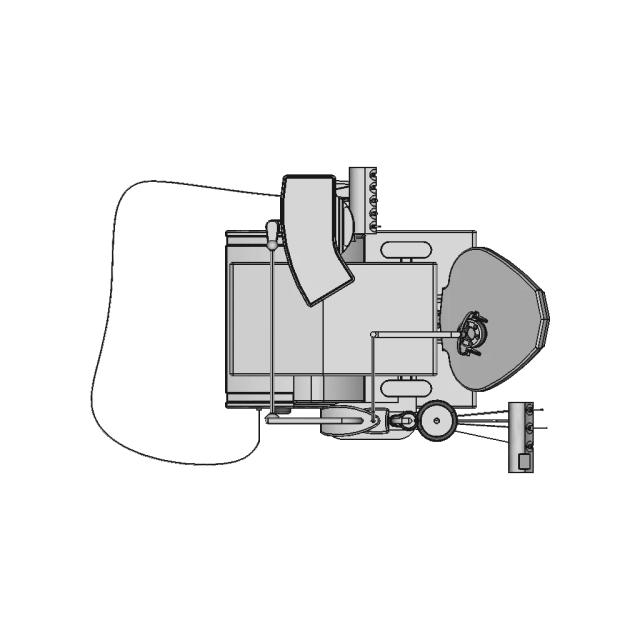
Preliminary Dental Unit Design with Detailed Features
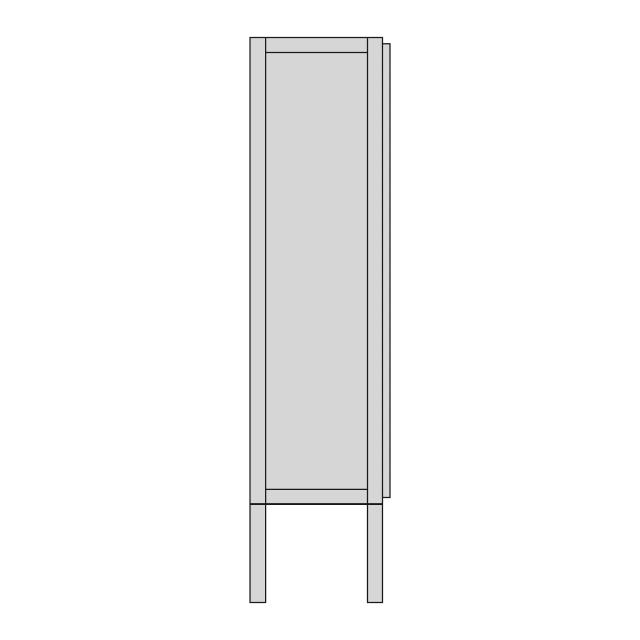
Industrial Shelf Shelving Unit for Storage Solutions
High-Precision Tablet Press Machine for Pharmaceutical Manufacturing
Air Handling Unit for Medical and Industrial Applications
Seating Chair CAD Model for Industrial Design
Tissue Retrieval Device for Minimally Invasive Surgery
Dialysis Filter (Dialyzer) for Blood Cleansing Applications
3D DNA Double Helix Structure Model
Hino 500 Truck Model for Engineering and Design
HDPE Two-Way Nasal Inhaler 3D Assembly Model
Scientific Medical Research Device with Microclimate Control
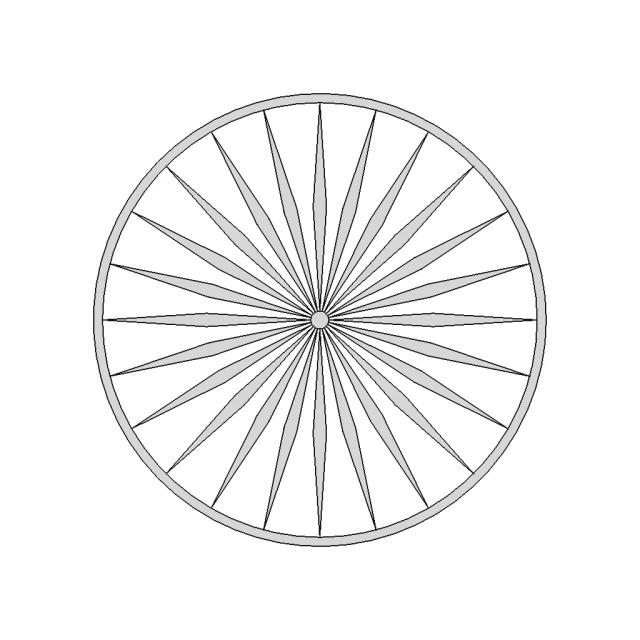
Ashoka Chakra Design Model
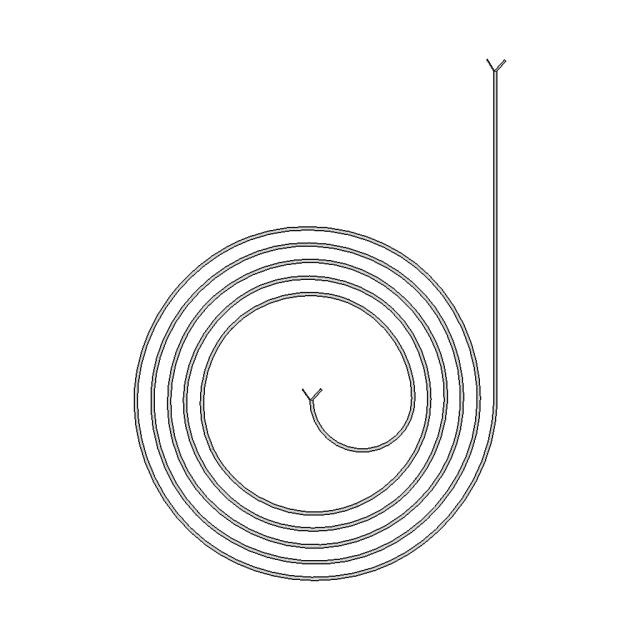
Spiral Microchannel Designs for Inertial Microfluidic Cell Separation
Non-Surgical Laser Device for Subcutaneous Fat Removal
Set of Three Light Glasses for Pharmaceutical Pressure Vessels
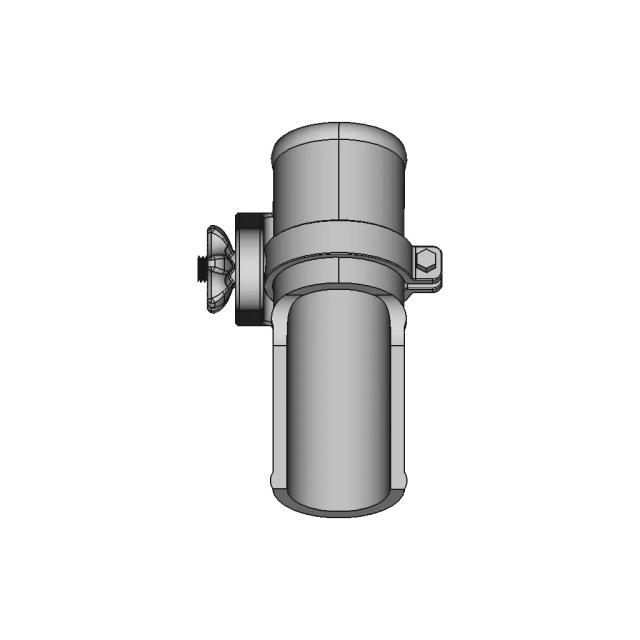
ASME BPE Standard Fittings for Pharmaceutical and Food Industry Piping
Dual Syringe Assembly for Precision Fluid Dispensing
View all designs

FAQ

Answers for teams evaluating browser-based CAD review with Marathon OS.

  • What CAD file formats are commonly used in medical & healthcare?

    Teams often exchange engineering geometry using STEP and IGES, and use mesh/visualization formats like STL, PLY, or OFF for review. Marathon OS supports STEP, IGES, STL, PLY, OFF, and BREP for in-browser viewing.

  • Can I open STEP and IGES files online without CAD software?

    Yes. Marathon OS lets you upload and preview STEP and IGES files in a browser—useful when reviewers do not need full authoring tools.

  • Who typically needs access to CAD files but doesn’t have CAD licenses?

    Commonly: Doctors, Clinical Technicians, Medical Sales Reps. These roles often need visibility for decisions, reviews, or execution, even if they don’t edit CAD.
  • What’s the maximum upload size?

    The viewer messaging on Marathon OS states uploads up to 300 MB. For larger datasets, teams typically split assemblies or use simplified review files.

  • Will my uploaded files stay private?

    Marathon OS states uploads are private and automatically deleted after 24 hours, which helps reduce long-term exposure of shared files.

  • Does this work without downloads or plugins?

    Yes. The viewer is positioned as browser-based, so teams can preview models without installing desktop software or browser plugins.

  • Can I use this for faster cross-team reviews?

    Yes. A single 3D preview helps keep discussions aligned and reduces time spent sharing screenshots or exporting multiple view files.

  • Is Marathon OS free to try?

    The site positions the viewer as free to use for online preview, with demo and product options available depending on team needs.

Marathon-OS Design Hub

Everything you need to design faster, smarter, and with more impact.

Tripod 1 4 20 1 6Mm Styled Board Mount 1 | 3D CAD Engineering Model
Flower Design Four Leaf Clover | 3D Engineering Design File
Fysetc Ucan Case 1 | 3D CAD Engineering Model
Minipc Fan Shroud 1 | 3D CAD Engineering Model
B Case | 3D Engineering Design File
Re Entrant Honeycomd Design 1 | 3D CAD Engineering Model
3Dprint Double Roller Balls Assembly | 3D Engineering Design File
Phone Holder | 3D Engineering Design File
Voronoi Pattern Fan Grill 120Mm 1 | 3D CAD Engineering Model
Prateleira De Livro Em Homenagem Ao Ayrton Senna Sennasempre 1 | 3D CAD Engineering Model
Spool Holder Adapter Compatible with Low-Profile and Original Prusa Spool Holders
3D Printed Thin Skin Reinforcement Mesh Model
Lattice Structures 2 | 3D CAD Engineering Model
Maximum Bite Plant V1 1 | 3D CAD Engineering Model
Detailed Elegoo Filament Spool CAD Model
Can Of Coke 1 | 3D CAD Engineering Model
View all designs

Review medical & healthcare CAD files online without installing CAD software

Open CAD files in your browser, inspect 3D geometry quickly, and give every stakeholder easier access to the models they need.

Upload CAD File
For automotive teams

Need a CATIA or NX specialist
for your supply chain?

Marathon matches you with certified automotive CAD designers who understand GD&T, DFMEA, and production‑tolerancing — without the overhead of hiring a full‑time engineer.

CATIA V5 / V6NX / SiemensGD&T CertifiedSTEP / IGESDrawing Packs
Get MatchedSee how it works

NDA available • IP is always yours