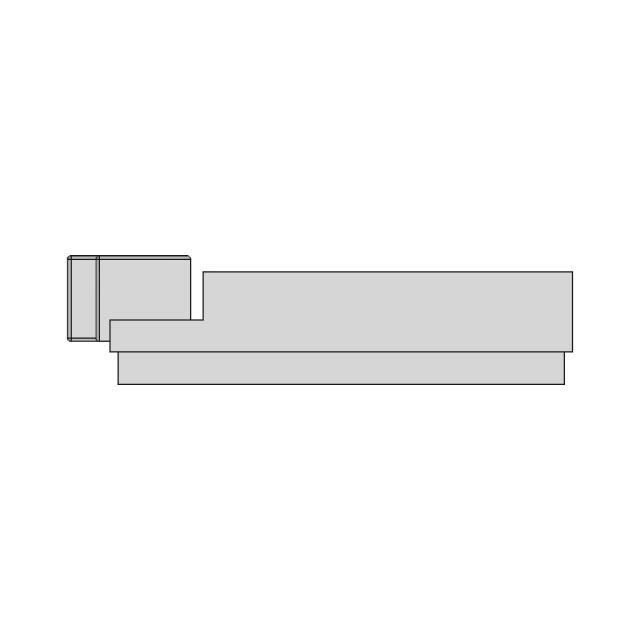
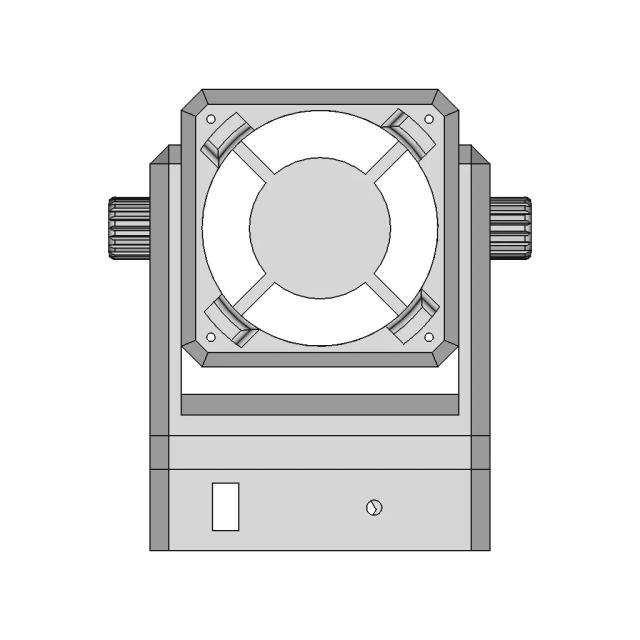
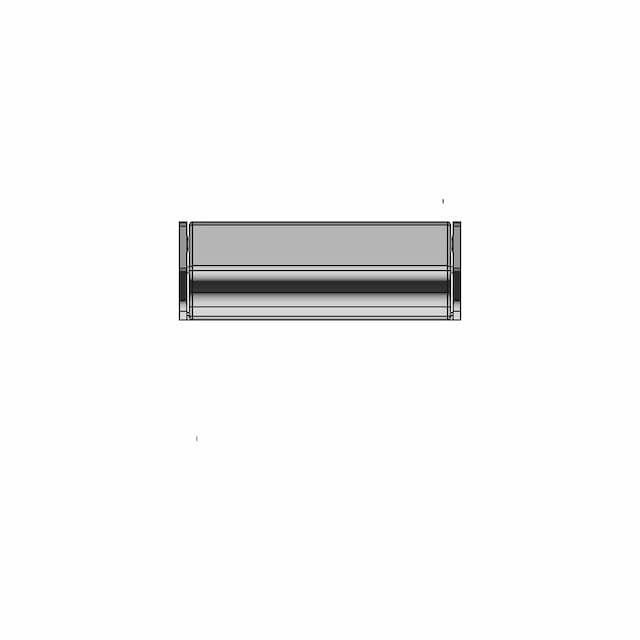
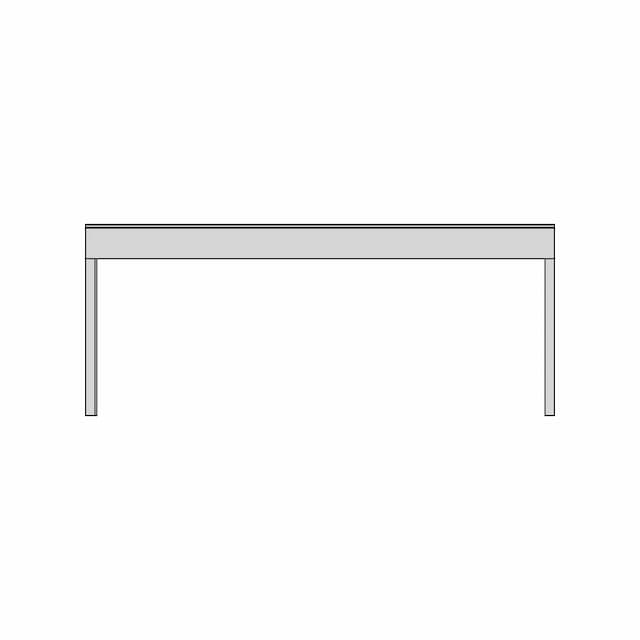
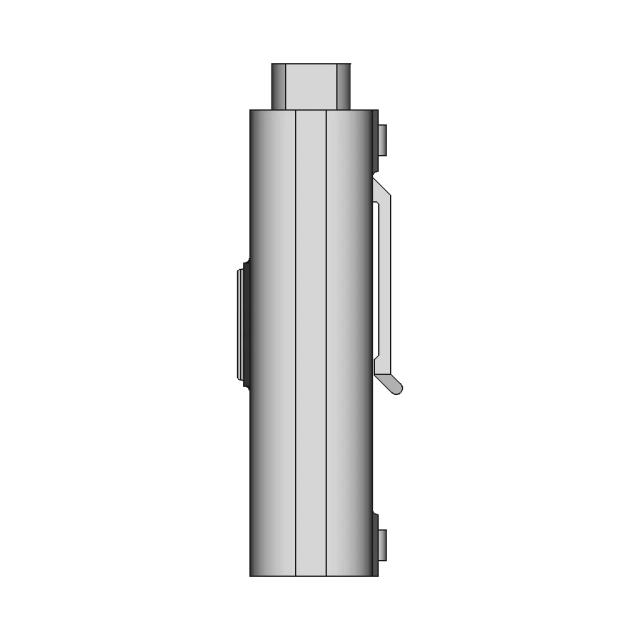
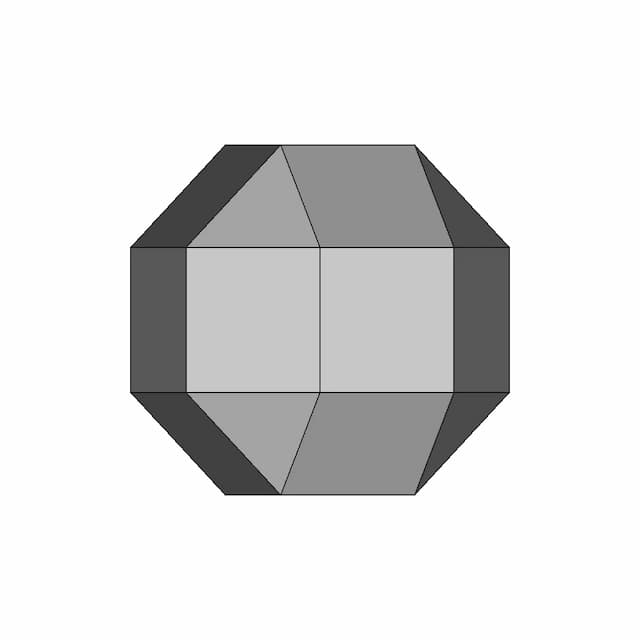
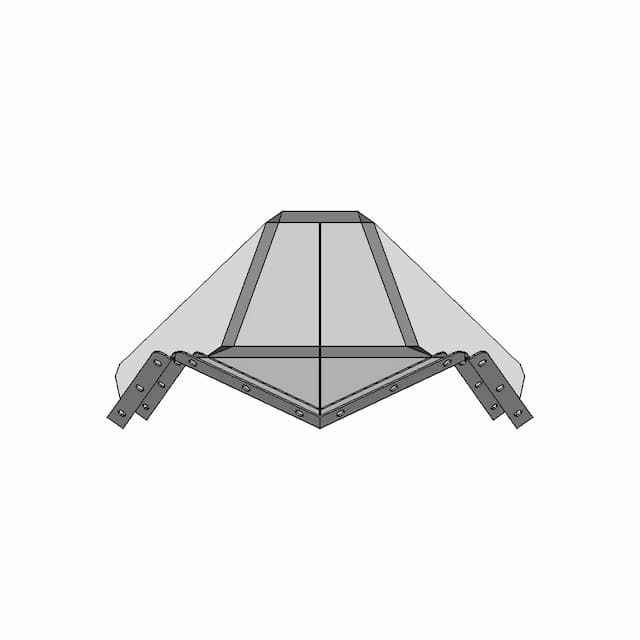
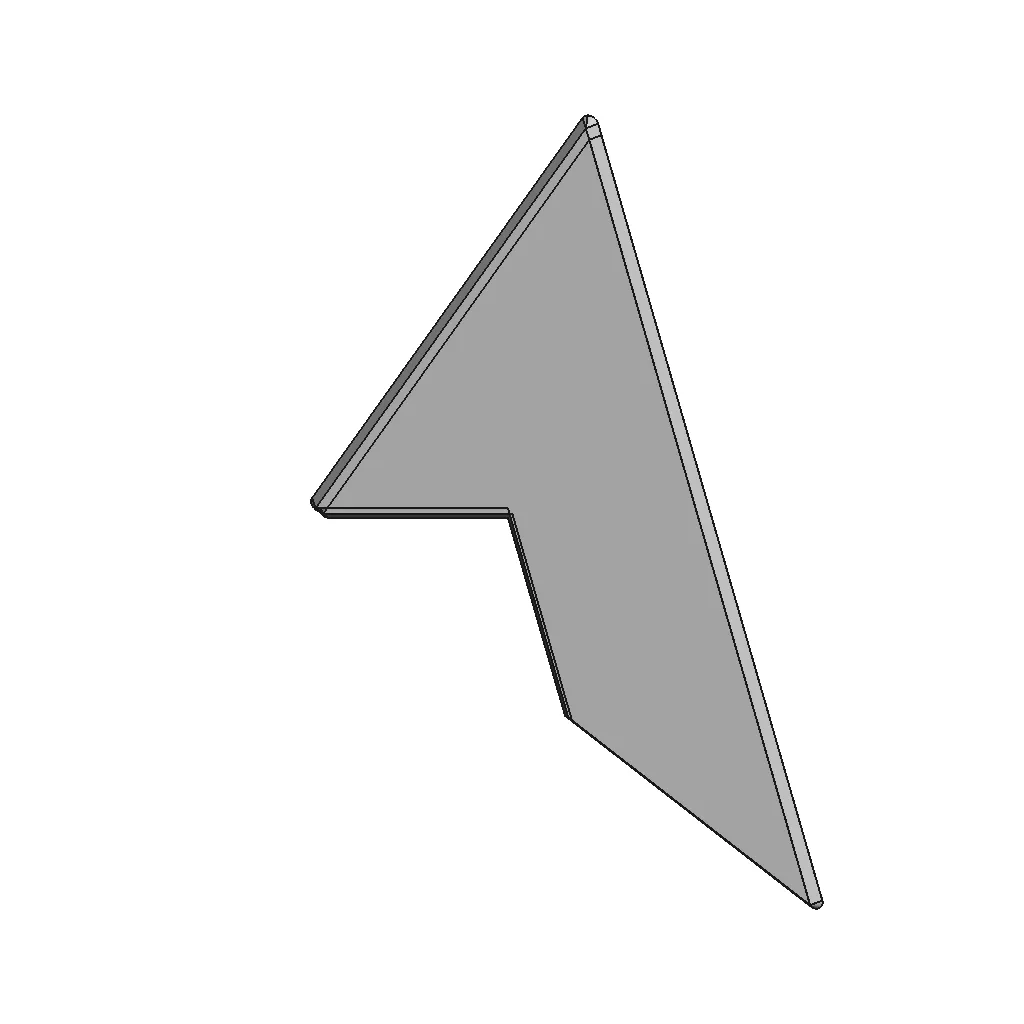
Corner Protector - Standard Mechanical Component

0.0(0 reviews)
Machine design
Mechanical Component
Manufacturing Simulation
Corner Protector
Logo
sprite x=0 y=0
Angle x=0 y=0
Angle x=0 y=90
Angle x=0 y=270
Angle x=90 y=0
Angle x=270 y=0
Angle x=60 y=30

About this design

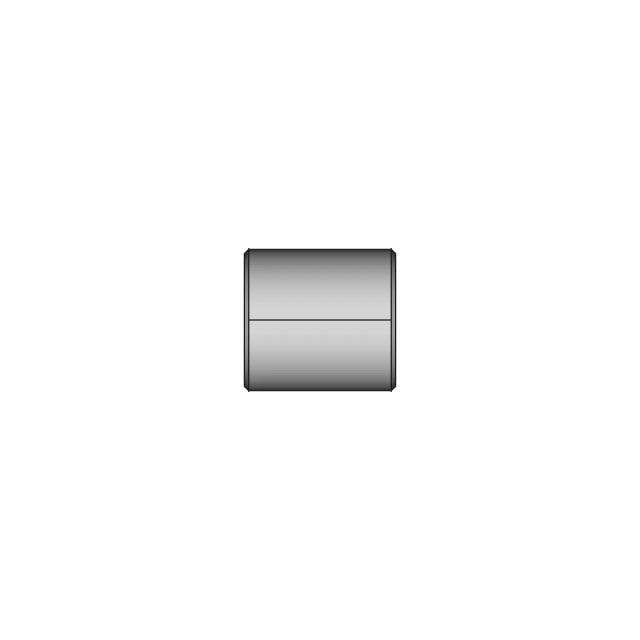
Generic CAD file for Corner Protector, suitable for professional prototyping, manufacturing simulations, and academic use.

What people convert this model to

Loading conversion stats…

Download this model

Pick the format your software opens. The native file is free.

Opens in SolidWorks, Fusion, Onshape, Inventor. Need a mesh or a drawing? Pick a format above.

<100
<100

The files are shared to help you get inspired and speed up your workflow. They may not be fully accurate or production-ready, so review carefully before use.

View NameExtensionAction
Design fileFormat: STEP
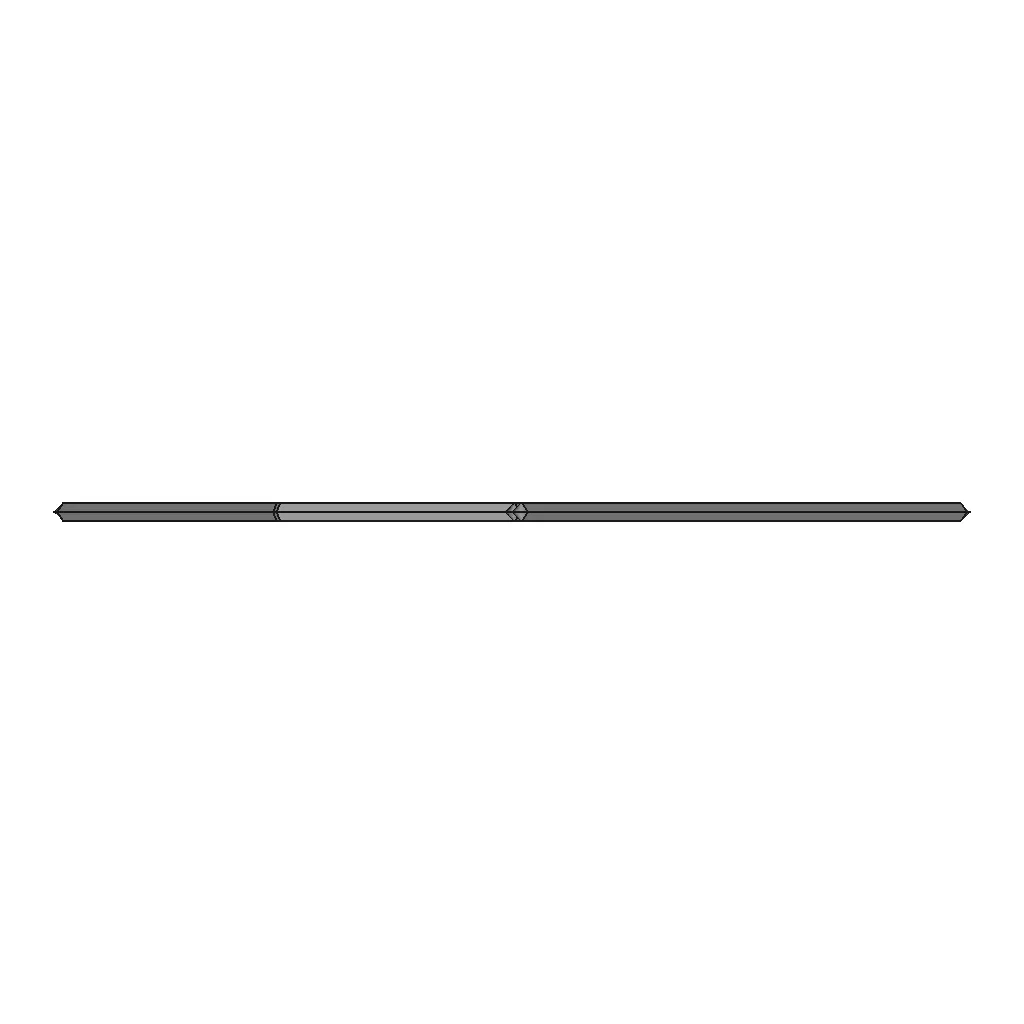
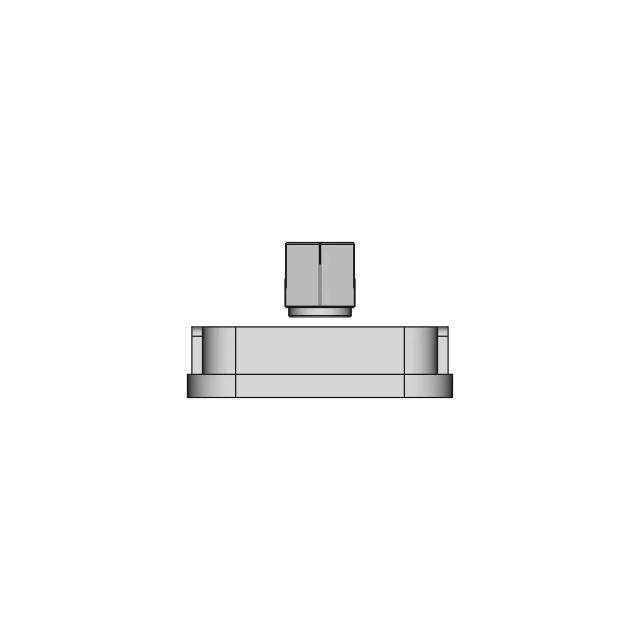
Front Viewwebp
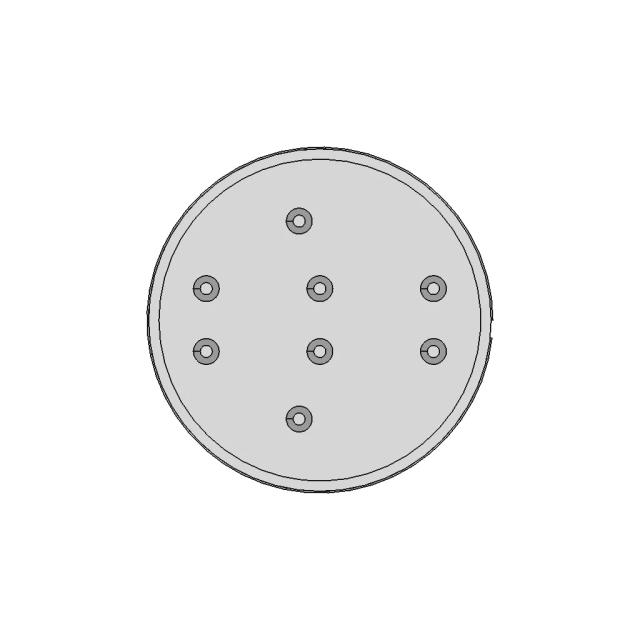
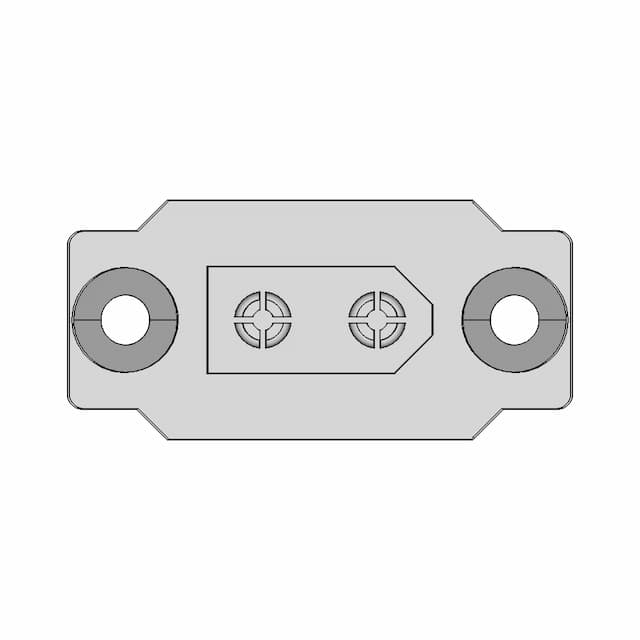
Top Viewwebp
Bottom Viewwebp
Left Side Viewwebp
Right Side Viewwebp
Isometric Viewwebp
Supporting Files (0)
PreviewFile NameAction
No supporting files

CAD File Details

File Information
File Namestep- simple.STEP
File TypeSTEP
Unitsmm
Geometry Summary
Faces20
Edges46
Vertices20
Solids1
Surface Types
Planar12
Cylindrical0
Conical8
Spherical0
Toroidal0
Other0
Bounding Box
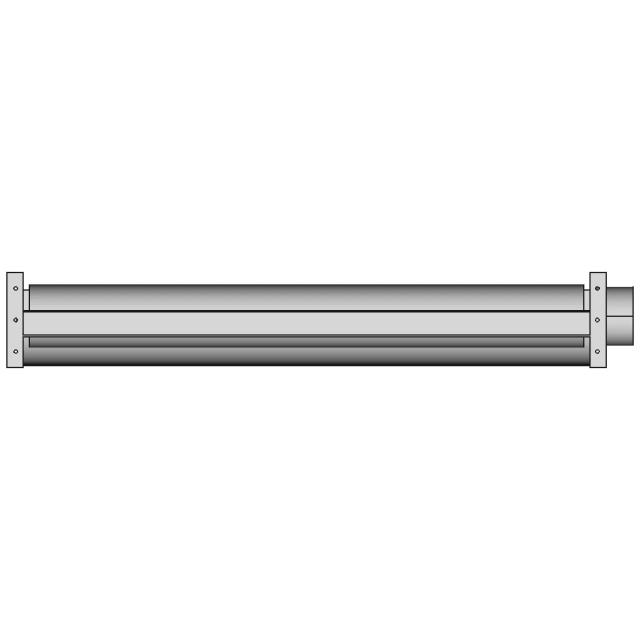
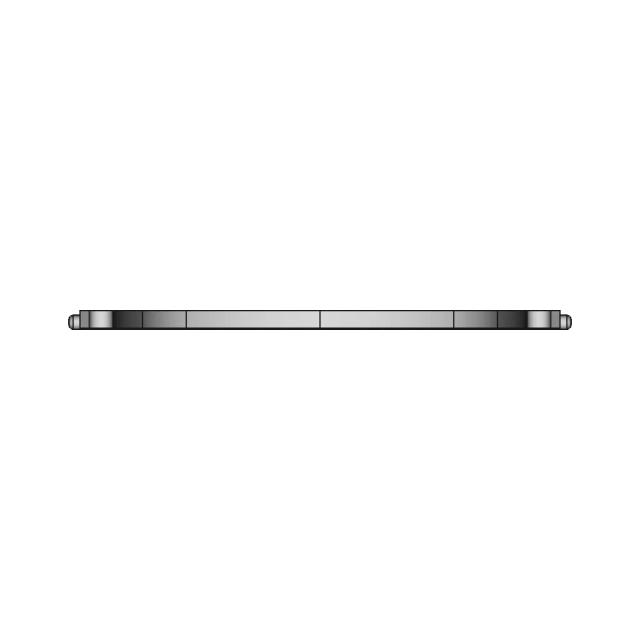
Width97.17 mm
Height4.00 mm
Depth194.34 mm
Volume
Max Volume32965.67 mm³
Min Volume32965.67 mm³
Average Volume32965.67 mm³
Total Volume32965.67 mm³
Usage Notes
NotesSuitable for design reference, visualization, prototyping workflows and engineering review. Validate dimensions and geometry before manufacturing use.

What you can use this CAD model for

  • Engineering review
  • Manufacturing discussion
  • Supplier communication
  • Prototype development
  • Design validation

Before using this CAD file

Review the model dimensions, units and geometry before using it for manufacturing or production. Some files may be created for reference, visualization or workflow acceleration and may require validation before final use.

Paid Pipeline · $5.99 per drawing set

Need 2D engineering drawings for this CAD model?

Generate multi-view 2D technical drawings from this 3D CAD file, including orthographic views, section cuts and downloadable PDF, SVG and DXF files.

  • ✓ Ready in under 4 minutes
  • ✓ 9 sheets · editable FCStd + PDF, SVG, DXF
  • ✓ No subscription · pay per file
$5.99
per drawing set incl. GST
4 min
avg. turnaround

Comments

0
Y
Loading comments...

Marathon-OS Design Hub

Everything you need to design faster, smarter, and with more impact.

Mini Bricks Pikachu 1 | 3D CAD Engineering Model
Detailed Aluminium Hotend Block with Accurate Mass and Assembly Components
Amass Xn60Be-M | 3D Engineering Design File
Adjustable Slicer | 3D Engineering Design File
Arc 16 1 | 3D CAD Engineering Model
Covid 19 Modular 140Mm X 140Mm Standard Smaller Sized 3D | Professional CAD Design
Face Shield For Small 3D Printers 3 | Professional CAD Design
Emoji Angry 1 | 3D CAD Engineering Model
Gopro Mount For Hglrc Rekon 7 And Similar Frames 1 | 3D CAD Engineering Model
Sample | 3D Engineering Design File
3Dprinting Mould V2 For Anchor Point Part 1 | Professional CAD Design
22 30Mm Tapered Push Fit Adapter 3D Print 1 | Professional CAD Design
Elephant Plaque | 3D Engineering Design File
Bracket For Scarlett 2I2 Focusrite 2 | 3D CAD Engineering Model
3D Printable Chain 1 | Professional CAD Design
Designed To Print Pin Challenge 1 | Professional CAD Design
View all designs

Recently added / Trending

Everything you need to design faster, smarter, and with more impact.

Boeing Business Jet 2 | 3D Engineering Design File
Foodtruck 2 | 3D CAD Engineering Model
Traverse - Standard Mechanical Component
ECS Monolithic Crystal Filter with SC-2 Thru-Hole PCB Case
Defensive Concrete Block Against Sea V1 - Downloadable CAD Representation
Boeing 777 300 Er Emirates
Expansion Board For Seeed Studio Xiao 1 | CAD Model for Energy Systems
Yt 1000R Posicionador Eletropnematico Rotativo
48mm Jockey Wheel with Clamp and Hard Rubber Tyre - 150kg Capacity
Gravity Digital 10.525Ghz Microwave Sensor (Motion Detection) - Standard Mechanical Component
View all designs

Free Online CAD Viewer –Secure, Fast & Cloud-Based

A lightweight, online tool to convert 3D file formats—anytime, anywhere, without installing any software.

Drag & drop your 3D files

Supported formats: STEP (.step, .stp), IGES (.igs, .iges), STL (.stl), PLY (.ply), OFF (.off), BREP (.brp, .brep)

upload
Don't have a file? Try one of these samples:


CAD Viewer featureOpen CAD files instantly in your browser.
CAD Viewer featureNo software needed.
CAD Viewer featurePrivate uploads.
CAD Viewer featureAutomatically deleted after 7 days.
CAD Viewer featureUpload files up to 300 MB