CSWA Exam Assembly Practice with Screw Mate Setup for SOLIDWORKS

0.0(0 reviews)
Machine design
Assembly
Cswa Exam
Motion Simulation
Screw Mate
Logo
sprite x=0 y=0
Angle x=0 y=0
Angle x=0 y=90
Angle x=0 y=270
Angle x=90 y=0
Angle x=270 y=0
Angle x=60 y=30

About this design

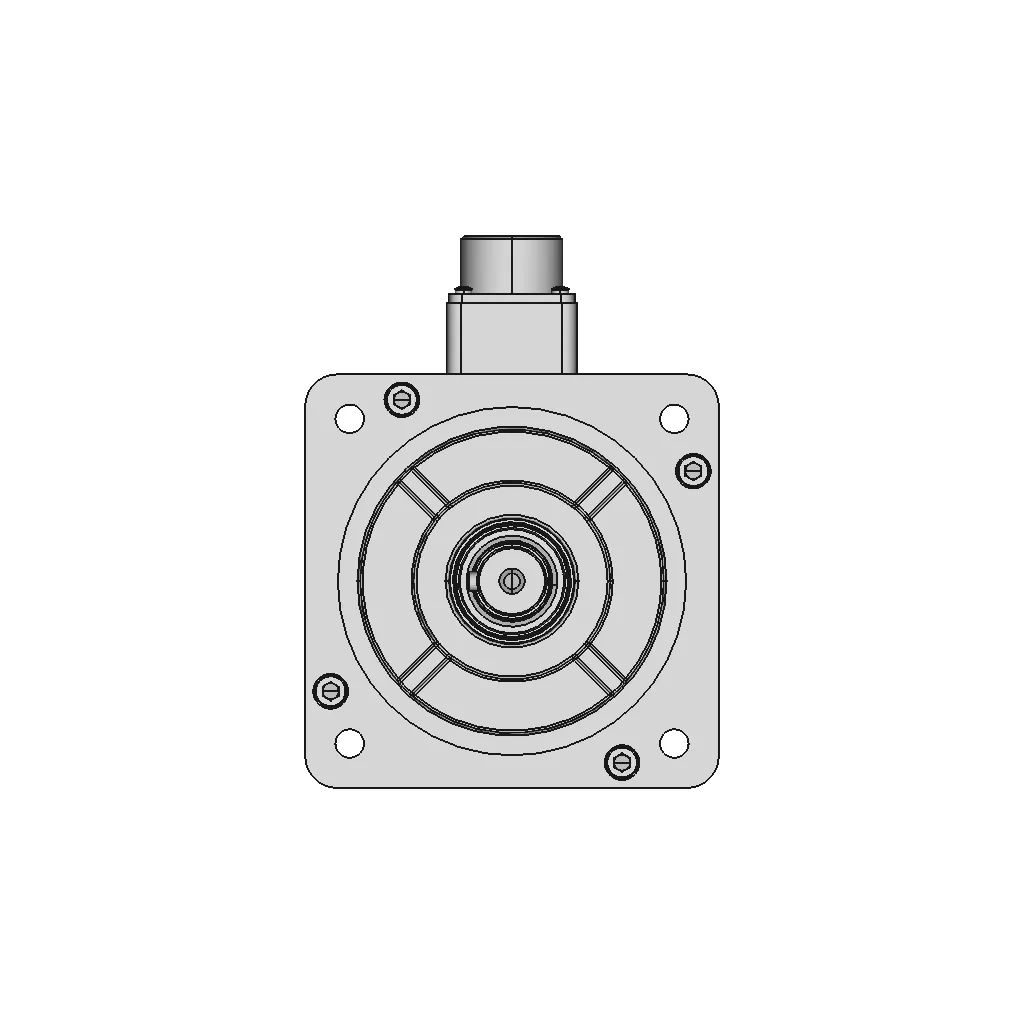
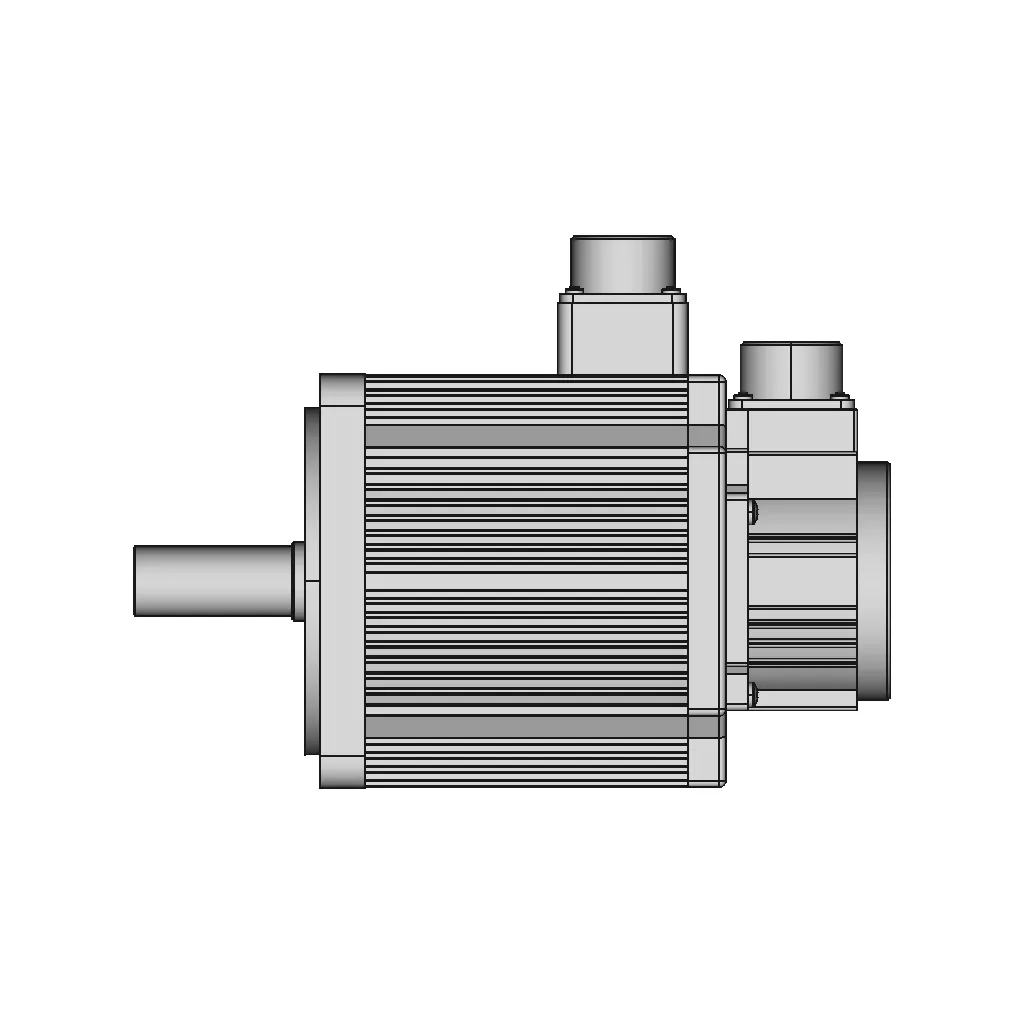
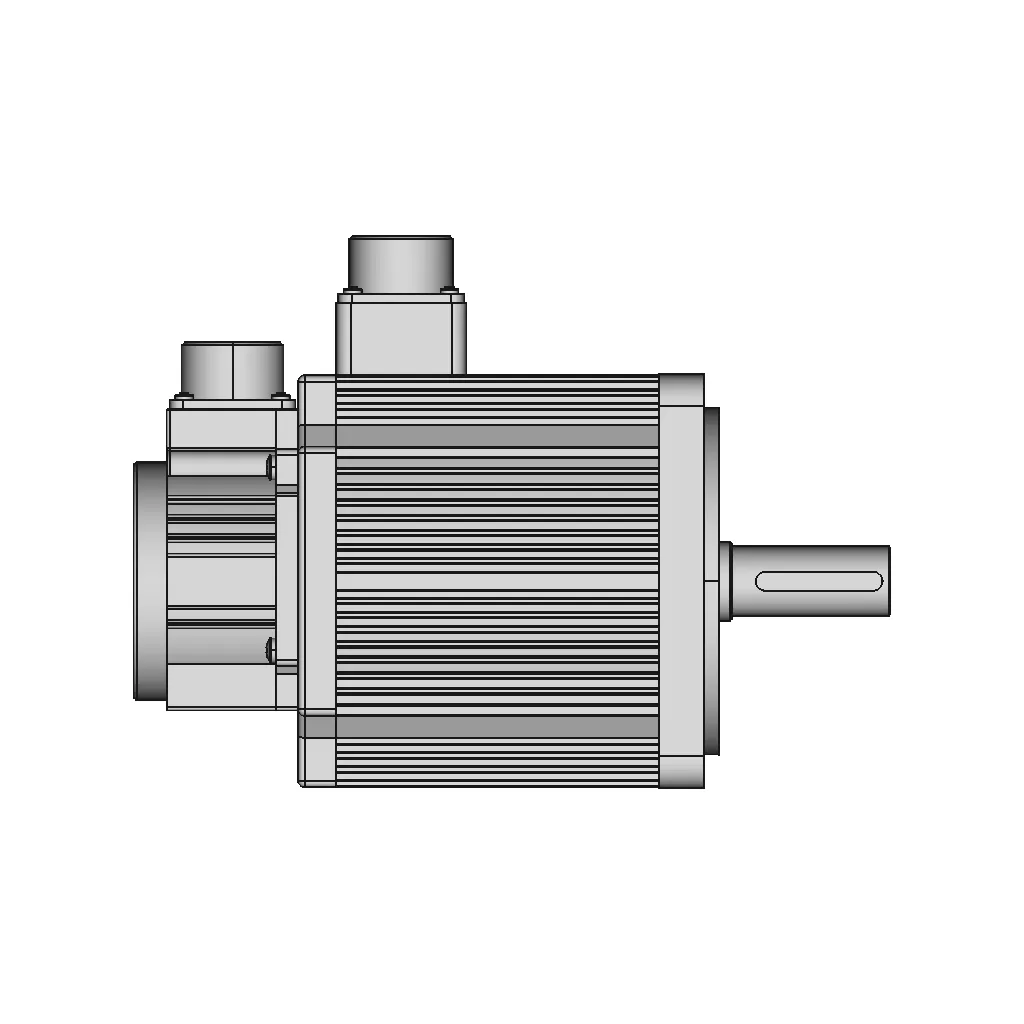
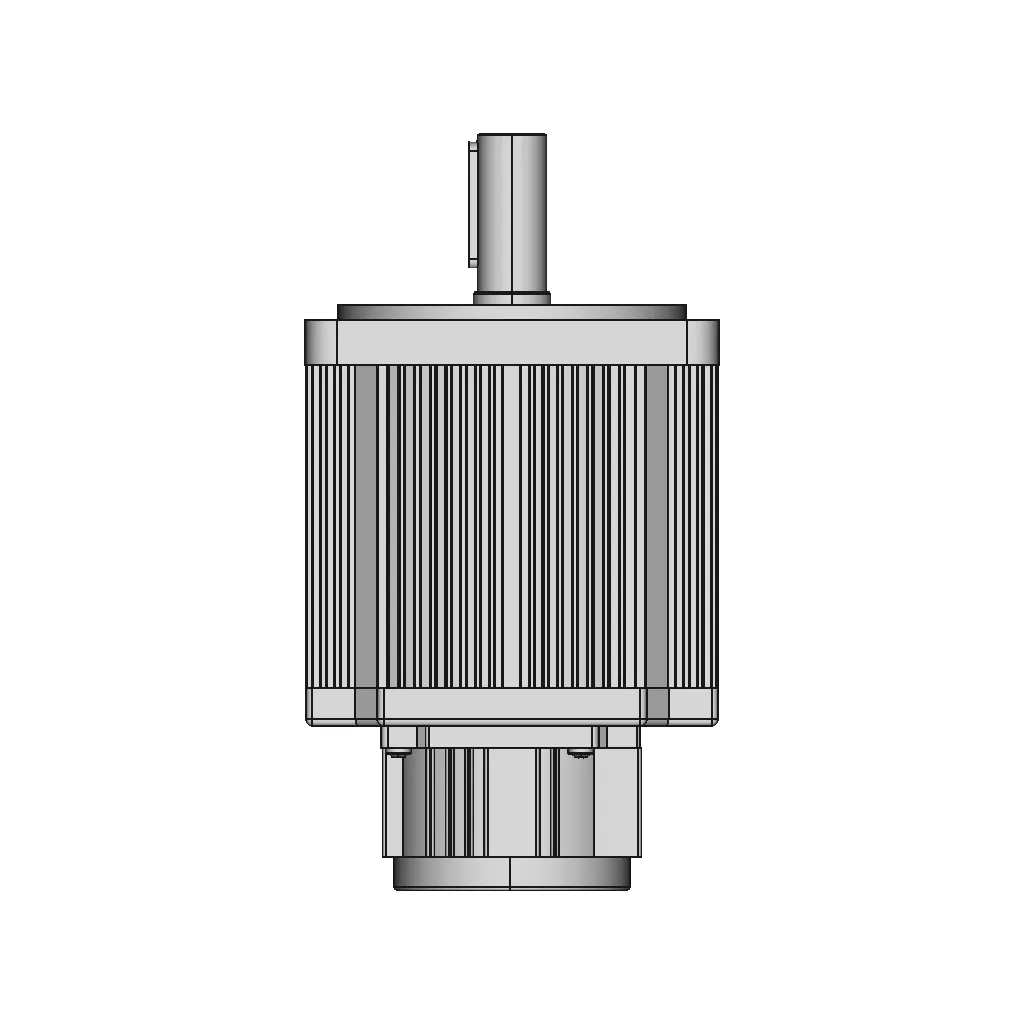
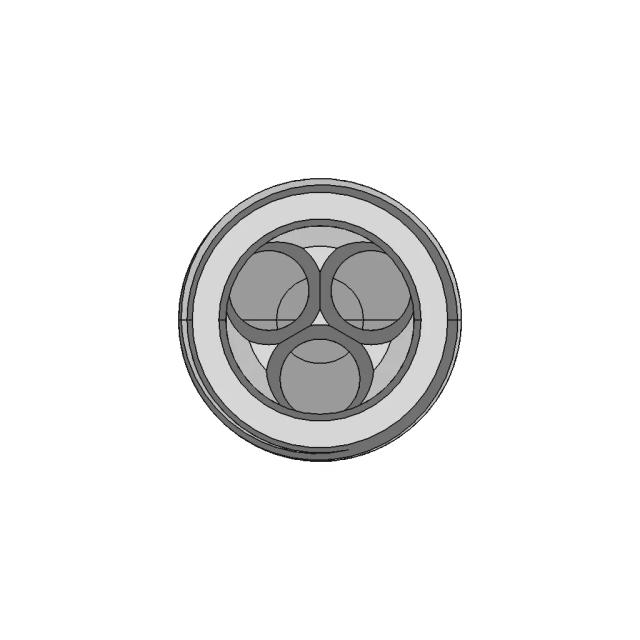
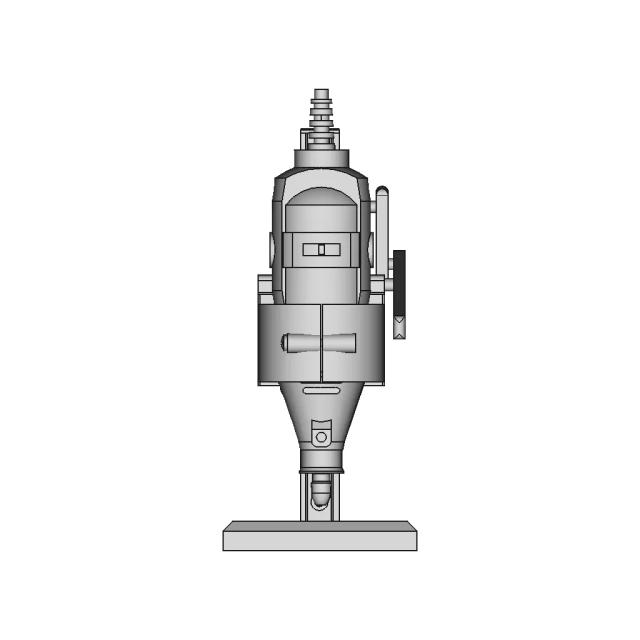
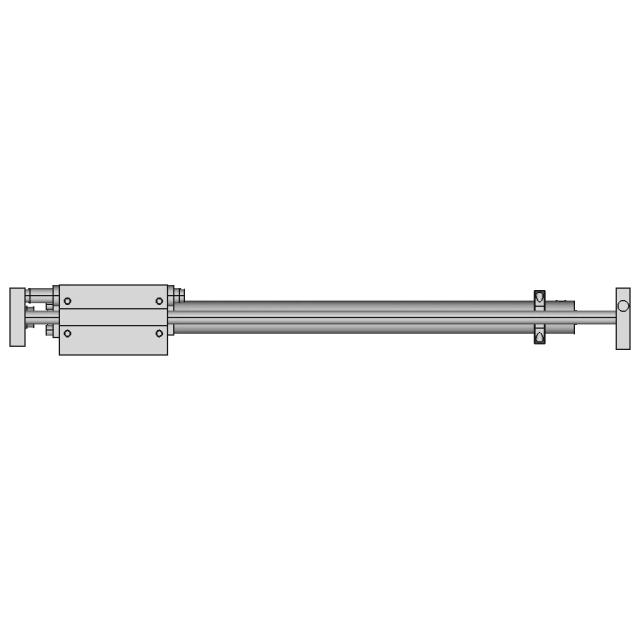
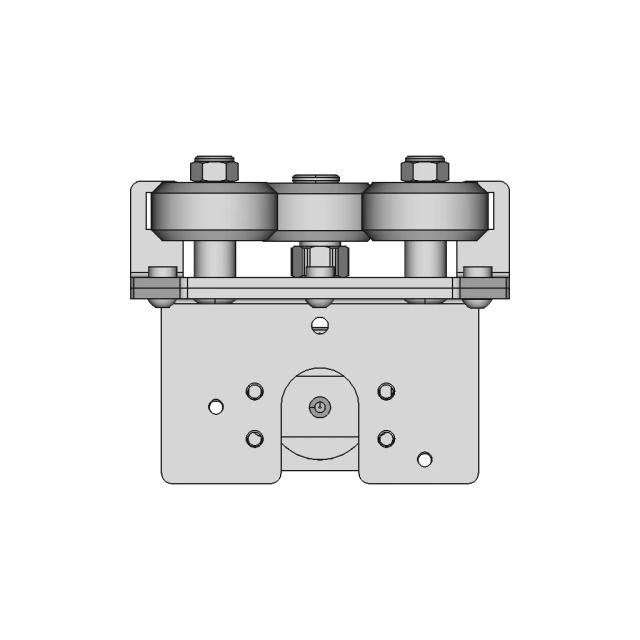
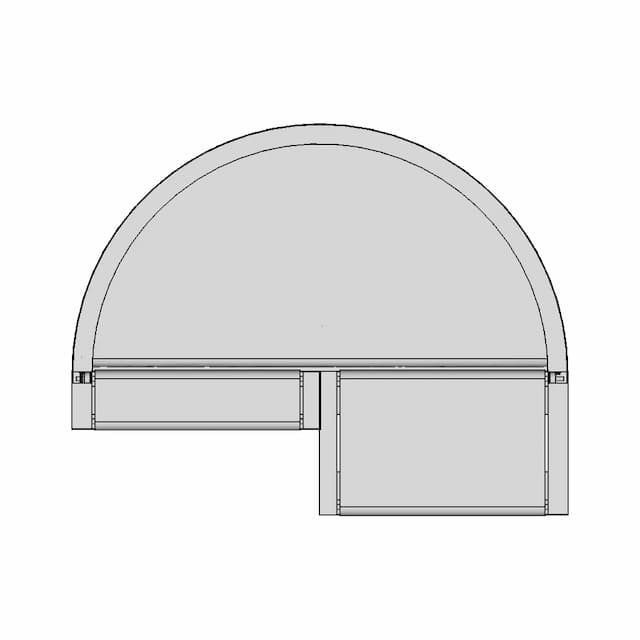
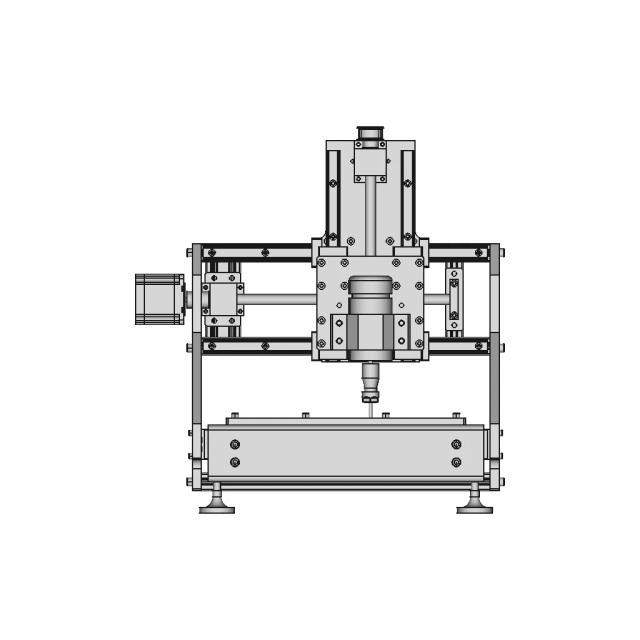
Practice assembly techniques focusing on Screw Mate setup in SOLIDWORKS. This tutorial features realistic threaded components and motion simulation, ideal for beginners and CSWA exam candidates to improve their skills and troubleshoot mates effectively.

What people convert this model to

Loading conversion stats…

Download this model

Pick the format your software opens. The native file is free.

Opens in SolidWorks, Fusion, Onshape, Inventor. Need a mesh or a drawing? Pick a format above.

<100
<100

The files are shared to help you get inspired and speed up your workflow. They may not be fully accurate or production-ready, so review carefully before use.

View NameExtensionAction
Design fileFormat: STEP
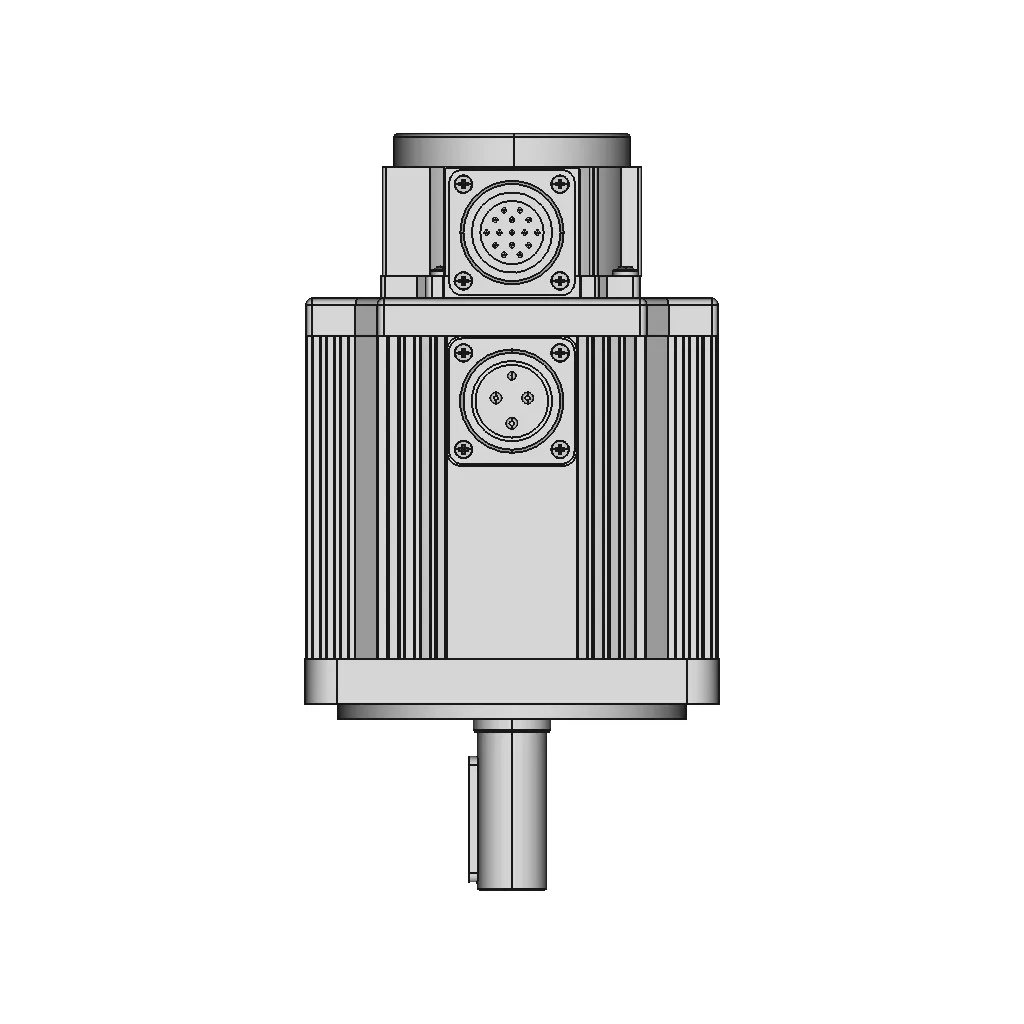
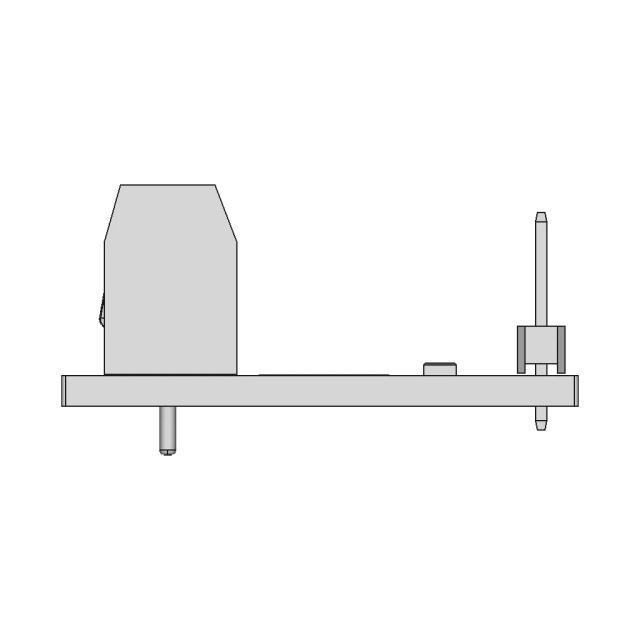
Front Viewwebp
Top Viewwebp
Bottom Viewwebp
Left Side Viewwebp
Right Side Viewwebp
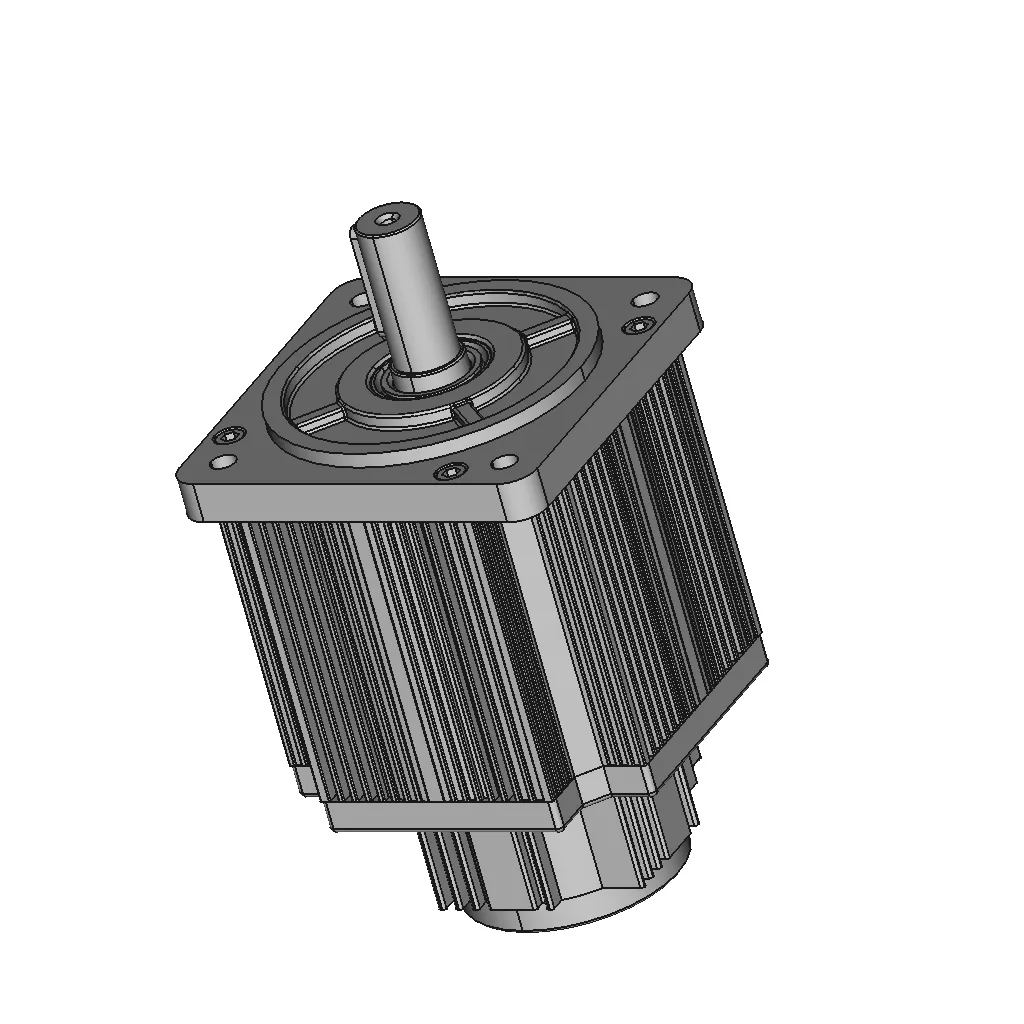
Isometric Viewwebp
Supporting Files (0)
PreviewFile NameAction
No supporting files

CAD File Details

File Information
File NameLeadshine-EL5-M1500.STEP
File TypeSTEP
Unitsmm
Geometry Summary
Faces2,169
Edges5,373
Vertices3,296
Solids73
Surface Types
Planar873
Cylindrical522
Conical276
Spherical85
Toroidal209
Other204
Bounding Box
Width130.60 mm
Height174.30 mm
Depth239.00 mm
Volume
Max Volume1090011.64 mm³
Min Volume20.99 mm³
Average Volume29332.93 mm³
Total Volume2141303.85 mm³
Usage Notes
NotesSuitable for design reference, visualization, prototyping workflows and engineering review. Validate dimensions and geometry before manufacturing use.

What you can use this CAD model for

  • Engineering review
  • Manufacturing discussion
  • Supplier communication
  • Prototype development
  • Design validation

Before using this CAD file

Review the model dimensions, units and geometry before using it for manufacturing or production. Some files may be created for reference, visualization or workflow acceleration and may require validation before final use.

Paid Pipeline · $5.99 per drawing set

Need 2D engineering drawings for this CAD model?

Generate multi-view 2D technical drawings from this 3D CAD file, including orthographic views, section cuts and downloadable PDF, SVG and DXF files.

  • ✓ Usually ready in minutes
  • ✓ 9 sheets · editable FCStd + PDF, SVG, DXF
  • ✓ No subscription · pay per file
$5.99
per drawing set incl. GST
4 min
avg. turnaround

Comments

0
Y
Loading comments...

Marathon-OS Design Hub

Everything you need to design faster, smarter, and with more impact.
Edge Lamp 1 | 3D CAD Engineering Model
AWM - Sniper Gun 3D Model (Solid Modeling)
Face Shield For Small 3D Printers 1 | Professional CAD Design
GB-22 .22LR Ammunition Firearm 3D Printing Model
3D Printed Adapter O20 Mm Pvc Pipe To Garden Hose | 3D CAD Engineering Model
Terminal Ring From Death Stranding 2 1 | 3D CAD Engineering Model
Reaper'S Scythe - Fatal Shears | 3D Engineering Design File
Hoverboard Motor Holder 1 | 3D CAD Engineering Model
Chakra Blade Naruto 1 | 3D CAD Engineering Model
Metal X-Carriage and Toolhead Holder Assembly for 3D Printers
Thin | 3D Engineering Design File
Gopro 1 6Mm Board Mount 1 | 3D CAD Engineering Model
Filament Spool Holder Cerality K1Max K1C K1 1 | 3D CAD Engineering Model
Box With Hinges For 3D Printing | 3D Engineering Design File
Micro Two-Cylinder Steam Engine Model for 3D Printing
Filament Change Code for Multi-Color 3D Printing Layers
View all designs

Recently added / Trending

Everything you need to design faster, smarter, and with more impact.
Pegasus Logo 1 | Professional CAD Design
Electronic Leadscrew Manual Er32 Collet Lathe 1 | 3D CAD Engineering Model
NTC Thermistor CAD Model for Engineering Design
Hydraulic Distributor With Manual Control Of The Remote Control | High-Quality CAD Model
Canard Airliner 1 | Professional CAD Design
Cbp 15112024 Cad 3D Practice 1 | Industrial CAD Design
Safety Valve O1 2 | 3D Engineering Design File
Tr Dümen Eng Rudder | High-Quality CAD Model
Demon Logo 3D - Downloadable CAD Representation
Metal Fence (Parametric) | High-Quality CAD Model
View all designs

Free Online CAD Viewer –Secure, Fast & Cloud-Based

A lightweight, online tool to convert 3D file formats—anytime, anywhere, without installing any software.

Drag & drop your 3D files

Supported formats: STEP (.step, .stp), IGES (.igs, .iges), STL (.stl), PLY (.ply), OFF (.off), BREP (.brp, .brep)

upload
Don't have a file? Try one of these samples:


CAD Viewer featureOpen CAD files instantly in your browser.
CAD Viewer featureNo software needed.
CAD Viewer featurePrivate uploads.
CAD Viewer featureAutomatically deleted after 7 days.
CAD Viewer featureUpload files up to 300 MB