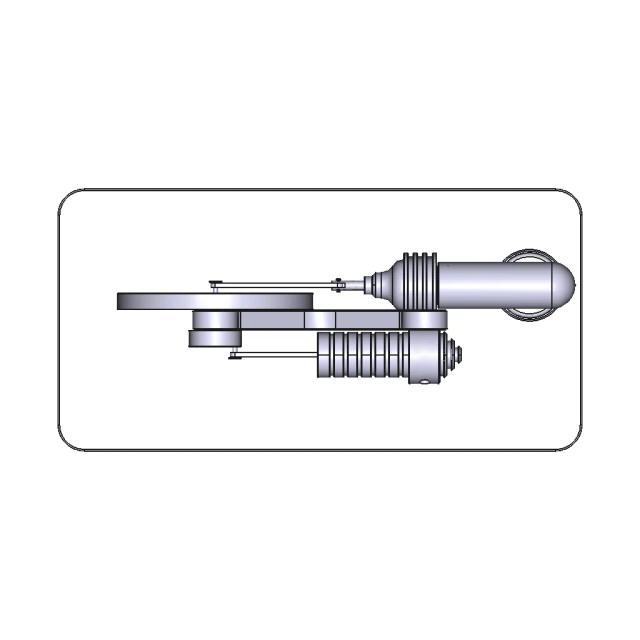
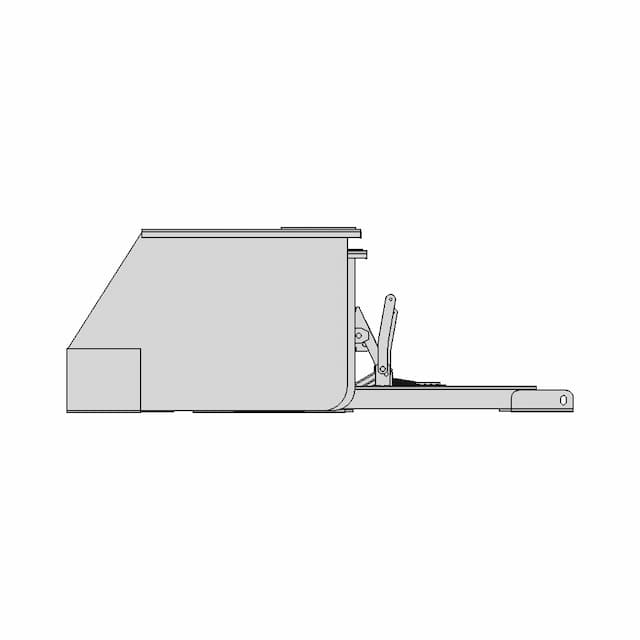
FreeCAD Beginner Tutorial for Quick Learning

0.0(0 reviews)
Machine design
Product Development
Design Engineering
Manufacturing Preparation
Exercise Freecad Beginner 029 1
Logo
sprite x=0 y=0
Angle x=0 y=0
Angle x=0 y=90
Angle x=0 y=270
Angle x=90 y=0
Angle x=270 y=0
Angle x=60 y=30

About this design

Explore a concise tutorial designed for beginners to quickly learn the basics of FreeCAD on a Linux CentOS 9 system. Ideal for new users aiming to get started with FreeCAD efficiently.

What people convert this model to

Loading conversion stats…

Download this model

Pick the format your software opens. The native file is free.

Opens in SolidWorks, Fusion, Onshape, Inventor. Need a mesh or a drawing? Pick a format above.

<100
<100

The files are shared to help you get inspired and speed up your workflow. They may not be fully accurate or production-ready, so review carefully before use.

View NameExtensionAction
Design fileFormat: STEP
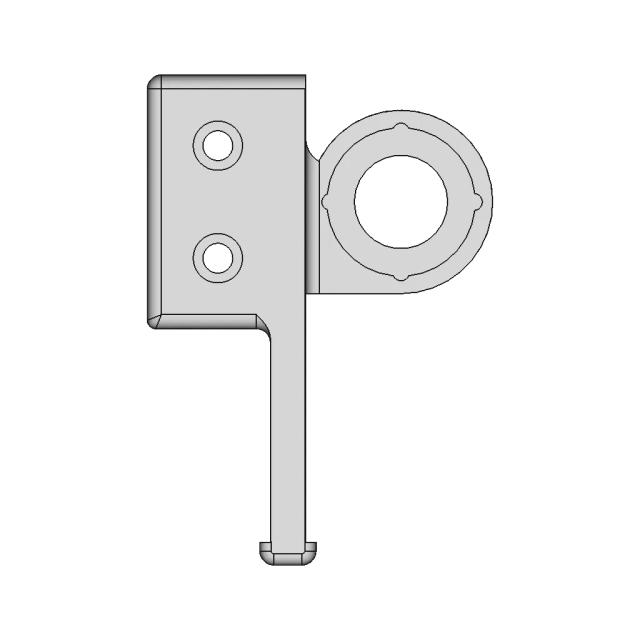
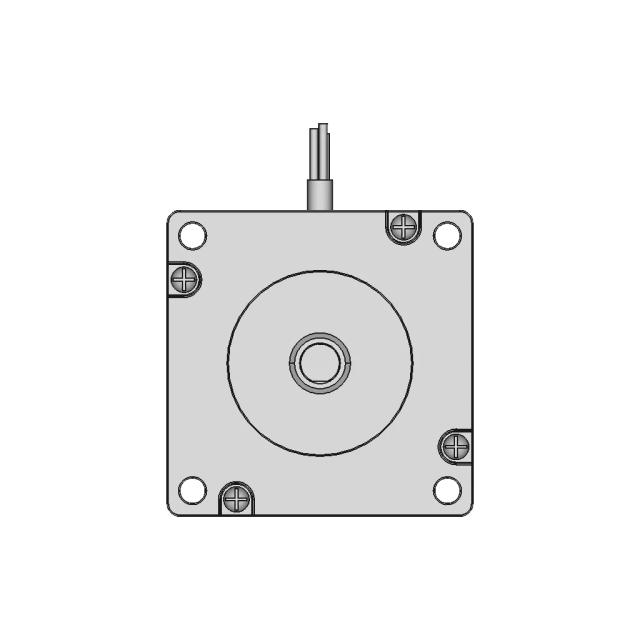
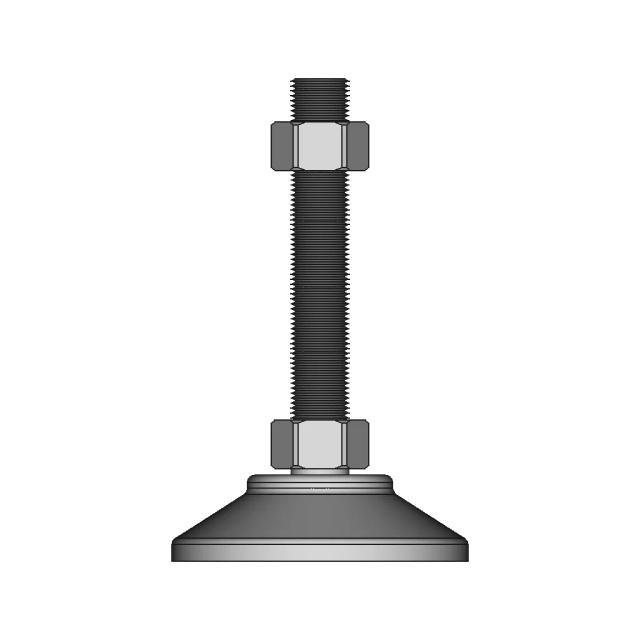
Front Viewwebp
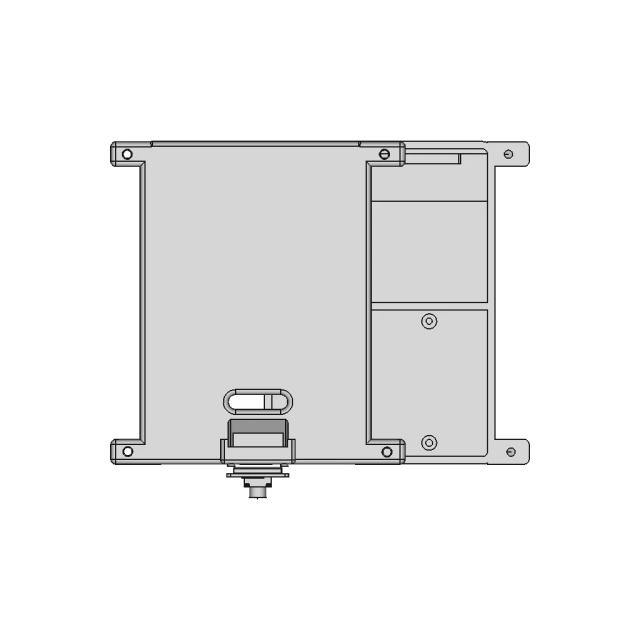
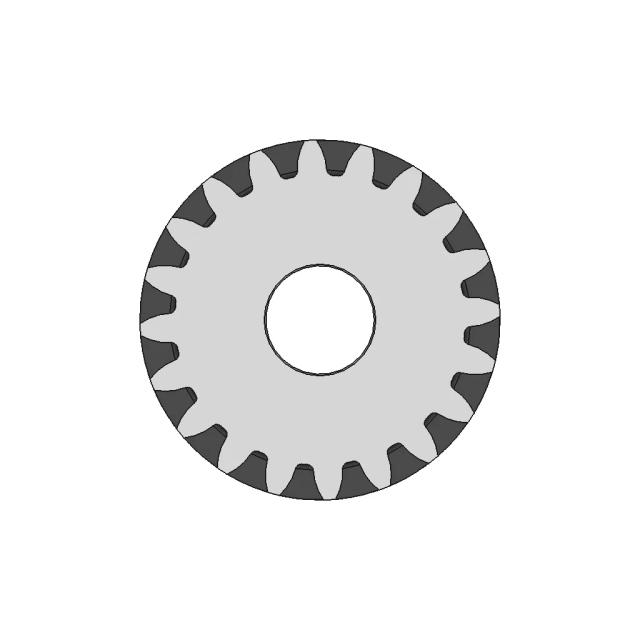
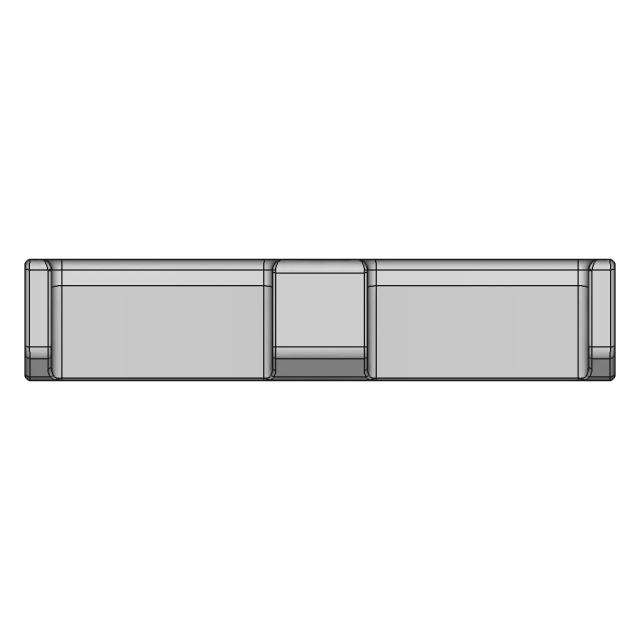
Top Viewwebp
Bottom Viewwebp
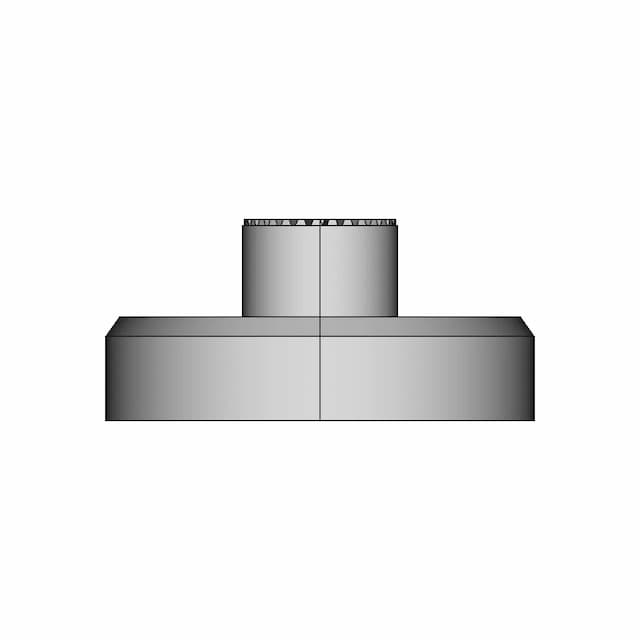
Left Side Viewwebp
Right Side Viewwebp
Isometric Viewwebp
Supporting Files (0)
PreviewFile NameAction
No supporting files

CAD File Details

File Information
File NameFreeCad_30-Body.step
File TypeSTEP
Unitsmm
Geometry Summary
Faces21
Edges57
Vertices38
Solids1
Surface Types
Planar13
Cylindrical8
Conical0
Spherical0
Toroidal0
Other0
Bounding Box
Width50.00 mm
Height87.94 mm
Depth95.00 mm
Volume
Max Volume101690.20 mm³
Min Volume101690.20 mm³
Average Volume101690.20 mm³
Total Volume101690.20 mm³
Usage Notes
NotesSuitable for design reference, visualization, prototyping workflows and engineering review. Validate dimensions and geometry before manufacturing use.

What you can use this CAD model for

  • Engineering review
  • Manufacturing discussion
  • Supplier communication
  • Prototype development
  • Design validation

Before using this CAD file

Review the model dimensions, units and geometry before using it for manufacturing or production. Some files may be created for reference, visualization or workflow acceleration and may require validation before final use.

Paid Pipeline · $5.99 per drawing set

Need 2D engineering drawings for this CAD model?

Generate multi-view 2D technical drawings from this 3D CAD file, including orthographic views, section cuts and downloadable PDF, SVG and DXF files.

  • ✓ Usually ready in minutes
  • ✓ 9 sheets · editable FCStd + PDF, SVG, DXF
  • ✓ No subscription · pay per file
$5.99
per drawing set incl. GST
4 min
avg. turnaround

Comments

0
Y
Loading comments...

Marathon-OS Design Hub

Everything you need to design faster, smarter, and with more impact.

Large 3D Printed Toy Model with Approximate Dimensions
3D Print-in-Place Fidget Rings with Stand for Prototyping
Weight Mold For Diving 1 75Kg 1 | 3D CAD Engineering Model
Key_Sword_2 | 3D Engineering Design File
Back Cover V2 For Qidi Q1 Pro 1 | Professional CAD Design
Bambu 4 In 1 Ptfe Adapter 2 | Professional CAD Design
Spool Holder Adapter Compatible with Low-Profile and Original Prusa Spool Holders
Boy Scout Emblem | 3D Engineering Design File
Custom Portable Raspberry Pi Case with Battery and Camera Module Support
Asian Inspired Cannon Barrel | 3D CAD Engineering Model
Printable Armor | 3D Engineering Design File
Paracord Magnetic Toy 1 | 3D CAD Engineering Model
Silly Cat Pencil Top 1 | 3D CAD Engineering Model
3D Printer Based on Prusa I3 MK2
Chess All Pieces 1 | 3D CAD Engineering Model
Voronoi Pen Holder 3D Model - Geometric Desk Organizer
View all designs

Recently added / Trending

Everything you need to design faster, smarter, and with more impact.
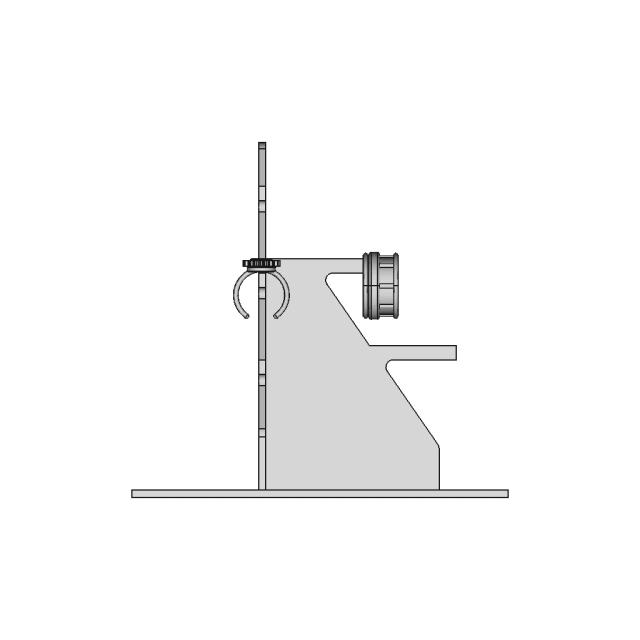
Magnetic Train Idea
Magnetic Train Idea
Tire 255X80 Electric Scooters 1 | 3D CAD Engineering Model
V6 Engine Assembly 14 | 3D CAD Engineering Model
Cbp 06122024 Cad 3D Practice 1 | Industrial CAD Design
Small Hand Vice - Downloadable CAD Representation
Basic Gripper To Throw Ball - Standard Mechanical Component
Fl510 Bike Light Support Piece | High-Quality CAD Model
Stirling Engine — Variant 01
| 3D Engineering Design File
| 3D Engineering Design File
Yuk Kaldirma Sehpasi | 3D Engineering Design File
View all designs

Free Online CAD Viewer –Secure, Fast & Cloud-Based

A lightweight, online tool to convert 3D file formats—anytime, anywhere, without installing any software.

Drag & drop your 3D files

Supported formats: STEP (.step, .stp), IGES (.igs, .iges), STL (.stl), PLY (.ply), OFF (.off), BREP (.brp, .brep)

upload
Don't have a file? Try one of these samples:


CAD Viewer featureOpen CAD files instantly in your browser.
CAD Viewer featureNo software needed.
CAD Viewer featurePrivate uploads.
CAD Viewer featureAutomatically deleted after 7 days.
CAD Viewer featureUpload files up to 300 MB