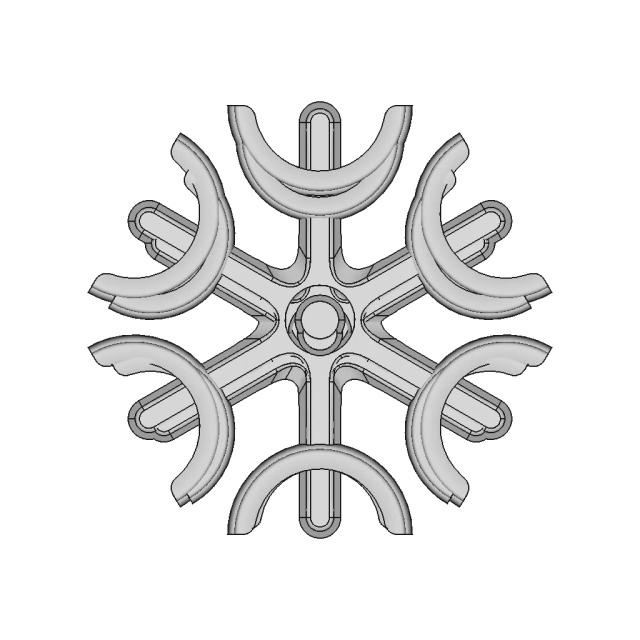
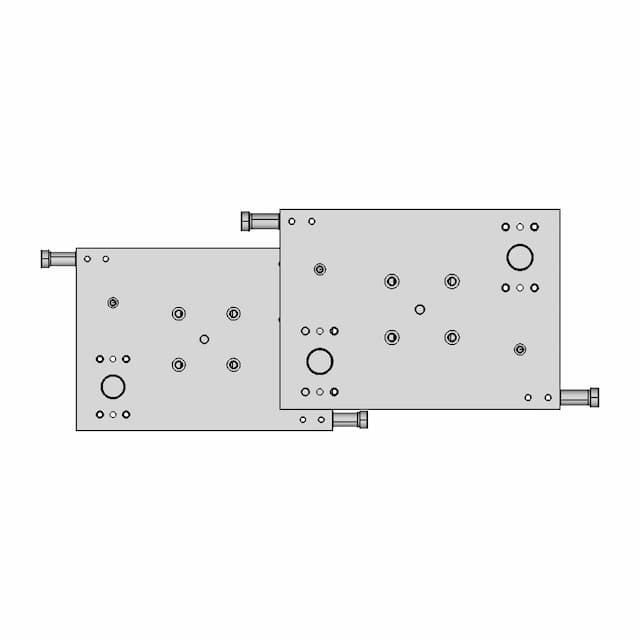
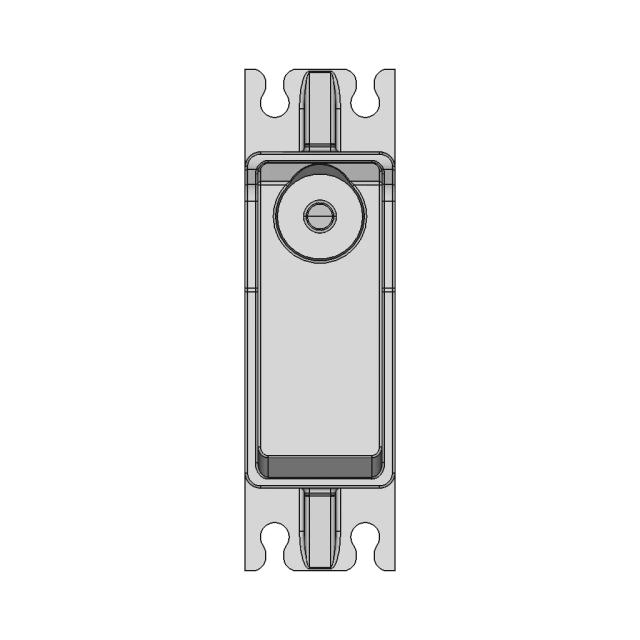
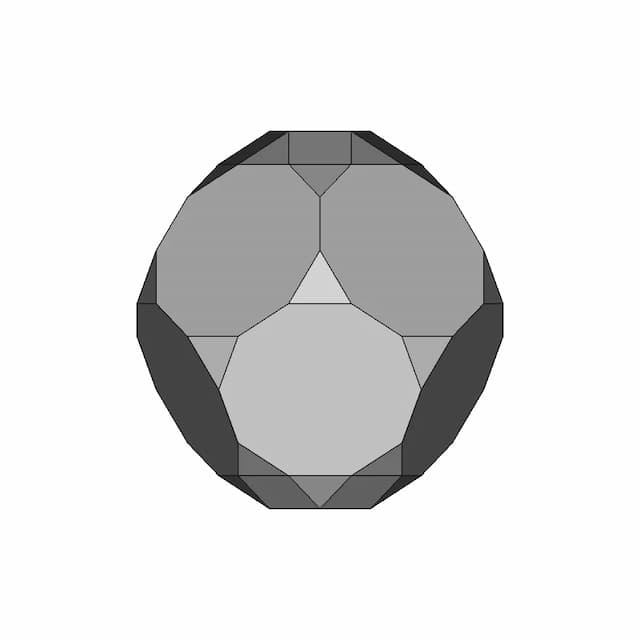
Exercise 074 1 | 3D CAD Engineering Model

0.0(0 reviews)
Machine design
System Integration
Engineering Visualization
Product Development
Exercise 074 1
Logo
sprite x=0 y=0
Angle x=0 y=0
Angle x=0 y=90
Angle x=0 y=270
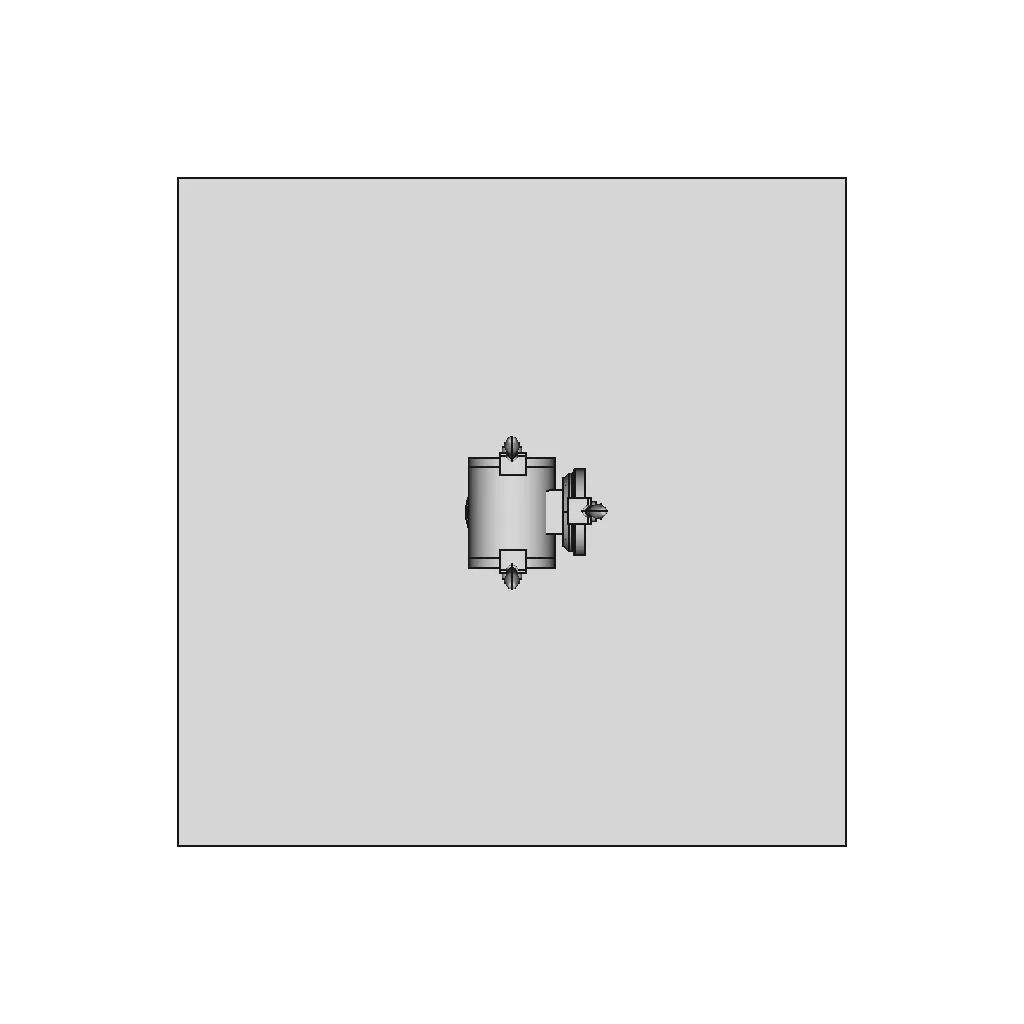
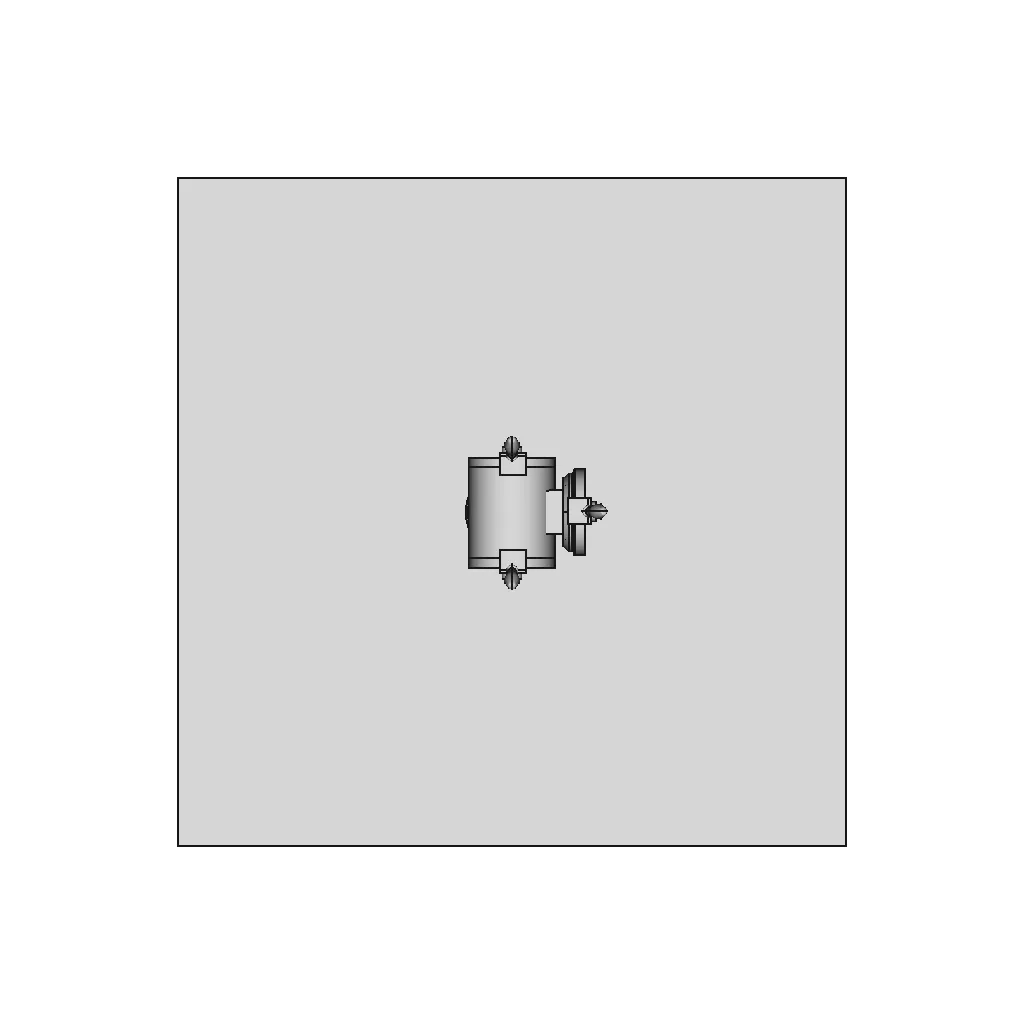
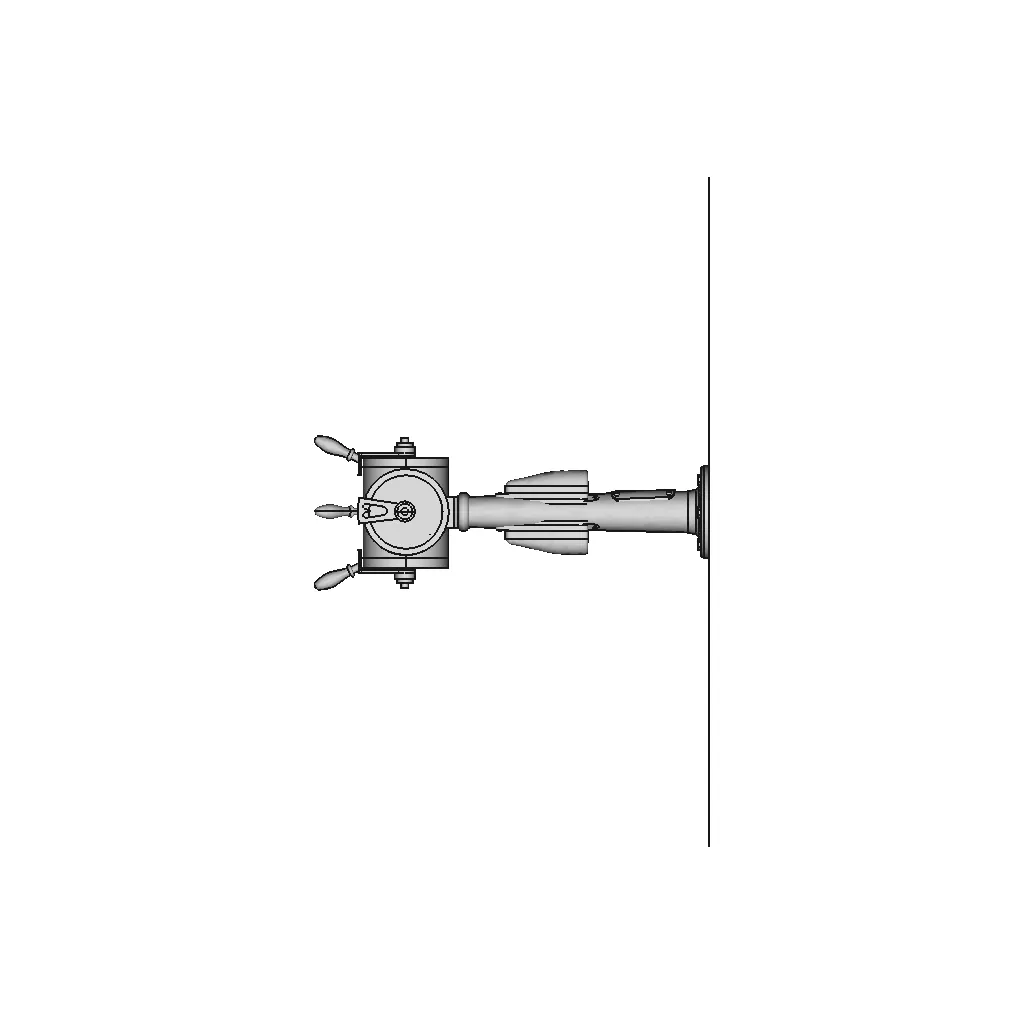
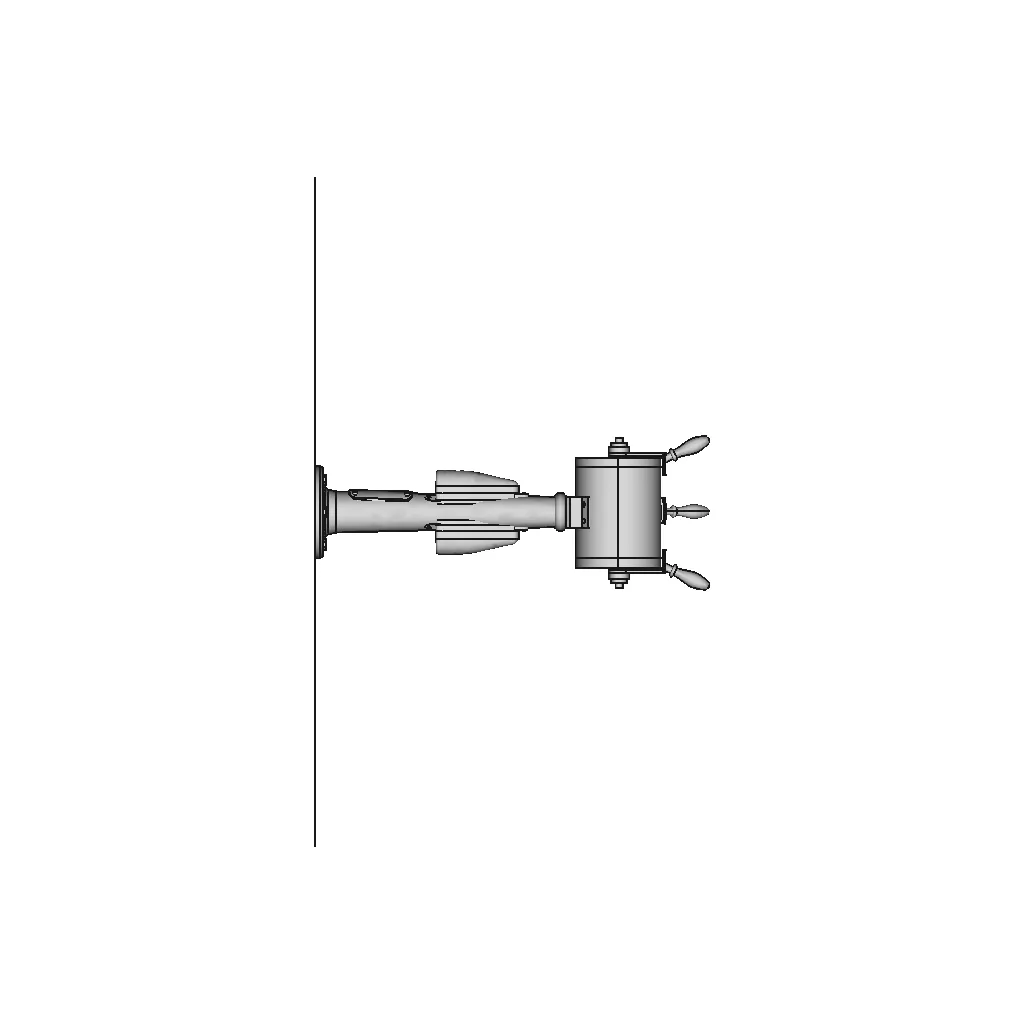
Angle x=90 y=0
Angle x=270 y=0
Angle x=60 y=30

About this design

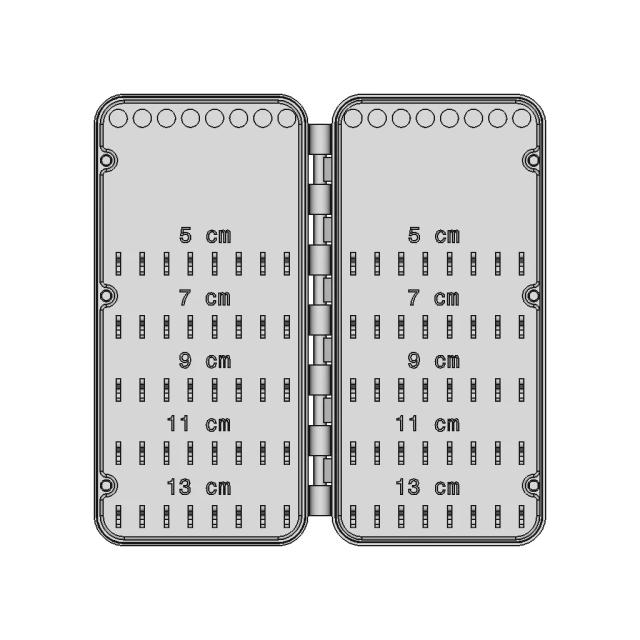
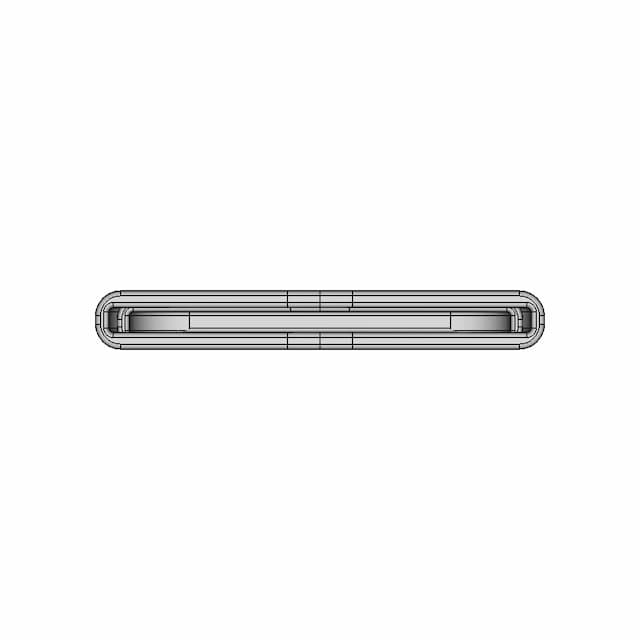
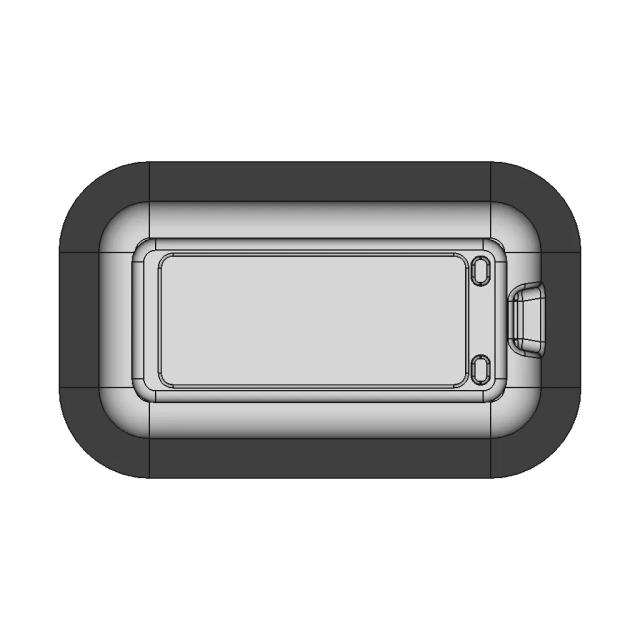
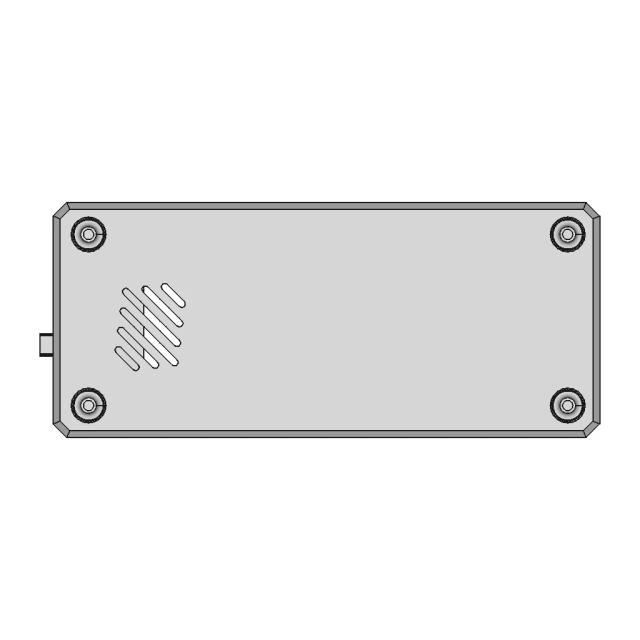
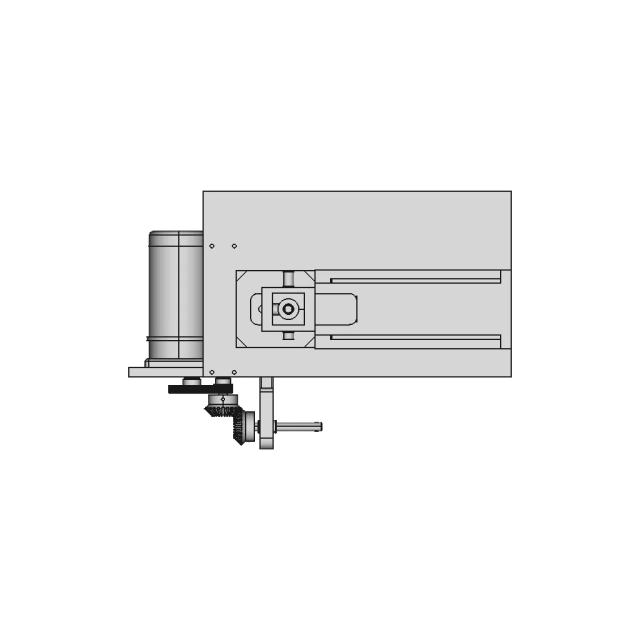
This 3D model of Exercise 074 1 is ideal for engineering visualization, system integration, and product development workflows.

What people convert this model to

Loading conversion stats…

Download this model

Pick the format your software opens. The native file is free.

Opens in SolidWorks, Fusion, Onshape, Inventor. Need a mesh or a drawing? Pick a format above.

<100
<100

The files are shared to help you get inspired and speed up your workflow. They may not be fully accurate or production-ready, so review carefully before use.

View NameExtensionAction
Design fileFormat: STEP
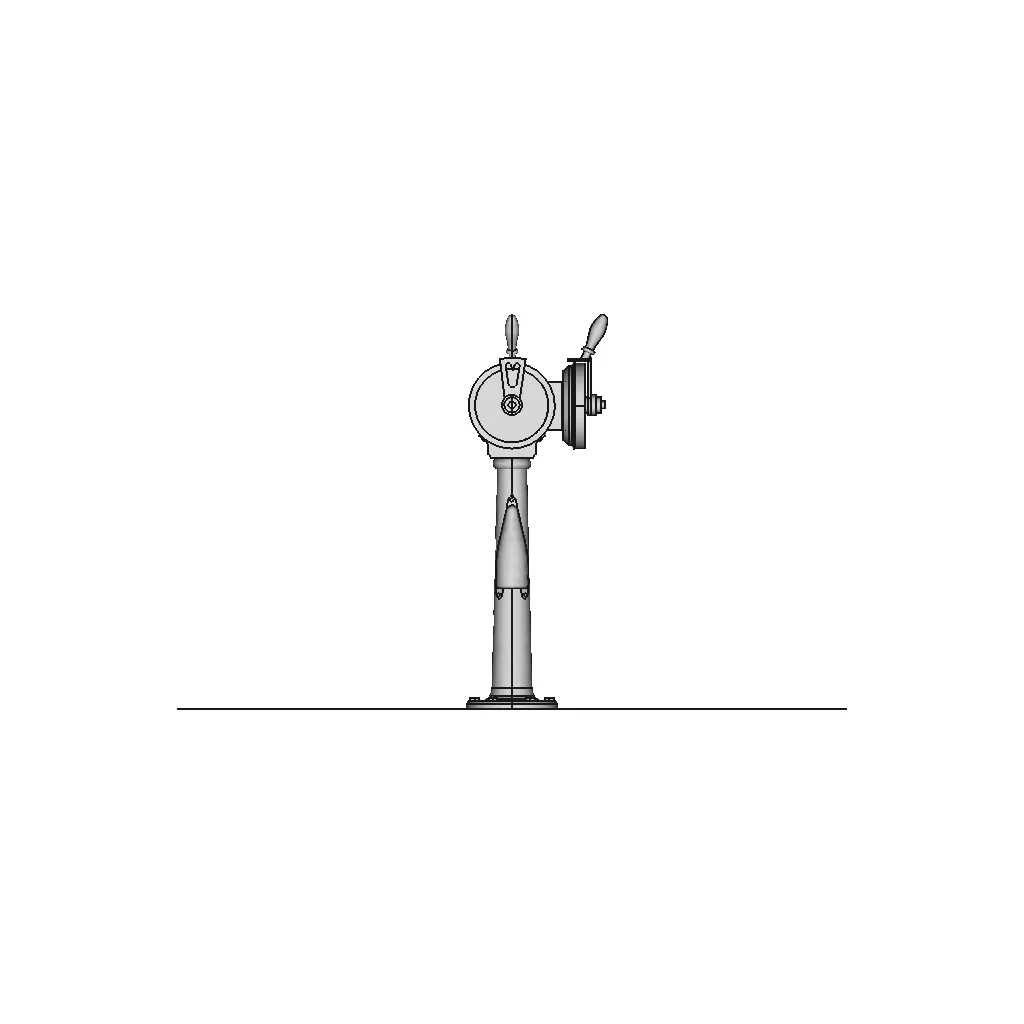
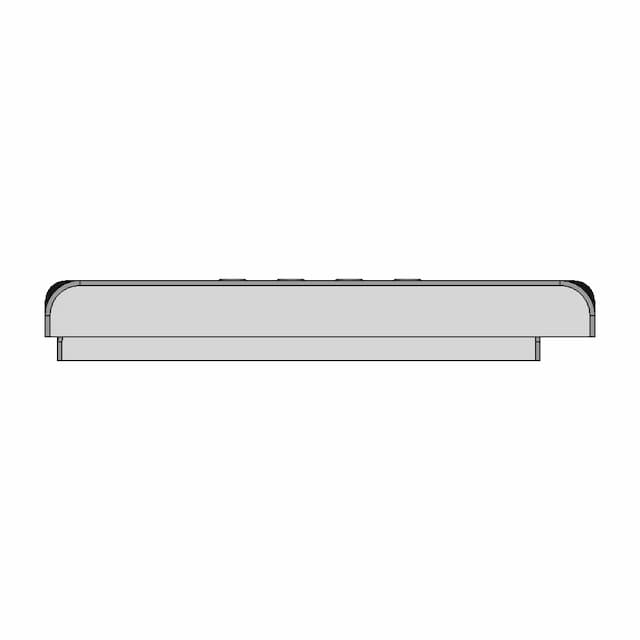
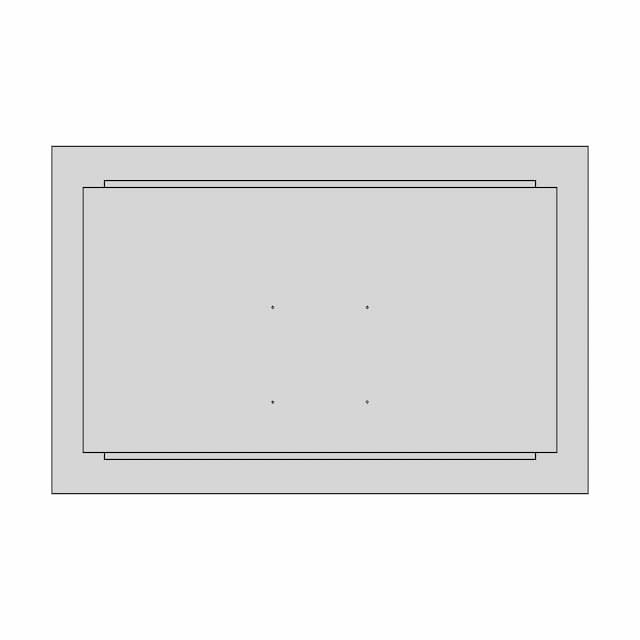
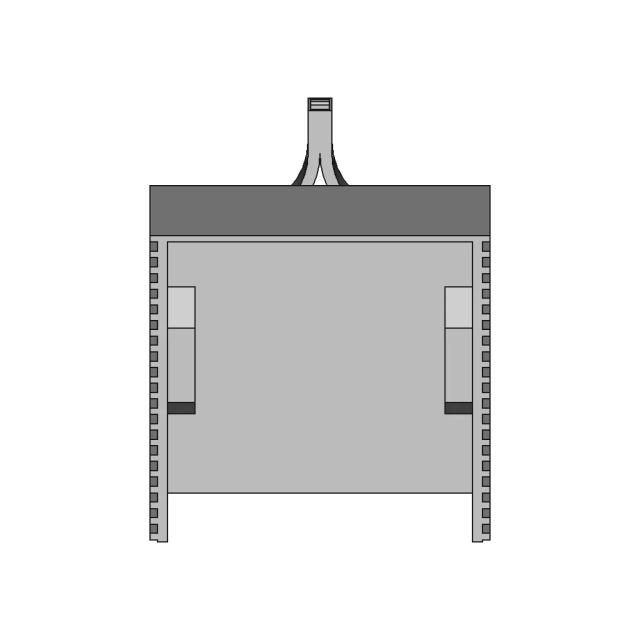
Front Viewwebp
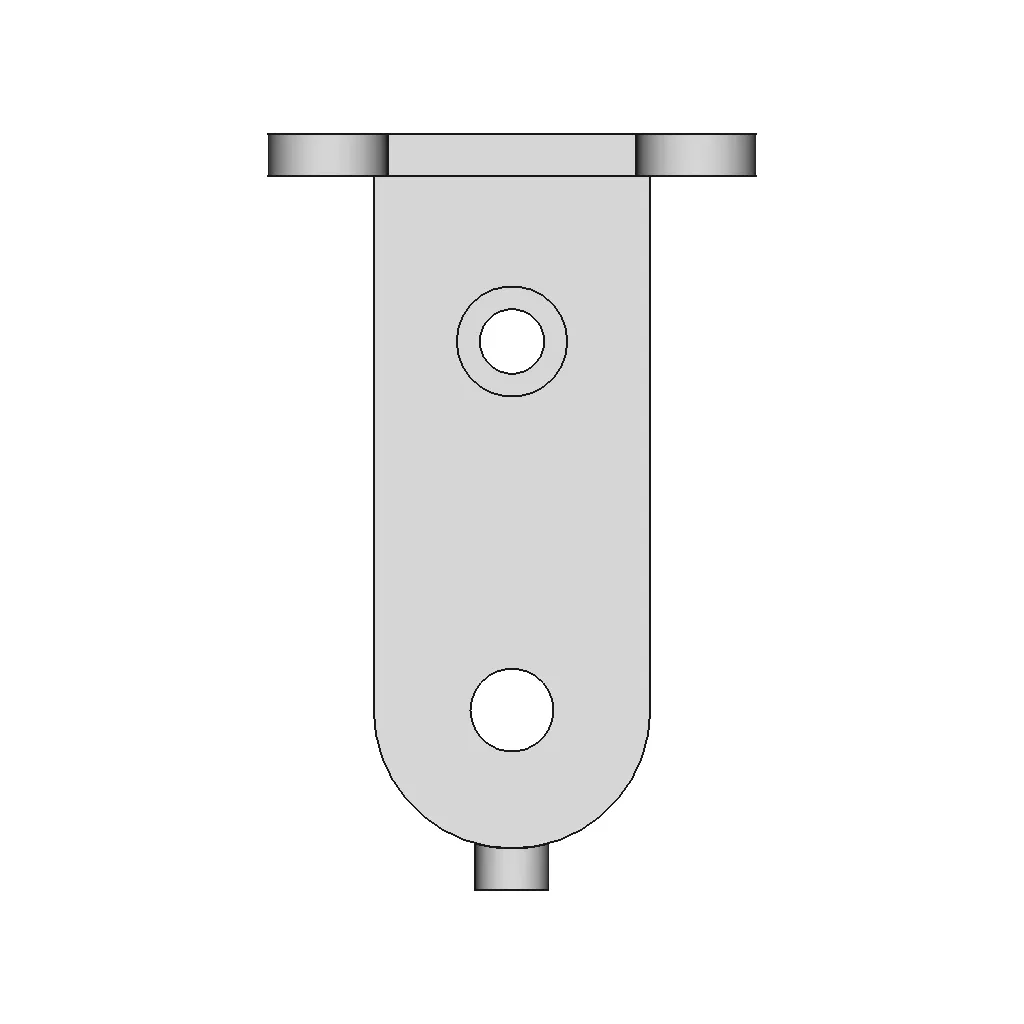
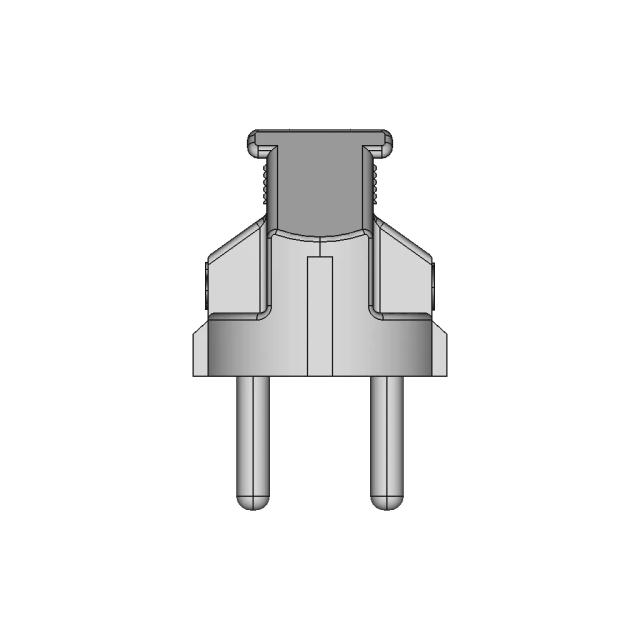
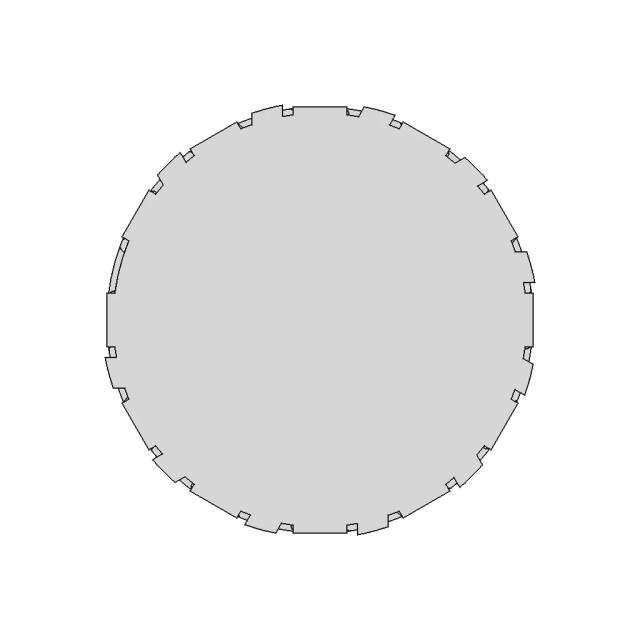
Top Viewwebp
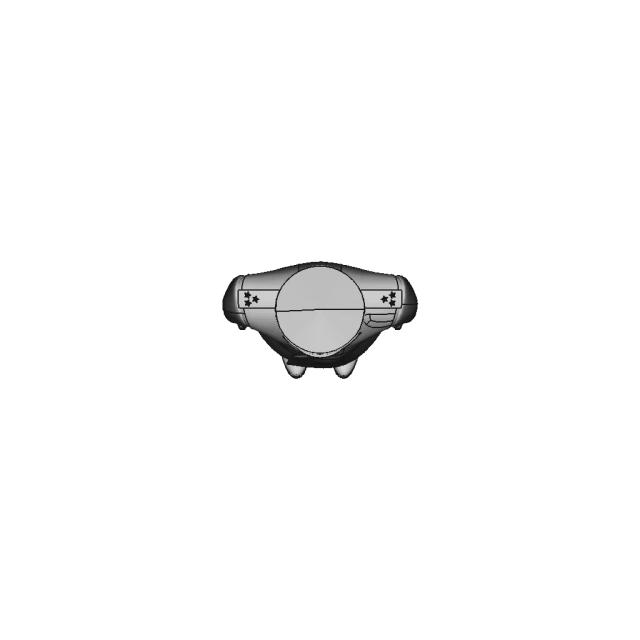
Bottom Viewwebp
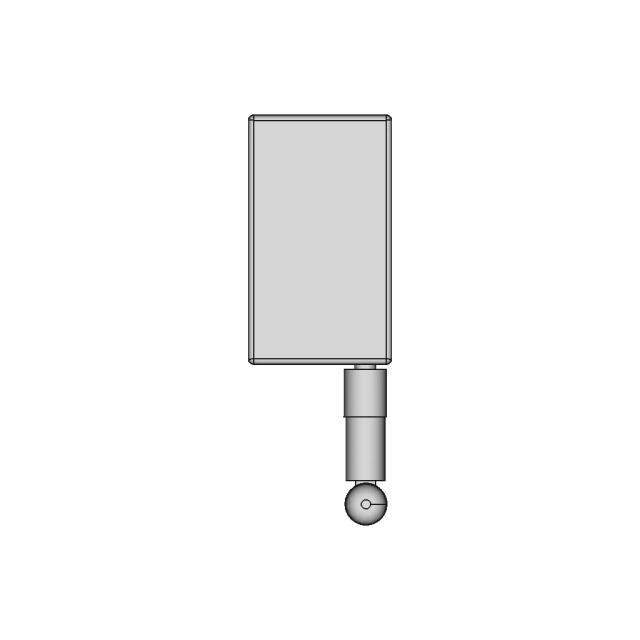
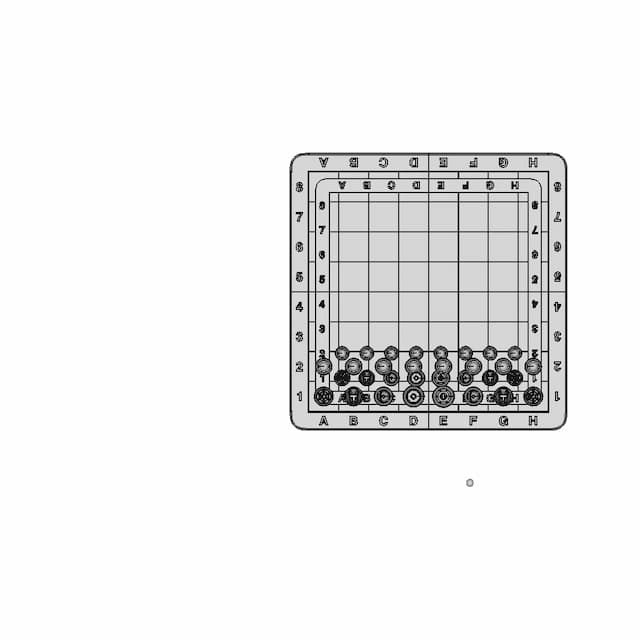
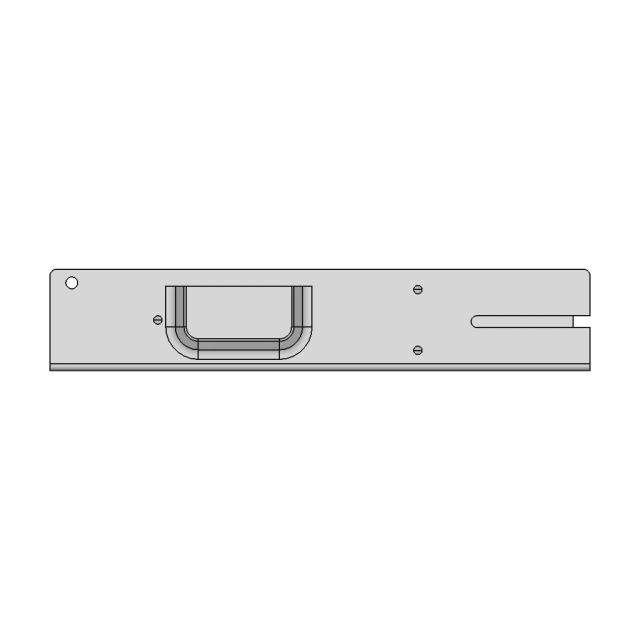
Left Side Viewwebp
Right Side Viewwebp
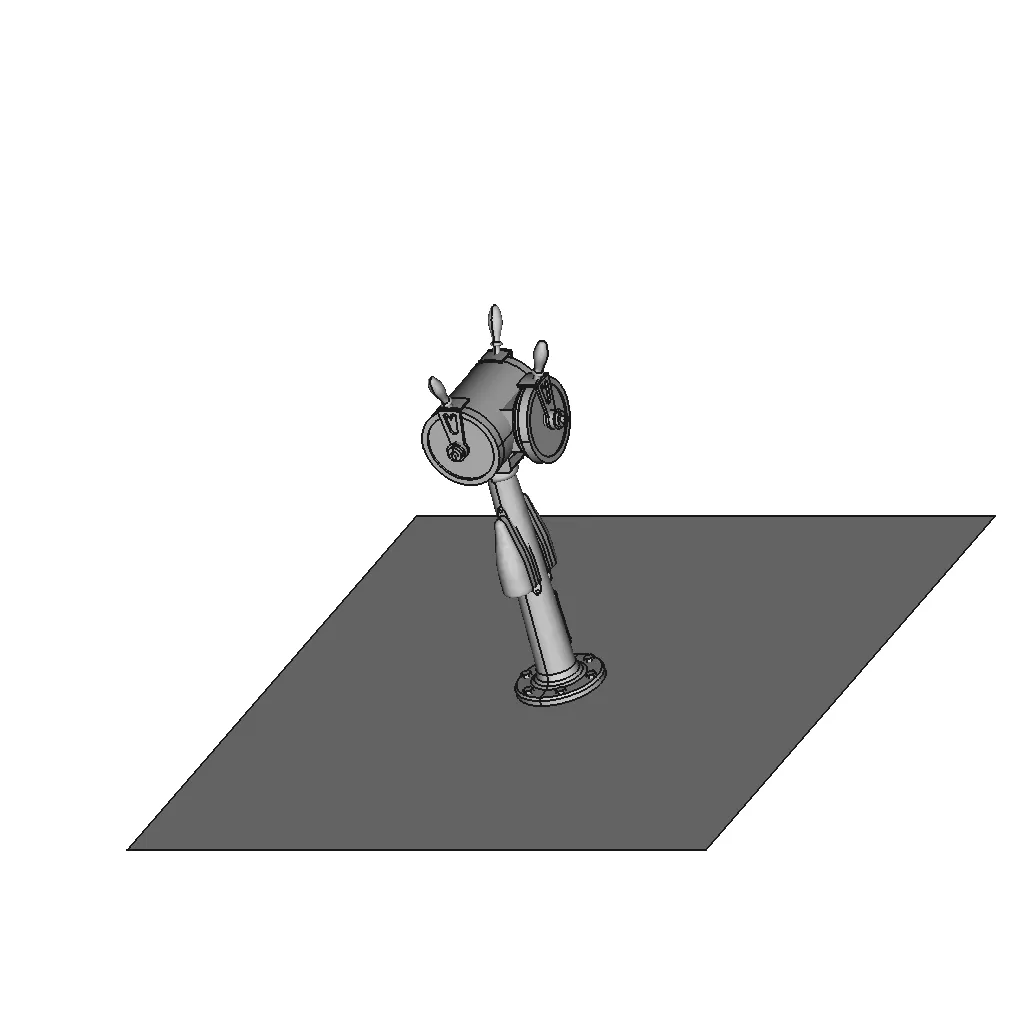
Isometric Viewwebp
Supporting Files (0)
PreviewFile NameAction
No supporting files

CAD File Details

File Information
File NameFreeCad_76-Body.step
File TypeSTEP
Unitsmm
Geometry Summary
Faces44
Edges128
Vertices92
Solids1
Surface Types
Planar25
Cylindrical19
Conical0
Spherical0
Toroidal0
Other0
Bounding Box
Width106.00 mm
Height106.00 mm
Depth164.00 mm
Volume
Max Volume441826.74 mm³
Min Volume441826.74 mm³
Average Volume441826.74 mm³
Total Volume441826.74 mm³
Usage Notes
NotesSuitable for design reference, visualization, prototyping workflows and engineering review. Validate dimensions and geometry before manufacturing use.

What you can use this CAD model for

  • Engineering review
  • Manufacturing discussion
  • Supplier communication
  • Prototype development
  • Design validation

Before using this CAD file

Review the model dimensions, units and geometry before using it for manufacturing or production. Some files may be created for reference, visualization or workflow acceleration and may require validation before final use.

Paid Pipeline · $5.99 per drawing set

Need 2D engineering drawings for this CAD model?

Generate multi-view 2D technical drawings from this 3D CAD file, including orthographic views, section cuts and downloadable PDF, SVG and DXF files.

  • ✓ Ready in under 4 minutes
  • ✓ 9 sheets · editable FCStd + PDF, SVG, DXF
  • ✓ No subscription · pay per file
$5.99
per drawing set incl. GST
4 min
avg. turnaround

Comments

0
Y
Loading comments...

Marathon-OS Design Hub

Everything you need to design faster, smarter, and with more impact.
Piggy Bank Vending Machine with Coin Recognition and Candy Dispenser
Parabiaugmented Truncated Dodecahedron | 3D Engineering Design File
Raspberry Pi Night Vision Camera Printable Mount 1 | 3D CAD Engineering Model
Textured Matte Backdrop for Casio F-91W Backlight Enhancement
Traditional Indian Bow | Scalable Resin 3D Print Model | 3D Engineering Design File
Compact Magnetic Lock Fishing Rig Box with Multiple Size Options
Protection Cap Tcf254.254 (Moldable) | 3D Engineering Design File
Fan Protection 60Mm 1 | 3D CAD Engineering Model
3D Printed Plastic Enclosure Case - Downloadable CAD Representation
Balloon Dog 3 | 3D CAD Engineering Model
Senal De Transito Rpo 14 1 | 3D CAD Engineering Model
Magnetic Storm 1 | 3D CAD Engineering Model
Frame For 4 X6 Photos Model For 3D Printing With | 3D CAD Engineering Model
Ratrig Vcore 3.1 Xy Joiner-Aluminum | 3D Engineering Design File
3D Print Magnetic Chess Set W Board - Standard Mechanical Component
Horl 3 Dock 1 | 3D CAD Engineering Model
View all designs

Recently added / Trending

Everything you need to design faster, smarter, and with more impact.
Iflight Xing 2814 1100Kv | High-Quality CAD Model
Fork Clamp | 3D Engineering Design File
Stamp On The Door 1 | 3D CAD Engineering Model
65 Inç Lg Nanocell Ai Nano81 4K Smart Tv Ai Sihirli Kumanda Hdr10 Webos24 2024 | High-Quality CAD Model
Peter Bar 3Lb Combat Robot Kit 1 | 3D CAD Engineering Model
Arduino Nano 31 | 3D CAD Engineering Model
Turret Assembly CAD Model for Industrial Applications
Jewellery Piece 10 - Standard Mechanical Component
Gauge - Standard Mechanical Component
Izumo-01 Robot Concept Rough Assembly Model
View all designs

Free Online CAD Viewer –Secure, Fast & Cloud-Based

A lightweight, online tool to convert 3D file formats—anytime, anywhere, without installing any software.

Drag & drop your 3D files

Supported formats: STEP (.step, .stp), IGES (.igs, .iges), STL (.stl), PLY (.ply), OFF (.off), BREP (.brp, .brep)

upload
Don't have a file? Try one of these samples:


CAD Viewer featureOpen CAD files instantly in your browser.
CAD Viewer featureNo software needed.
CAD Viewer featurePrivate uploads.
CAD Viewer featureAutomatically deleted after 7 days.
CAD Viewer featureUpload files up to 300 MB