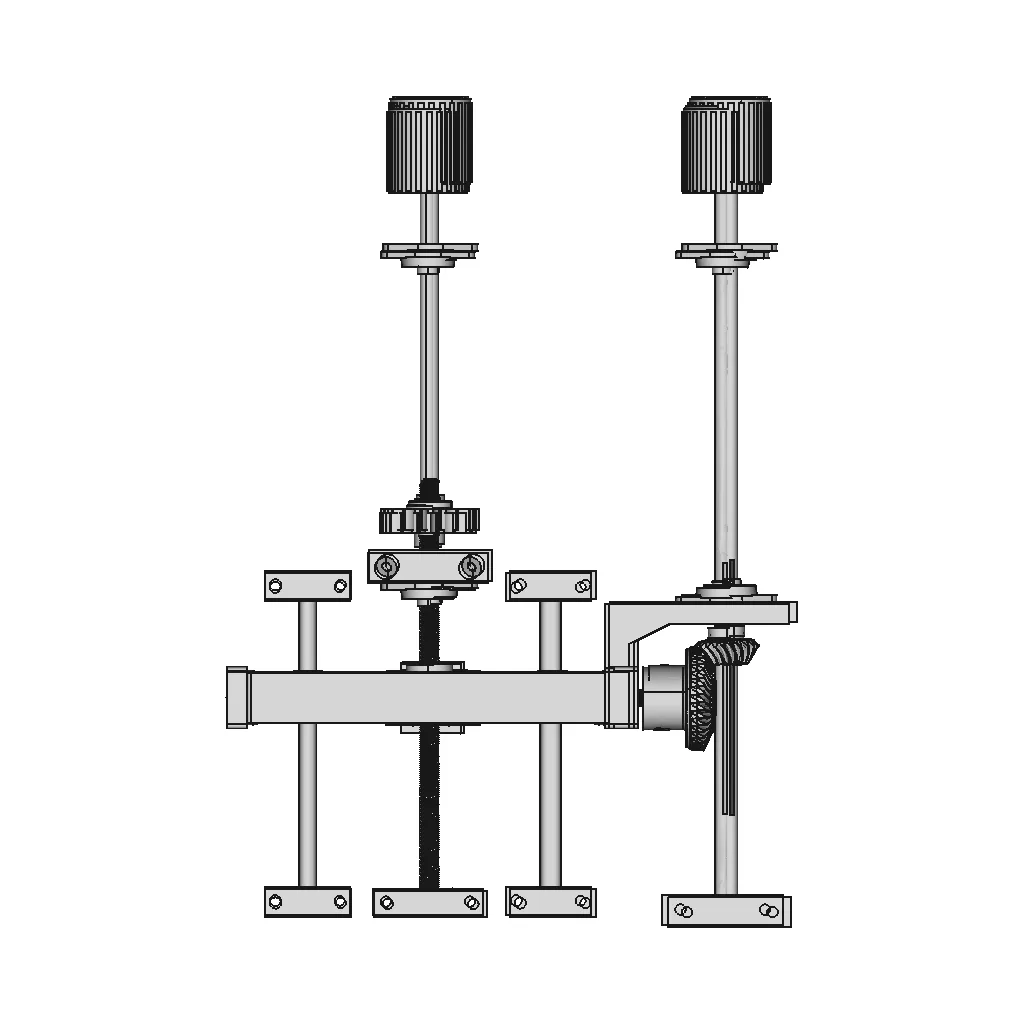
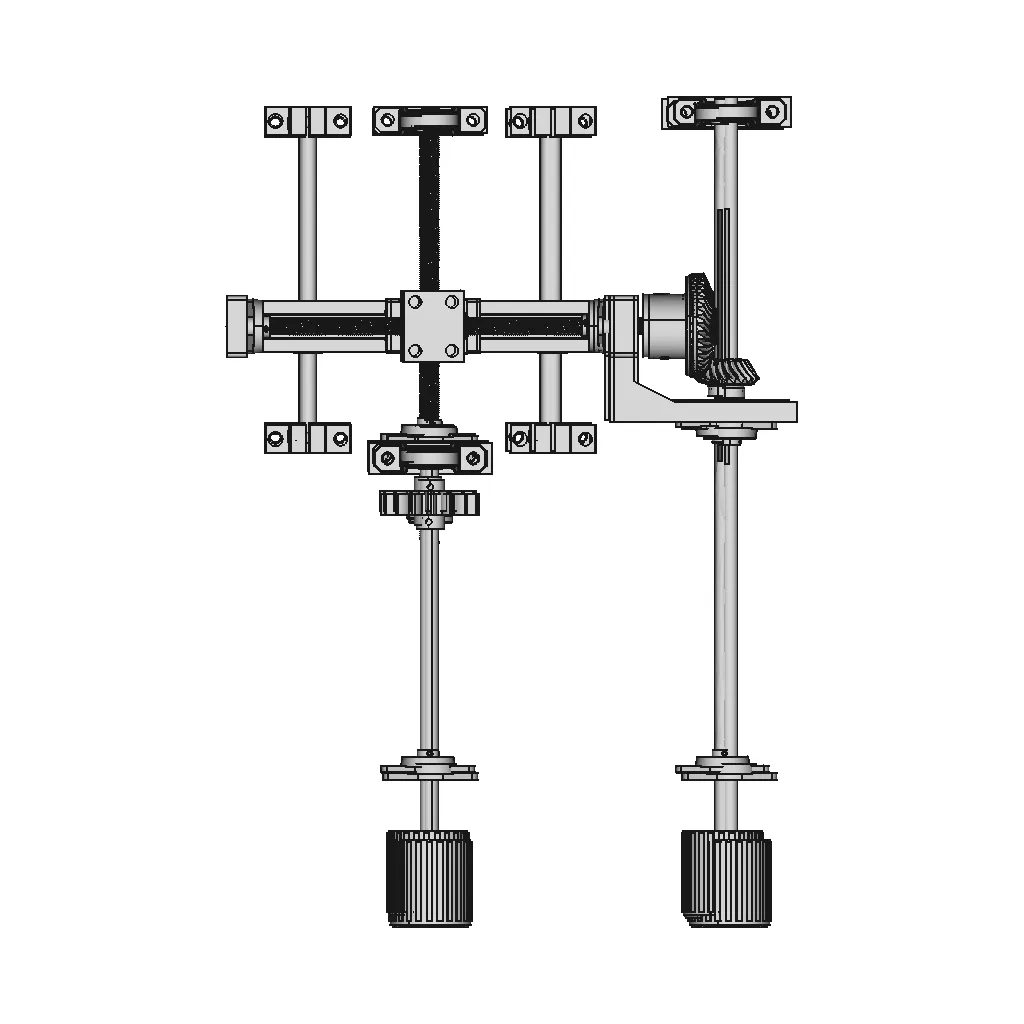
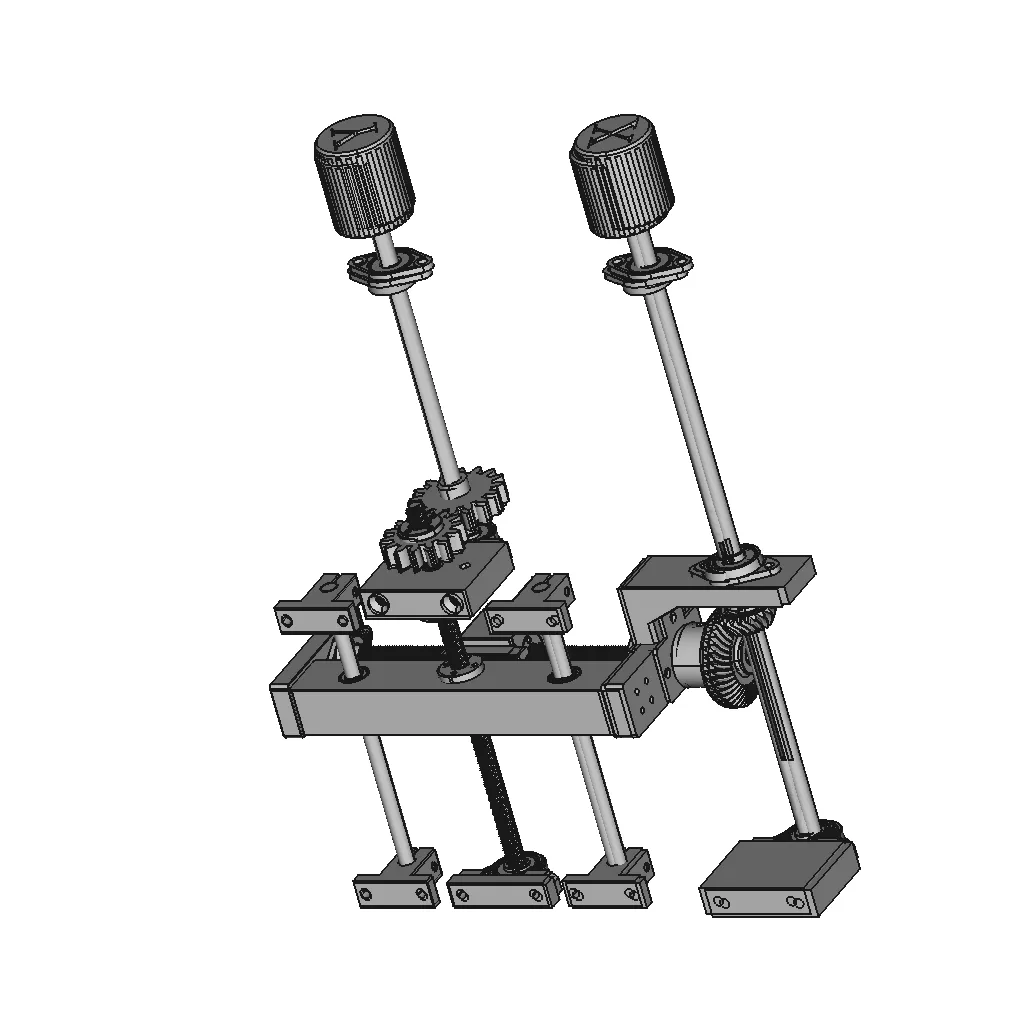
Manual Control System For X And Y Axes - Standard Mechanical Component

0.0(0 reviews)
Machine design
Mechanical Component
Precision Control
Manual Control System
X And Y Axes
Logo
sprite x=0 y=0
Angle x=0 y=0
Angle x=0 y=90
Angle x=0 y=270
Angle x=90 y=0
Angle x=270 y=0
Angle x=60 y=30

About this design

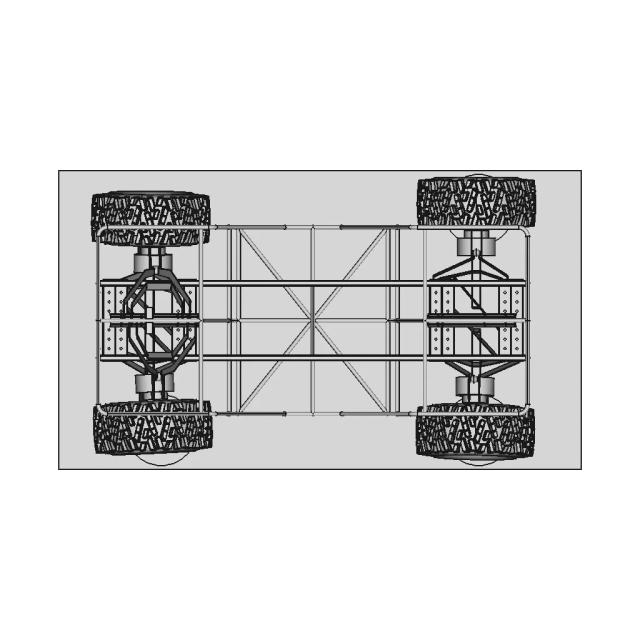
This 3D model of Manual Control System For X And Y Axes is ideal for engineering assemblies, mechanical designs, and reference documentation.

What people convert this model to

Loading conversion stats…

Download this model

Pick the format your software opens. The native file is free.

Opens in SolidWorks, Fusion, Onshape, Inventor. Need a mesh or a drawing? Pick a format above.

2D drawings
<100
<100

The files are shared to help you get inspired and speed up your workflow. They may not be fully accurate or production-ready, so review carefully before use.

View NameExtensionAction
Design fileFormat: STEP
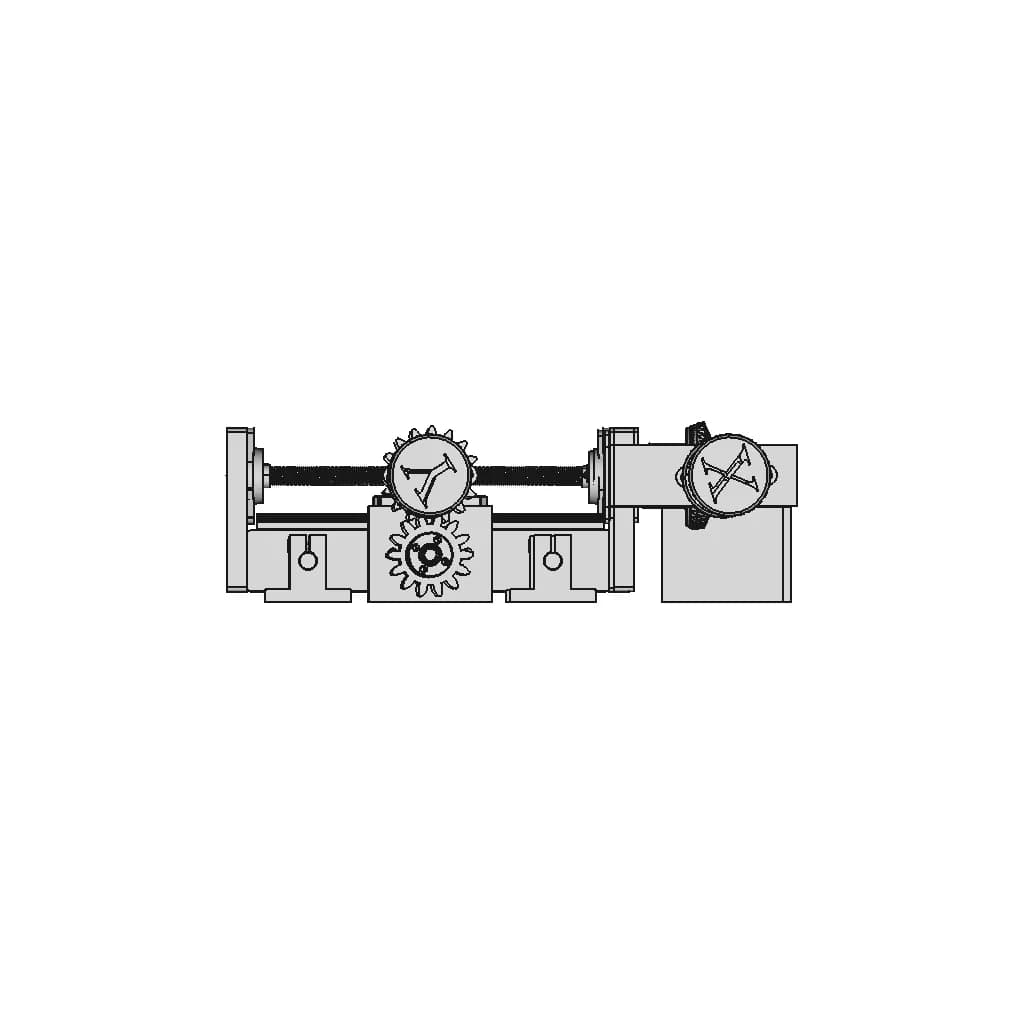
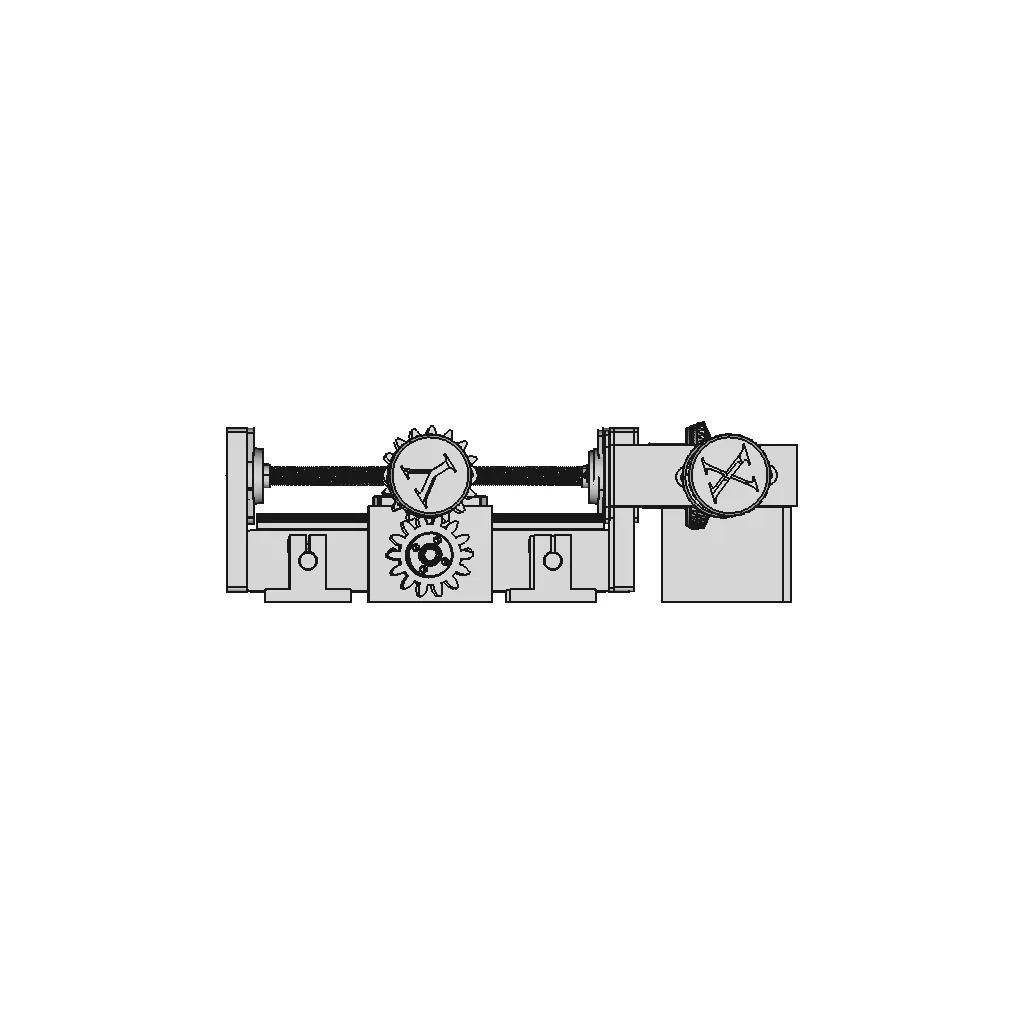
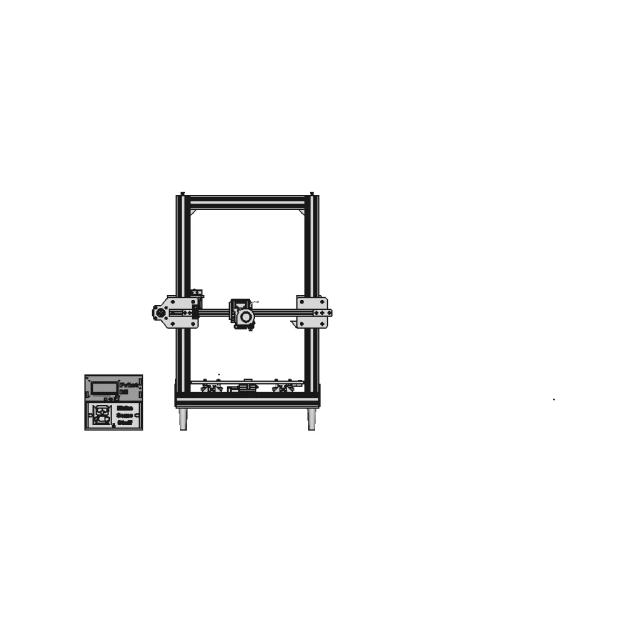
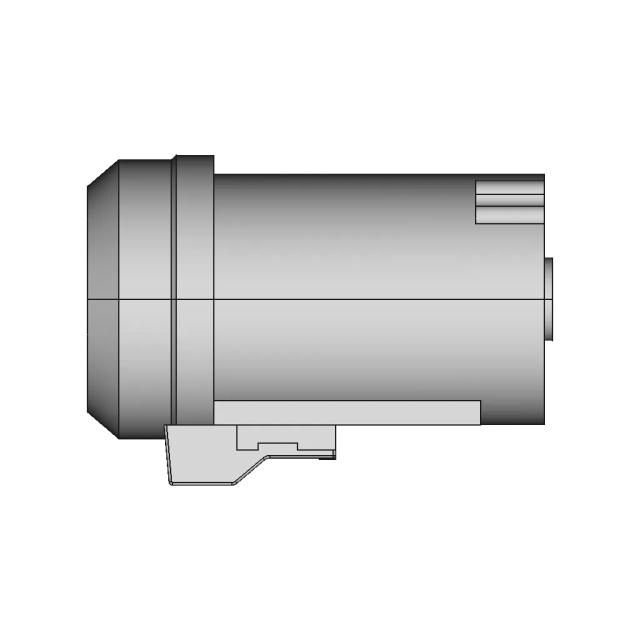
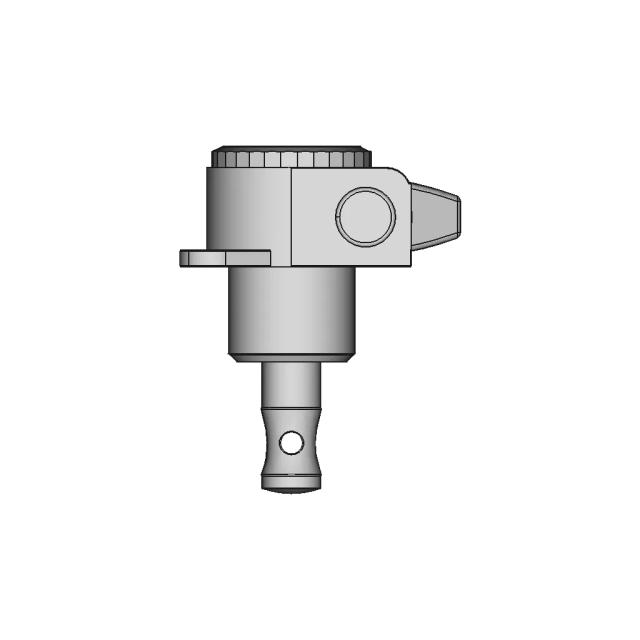
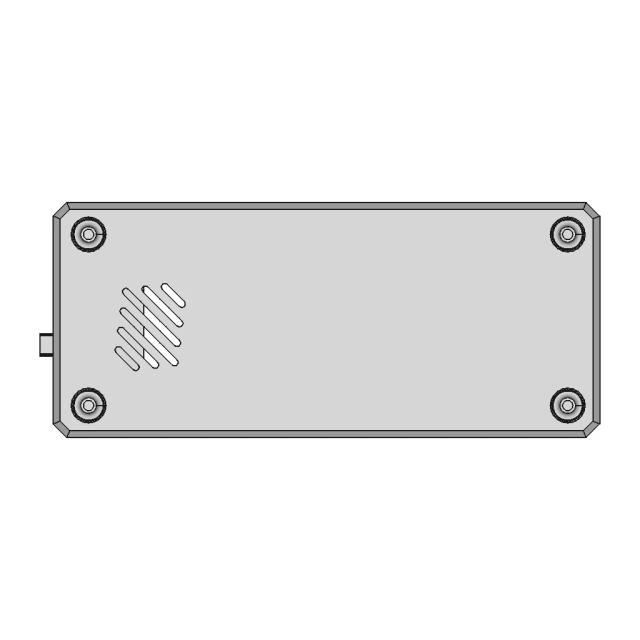
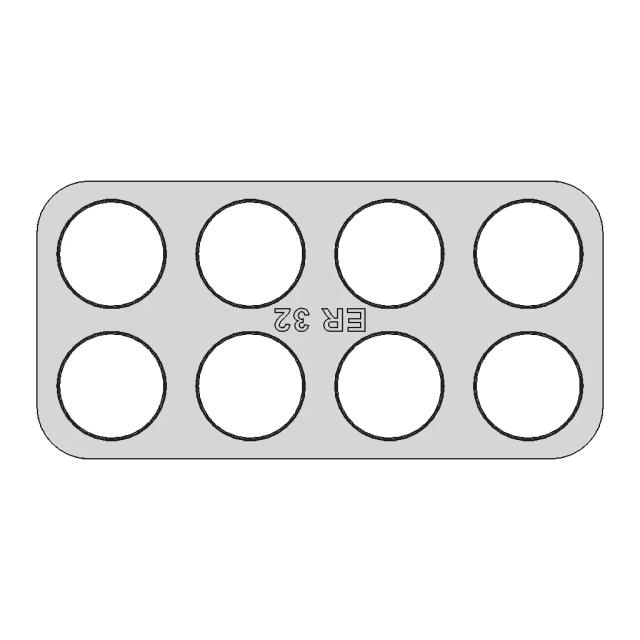
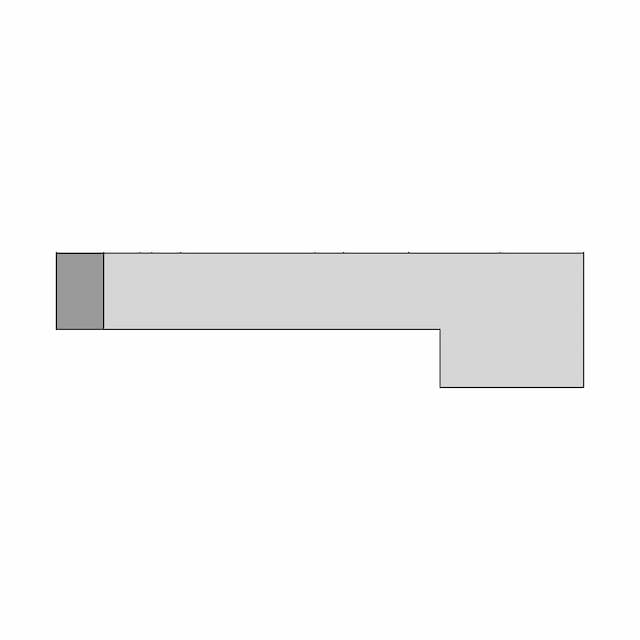
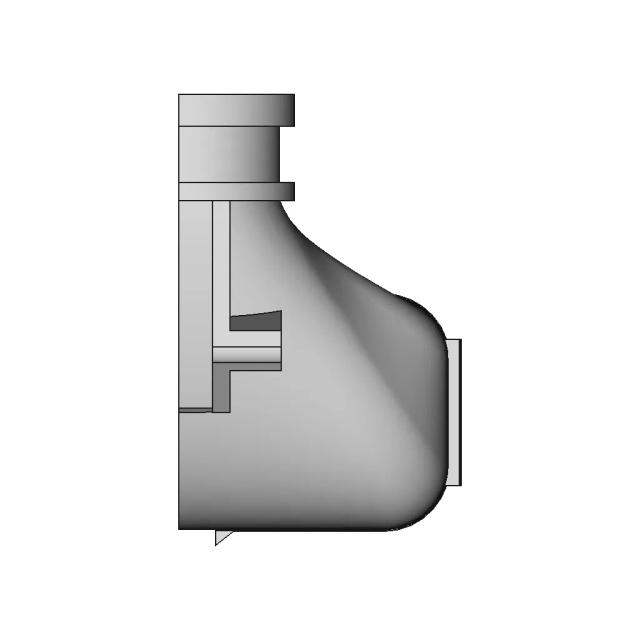
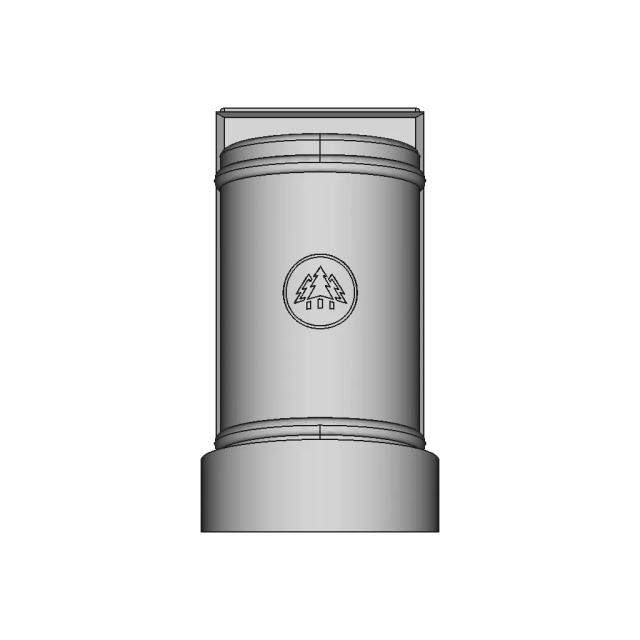
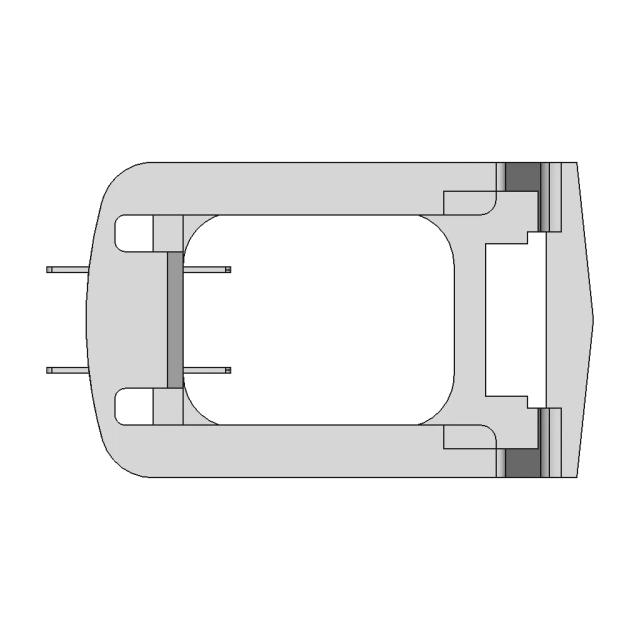
Front Viewwebp
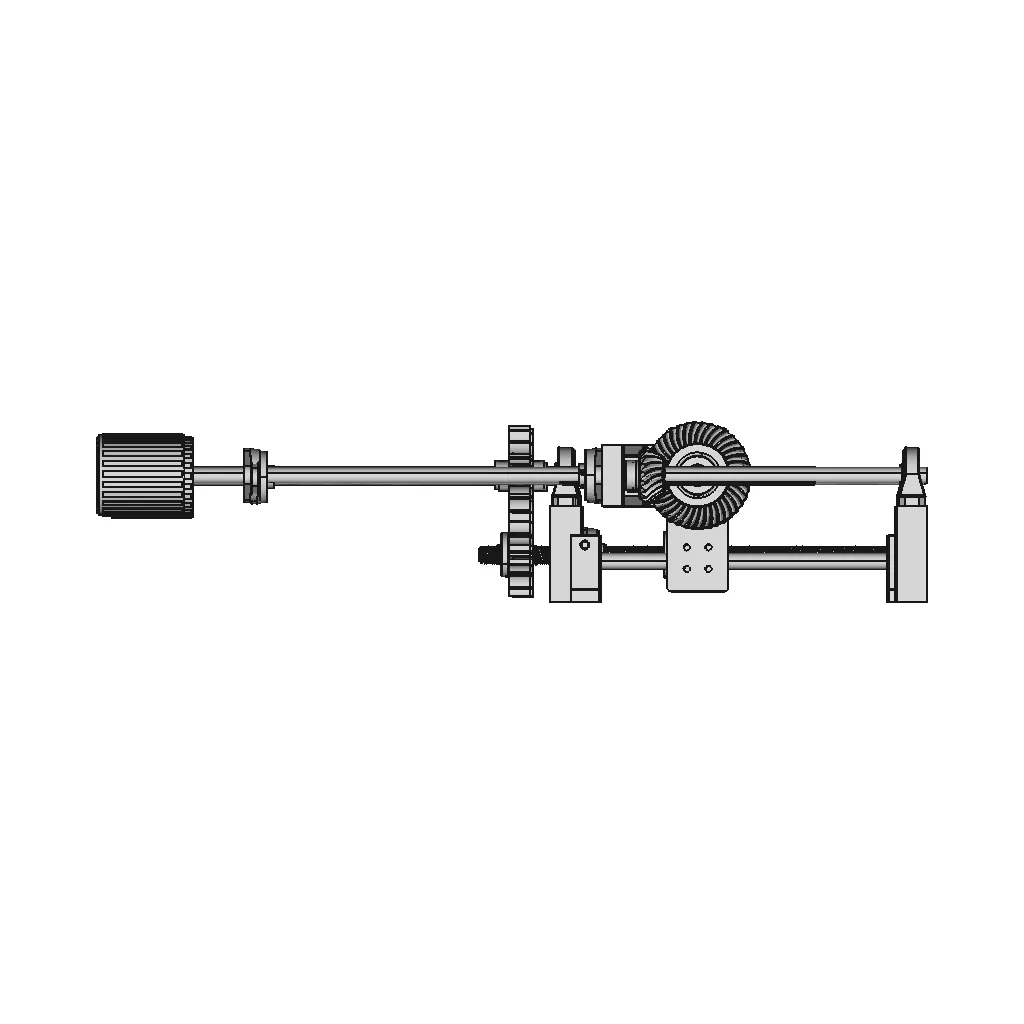
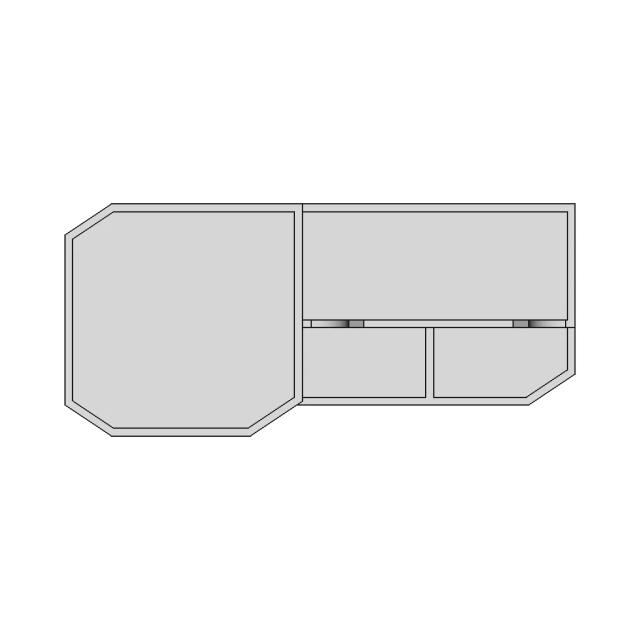
Top Viewwebp
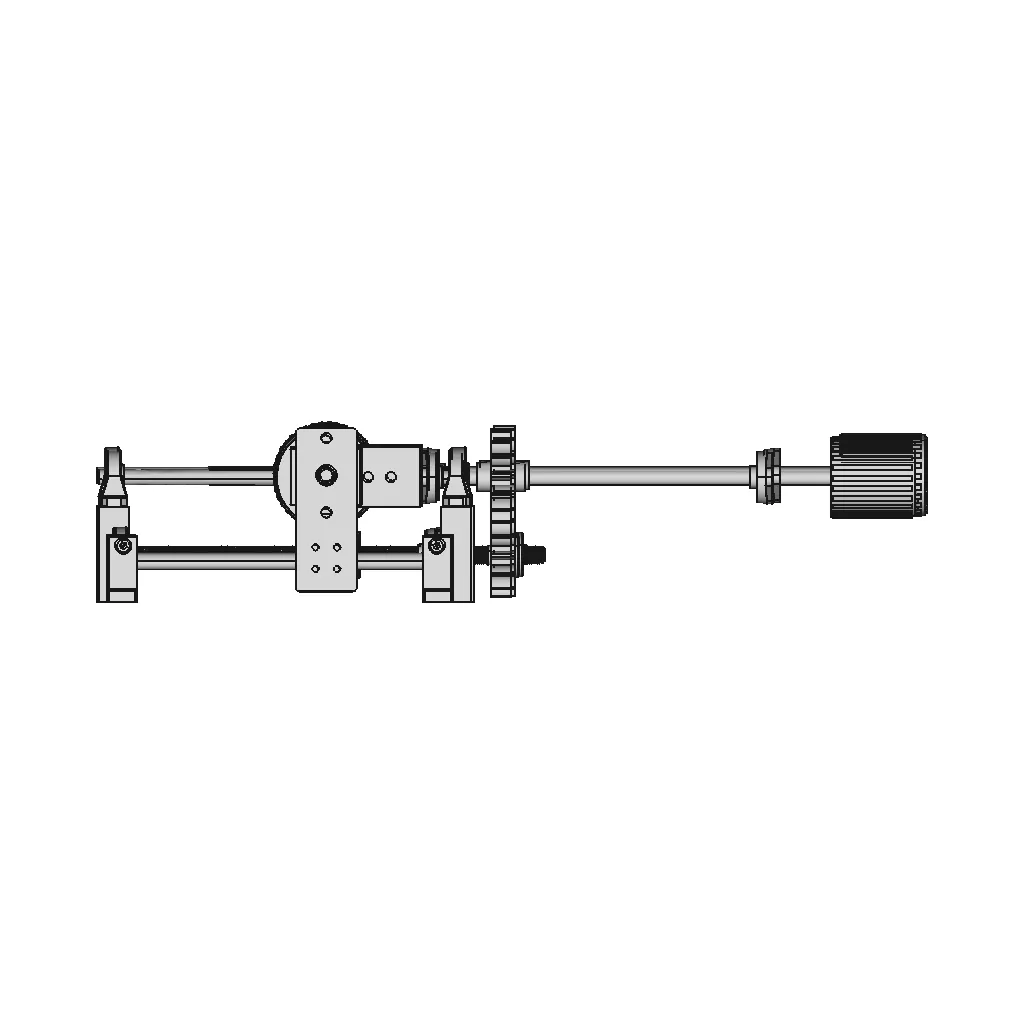
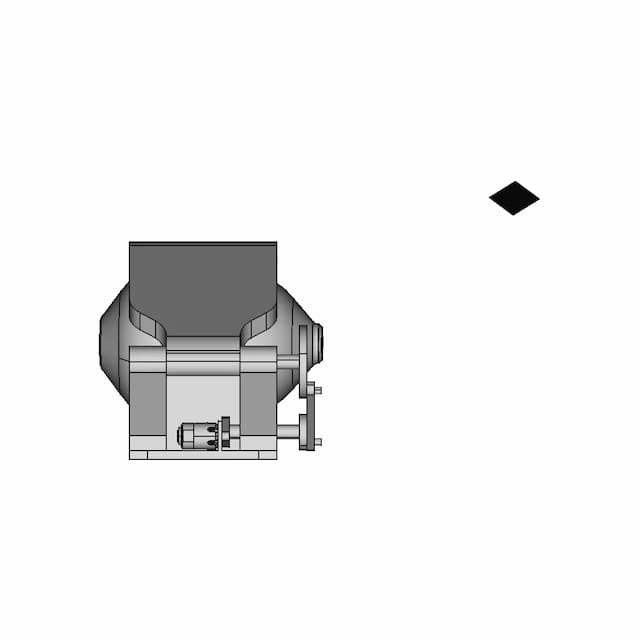
Bottom Viewwebp
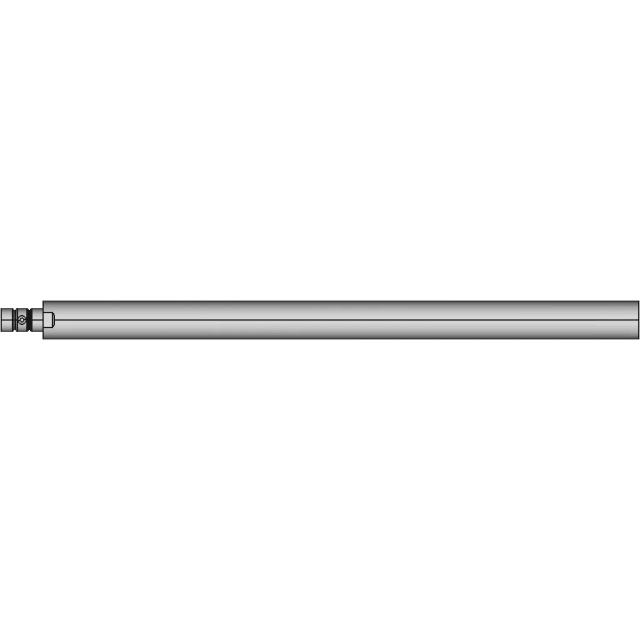
Left Side Viewwebp
Right Side Viewwebp
Isometric Viewwebp
Supporting Files (0)
PreviewFile NameAction
No supporting files

CAD File Details

File Information
File Namecontrol x & y tot.STEP
File TypeSTEP
Unitsmm
Geometry Summary
Faces5,747
Edges14,908
Vertices9,492
Solids87
Surface Types
Planar1,560
Cylindrical2,194
Conical474
Spherical68
Toroidal450
Other1,001
Bounding Box
Width280.00 mm
Height87.93 mm
Depth407.50 mm
Volume
Max Volume122368.74 mm³
Min Volume4.86 mm³
Average Volume7562.43 mm³
Total Volume657931.08 mm³
Usage Notes
NotesSuitable for design reference, visualization, prototyping workflows and engineering review. Validate dimensions and geometry before manufacturing use.

What you can use this CAD model for

  • Engineering review
  • Manufacturing discussion
  • Supplier communication
  • Prototype development
  • Design validation

Before using this CAD file

Review the model dimensions, units and geometry before using it for manufacturing or production. Some files may be created for reference, visualization or workflow acceleration and may require validation before final use.

Paid Pipeline · $5.99 per drawing set

Need 2D engineering drawings for this CAD model?

Generate multi-view 2D technical drawings from this 3D CAD file, including orthographic views, section cuts and downloadable PDF, SVG and DXF files.

View existing 2D drawings
  • ✓ Ready in under 4 minutes
  • ✓ 9 sheets · editable FCStd + PDF, SVG, DXF
  • ✓ No subscription · pay per file
$5.99
per drawing set incl. GST
4 min
avg. turnaround

Comments

0
Y
Loading comments...

Marathon-OS Design Hub

Everything you need to design faster, smarter, and with more impact.

Mother Ducker 3Lb 1 | 3D CAD Engineering Model
Precision Adjuster Wheel for Fine Calibration Applications
Cairo30 Open-Source 3D Printer - High-Speed, Rigid CNC Machine
Gyroelongated Pentagonal Birotunda 1 | 3D CAD Engineering Model
Face Shield For Small 3D Printers 1 | Professional CAD Design
Rubber Tire Insert RC 1 for 3D Printing with TPU Material
Prateleira De Livro Em Homenagem Ao Ayrton Senna Sennasempre 1 | 3D CAD Engineering Model
NovaPi Case Model for Robotics Projects
Horl 3 Dock 1 | 3D CAD Engineering Model
Decagonal Trapezohedron Polyhedron Model
Dino Nuggies V6 1 | Professional CAD Design
Supersonic Delta Wing Aircraft with Advanced Omnivision System
3D Printable Backshell for 35 Pin Ampseal Connector
2 Tier Large Sample Holder Box 1 | 3D CAD Engineering Model
LBXR20 Battery Pack Adapter for Seamless Integration
External 120mm Fan Grid with M4 Mounting for 3D Printers
View all designs

Recently added / Trending

Everything you need to design faster, smarter, and with more impact.

Joystick 2 Axis Sparkfun 1 | 3D CAD Engineering Model
Bottle Perfume Design - Standard Mechanical Component
Timing Belt Pulley | 3D Engineering Design File
Pressure Transmitter | 3D Engineering Design File
Multi-Item Dispenser CAD Model for Industrial Applications
Solitaire Ring 6 | Professional CAD Design
Radial Engine Pneumatic | High-Quality CAD Model
Test Tube Rack - Stojak Na Próbówki - Standard Mechanical Component
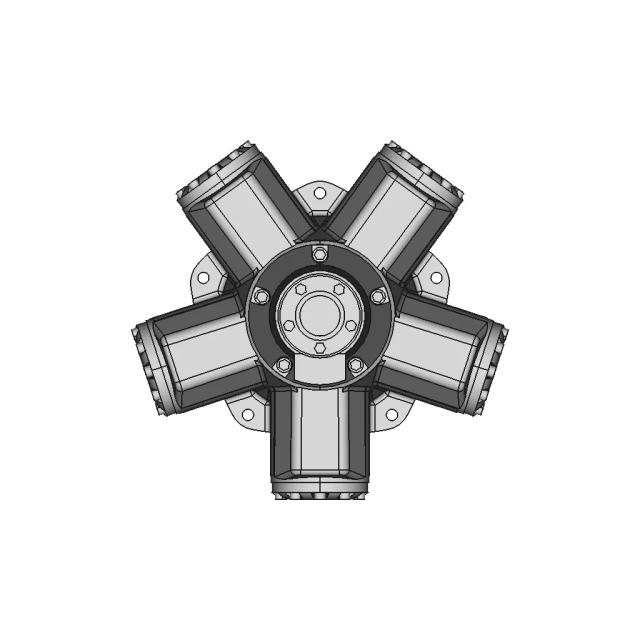
Staffa Hydraulic Motor
High-Performance Ceramic Glow Plug with MoSi2-Si3N4 Matrix and Thermal Stability
View all designs

Free Online CAD Viewer –Secure, Fast & Cloud-Based

A lightweight, online tool to convert 3D file formats—anytime, anywhere, without installing any software.

Drag & drop your 3D files

Supported formats: STEP (.step, .stp), IGES (.igs, .iges), STL (.stl), PLY (.ply), OFF (.off), BREP (.brp, .brep)

upload
Don't have a file? Try one of these samples:


CAD Viewer featureOpen CAD files instantly in your browser.
CAD Viewer featureNo software needed.
CAD Viewer featurePrivate uploads.
CAD Viewer featureAutomatically deleted after 7 days.
CAD Viewer featureUpload files up to 300 MB