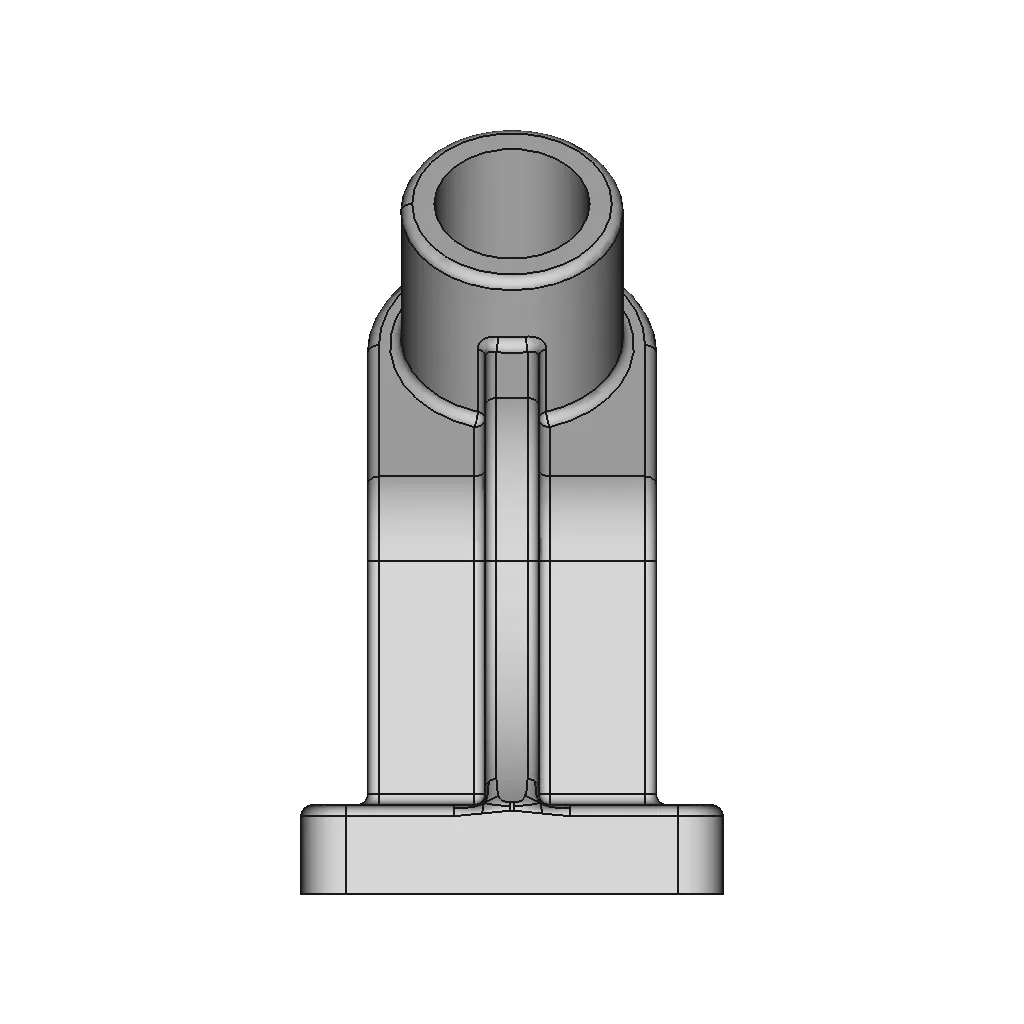
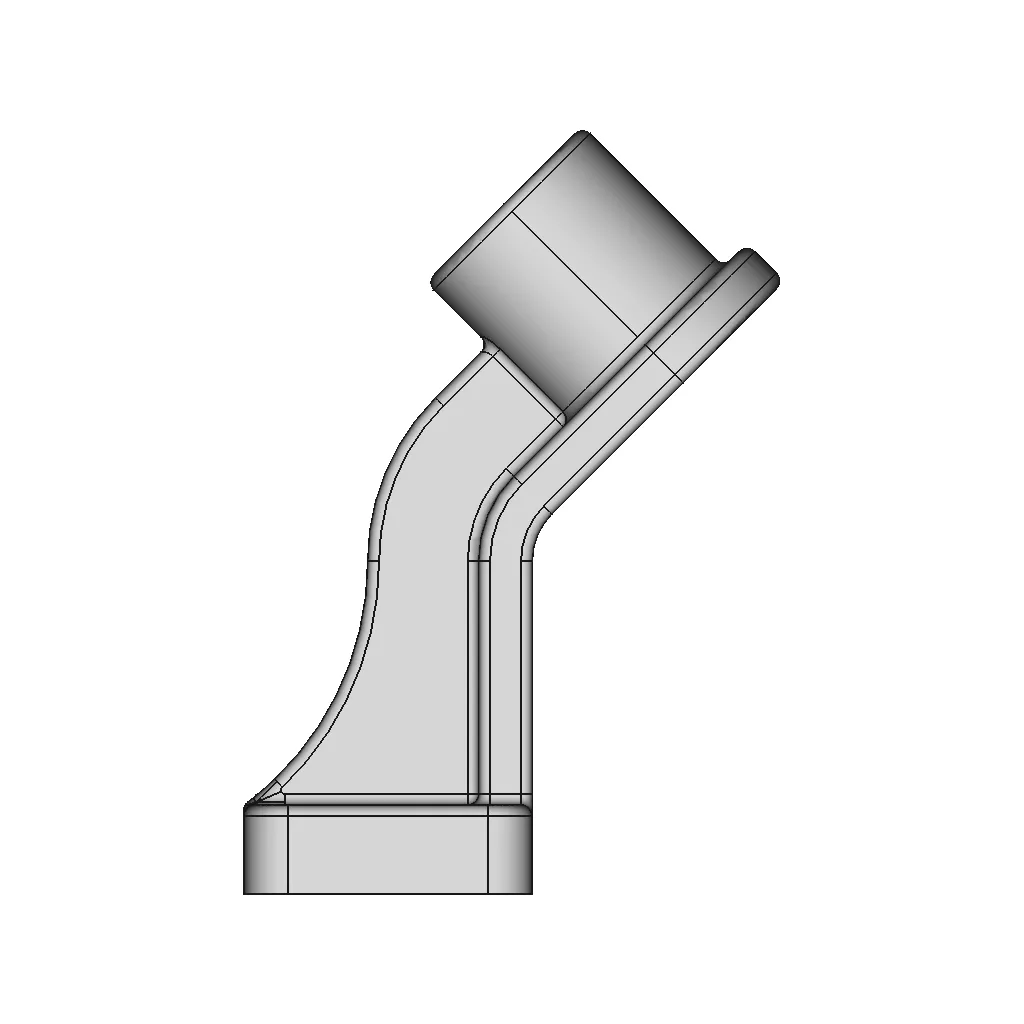
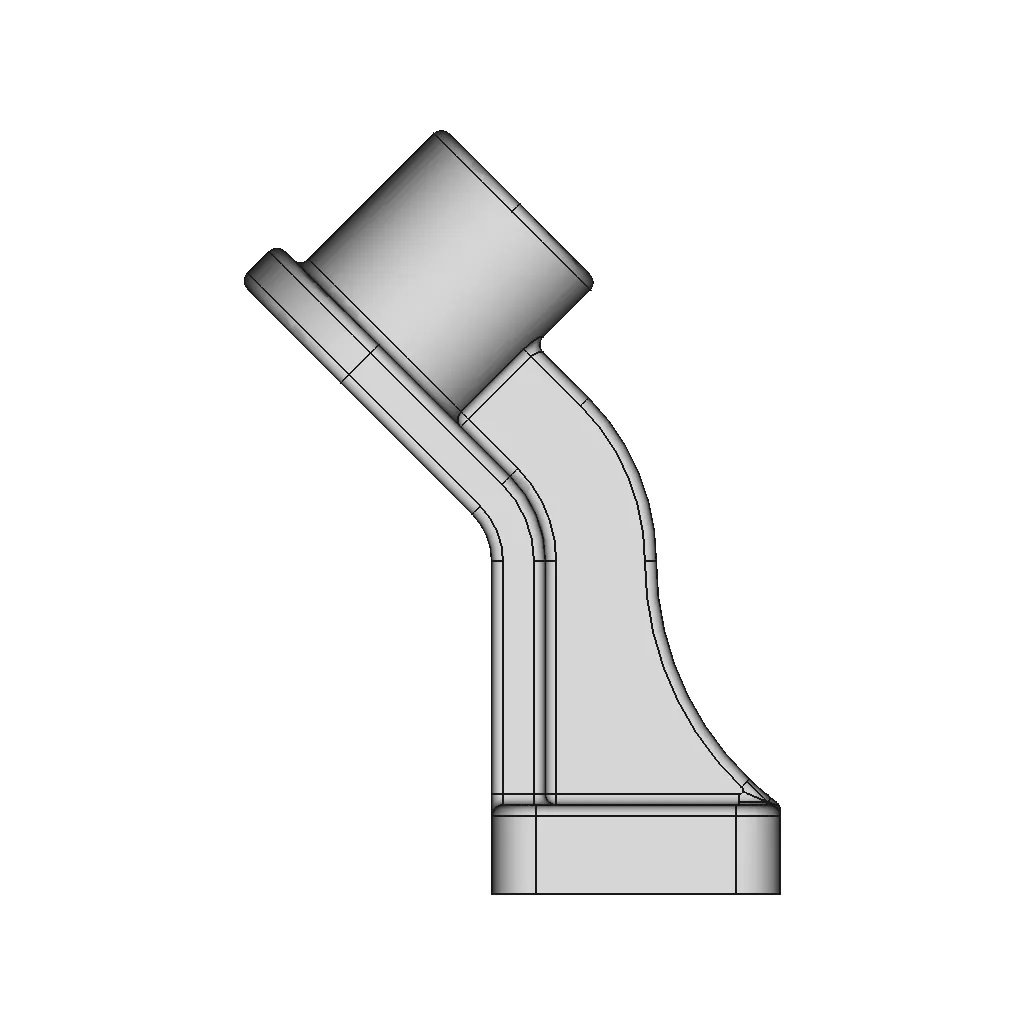
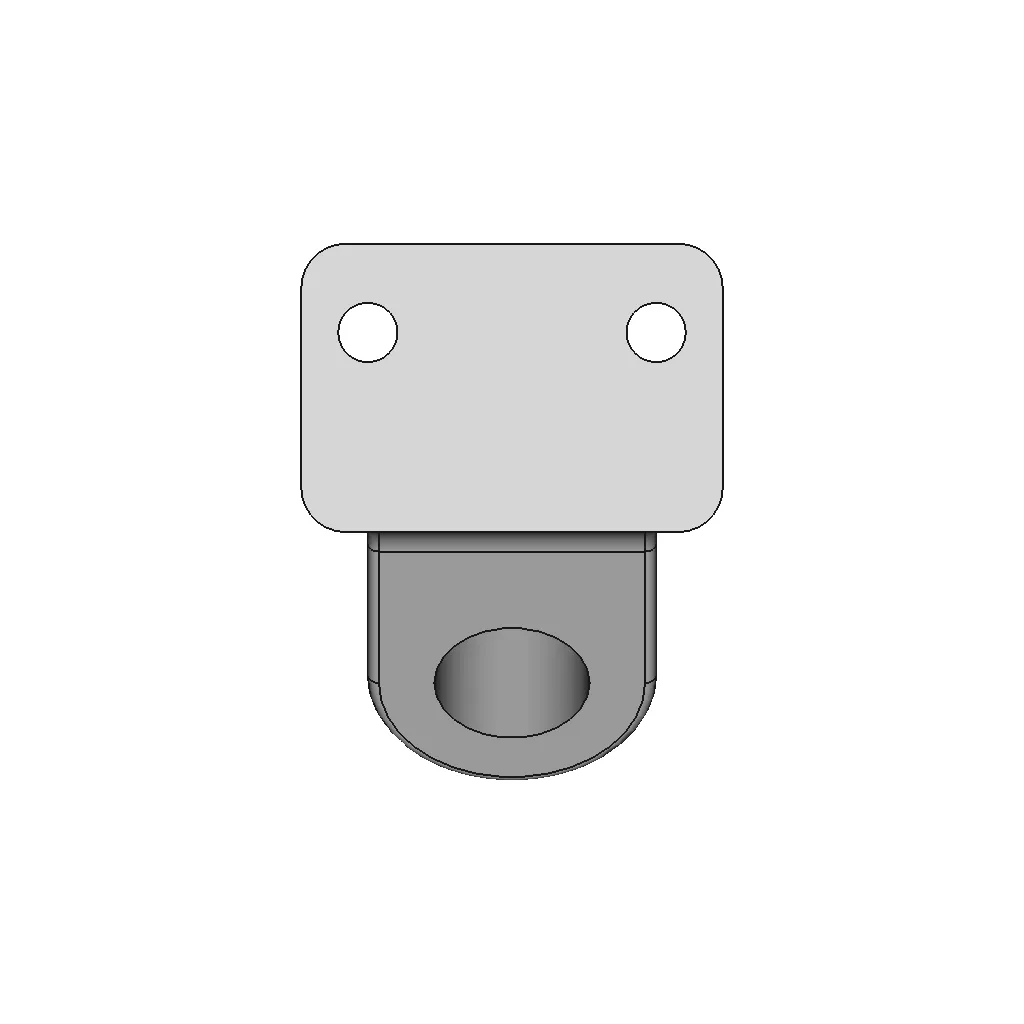
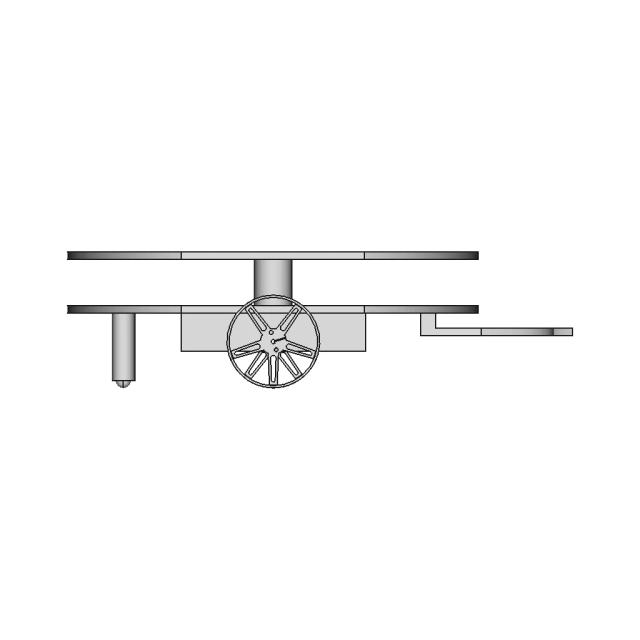
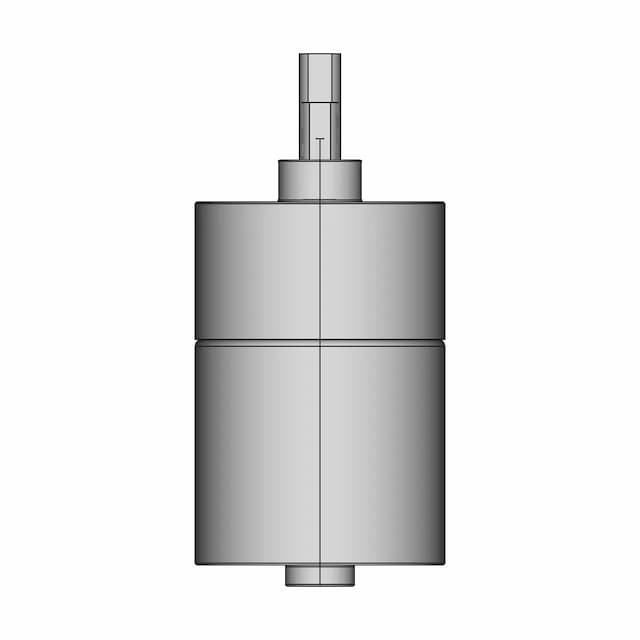
Mounting Bracket Design Using Autodesk Inventor Sheet Metal Basics

0.0(0 reviews)
Machine design
Sheet Metal
Mounting Bracket
Autodesk Inventor
Logo
sprite x=0 y=0
Angle x=0 y=0
Angle x=0 y=90
Angle x=0 y=270
Angle x=90 y=0
Angle x=270 y=0
Angle x=60 y=30

About this design

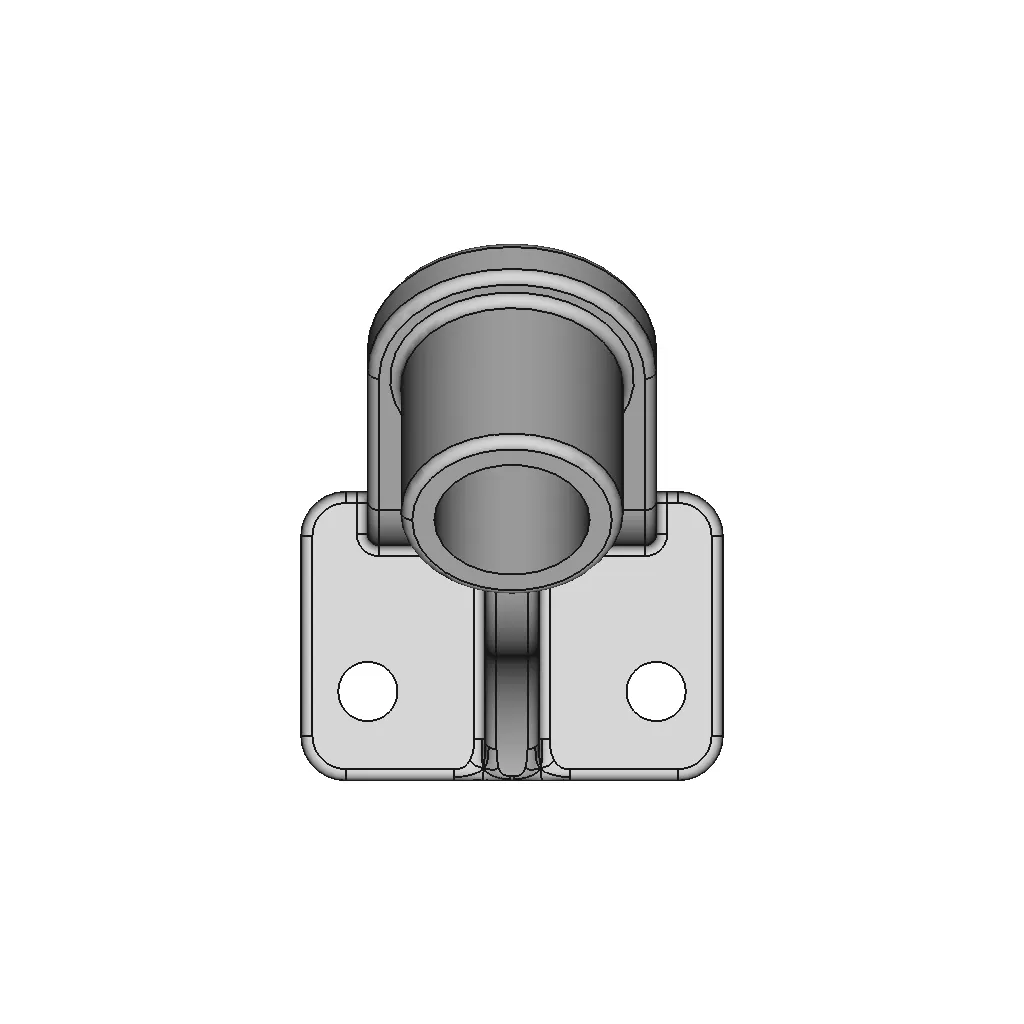
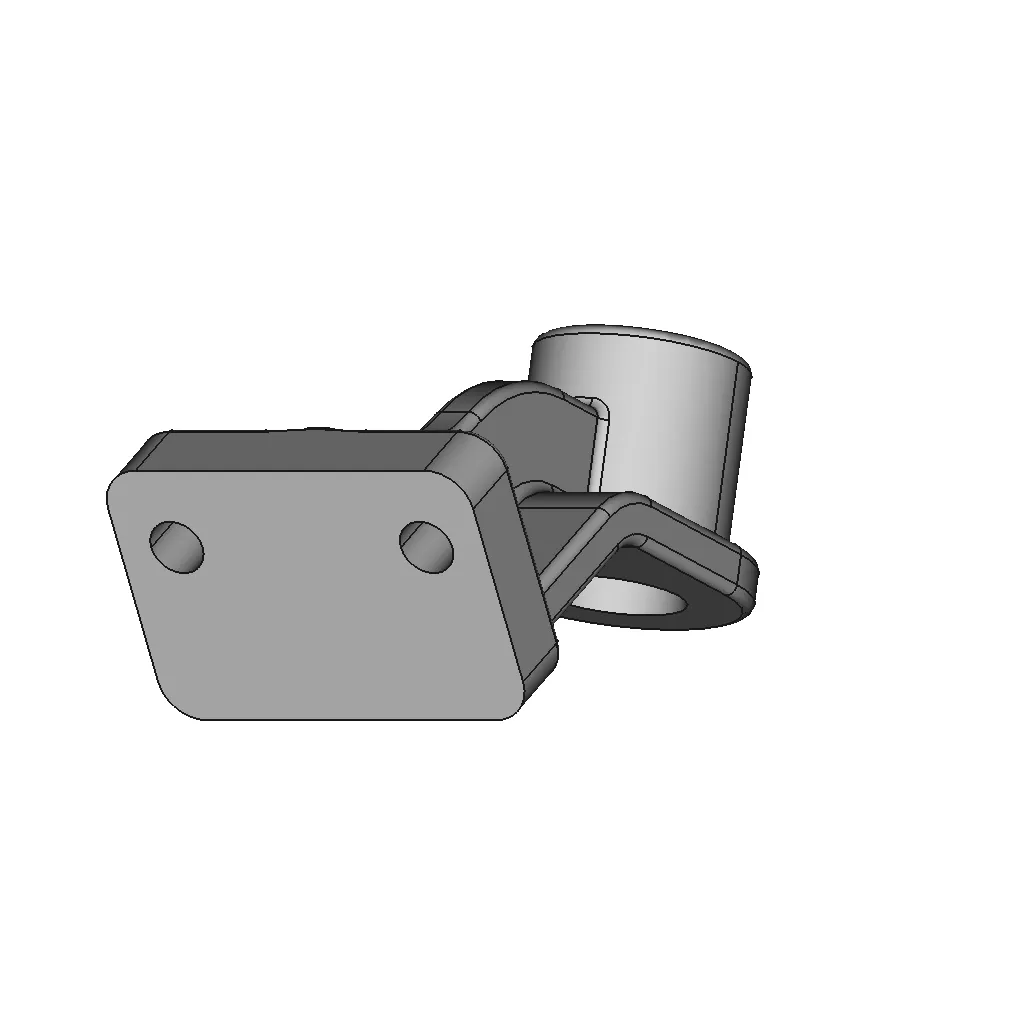
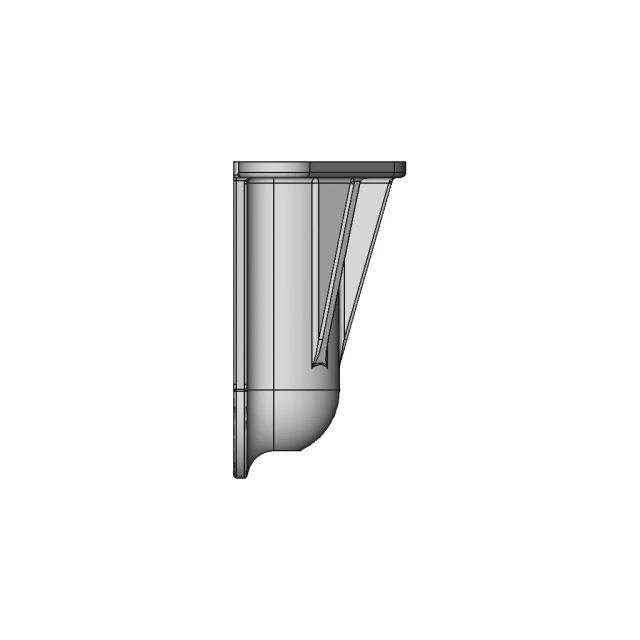
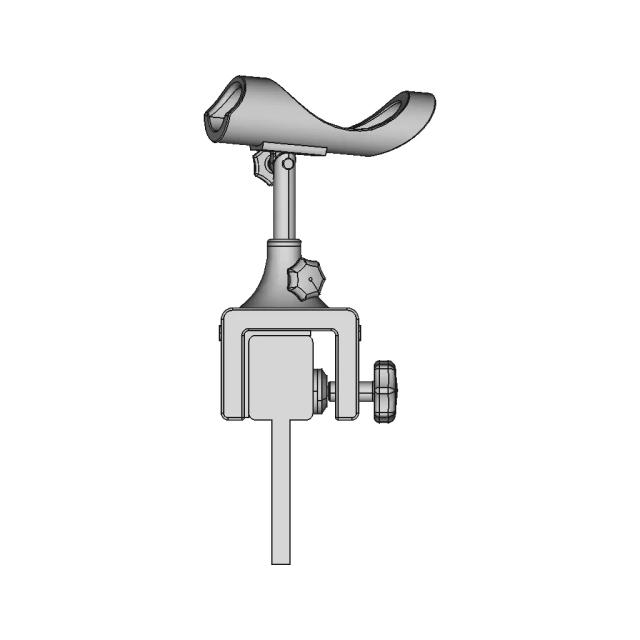
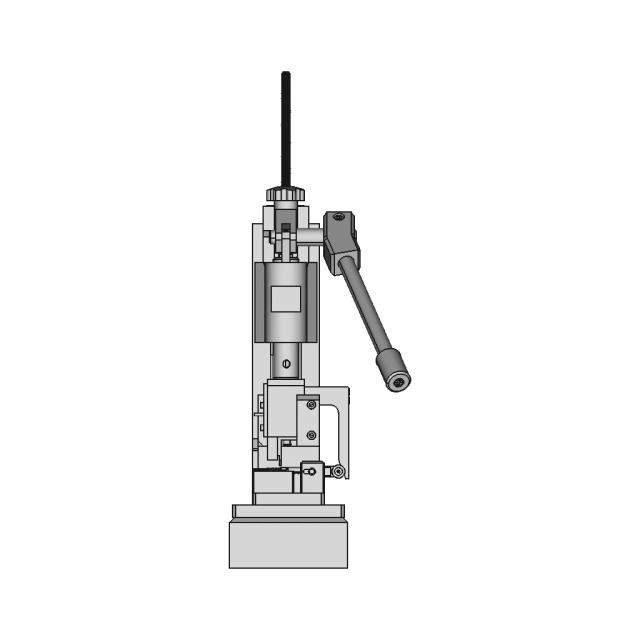
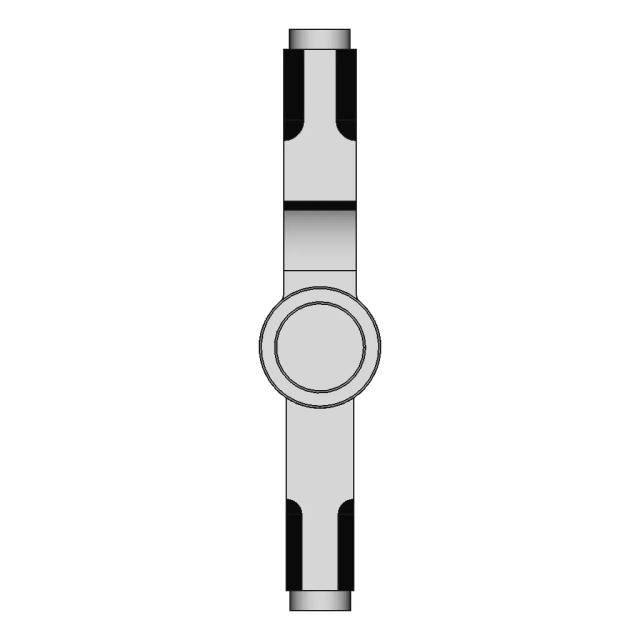
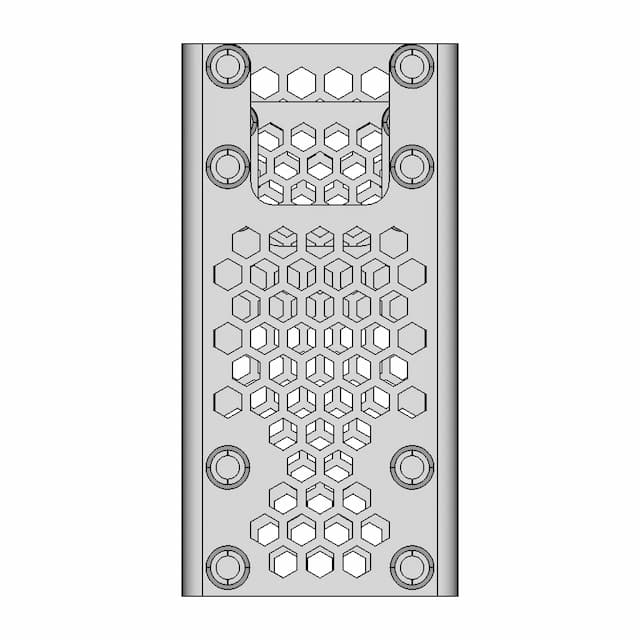
Explore professional techniques for designing mounting brackets with Autodesk Inventor focusing on sheet metal fundamentals. Learn essential skills for creating precise 3D sheet metal components.

What people convert this model to

Loading conversion stats…

Download this model

Pick the format your software opens. The native file is free.

Opens in SolidWorks, Fusion, Onshape, Inventor. Need a mesh or a drawing? Pick a format above.

2D drawings
<100
<100

The files are shared to help you get inspired and speed up your workflow. They may not be fully accurate or production-ready, so review carefully before use.

View NameExtensionAction
Design fileFormat: STEP
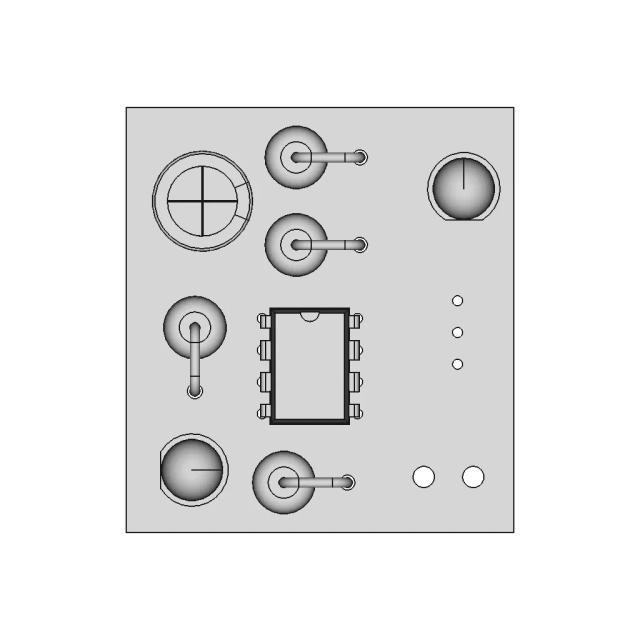
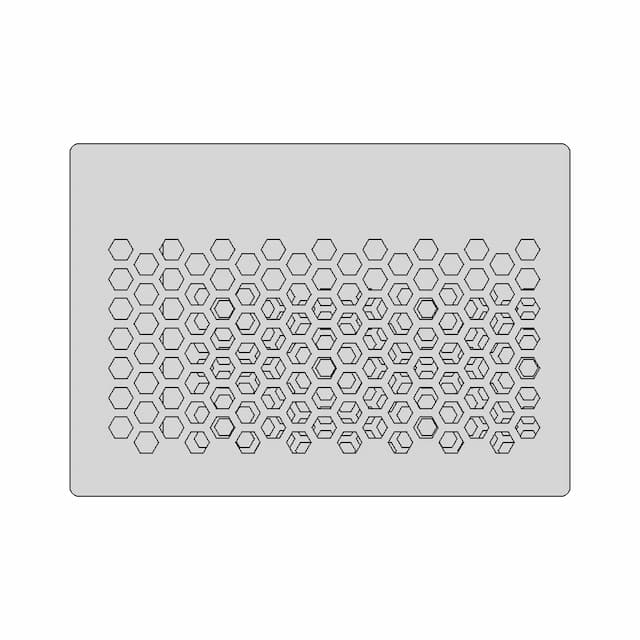
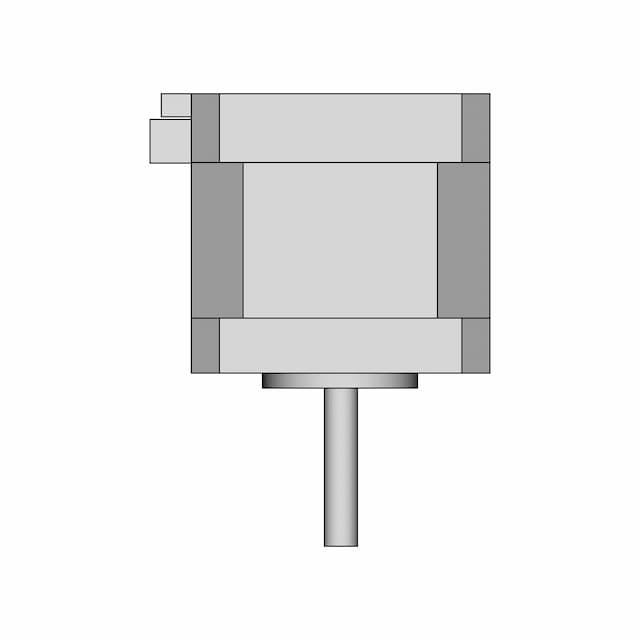
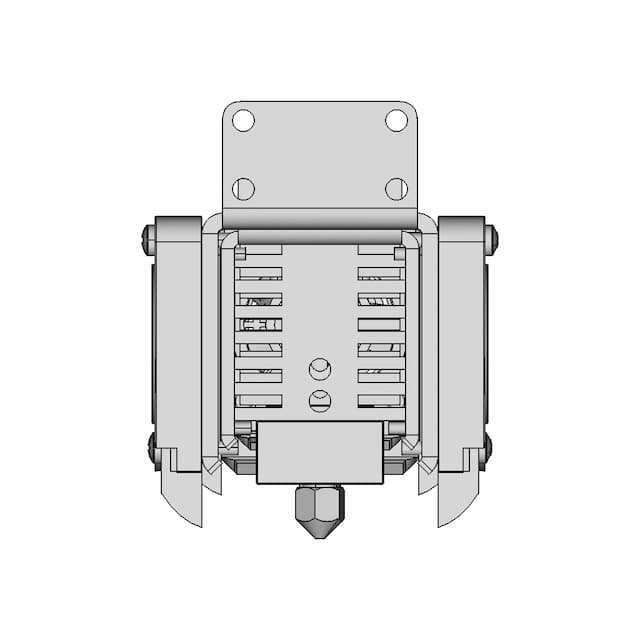
Front Viewwebp
Top Viewwebp
Bottom Viewwebp
Left Side Viewwebp
Right Side Viewwebp
Isometric Viewwebp
Supporting Files (0)
PreviewFile NameAction
No supporting files

CAD File Details

File Information
File Name698bff8744d292776a2f9f03_...
File TypeSTEP
Unitsmm
Geometry Summary
Faces105
Edges250
Vertices147
Solids1
Surface Types
Planar17
Cylindrical43
Conical0
Spherical4
Toroidal23
Other18
Bounding Box
Width95.00 mm
Height172.15 mm
Depth120.93 mm
Volume
Max Volume293517.85 mm³
Min Volume293517.85 mm³
Average Volume293517.85 mm³
Total Volume293517.85 mm³
Usage Notes
NotesSuitable for design reference, visualization, prototyping workflows and engineering review. Validate dimensions and geometry before manufacturing use.

What you can use this CAD model for

  • Engineering review
  • Manufacturing discussion
  • Supplier communication
  • Prototype development
  • Design validation

Before using this CAD file

Review the model dimensions, units and geometry before using it for manufacturing or production. Some files may be created for reference, visualization or workflow acceleration and may require validation before final use.

Paid Pipeline · $5.99 per drawing set

Need 2D engineering drawings for this CAD model?

Generate multi-view 2D technical drawings from this 3D CAD file, including orthographic views, section cuts and downloadable PDF, SVG and DXF files.

View existing 2D drawings
  • ✓ Usually ready in minutes
  • ✓ 9 sheets · editable FCStd + PDF, SVG, DXF
  • ✓ No subscription · pay per file
$5.99
per drawing set incl. GST
4 min
avg. turnaround

Comments

0
Y
Loading comments...

Marathon-OS Design Hub

Everything you need to design faster, smarter, and with more impact.
Coronavirus Flu Reusable Mask
The Barbabpapa 3-In1 Shopping Cart Token Keychain | 3D Engineering Design File
Pen Cup 1 | 3D CAD Engineering Model
Qidi Q1 Pro Btt Microprobe Mount V1 1 | 3D CAD Engineering Model
Nanoma 22 1 | 3D CAD Engineering Model
Mouse Feeder 1 | 3D CAD Engineering Model
Case For Orange Pi 5 Plus With Cooling | 3D Engineering Design File
Box Enclosure For 3D Print 1 | Professional CAD Design
3D Printer Attachment For Drawing | High-Quality CAD Model
Minimal Bamboo Rod Holder 1 | 3D CAD Engineering Model
Sheath For Global Gs 38 9Cm 1 | 3D CAD Engineering Model
Support Mural Capteur De Mouvement Sonoff 1 | 3D CAD Engineering Model
Anycubic S1 Kobra Magnet Waste Basket - Standard Mechanical Component
Dragon Letter C | 3D Engineering Design File
Phone Holder 6 | 3D CAD Engineering Model
Bottle 976 | 3D CAD Engineering Model
View all designs

Recently added / Trending

Everything you need to design faster, smarter, and with more impact.
Sl_St Air Muscule Demo In Progress | High-Quality CAD Model
Bear 21 | Industrial CAD Design
Traditional Indian Bow | Scalable Resin 3D Print Model | 3D Engineering Design File
P U P P Y Fail On Beetleweight Switch 1 | Professional CAD Design
Origami Crane 3 | 3D CAD Engineering Model
Bench - Standard Mechanical Component
Lindesnes Coat Of Arms Plaque - Downloadable CAD Representation
Lobed Trailer with Office Structure CAD Model
Zgb37Rg High Torque Gear Motor | 3D Engineering Design File
Dinamo Sepeda | High-Quality CAD Model
View all designs

Free Online CAD Viewer –Secure, Fast & Cloud-Based

A lightweight, online tool to convert 3D file formats—anytime, anywhere, without installing any software.

Drag & drop your 3D files

Supported formats: STEP (.step, .stp), IGES (.igs, .iges), STL (.stl), PLY (.ply), OFF (.off), BREP (.brp, .brep)

upload
Don't have a file? Try one of these samples:


CAD Viewer featureOpen CAD files instantly in your browser.
CAD Viewer featureNo software needed.
CAD Viewer featurePrivate uploads.
CAD Viewer featureAutomatically deleted after 7 days.
CAD Viewer featureUpload files up to 300 MB