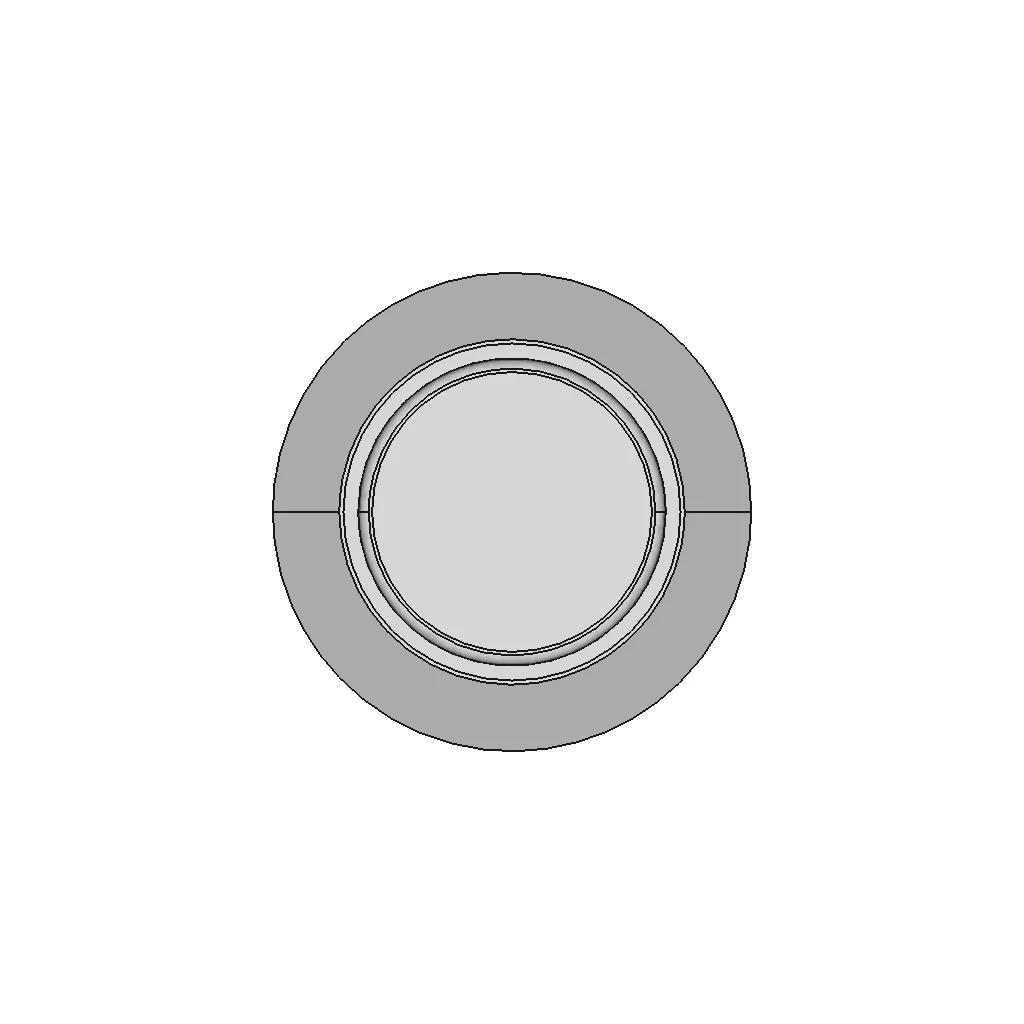
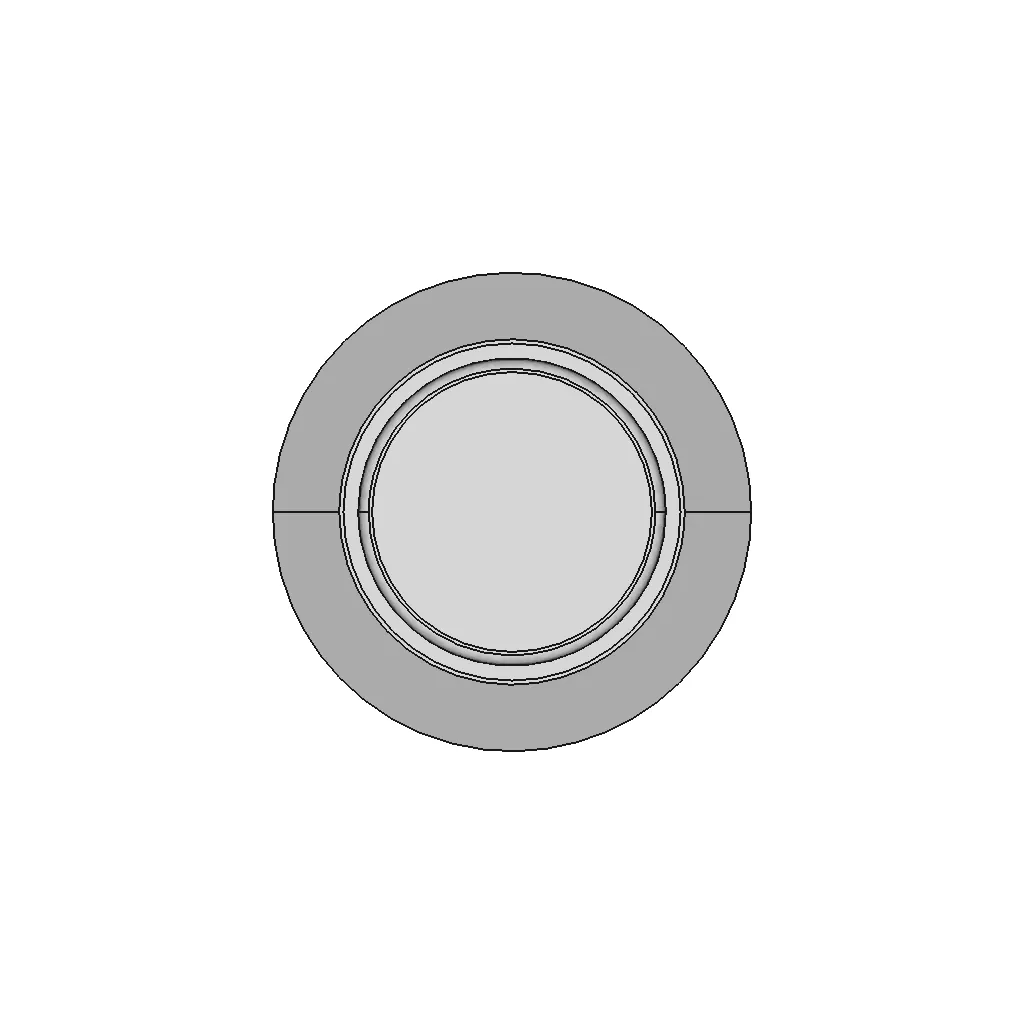
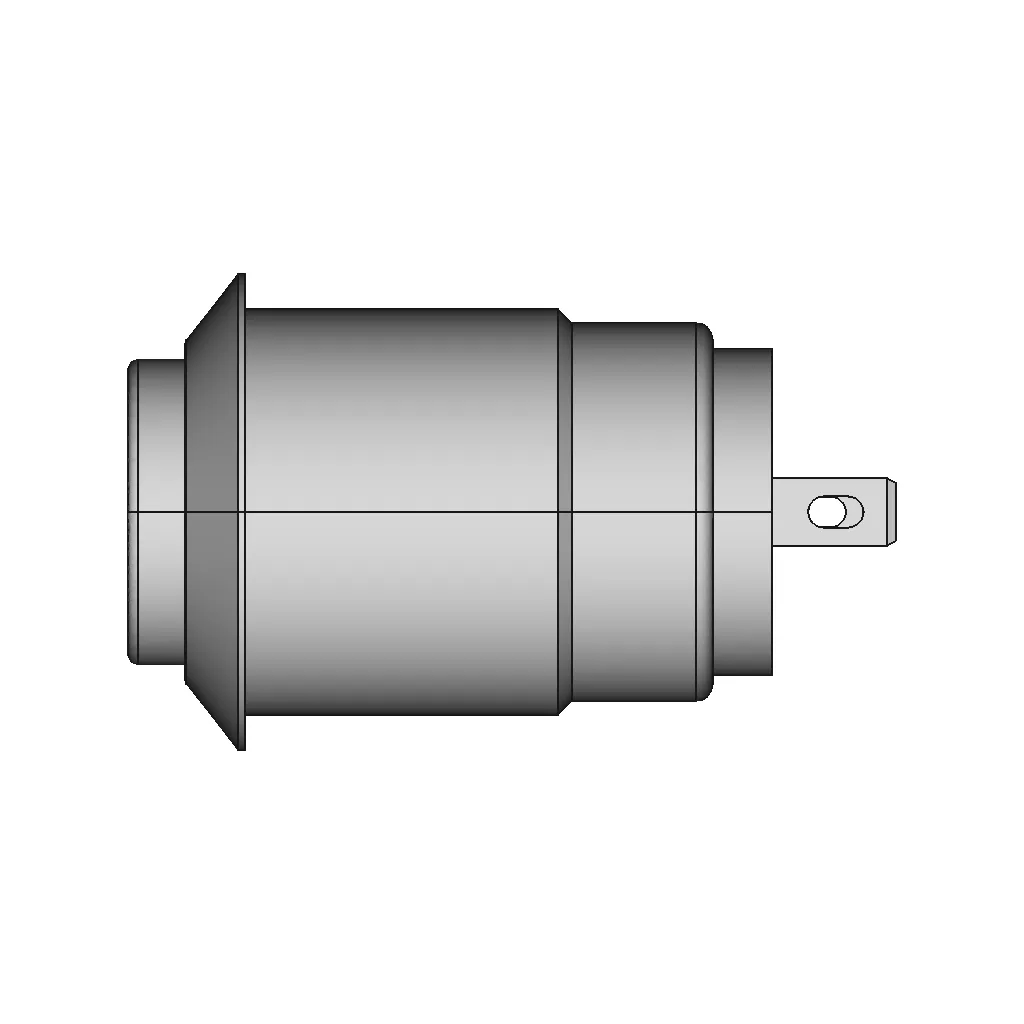
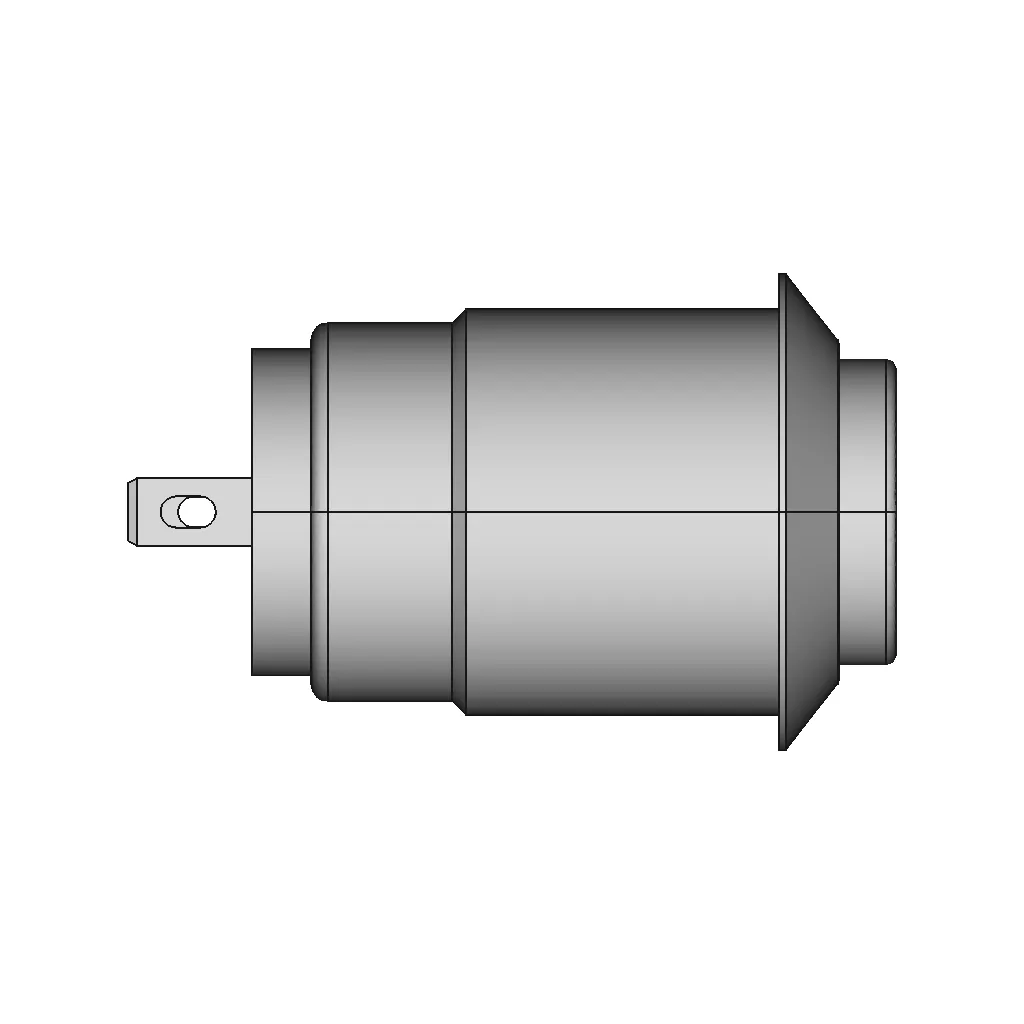
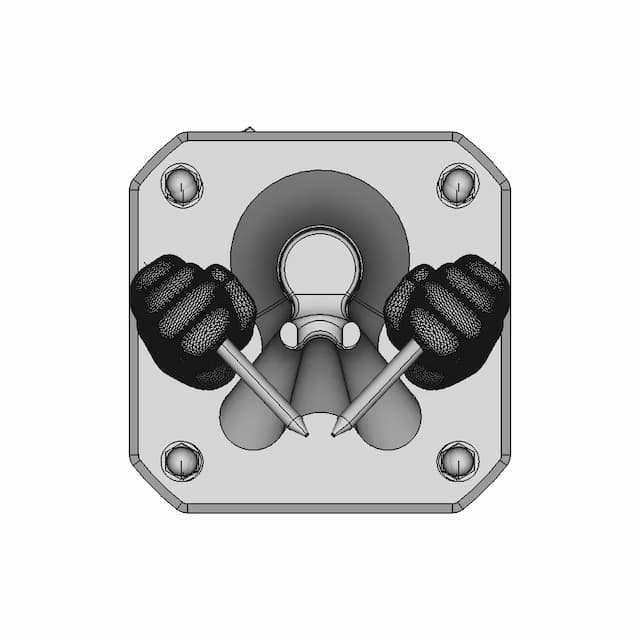
Push Button 12Mm 2 | CAD Model for Energy Systems

0.0(0 reviews)
Electrical
Push Button 12Mm 2
Energy Distribution
Power System Integration
Electrical Design
Logo
sprite x=0 y=0
Angle x=0 y=0
Angle x=0 y=90
Angle x=0 y=270
Angle x=90 y=0
Angle x=270 y=0
Angle x=60 y=30

About this design

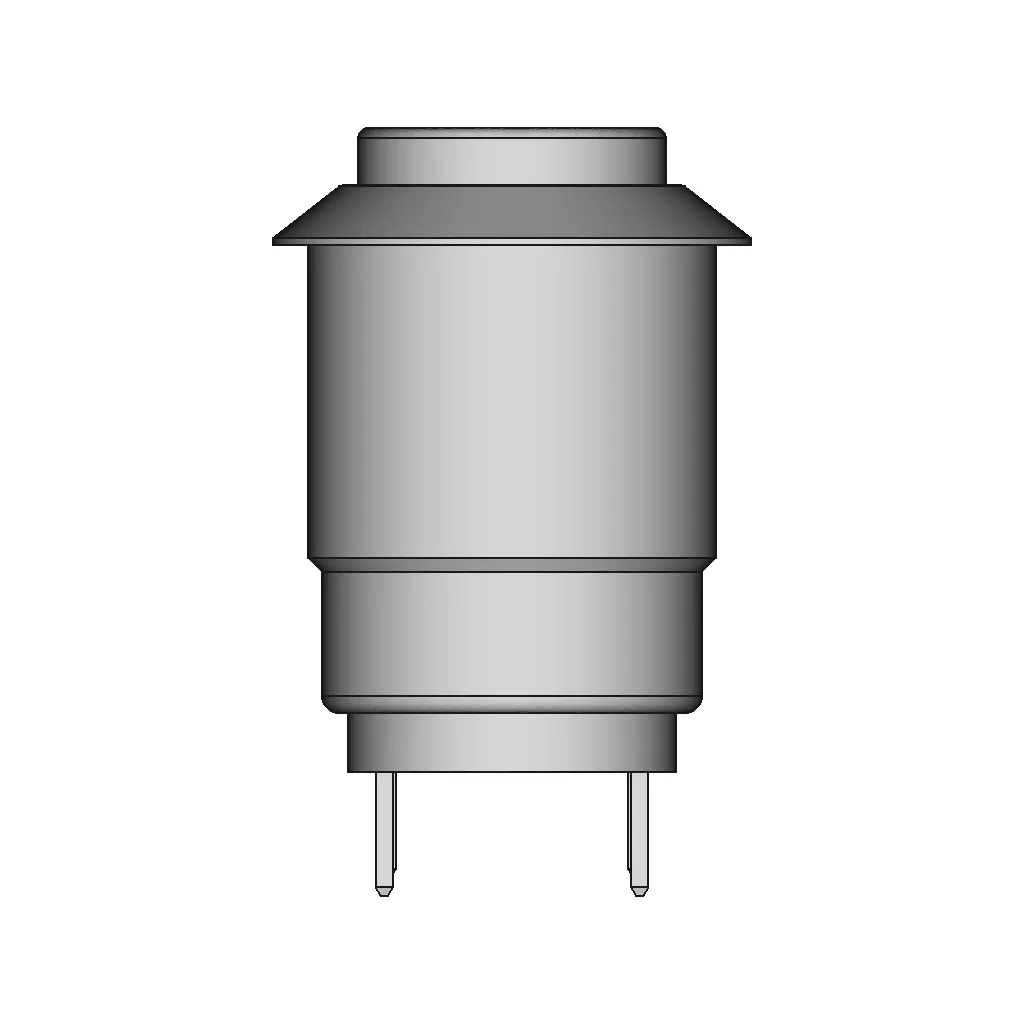
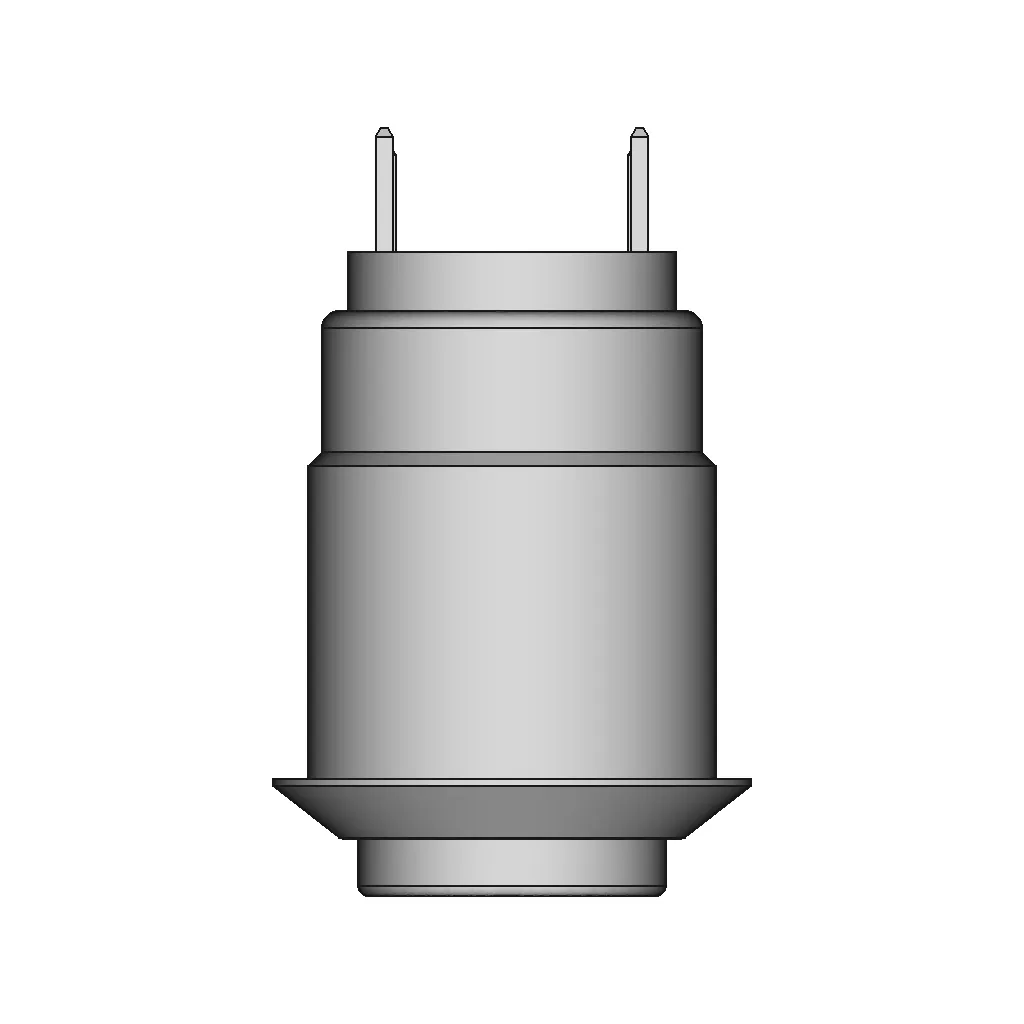
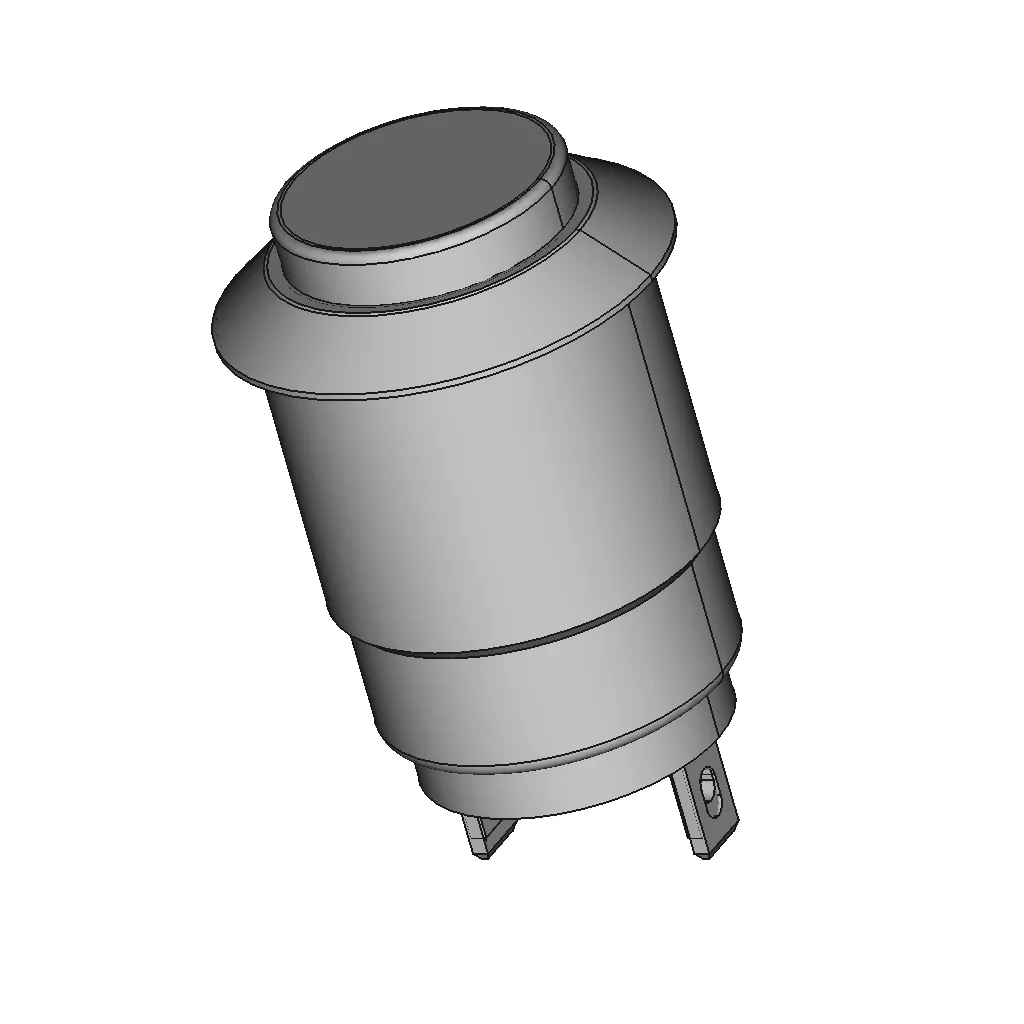
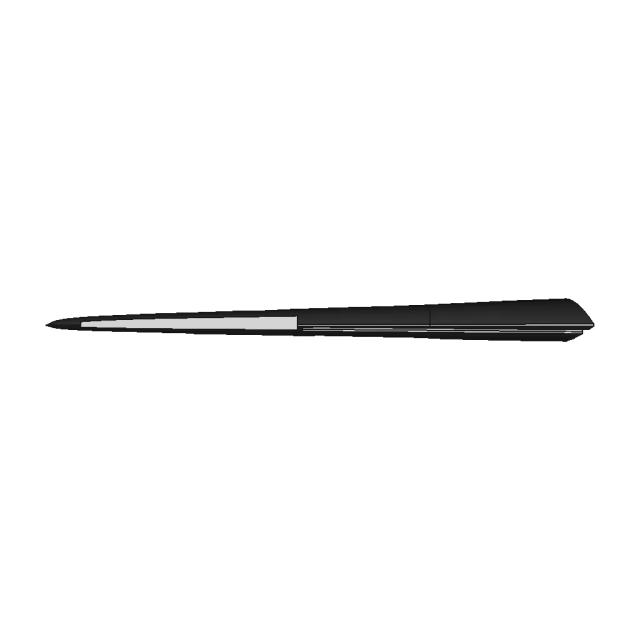
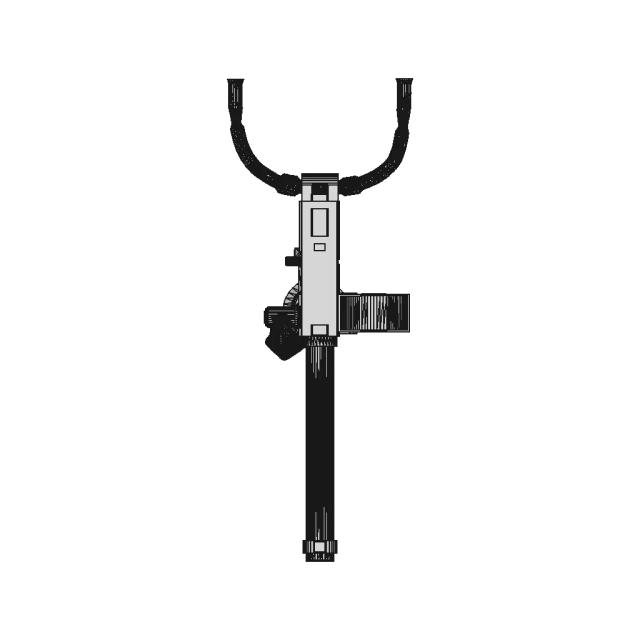
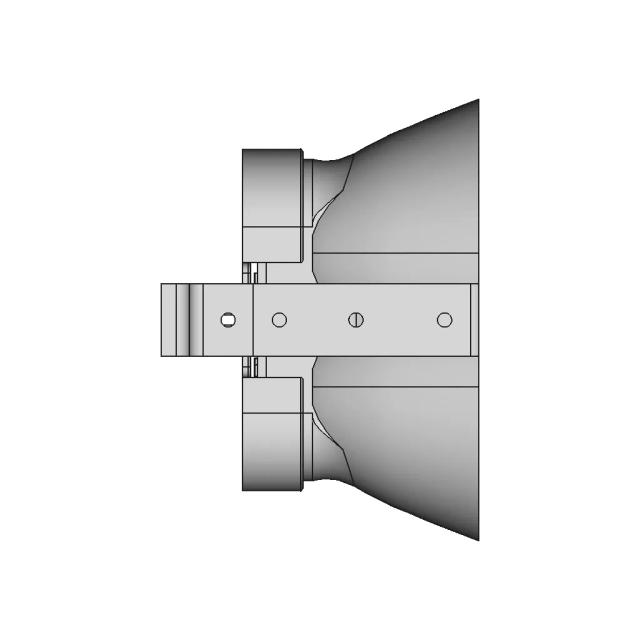
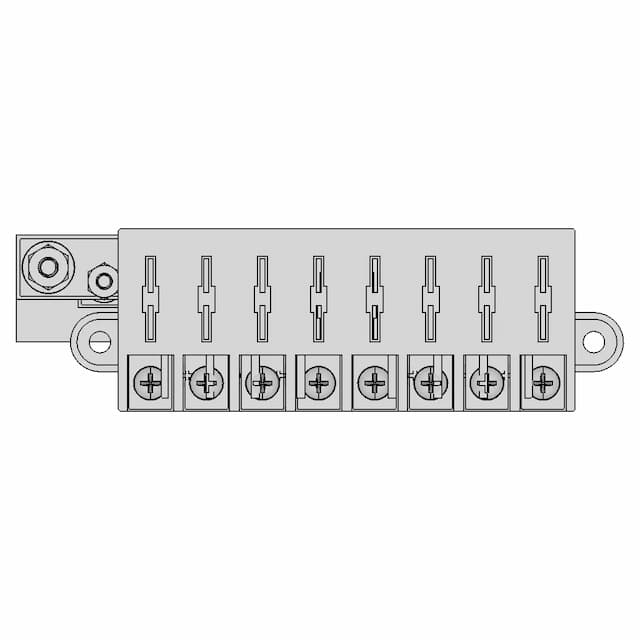
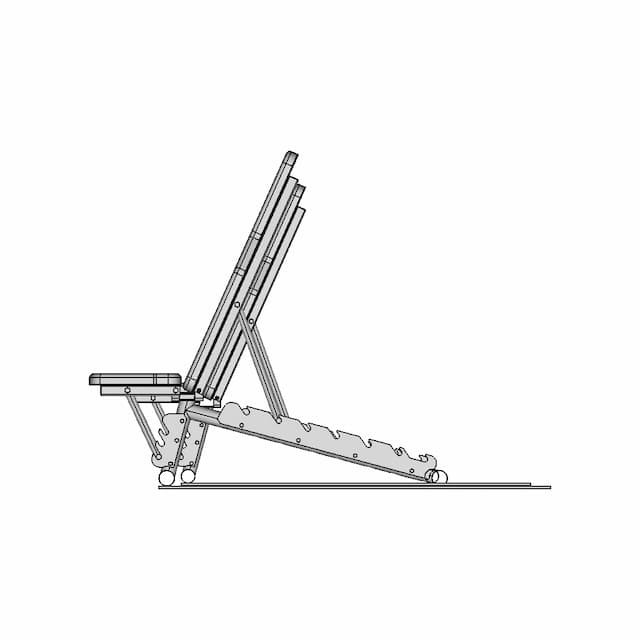
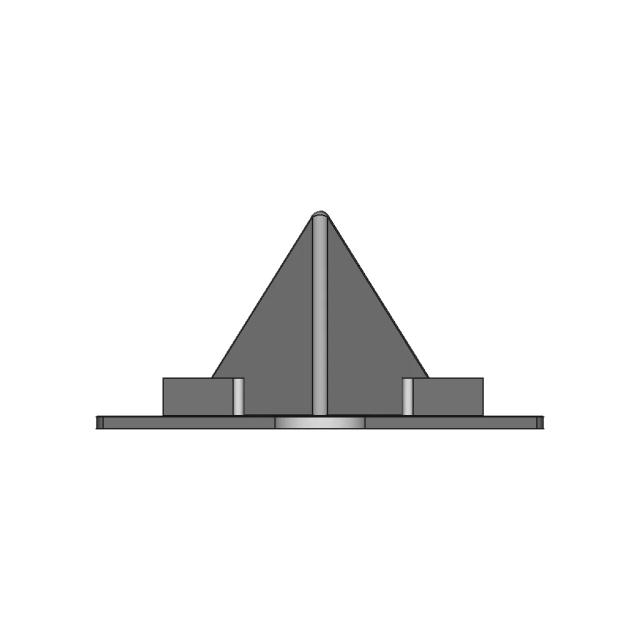
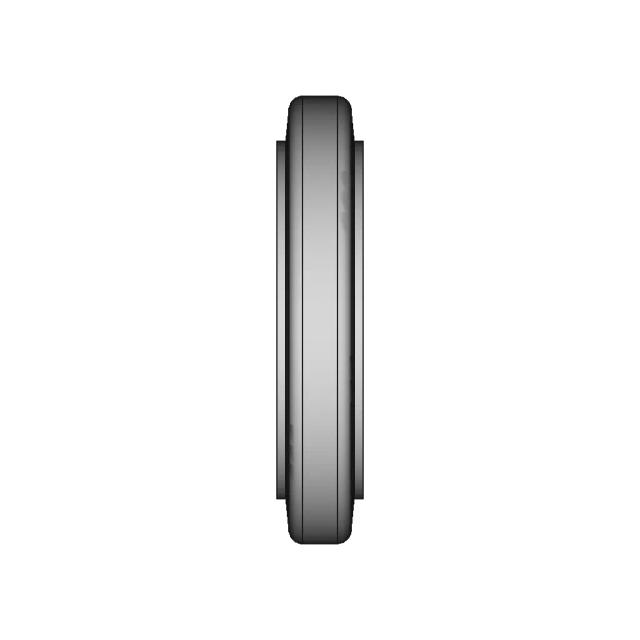
This 3D model of Push Button 12Mm 2 is ideal for applications in electrical design, energy distribution, and power system integration.

What people convert this model to

Loading conversion stats…

Download this model

Pick the format your software opens. The native file is free.

Opens in SolidWorks, Fusion, Onshape, Inventor. Need a mesh or a drawing? Pick a format above.

2D drawings
<100
<100

The files are shared to help you get inspired and speed up your workflow. They may not be fully accurate or production-ready, so review carefully before use.

View NameExtensionAction
Design fileFormat: STEP
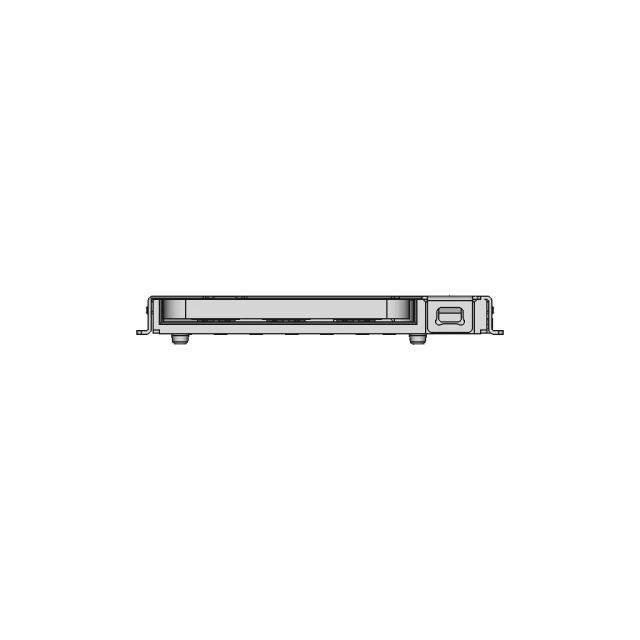
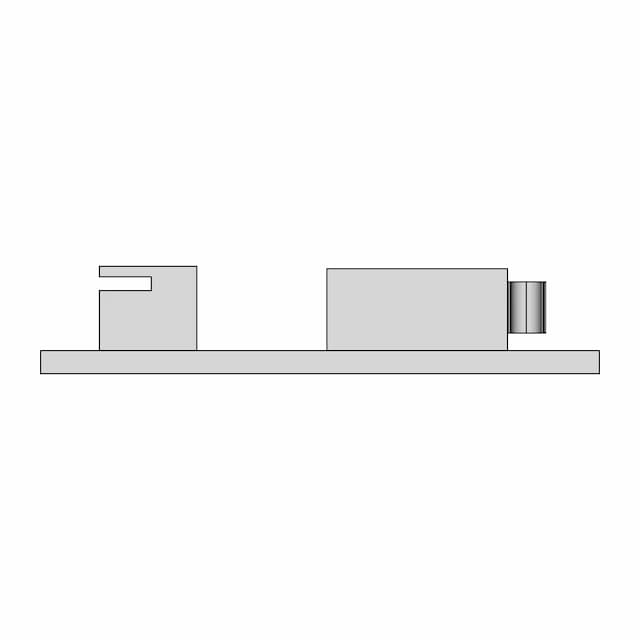
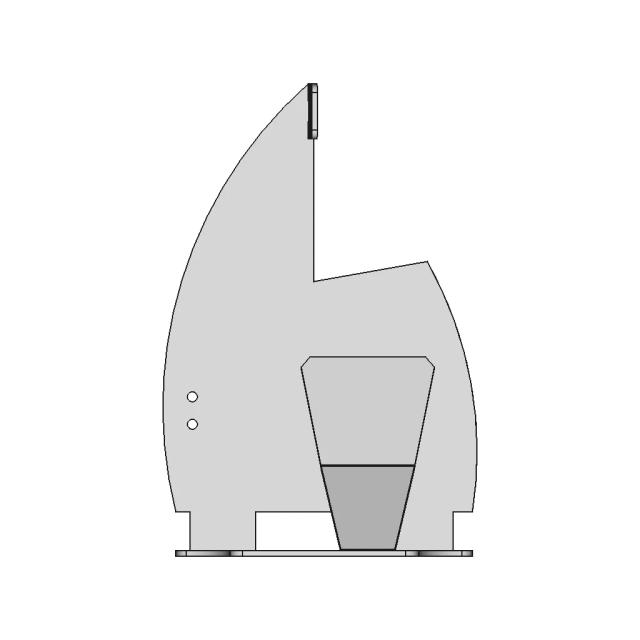
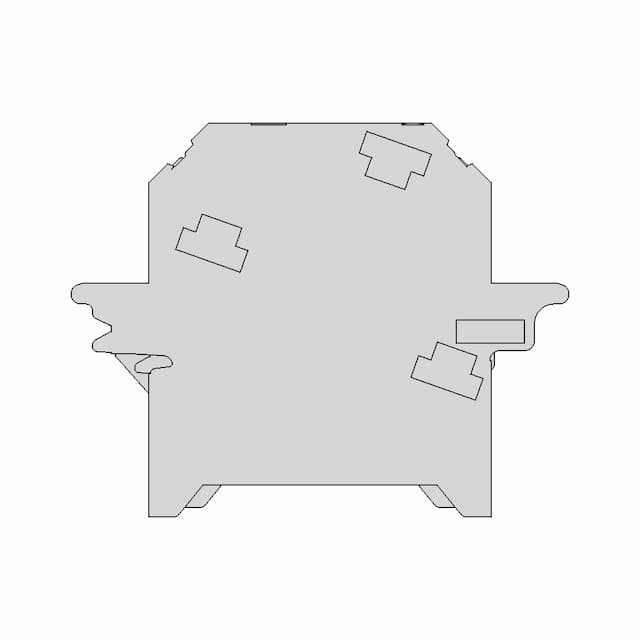
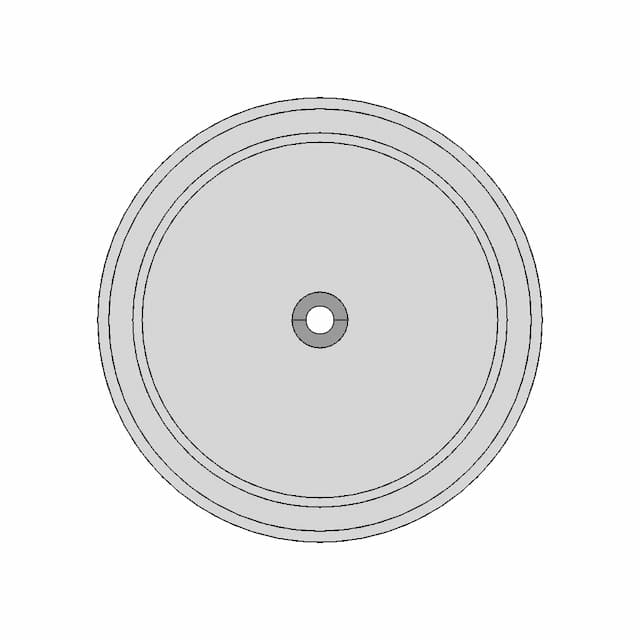
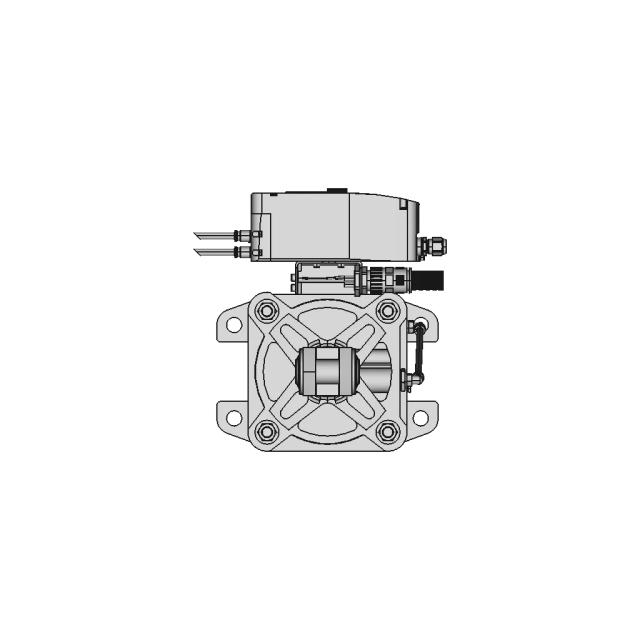
Front Viewwebp
Top Viewwebp
Bottom Viewwebp
Left Side Viewwebp
Right Side Viewwebp
Isometric Viewwebp
Supporting Files (0)
PreviewFile NameAction
No supporting files

CAD File Details

File Information
File NamePush button 12mm.STEP
File TypeSTEP
Unitsmm
Geometry Summary
Faces54
Edges120
Vertices74
Solids2
Surface Types
Planar28
Cylindrical18
Conical4
Spherical0
Toroidal4
Other0
Bounding Box
Width13.85 mm
Height13.82 mm
Depth22.25 mm
Volume
Max Volume1992.29 mm³
Min Volume1847.37 mm³
Average Volume1919.83 mm³
Total Volume3839.66 mm³
Usage Notes
NotesSuitable for design reference, visualization, prototyping workflows and engineering review. Validate dimensions and geometry before manufacturing use.

What you can use this CAD model for

  • Engineering review
  • Manufacturing discussion
  • Supplier communication
  • Prototype development
  • Design validation

Before using this CAD file

Review the model dimensions, units and geometry before using it for manufacturing or production. Some files may be created for reference, visualization or workflow acceleration and may require validation before final use.

Paid Pipeline · $5.99 per drawing set

Need 2D engineering drawings for this CAD model?

Generate multi-view 2D technical drawings from this 3D CAD file, including orthographic views, section cuts and downloadable PDF, SVG and DXF files.

View existing 2D drawings
  • ✓ Ready in under 4 minutes
  • ✓ 9 sheets · editable FCStd + PDF, SVG, DXF
  • ✓ No subscription · pay per file
$5.99
per drawing set incl. GST
4 min
avg. turnaround

Comments

0
Y
Loading comments...

Marathon-OS Design Hub

Everything you need to design faster, smarter, and with more impact.

Lotus Flower 2 | 3D CAD Engineering Model
Box | 3D Engineering Design File
Tripod 1 4 20 1 6Mm Flat Board Mount 1 | 3D CAD Engineering Model
Card Casing for MKSTinyBee MKS24
Case For 7Inch Display 1 | 3D CAD Engineering Model
Kyg We A 2300 500 Blu 1 | 3D CAD Engineering Model
Spinner 33 | 3D CAD Engineering Model
Fdm 70Mm 1 | Professional CAD Design
3D Model Conversion Service for OBJ Format
Feet For Golf Bag 1 | 3D CAD Engineering Model
Elongated Pentagonal Gyrobirotunda 1 | 3D CAD Engineering Model
Filament Production Process for 3D Printing and Manufacturing
Origami Crane 3 | 3D CAD Engineering Model
3D Printing Component for Additive Manufacturing
1:350 Scale Simplified Model for Efficient Printing
Emoji Injury 1 | 3D CAD Engineering Model
View all designs

Recently added / Trending

Everything you need to design faster, smarter, and with more impact.
Solidworks Magic See How This Bracket Comes To Life 1 | Professional CAD Design
Blue Sea Systems 5046 - Step Model - Standard Mechanical Component
Adjustable Bench Press Sehpasi 1 | Industrial CAD Design
Pyramid Mobile Stand Made of ABS Plastic for Vertical and Horizontal Phone Support
Non-Metallic DN10 Conduit Model with 12.8 x 9.0 Dimensions
Sheet Metal Wood Splitting Wedge with Beveled Edge
Es6Abeige - Downloadable CAD Representation
Bottom Sealling Wheel Roller | 3D Engineering Design File
Automated Quality Control System for Semi-Cylindrical Components Inspection
Электроподжиг Для Горелки - Standard Mechanical Component
View all designs

Free Online CAD Viewer –Secure, Fast & Cloud-Based

A lightweight, online tool to convert 3D file formats—anytime, anywhere, without installing any software.

Drag & drop your 3D files

Supported formats: STEP (.step, .stp), IGES (.igs, .iges), STL (.stl), PLY (.ply), OFF (.off), BREP (.brp, .brep)

upload
Don't have a file? Try one of these samples:


CAD Viewer featureOpen CAD files instantly in your browser.
CAD Viewer featureNo software needed.
CAD Viewer featurePrivate uploads.
CAD Viewer featureAutomatically deleted after 7 days.
CAD Viewer featureUpload files up to 300 MB