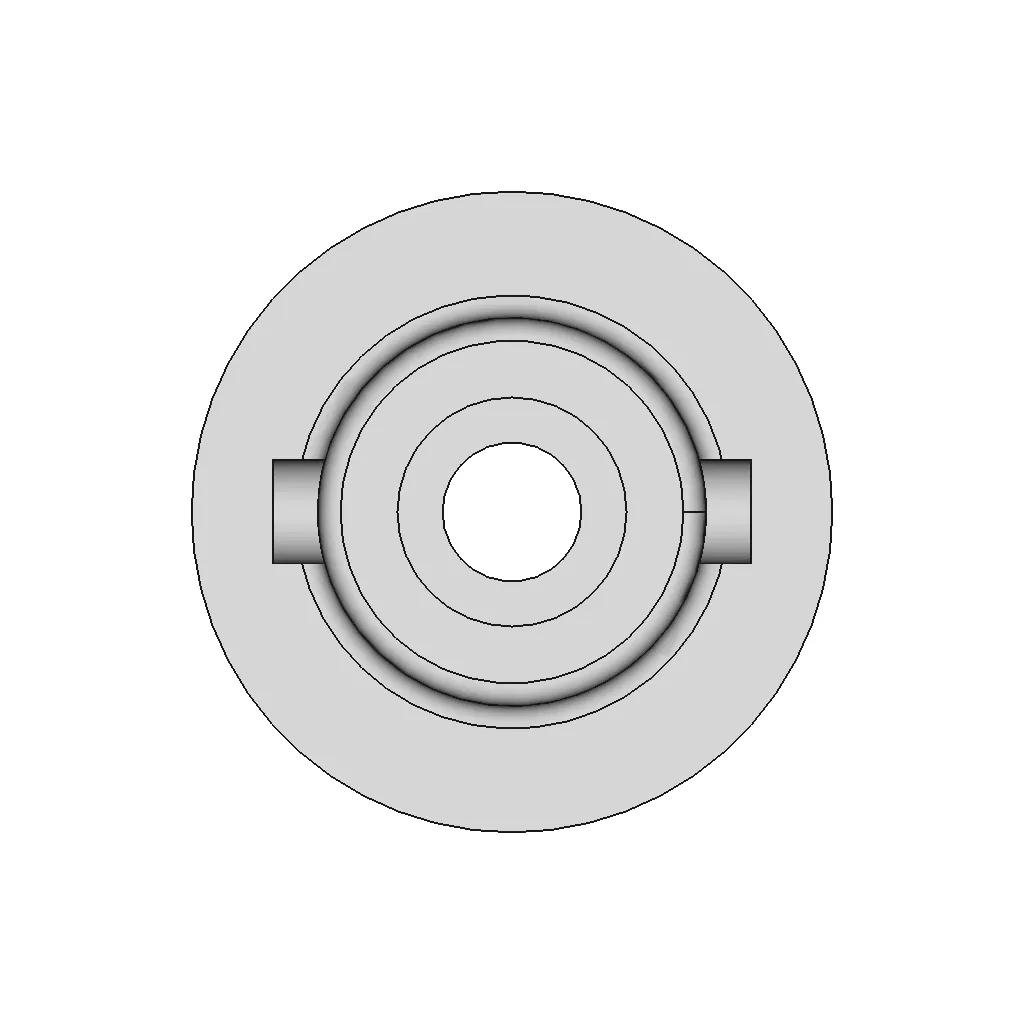
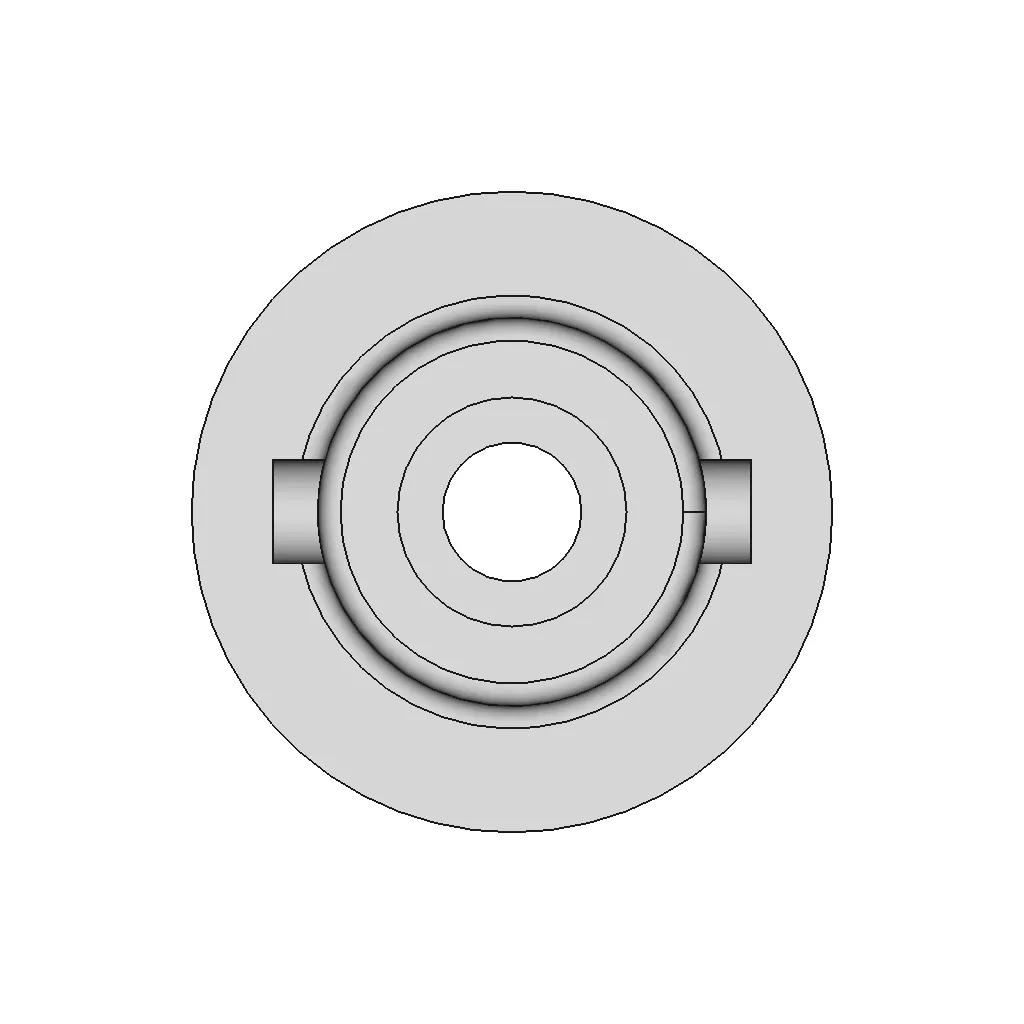
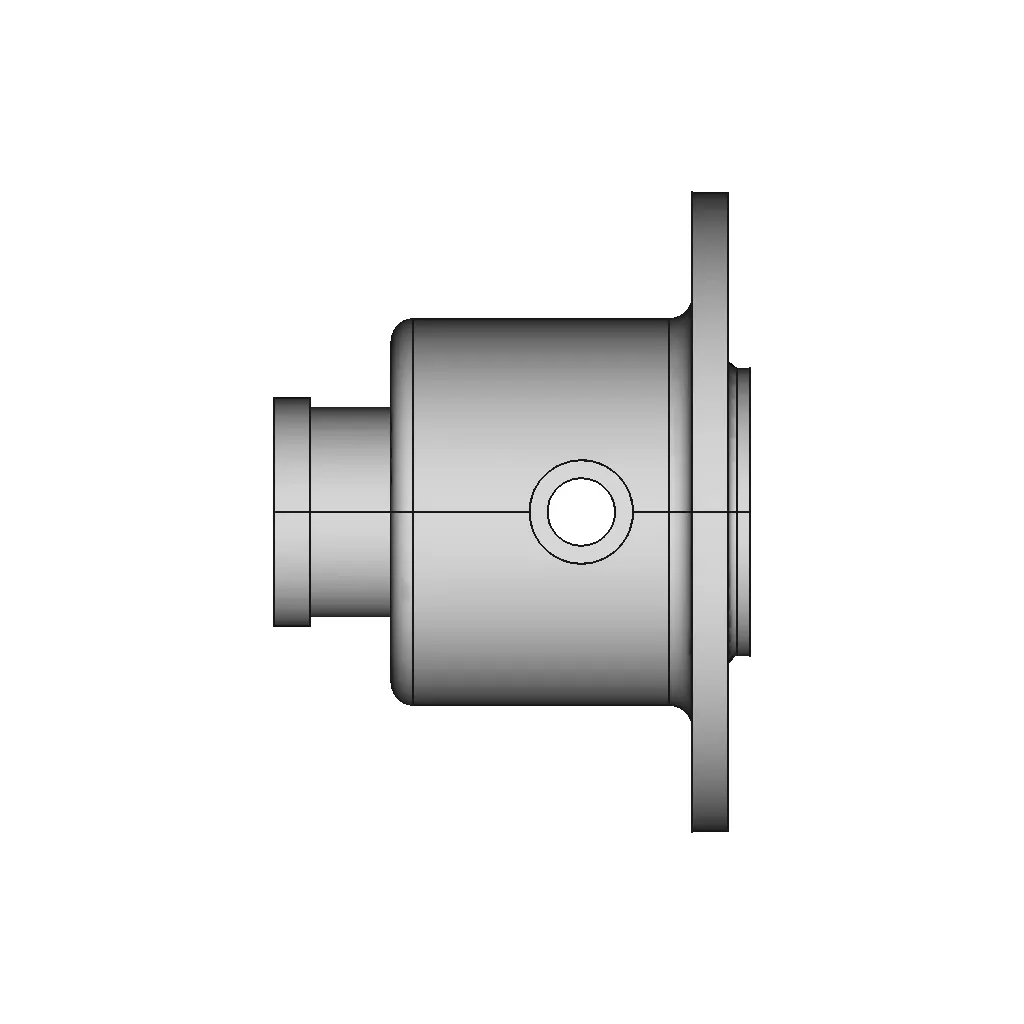
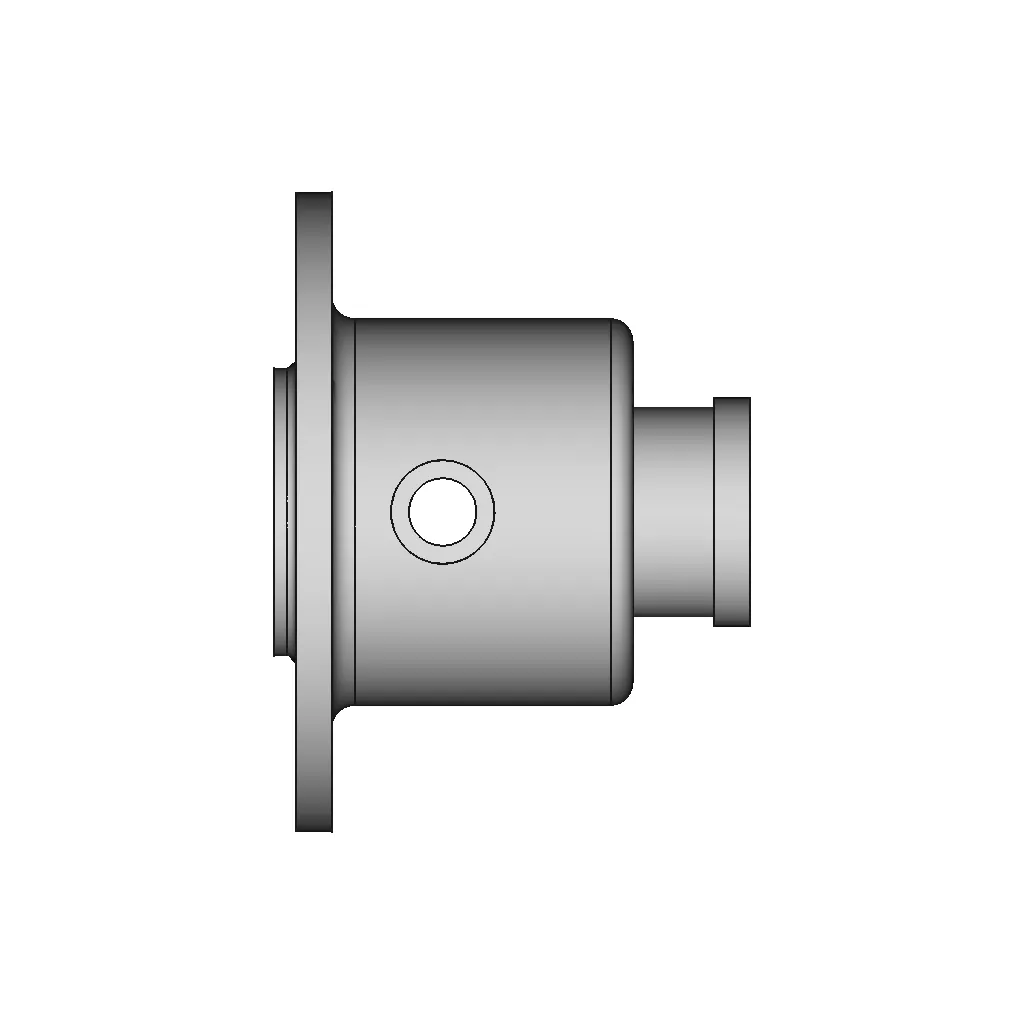
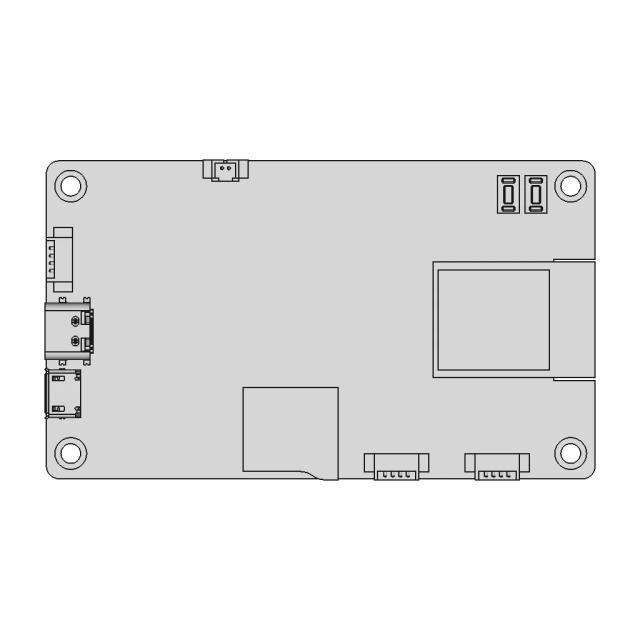
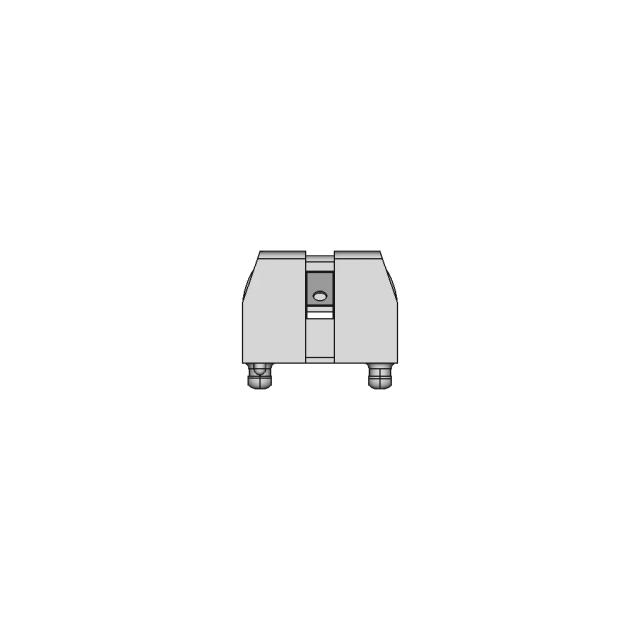
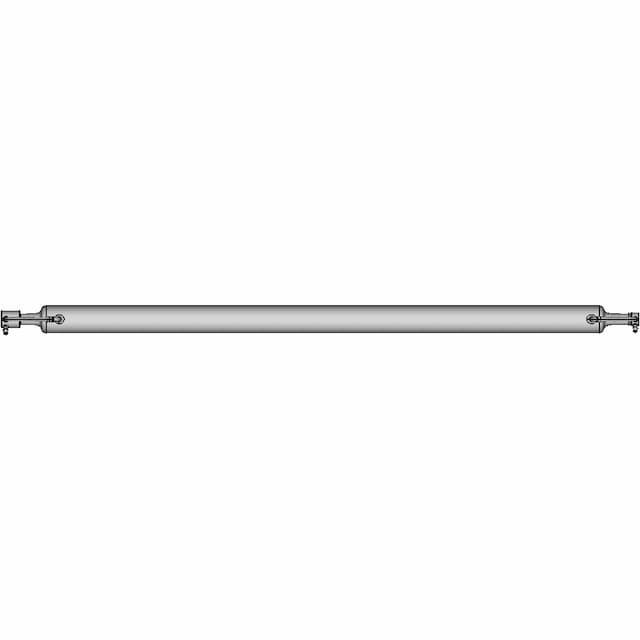
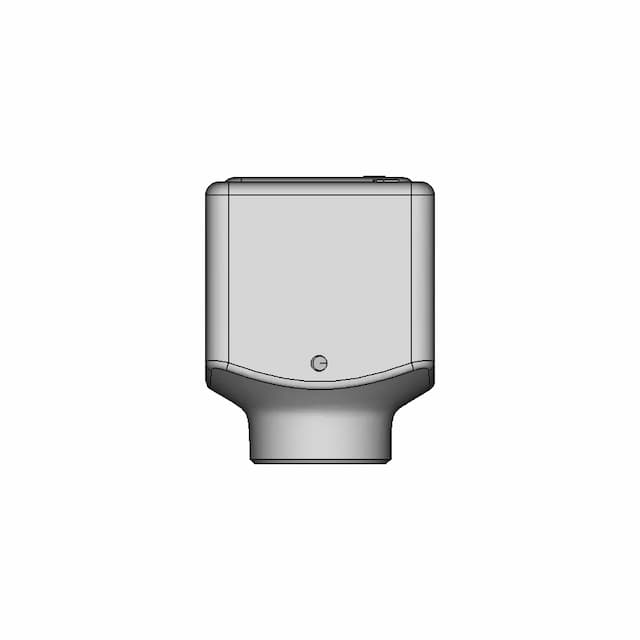
Quick and Accurate Part Modeling Tutorial in FreeCAD

0.0(0 reviews)
Machine design
Precision Modeling
Freecad
Cad Tutorial
Part Modeling
Logo
sprite x=0 y=0
Angle x=0 y=0
Angle x=0 y=90
Angle x=0 y=270
Angle x=90 y=0
Angle x=270 y=0
Angle x=60 y=30

About this design

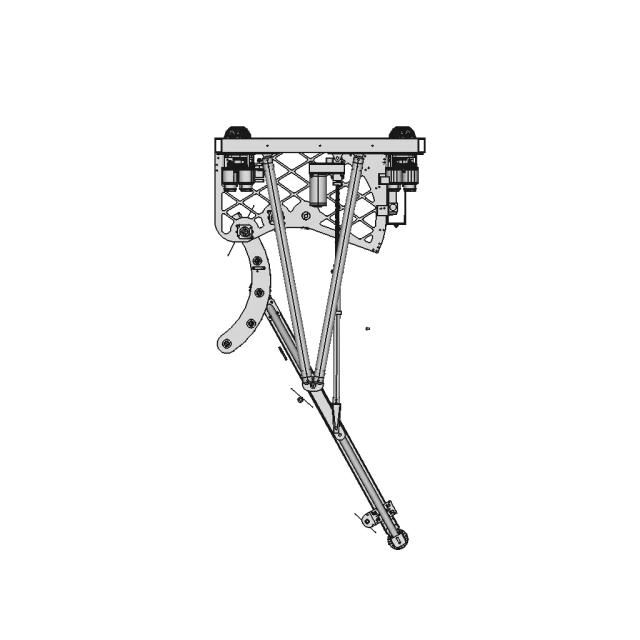
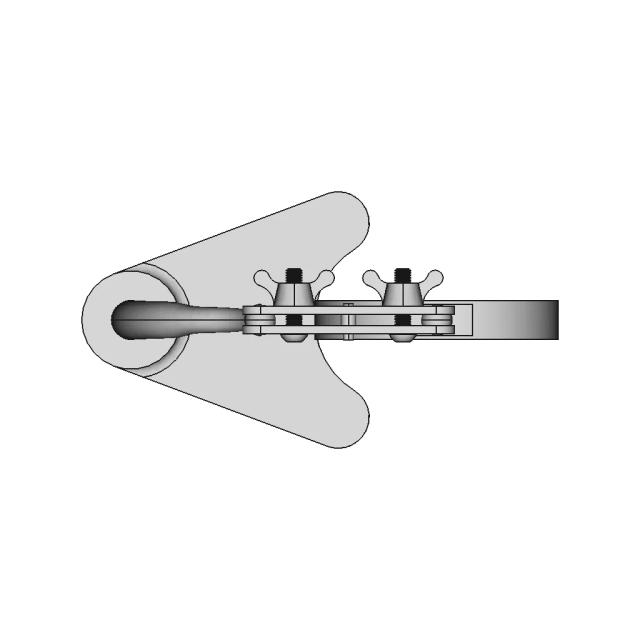
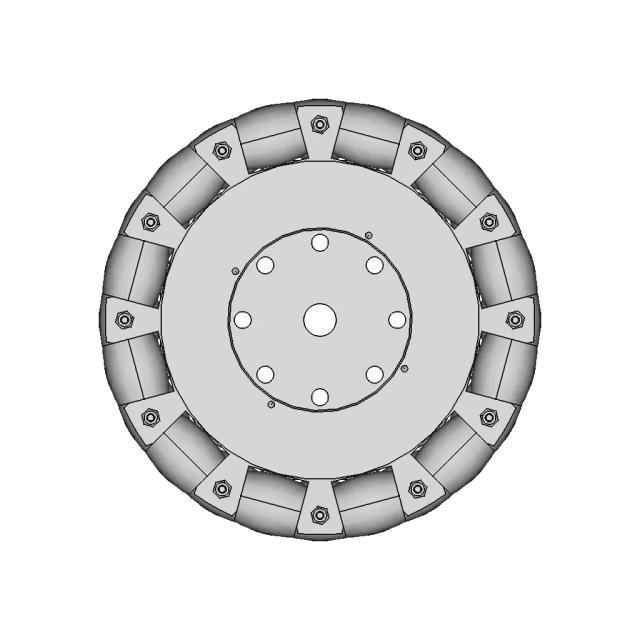
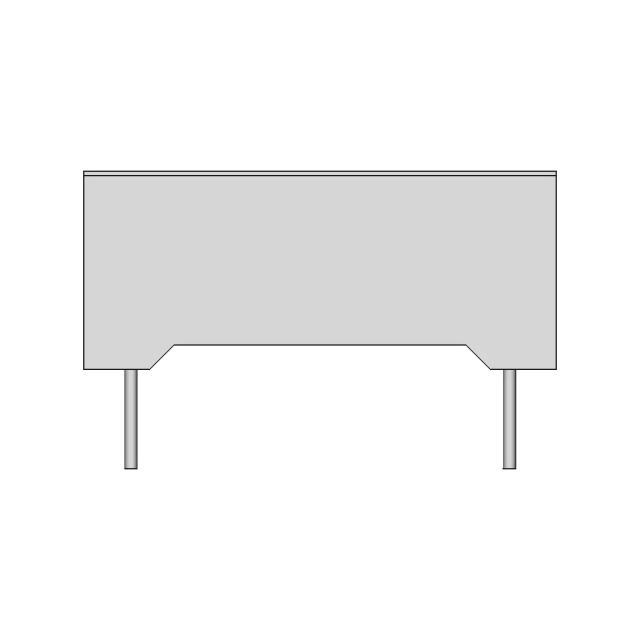
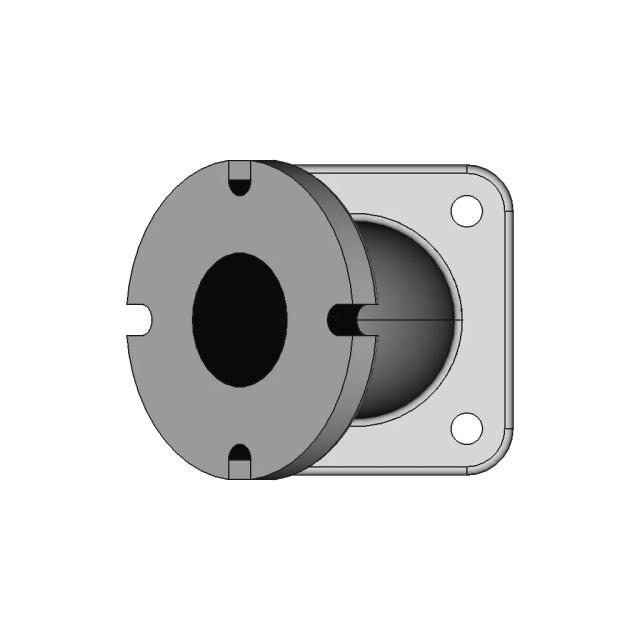
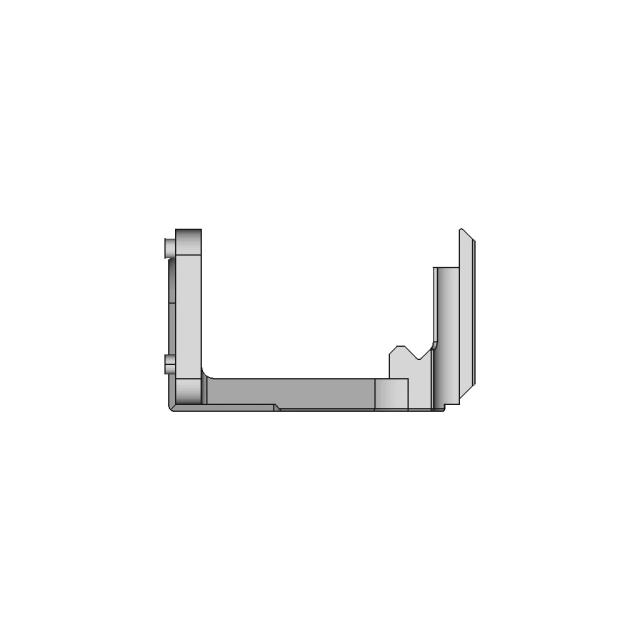
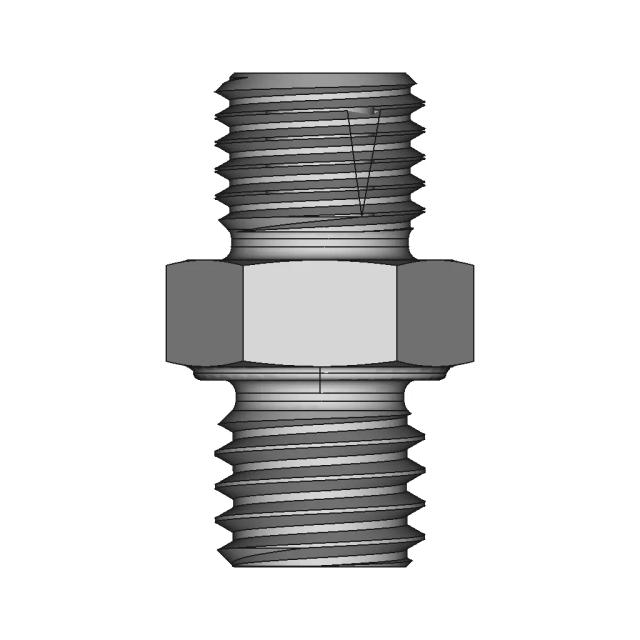
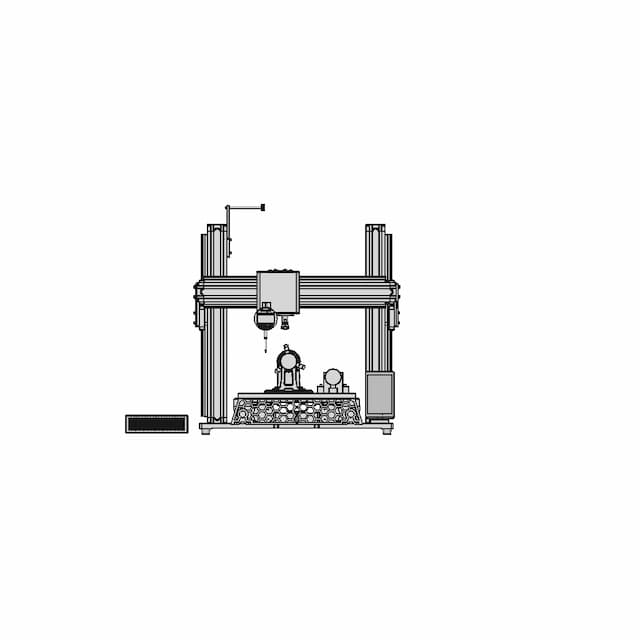
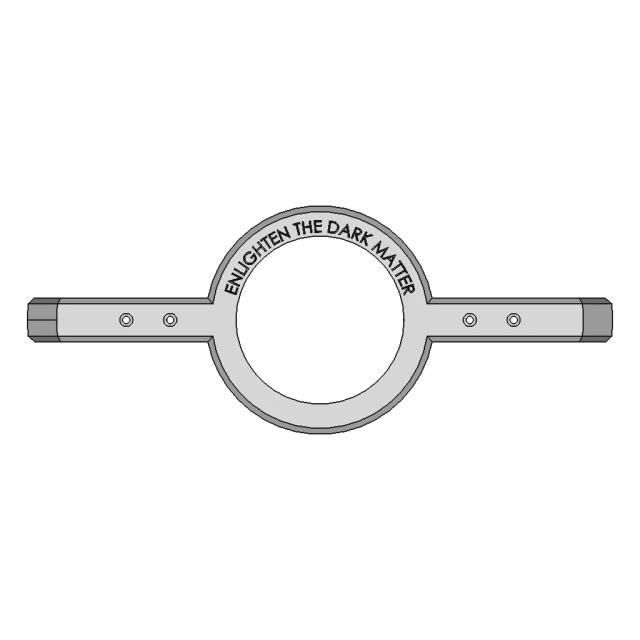
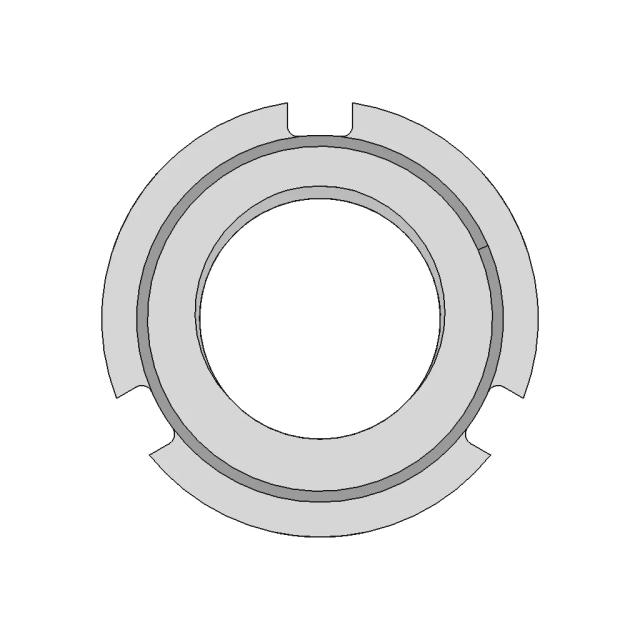
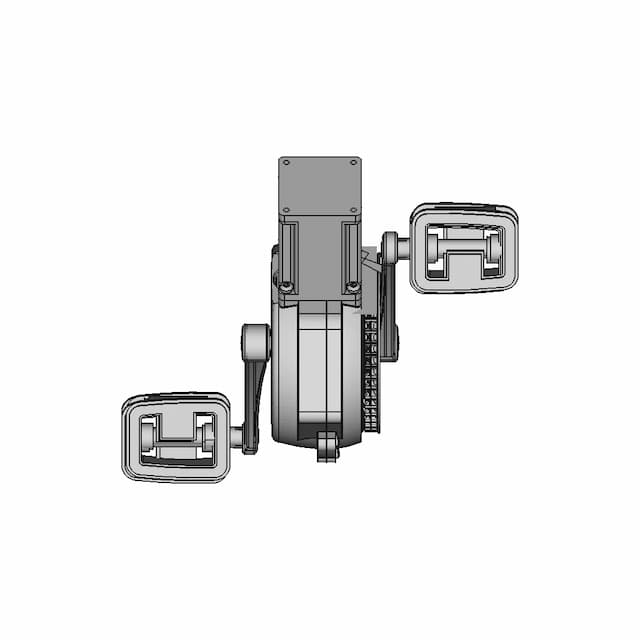
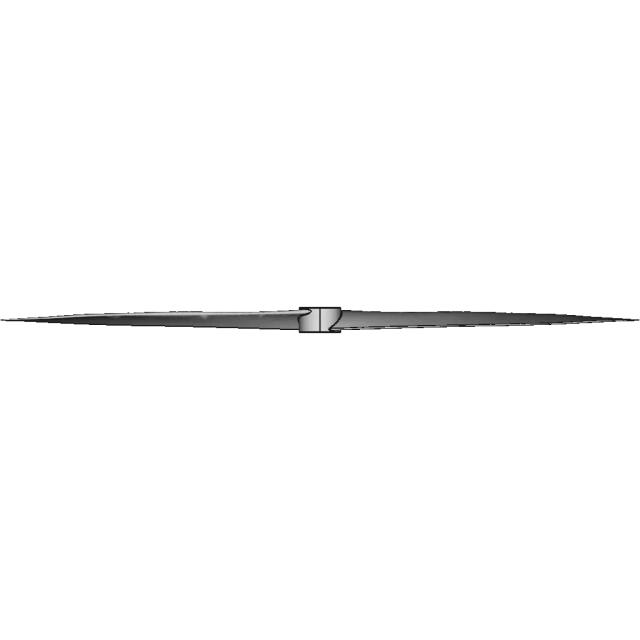
A professional guide demonstrating efficient techniques for creating precise parts using FreeCAD. Ideal for beginners seeking to enhance CAD modeling skills.

What people convert this model to

Loading conversion stats…

Download this model

Pick the format your software opens. The native file is free.

Opens in SolidWorks, Fusion, Onshape, Inventor. Need a mesh or a drawing? Pick a format above.

<100
<100

The files are shared to help you get inspired and speed up your workflow. They may not be fully accurate or production-ready, so review carefully before use.

View NameExtensionAction
Design fileFormat: STEP
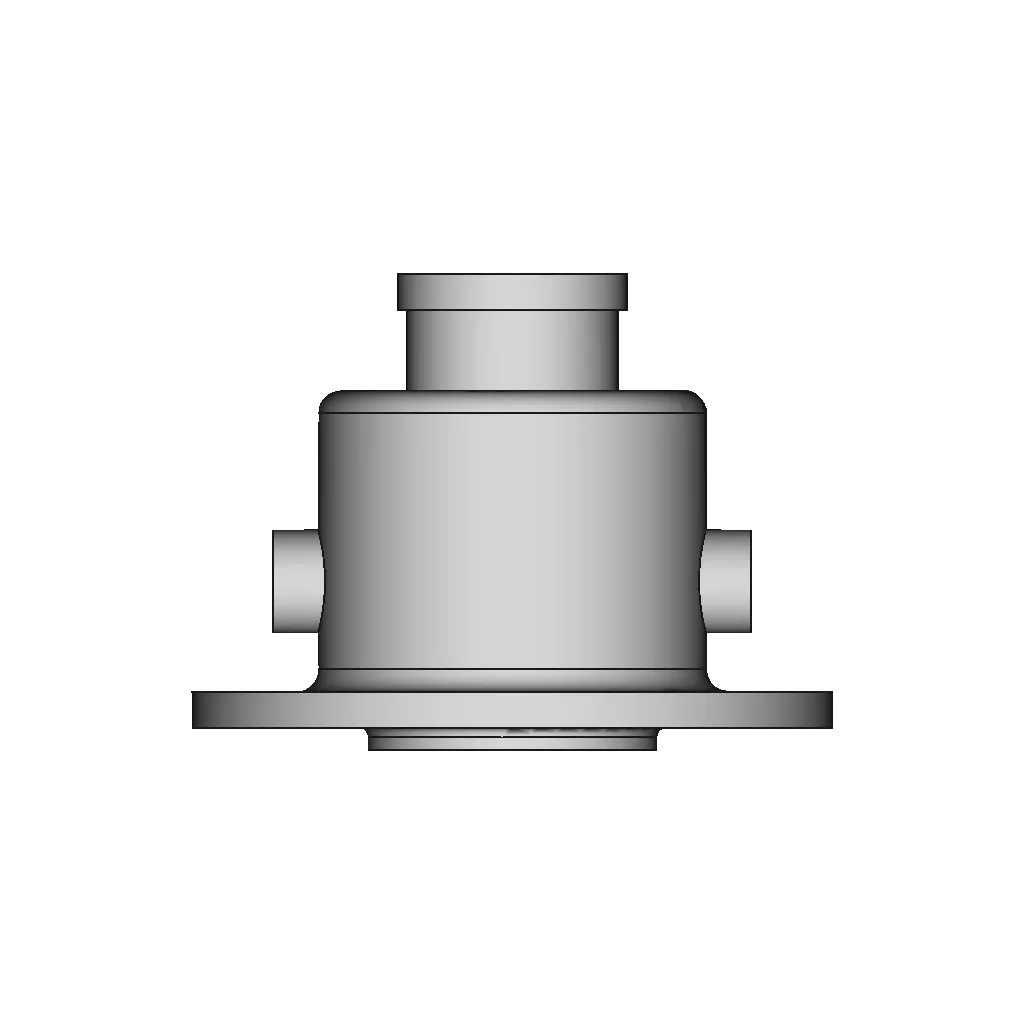
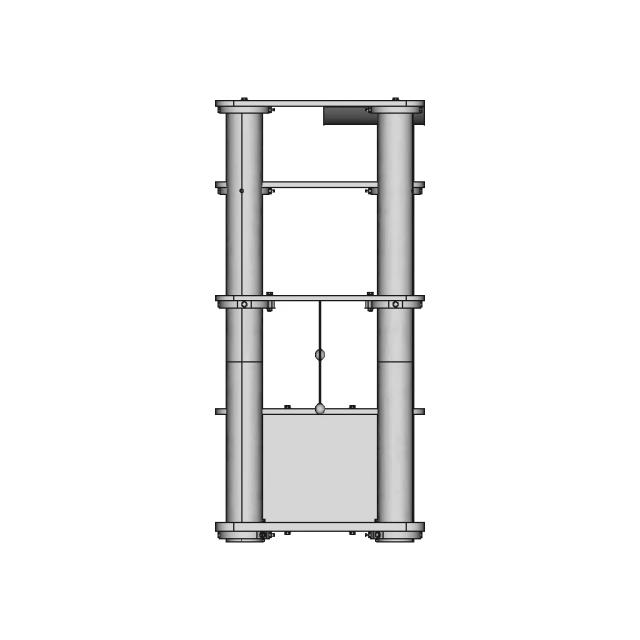
Front Viewwebp
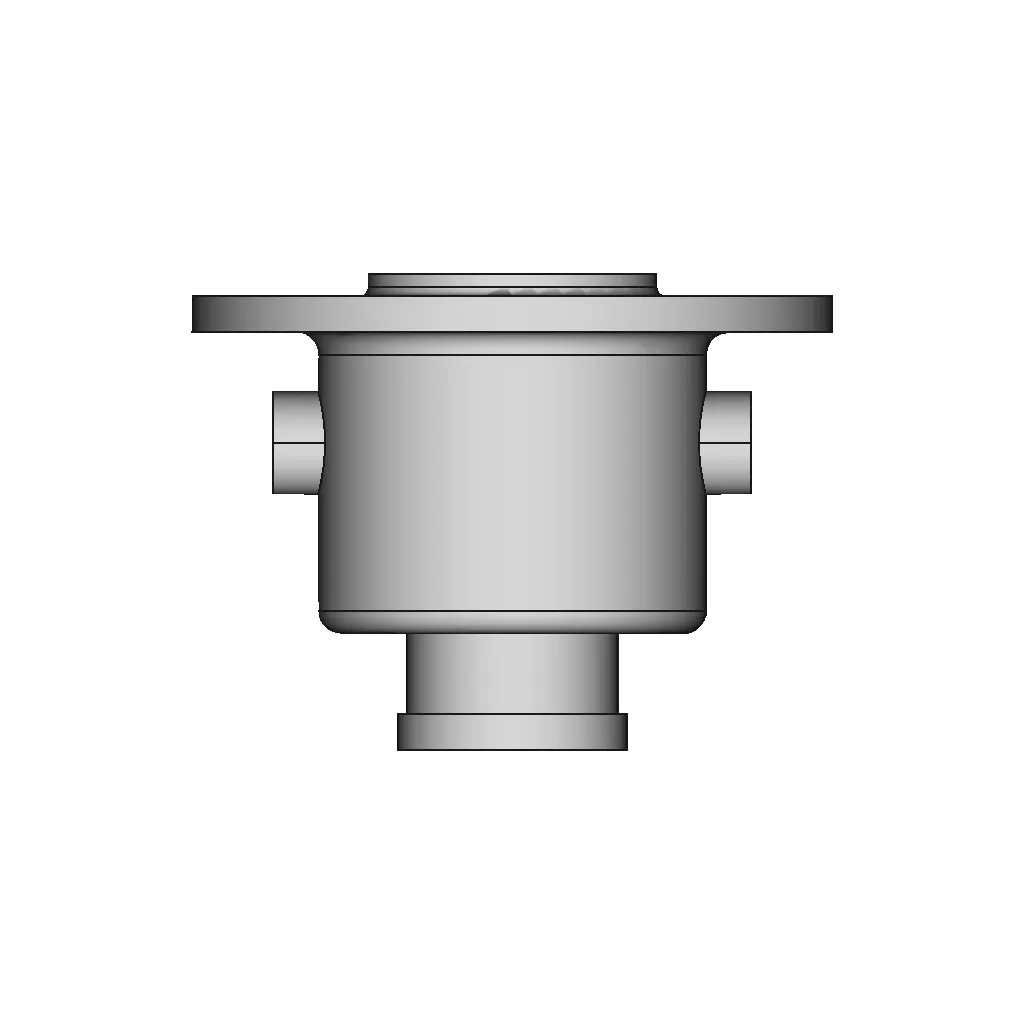
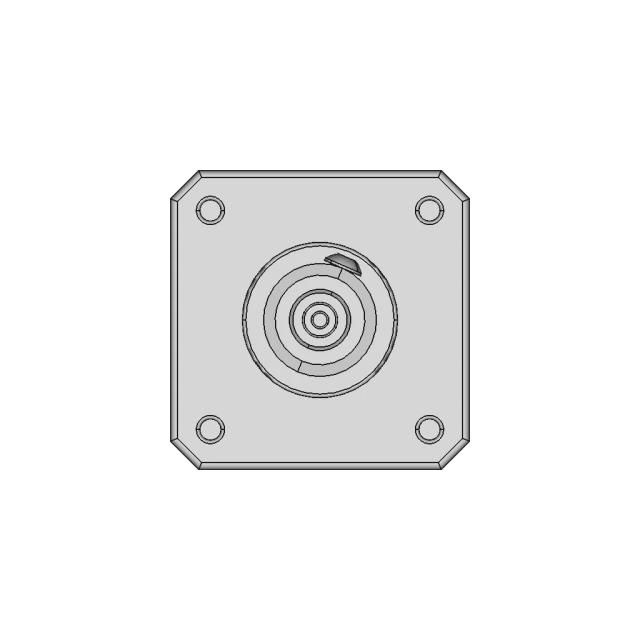
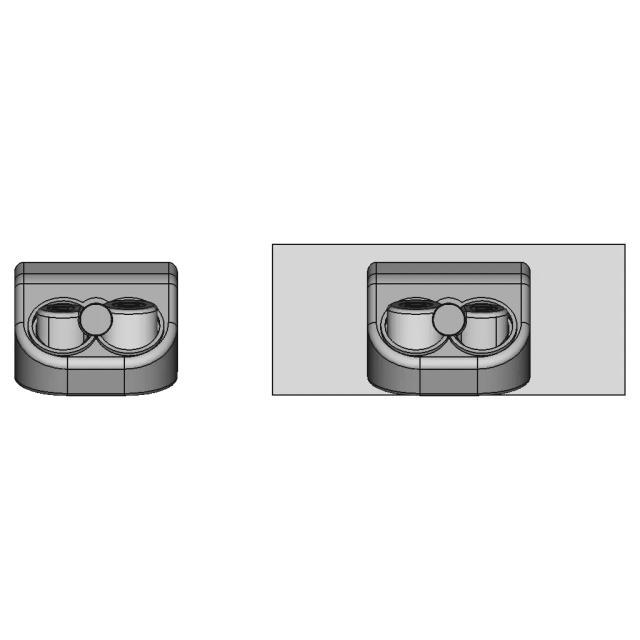
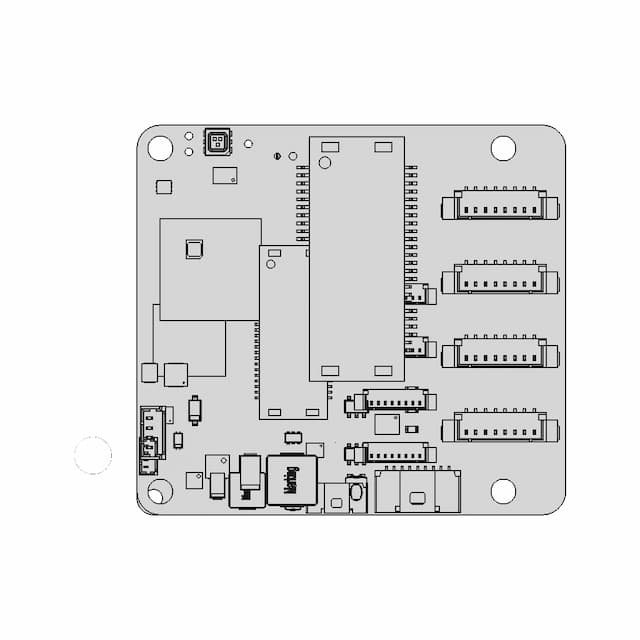
Top Viewwebp
Bottom Viewwebp
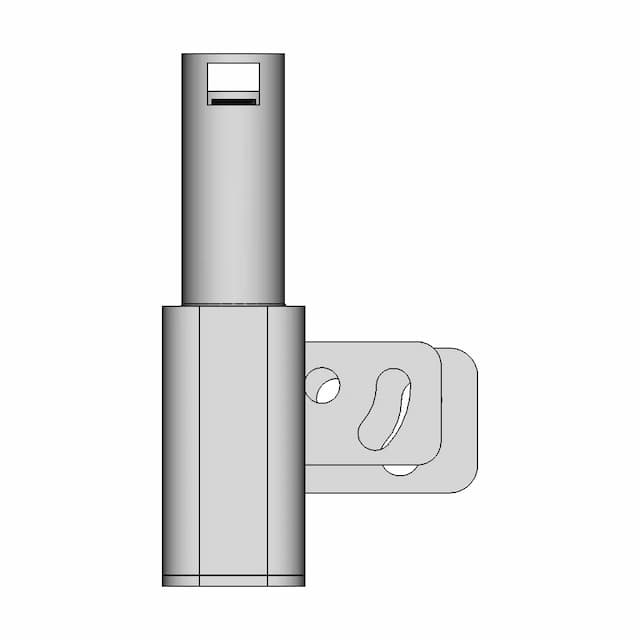
Left Side Viewwebp
Right Side Viewwebp
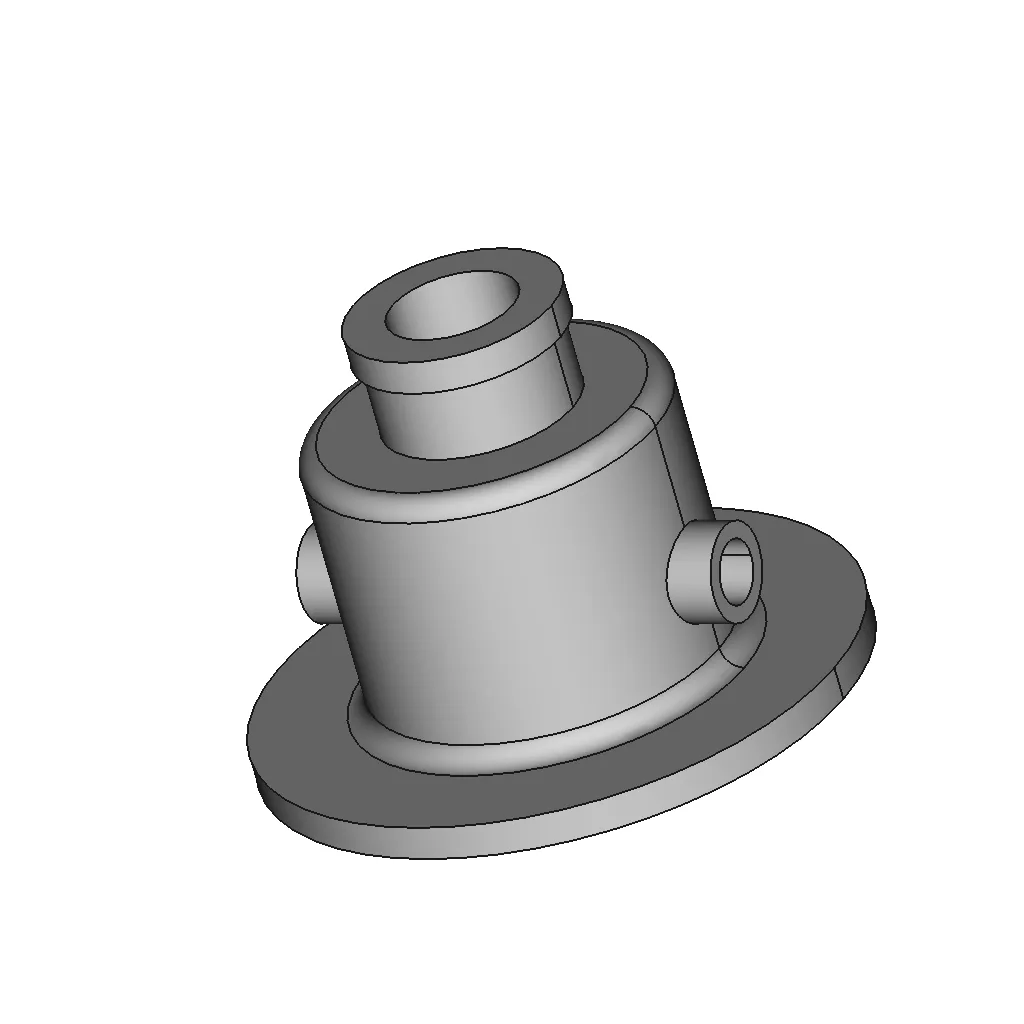
Isometric Viewwebp
Supporting Files (0)
PreviewFile NameAction
No supporting files

CAD File Details

File Information
File NameFreeCad_48-Body.step
File TypeSTEP
Unitsmm
Geometry Summary
Faces30
Edges57
Vertices36
Solids1
Surface Types
Planar11
Cylindrical13
Conical1
Spherical0
Toroidal5
Other0
Bounding Box
Width142.00 mm
Height142.00 mm
Depth105.70 mm
Volume
Max Volume326588.39 mm³
Min Volume326588.39 mm³
Average Volume326588.39 mm³
Total Volume326588.39 mm³
Usage Notes
NotesSuitable for design reference, visualization, prototyping workflows and engineering review. Validate dimensions and geometry before manufacturing use.

What you can use this CAD model for

  • Engineering review
  • Manufacturing discussion
  • Supplier communication
  • Prototype development
  • Design validation

Before using this CAD file

Review the model dimensions, units and geometry before using it for manufacturing or production. Some files may be created for reference, visualization or workflow acceleration and may require validation before final use.

Paid Pipeline · $5.99 per drawing set

Need 2D engineering drawings for this CAD model?

Generate multi-view 2D technical drawings from this 3D CAD file, including orthographic views, section cuts and downloadable PDF, SVG and DXF files.

  • ✓ Ready in under 4 minutes
  • ✓ 9 sheets · editable FCStd + PDF, SVG, DXF
  • ✓ No subscription · pay per file
$5.99
per drawing set incl. GST
4 min
avg. turnaround

Comments

0
Y
Loading comments...

Marathon-OS Design Hub

Everything you need to design faster, smarter, and with more impact.
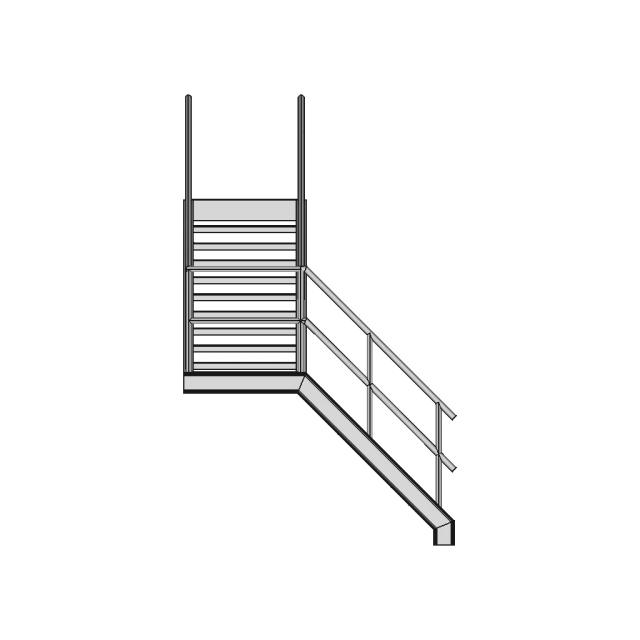
Esp32 Cam Enclosure For Door Visor 1 | 3D CAD Engineering Model
Calibration Cube for 3D Printer Accuracy Testing
Tripod 1 4 20 1 6Mm Styled Board Mount 1 | 3D CAD Engineering Model
Raspberry Pi4 Three Section Outer Box 1 | 3D CAD Engineering Model
Diy 3D Photobooth 1 | 3D CAD Engineering Model
Omni 136 Mm 1 | 3D CAD Engineering Model
8-Sided Dice 3D Model for Gaming and Design
Crokinole Disk Holder Gen2 1 | 3D CAD Engineering Model
Minipc Fan Shroud 1 | 3D CAD Engineering Model
Bambu 4-In-1 Ptfe Adapter | 3D Engineering Design File
Gigablox Rugged | 3D Engineering Design File
Hatswich01 1 | 3D CAD Engineering Model
Nes Nintendo Cartridge Rack 1 | 3D CAD Engineering Model
Brass 0.4mm V6 Nozzle CAD Model
Ctz Snapmaker A350T | 3D Engineering Design File
Corrected CYD Screen Model for Bambulab 3D Printer
View all designs

Recently added / Trending

Everything you need to design faster, smarter, and with more impact.
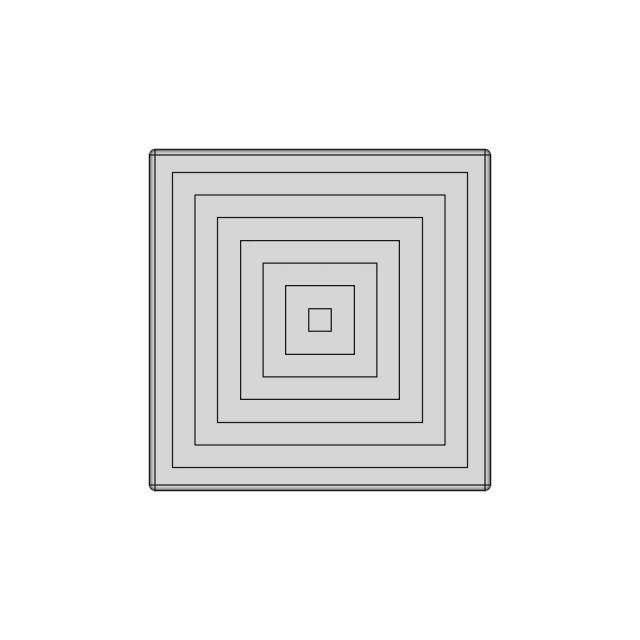
Independence Rc Sailboat Keel Bulb Shell 1 | 3D CAD Engineering Model
Keystone Electronics 18650 Single Battery Holder with Solder Tabs
Co2 Laser Tube 1200Cl 60W 1 | CAD Model for Energy Systems
A car wheel CAD model is a detailed digital representation used in automotive design and engineering
Foxeer Ft256 Thermal Fpv Camera - Downloadable CAD Representation
Detailed Replica of Koenigsegg Dark Matter Motor with Internal View
Stepper Motor Mount for SFU1610 Ball Screw with HM12-57 Motor Interface
High-Quality Car Wheel CAD Model for Engineering and Design
Midmotor Bicycle Cvt | 3D Engineering Design File
Plastic Injection Molding Machine Raw Material Hopper and Feeder
View all designs

Free Online CAD Viewer –Secure, Fast & Cloud-Based

A lightweight, online tool to convert 3D file formats—anytime, anywhere, without installing any software.

Drag & drop your 3D files

Supported formats: STEP (.step, .stp), IGES (.igs, .iges), STL (.stl), PLY (.ply), OFF (.off), BREP (.brp, .brep)

upload
Don't have a file? Try one of these samples:


CAD Viewer featureOpen CAD files instantly in your browser.
CAD Viewer featureNo software needed.
CAD Viewer featurePrivate uploads.
CAD Viewer featureAutomatically deleted after 7 days.
CAD Viewer featureUpload files up to 300 MB