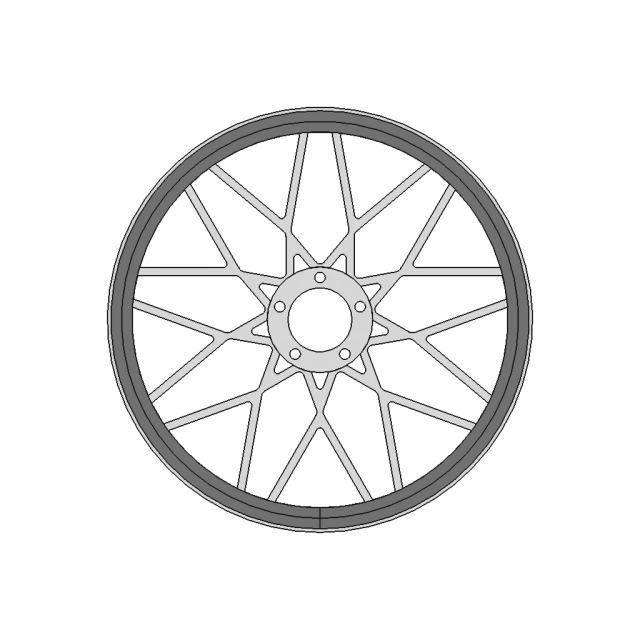
Rabbit R1 - Standard Mechanical Component

0.0(0 reviews)
Machine design
Mechanical Component
Mechanical Systems
Prototype
Rabbit R1
Logo
sprite x=0 y=0
Angle x=0 y=0
Angle x=0 y=90
Angle x=0 y=270
Angle x=90 y=0
Angle x=270 y=0
Angle x=60 y=30

About this design

Designed for engineers and designers, Rabbit R1 helps visualize, prototype, and integrate into mechanical systems.

What people convert this model to

Loading conversion stats…

Download this model

Pick the format your software opens. The native file is free.

Opens in SolidWorks, Fusion, Onshape, Inventor. Need a mesh or a drawing? Pick a format above.

<100
<100

The files are shared to help you get inspired and speed up your workflow. They may not be fully accurate or production-ready, so review carefully before use.

View NameExtensionAction
Design fileFormat: STEP
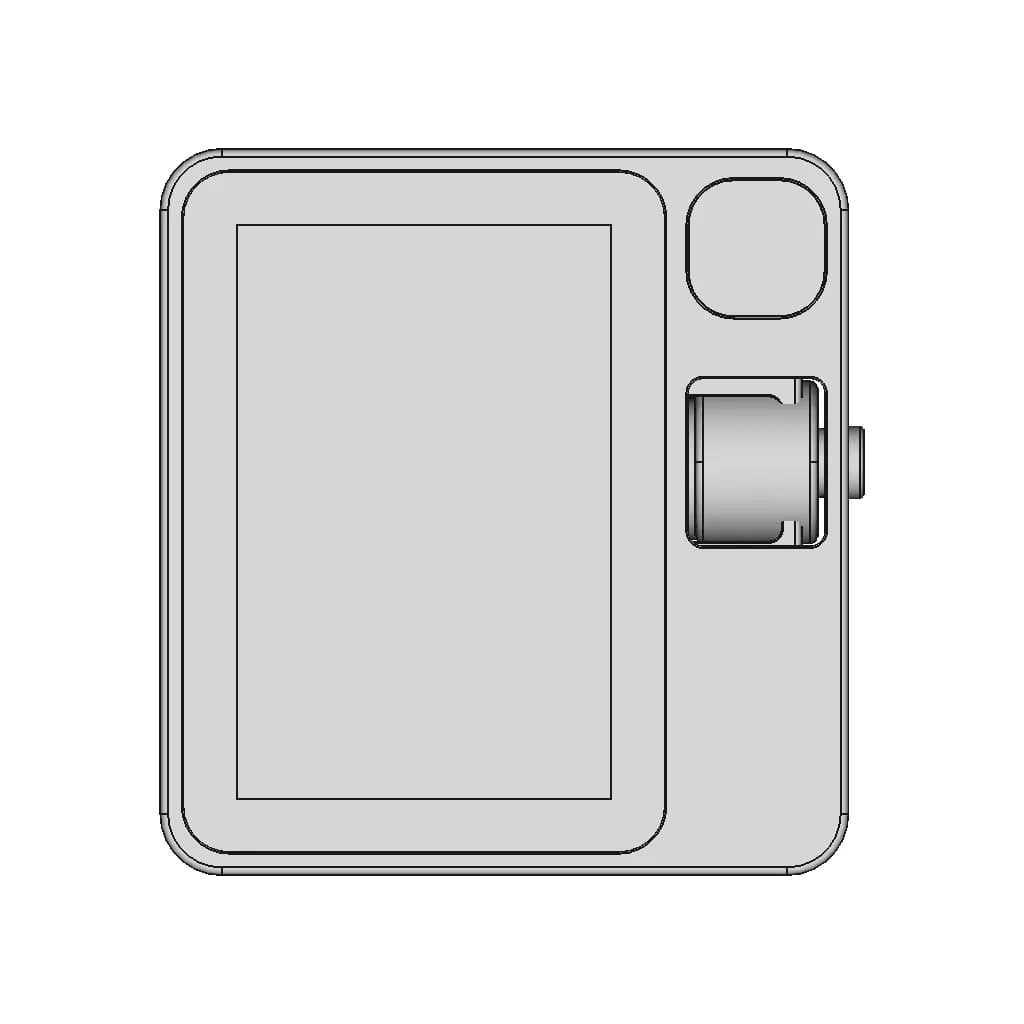
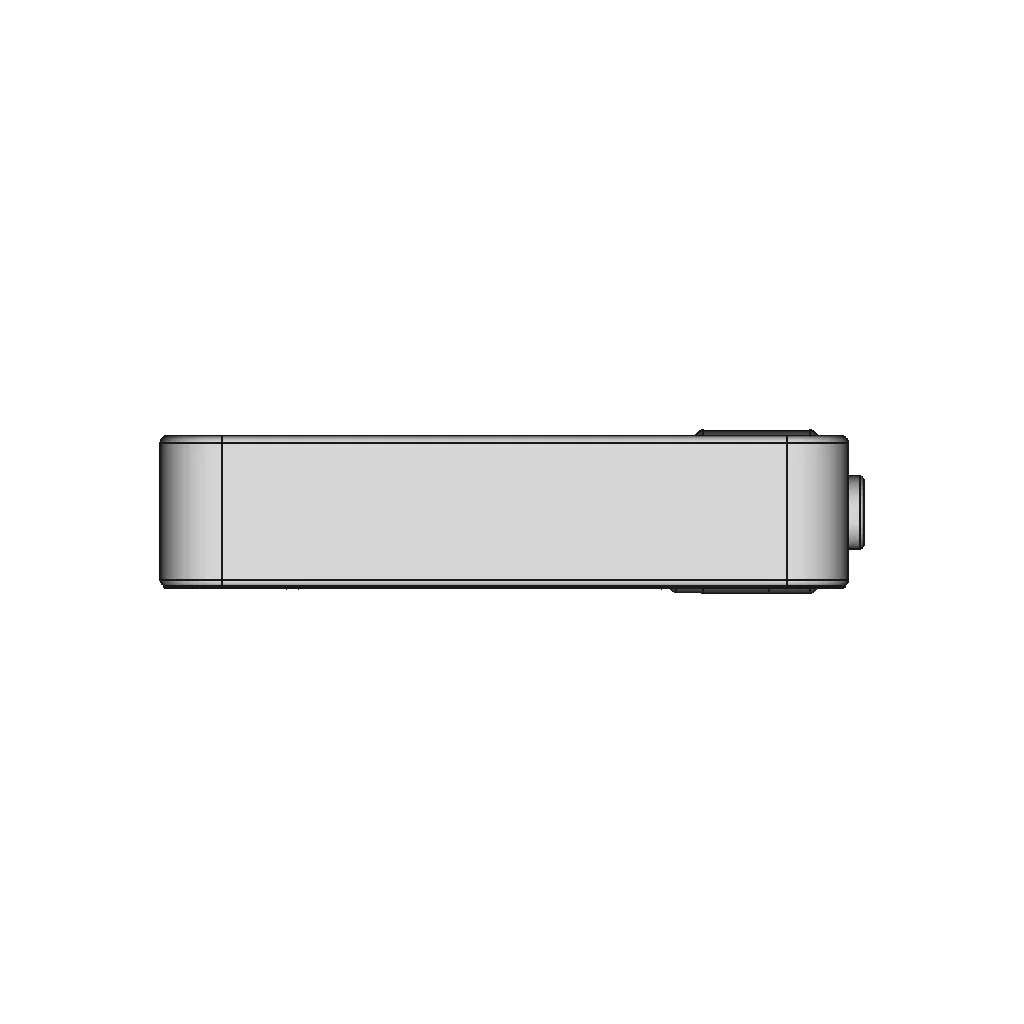
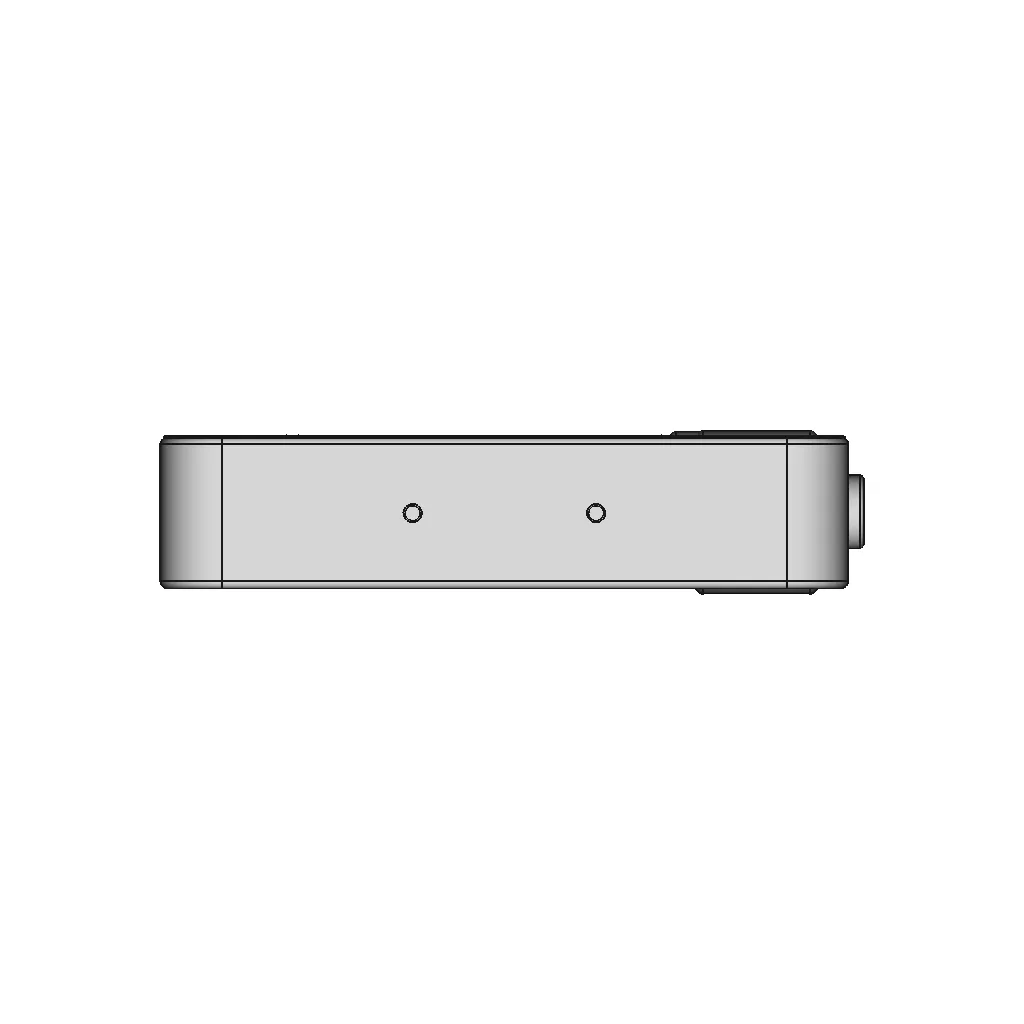
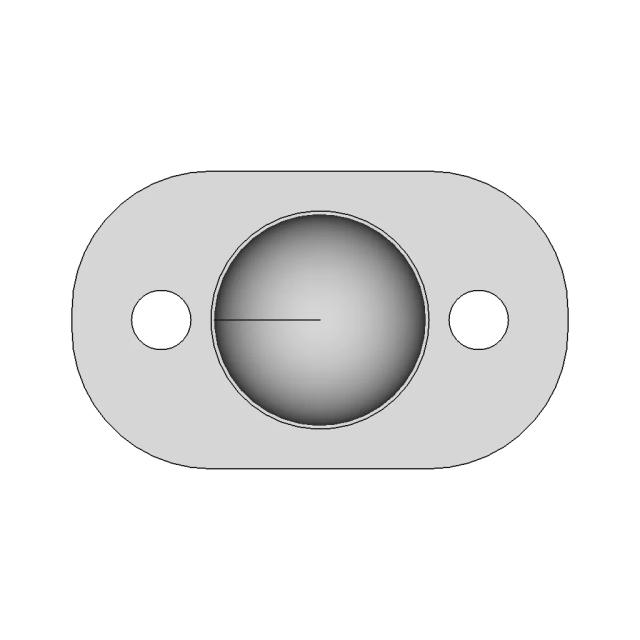
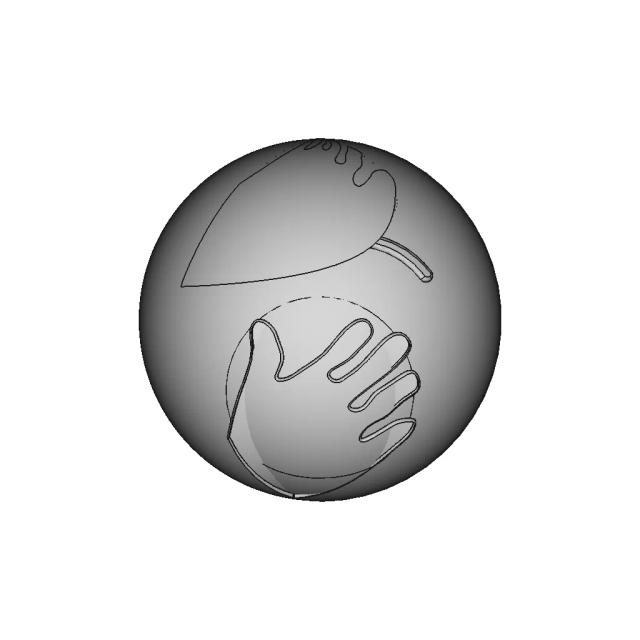
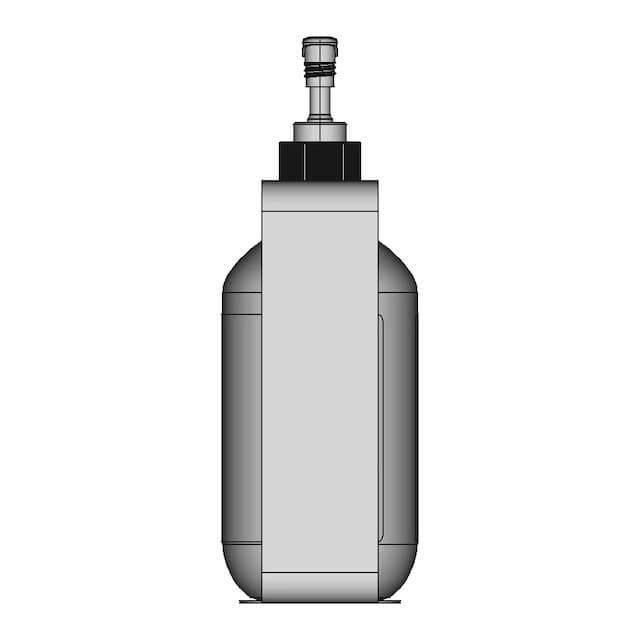
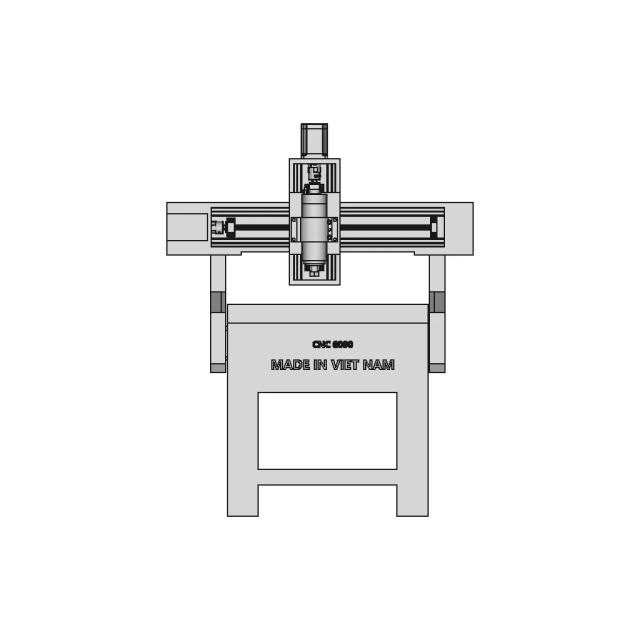
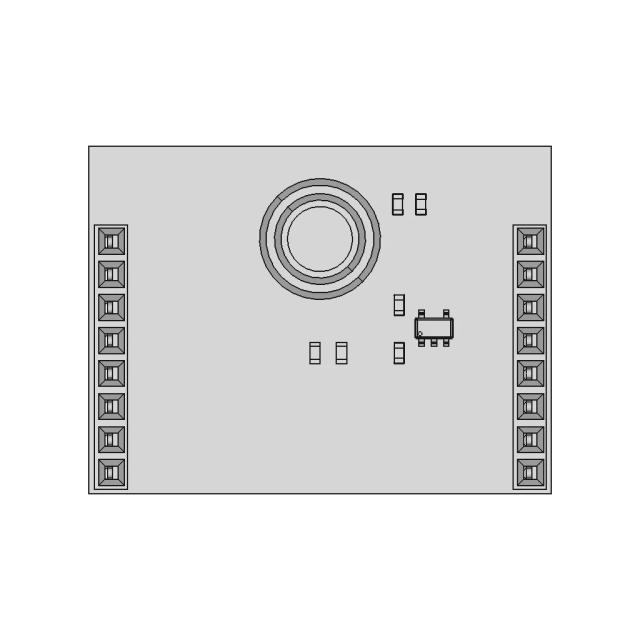
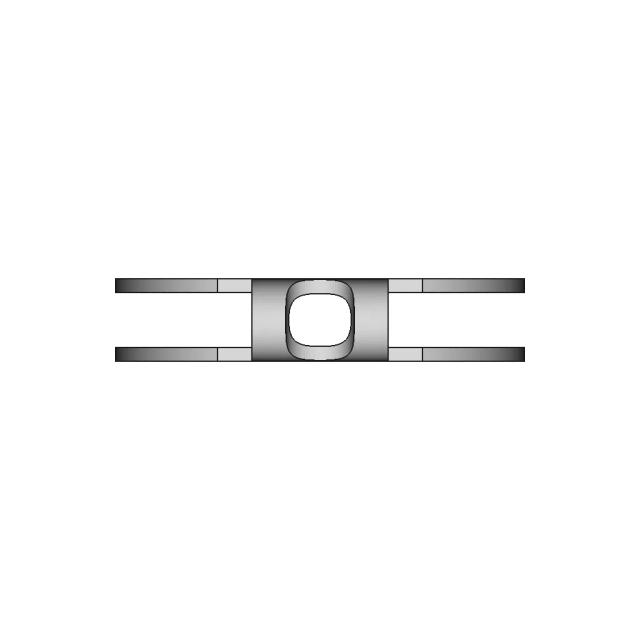
Front Viewwebp
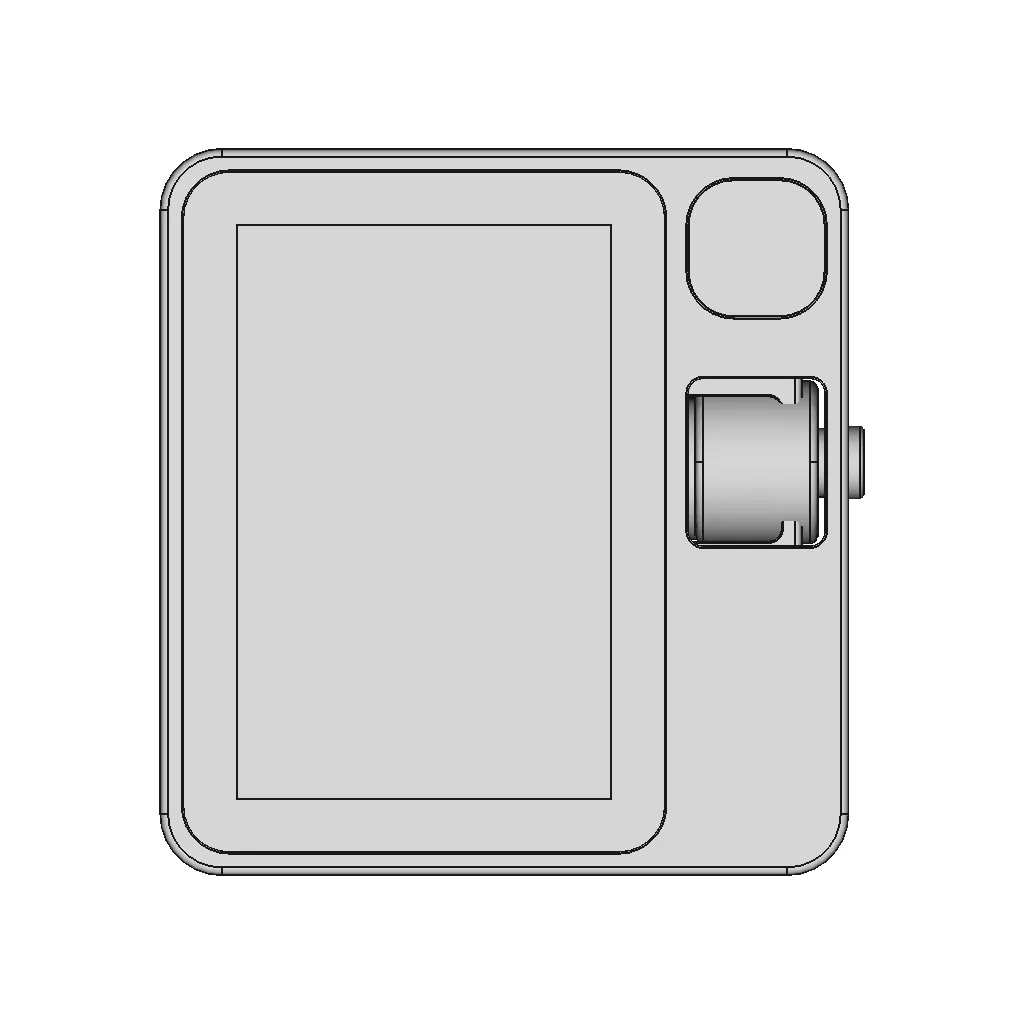
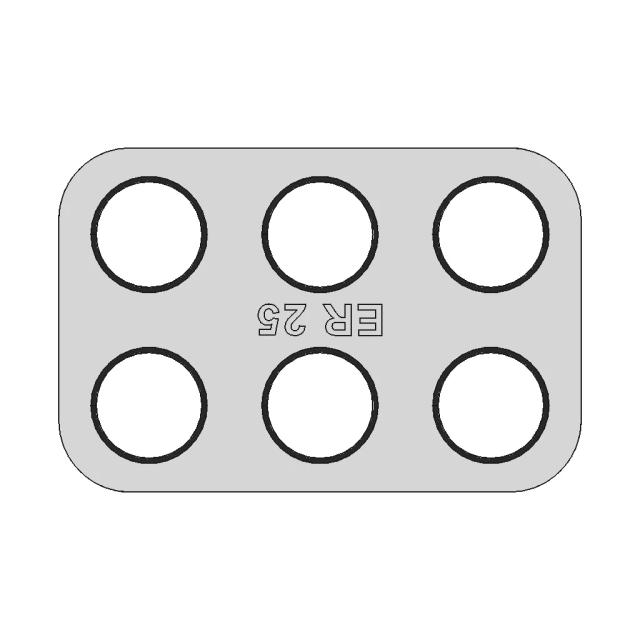
Top Viewwebp
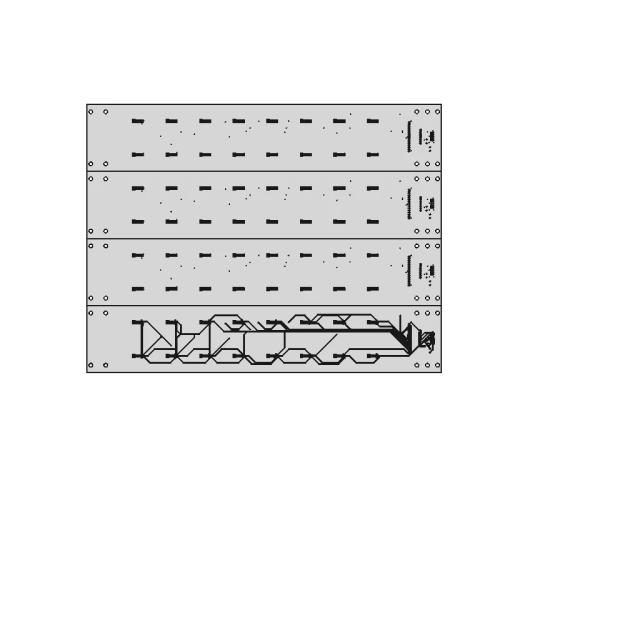
Bottom Viewwebp
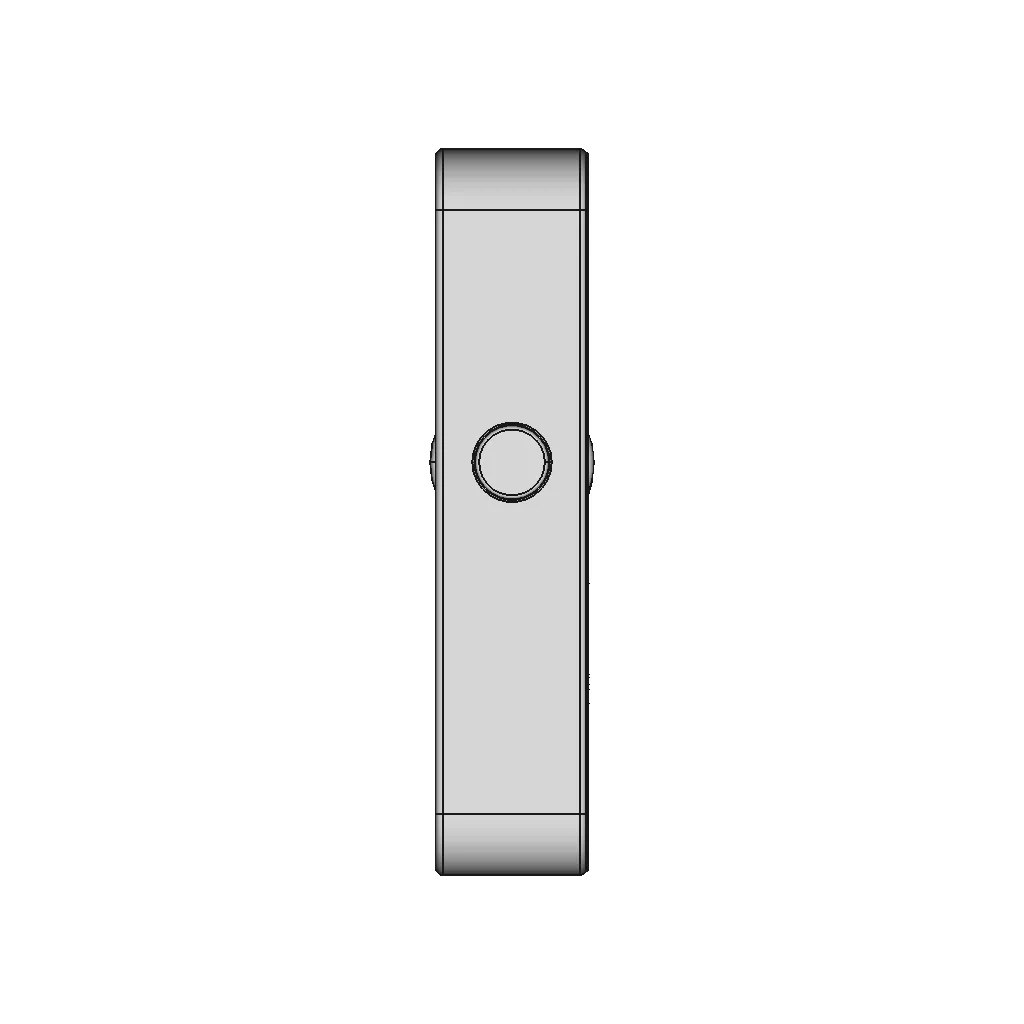
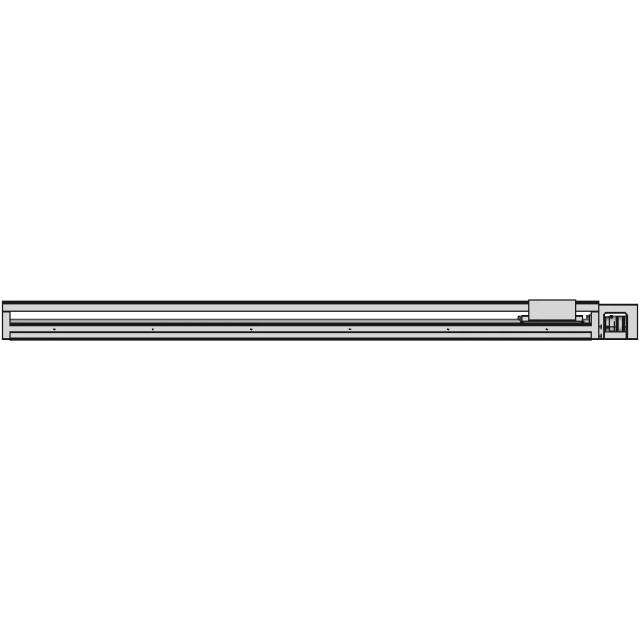
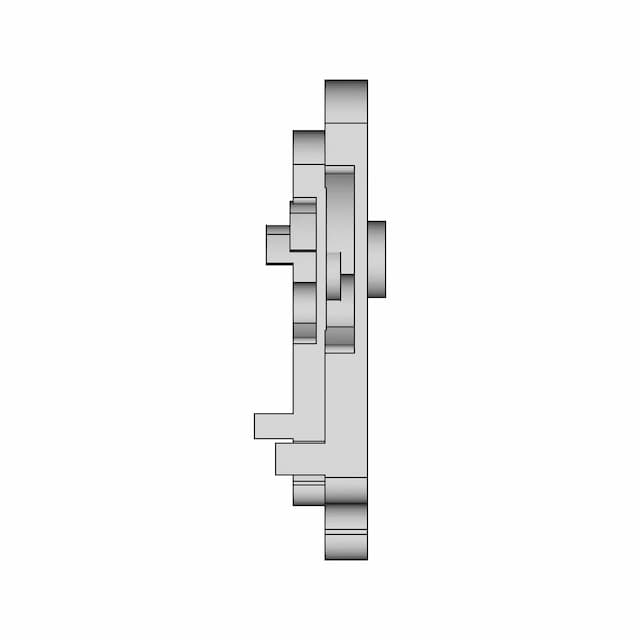
Left Side Viewwebp
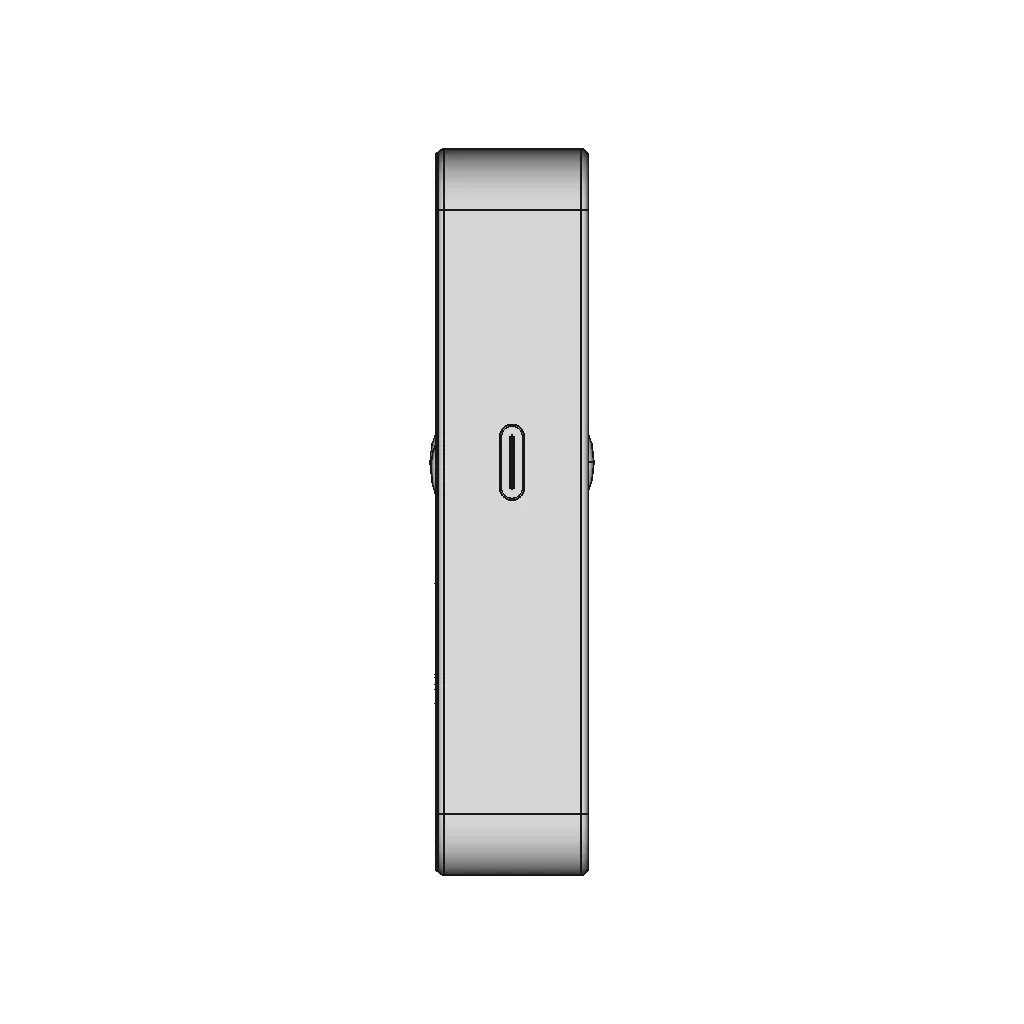
Right Side Viewwebp
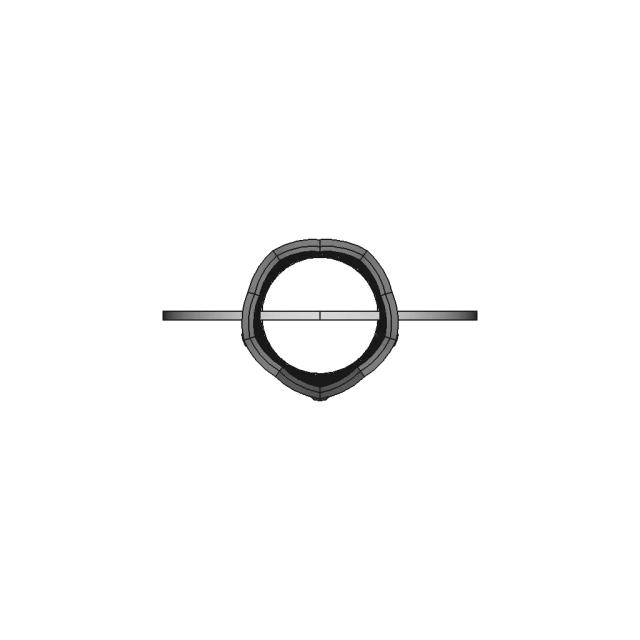
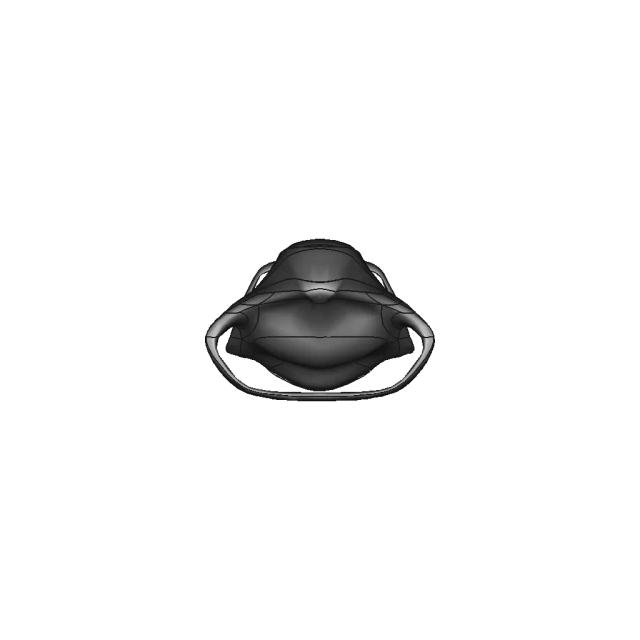
Isometric Viewwebp
Supporting Files (0)
PreviewFile NameAction
No supporting files

CAD File Details

File Information
File NameRabbit R1.step
File TypeSTEP
Unitsmm
Geometry Summary
Faces1,462
Edges2,595
Vertices1,701
Solids10
Surface Types
Planar680
Cylindrical698
Conical0
Spherical0
Toroidal44
Other40
Bounding Box
Width92.00 mm
Height95.00 mm
Depth21.40 mm
Volume
Max Volume160436.14 mm³
Min Volume1.27 mm³
Average Volume26663.10 mm³
Total Volume266631.00 mm³
Usage Notes
NotesSuitable for design reference, visualization, prototyping workflows and engineering review. Validate dimensions and geometry before manufacturing use.

What you can use this CAD model for

  • Engineering review
  • Manufacturing discussion
  • Supplier communication
  • Prototype development
  • Design validation

Before using this CAD file

Review the model dimensions, units and geometry before using it for manufacturing or production. Some files may be created for reference, visualization or workflow acceleration and may require validation before final use.

Paid Pipeline · $5.99 per drawing set

Need 2D engineering drawings for this CAD model?

Generate multi-view 2D technical drawings from this 3D CAD file, including orthographic views, section cuts and downloadable PDF, SVG and DXF files.

  • ✓ Ready in under 4 minutes
  • ✓ 9 sheets · editable FCStd + PDF, SVG, DXF
  • ✓ No subscription · pay per file
$5.99
per drawing set incl. GST
4 min
avg. turnaround

Comments

0
Y
Loading comments...

Marathon-OS Design Hub

Everything you need to design faster, smarter, and with more impact.

Gliding Cover Storage Box 1 | 3D CAD Engineering Model
Bambu Lab P1S Mockup 1 | Professional CAD Design
3D Model of a Fearful Emoji
Face Shield For Small 3D Printers 2 | Professional CAD Design
Plastic 27 | 3D CAD Engineering Model
Exercise Freecad 017 Chess Pieces The Tower 1 | 3D CAD Engineering Model
Plastic Ant Vertical Spinner 1 | 3D CAD Engineering Model
Ice Queen Crown - Printable - Standard Mechanical Component
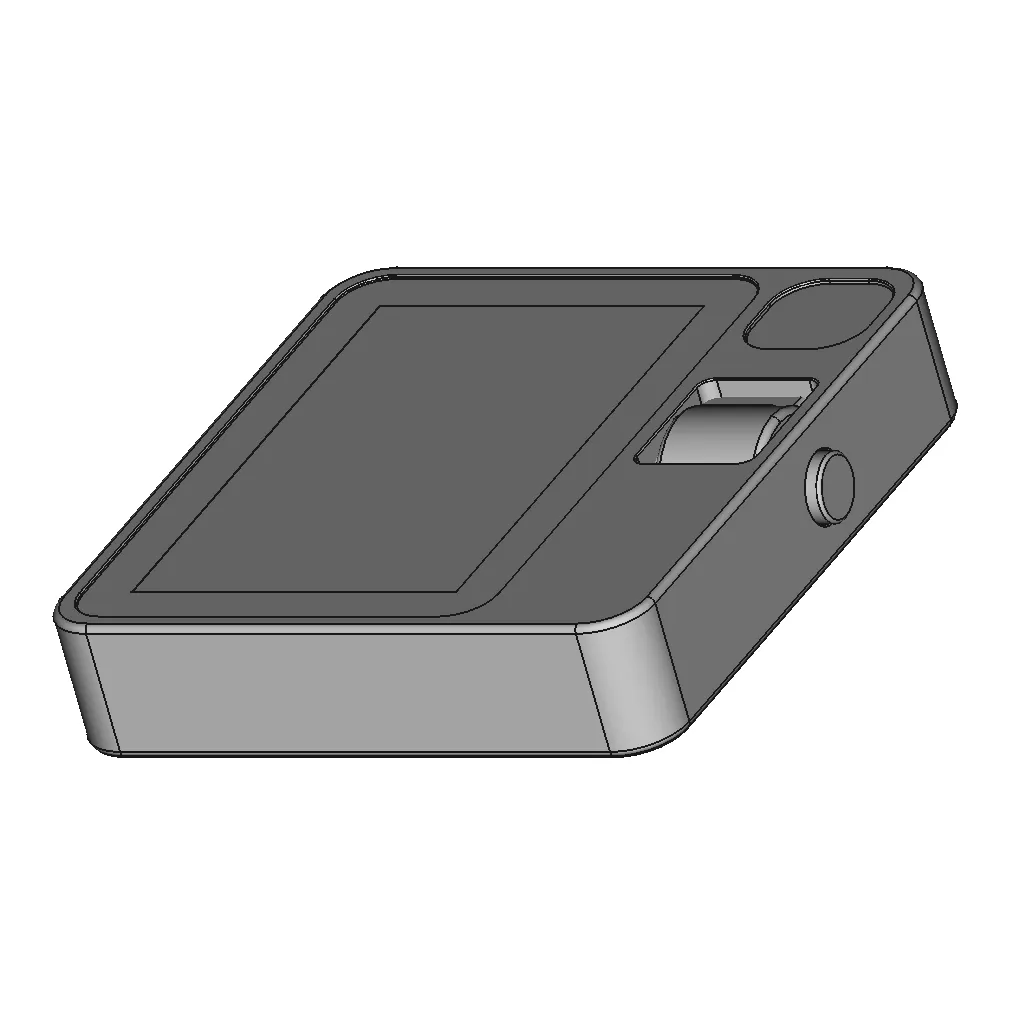
Icosahedron_20 Sided Dice - Standard Mechanical Component
Truncated Decagonal Trapezohedron 1 | 3D CAD Engineering Model
Qidi 4 Plus Parts | High-Quality CAD Model
Octagonal Honey Comb Structure For 3D Printing 1 | Professional CAD Design
Pp 016 2400 | 3D Engineering Design File
Light Shield 1 | 3D CAD Engineering Model
Secret Box V2 | 3D Engineering Design File
E3D_V6 Hotend Fixed Block | 3D Engineering Design File
View all designs

Recently added / Trending

Everything you need to design faster, smarter, and with more impact.
Coastal Cruiser 1 | 3D CAD Engineering Model
Chevrolet Corvette C8 Z51 Rear Brake Rotor 1 | 3D CAD Engineering Model
Freight Elevator | 3D Engineering Design File
Idsa Label Pin 2014 1 | Professional CAD Design
Self Clinch High Strength Bolt M12X40Mm 1 | 3D CAD Engineering Model
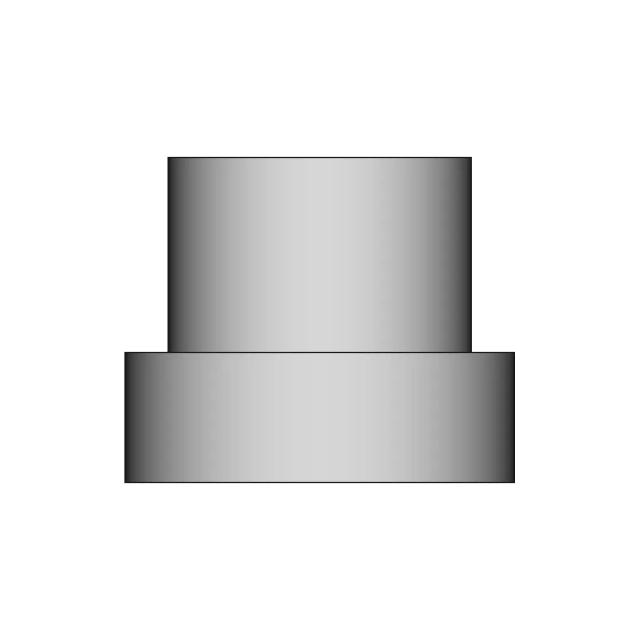
Potentiometer Knob 10 | 3D CAD Engineering Model
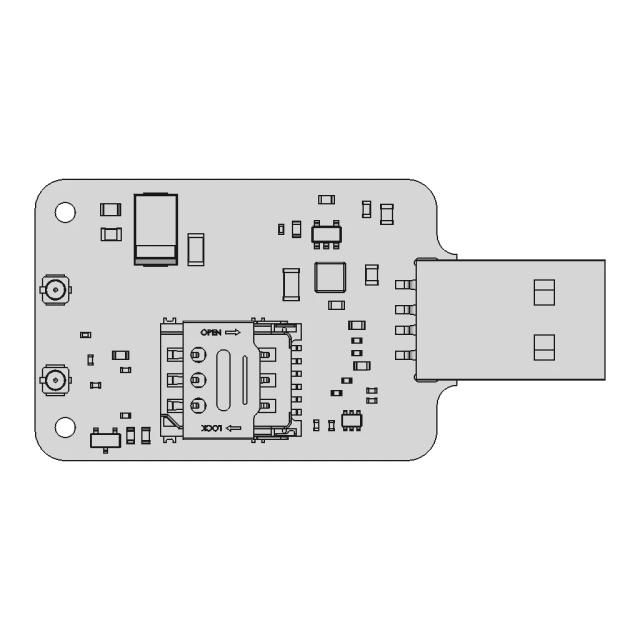
SIM7000 Series USB Dongle Component Layout
Filtros De Lineas De Alimentacion 1Ec Conn Filter 10A 1 | 3D CAD Engineering Model
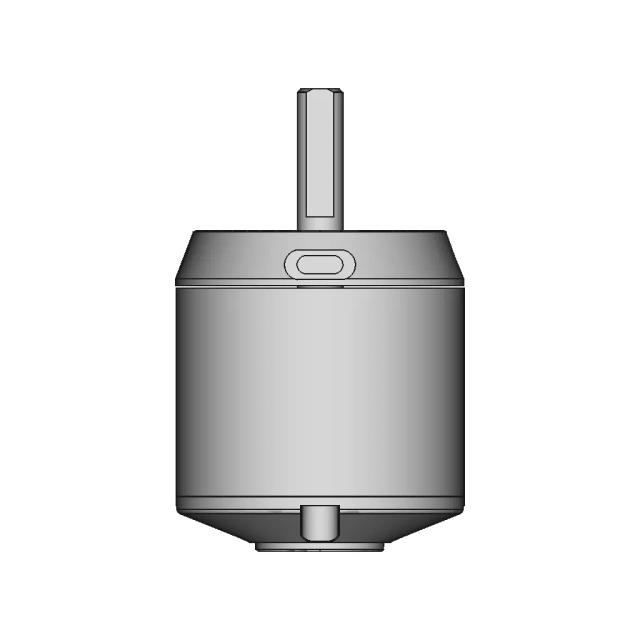
Lakibeam 1S 1 | 3D CAD Engineering Model
Finger Ubung 1 | Professional CAD Design
View all designs

Free Online CAD Viewer –Secure, Fast & Cloud-Based

A lightweight, online tool to convert 3D file formats—anytime, anywhere, without installing any software.

Drag & drop your 3D files

Supported formats: STEP (.step, .stp), IGES (.igs, .iges), STL (.stl), PLY (.ply), OFF (.off), BREP (.brp, .brep)

upload
Don't have a file? Try one of these samples:


CAD Viewer featureOpen CAD files instantly in your browser.
CAD Viewer featureNo software needed.
CAD Viewer featurePrivate uploads.
CAD Viewer featureAutomatically deleted after 7 days.
CAD Viewer featureUpload files up to 300 MB