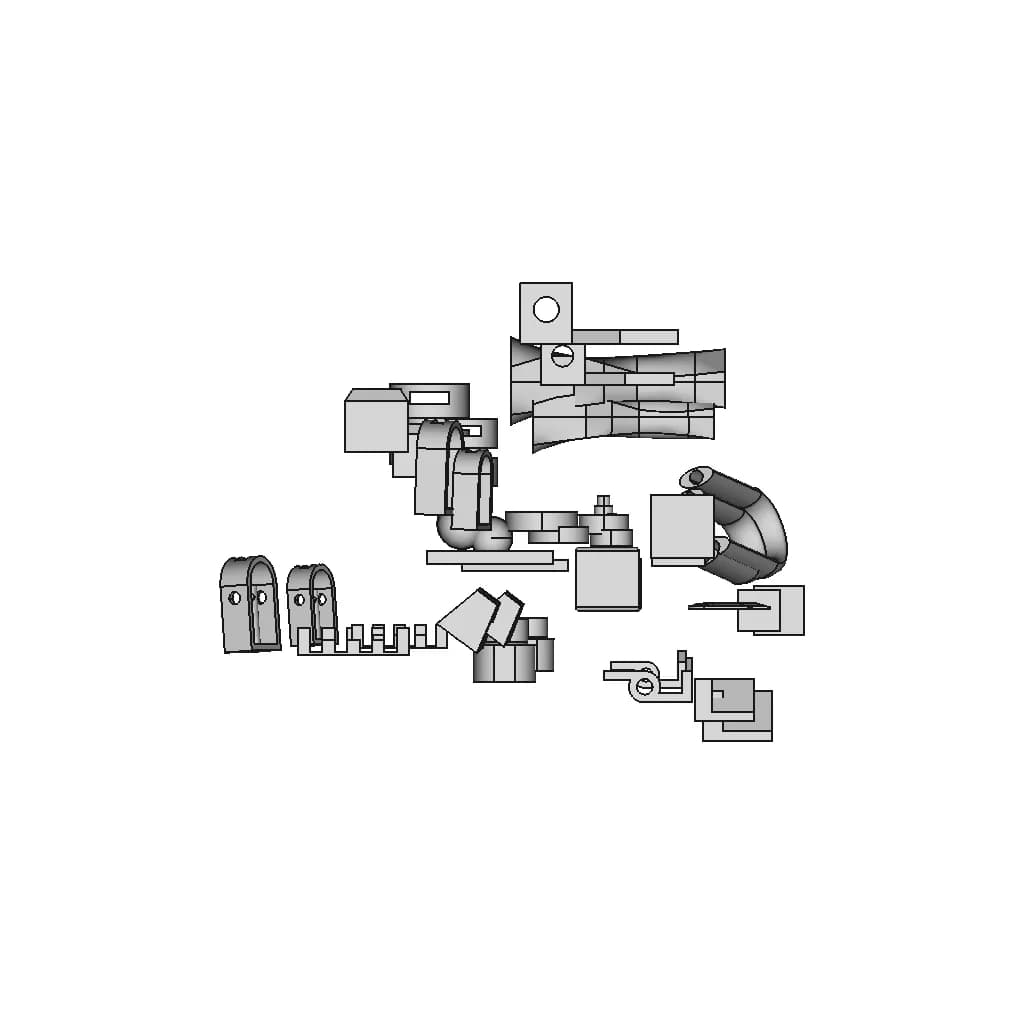
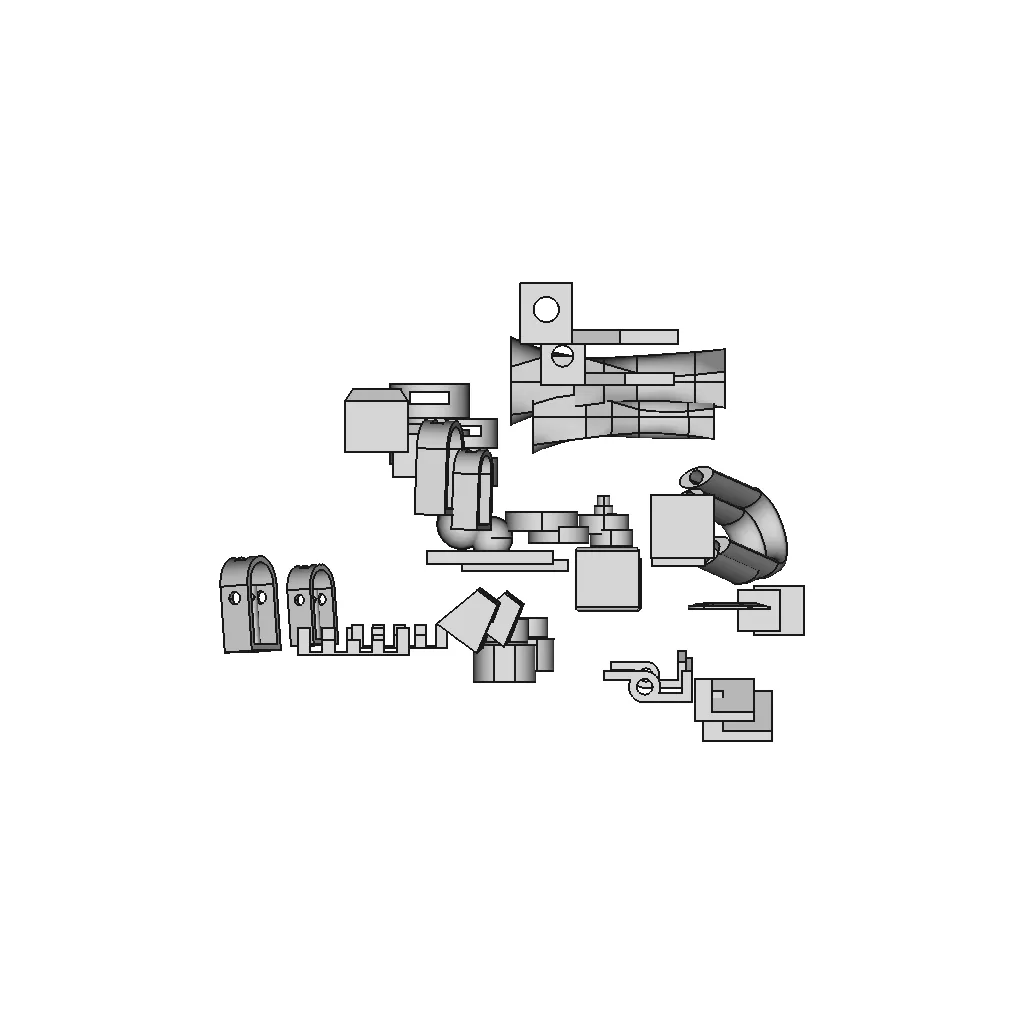
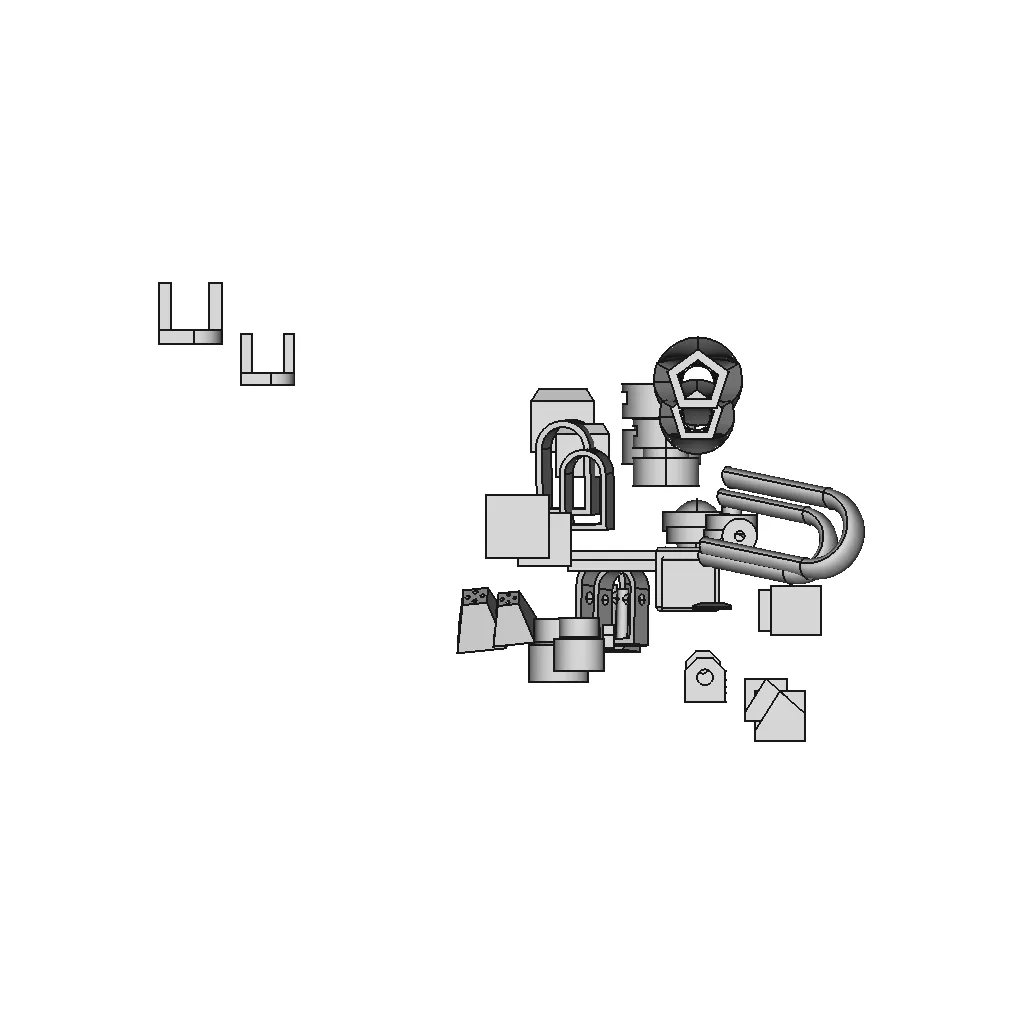
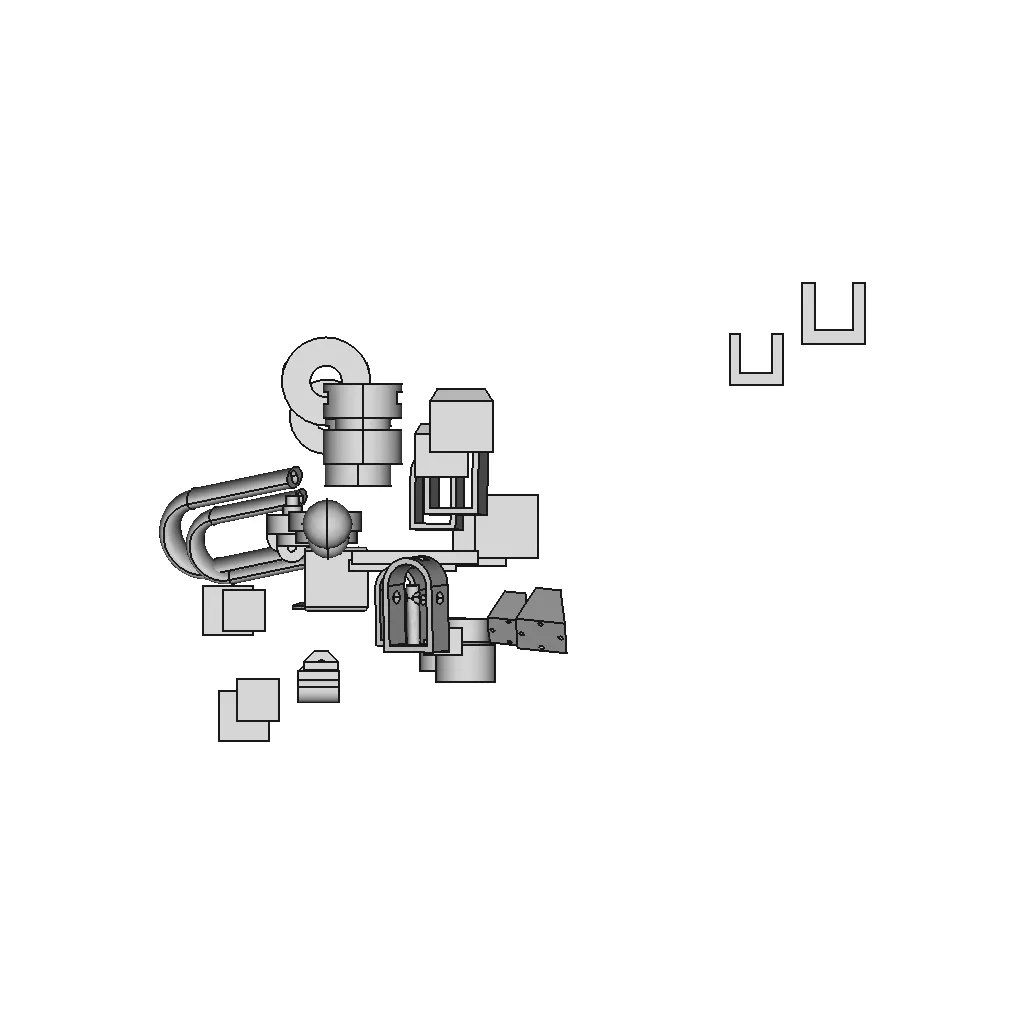
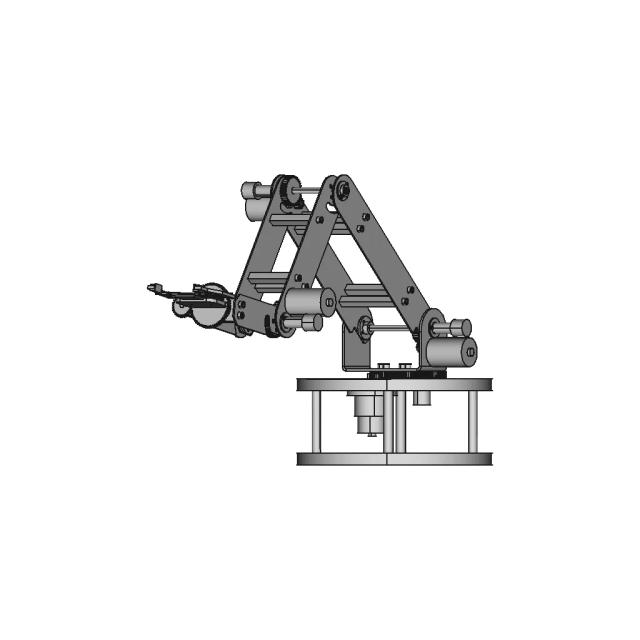
Solidworks Practice Tutorials - Standard Mechanical Component

0.0(0 reviews)
Machine design
Mechanical Component
Standard Component
Cad Tutorial
Logo
sprite x=0 y=0
Angle x=0 y=0
Angle x=0 y=90
Angle x=0 y=270
Angle x=90 y=0
Angle x=270 y=0
Angle x=60 y=30

About this design

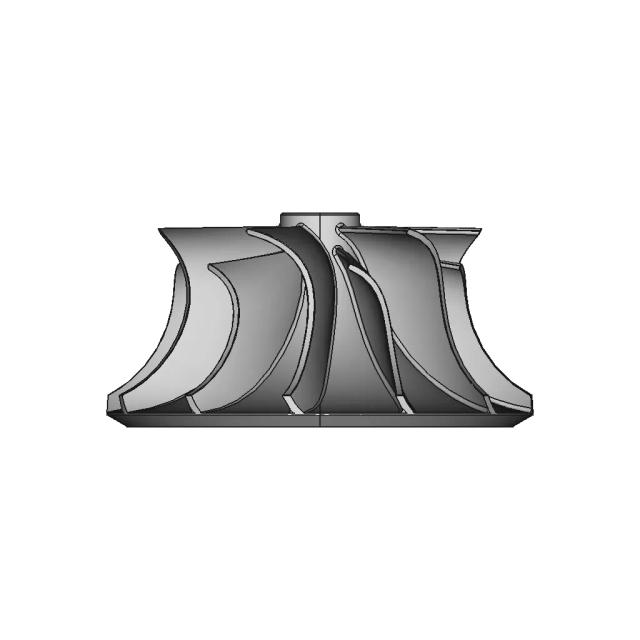
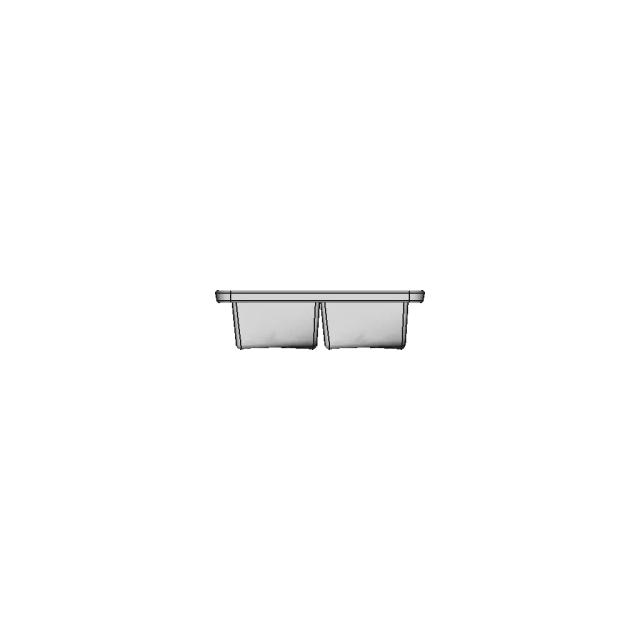
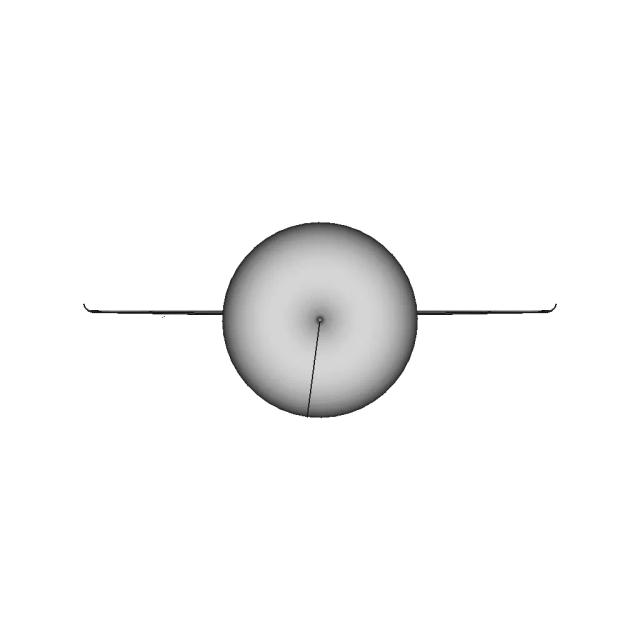
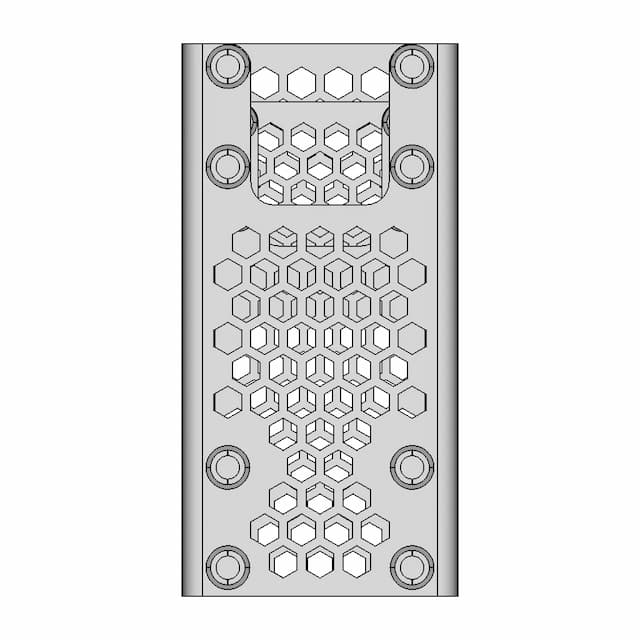
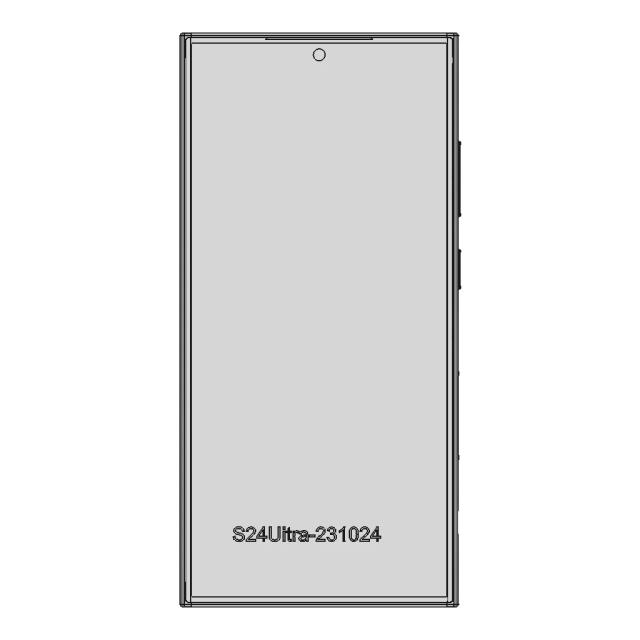
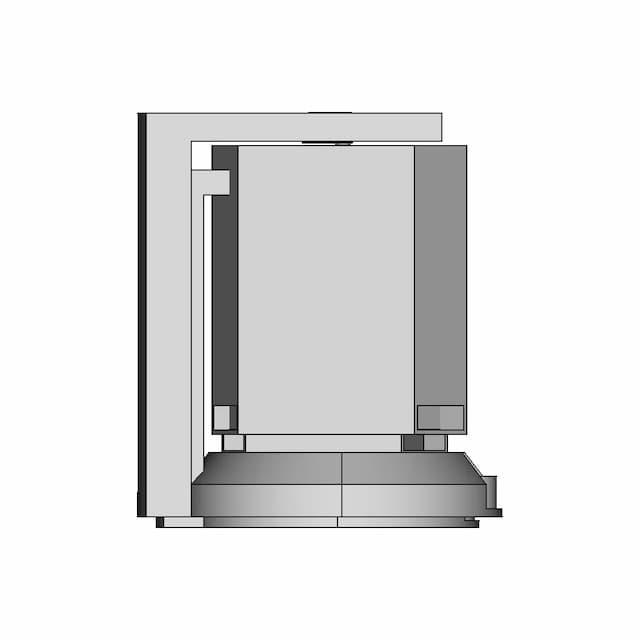
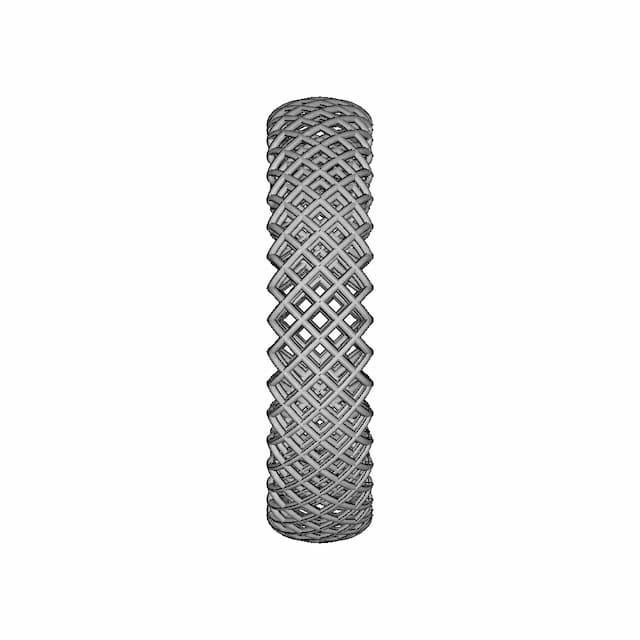
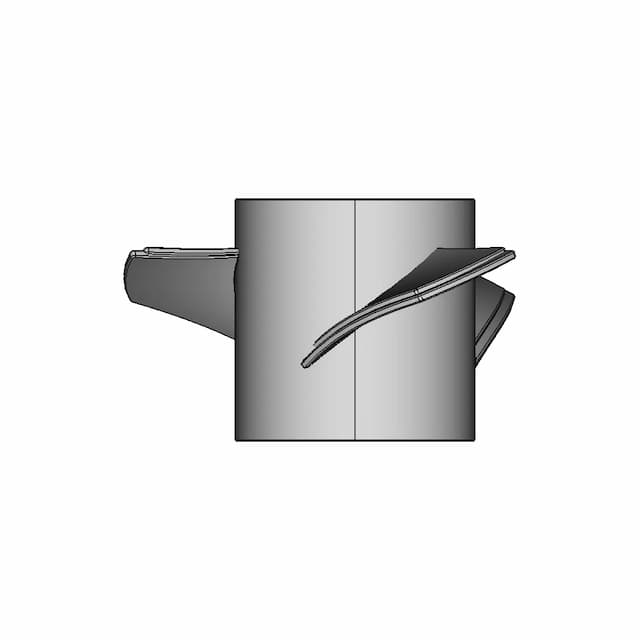
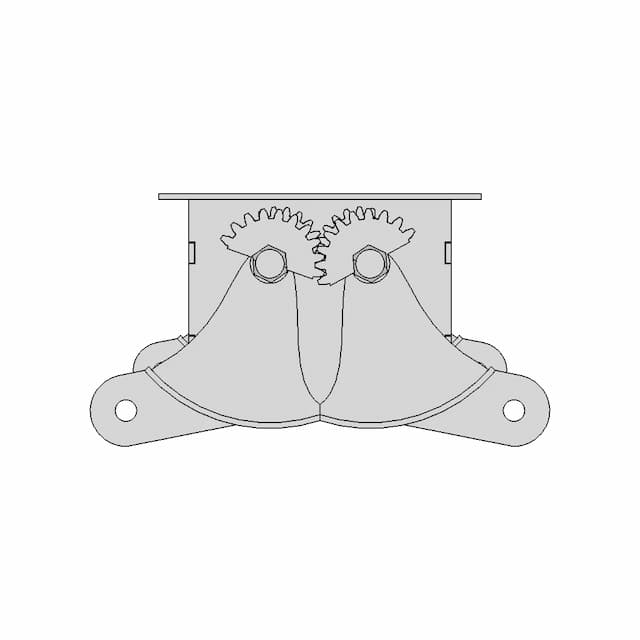
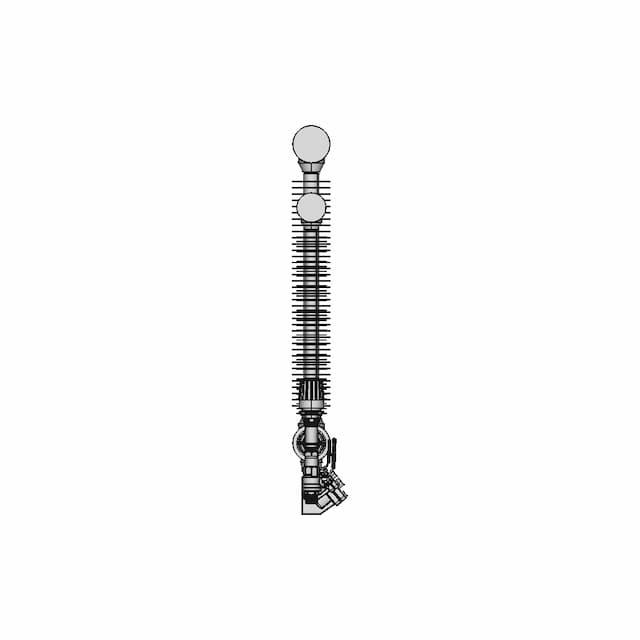
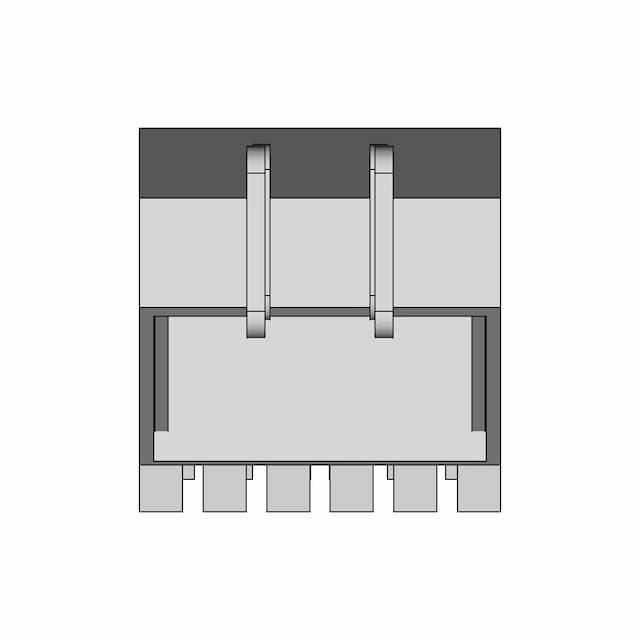
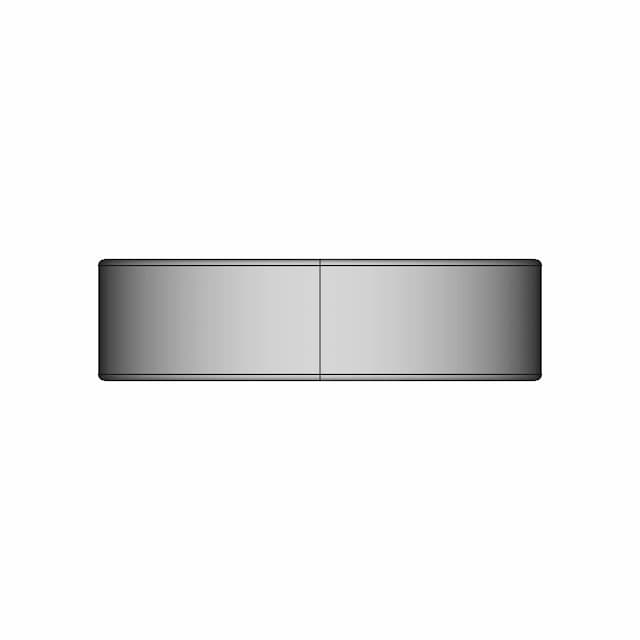
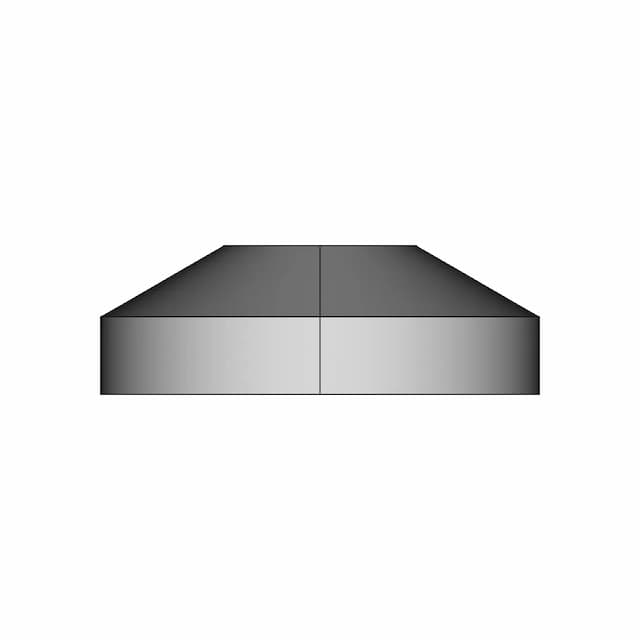
A detailed representation of Solidworks Practice Tutorials, compatible with standard CAD software for industrial applications.

What people convert this model to

Loading conversion stats…

Download this model

Pick the format your software opens. The native file is free.

Opens in SolidWorks, Fusion, Onshape, Inventor. Need a mesh or a drawing? Pick a format above.

<100
<100

The files are shared to help you get inspired and speed up your workflow. They may not be fully accurate or production-ready, so review carefully before use.

View NameExtensionAction
Design fileFormat: STEP
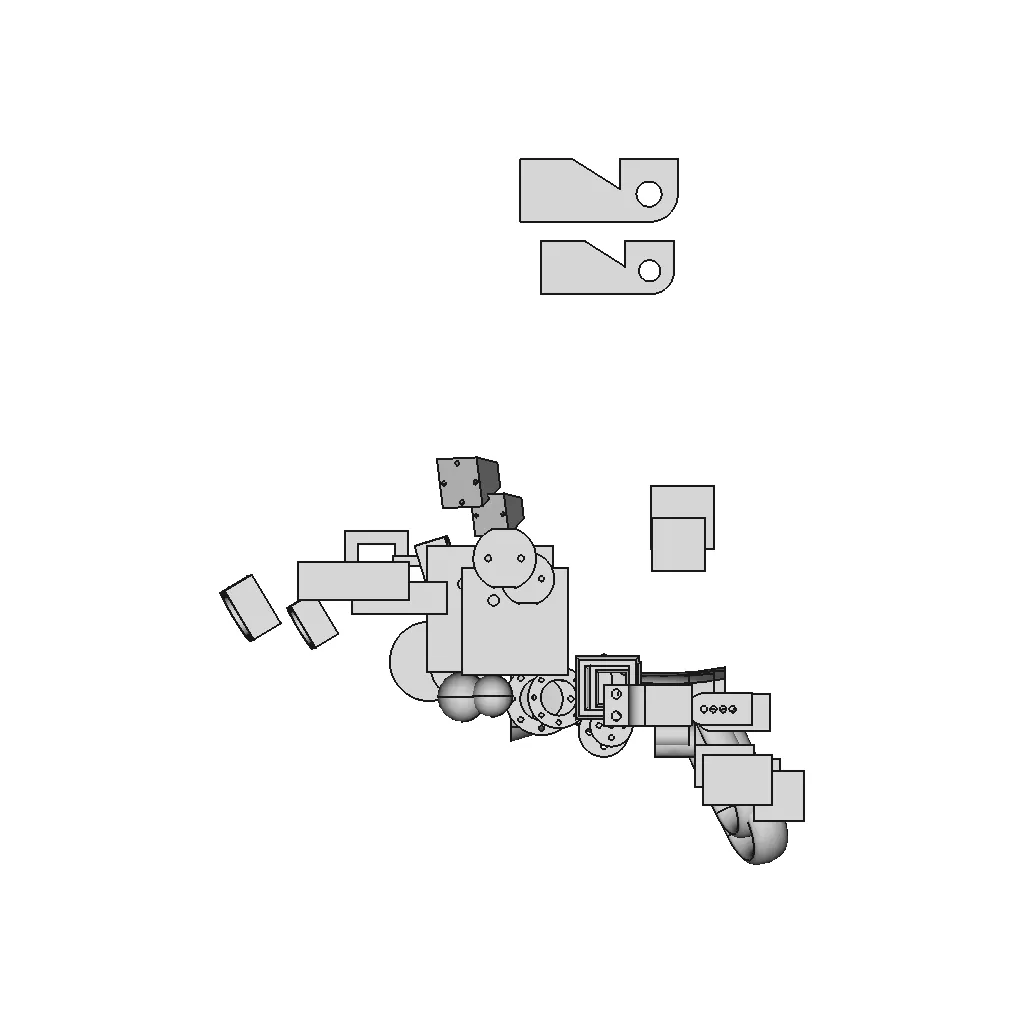
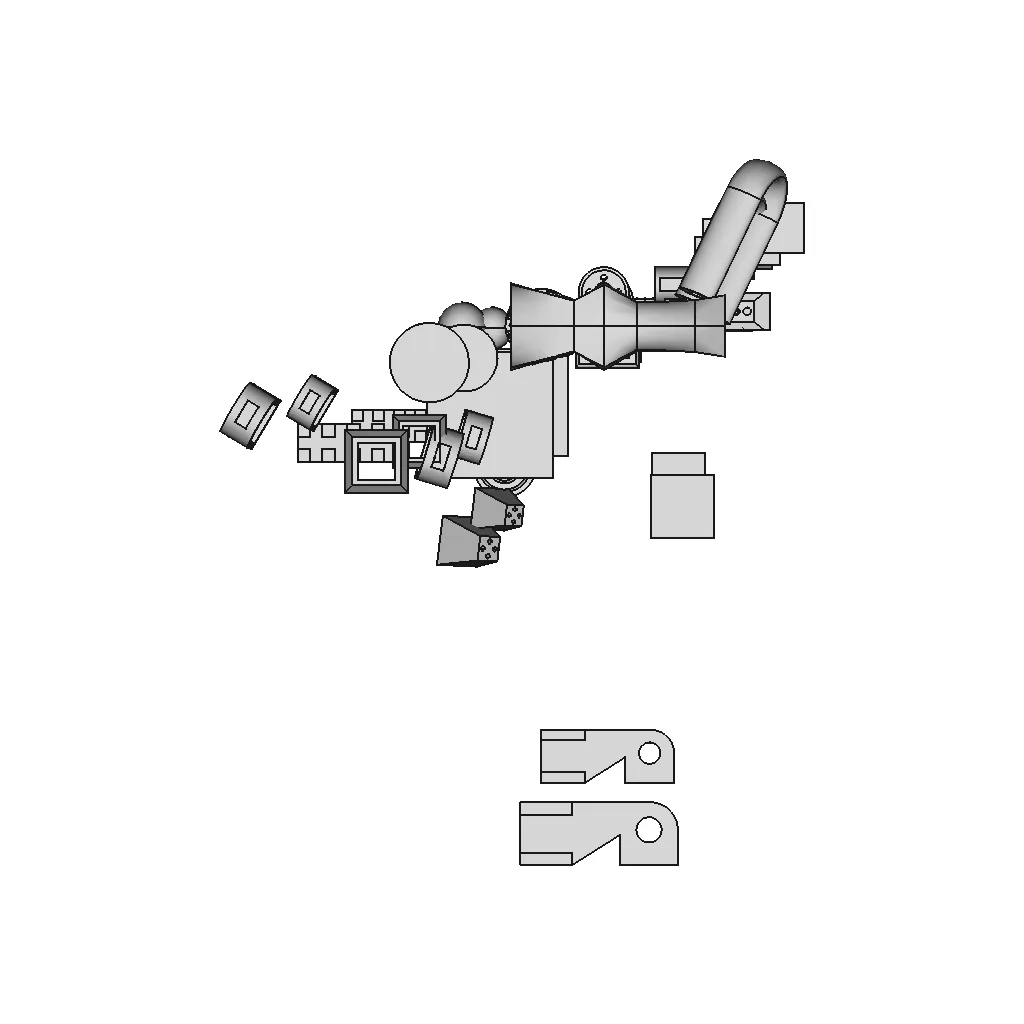
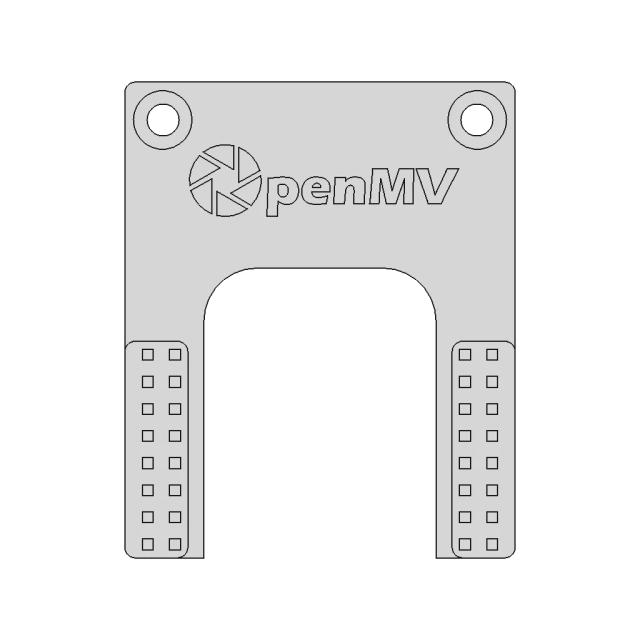
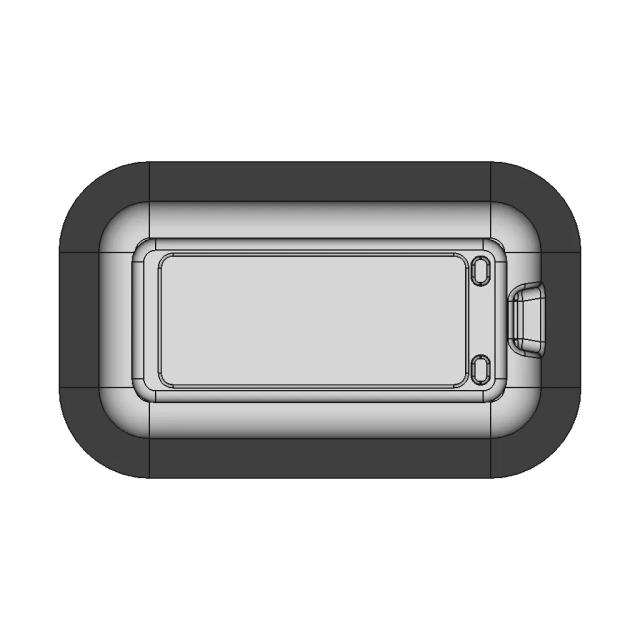
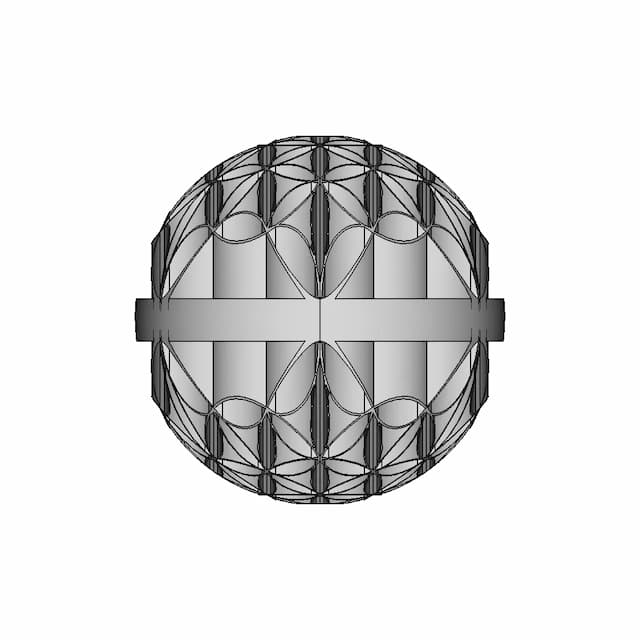
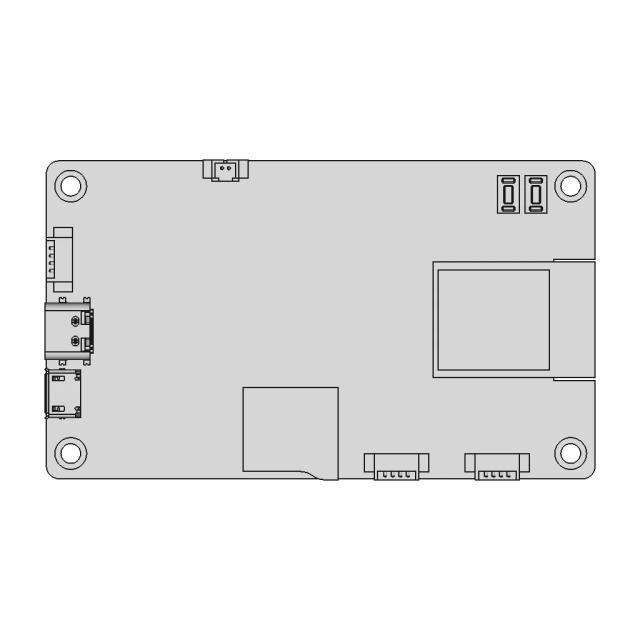
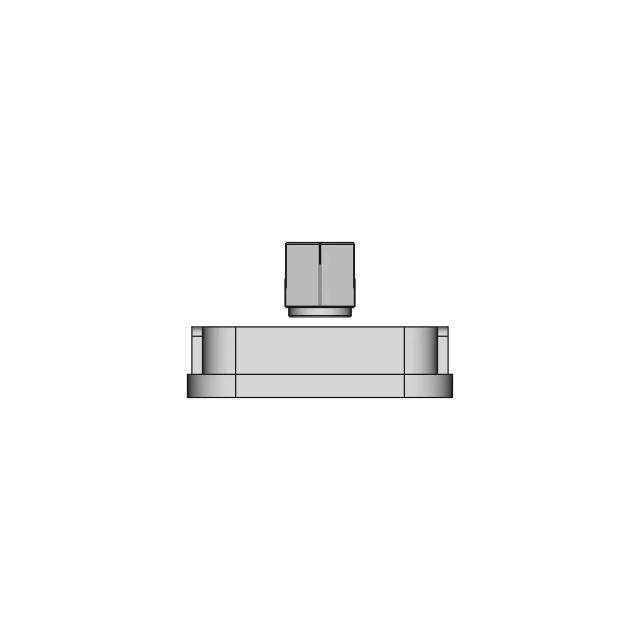
Front Viewwebp
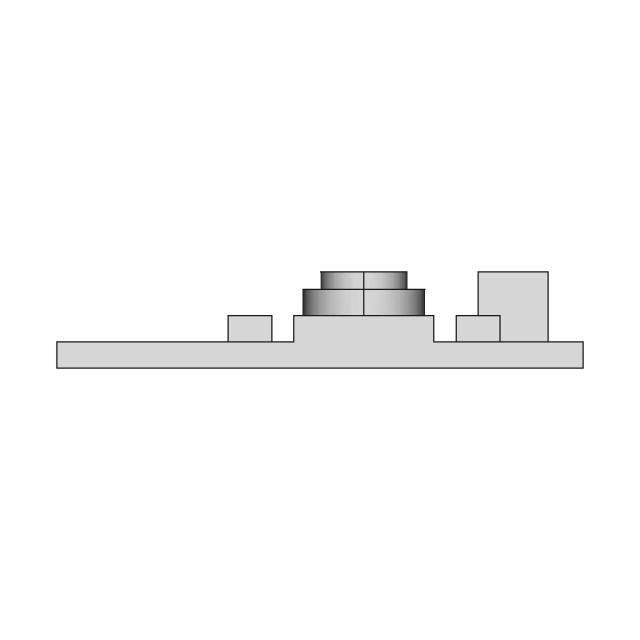
Top Viewwebp
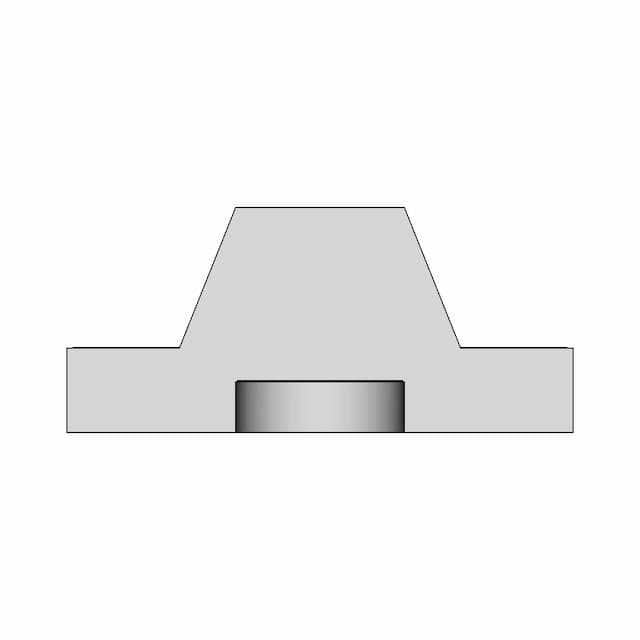
Bottom Viewwebp
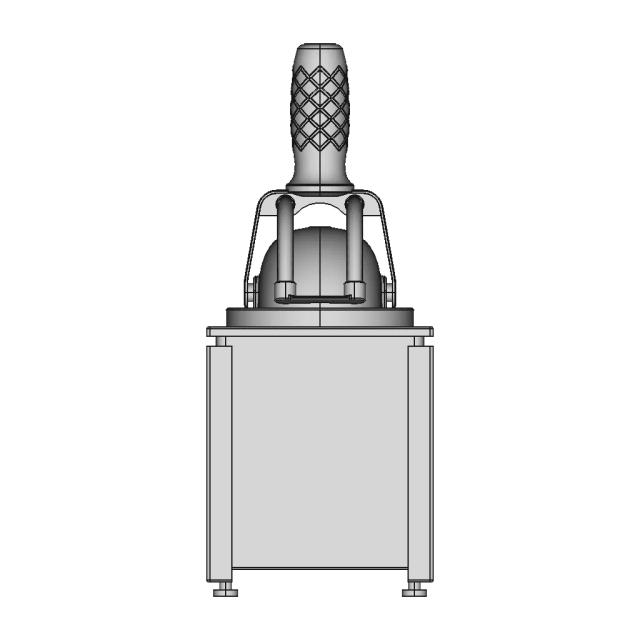
Left Side Viewwebp
Right Side Viewwebp
Isometric Viewwebp
Supporting Files (0)
PreviewFile NameAction
No supporting files

CAD File Details

File Information
File NameAll Practice Files.STEP
File TypeSTEP
Unitsmm
Geometry Summary
Faces433
Edges1,085
Vertices705
Solids42
Surface Types
Planar217
Cylindrical158
Conical1
Spherical2
Toroidal6
Other49
Bounding Box
Width1175.90 mm
Height923.05 mm
Depth1423.92 mm
Volume
Max Volume5876567.72 mm³
Min Volume102448.74 mm³
Average Volume1344575.99 mm³
Total Volume56472191.54 mm³
Usage Notes
NotesSuitable for design reference, visualization, prototyping workflows and engineering review. Validate dimensions and geometry before manufacturing use.

What you can use this CAD model for

  • Engineering review
  • Manufacturing discussion
  • Supplier communication
  • Prototype development
  • Design validation

Before using this CAD file

Review the model dimensions, units and geometry before using it for manufacturing or production. Some files may be created for reference, visualization or workflow acceleration and may require validation before final use.

Paid Pipeline · $5.99 per drawing set

Need 2D engineering drawings for this CAD model?

Generate multi-view 2D technical drawings from this 3D CAD file, including orthographic views, section cuts and downloadable PDF, SVG and DXF files.

  • ✓ Ready in under 4 minutes
  • ✓ 9 sheets · editable FCStd + PDF, SVG, DXF
  • ✓ No subscription · pay per file
$5.99
per drawing set incl. GST
4 min
avg. turnaround

Comments

0
Y
Loading comments...

Marathon-OS Design Hub

Everything you need to design faster, smarter, and with more impact.

Lotus Flower 2 | 3D CAD Engineering Model
Kobra 2 Pro Hotend Bimetal 3D Model 1 | 3D CAD Engineering Model
Bottle 976 | 3D CAD Engineering Model
Tripod 1 4 20 1 6Mm Flat Board Mount 1 | 3D CAD Engineering Model
Fan Protection 60Mm 1 | 3D CAD Engineering Model
Flower Of Life Sphere | 3D Engineering Design File
Corrected CYD Screen Model for Bambulab 3D Printer
Hanuman Gadaa 1 | 3D CAD Engineering Model
Diy Handheld Vacuums / 3D Printing - Downloadable CAD Representation
1.5 Meter Span Structural Component for 3D Printing
Anycubic S1 Kobra Magnet Waste Basket - Standard Mechanical Component
Ducto Optimizado Ender 3 Parta Barrel Bimetal 1 | 3D CAD Engineering Model
Mini Bricks Pikachu 1 | 3D CAD Engineering Model
3D Tower Model for Engineering and 3D Printing
14X14Mm Nozzle Shop Vac Attachment 1 | 3D CAD Engineering Model
High Tech Plastics Bolster Elite 1 | 3D CAD Engineering Model
View all designs

Recently added / Trending

Everything you need to design faster, smarter, and with more impact.

Practice - Downloadable CAD Representation
Medicine Dispenser - Standard Mechanical Component
Solidworks: Bracelet (2) | High-Quality CAD Model
Propeller Screw 60 3X | 3D Engineering Design File
| High-Quality CAD Model
| High-Quality CAD Model
Custom Radiator, 2-Pipe Steam - Downloadable CAD Representation
Exercise 123 - Downloadable CAD Representation
Configurable Radial Bearing Din 625 | 3D Engineering Design File
Simple Experimental Centrifuge Project | 3D Engineering Design File
CAD Model of Gripper Arm for Engineering Projects
View all designs

Free Online CAD Viewer –Secure, Fast & Cloud-Based

A lightweight, online tool to convert 3D file formats—anytime, anywhere, without installing any software.

Drag & drop your 3D files

Supported formats: STEP (.step, .stp), IGES (.igs, .iges), STL (.stl), PLY (.ply), OFF (.off), BREP (.brp, .brep)

upload
Don't have a file? Try one of these samples:


CAD Viewer featureOpen CAD files instantly in your browser.
CAD Viewer featureNo software needed.
CAD Viewer featurePrivate uploads.
CAD Viewer featureAutomatically deleted after 7 days.
CAD Viewer featureUpload files up to 300 MB