
Starter
3credits
$7.99
$2.66 each
3 downloads of any size. Good for a one-off project.
Convert a BREP (.brep) CAD model into a 3MF (.3mf) file for PrusaSlicer, Bambu Studio, OrcaSlicer, Cura and other 3D-printing workflows. The converter tessellates the model's exact curves and surfaces into polygonal geometry that can be downloaded and inspected in your browser.
Choose one file to begin the conversion.
Drag and drop your file here
or choose a file from your computer
Browse filesMaximum file size: 300 MB
First 2 conversions free — any size up to 300 MB. Then $2.99 or 1 credit per file, charged at download.
Pricing
Your first 2 CAD file conversions are free, any size up to 300 MB, including the download. From conversion 3 on, each file costs 1 credit or a one-time payment, charged only when you click Download. 1 credit downloads any file up to 300 MB, and credits never expire.
Starter
3credits
$7.99
$2.66 each
3 downloads of any size. Good for a one-off project.
Pro
5credits
$12.99
$2.60 each
5 downloads of any size. The everyday choice.
Team
10credits
$19.99
$2.00 each
10 downloads of any size. Best balance of price and volume.
Studio
15credits
$26.99
$1.80 each
15 downloads of any size. Lowest price per file.
Use the converter without installing desktop software to move from BREP to 3MF.
Translate faces, edges, vertices and solid topology into the triangle meshes with declared units used by 3MF.
Open the result in PrusaSlicer, Bambu Studio, OrcaSlicer and Cura for review, editing or production.
Converted models are not added to the public CAD library and are removed after processing.
Continue your CAD workflow
Preview a model before conversion, find an existing engineering file, open a 2D drawing, or get specialist help when a source mesh needs to be rebuilt.
Simple conversion workflow
Move from BREP solid to 3MF print file in three clear steps.
Drag and drop the .brep file into the converter or choose it from your device. Files up to 300 MB are supported.
This page is preconfigured for BREP-to-3MF conversion, so you do not need to search through target formats.
Download the result and open it in your preferred compatible application to confirm its geometry and scale.
Format behaviour
BREP engineering geometry is tessellated into the polygonal surface structure used by 3MF. The visible shape is preserved, but parametric CAD intelligence is not.
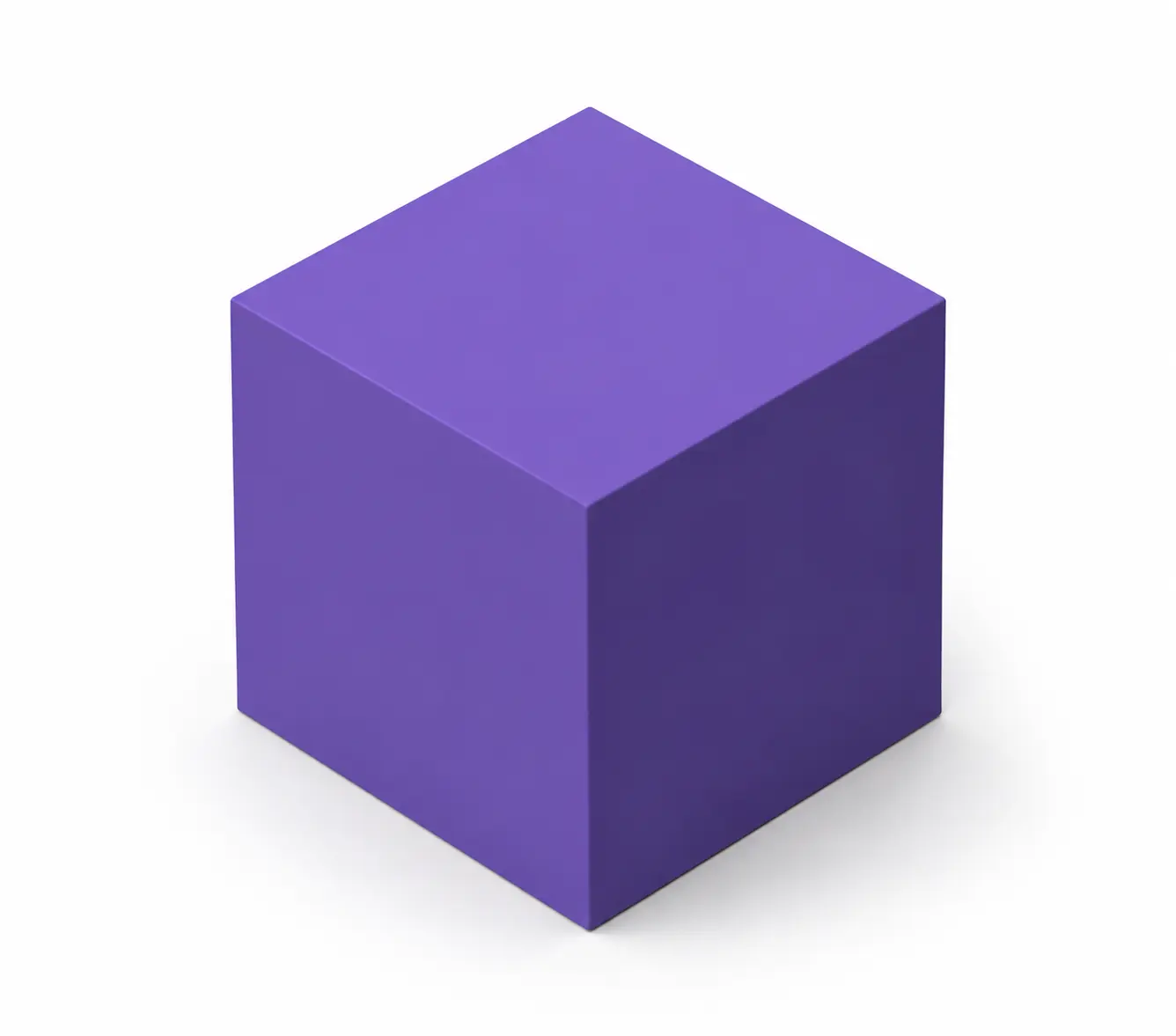 BREP solidBREP
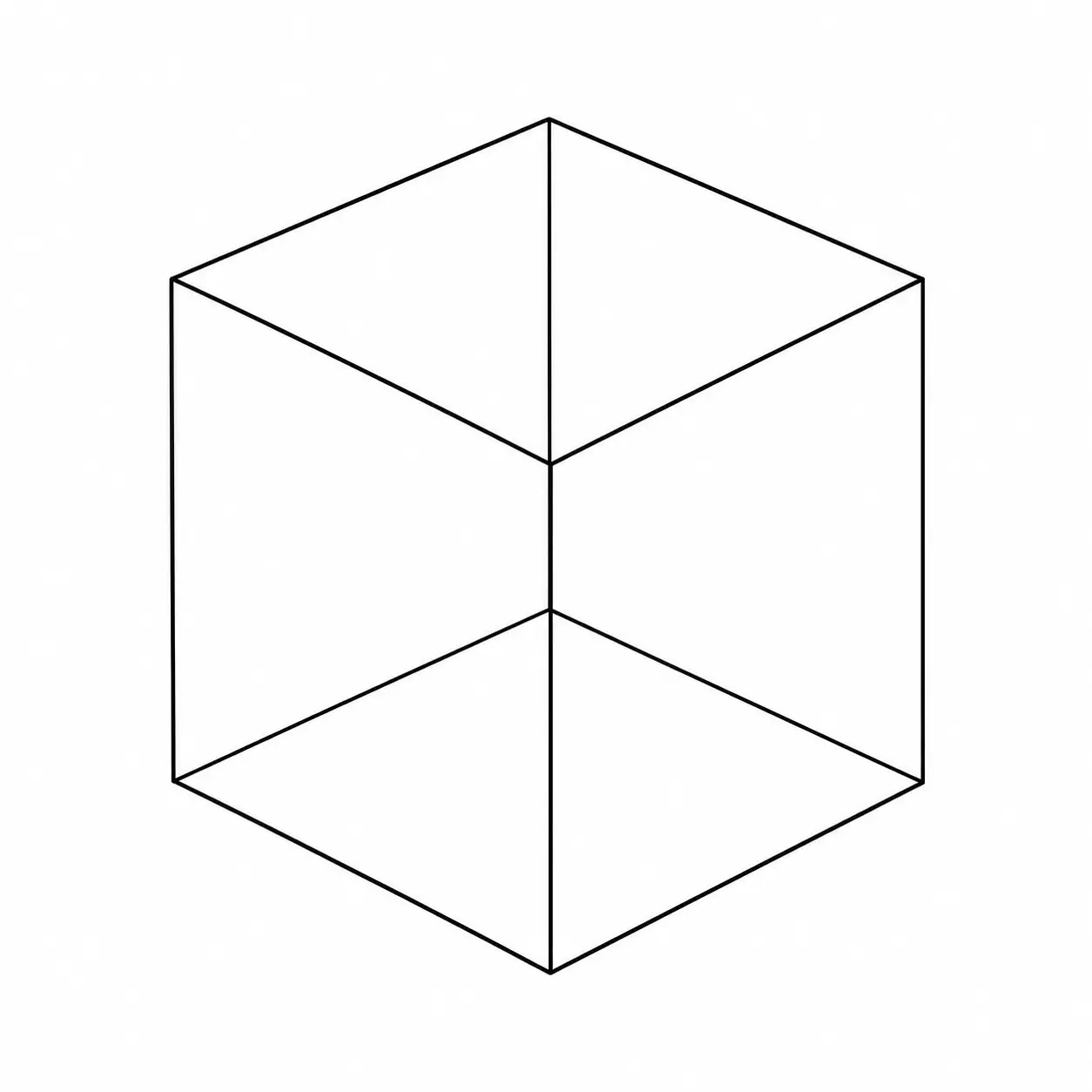 3MF print file3MF
3MF is a mesh output. Keep the source BREP file whenever editable engineering geometry may be needed later.
Format comparison
Choose the output according to what the next stage of your workflow needs.
| Feature | BREP BREP | 3MF 3MF |
|---|---|---|
| Main purpose | Solid modelling, topology and CAD kernel workflows | 3D printing, slicing and multi-part print jobs |
| Geometry | Faces, edges, vertices and solid topology | Triangle meshes with declared units |
| Textures and UV mapping | Not normally included | Colours supported; textures through extensions |
| Materials | Application dependent | Base materials and colours can be stored |
| Object groups | Body topology is retained where supported | Multiple named objects in one file |
| Common workflow | OpenCascade and solid-modelling CAD systems | PrusaSlicer, Bambu Studio, OrcaSlicer and Cura |
Your next application or supplier specifically requires a 3MF file.
3D printing, slicing and multi-part print jobs is the next stage of the workflow.
The target geometry representation suits the downstream task.
Your project still depends on data unique to the source format.
You need to continue editing in OpenCascade and solid-modelling CAD systems.
The model is still being prepared rather than handed off.
Before continuing
Changing the file format does not automatically make a model production-ready. Review these checks in the application used for your next workflow.
Confirm that the converted 3MF file uses the expected size and unit interpretation.
Check that all expected bodies, surfaces, curves or drawing entities are present.
Look for flipped faces, inconsistent normals or reversed boundaries after conversion.
Inspect gaps, overlaps, invalid edges and disconnected geometry before downstream use.
Verify that supported layers, groups and model organisation were translated as expected.
Preview the 3MF result in the software used for the next workflow before production use.
Common problems
Most conversion issues come from differences between file formats or problems already present in the source geometry.
The source and destination tools may interpret units differently. Open the 3MF file and select the correct unit or scale.
Fix: Verify units and dimensionsThis can be expected when 3MF does not support the texture, UV or material information stored by BREP.
Fix: Keep the original BREP visual dataThe BREP source may contain open edges, invalid polygons, overlapping geometry or inverted normals that remain visible after conversion.
Fix: Inspect and repair the source geometryHigh polygon counts and complex geometry need more processing. Confirm the file is below 300 MB and opens correctly in a viewer.
Fix: Simplify unnecessary geometry detailSecure processing
Product models can contain confidential engineering information. Privacy and file handling stay explicit beside the tool.
Files are transferred through a secure connection.
Uploaded and converted files are deleted after 7 days.
Conversion does not transfer ownership of your model.
Your uploaded files are not added to the Marathon CAD library.
Popular conversions
Move into another common engineering workflow using one of Marathon OS's most-used conversion paths.
Convert STEP to STL for 3D printing and slicing.
Convert STEP to Rhino 3DM for Rhino workflows.
Convert IGES to STEP for manufacturing handoff.
Convert OBJ to STL for mesh workflows and 3D printing.
Convert STL to STEP for CAD compatibility and import.
Convert Rhino 3DM to STEP for CAD/CAM exchange.
Convert BREP to STL for mesh export and 3D printing.
Convert STEP to 3MF for 3D printing with parts and colours kept.
Convert DWG to DXF for 2D CAD exchange.
Marathon OS Design Hub
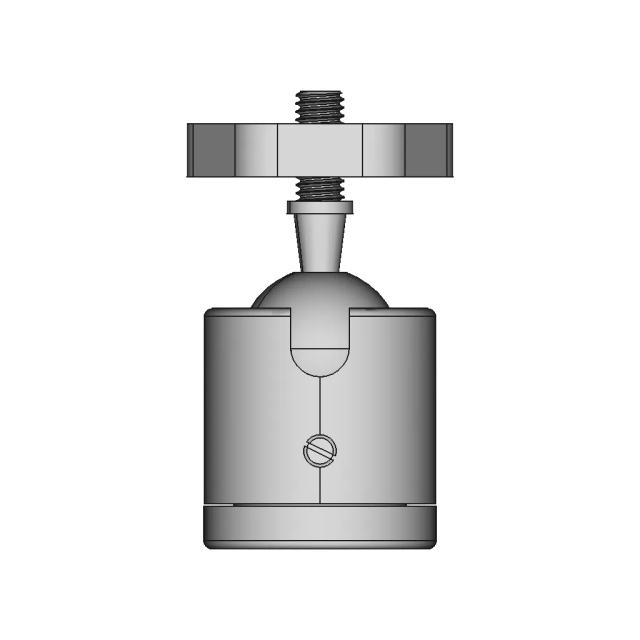
Browse engineering categories and recent 3D-printing models. Preview and validate every downloaded file before production use.
Frequently asked questions
Quick answers about formats, pricing, file limits, conversion quality and privacy.
Upload your BREP file (.brp or .brep) to Marathon OS, choose 3MF as the output format, and download the converted file in seconds — no software installation required.
Converting BREP to 3MF helps you move CAD data between tools, suppliers, and workflows without installing desktop software. Marathon OS handles the conversion in the cloud so you can download a 3MF file in seconds.
This converter accepts .brp or .brep input files and outputs .3mf. Upload up to 300 MB per file.
Your first 2 CAD file conversions on Marathon OS are free, any size up to 300 MB. After that, each converted file needs a small fee or 1 credit, paid only when you download it.
Your files are encrypted during upload, processed securely in the cloud, and automatically deleted after 7 days.
No — upload your BREP file and download 3MF directly in your browser. No plugins or desktop CAD tools required.
Yes — Marathon OS is optimized for large and complex CAD models. You can upload files up to 300 MB for BREP to 3MF conversion.