
Instant preview
Quickly open and inspect CAD files without installing heavy software.
Open a DXF drawing in your browser. Pan, zoom and turn layers on or off, with no CAD software to install.
Free DXF viewer • Every layer starts on • Up to 150 MB • Auto-delete within 7 days
Drag and drop your DXF file here
or click to browse files
Supported input formats: DXF (.dxf)
A DXF viewer opens a 2D drawing so you can inspect lines, text and layers without AutoCAD. This viewer loads the DXF directly and starts with every layer turned on.
Use it to check a laser or CNC drawing, review a supplier sheet, or confirm a DXF before you convert it to DWG.
If you need the file in another format, use Marathon OS CAD Converter to convert between STEP, STL, 3MF, IGES, OBJ, PLY, BREP, 3DM, DWG and DXF.
Convert 3D CAD Files →HOW IT WORKS
No downloads. No plugins. Works right from your browser.

Drag in a .dxf file up to 150 MB.

Pan and zoom. Every layer starts selected.

Open the layers control and hide the ones you do not need.
Quickly open and inspect CAD files without installing heavy software.
STEP, IGES, STL, OBJ, PLY, BREP, 3DM, 3MF, DXF and DWG.
Share files with teammates for quick review — no plugins needed.
Review models from any device — desktop, tablet, or mobile.
Marathon OS Design Hub
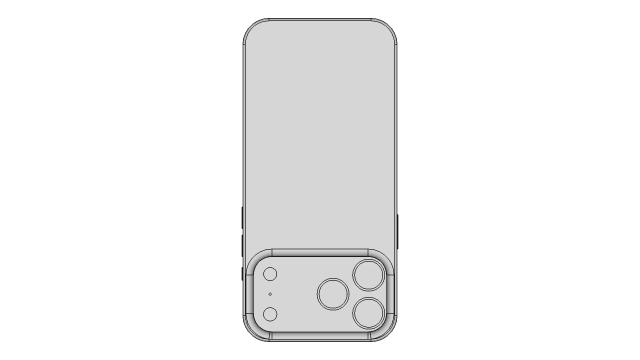
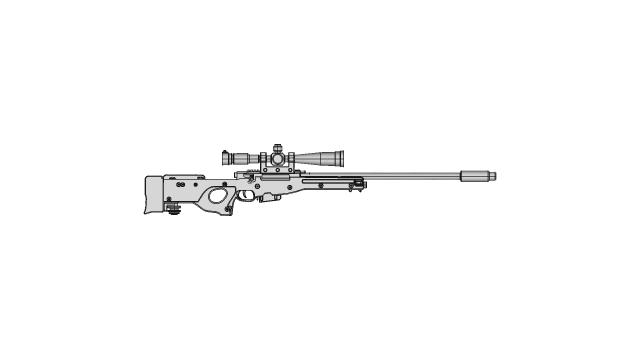
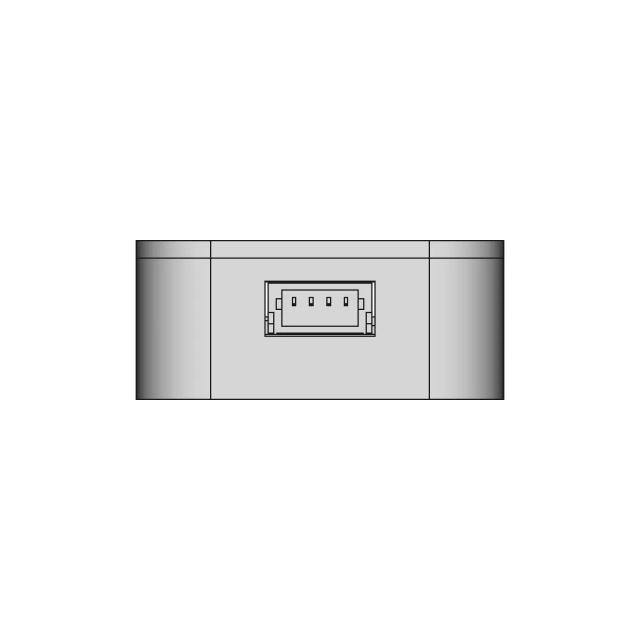
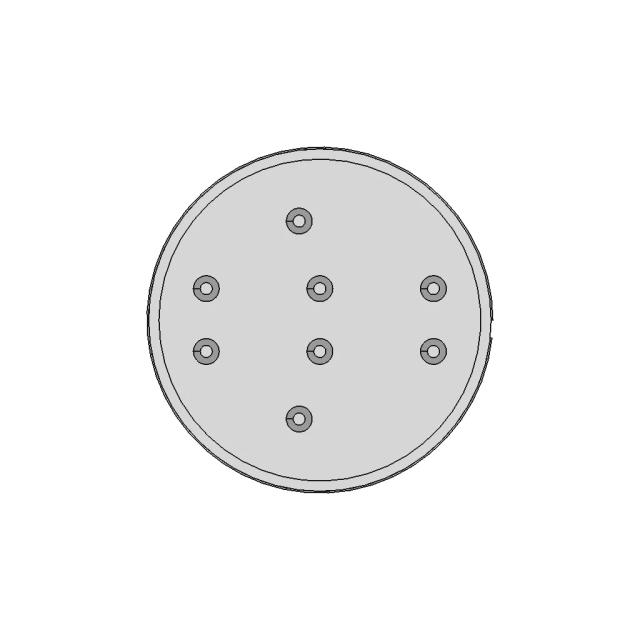
Browse engineering categories and recent 3D-printing models. Preview and validate every downloaded file before production use.


Find answers to common questions about Marathon OS CAD Viewer.
A CAD viewer lets you open and preview 2D/3D CAD files without editing them—useful for quick reviews and sharing.
Yes—upload your .step/.stp or .igs/.iges file to preview it directly in your browser.
No. Marathon OS CAD Viewer is browser-based—no downloads required.
STEP/STP, IGES/IGS, STL, OBJ, PLY, OFF, BREP, 3DM, 3MF, DXF and DWG. DXF opens immediately. DWG is converted to DXF first.
Yes. You can preview CAD files online for free, with uploads up to 300 MB per file.
Up to 300 MB per upload.
Uploads use HTTPS. Files stay private and are deleted automatically after 7 days. See the Privacy Policy for details.
Some CAD exchange formats (especially surface-based files like IGES) may import with gaps. Try converting to STEP or re-exporting with healed/stitched surfaces.
Yes—use the 3D File Converter at /tools/3d-cad-file-converter.
Yes—because it runs in your browser (no installation needed), it works on Mac and Windows with a modern browser.