Free online tool

Free Online CAD Viewer for

3D Printing & Prototyping

Secure, Fast & Cloud-Based

CAD is fundamental to additive manufacturing workflows, where designers create functional prototypes, mechanical parts, or aesthetic models. Files like STL and OBJ are prepared with specific mesh parameters suitable for slicing. CAD allows iterative testing, reducing time-to-market and enabling on-demand production.

Private uploads
Auto-delete in 7 days
Up to 300 MB

Drag & drop your 3D files here

or click to browse files

Don't have a file? Try a sample:

Need a proper native CAD file built from scratch?

Vetted designers deliver production-ready files in 24 hours — SolidWorks, Revit, Fusion 360 & more.

3D PRINTING & PROTOTYPING CAD VIEWER

Open 3d CAD files instantly in your browser

Review engine parts, body assemblies, and supplier-submitted CAD files without installing heavy desktop software.

Why browser based?

No CAD installFaster reviewsEasier stakeholder accessPrivate uploads

How It Works

View any 3d printing & prototyping CAD file in three simple steps — no signup, no software.

STEP 1

Upload

Drag & drop or browse to upload your CAD file. We support 50+ formats.

STEP 2

Preview

Instantly view your 3D model with measurement tools, cross-sections, and annotations.

STEP 3

Share & Convert

Generate a shareable link or convert to another format with one click.

Need a proper native CAD file built from scratch?

Vetted designers deliver production-ready files in 24 hours — SolidWorks, Revit, Fusion 360 & more.

Design review

How 3d printing & prototyping teams use CAD viewers for design review

In 3d printing & prototyping, teams use CAD viewers to inspect models, validate interfaces, and align stakeholders during reviews and handoffs. A browser-based viewer makes it easier to open files quickly, inspect geometry, and keep discussions anchored to the same 3D model without specialized desktop setups.
What file formats are supported?

Marathon OS supports common 3D exchange formats used across industry workflows, including STEP, IGES, STL, PLY, OFF, and BREP. These formats help teams share engineering geometry and meshes across different tools while keeping reviews fast and accessible.

STEP files

Used for exchanging precise 3D engineering geometry and assemblies across tools and suppliers.

IGES files

Common for surface and geometry exchange when teams collaborate across different CAD systems.

STL files

Useful for mesh-based previews and review workflows (especially prototyping and fabrication contexts).

BREP files

Helpful for inspecting boundary-representation solids and engineering geometry online.

PLY and OFF files

Useful for polygon-based model inspection and technical visualization workflows.

Can non-CAD stakeholders access 3D models without a CAD license?

Yes. Not every stakeholder needs a full CAD seat, but many still need visibility for reviews, procurement, QA, operations, or field work. Marathon OS gives non-CAD roles a simpler way to open and inspect models in a browser, reducing reliance on screenshots, PDFs, and intermediaries.

Who uses CAD daily
  • Product Designers
  • R&D Engineers
  • Prototype Technicians
Often needs CAD access
  • Marketing Teams
  • Clients
  • Business Analysts
Workflow

How teams review CAD files without heavy desktop software

Instead of routing every model through a CAD specialist or dedicated workstation, teams can upload files to Marathon OS and preview them online. This keeps cross-functional reviews moving and reduces delays caused by software installs, license access, or high-performance hardware requirements.

Security and access control

Many industry CAD files contain sensitive IP. Marathon OS keeps uploads private and automatically deletes uploaded files after 7 days. That makes it practical for quick review when teams want lower friction and tighter handling of shared models.

Private by defaultAuto-delete in 7 daysEncrypted uploads

Why teams choose Marathon OS

No installation required

No software installation required (review in browser)

Supports multiple formats

Supports common exchange formats (STEP/IGES) plus mesh formats (STL/PLY/OFF) and solids (BREP)

Fast online preview

Fast online preview for technical review discussions

Cloud-based & secure

Private uploads with automatic 7-day deletion

Built for your workflow

Better access for non-CAD stakeholders across the workflow

Industry spotlight

Role of CAD file in 3D Printing & Prototyping

CAD is fundamental to additive manufacturing workflows, where designers create functional prototypes, mechanical parts, or aesthetic models. Files like STL and OBJ are prepared with specific mesh parameters suitable for slicing. CAD allows iterative testing, reducing time-to-market and enabling on-demand production.

Common CAD File Formats

STLOBJSTEP
3d-printing-and-prototyping

3D Printing & Prototyping CAD Model Preview

STL · OBJ · STEP

3D Printing & Prototyping Design Library

Explore high-quality design inspirations curated for the 3D Printing & Prototyping.

IPhone 17 Pro Max -Designed from scratch
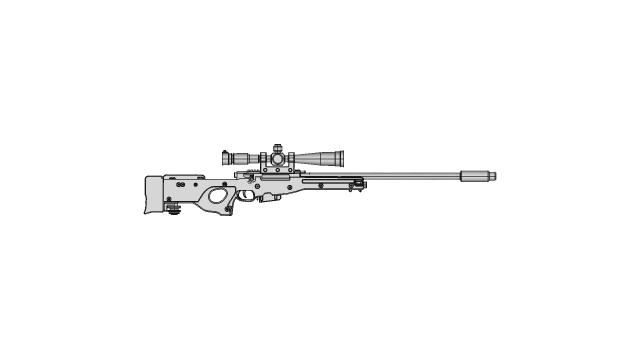
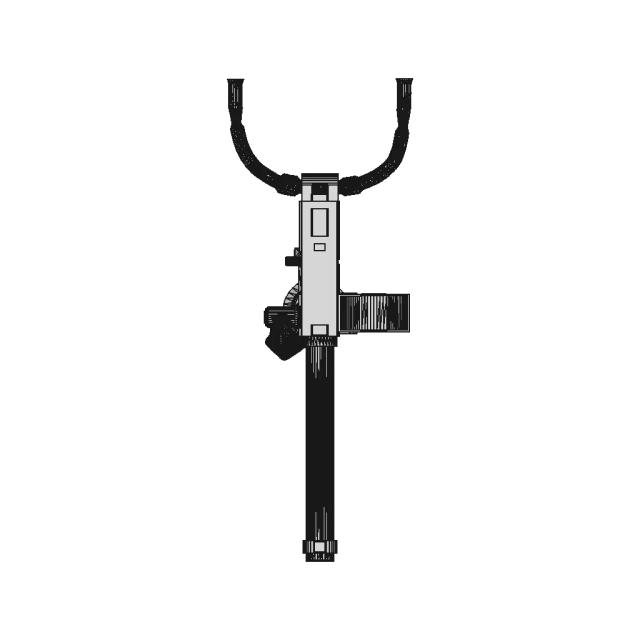
AWM - Sniper Gun 3D Model (Solid Modeling)
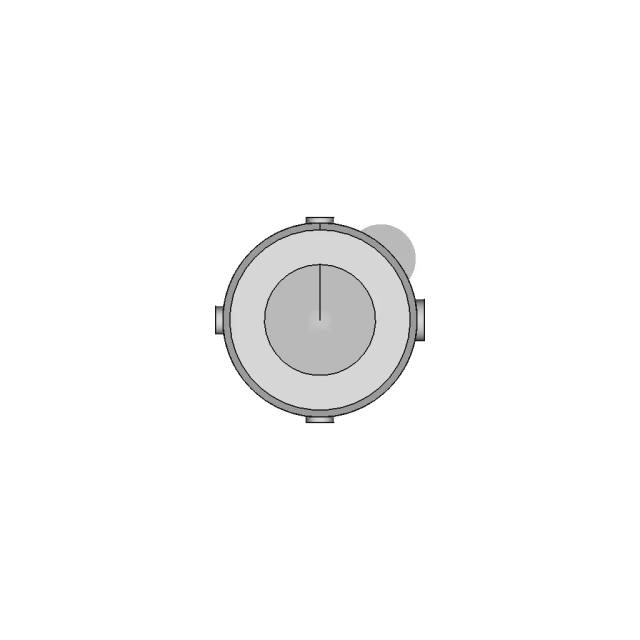
BIO REACTOR, Used for CFD Analysis for Projects
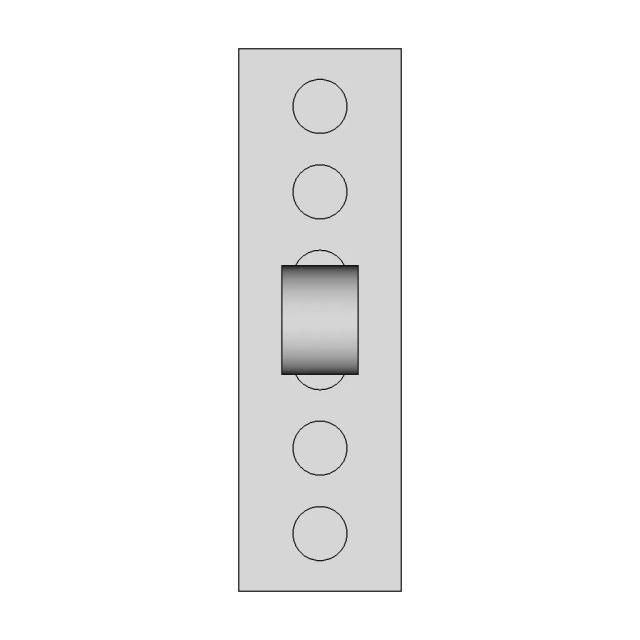
Universal Holder for Distance Sensors Compatible with Lego Bricks
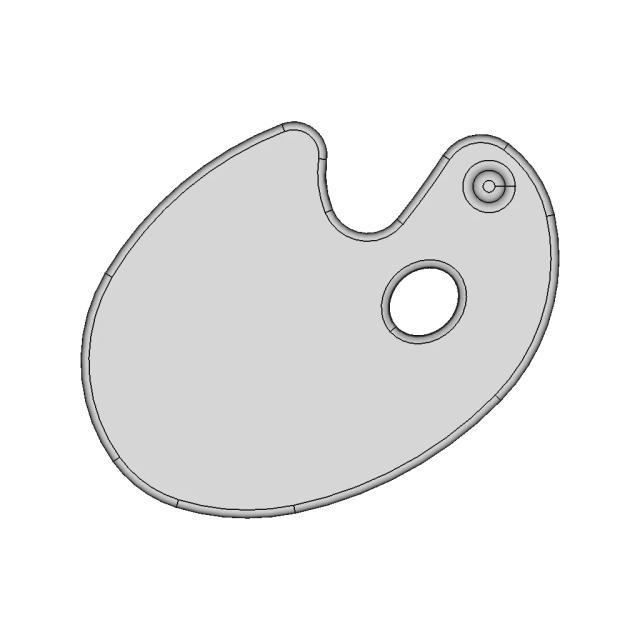
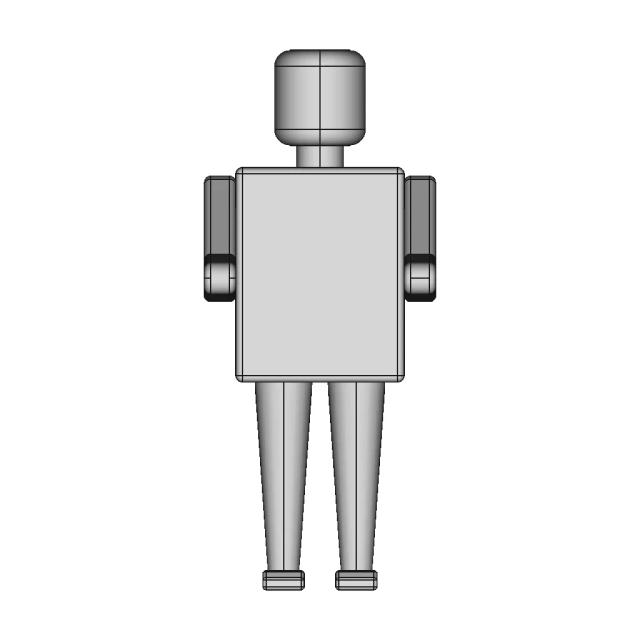
LEGO Minifigure Palette and Brush 3D Model
4-Inch Hydrofoil Fin for Aquatone SUP Board - Low Water Level Performance
DIN Rail Mountable Raspberry Pi 4 Enclosure with Expansion Space
Professional Automotive Interior and Exterior Structural Design Services
Engineering Practice Examples Collection
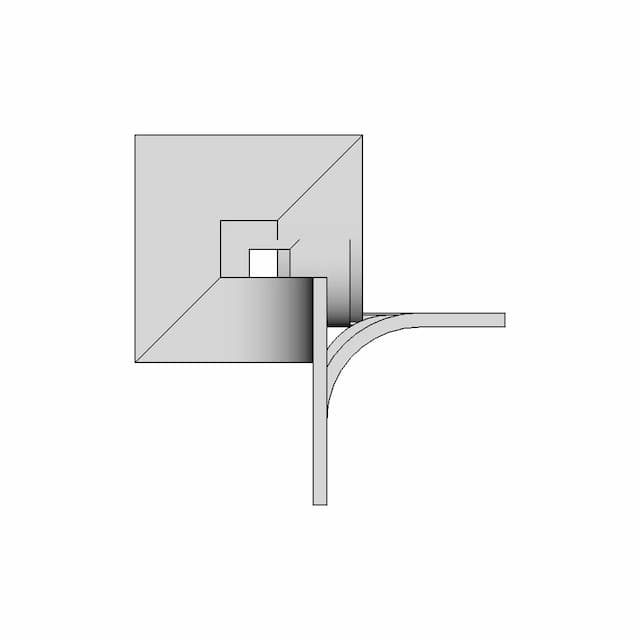
DU 25 Single Union Joint
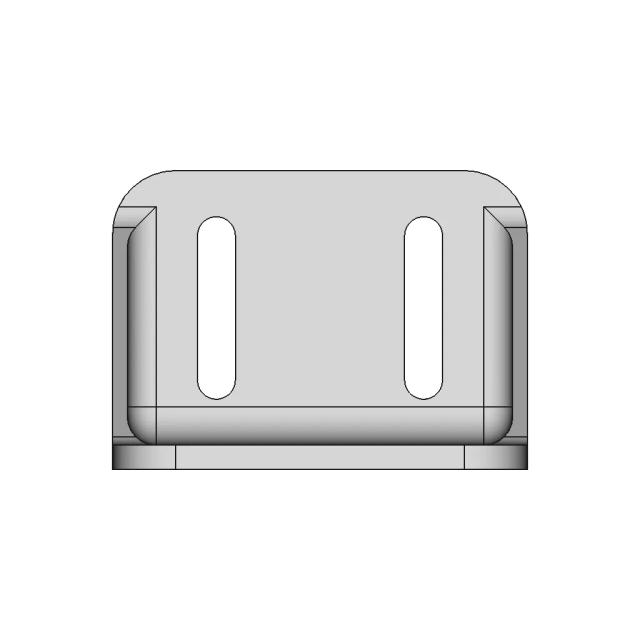
Tray Slide Stand CAD Model for Industrial Applications
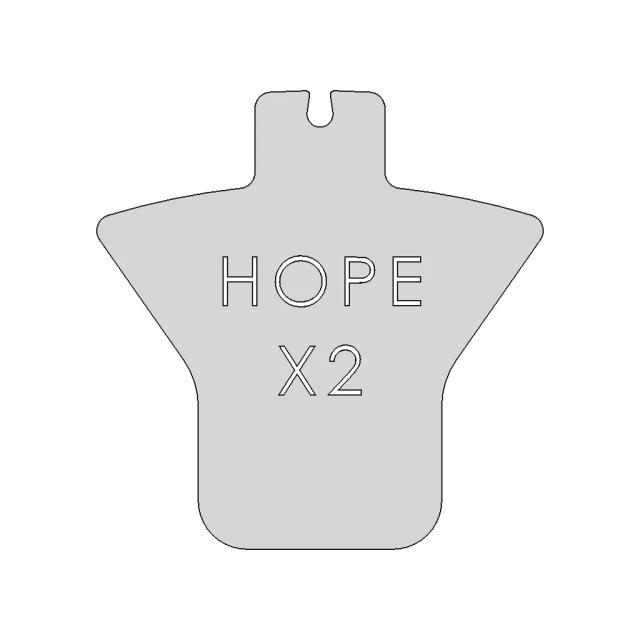
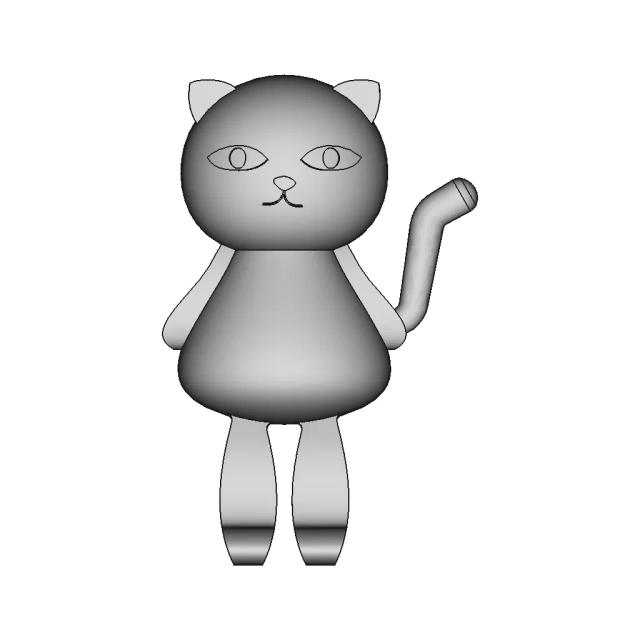
Cat-Shaped Cookie Cutter CAD Model
Advanced SolidWorks Techniques for Complex Shape Modeling
PET Plastic Disposable Bowl for Serving Snacks and Fruits
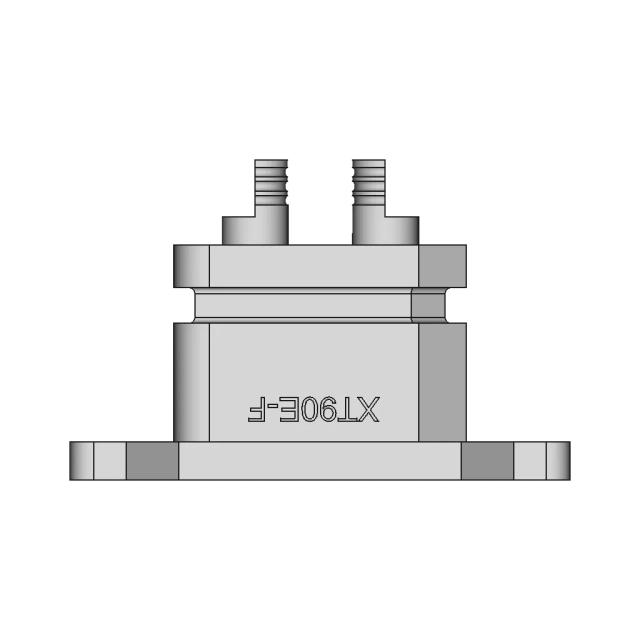
XT90 Female Connector for Electrical Applications
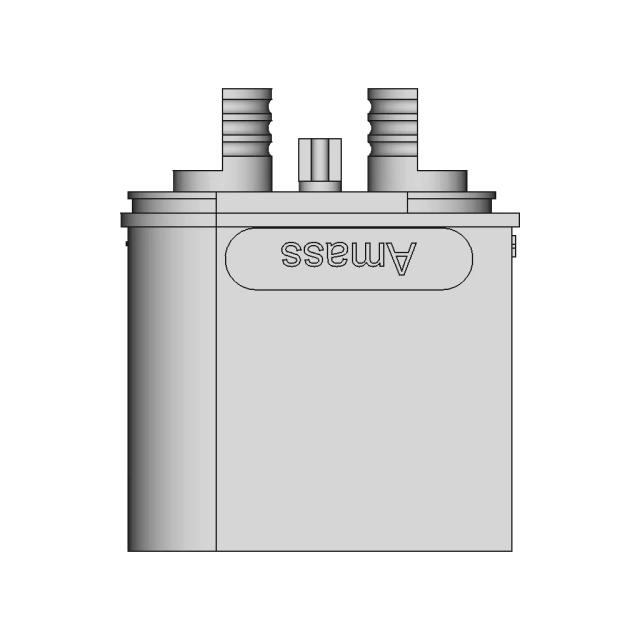
XT90 2+2 Male Plug Connector for Electrical Applications
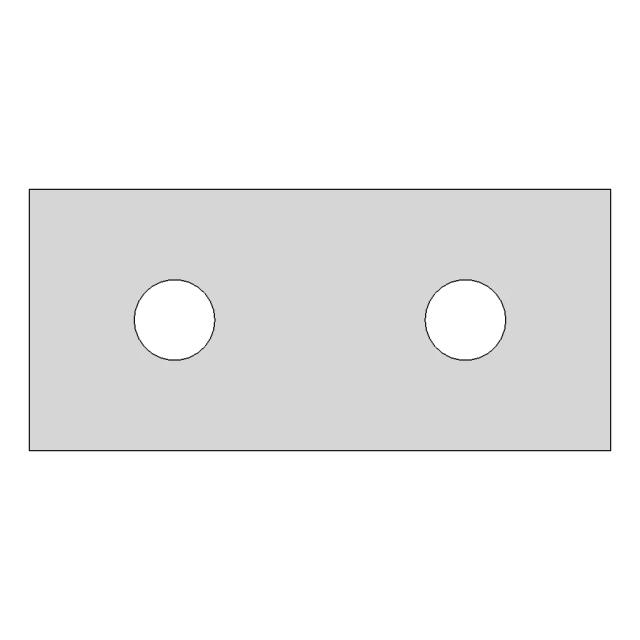
2mm Thick Sheet Metal Part with Laser-Cut Design
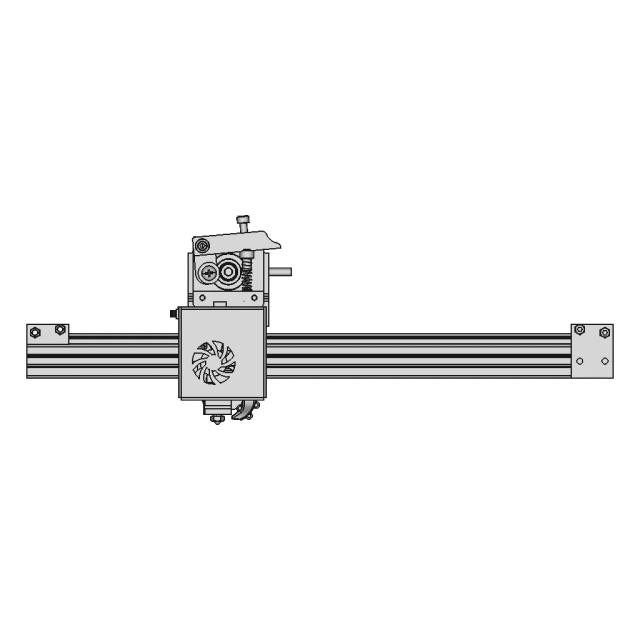
Linear Guide Rails and Sliders MGN9H for Y Axis Applications
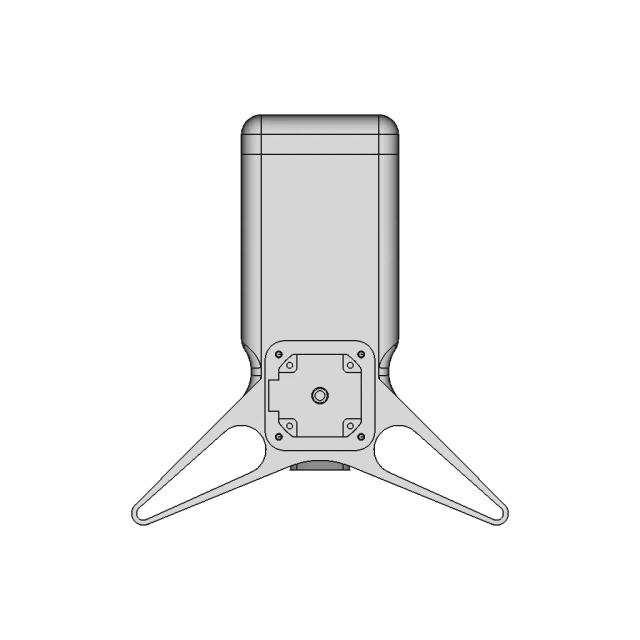
3D Printed Test Station for 80mm DMM Servo
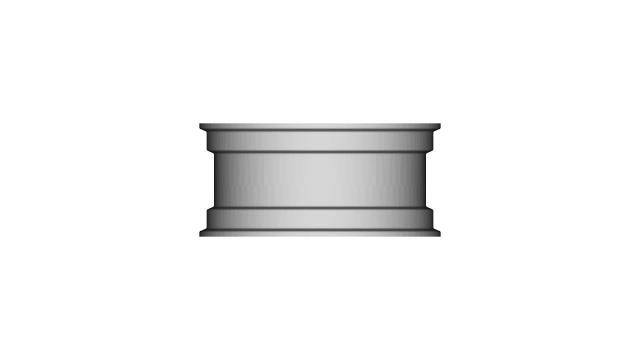
Precision Cylindrical Component 14mm Diameter 34mm Length
View all designs

FAQ

Answers for teams evaluating browser-based CAD review with Marathon OS.

  • What CAD file formats are commonly used in 3d printing & prototyping?

    Teams often exchange engineering geometry using STEP and IGES, and use mesh/visualization formats like STL, PLY, or OFF for review. Marathon OS supports STEP, IGES, STL, PLY, OFF, and BREP for in-browser viewing.

  • Can I open STEP and IGES files online without CAD software?

    Yes. Marathon OS lets you upload and preview STEP and IGES files in a browser—useful when reviewers do not need full authoring tools.

  • Who typically needs access to CAD files but doesn’t have CAD licenses?

    Commonly: Marketing Teams, Clients, Business Analysts. These roles often need visibility for decisions, reviews, or execution, even if they don’t edit CAD.

  • What’s the maximum upload size?

    The viewer messaging on Marathon OS states uploads up to 300 MB. For larger datasets, teams typically split assemblies or use simplified review files.

  • Will my uploaded files stay private?

    Marathon OS states uploads are private and automatically deleted after 7 days, which helps reduce long-term exposure of shared files.

  • Does this work without downloads or plugins?

    Yes. The viewer is positioned as browser-based, so teams can preview models without installing desktop software or browser plugins.

  • Can I use this for faster cross-team reviews?

    Yes. A single 3D preview helps keep discussions aligned and reduces time spent sharing screenshots or exporting multiple view files.

  • Is Marathon OS free to try?

    The site positions the viewer as free to use for online preview, with demo and product options available depending on team needs.

Marathon-OS Design Hub

Everything you need to design faster, smarter, and with more impact.

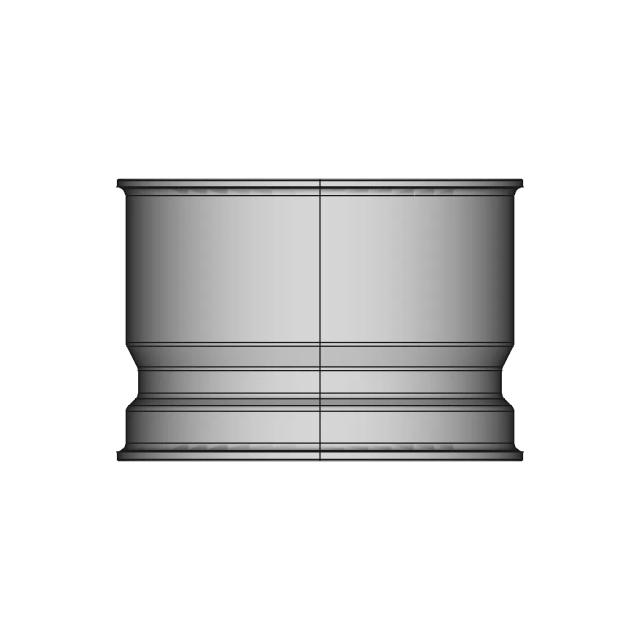
22 30Mm Tapered Push Fit Adapter 3D Print 1 | Professional CAD Design
Terminal Ring From Death Stranding 2 1 | 3D CAD Engineering Model
Modern 3D-Printed Plant Stand with Wooden Elements
Orange 6 | 3D CAD Engineering Model
Phone Holder | 3D Engineering Design File
Usb Case For Mt3608 1 | 3D CAD Engineering Model
Keychain 5 | 3D Engineering Design File
Mendel Revisited 3D Printer 1 | 3D CAD Engineering Model
1/4 Ff-B | 3D Engineering Design File
Pounds But 12 1 | 3D CAD Engineering Model
Trigyrate Rhombicosidodecahedron 1 | 3D CAD Engineering Model
Flower Of Life Sphere | 3D Engineering Design File
3D Printed Desk Organizer with Multiple Compartments and Built-in Ruler
Multi-Filament Spool Holder for Organized Storage
Snowflake | 3D Engineering Design File
Diy Handheld Vacuums / 3D Printing - Downloadable CAD Representation
View all designs

Review 3d printing & prototyping CAD files online without installing CAD software

Open CAD files in your browser, inspect 3D geometry quickly, and give every stakeholder easier access to the models they need.

Upload CAD File
For automotive teams

Need a CATIA or NX specialist
for your supply chain?

Marathon matches you with certified automotive CAD designers who understand GD&T, DFMEA, and production‑tolerancing — without the overhead of hiring a full‑time engineer.

CATIA V5 / V6NX / SiemensGD&T CertifiedSTEP / IGESDrawing Packs
Get MatchedSee how it works

NDA available • IP is always yours