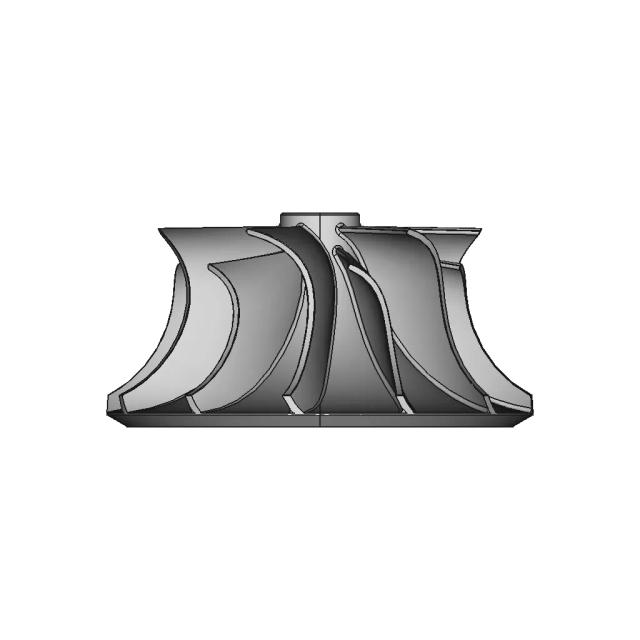
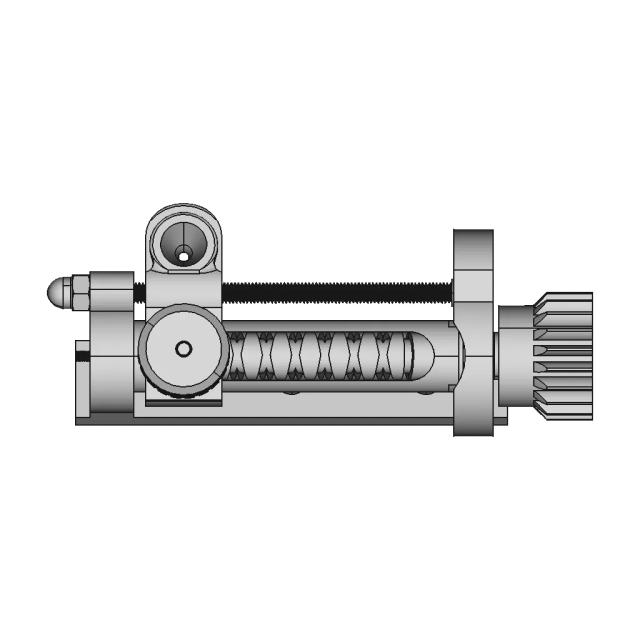
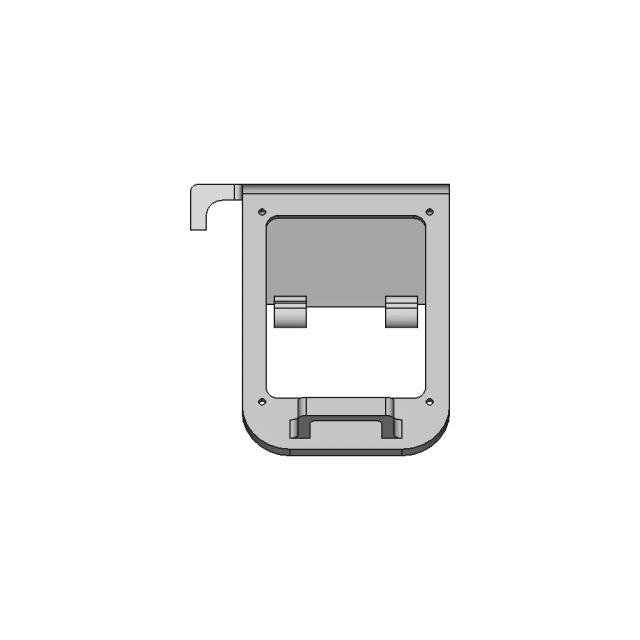
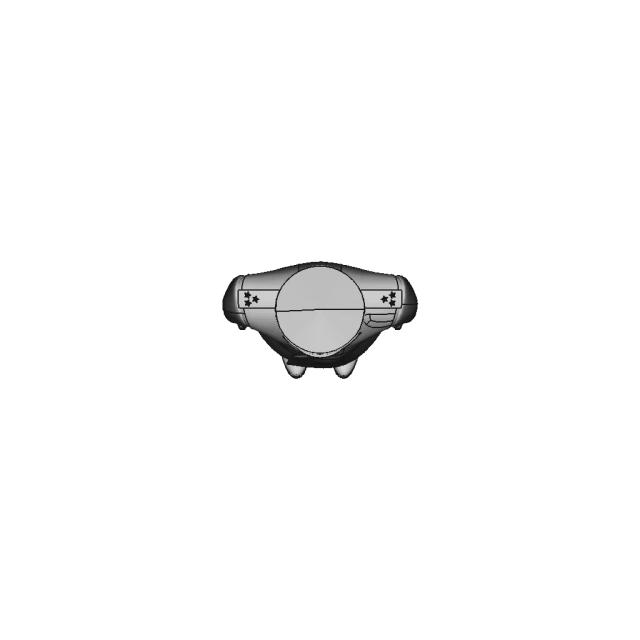
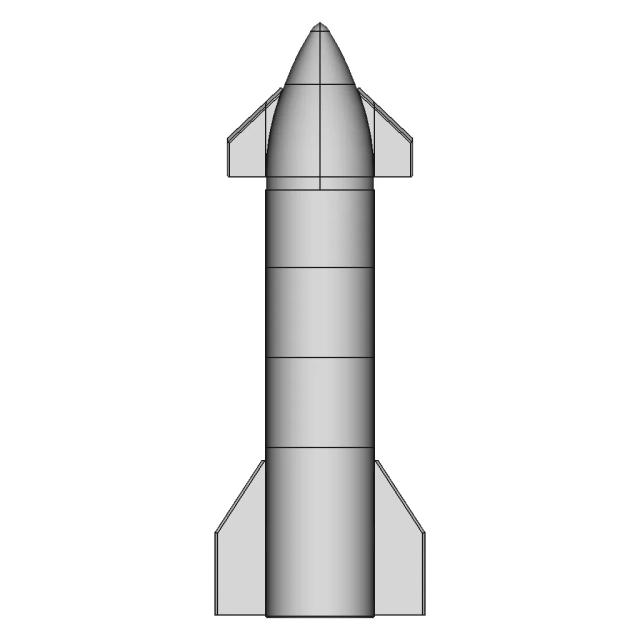
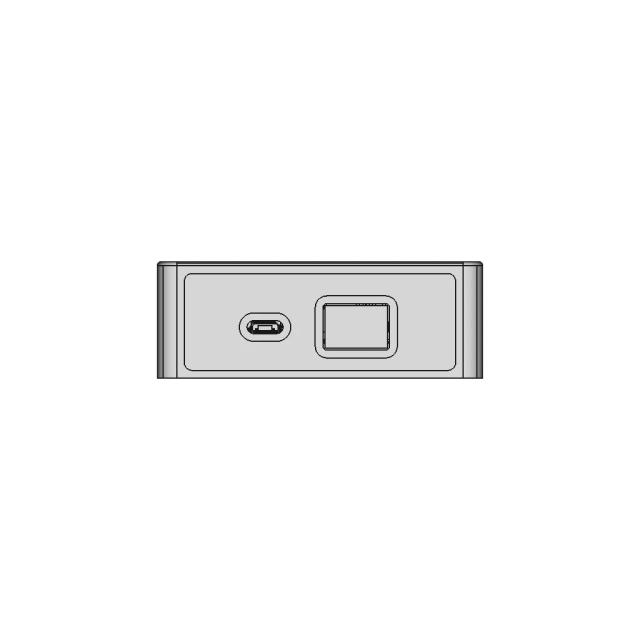
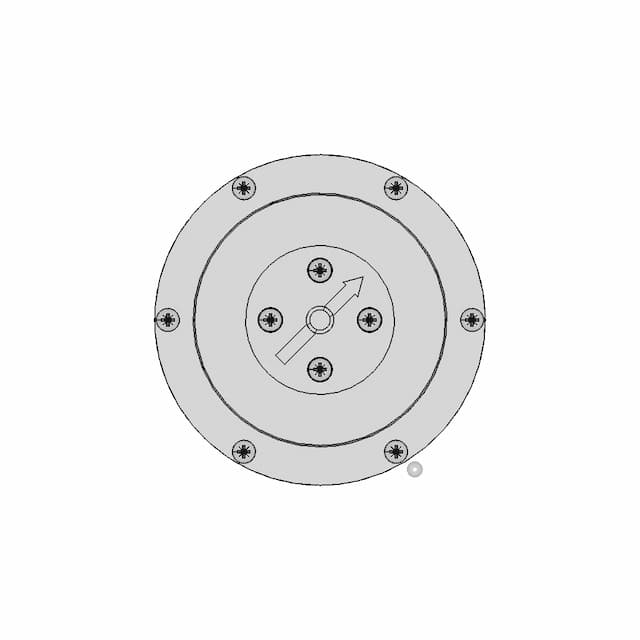
Assembly - Front View
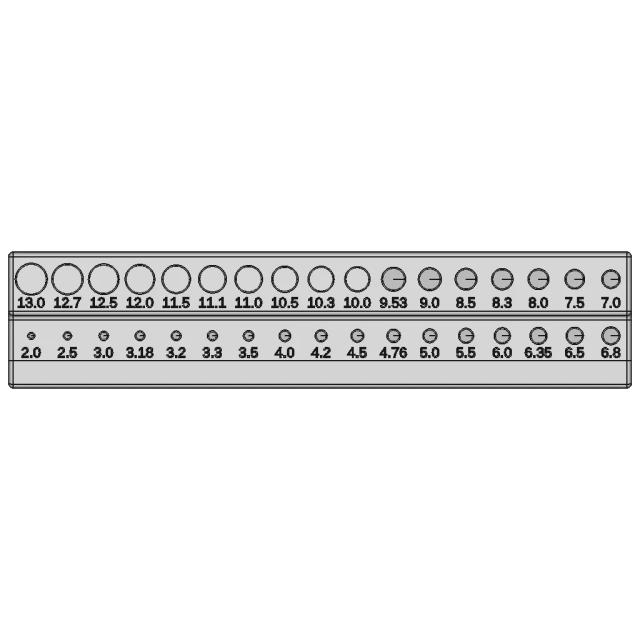
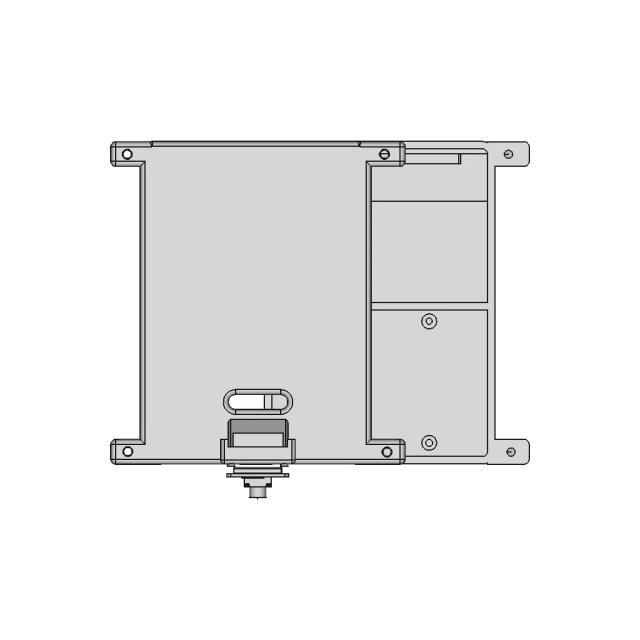
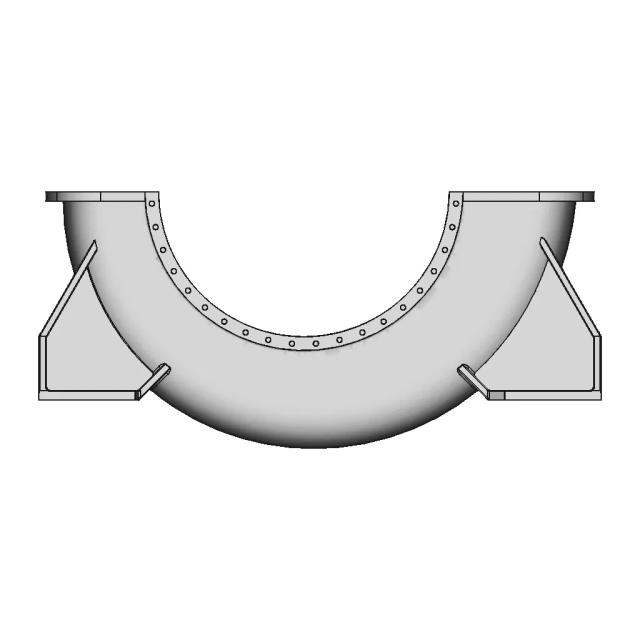
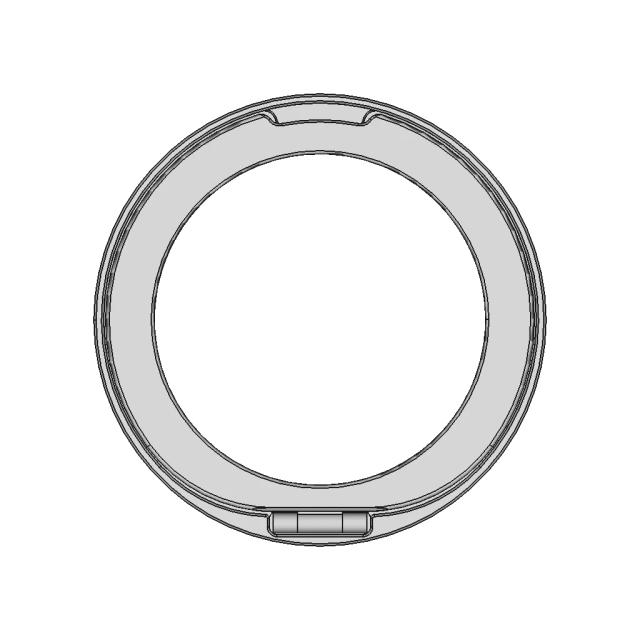
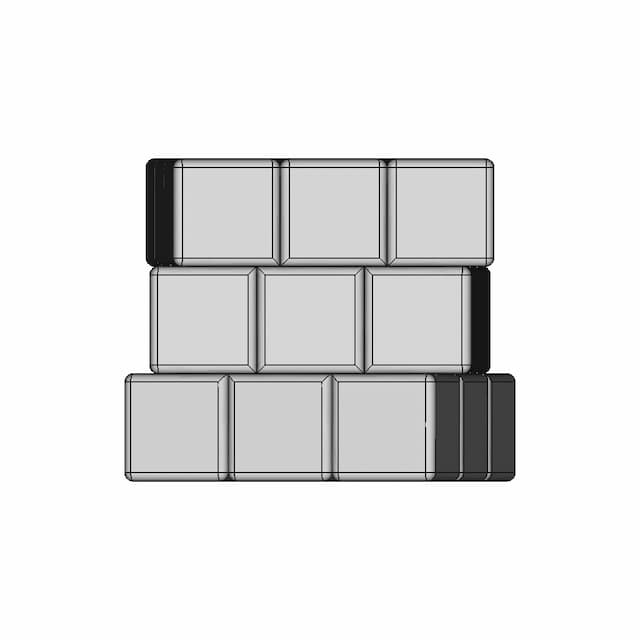
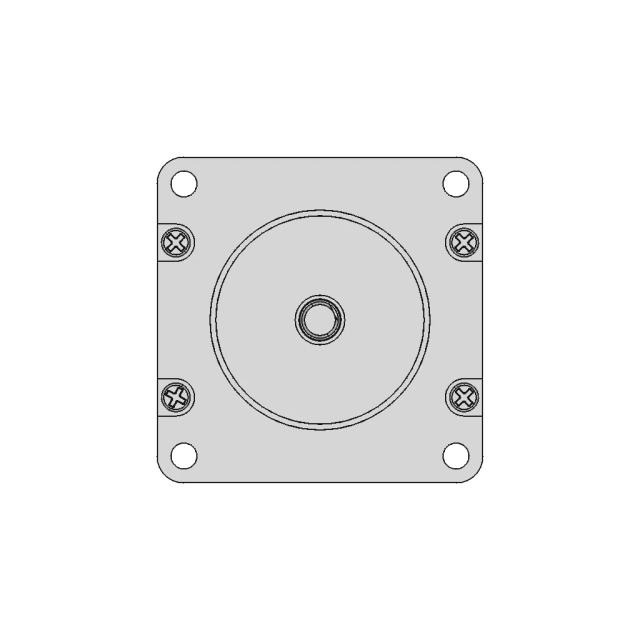
OrthographicThe Front view provides the primary orthographic projection, clearly showing the layout of all surface-mounted components, connectors, and mounting holes, which is essential for assembly and inspection.
AI Drawing Analysis
The cards below explain how the generated drawing outputs and assets connect to the final technical sheets.
The Front view provides the primary orthographic projection, clearly showing the layout of all surface-mounted components, connectors, and mounting holes, which is essential for assembly and inspection.
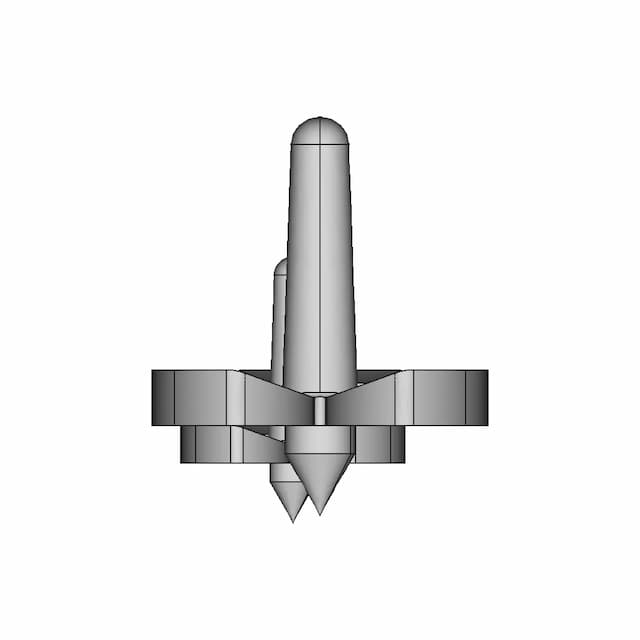
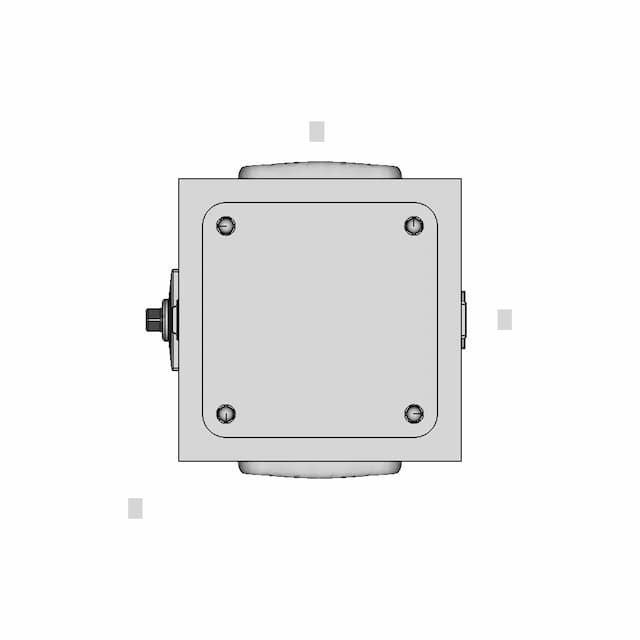
The Top view reveals the overall plan view of the board, including the placement of the USB-C connector and the main body, which is critical for understanding the component layout and ensuring proper fit in a housing.
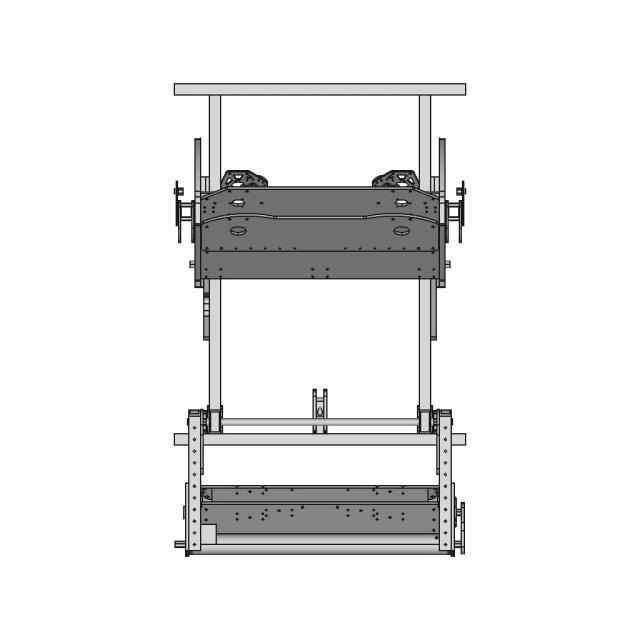
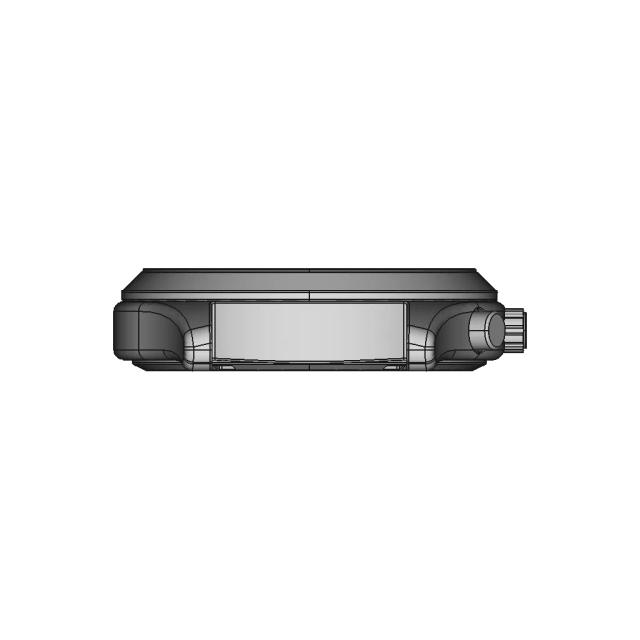
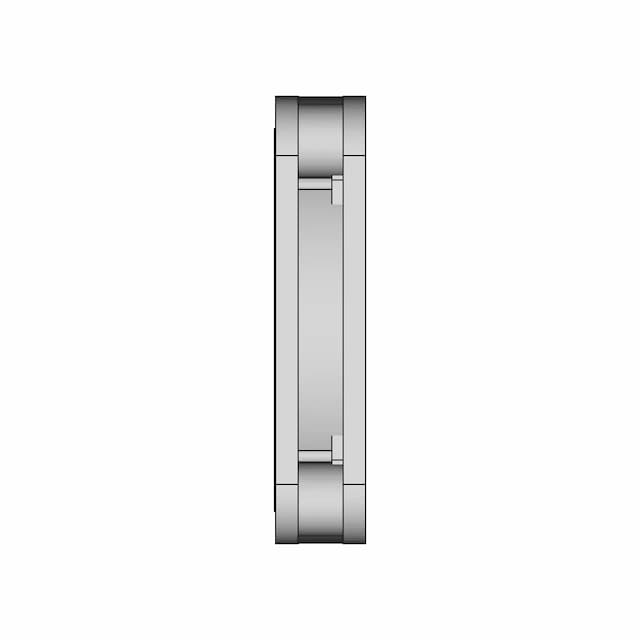
The Left view is necessary to show the side profile, revealing the thickness of the board, the height of the USB-C connector, and the depth of the mounting holes, which are key for mechanical integration.
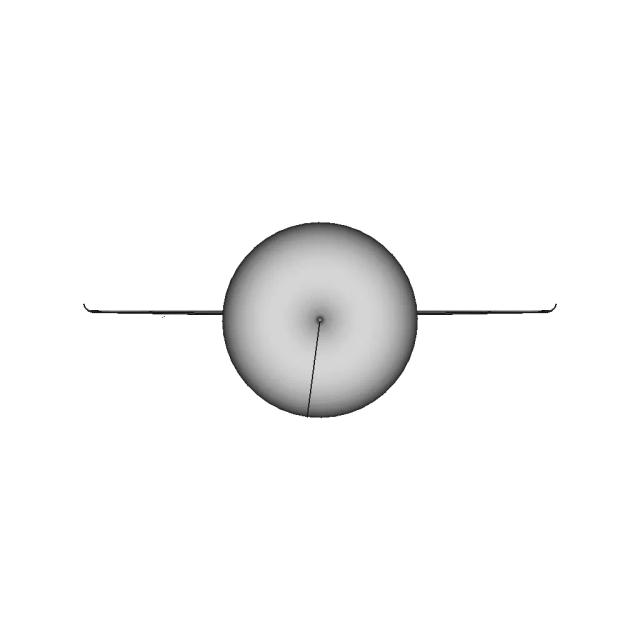
This vertical section along the YZ plane reveals the internal structure of the USB-C connector, including the internal contacts and the board's thickness, which is critical for manufacturing and assembly.
This vertical section along the YZ plane reveals the internal structure of the USB-C connector, including the internal contacts and the board's thickness, which is critical for manufacturing and assembly.
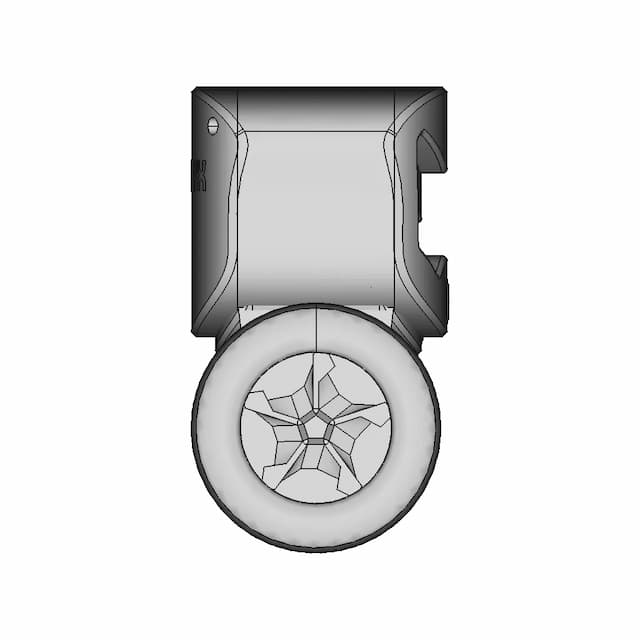
This detail magnifies the USB-C connector's pin layout and the surrounding mounting holes, which are small critical features that require precise dimensions for correct connection and mechanical stability.
Downloads
Each sheet available in PDF, SVG, and DXF. Click a format badge to download.
AI Transparency
These drawings were generated from the source 3D CAD geometry. The system analysed the model, selected relevant views, planned section cuts and generated drawing sheets in PDF, SVG and DXF formats.
These are 2D engineering drawings, not 3D files. Dimensions are extracted from the 3D geometry and should be verified against the source model before use in manufacturing.
Run Metadata
Explore Marathon OS
Jump to the source 3D model, generate your own drawings, or browse tools and libraries.
Open the original 3D CAD model used to generate this 2D drawing set. Review the source geometry before downloading or using the technical drawings.
Open 3D CAD model →Everything you need to design faster, smarter, and with more impact.
Everything you need to design faster, smarter, and with more impact.