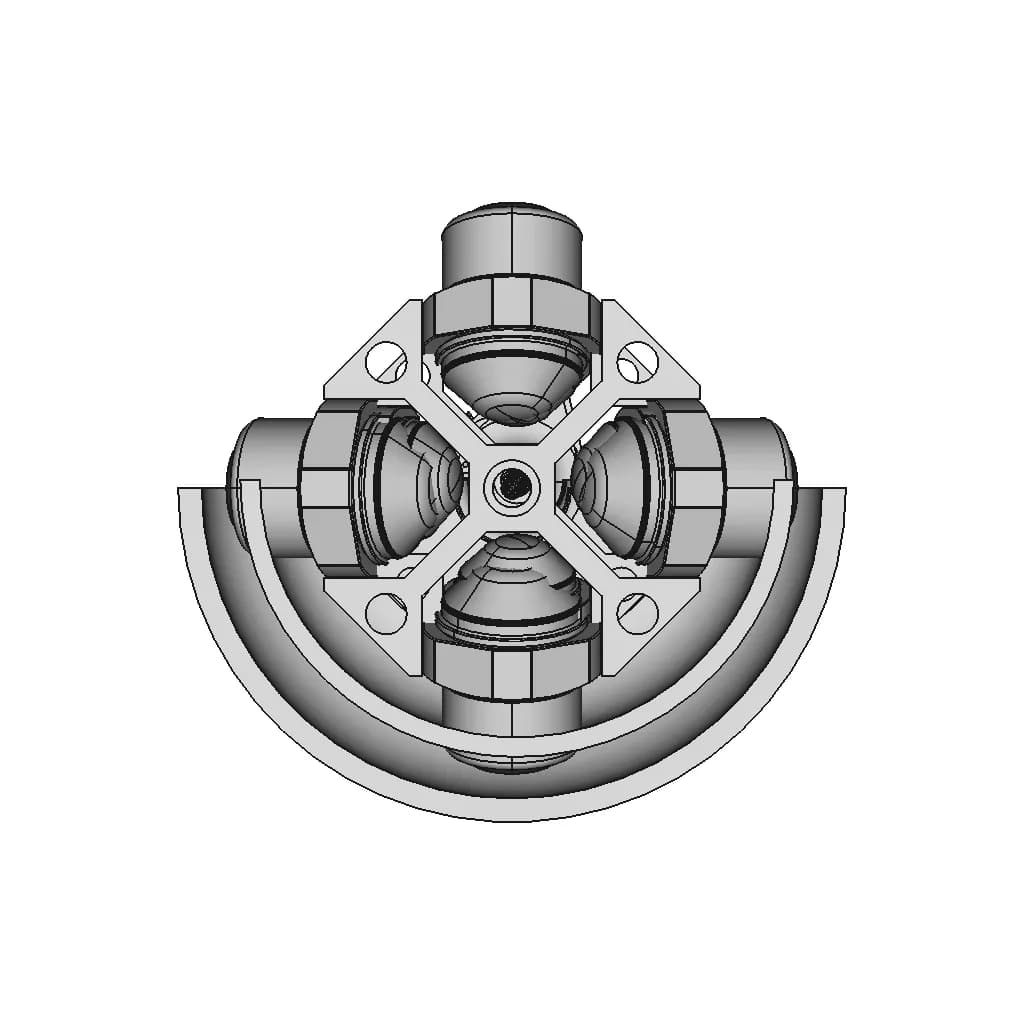
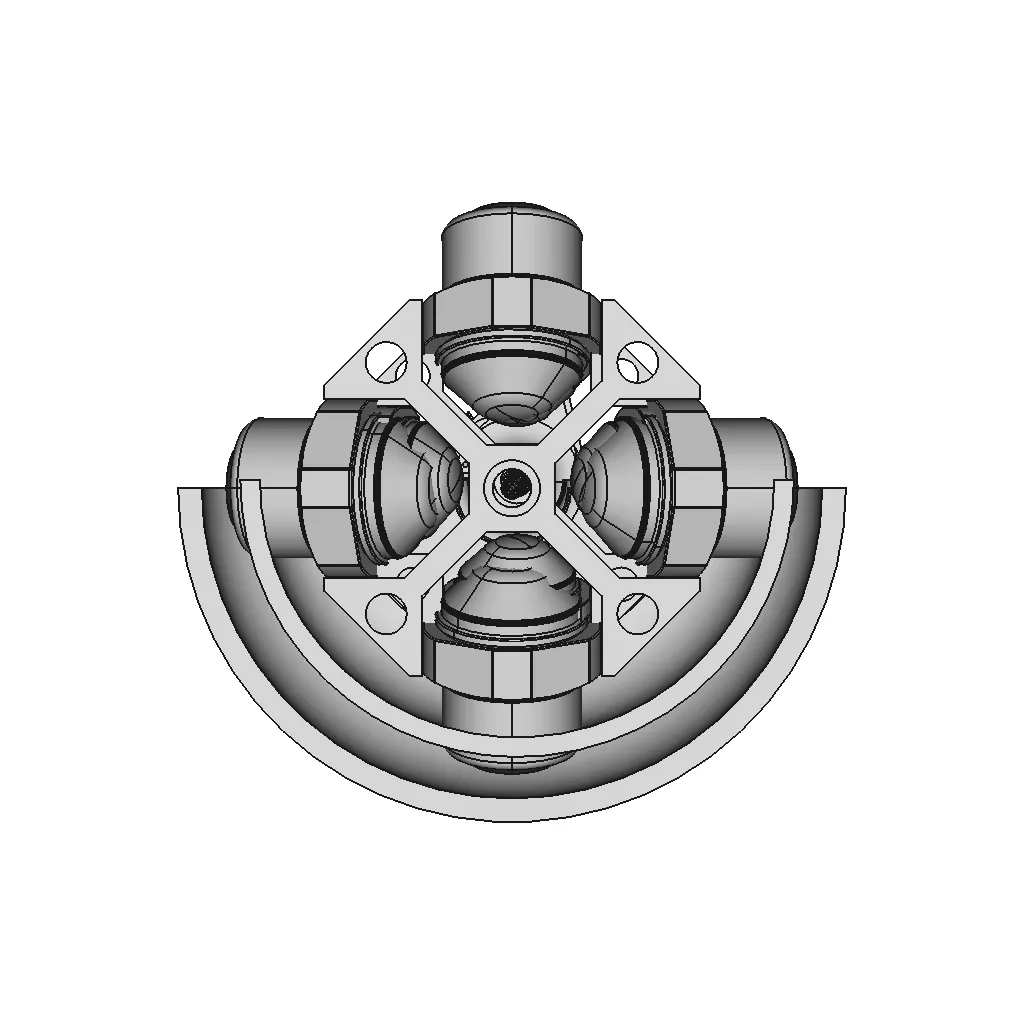
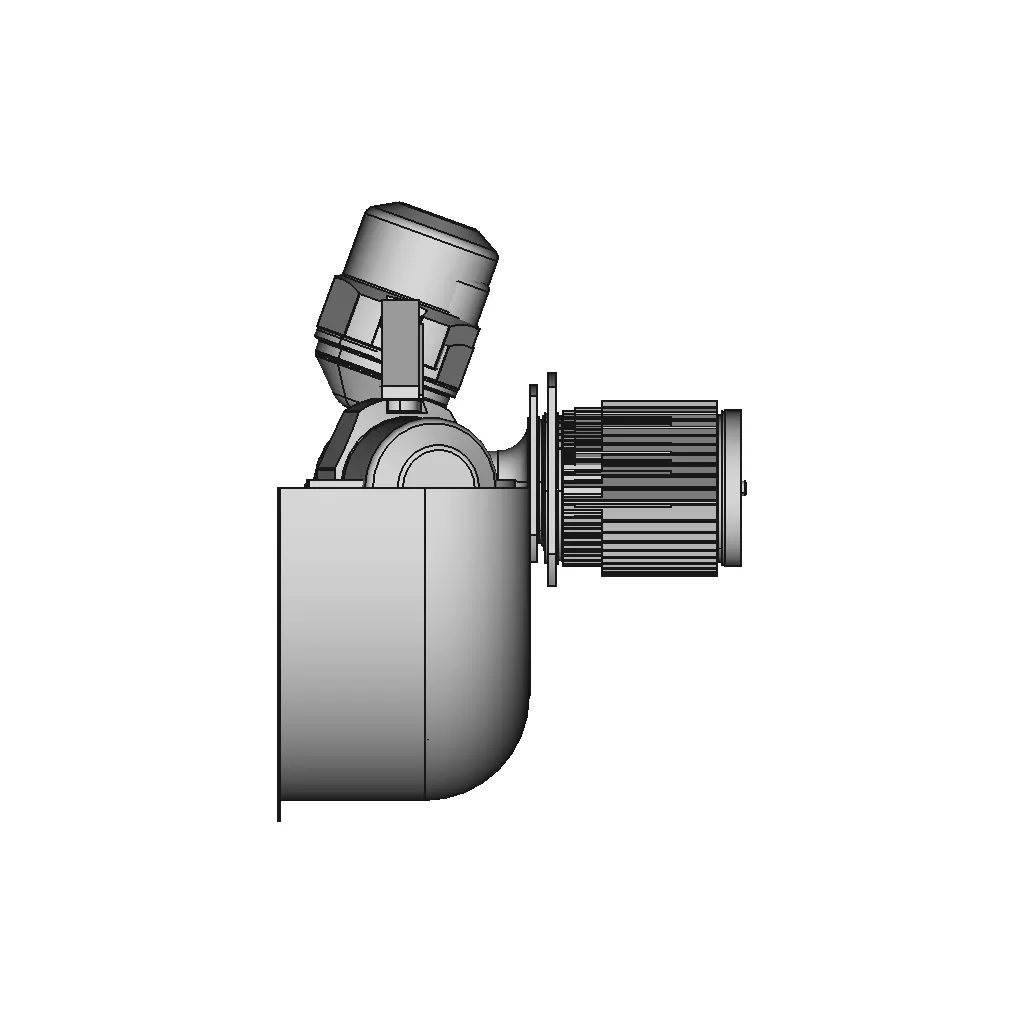
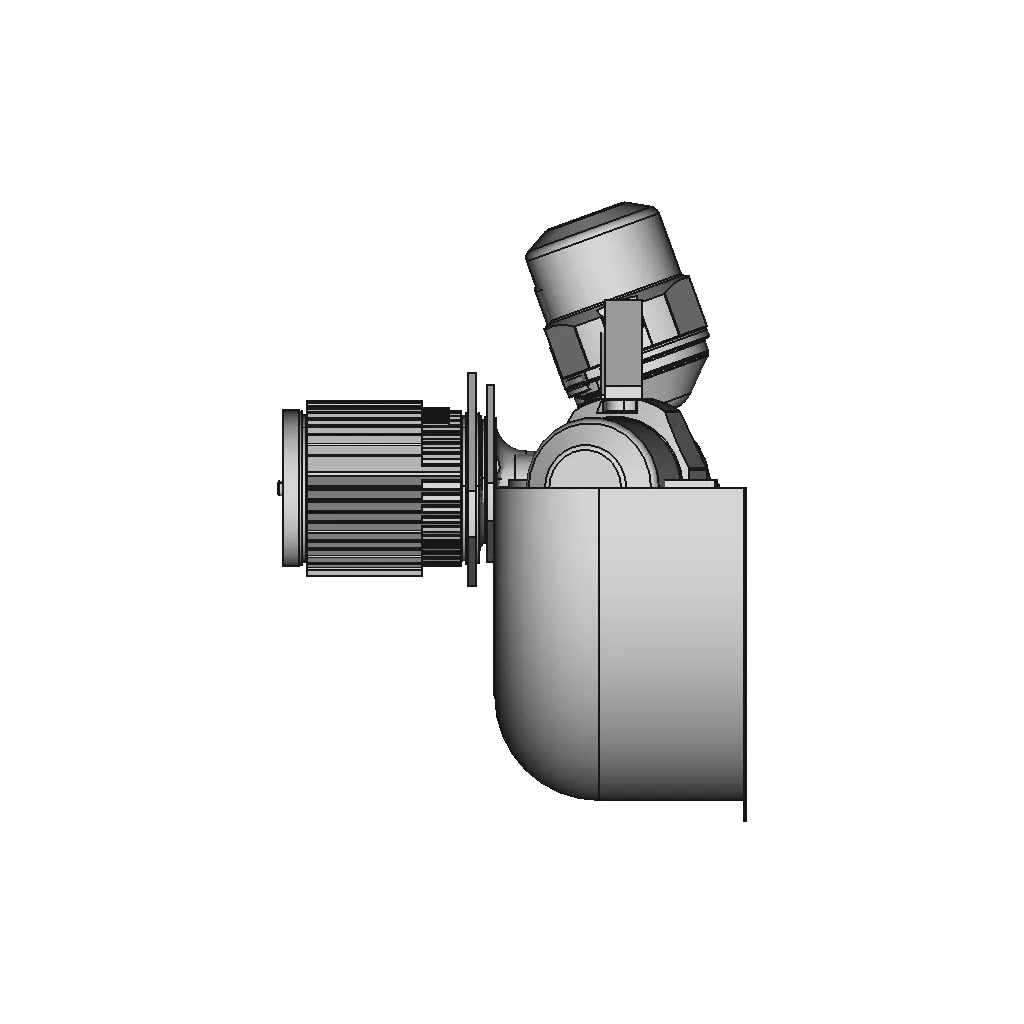
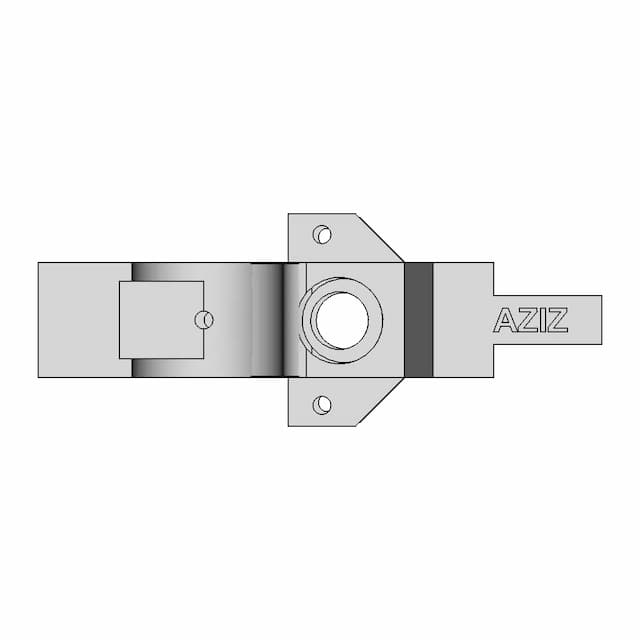
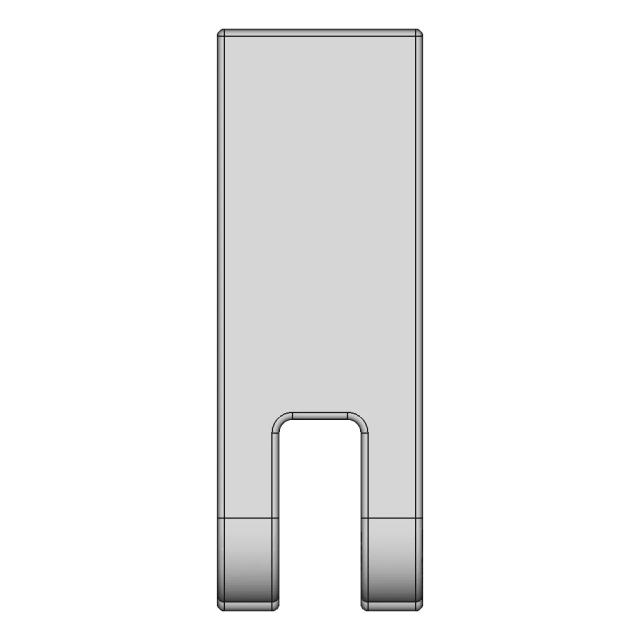
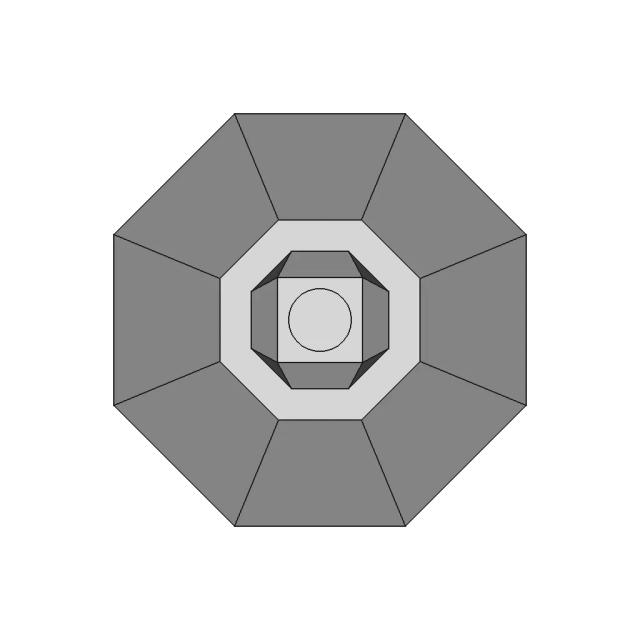
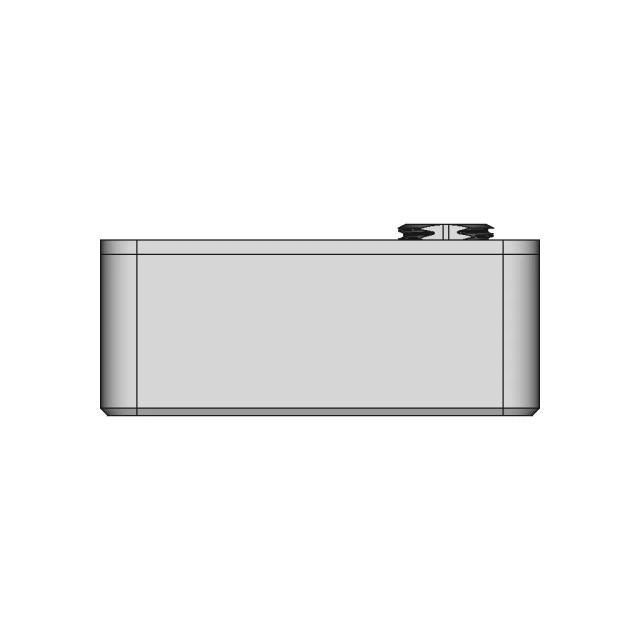
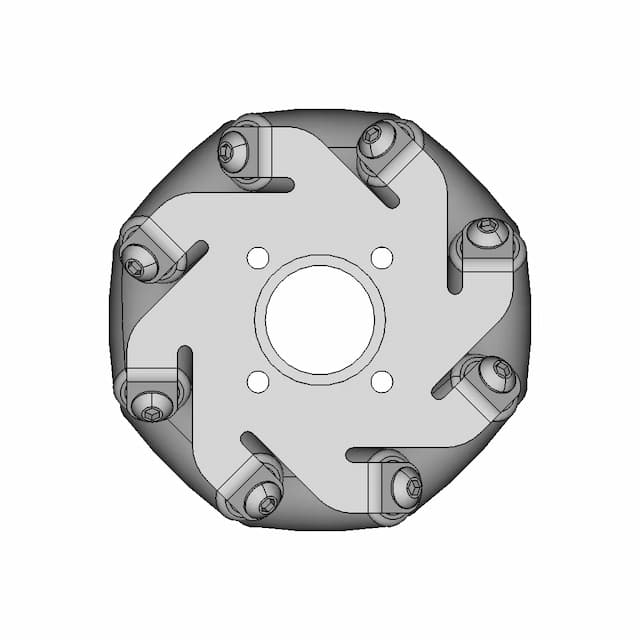
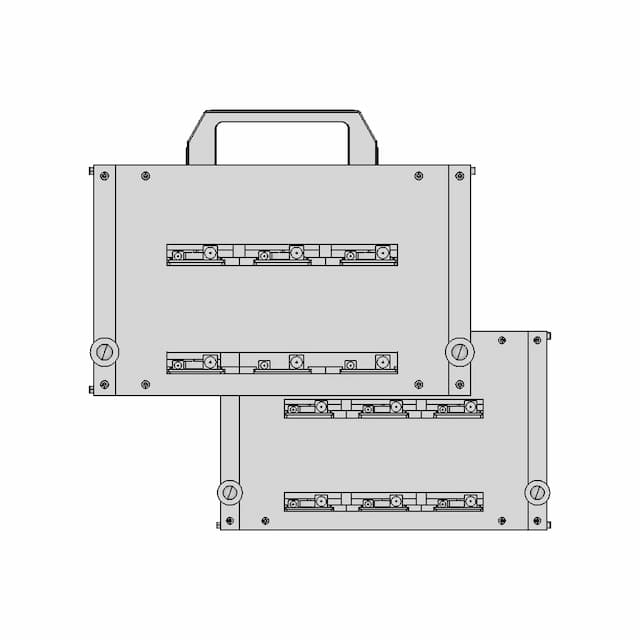
Rotating Equipment - Standard Mechanical Component

0.0(0 reviews)
Machine design
Mechanical Component
Manufacturing Simulation
Rotating Equipment
Logo
sprite x=0 y=0
Angle x=0 y=0
Angle x=0 y=90
Angle x=0 y=270
Angle x=90 y=0
Angle x=270 y=0
Angle x=60 y=30

About this design

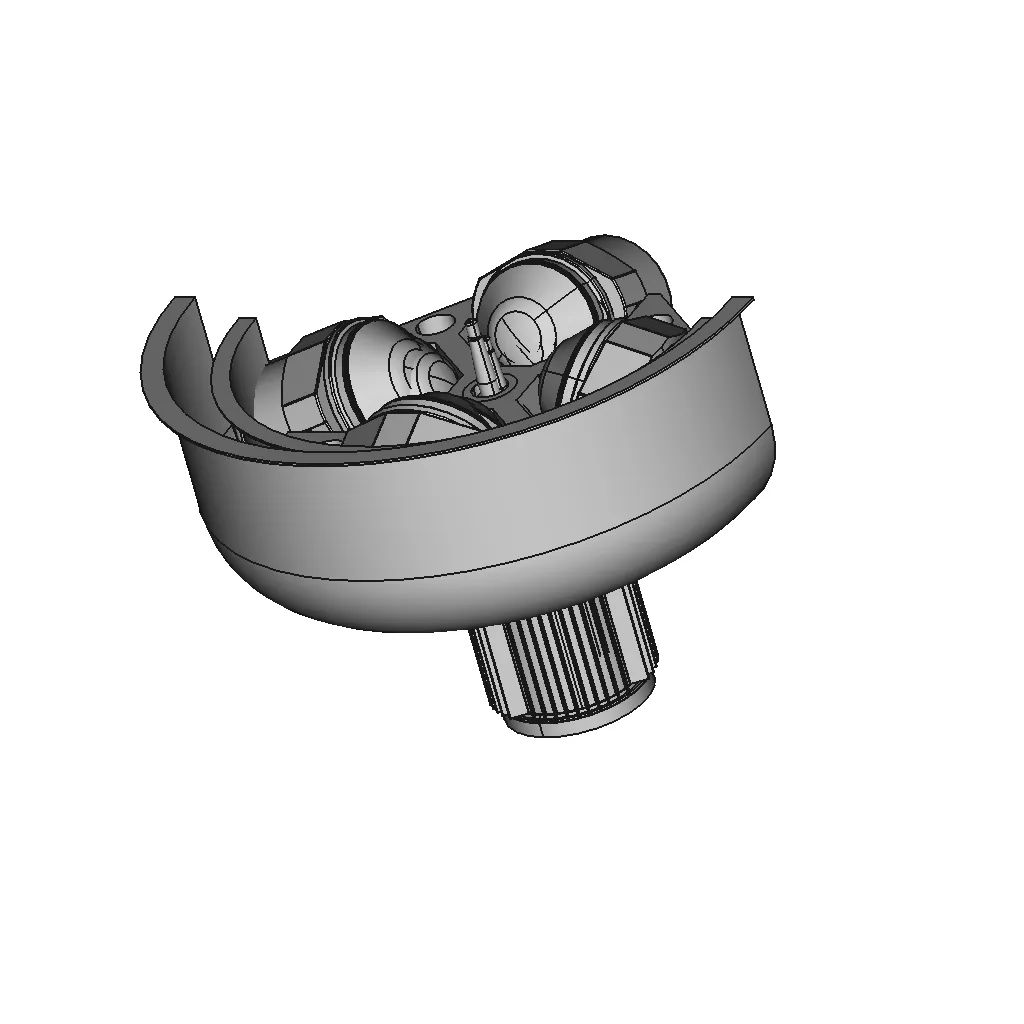
Generic CAD file for Rotating Equipment, suitable for professional prototyping, manufacturing simulations, and academic use.

What people convert this model to

Loading conversion stats…

Download this model

Pick the format your software opens. The native file is free.

Opens in SolidWorks, Fusion, Onshape, Inventor. Need a mesh or a drawing? Pick a format above.

<100
<100

The files are shared to help you get inspired and speed up your workflow. They may not be fully accurate or production-ready, so review carefully before use.

View NameExtensionAction
Design fileFormat: STEP
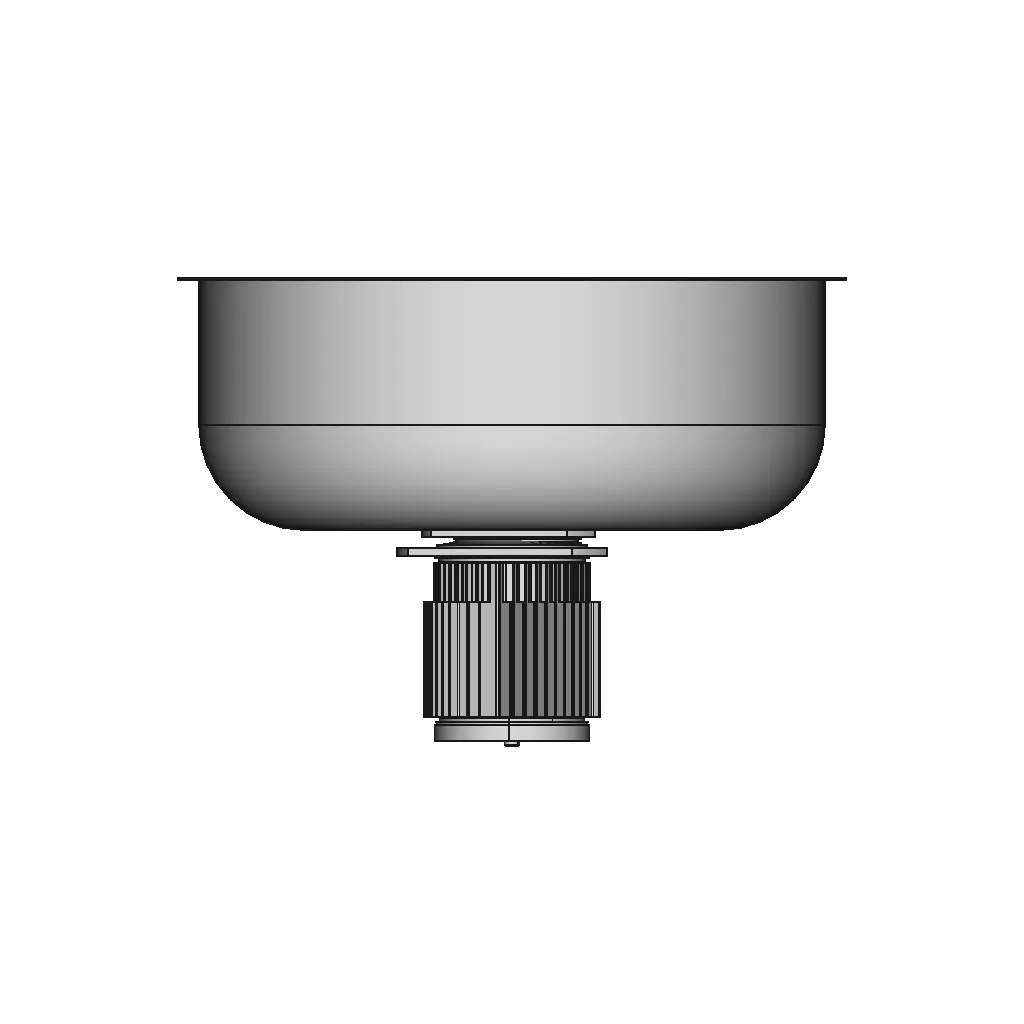
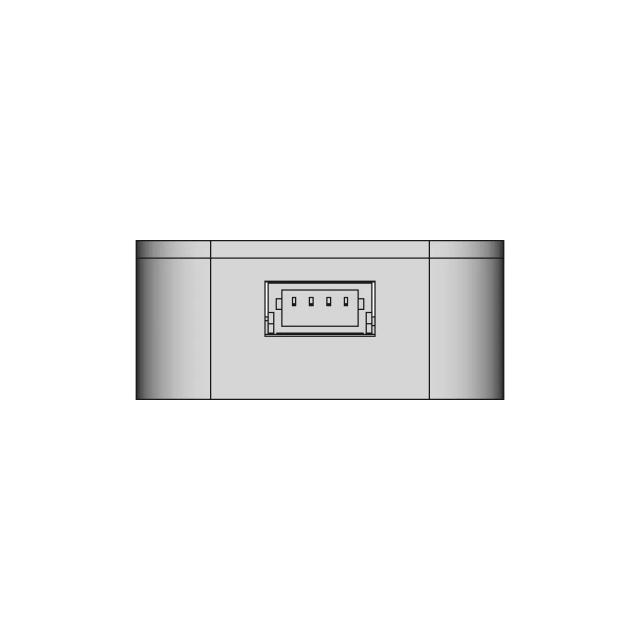
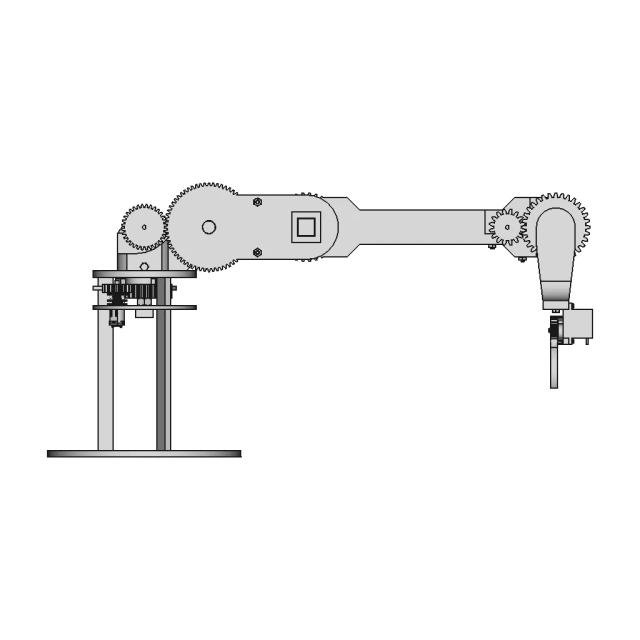
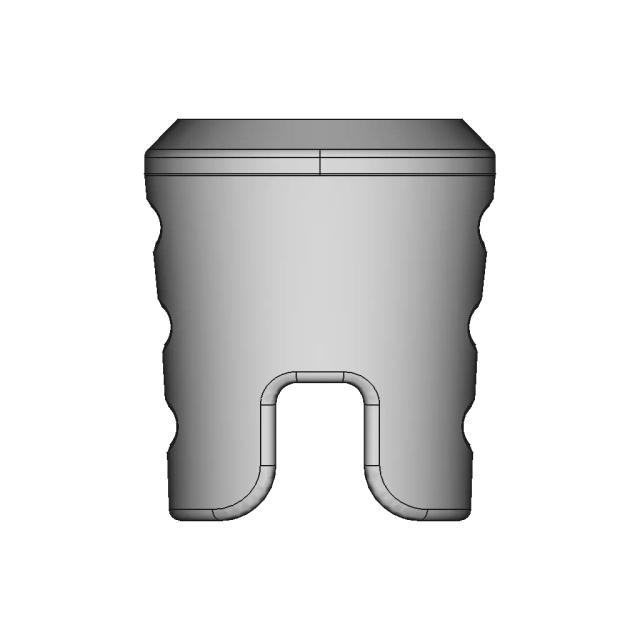
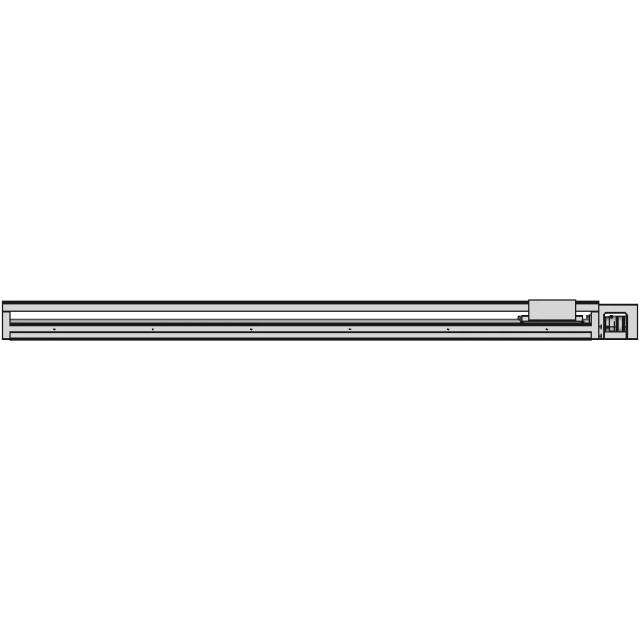
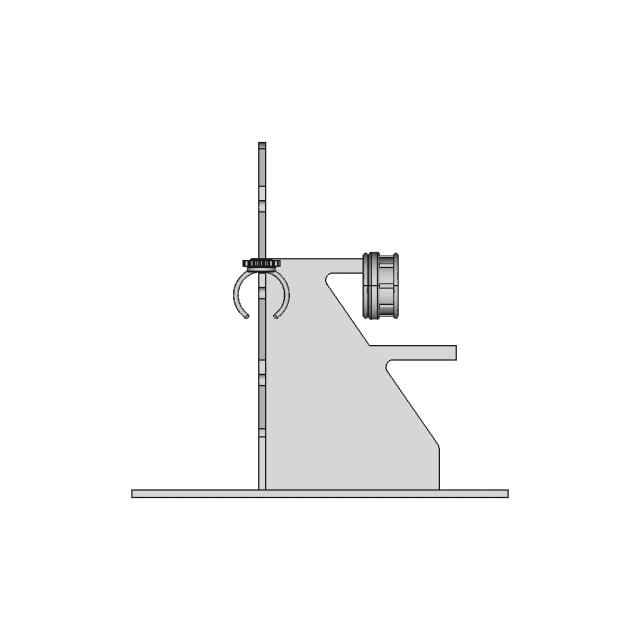
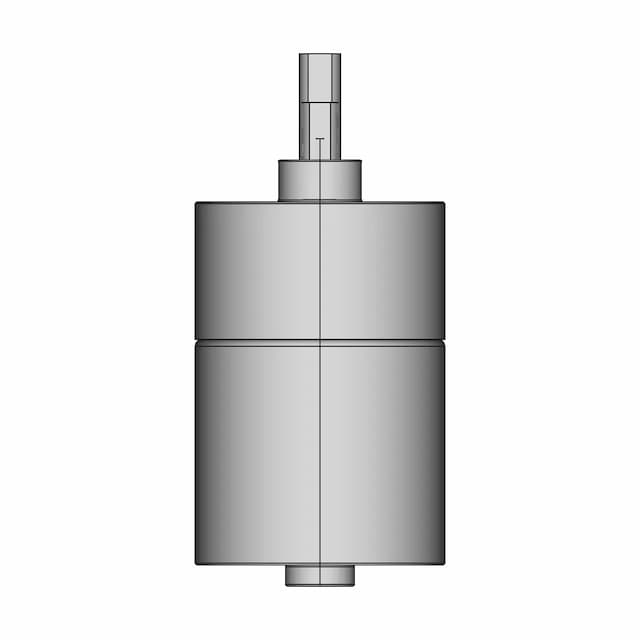
Front Viewwebp
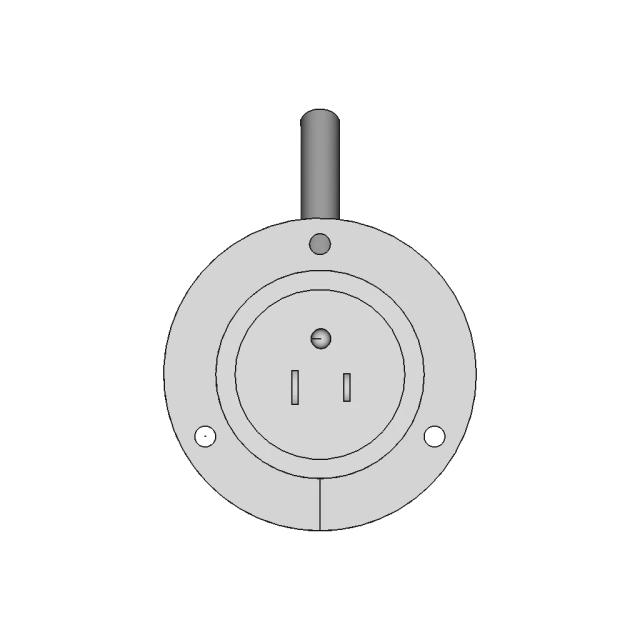
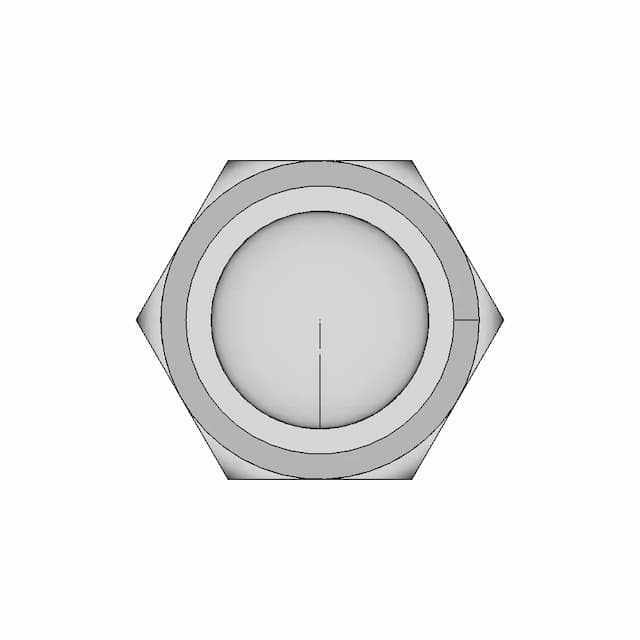
Top Viewwebp
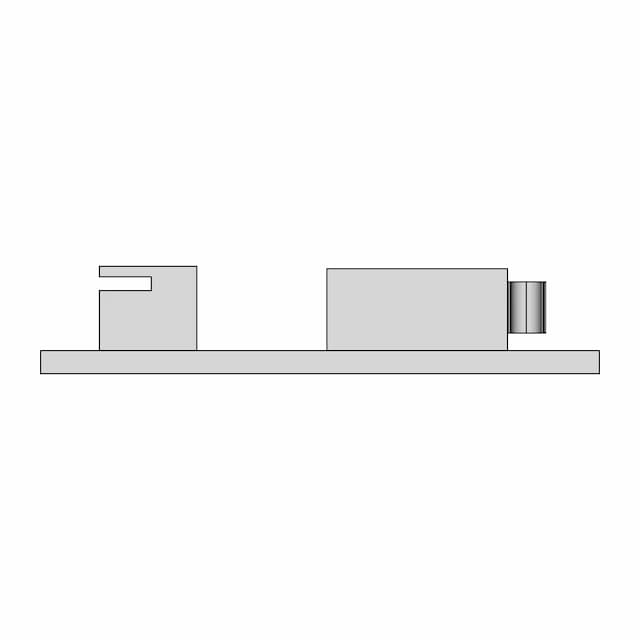
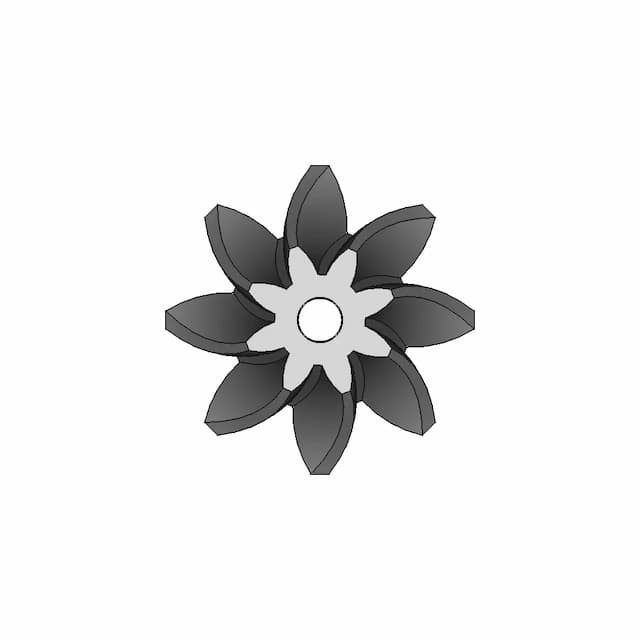
Bottom Viewwebp
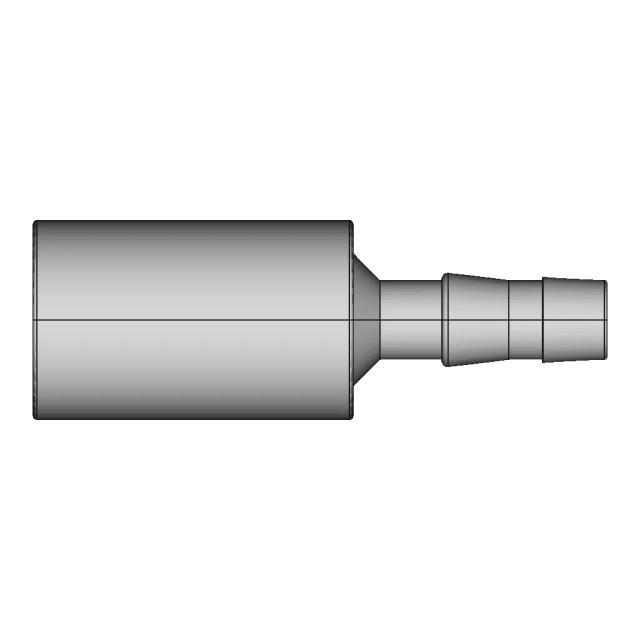
Left Side Viewwebp
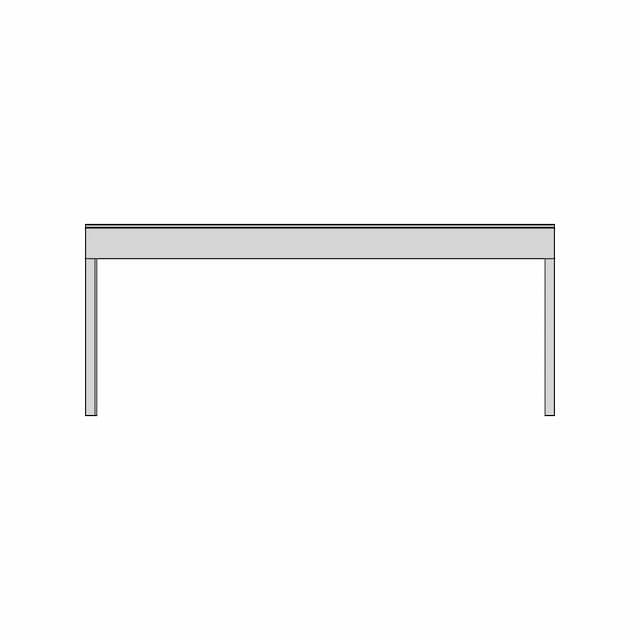
Right Side Viewwebp
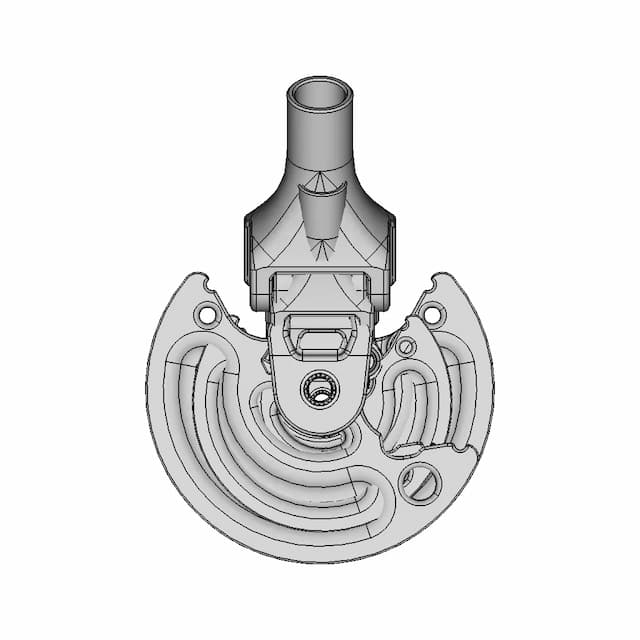
Isometric Viewwebp
Supporting Files (0)
PreviewFile NameAction
No supporting files

CAD File Details

File Information
File NameEqui.Rot.PK150.STEP
File TypeSTEP
Unitsmm
Geometry Summary
Faces1,313
Edges3,328
Vertices2,100
Solids28
Surface Types
Planar332
Cylindrical622
Conical109
Spherical16
Toroidal218
Other16
Bounding Box
Width522.00 mm
Height483.93 mm
Depth366.07 mm
Volume
Max Volume632698.71 mm³
Min Volume42587.90 mm³
Average Volume188009.79 mm³
Total Volume5264274.11 mm³
Usage Notes
NotesSuitable for design reference, visualization, prototyping workflows and engineering review. Validate dimensions and geometry before manufacturing use.

What you can use this CAD model for

  • Engineering review
  • Manufacturing discussion
  • Supplier communication
  • Prototype development
  • Design validation

Before using this CAD file

Review the model dimensions, units and geometry before using it for manufacturing or production. Some files may be created for reference, visualization or workflow acceleration and may require validation before final use.

Paid Pipeline · $5.99 per drawing set

Need 2D engineering drawings for this CAD model?

Generate multi-view 2D technical drawings from this 3D CAD file, including orthographic views, section cuts and downloadable PDF, SVG and DXF files.

  • ✓ Ready in under 4 minutes
  • ✓ 9 sheets · editable FCStd + PDF, SVG, DXF
  • ✓ No subscription · pay per file
$5.99
per drawing set incl. GST
4 min
avg. turnaround

Comments

0
Y
Loading comments...

Marathon-OS Design Hub

Everything you need to design faster, smarter, and with more impact.

3D Printed Protective Case for Environmental Sensor
Kyg We A 2300 500 Blu 1 | 3D CAD Engineering Model
Minato S Flying Thunder God Kunai 1 | 3D CAD Engineering Model
Plastic Ant Vertical Spinner 1 | 3D CAD Engineering Model
Rodholder 1 | 3D CAD Engineering Model
Tripod 1 4 20 1 6Mm Flat Board Mount 1 | 3D CAD Engineering Model
3D Printable Desk Decor 1 | Professional CAD Design
3D Print-in-Place Fidget Rings with Stand for Prototyping
Cordless Android Auto Device - AAwireless2
Fdm 70Mm 1 | Professional CAD Design
Eternal Crochet Flower Vase 1 | 3D CAD Engineering Model
Testing Fusion Part 4 | 3D Engineering Design File
Gridfinity Dremel Organizer With Angled Hole Design 1 | 3D CAD Engineering Model
Ender 3 V3 Ke Filament Support 1 | 3D CAD Engineering Model
Maximum Bite Plant V1 1 | 3D CAD Engineering Model
Compact Mini Case with GX12 Connector for 3D Printing
View all designs

Recently added / Trending

Everything you need to design faster, smarter, and with more impact.

Adjustable Kayak Seat Design 2 For Tahe Outdoor Challenge 1 | 3D CAD Engineering Model
Zgb37Rg High Torque Gear Motor | 3D Engineering Design File
Helis Dişli - Standard Mechanical Component
Bowden Funnel 1 | 3D CAD Engineering Model
Millennium Hang Glider - Downloadable CAD Representation
Excavator Controller For Construction Similator - Standard Mechanical Component
Gurney For Mobile Robotic Lks Jatim 2023 1 | Professional CAD Design
Power Suply Adpter Jig Test - Standard Mechanical Component
3D Printable Enclosure for STM Nucleo 144 Series Development Board
Mini Rotary Robot Welding For Tig Welding Pipe Welding - Standard Mechanical Component
View all designs

Free Online CAD Viewer –Secure, Fast & Cloud-Based

A lightweight, online tool to convert 3D file formats—anytime, anywhere, without installing any software.

Drag & drop your 3D files

Supported formats: STEP (.step, .stp), IGES (.igs, .iges), STL (.stl), PLY (.ply), OFF (.off), BREP (.brp, .brep)

upload
Don't have a file? Try one of these samples:


CAD Viewer featureOpen CAD files instantly in your browser.
CAD Viewer featureNo software needed.
CAD Viewer featurePrivate uploads.
CAD Viewer featureAutomatically deleted after 7 days.
CAD Viewer featureUpload files up to 300 MB