
Instant preview
Quickly open and inspect CAD files without installing heavy software.
Open and inspect PLY files online without installing CAD software. Marathon OS lets you preview PLY point clouds and mesh models securely in your browser with private uploads and automatic file deletion after 7 days.
Free online viewer | Private uploads | Up to 300 MB | Auto-delete in 7 days | No CAD software needed
Drag & drop your 3D files here
or click to browse files
Supported input formats: PLY (.ply)
A PLY file viewer lets you open and inspect PLY files online without installing desktop CAD or 3D software.
Use this viewer when you need to inspect a model, check geometry, review a file from a supplier, preview a downloaded CAD file or confirm the file before conversion.
Check model scale, missing faces, broken geometry, assembly structure and whether the file is suitable for conversion, 3D printing, design review or manufacturing handoff.
If you need the file in another format, use Marathon OS CAD Converter to convert between STEP, STL, IGES, OBJ, PLY, BREP, 3DM, DWG and DXF.
Convert 3D CAD Files →HOW IT WORKS
No downloads. No plugins. Works right from your browser.

Drag & drop or browse to select your file

View, zoom, pan and inspect your 3D model

Download or convert to another format
Quickly open and inspect CAD files without installing heavy software.
Common exchange formats supported — STEP, IGES, STL, OBJ, PLY, BREP, 3DM & more.
Share files with teammates for quick review — no plugins needed.
Review models from any device — desktop, tablet, or mobile.
Everything you need to design faster, smarter, and with more impact.
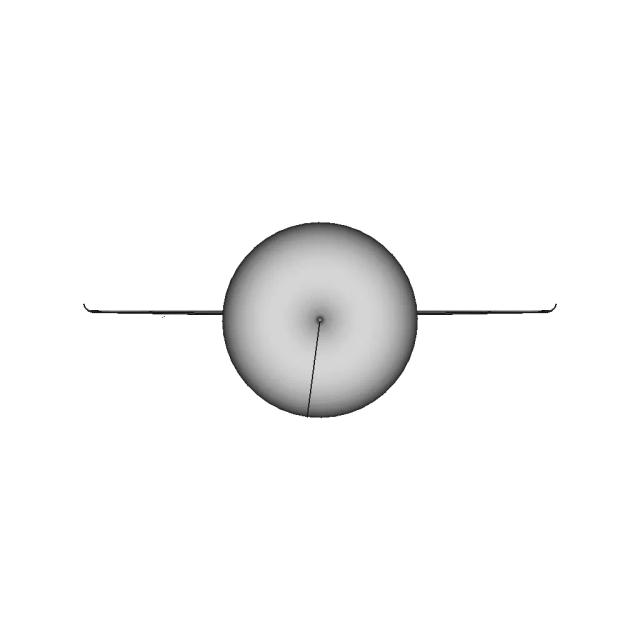
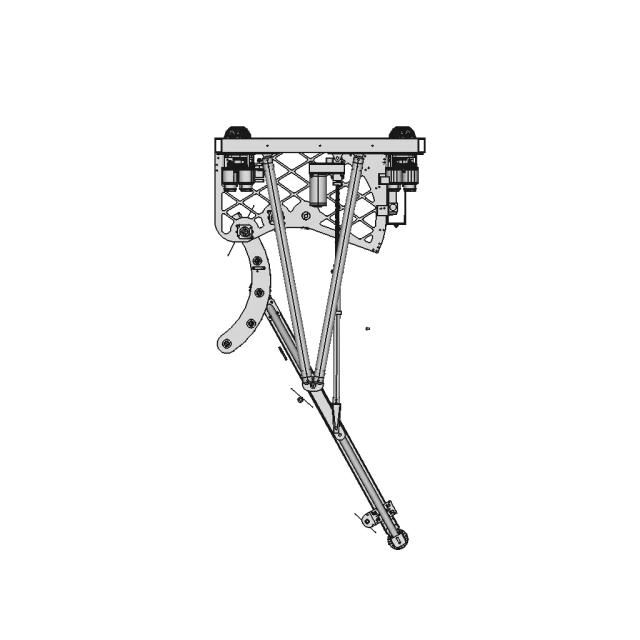
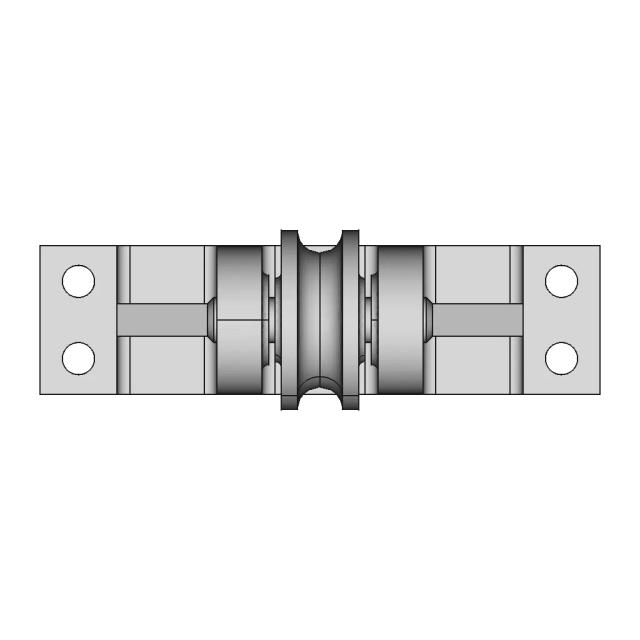

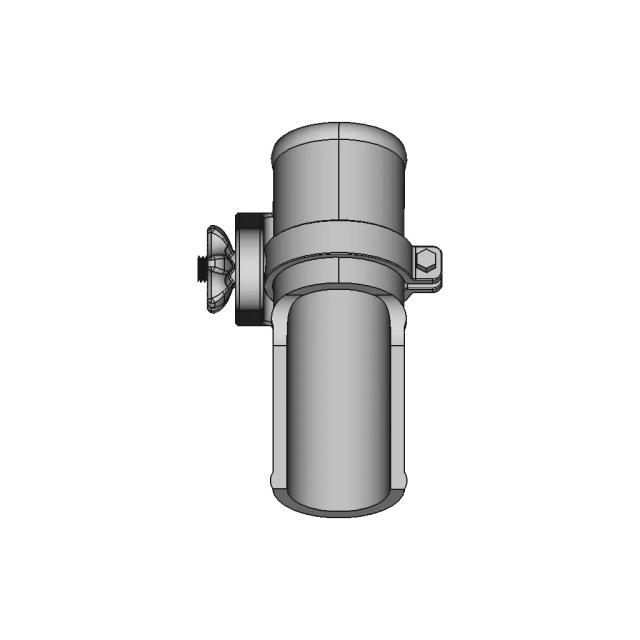
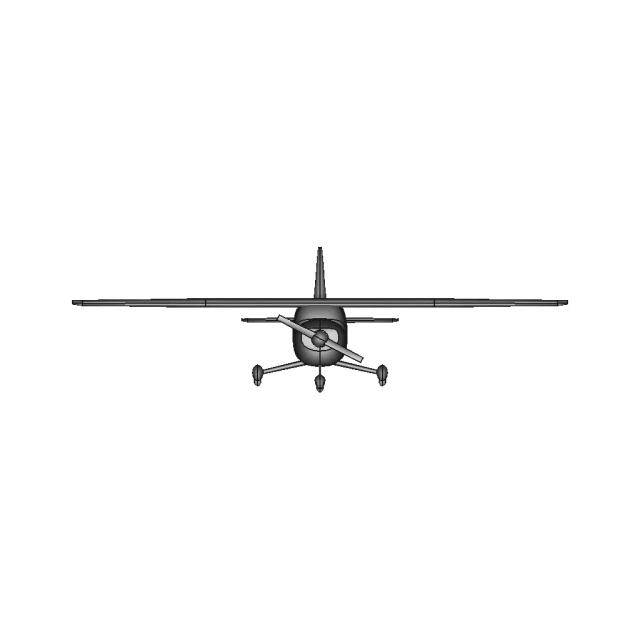
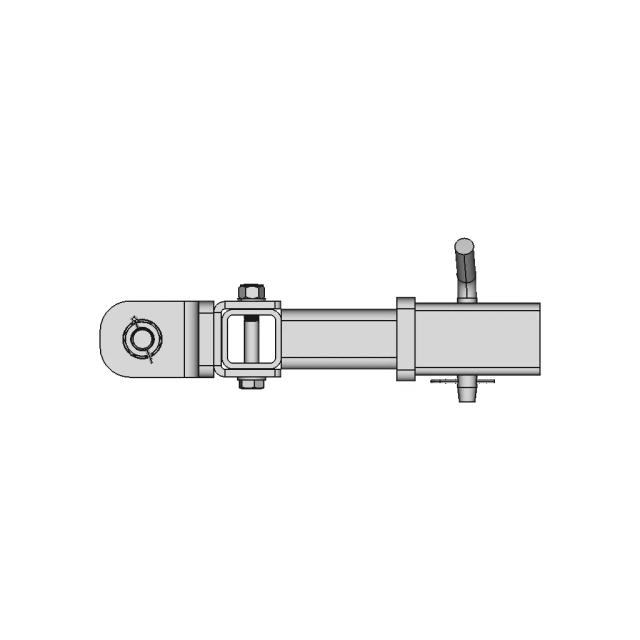
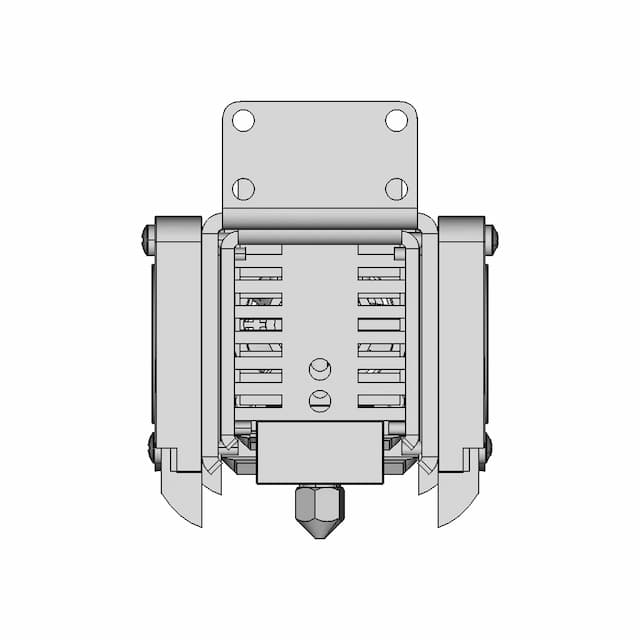
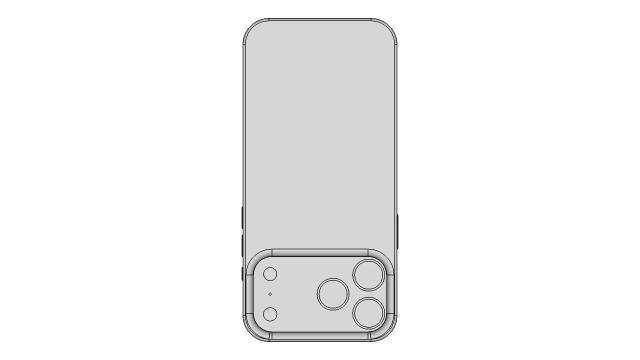
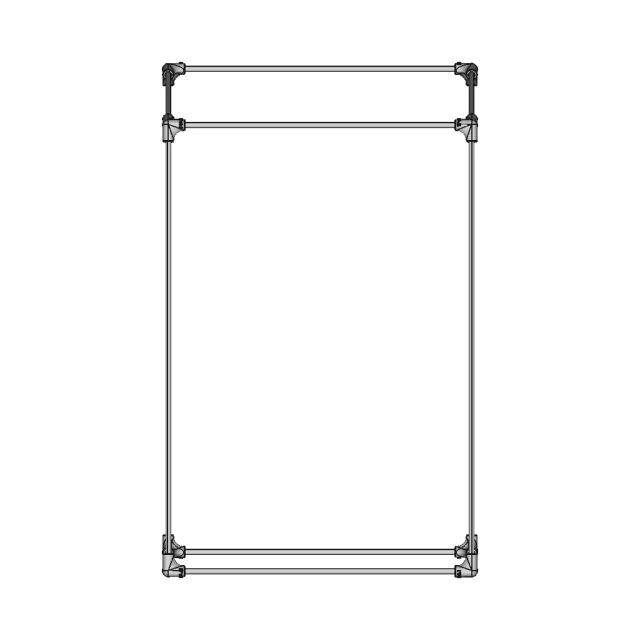
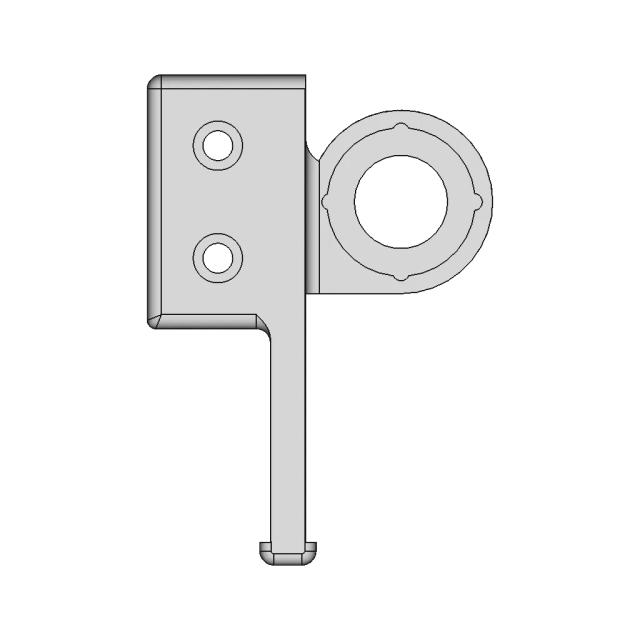
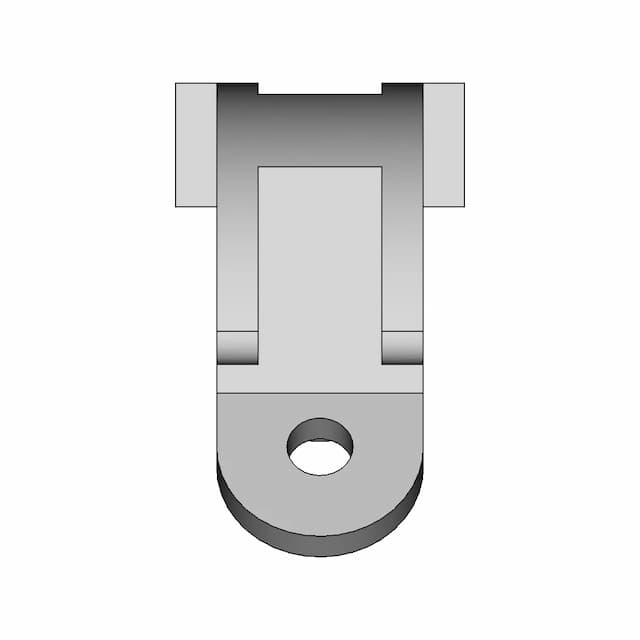
USE CASES
✓ reviewing STEP/IGES from vendors
✓ checking files before quoting
✓ quickly sharing 3D previews internally
✓ opening CAD files without expensive software
✓ inspecting STL/OBJ meshes

Private uploads
Files are processed securely.
Retention
Files are deleted after 7 days immediately.
Ownership
You retain full ownership of your files.
From automotive to aerospace, Marathon OS helps engineering and manufacturing teams collaborate faster, manage complex designs, and drive innovation — all in one place.

The automotive sector designs complex mechanical systems, from engines to interiors. Marathon OS streamlines part management, CAD collaboration, and version control across engineering teams.

Aerospace requires ultra-precise engineering with strict compliance standards. Marathon OS offers secure design sharing, multi-team access, and lifecycle traceability for every part.

Manufacturing relies on precision and process integration, especially with CNC machining. Marathon OS centralizes design files, toolpaths, and revision data in one place.

Robotics blends mechanics, electronics, and software — requiring synchronized development. Marathon OS enables shared CAD views, modular design tracking, and change management.

From surgical instruments to wearables, medical devices need compliant design systems. Marathon OS helps manage revisions, approvals, and secure file sharing with teams.

Rapid prototyping demands quick file access and iteration. Marathon OS supports file conversion, model previews, and team collaboration for 3D printing workflows.

Architectural and construction firms deal with large blueprints and 3D models. Marathon OS enables online access, commenting, and streamlined sharing of all formats.

Marine engineering involves massive structural components and multi-disciplinary designs. Marathon OS ensures every stakeholder accesses the latest CAD and documentation versions.

This industry demands precision in micro-scale designs. Marathon OS makes it easy to preview, iterate, and organize detailed CAD files for intricate creations.

Electrical engineers manage PCBs, schematics, and layouts with high detail. Marathon OS keeps design files versioned, accessible, and linked to your product lifecycle.

Game and VR developers work with 3D assets and environments. Marathon OS enables cross-team collaboration on models, textures, and design feedback — online.
Find answers to common questions about Marathon OS CAD Viewer.
A CAD viewer lets you open and preview 2D/3D CAD files without editing them—useful for quick reviews and sharing.
Yes—upload your .step/.stp or .igs/.iges file to preview it directly in your browser.
No. Marathon OS CAD Viewer is browser-based—no downloads required.
STEP/STP, IGES/IGS, STL, OBJ, PLY, OFF, BREP, 3DM.
Yes—this page is presented as a Free Online CAD Viewer, with usage constraints like an upload size limit (up to 300 MB per file).
Up to 300 MB per upload.
Files stay private, are encrypted, and are automatically deleted after 7 days; see the Privacy Policy for details.
Some CAD exchange formats (especially surface-based files like IGES) may import with gaps. Try converting to STEP or re-exporting with healed/stitched surfaces.
Yes—use the 3D File Converter at /tools/3d-cad-file-converter.
Yes—because it runs in your browser (no installation needed), it works on Mac and Windows with a modern browser.