STEP
.step .stpSharing CAD between programsISO 10303 exchange format
● 11 formats · nothing to install
11 engineering formats, 74 conversion routes, free 3D viewers, BOMs and 2D drawings. All in your browser.
Curves become flat facets. STL also drops units.Best for every 3D printing slicer
First 2 files free, any size up to 300 MB. After that, 1 credit per file. Prices include tax.
Files ready for
One platform
Convert it, check it, list its parts or draw it.
Every format engineers actually use.
74
conversion routes, 11 formats
Inspect any model in your browser.
Open a viewerParts and quantities, to Excel.
Extract a BOMViews, sections and dimensions.
Make a drawing15,000+ models, ready to download.
Browse modelsStart from the job
Pick a job. We’ll show the right conversions.
CAD converters
| From ↓ To → | STEPCAD | IGESCAD | BREPCAD | 3DMCAD | STLMesh | 3MFMesh | OBJMesh | PLYMesh | OFFMesh | DXF2D | DWG2D |
|---|---|---|---|---|---|---|---|---|---|---|---|
| STEPCAD | – | IGES | BREP | 3DM | STL | 3MF | OBJ | PLY | OFF | · | · |
| IGESCAD | STEP | – | BREP | 3DM | STL | 3MF | OBJ | PLY | OFF | · | · |
| BREPCAD | STEP | IGES | – | 3DM | STL | 3MF | OBJ | PLY | OFF | · | · |
| 3DMCAD | STEP | IGES | BREP | – | STL | 3MF | OBJ | PLY | OFF | · | · |
| STLMesh | STEP | IGES | BREP | 3DM | – | 3MF | OBJ | PLY | OFF | · | · |
| 3MFMesh | STEP | IGES | BREP | 3DM | STL | – | OBJ | PLY | OFF | · | · |
| OBJMesh | STEP | IGES | BREP | 3DM | STL | 3MF | – | PLY | OFF | · | · |
| PLYMesh | STEP | IGES | BREP | 3DM | STL | 3MF | OBJ | – | OFF | · | · |
| OFFMesh | STEP | IGES | BREP | 3DM | STL | 3MF | OBJ | PLY | – | · | · |
| DXF2D | · | · | · | · | · | · | · | · | · | – | DWG |
| DWG2D | · | · | · | · | · | · | · | · | · | DXF | – |
Swipe the table to see every format.
Know what changes
Three kinds of CAD file. Each conversion tells you what survives.
Exact geometry. Holes stay round.
Flat triangles. Universal, never exact.
Views, lines and dimensions on a sheet.
Free CAD viewers
Rotate, zoom and inspect in your browser. Always free.
STEP BOM extractor
Every part and quantity, without opening CAD.
STEP to 2D drawings
Views, sections, dimensions and a title block.
Why Marathon OS
How a specialist CAD platform compares.
| Marathon OS | Generic converters | Desktop CAD | |
|---|---|---|---|
| Engineering formats only | |||
| Shows what a conversion changes | |||
| 74 conversion routes | varies | add-ins | |
| Files up to 300 MB | often less | ||
| BOM from a STEP assembly | add-ins | ||
| 2D drawings from STEP | $5.99 | manual | |
| Nothing to install | |||
| No subscription | ads or limits | ||
| Human CAD designers on call |
How it works
Any of 11 formats, up to 300 MB.
Convert, view, extract a BOM or draw.
Your first 2 files are free.
Pricing
Credits never expire. You pay only when you download.
All prices include tax. Refund Policy
Your files
Converted files aren't added to the public CAD library unless you publish them. Uploading or converting a file never transfers ownership of your design.
When software isn't enough
1,000+
One brief. Matched with the right designers.
Format guide
What each format is for, and where to take it next.
Sharing CAD between programsISO 10303 exchange format
Legacy CAD and CAMInitial Graphics Exchange Specification
FreeCAD and Open CASCADEBoundary representation
Rhino design workRhino 3D model
3D printingStereolithography
Modern 3D printing3D Manufacturing Format
Rendering and gamesWavefront OBJ
3D scansPolygon File Format
Geometry researchObject File Format
Laser cutting and CNCDrawing Exchange Format
AutoCAD draftingAutoCAD drawing
Not sure what you have?Drop it in and we'll detect it.
Marathon OS is an online platform for engineering CAD files. You can convert between 11 CAD, mesh and drawing formats across 74 conversion routes, open 3D files in a free browser viewer, extract a bill of materials from STEP assemblies and turn STEP models into dimensioned 2D drawings. It also has a library of 15,000+ CAD models and a network of CAD designers you can hire. Marathon OS is a CAD file conversion platform at marathon-os.com, not related to the open-source mobile operating system of the same name.
First 2 files free, any size up to 300 MB. After that, 1 credit per file. Prices include tax, you pay only when you click Download, credit packs bring the per-file price down and credits never expire. The 3D viewers are free, and STEP to 2D drawing sets cost $5.99 each.
STEP, IGES, BREP and 3DM (CAD), STL, 3MF, OBJ, PLY and OFF (mesh), and DXF and DWG (2D drawings). Every 3D format converts to every other 3D format, and DXF and DWG convert to each other, which makes 74 conversion routes. STEP and STP, IGES and IGS, and BREP and BRP are accepted under either extension.
You can convert files up to 300 MB on every converter. The STEP to 2D drawing tool accepts files up to 100 MB.
Uploads and downloads use HTTPS. Uploaded and converted files are deleted automatically after 7 days, and converted files aren't added to the public CAD library unless you publish them. Uploading or converting a file never transfers ownership of your design.
STEP stores exact curved surfaces. STL stores flat triangles, so curves are approximated by facets, and STL has no units, colours or feature history. For 3D printing this is normal and expected. If you need the exact geometry later, keep the original STEP file.
Both work in Cura, PrusaSlicer and Bambu Studio. STL is the most widely supported. 3MF also stores units and can hold colours and multiple parts, so it avoids scale mistakes. Use STEP to STL or STEP to 3MF if you have a CAD model, and OBJ to STL if you have a polygon model.
STL to STEP turns a mesh into a solid that CAD programs can open, measure and cut. It stays made of flat faces, so curved surfaces remain faceted and there is no feature history. For a fully editable model with true holes and features, a CAD designer can rebuild it from the STL.
Both are neutral CAD exchange formats. STEP (ISO 10303) carries exact solids, assemblies, colours and units and is the modern default. IGES is older and mostly carries surfaces and curves, so solids can arrive as loose surfaces. Use IGES only when the receiving system asks for it.
DWG is AutoCAD's native drawing format. DXF is an open exchange version of the same kind of 2D data that far more tools can read, including laser, waterjet and CNC software. Convert DWG to DXF for cutting and CAM, and DXF to DWG to keep editing in AutoCAD.
Yes. The free STEP viewer opens STEP and STP files in your web browser so you can rotate, zoom and inspect solids and assemblies without installing anything. There are free viewers for STL, IGES, OBJ, 3DM, PLY, BREP, OFF, DXF and DWG too.
Upload a STEP or STP assembly to the STEP BOM extractor. It builds the assembly tree, counts the quantity of every part and lets you download the bill of materials as an Excel file.
Upload the model to the STEP to 2D drawing tool. You get front, top, side and isometric views, section and detail views, dimensions and a title block as PDF, DXF, SVG and PNG, plus an editable FreeCAD file where available, for $5.99.
No. You pay per file, or buy a credit pack once. Credits never expire, 1 credit downloads any file up to 300 MB, and every purchase comes with an invoice.
First 2 files free, any size up to 300 MB. After that, 1 credit per file. No install. No subscription.
3D CAD PRODUCTS
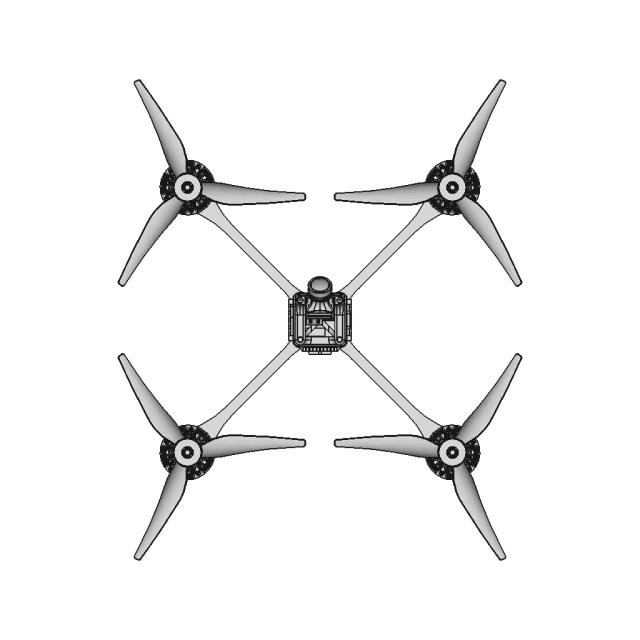
Browse 10,000+ quality-checked 3D CAD products for design, prototyping and manufacturing.
2D CAD PRODUCTS
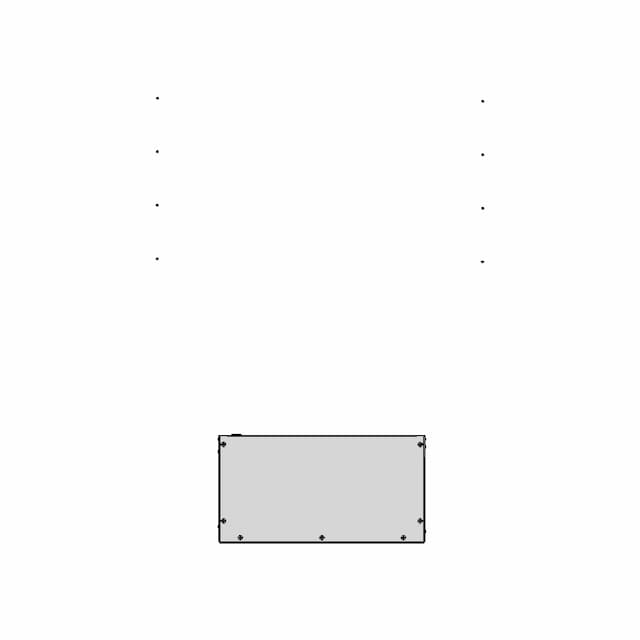
Explore 3,737 technical drawing sets with practical outputs for quoting, review and production.
Change the format or create the drawing set. Choose the exact result and keep the project moving.
15,000+ files converted across 60+ specialist toolsEverything you need to design faster, smarter, and with more impact.